Customer Media
Highlights
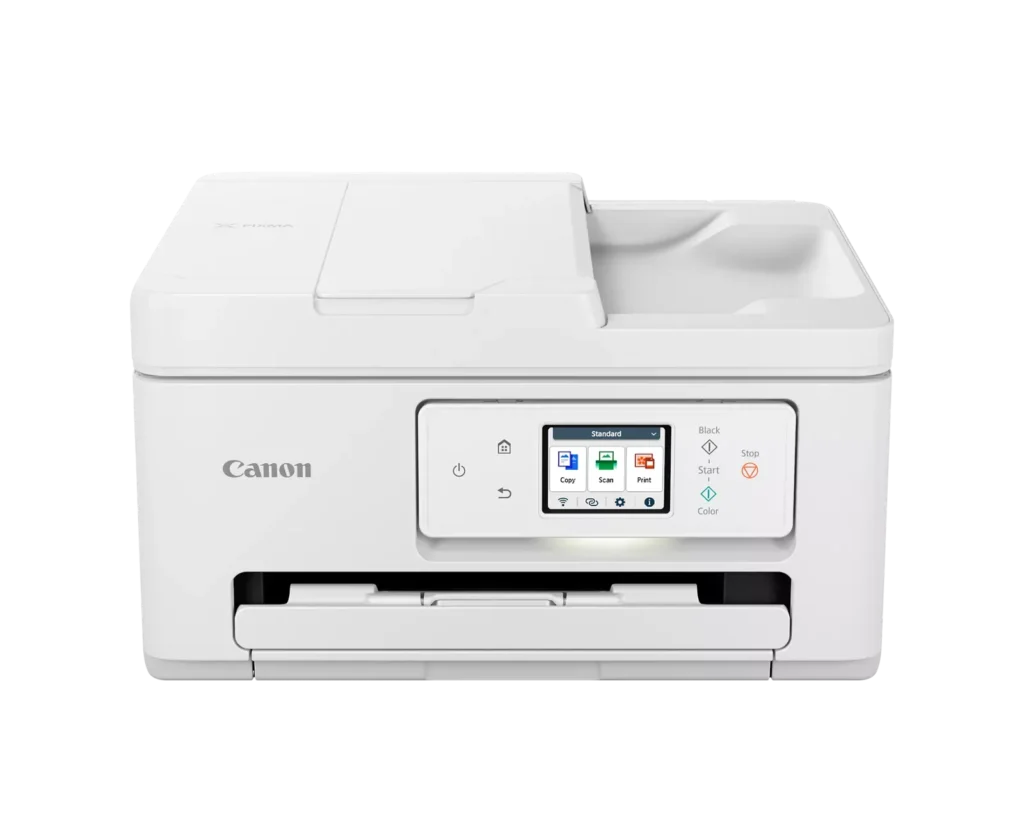
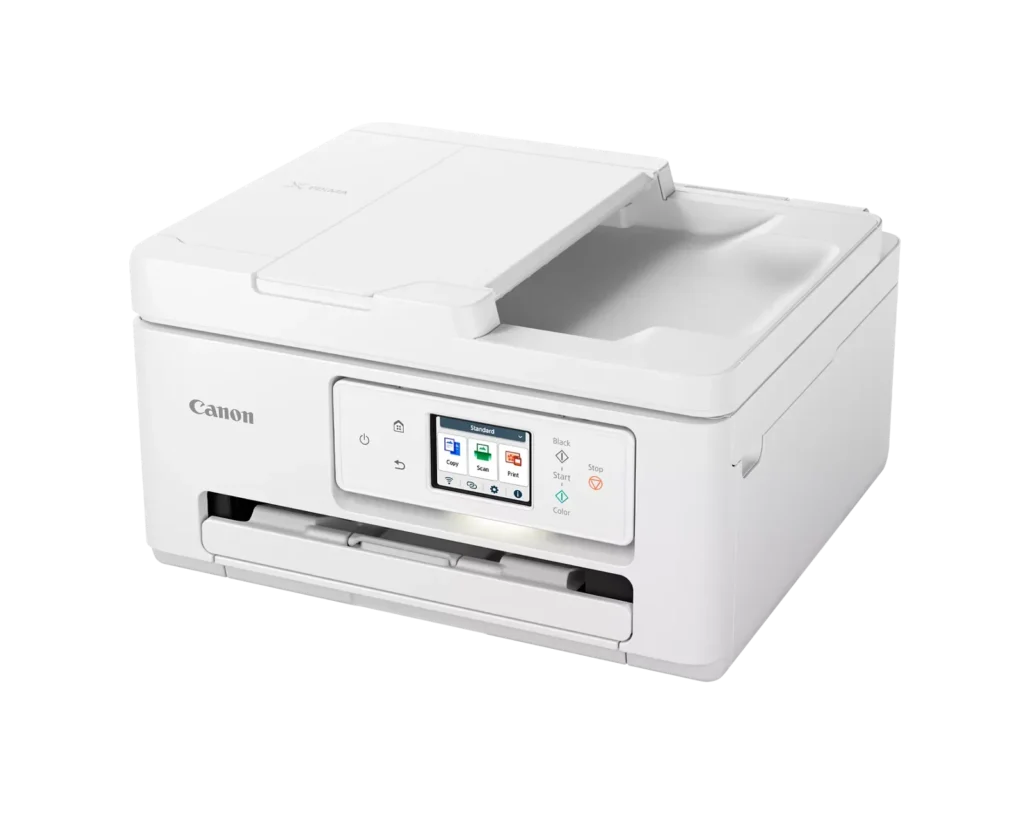
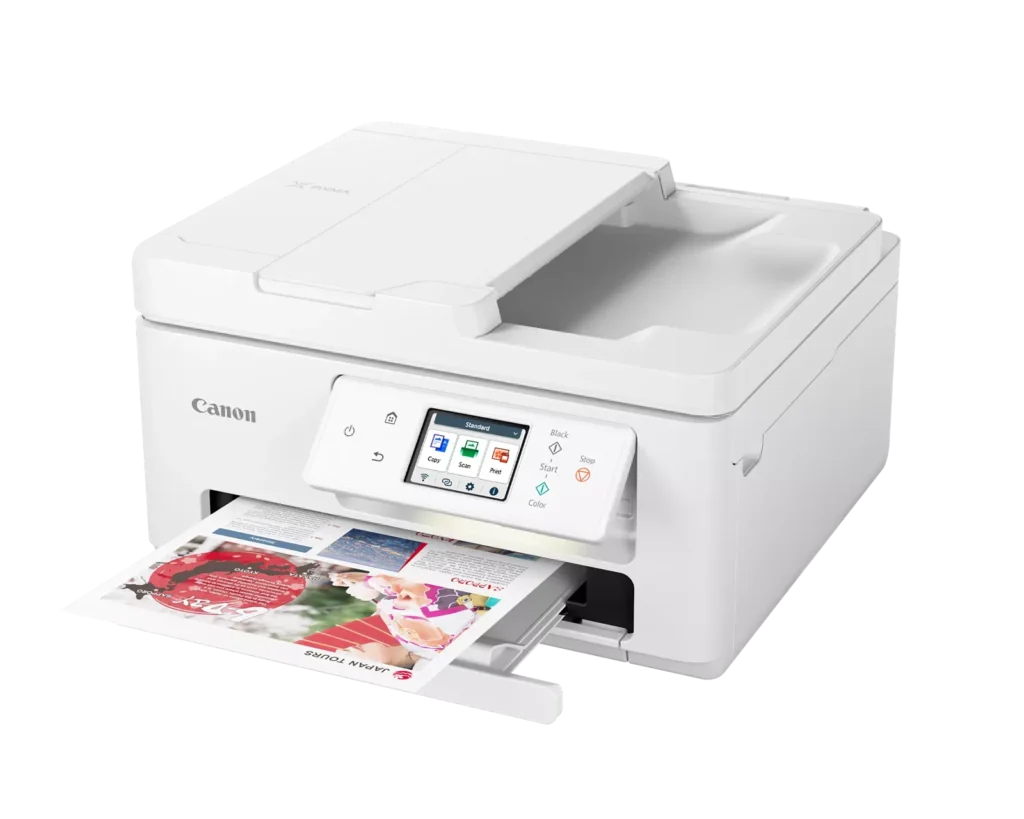
| Versatile All-in-One Performance | The PIXMA TR7820 is a compact 3-in-1 solution that allows you to print, copy, and scan with ease. It delivers fast ISO print speeds of up to 15 ipm in black and 10 ipm in color, making it ideal for home offices and school assignments. |
|---|---|
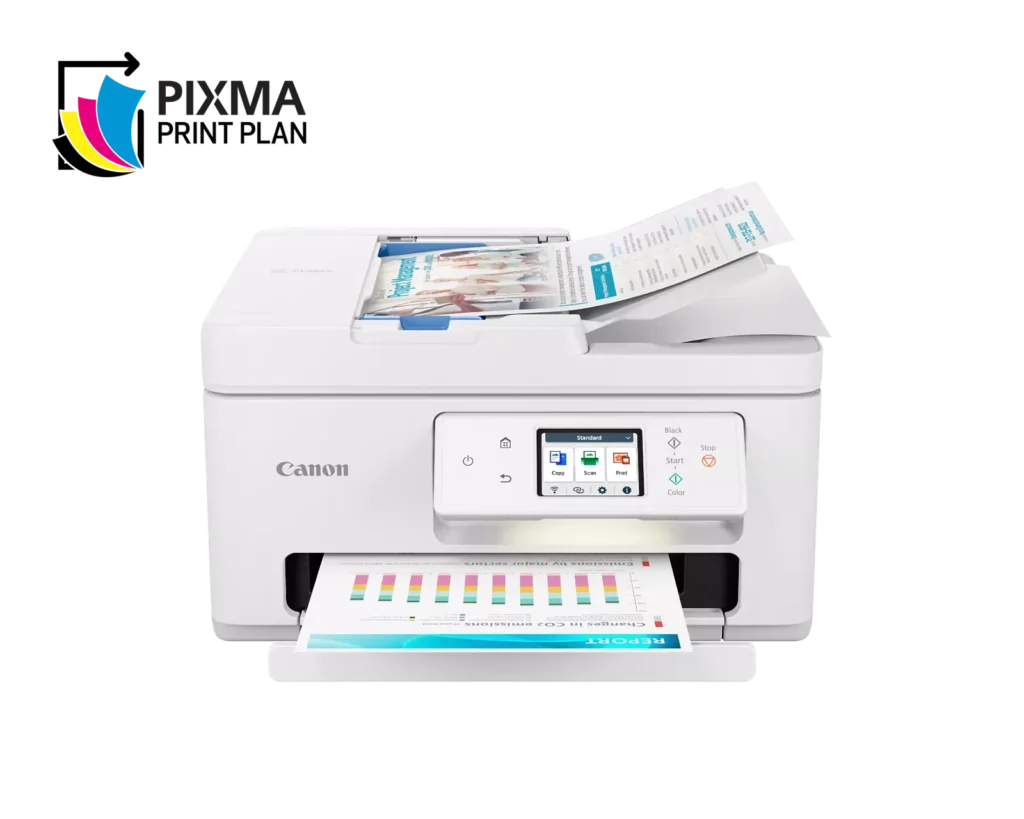
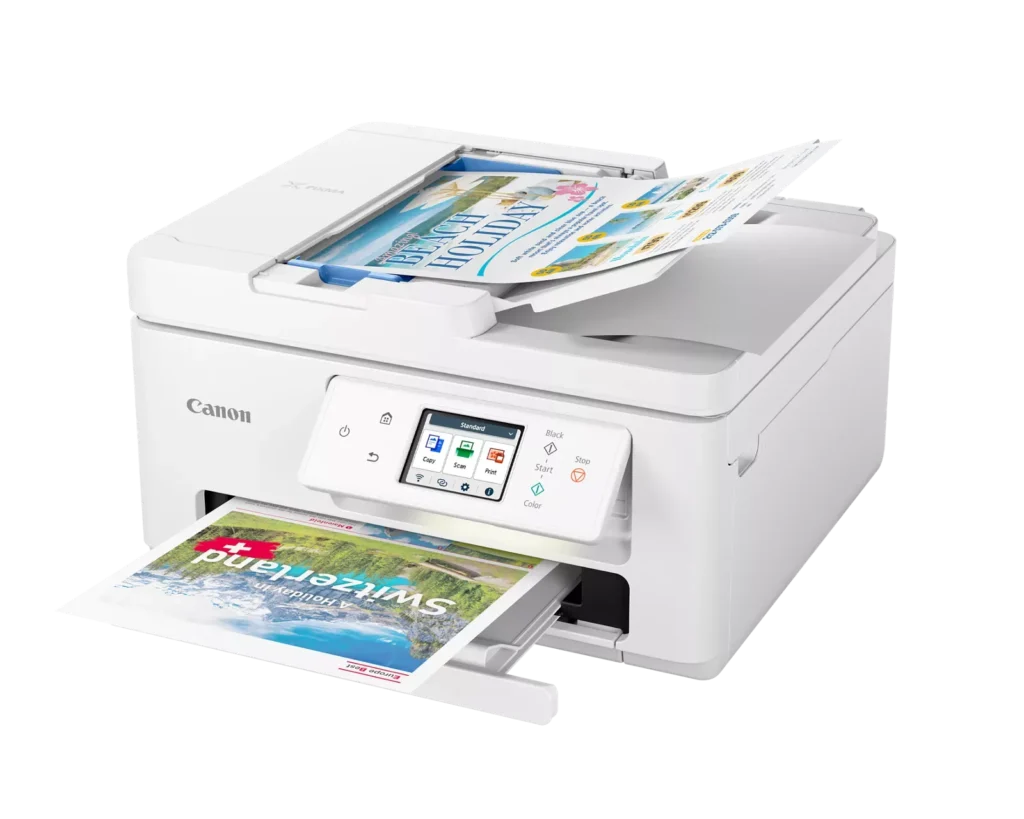
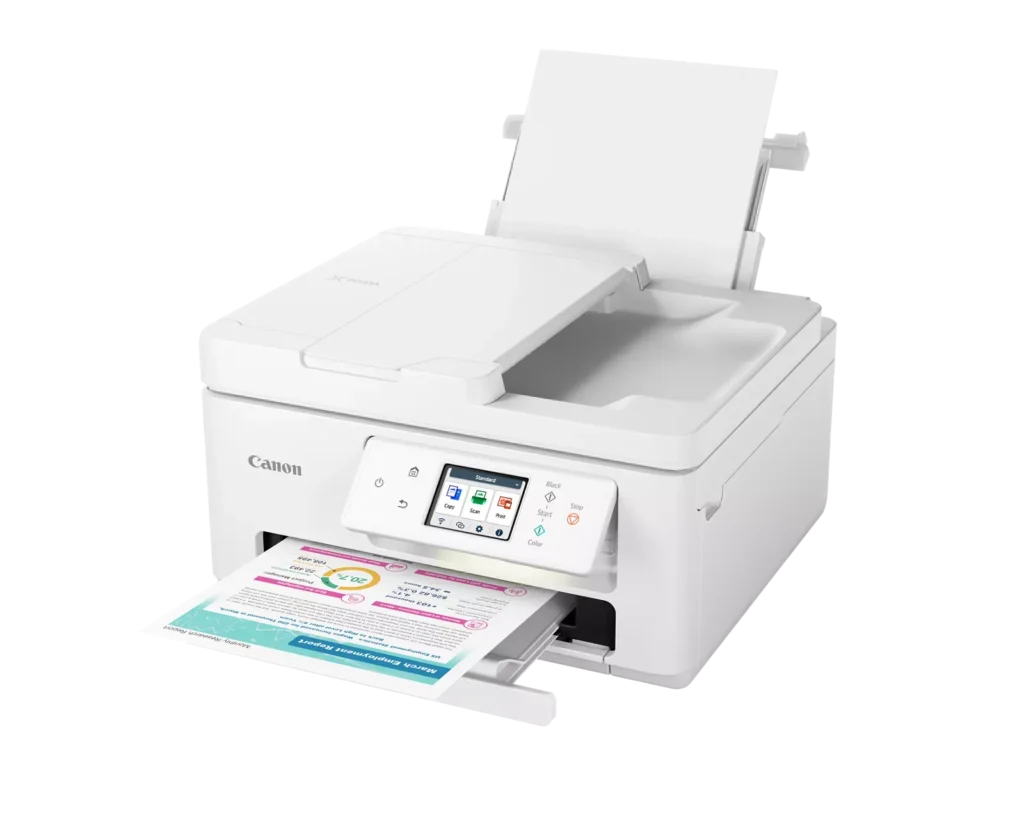
| Efficient Paper Handling | Boost productivity with a 35-sheet Automatic Document Feeder (ADF) for multi-page scanning and copying. The printer also features a dual-tray system with a 100-sheet front cassette and a 100-sheet rear tray, providing a total capacity of 200 sheets. |
| Intuitive 2.7" LCD Touchscreen | Navigate printer functions and settings effortlessly using the built-in 2.7-inch color LCD touchscreen. The user-friendly interface simplifies setup and provides quick access to maintenance and cloud printing options. |
| Seamless Wireless Connectivity | Equipped with Dual-Band Wi-Fi (2.4GHz and 5GHz), the TR7820 ensures a stable connection for wireless printing. It supports mobile printing via the Canon PRINT app, Apple AirPrint, and Mopria Print Service for convenient printing from smartphones and tablets. |
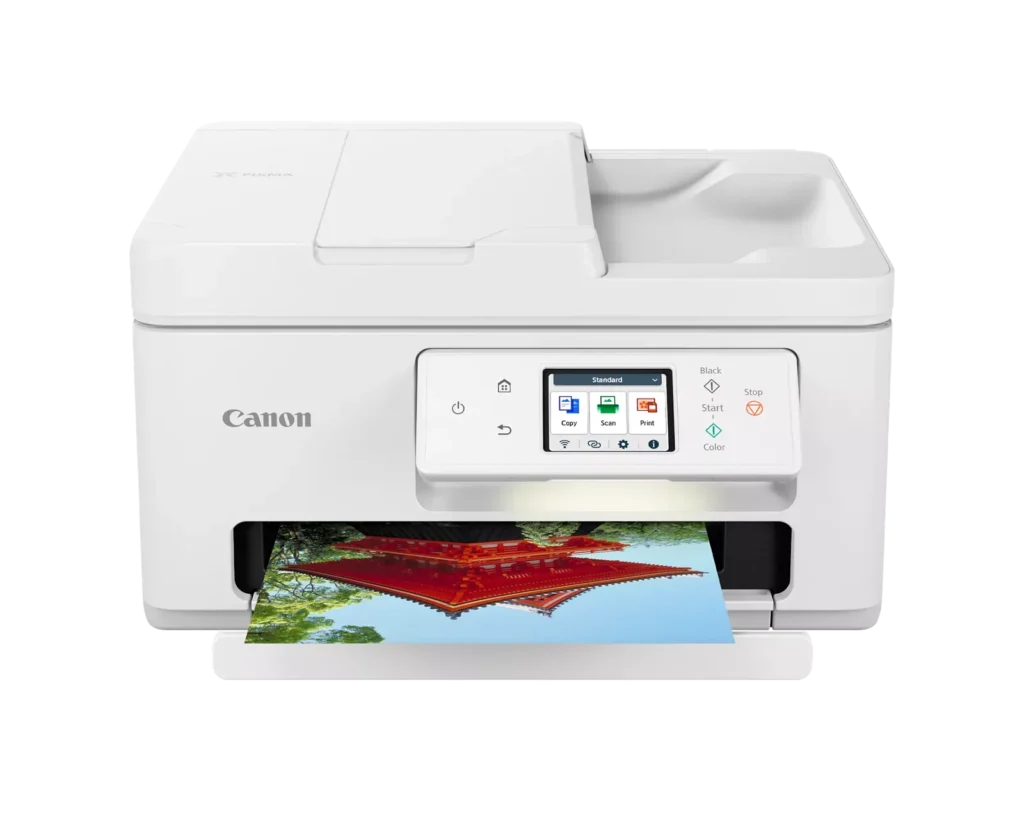
| High-Quality Hybrid Ink System | Utilizing a 2-cartridge FINE Hybrid ink system, this printer produces sharp black text with pigment-based ink and vibrant, borderless photos up to 8.5" x 11" with dye-based colors. The mess-free cartridges are designed for easy replacement. |
Pros & Cons
Pros
- Simple and Quick Setup: Many reviewers found the initial installation process to be exceptionally easy, with some reporting they were able to start printing within minutes of unboxing.
- Excellent Print Quality: The printer is frequently praised for producing sharp, clear text and vibrant photos, with several users noting it performs better than previous models from other brands.
- Compact and Space-Efficient: The small footprint of the device is a major highlight for users with limited desk space, making it an ideal choice for home offices and small business environments.
Cons
- High Ink Consumption and Cost: A recurring complaint is that the printer 'eats' ink quickly, and the cost of replacement cartridges is often described as expensive or nearly the price of the printer itself.
- Unreliable Wireless Connectivity: Numerous users reported that the printer frequently goes offline or loses its Wi-Fi connection, requiring constant troubleshooting or a switch to a wired USB connection.
- Lack of Duplex Scanning: Despite having an Automatic Document Feeder (ADF), the device does not support automatic double-sided scanning, which was a deal-breaker for several customers.
You might also like












Customer Reviews
Showing reviews 111-120 of 278
-
Great Value!
Verified purchase Verified purchase: This reviewer bought the product.Michael E. Childers March 24, 2025Review source: AmazonExcellent printer! Great value!
-
Crafter
Verified purchase Verified purchase: This reviewer bought the product.delightedconsumer March 22, 2025Review source: BestbuyLove this. Exactly what I needed in my home. Using it for home office as well as crafting.
-
So far, so good
Verified purchase Verified purchase: This reviewer bought the product.Barb March 19, 2025Review source: BestbuyI purchased this all in one printer to replace a printer. I bought a year ago from Best Buy. The printer was fine except it just printed in black. I needed a printer that did scanning, copying and color ink. So far, this printer has done an excellent job for the three weeks. I’ve had it now.
-
Slow as molasses (thinking and printing)
Verified purchase Verified purchase: This reviewer bought the product.T2 March 18, 2025Review source: AmazonSo slow! This thing must have the processing power of a peanut! It is always falling off the WiFi Network (so long Air Print), and to fix it, one has to enable/disable WiFi. This makes it think for 2 minutes alone.
I think the squirrel out my window has more brainpower.
-
jdog
Verified purchase Verified purchase: This reviewer bought the product.jdog March 15, 2025Review source: Bestbuymy last printer came from best buy 10 years ago.great printer and price always shop a best buy
-
Ugh!
Verified purchase Verified purchase: This reviewer bought the product.Steven Williams March 9, 2025Review source: AmazonThis printer has an unfriendly UI that is confusing and often with unreliable results. I literally hate this printer. I replaced an HP ink jet printer that I had owned for several years with very few issues until it started to wear out and became unreliable. My mistake was deciding to try a different brand. My error. I can’t recommend this Canon printer. I’ve struggled with it for over 8 months and am giving up on it! Back to HP for me.
Update: Really, Really, Really hate this printer, it’s UI, it’s inconsistent operation, it’s website, everything about this printer and, evidently the company that manufactered it.
-
4 hours to connect to WI FI !!
Verified purchase Verified purchase: This reviewer bought the product.BooksLover March 8, 2025Review source: AmazonI have been using HP printers for many years. The one I had before the Canon, was good for 3 years. I decided to give Canon a chance as it got good reviews for printing from phones.
A 1 page document with 3 pictures and a brief description, essentially nothing of value. Loaded cartridges and paper with no issue. Then the network set up and for that alone, it deserves 1 star. I have set up printers and other components for many years and this was the 1st time i wanted to throw it. Make sure to add the Mopria app plug in. It takes a boatload of ink to print 3 pages.
I am keeping it, but won’t buy again. -
10 Year Canon User
Verified purchase Verified purchase: This reviewer bought the product.TheoL March 7, 2025Review source: BestbuyOverall the quality of the printing is excellent and the speed is much better than my older Canon. But, the operating sound is louder. And another ding would be the fact that I can not get the printer to default to the main tray. Everytime I print a Word document from Microsoft Office 365 I have to set the printer to main tray versus the rear tray. This may be an easy fix but I have not found it yet.
-
Canon makes excellent printers
Verified purchase Verified purchase: This reviewer bought the product.MG96 March 7, 2025Review source: BestbuyVery durable. Easy to connect with wifi. After downloading scanner driver connects perfectly with computer.
-
Eats ink. No card stock. Won’t scan multiple pages on bed.
Verified purchase Verified purchase: This reviewer bought the product.susanna brandel February 22, 2025Review source: AmazonUgh. Seriously regret buying this.