Customer Media
Highlights
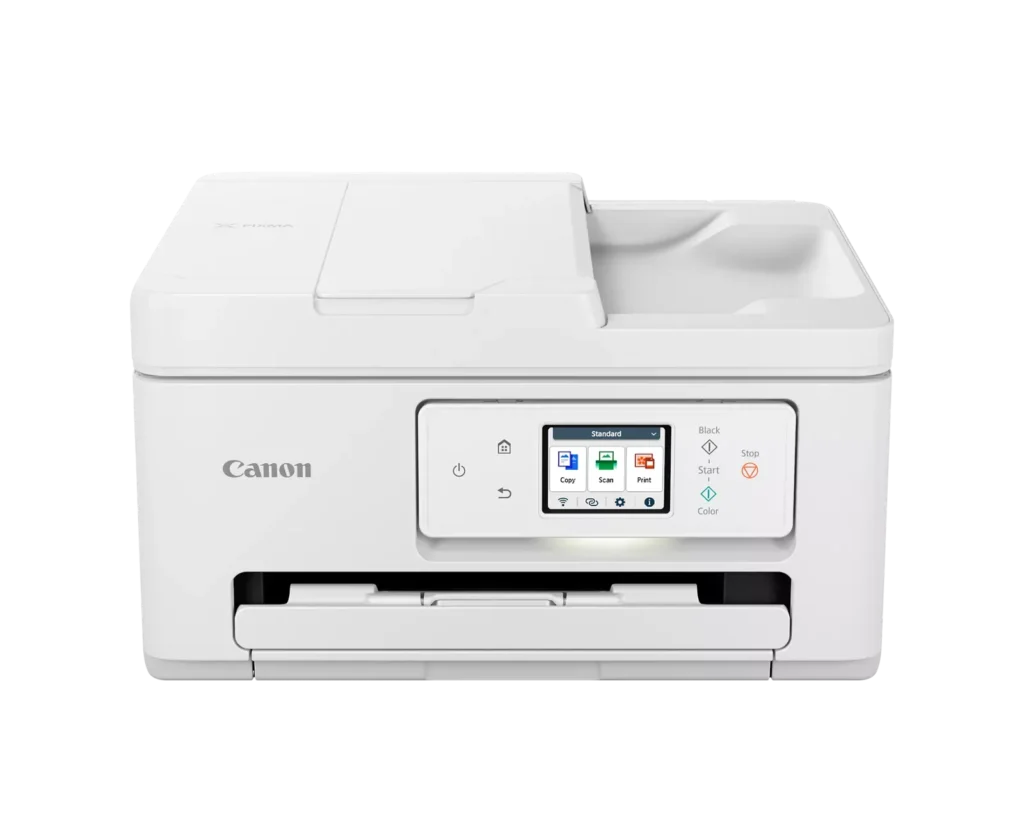
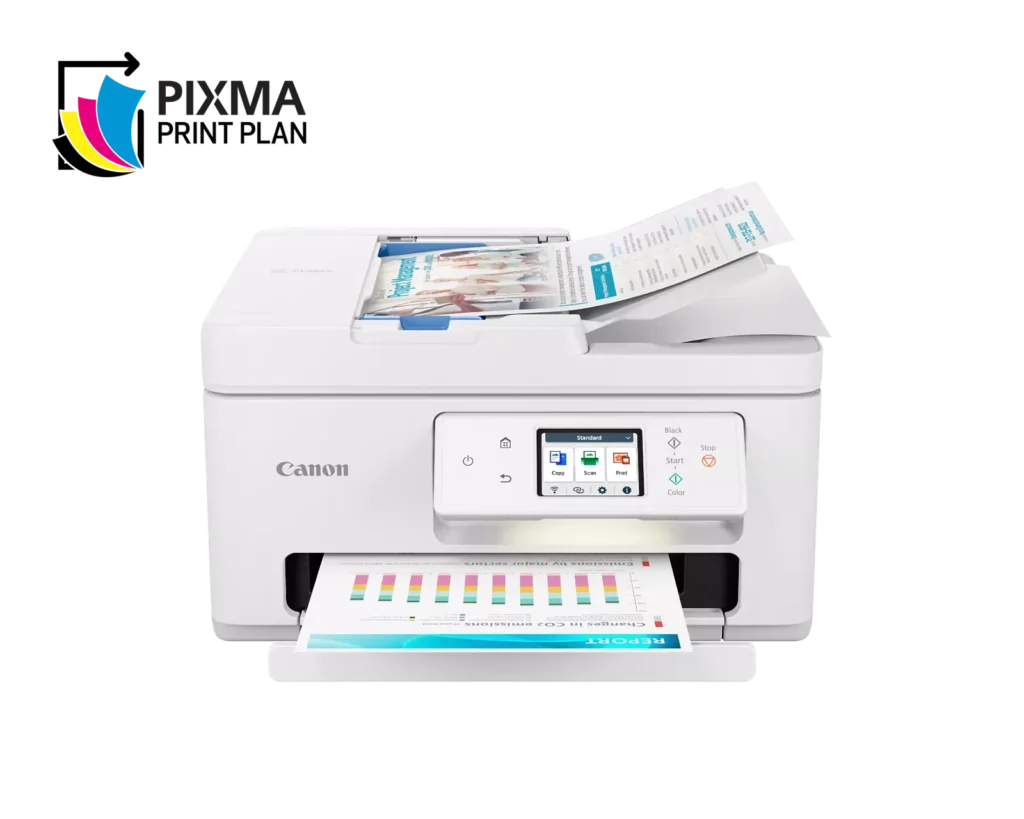
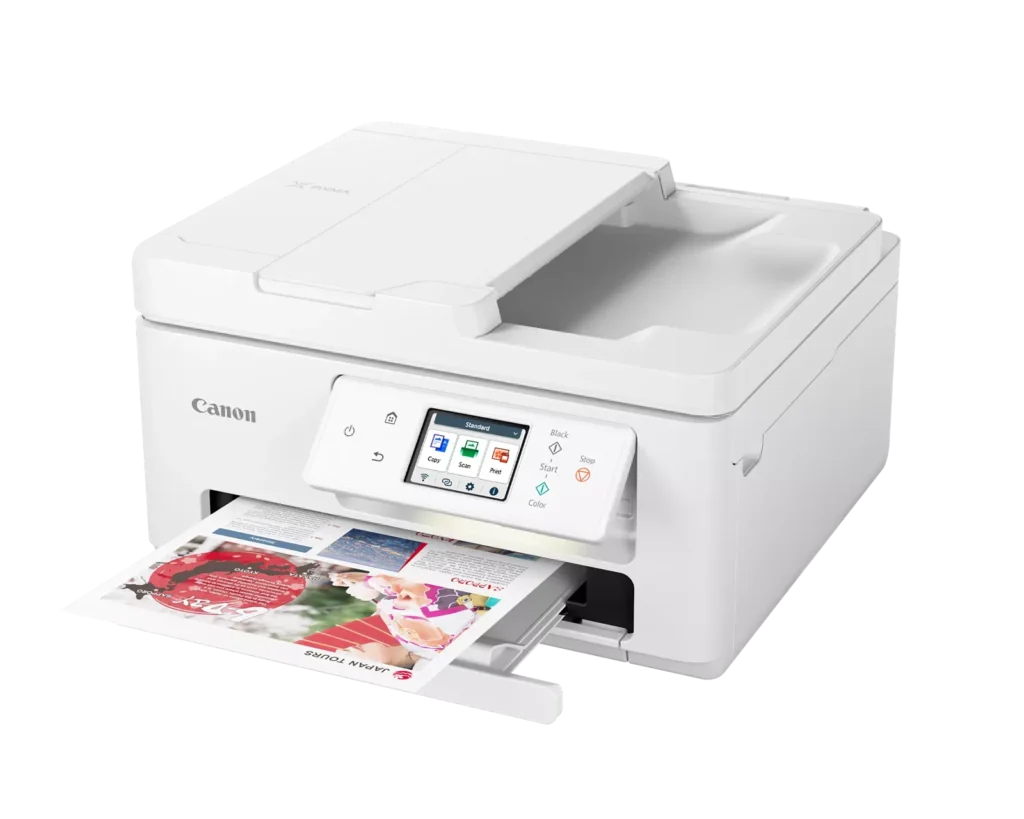
| Versatile All-in-One Performance | The PIXMA TR7820 is a compact 3-in-1 solution that allows you to print, copy, and scan with ease. It delivers fast ISO print speeds of up to 15 ipm in black and 10 ipm in color, making it ideal for home offices and school assignments. |
|---|---|
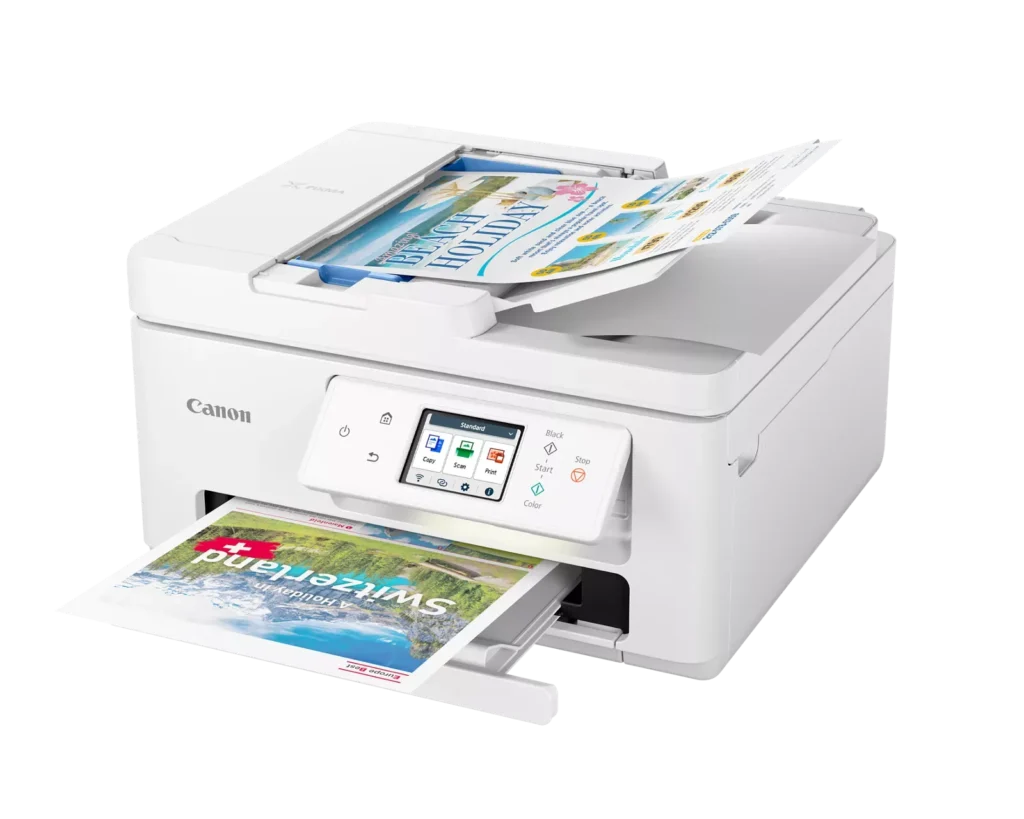
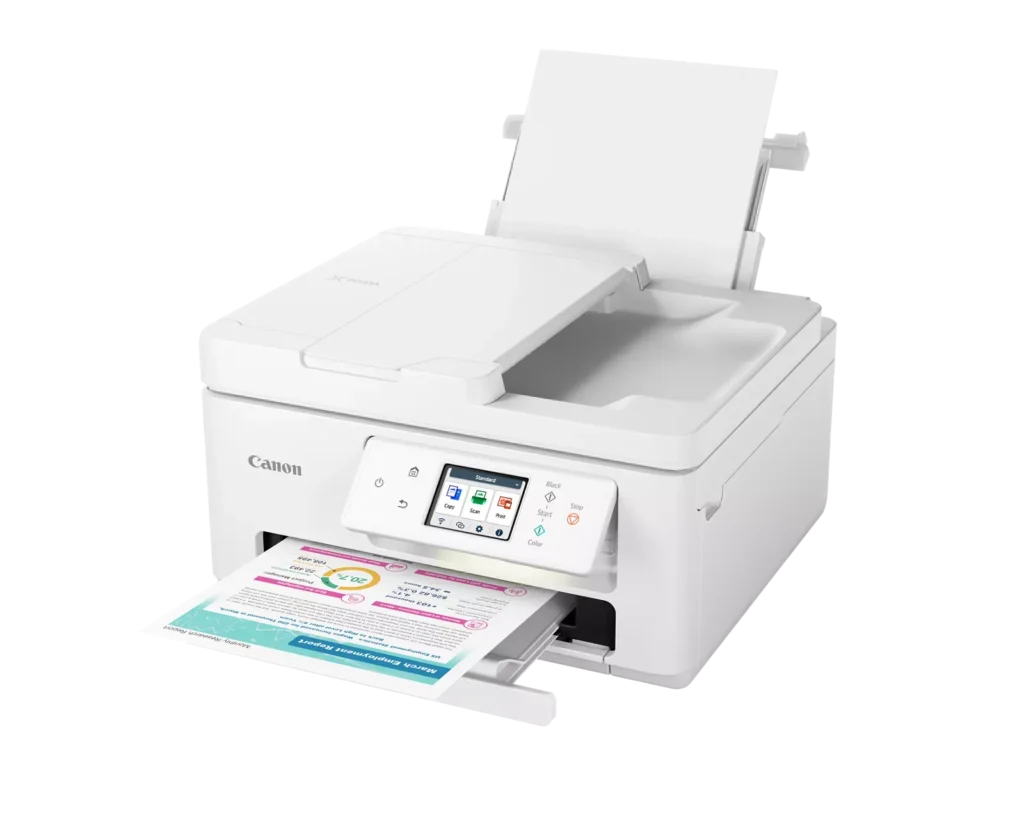
| Efficient Paper Handling | Boost productivity with a 35-sheet Automatic Document Feeder (ADF) for multi-page scanning and copying. The printer also features a dual-tray system with a 100-sheet front cassette and a 100-sheet rear tray, providing a total capacity of 200 sheets. |
| Intuitive 2.7" LCD Touchscreen | Navigate printer functions and settings effortlessly using the built-in 2.7-inch color LCD touchscreen. The user-friendly interface simplifies setup and provides quick access to maintenance and cloud printing options. |
| Seamless Wireless Connectivity | Equipped with Dual-Band Wi-Fi (2.4GHz and 5GHz), the TR7820 ensures a stable connection for wireless printing. It supports mobile printing via the Canon PRINT app, Apple AirPrint, and Mopria Print Service for convenient printing from smartphones and tablets. |
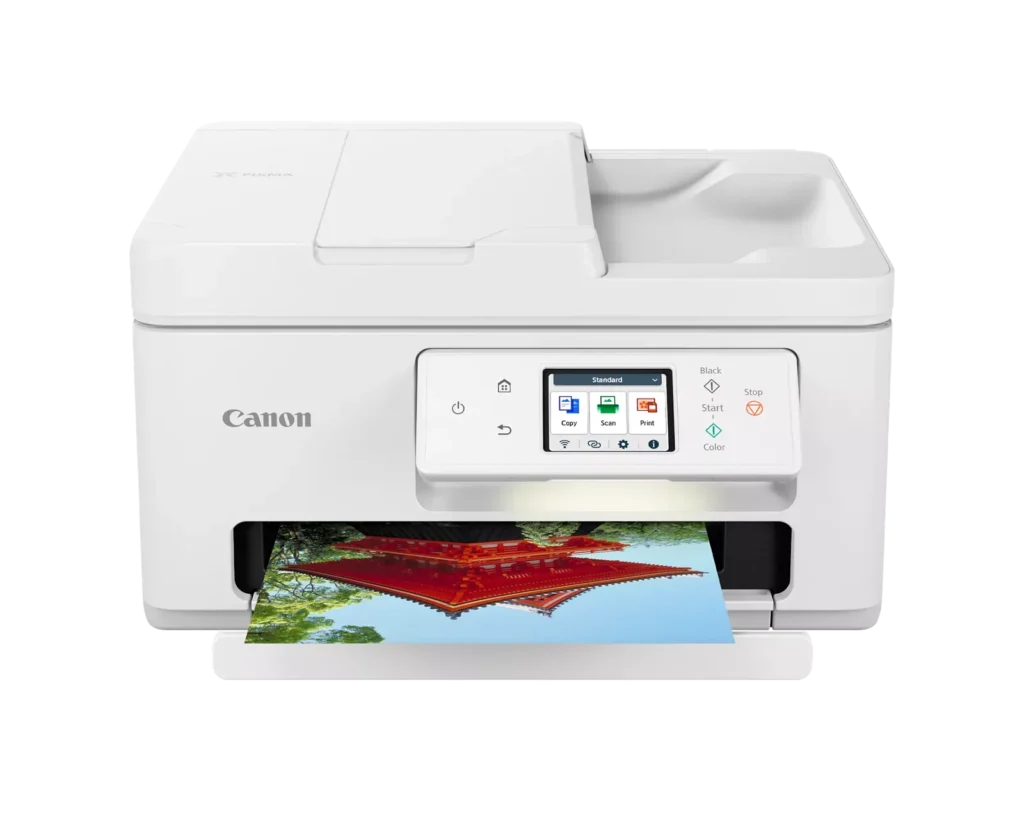
| High-Quality Hybrid Ink System | Utilizing a 2-cartridge FINE Hybrid ink system, this printer produces sharp black text with pigment-based ink and vibrant, borderless photos up to 8.5" x 11" with dye-based colors. The mess-free cartridges are designed for easy replacement. |
Pros & Cons
Pros
- Simple and Quick Setup: Many reviewers found the initial installation process to be exceptionally easy, with some reporting they were able to start printing within minutes of unboxing.
- Excellent Print Quality: The printer is frequently praised for producing sharp, clear text and vibrant photos, with several users noting it performs better than previous models from other brands.
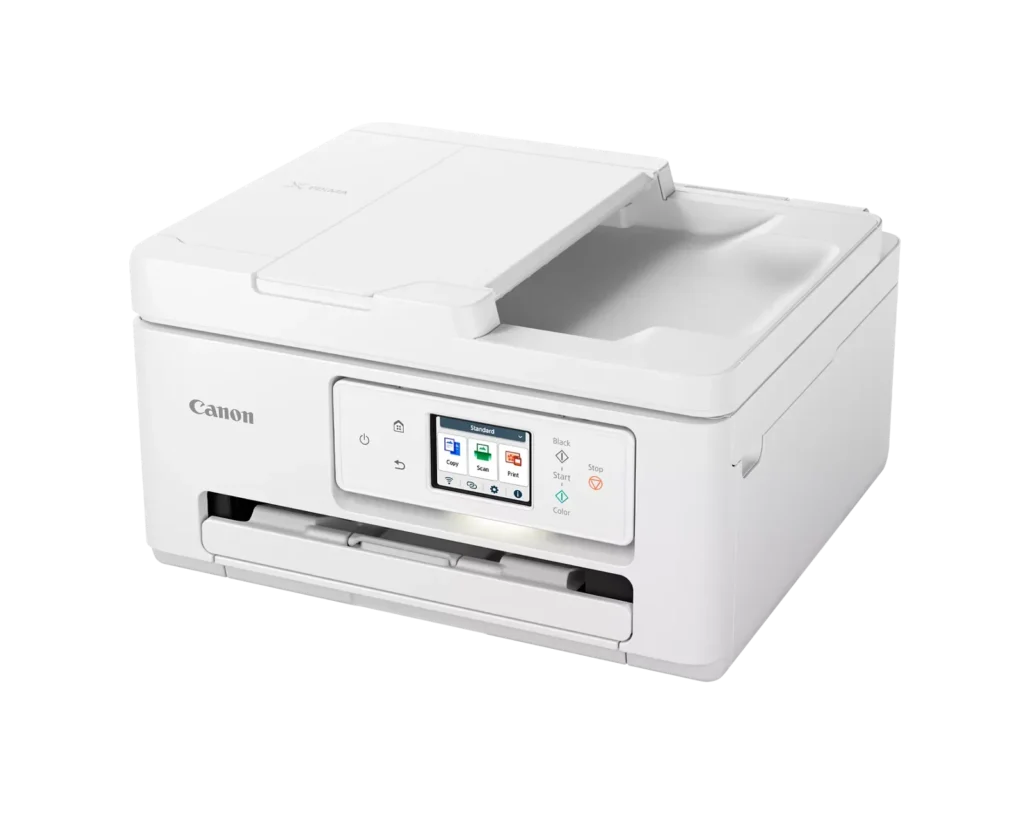
- Compact and Space-Efficient: The small footprint of the device is a major highlight for users with limited desk space, making it an ideal choice for home offices and small business environments.
Cons
- High Ink Consumption and Cost: A recurring complaint is that the printer 'eats' ink quickly, and the cost of replacement cartridges is often described as expensive or nearly the price of the printer itself.
- Unreliable Wireless Connectivity: Numerous users reported that the printer frequently goes offline or loses its Wi-Fi connection, requiring constant troubleshooting or a switch to a wired USB connection.
- Lack of Duplex Scanning: Despite having an Automatic Document Feeder (ADF), the device does not support automatic double-sided scanning, which was a deal-breaker for several customers.
You might also like












Customer Reviews
Showing reviews 131-140 of 278
-
Will Not print from rear tray
Verified purchase Verified purchase: This reviewer bought the product.Debbi January 19, 2025Review source: AmazonI bought this to print on envelopes and what a huge waste of money. It will not print anything from the rear tray including a standard piece of paper
-
I won't recommend this printer.
Verified purchase Verified purchase: This reviewer bought the product.LoveLife January 11, 2025Review source: AmazonThis printer didn’t work well from day one. I usually never submit a bad review but don’t buy this printer if you want to get things done fast.
-
Always jams
Verified purchase Verified purchase: This reviewer bought the product.A Reese January 9, 2025Review source: AmazonThis printer is always jamming. I’m lucky if it will print two pages without eating them. Canon Customer Service is a joke. Of course, the return window is closed, and Canon is the opposite of helpful when it comes to giving information on how to contact them.
-
Easy to install, operates well
Verified purchase Verified purchase: This reviewer bought the product.FLGal January 3, 2025Review source: AmazonOut of box installation took 5-8 minutes, most of this time was cartridge alignment (4 mins.) installed to phone and laptop easily and works great! Im especially pleased with automatic 2 sided printing.
-
Ears ink for breakfast
Verified purchase Verified purchase: This reviewer bought the product.JB December 28, 2024Review source: AmazonDelivered with black ink two already used partially
-
Cannon Printer
Verified purchase Verified purchase: This reviewer bought the product.Kristina December 19, 2024Review source: Bestbuythis printer works great! just what I needed and great price!
-
EXPENSIVE INK,.. IF AVAILABLE
Verified purchase Verified purchase: This reviewer bought the product.P.E. McCormack December 16, 2024Review source: AmazonThe Pixma ink program is the highlight of this printer, because they appear to be ending cartridge sales for this machine, forcing you to purchase a monthly ink contract, adjusted to your print pages. May work with Windows 10 or may not. This goes into the trash tomorrow and I’m purchasing a tank refill model, so my cartridge purchases are not controlled by a chip or contractual agreement.
-
Canon PIXMA TR7820
Verified purchase Verified purchase: This reviewer bought the product.luddite December 10, 2024Review source: BestbuyEasy set-up, easy to use, I mostly copy and print letter size and it’s perfect for my needs, at a reasonable price.
-
WHAT ISN'T WRONG WITH IT
Verified purchase Verified purchase: This reviewer bought the product.Gary N. Denue December 8, 2024Review source: AmazonPrinter keeps giving me error messages for which there is no fix Print speed is slow. I have had the printer for 21/2 months and have managed to print just 6 pages due to error messages and having to reconnect it every other day to wifi. I will never purchase another Canon product again
-
Printer
Verified purchase Verified purchase: This reviewer bought the product.Vinny December 1, 2024Review source: AmazonBest printer I ever owned for the price, hands down!