Customer Media
Highlights
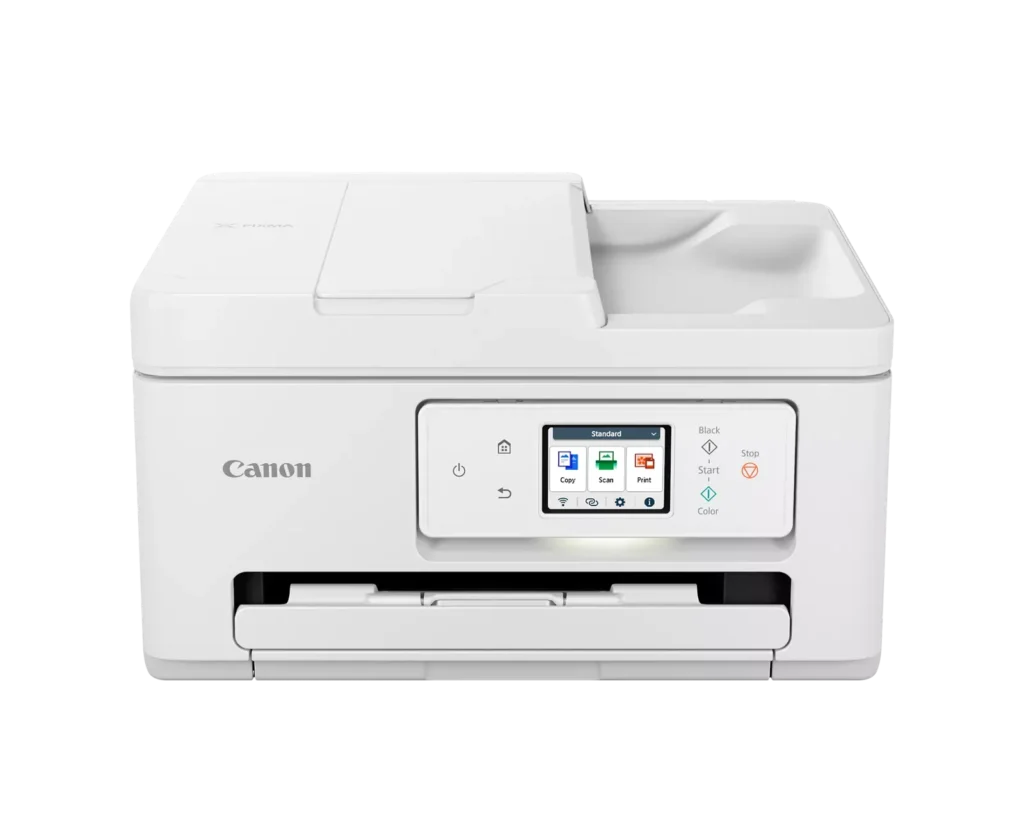
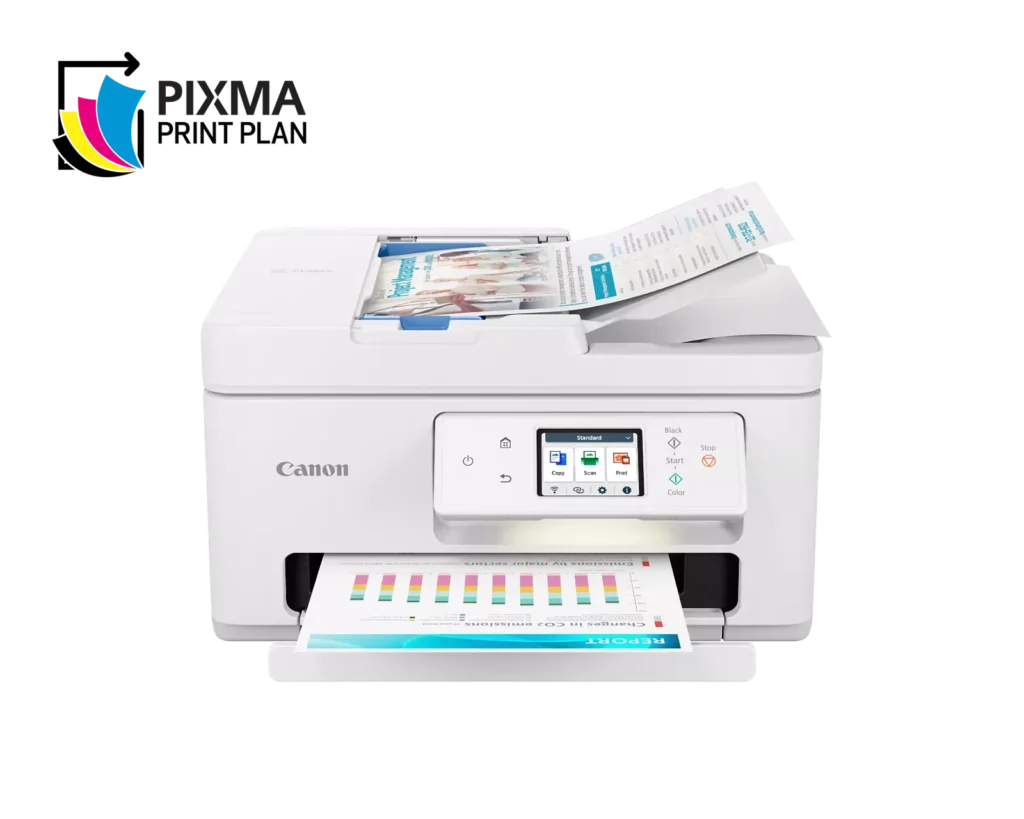
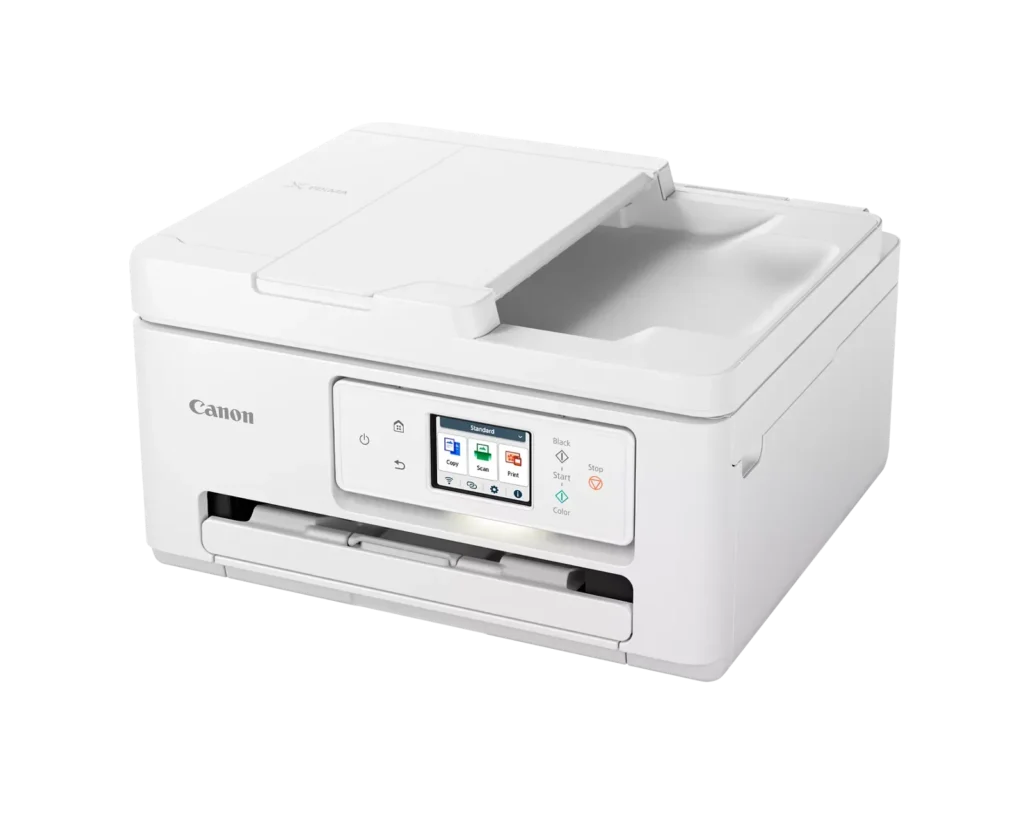
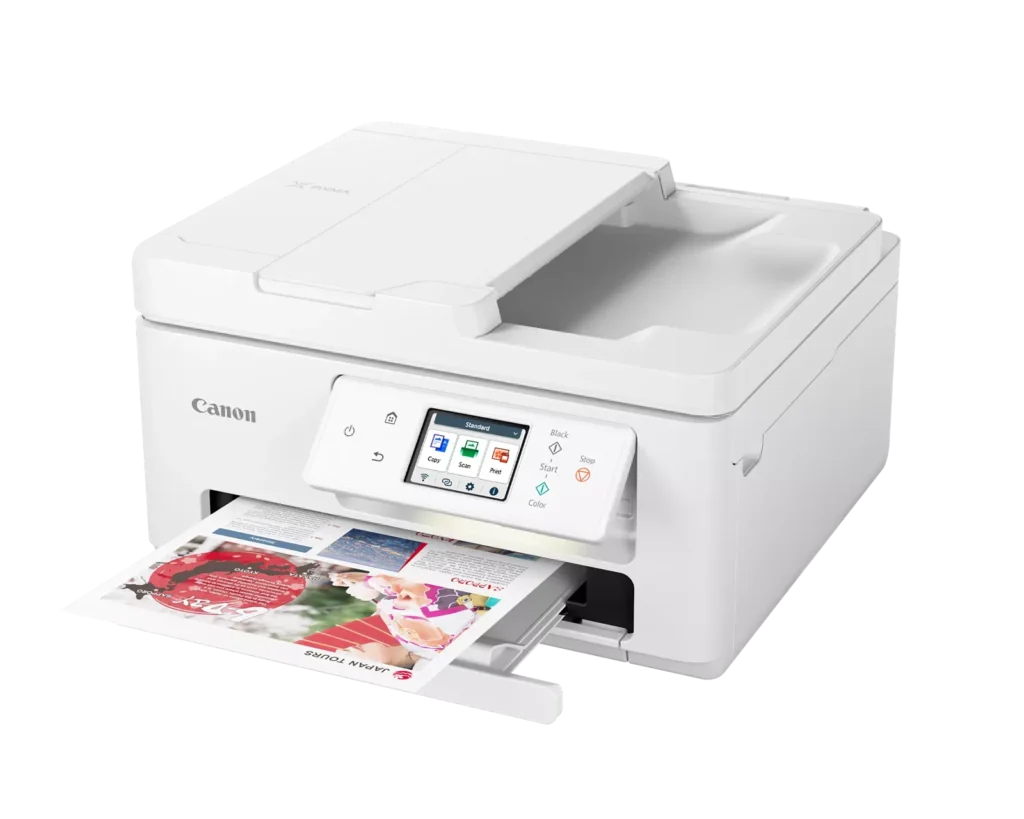
| Versatile All-in-One Performance | The PIXMA TR7820 is a compact 3-in-1 solution that allows you to print, copy, and scan with ease. It delivers fast ISO print speeds of up to 15 ipm in black and 10 ipm in color, making it ideal for home offices and school assignments. |
|---|---|
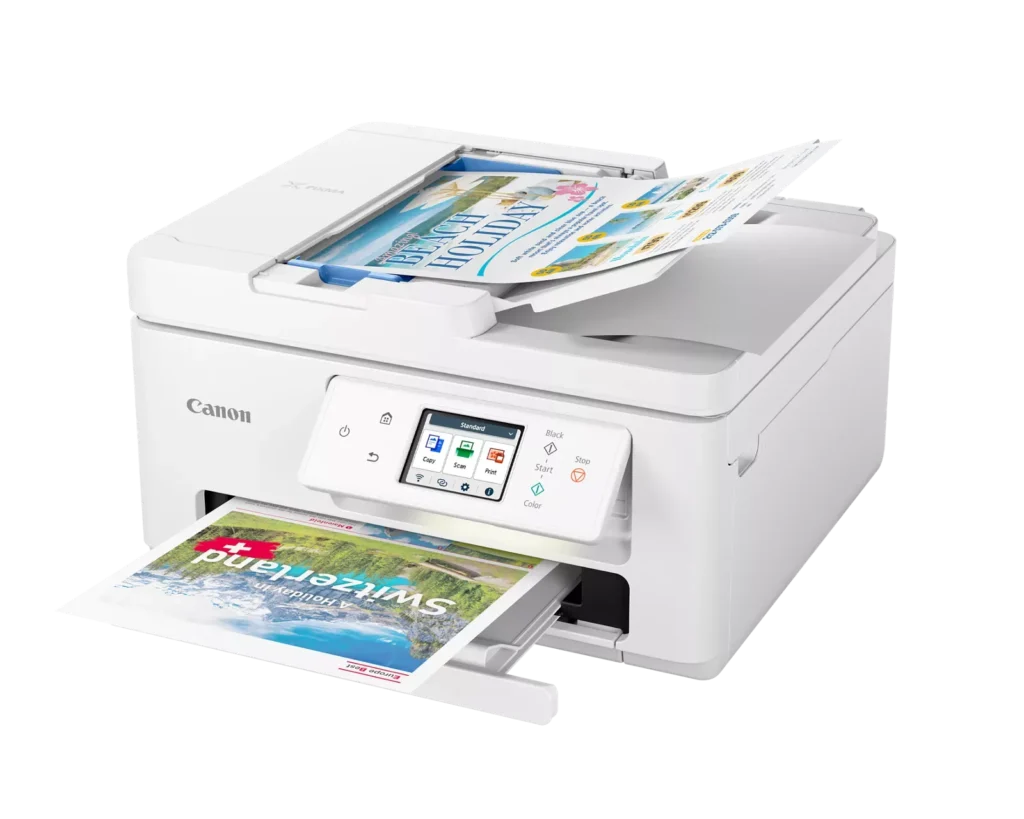
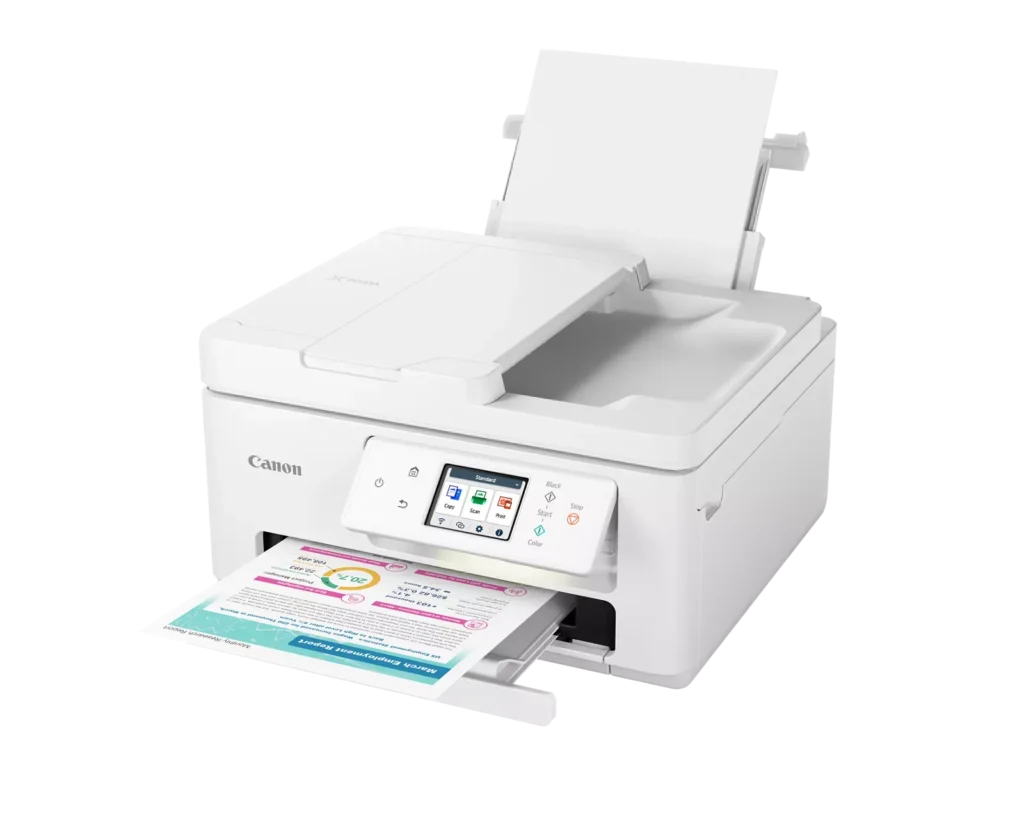
| Efficient Paper Handling | Boost productivity with a 35-sheet Automatic Document Feeder (ADF) for multi-page scanning and copying. The printer also features a dual-tray system with a 100-sheet front cassette and a 100-sheet rear tray, providing a total capacity of 200 sheets. |
| Intuitive 2.7" LCD Touchscreen | Navigate printer functions and settings effortlessly using the built-in 2.7-inch color LCD touchscreen. The user-friendly interface simplifies setup and provides quick access to maintenance and cloud printing options. |
| Seamless Wireless Connectivity | Equipped with Dual-Band Wi-Fi (2.4GHz and 5GHz), the TR7820 ensures a stable connection for wireless printing. It supports mobile printing via the Canon PRINT app, Apple AirPrint, and Mopria Print Service for convenient printing from smartphones and tablets. |
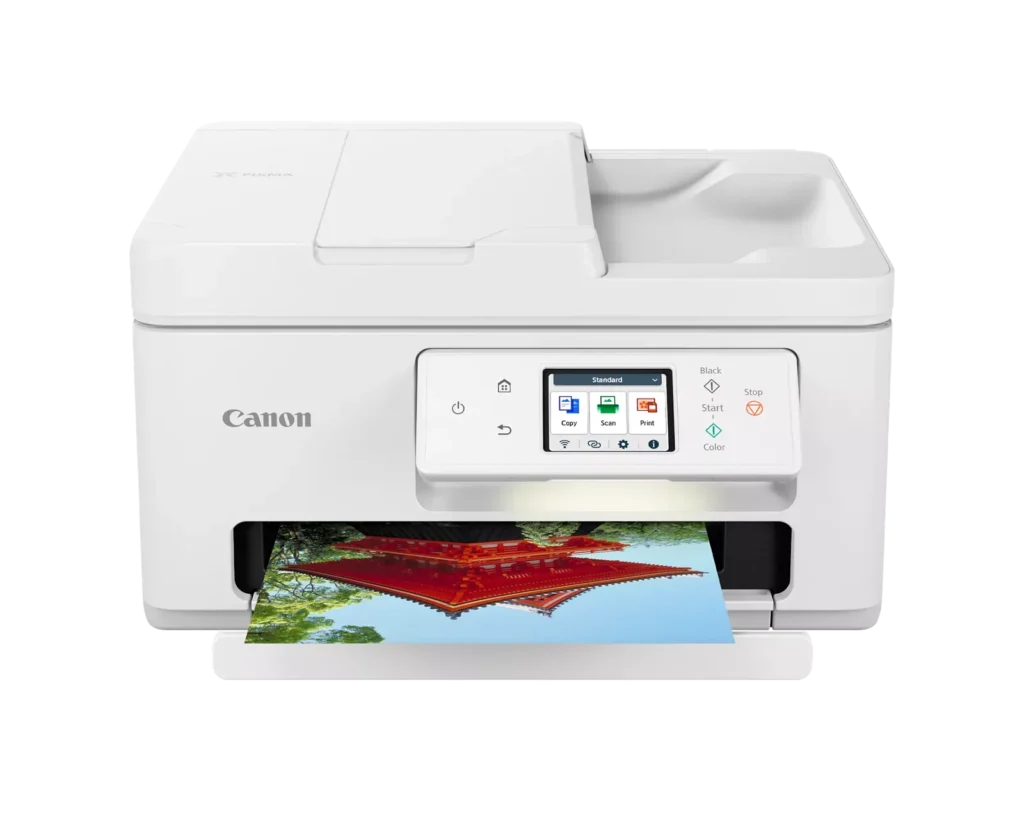
| High-Quality Hybrid Ink System | Utilizing a 2-cartridge FINE Hybrid ink system, this printer produces sharp black text with pigment-based ink and vibrant, borderless photos up to 8.5" x 11" with dye-based colors. The mess-free cartridges are designed for easy replacement. |
Pros & Cons
Pros
- Simple and Quick Setup: Many reviewers found the initial installation process to be exceptionally easy, with some reporting they were able to start printing within minutes of unboxing.
- Excellent Print Quality: The printer is frequently praised for producing sharp, clear text and vibrant photos, with several users noting it performs better than previous models from other brands.
- Compact and Space-Efficient: The small footprint of the device is a major highlight for users with limited desk space, making it an ideal choice for home offices and small business environments.
Cons
- High Ink Consumption and Cost: A recurring complaint is that the printer 'eats' ink quickly, and the cost of replacement cartridges is often described as expensive or nearly the price of the printer itself.
- Unreliable Wireless Connectivity: Numerous users reported that the printer frequently goes offline or loses its Wi-Fi connection, requiring constant troubleshooting or a switch to a wired USB connection.
- Lack of Duplex Scanning: Despite having an Automatic Document Feeder (ADF), the device does not support automatic double-sided scanning, which was a deal-breaker for several customers.
You might also like












Customer Reviews
Showing reviews 141-150 of 278
-
canon is so hostile to disabilities!
Verified purchase Verified purchase: This reviewer bought the product.C. M. November 28, 2024Review source: AmazonSadly, the ink cartridge holder are very easily broken, all while trying to properly insert new cartridges! but on the plus side, the ink last reasonably long! plus, trying to deal with that issue, i could not. the screens/etc are so hard to read if you do not have perfect vision, i even tri4ed using zoomed photots from my mobile phone, but could not do it. they need a simple “printer info” button that prints out printer info (with a laqrge font!) when selected. and registration could be easier; print and scan (online) a pdf file with likea qr code i could upload!
-
Jams constantly
Verified purchase Verified purchase: This reviewer bought the product.Kris E. November 27, 2024Review source: AmazonMy old Canon printer was fantastic, lasted for years! This new one jams constantly, is extremely finicky about kind of paper and alignment in the tray, and hates paper sent thru the rear tray. Plus the one cartridge for all the colors is very wasteful.
-
Nice printer
Verified purchase Verified purchase: This reviewer bought the product.Steve November 26, 2024Review source: AmazonOnce set up its easy to print right from your phone.
-
Eats up ink & constantly making adjustments.
Verified purchase Verified purchase: This reviewer bought the product.Laura Prouty November 18, 2024Review source: AmazonPrint quality is good, but this printer eats up ink quickly despite being on draft mode. And it spends a lot of time making internal adjustments. I’m not sure what it’s doing or why, but it sucks up valuable time. NOTE: I have several different printers in my office, so I’m not new to tech. And mine puts out this annoying high pitch tone while idle causing me to turn it off constantly. It’s attractive in appearance, but I wouldn’t buy it again.
-
Has everything I wanted in a printer
Verified purchase Verified purchase: This reviewer bought the product.Richard J. November 7, 2024Review source: AmazonI have the TR7800, switching from an HP printer. What a wonderful difference. Uses MUCH less ink with very clear printing and copying. Easy to scan to computer. I have had this for about a year with absolutely no problems. When it eventually dies – everything eventually dies – I will definitely buy this (or the updated) model again!
-
Didn't take long before I had a problem.
Verified purchase Verified purchase: This reviewer bought the product.AMB November 4, 2024Review source: AmazonWhen it worked the printing was good but I could only print three times in total. It ran out of ink because I printed a lot of pages and I couldn’t add the new ink because I got a message telling me service was needed so I could no longer print at all. I am now faced with finding a service center that can fix my printer.
-
Ink cartridge half fulll
Verified purchase Verified purchase: This reviewer bought the product.Amazon Fan November 3, 2024Review source: AmazonI like the printer very much and it does a great job with all of the different printing tasks that I have had. The top/rear feed works great with envelopes. It appears that my printer was new and unused. However, when I opened the ink cartridges and loaded them, the black cartridge was exactly half empty on the graphic display and now, after printing a low number of pages, I have been receiving messages that the ink is low and the cartridge should be replaced. The cartridges were double sealed so it does not appear that they were used prior to delivery. This is a costly issue with a new printer. I expected to go for quite a while with the original cartridges since they were larger than the previous cartridges that came with my last PIXMA. I am retired and use the printer for personal use at home. This is not a high volume printer.
-
Nice printer!
Verified purchase Verified purchase: This reviewer bought the product.WilliamM November 2, 2024Review source: BestbuyNice printer! We bought a Canon because they are more compatible with a Mac. Works great. No issues.
-
nice wireless printer
Verified purchase Verified purchase: This reviewer bought the product.Jdetaylor November 1, 2024Review source: AmazonI like that you can set this up to “sleep” until you go to print….the only reason I gave it 4 stars is the paper tray is very small and doesn’t hold a lot
-
Canon PIXMA TR7820 – Wireless Home All-in-One Printer
Verified purchase Verified purchase: This reviewer bought the product.PSVB October 30, 2024Review source: AmazonI recv’d the printer on time, the box & printer are in good condition & the amazon delivery man was very nice & professional. I haven’t hooked up the printer yet b/c I want to make sure I look up the how to’s first plus it does not come w/ a USB (printer to PC) cord so I have to pick one up. I wish there had been an FYI on the description so I could have ordered one than. I’ve Always only had HP printers but heard good things about Canon Printers so I’m holding out hopes it exceeds the HP’s.