Customer Media
Highlights
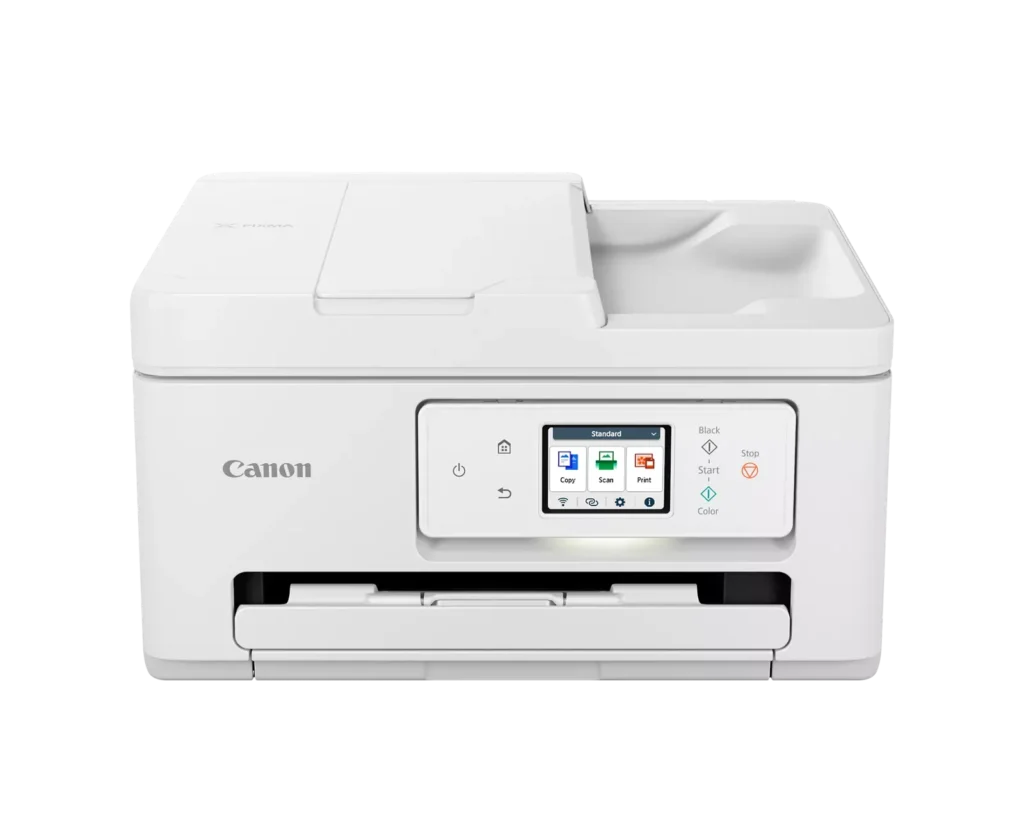
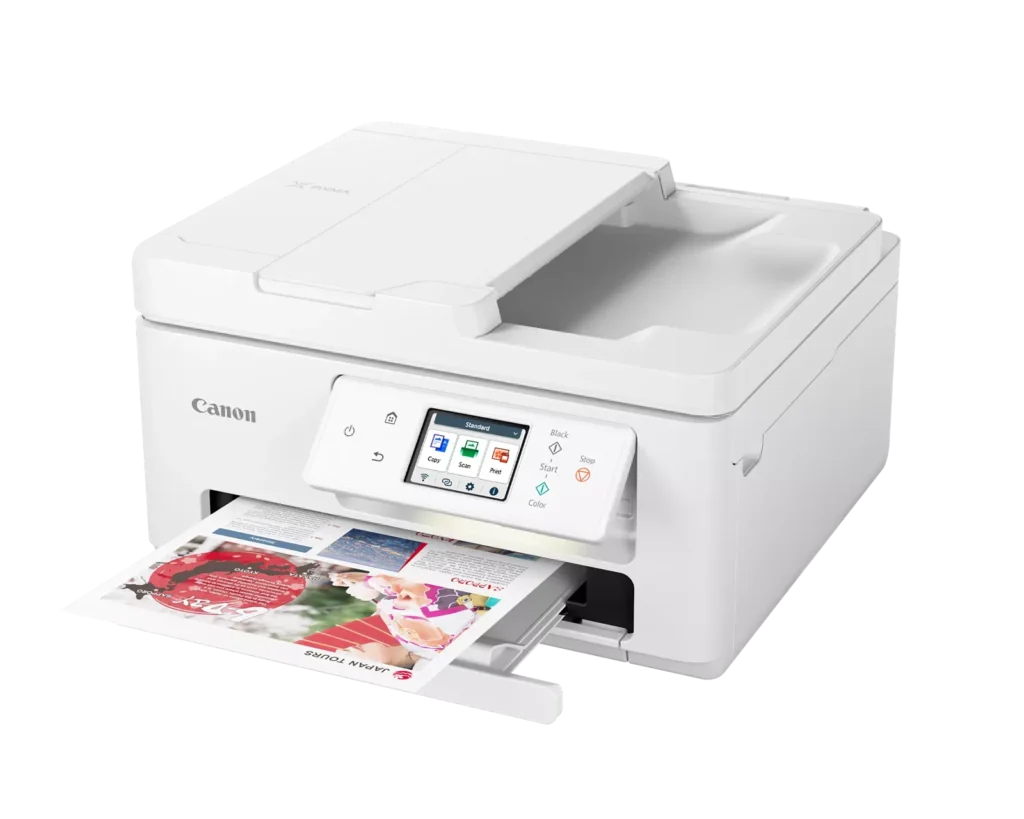
| Versatile All-in-One Performance | The PIXMA TR7820 is a compact 3-in-1 solution that allows you to print, copy, and scan with ease. It delivers fast ISO print speeds of up to 15 ipm in black and 10 ipm in color, making it ideal for home offices and school assignments. |
|---|---|
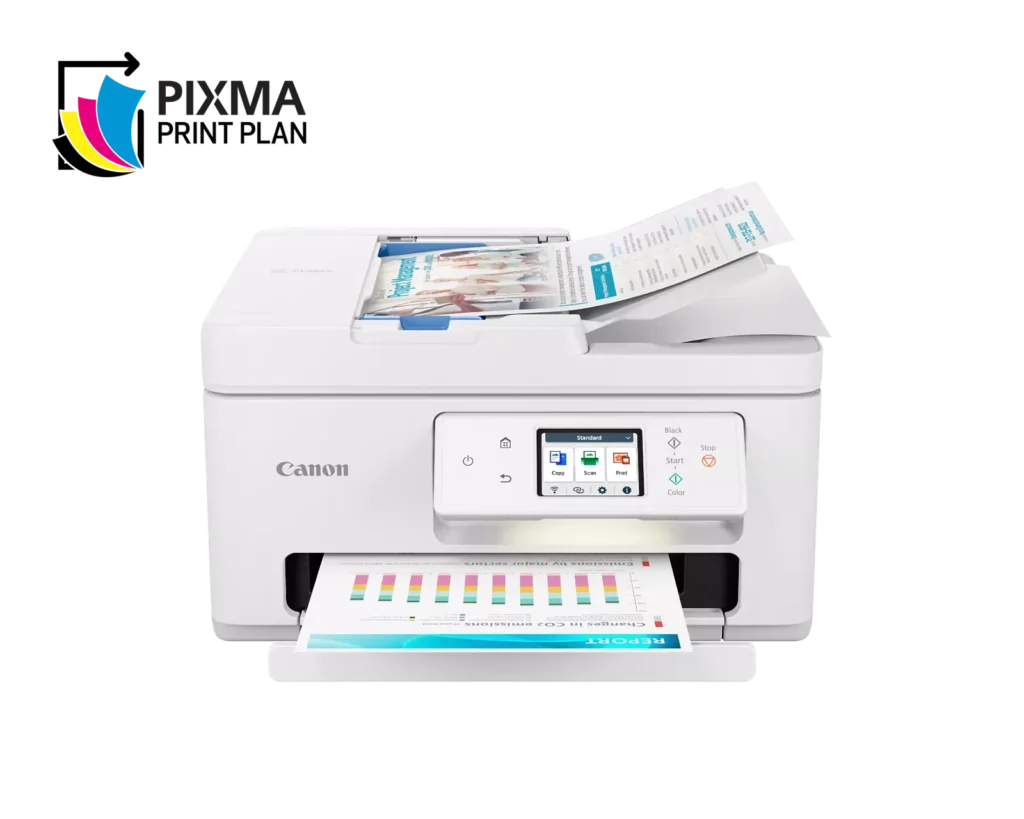
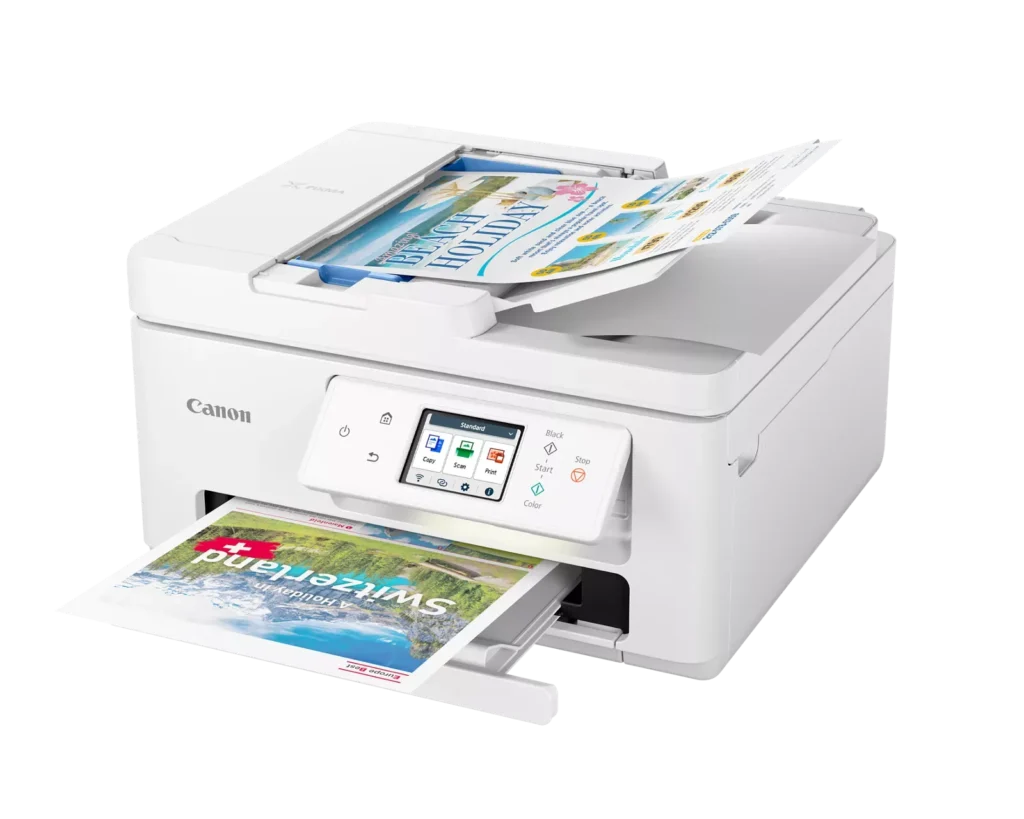
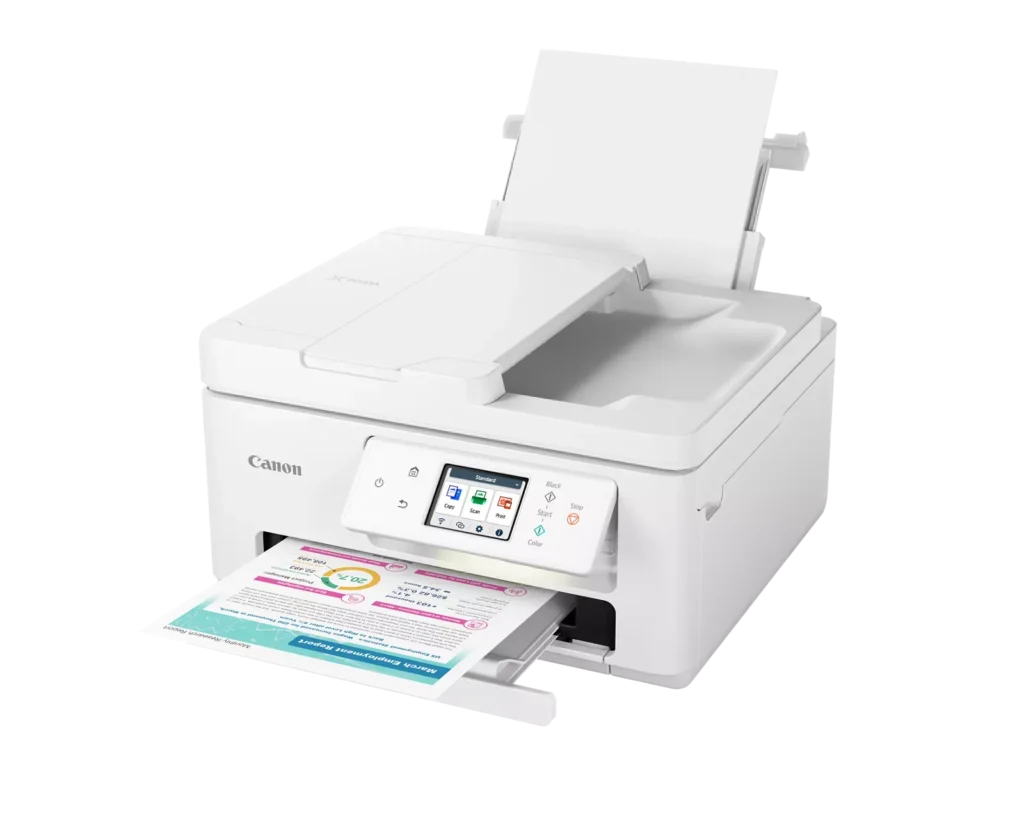
| Efficient Paper Handling | Boost productivity with a 35-sheet Automatic Document Feeder (ADF) for multi-page scanning and copying. The printer also features a dual-tray system with a 100-sheet front cassette and a 100-sheet rear tray, providing a total capacity of 200 sheets. |
| Intuitive 2.7" LCD Touchscreen | Navigate printer functions and settings effortlessly using the built-in 2.7-inch color LCD touchscreen. The user-friendly interface simplifies setup and provides quick access to maintenance and cloud printing options. |
| Seamless Wireless Connectivity | Equipped with Dual-Band Wi-Fi (2.4GHz and 5GHz), the TR7820 ensures a stable connection for wireless printing. It supports mobile printing via the Canon PRINT app, Apple AirPrint, and Mopria Print Service for convenient printing from smartphones and tablets. |
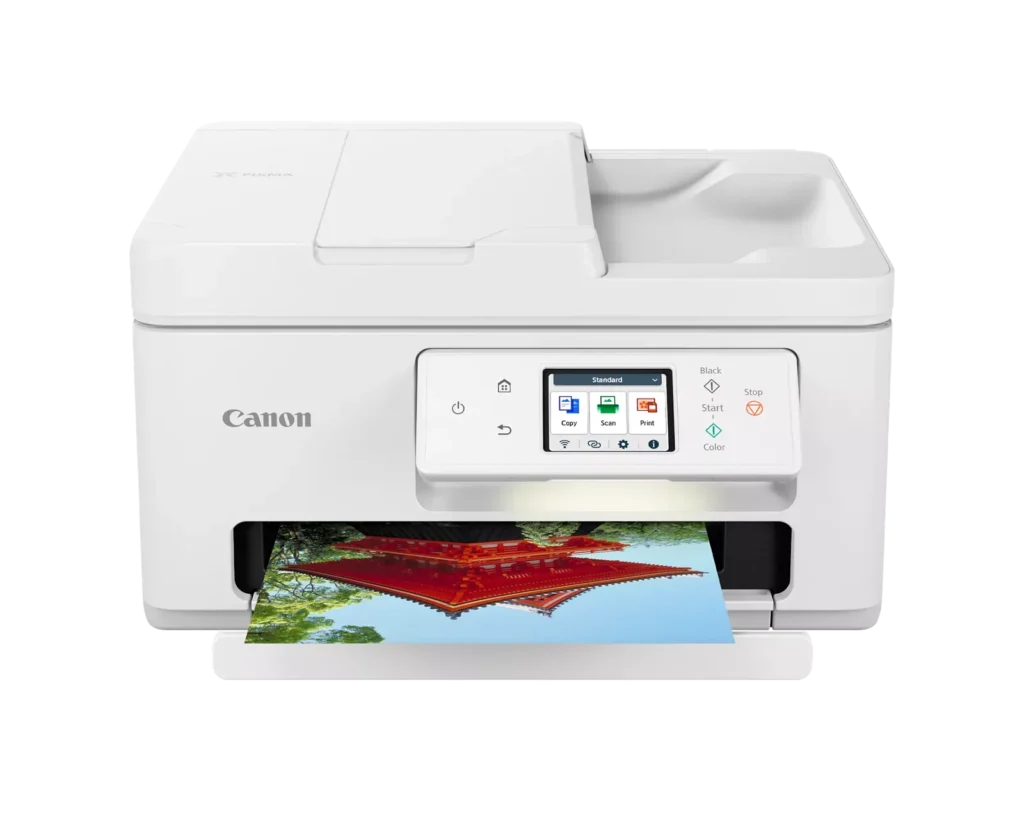
| High-Quality Hybrid Ink System | Utilizing a 2-cartridge FINE Hybrid ink system, this printer produces sharp black text with pigment-based ink and vibrant, borderless photos up to 8.5" x 11" with dye-based colors. The mess-free cartridges are designed for easy replacement. |
Pros & Cons
Pros
- Simple and Quick Setup: Many reviewers found the initial installation process to be exceptionally easy, with some reporting they were able to start printing within minutes of unboxing.
- Excellent Print Quality: The printer is frequently praised for producing sharp, clear text and vibrant photos, with several users noting it performs better than previous models from other brands.
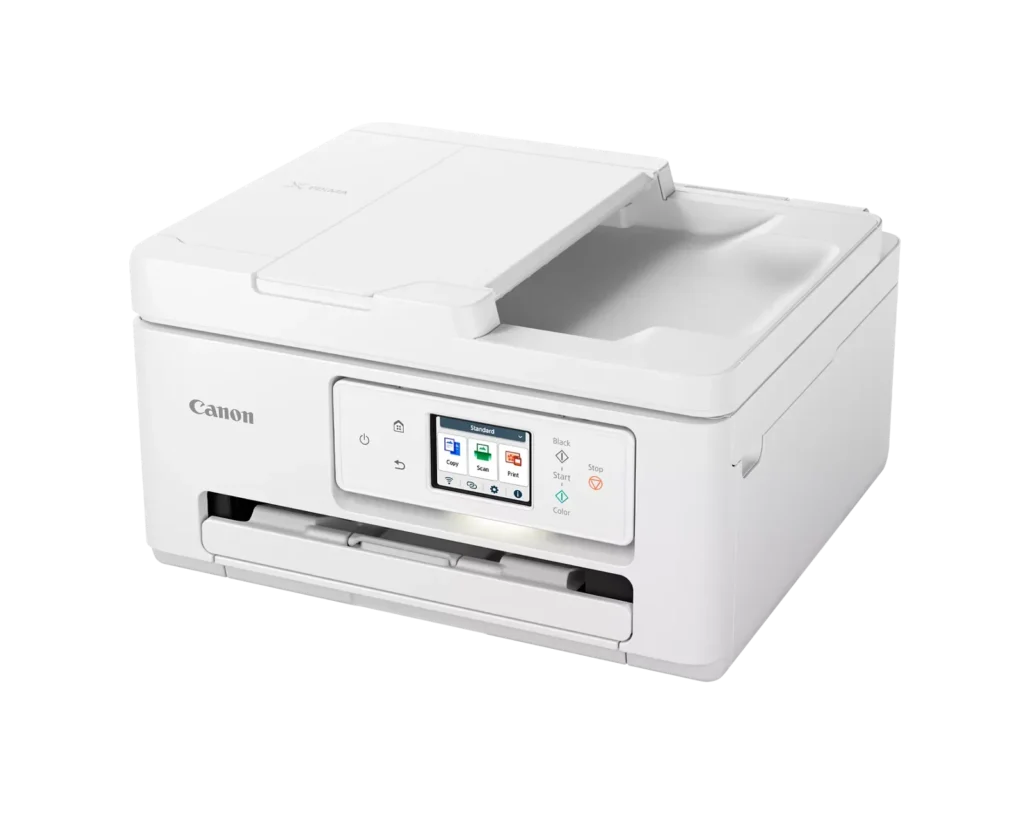
- Compact and Space-Efficient: The small footprint of the device is a major highlight for users with limited desk space, making it an ideal choice for home offices and small business environments.
Cons
- High Ink Consumption and Cost: A recurring complaint is that the printer 'eats' ink quickly, and the cost of replacement cartridges is often described as expensive or nearly the price of the printer itself.
- Unreliable Wireless Connectivity: Numerous users reported that the printer frequently goes offline or loses its Wi-Fi connection, requiring constant troubleshooting or a switch to a wired USB connection.
- Lack of Duplex Scanning: Despite having an Automatic Document Feeder (ADF), the device does not support automatic double-sided scanning, which was a deal-breaker for several customers.
You might also like












Customer Reviews
Showing reviews 151-160 of 278
-
Major headache!
Verified purchase Verified purchase: This reviewer bought the product.2driftrs October 24, 2024Review source: AmazonAlthough the print quality is excellent, the printer overall is a royal PITA. Print speed is akin to watching the grass grow. Printer will go offline even in the middle of printing. Printer does not remember passwords for hotspots. Right now the printer shows it is connected to wi-fi but the print app on my Mac says it is offline. Do yourself a favor and buy something else. I would not recommend this to my worst enemy!
-
Great Printer
Verified purchase Verified purchase: This reviewer bought the product.Marjorie October 15, 2024Review source: AmazonI have had this printer since October 2024 and was very happy with it until a month or so ago. It started with many, many paper jams. Then a 6000 error message to take it for repair which seemed a little far fetched. The print cartridges started jamming occasionally and wouldn’t move out of their non print location. I did all kinds of troubleshooting and eventually was able to print again. Unfortunately the cartridges make pounding noises when printing and sometimes continue after printing is done. Now it prints part of the paper ok but the rest is garbled. I’ve aligned the print heads as instructed but nothing seems to help.
I have had many Canon printers over the years and loved them. Unfortunately this one was great until a month or so ago and whatever I try nothing seems to work. The online manual doesn’t address these problems.
If the problems can’t be corrected and I have to purchase another printer, I’ll probably think twice before getting another Canon. -
DONT WASTE YOUR MONEY OR TIME!!!!!!!!!!!!!!!!!!!!!!!!
Verified purchase Verified purchase: This reviewer bought the product.Vallee Naturals October 11, 2024Review source: AmazonIt is not that easy to set up on your mobile device, first of all. Then, after I finally got All my computers and mobile devices connected, it decided to need a firmware update, which made it so that you can No Longer print a “Word” document. I use my printer for my small business & I use Word quite a bit This is complete garbage! I tried contacting customer service & they admitted that their firmware update did this & their solution was to use something other than Word, Instead of fixing their bug in the firmware. They blamed Microsoft Word, then blamed my computer & so on. I am returning this & I just bought an HP like I’ve had for the last 10 years.
Canon printers are NOT worth buying & nothing more than an expensive paperweight!!!!!!!!!!
-
Constant problems with connectivity
Verified purchase Verified purchase: This reviewer bought the product.Kindle Customer October 11, 2024Review source: AmazonNot user friendly. Connection requires restarting printer and computer repeatedly before it prints. Terrible product.
-
Horrible/Slow/ Turn Around!
Verified purchase Verified purchase: This reviewer bought the product.Taylormade October 1, 2024Review source: AmazonWhere do I start and finish?! Purchased it & I could either never find it to send anything to it, or the colors started being extremely off & it was slower than a double shelled turtle! I paid way too much for it so I returned it the very next week. I purchased a better one from Walmart for 59.00! RUN!!!
-
Excellent printer
Verified purchase Verified purchase: This reviewer bought the product.MaJo September 29, 2024Review source: BestbuyVery simple to use! I was able to print from my phone. Very excited about this option!
-
Doesn’t work
Verified purchase Verified purchase: This reviewer bought the product.Amazon Customer September 24, 2024Review source: AmazonYou go through almost a 30 minute set up. It says it recognizes your computer but when you try to scan something through the feeder doesn’t work. If I wanted to individually scan 30 documents at once, I would’ve kept my other printer. I bought this because I needed a new feeder to scan in my documents. I am so sick of buying online products that come broken or that our falsely advertises something great.
-
Canon Color Printer
Verified purchase Verified purchase: This reviewer bought the product.MaysandarA September 20, 2024Review source: BestbuyThis is 3 in 1 – printer, scanner and copier at one stop plus it’s very easy to set up with WiFi and any devices that you want to connect with. The price is excellent and I couldn’t asked for more.
-
Consumer
Verified purchase Verified purchase: This reviewer bought the product.John September 14, 2024Review source: AmazonNot a bad printer, but the ink is definitely expensive
-
Great printer and great price!
Verified purchase Verified purchase: This reviewer bought the product.Amazon Customer September 14, 2024Review source: AmazonI own a small business and this printer works perfectly!