Customer Media
Highlights
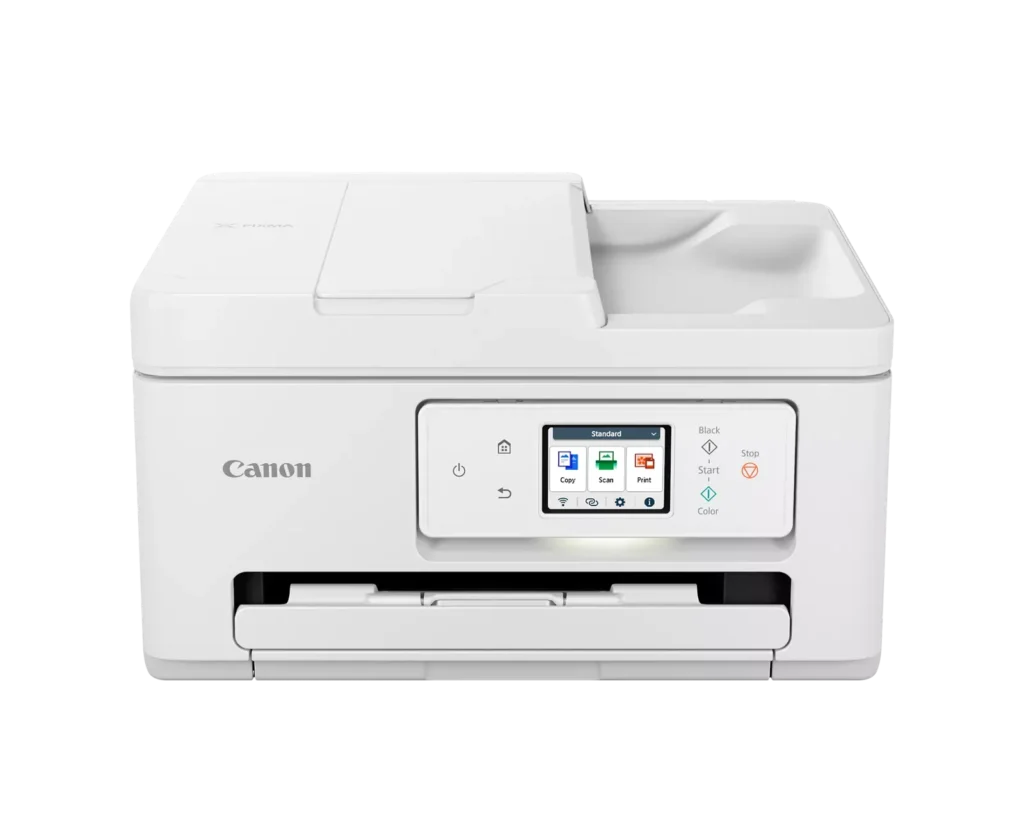
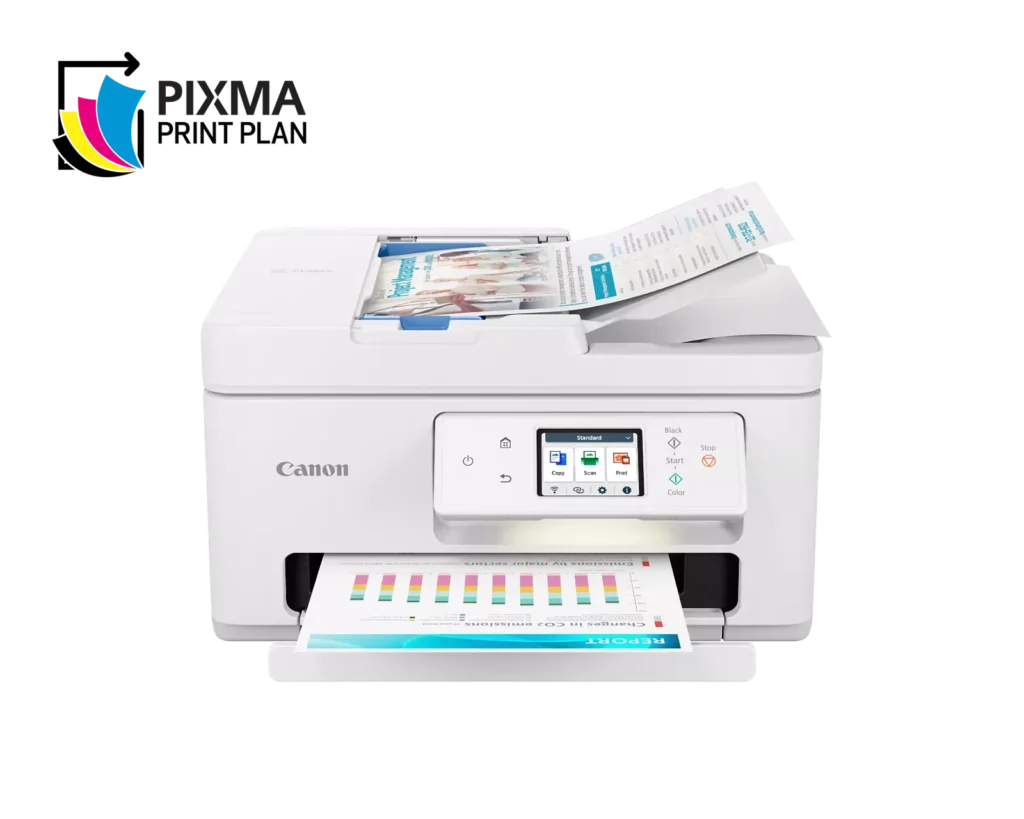
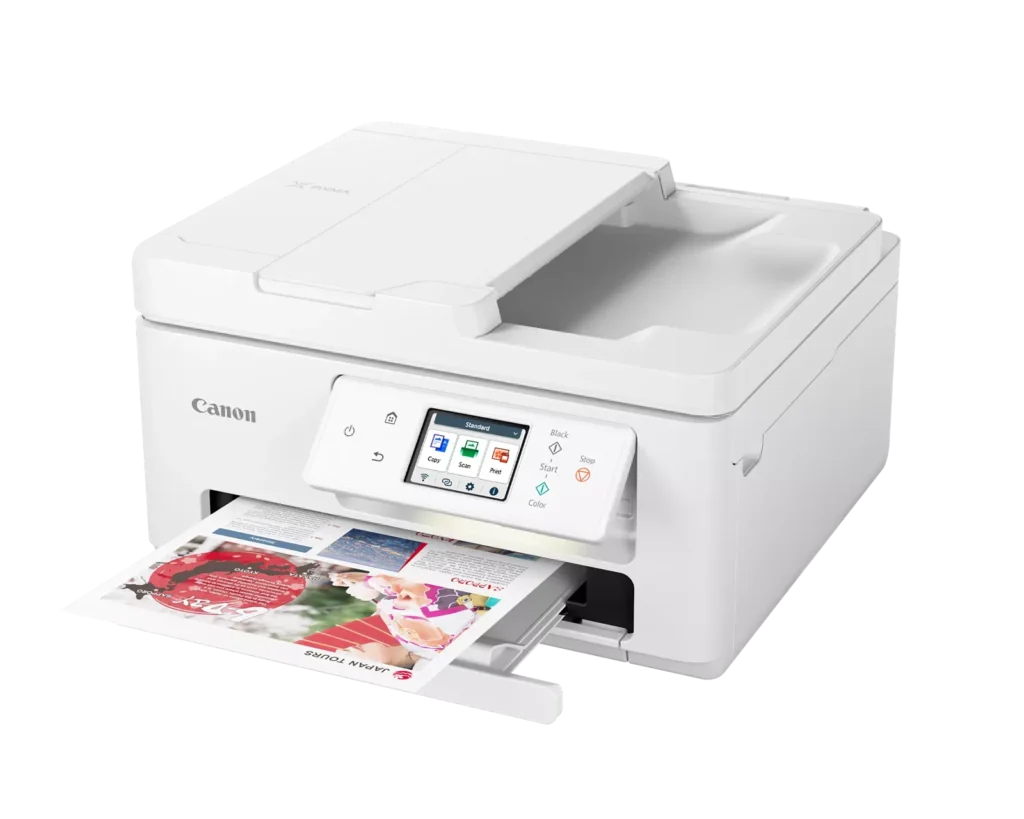
| Versatile All-in-One Performance | The PIXMA TR7820 is a compact 3-in-1 solution that allows you to print, copy, and scan with ease. It delivers fast ISO print speeds of up to 15 ipm in black and 10 ipm in color, making it ideal for home offices and school assignments. |
|---|---|
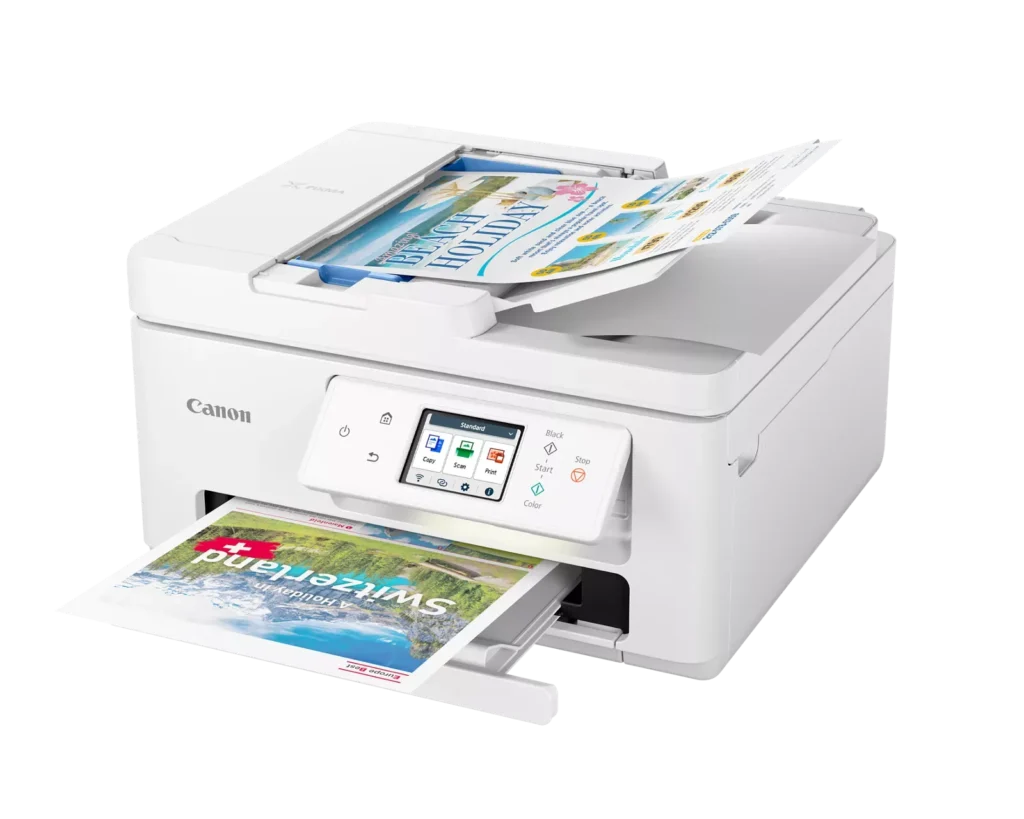
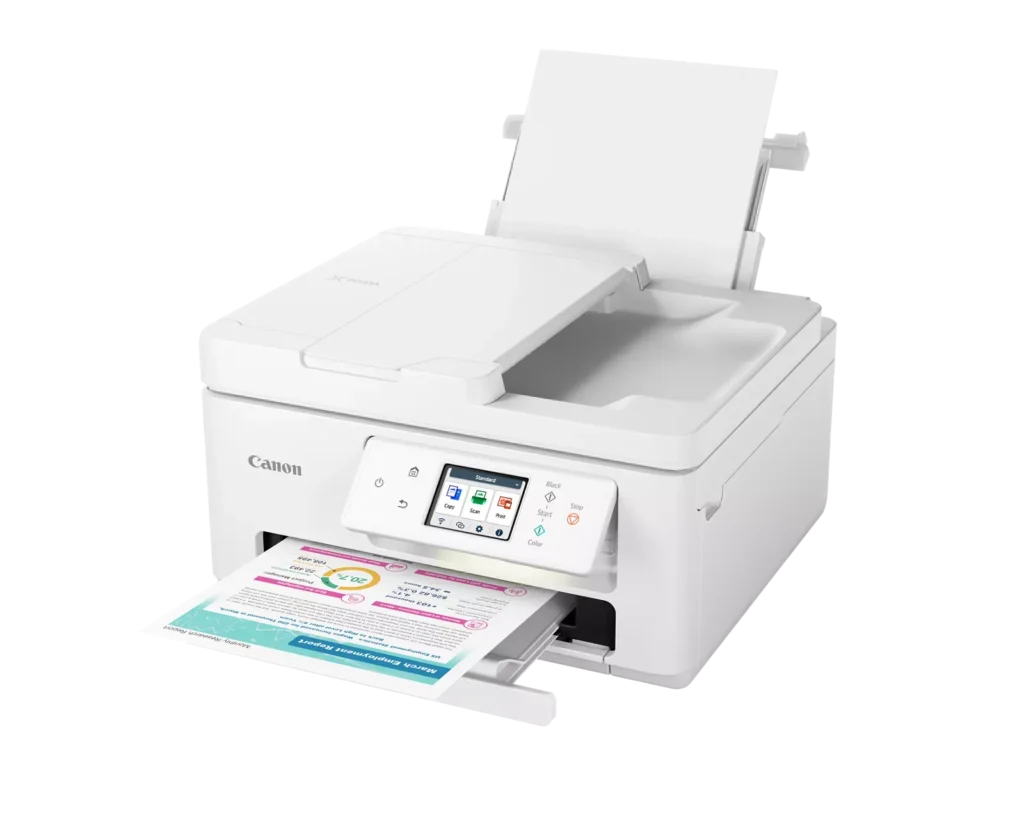
| Efficient Paper Handling | Boost productivity with a 35-sheet Automatic Document Feeder (ADF) for multi-page scanning and copying. The printer also features a dual-tray system with a 100-sheet front cassette and a 100-sheet rear tray, providing a total capacity of 200 sheets. |
| Intuitive 2.7" LCD Touchscreen | Navigate printer functions and settings effortlessly using the built-in 2.7-inch color LCD touchscreen. The user-friendly interface simplifies setup and provides quick access to maintenance and cloud printing options. |
| Seamless Wireless Connectivity | Equipped with Dual-Band Wi-Fi (2.4GHz and 5GHz), the TR7820 ensures a stable connection for wireless printing. It supports mobile printing via the Canon PRINT app, Apple AirPrint, and Mopria Print Service for convenient printing from smartphones and tablets. |
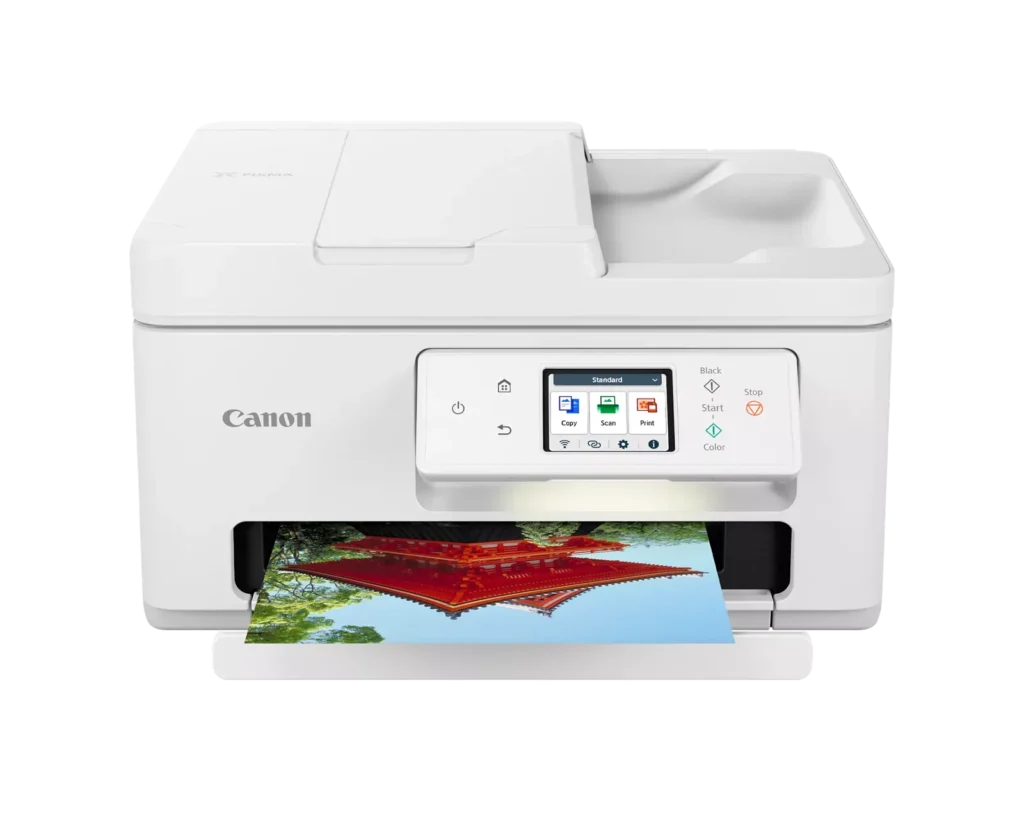
| High-Quality Hybrid Ink System | Utilizing a 2-cartridge FINE Hybrid ink system, this printer produces sharp black text with pigment-based ink and vibrant, borderless photos up to 8.5" x 11" with dye-based colors. The mess-free cartridges are designed for easy replacement. |
Pros & Cons
Pros
- Simple and Quick Setup: Many reviewers found the initial installation process to be exceptionally easy, with some reporting they were able to start printing within minutes of unboxing.
- Excellent Print Quality: The printer is frequently praised for producing sharp, clear text and vibrant photos, with several users noting it performs better than previous models from other brands.
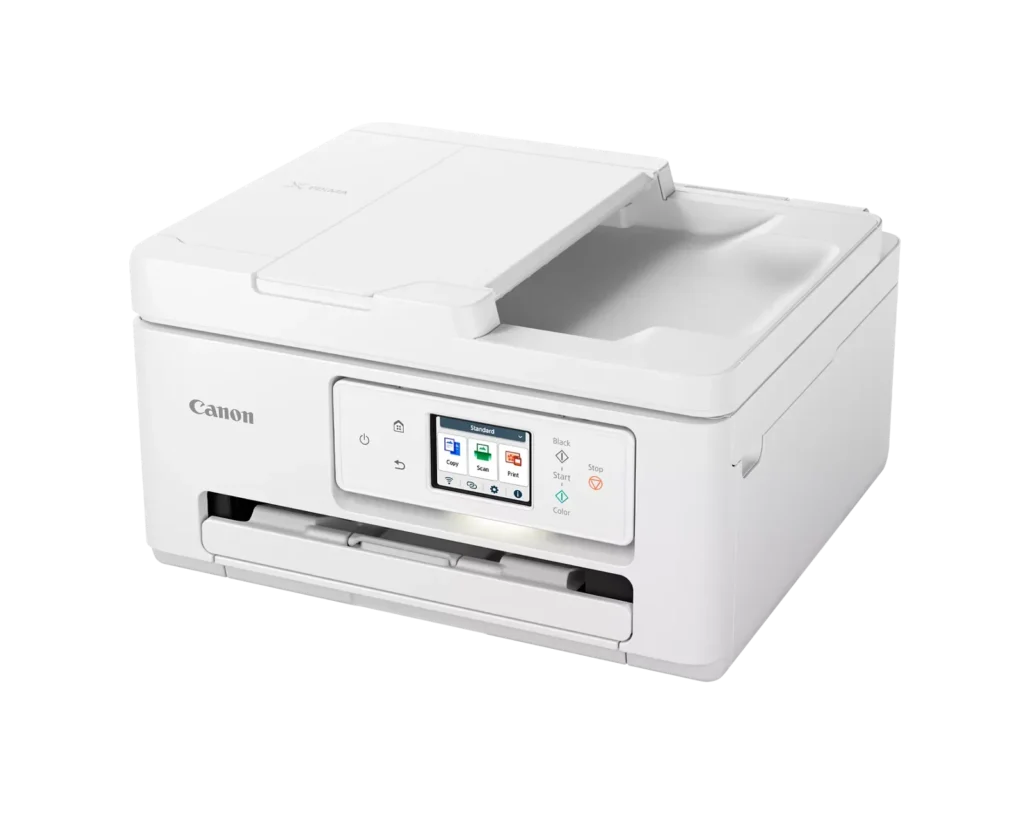
- Compact and Space-Efficient: The small footprint of the device is a major highlight for users with limited desk space, making it an ideal choice for home offices and small business environments.
Cons
- High Ink Consumption and Cost: A recurring complaint is that the printer 'eats' ink quickly, and the cost of replacement cartridges is often described as expensive or nearly the price of the printer itself.
- Unreliable Wireless Connectivity: Numerous users reported that the printer frequently goes offline or loses its Wi-Fi connection, requiring constant troubleshooting or a switch to a wired USB connection.
- Lack of Duplex Scanning: Despite having an Automatic Document Feeder (ADF), the device does not support automatic double-sided scanning, which was a deal-breaker for several customers.
You might also like












Customer Reviews
Showing reviews 191-200 of 278
-
Sleep Mode
Verified purchase Verified purchase: This reviewer bought the product.BarbaraK June 8, 2024Review source: Bestbuymay be a good feature but it is not a convenient one for me.
Unit continually goes off line so have to wake it up to print -
Ink Replacement is expensive
Verified purchase Verified purchase: This reviewer bought the product.Bruce G. June 1, 2024Review source: AmazonReplacement cartridges for this printer cost around $40 for the pair. I only got about 250 sheets output and had to replace cartridges 4 times in the short time I’ve owned it.
-
Does not hold enough new paper
Verified purchase Verified purchase: This reviewer bought the product.Bandit May 31, 2024Review source: AmazonGreat unit but it only stores 25 sheets of paper in the tray, would have purchased a different one if I knew that.
-
New to me, generally decent
Verified purchase Verified purchase: This reviewer bought the product.Michael May 30, 2024Review source: AmazonI have only had this all-in-one for a few weeks. Overall getting the job done however I have noticed the scan from ADF does not always produce “straight” images. The feeder does not always grab paper perfectly straight resulting in a tad bit crooked images.
-
Not user friendly
Verified purchase Verified purchase: This reviewer bought the product.John May 29, 2024Review source: AmazonCanon does not provide technical support if you have problems installing. Instead they refer you to videos.
-
Works..good..hard..to..set..up
Verified purchase Verified purchase: This reviewer bought the product.Grandma Connie May 29, 2024Review source: AmazonHad..to,,get..someone..to..to..set..it..up
-
super buena copiadora de papele la volvería a comoral
Verified purchase Verified purchase: This reviewer bought the product.SONIA N CARABALLO CARRILLO May 27, 2024Review source: Amazonvalio la pena muy buen precio y escelente lo recomiendo 100 por 100 ciento
-
EASY to manage…
Verified purchase Verified purchase: This reviewer bought the product.Fantastic May 25, 2024Review source: BestbuySo far – so good…nice printer..very smooth and works well..thank you…JM
-
New Canon printer
Verified purchase Verified purchase: This reviewer bought the product.Amazon Customer May 21, 2024Review source: AmazonGot printer and setup was easy. It paired beautifully with phone and computer.
It fast and works fine with photo paper as well as plain
Only thing is ink cartridge replacements are very expensive.
Wish I could get 3rd party replacements.
Maybe in a few months they will be available.
When I ordered it…it came on time and in a very sturdy box.
Hope it lasts as long as my old canon printer. -
good
Verified purchase Verified purchase: This reviewer bought the product.singh manjit May 19, 2024Review source: Amazongood quality printing fast