Customer Media
Highlights
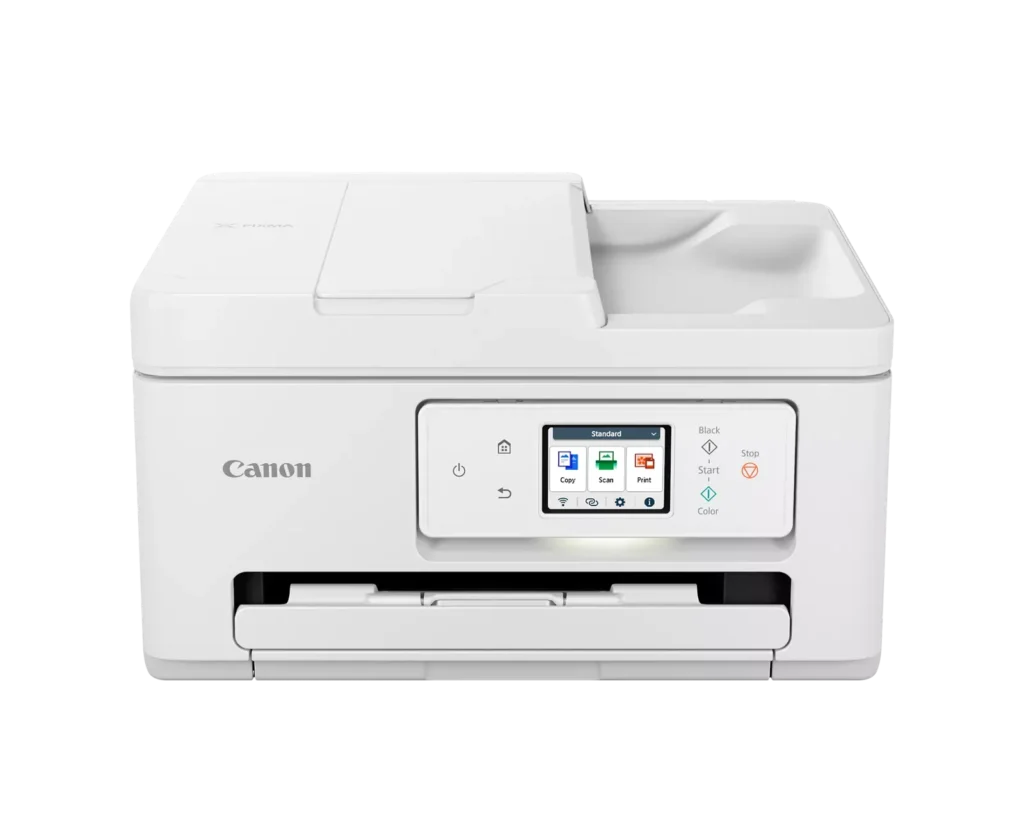
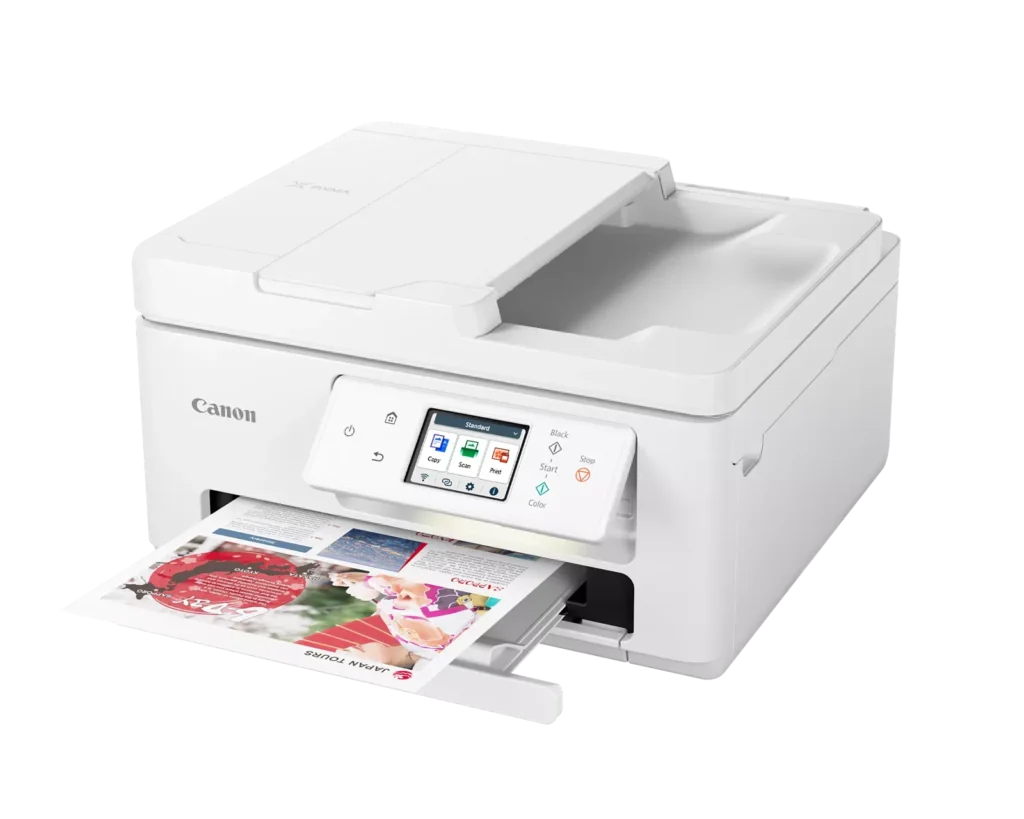
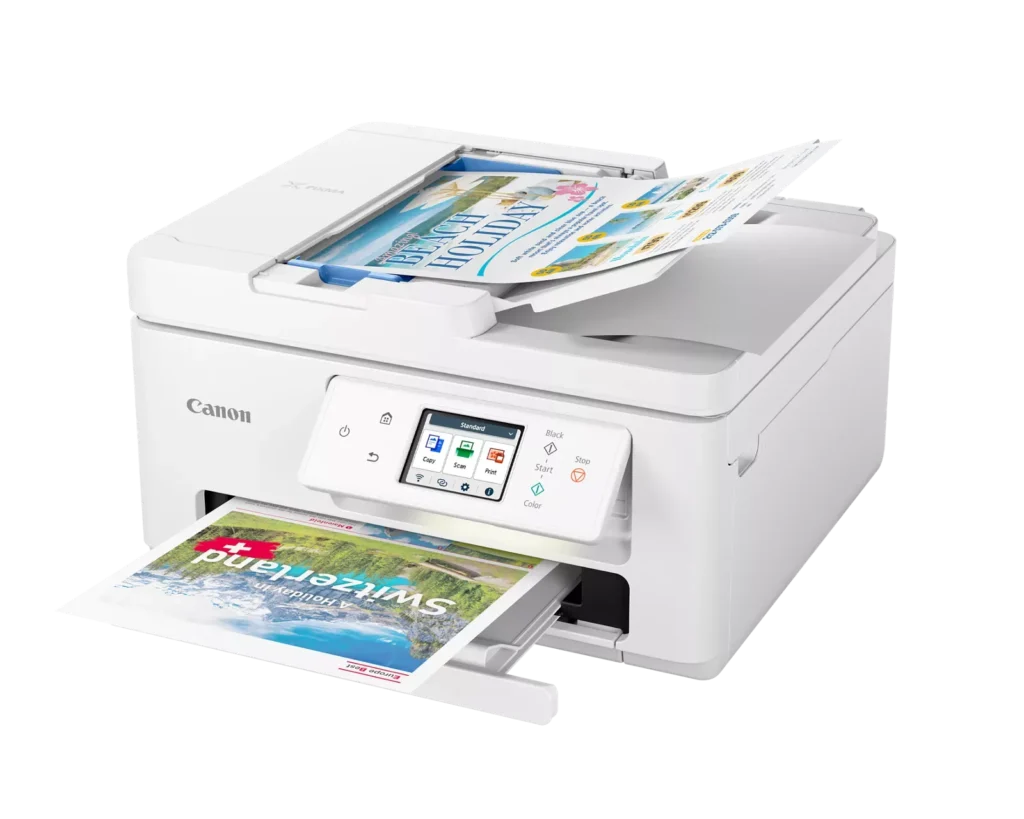
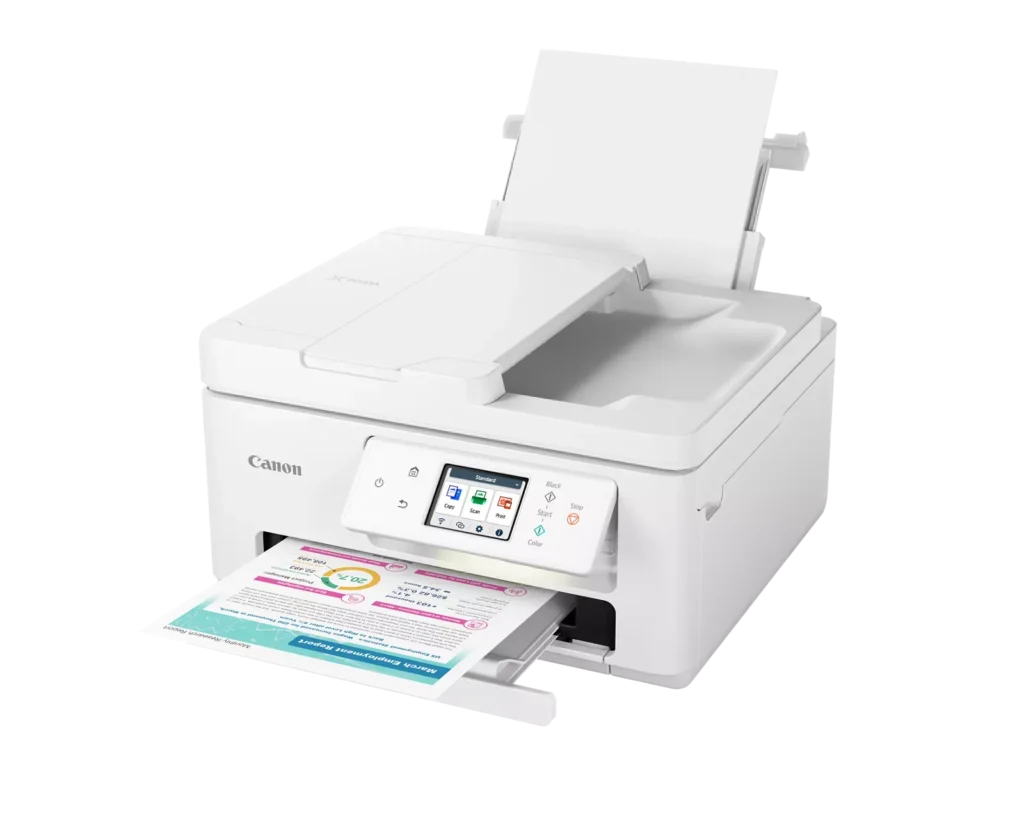
| Versatile All-in-One Performance | The PIXMA TR7820 is a compact 3-in-1 solution that allows you to print, copy, and scan with ease. It delivers fast ISO print speeds of up to 15 ipm in black and 10 ipm in color, making it ideal for home offices and school assignments. |
|---|---|
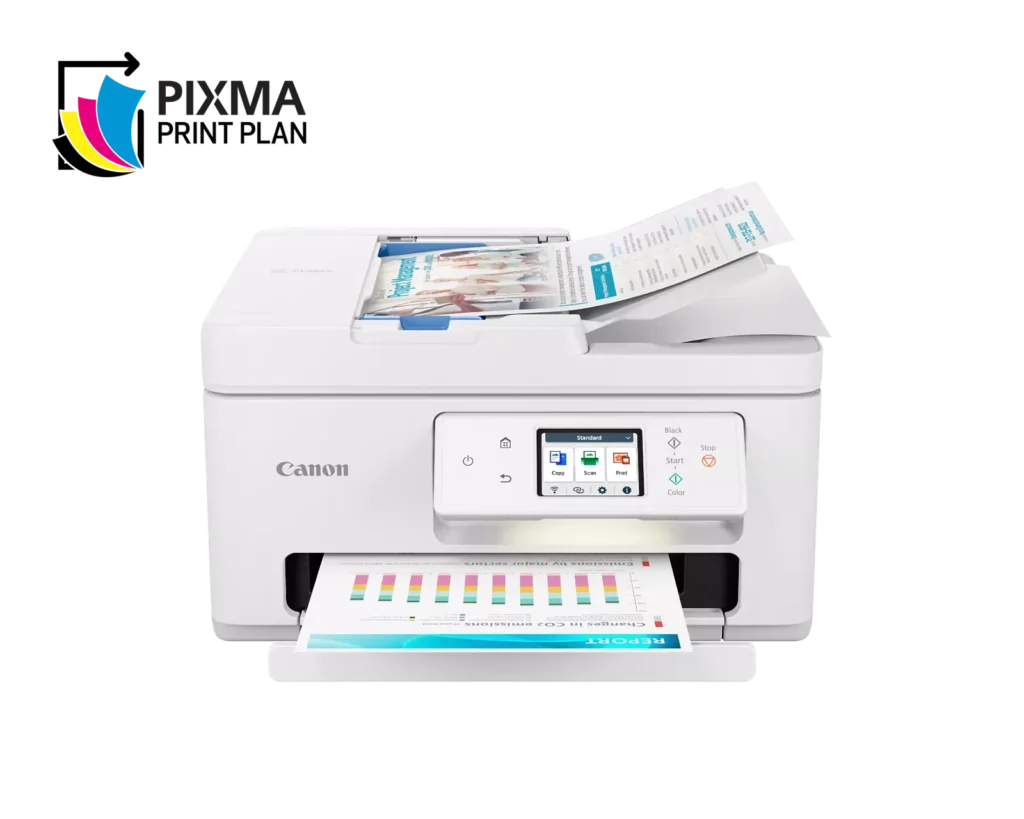
| Efficient Paper Handling | Boost productivity with a 35-sheet Automatic Document Feeder (ADF) for multi-page scanning and copying. The printer also features a dual-tray system with a 100-sheet front cassette and a 100-sheet rear tray, providing a total capacity of 200 sheets. |
| Intuitive 2.7" LCD Touchscreen | Navigate printer functions and settings effortlessly using the built-in 2.7-inch color LCD touchscreen. The user-friendly interface simplifies setup and provides quick access to maintenance and cloud printing options. |
| Seamless Wireless Connectivity | Equipped with Dual-Band Wi-Fi (2.4GHz and 5GHz), the TR7820 ensures a stable connection for wireless printing. It supports mobile printing via the Canon PRINT app, Apple AirPrint, and Mopria Print Service for convenient printing from smartphones and tablets. |
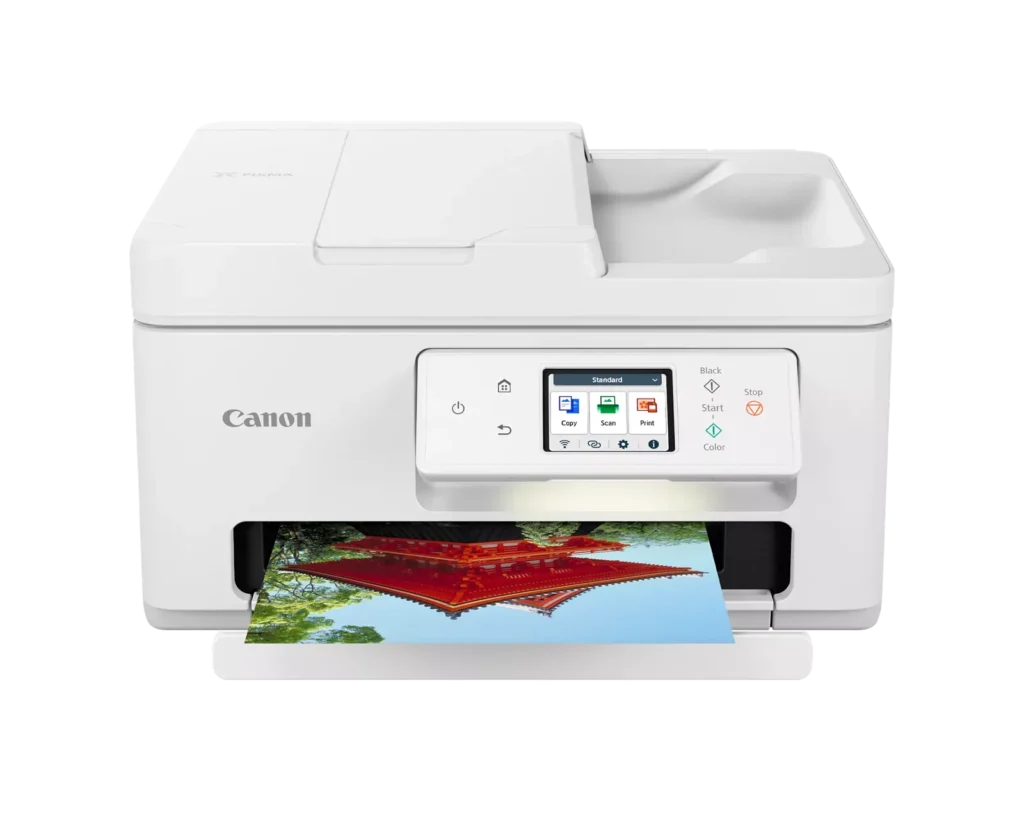
| High-Quality Hybrid Ink System | Utilizing a 2-cartridge FINE Hybrid ink system, this printer produces sharp black text with pigment-based ink and vibrant, borderless photos up to 8.5" x 11" with dye-based colors. The mess-free cartridges are designed for easy replacement. |
Pros & Cons
Pros
- Simple and Quick Setup: Many reviewers found the initial installation process to be exceptionally easy, with some reporting they were able to start printing within minutes of unboxing.
- Excellent Print Quality: The printer is frequently praised for producing sharp, clear text and vibrant photos, with several users noting it performs better than previous models from other brands.
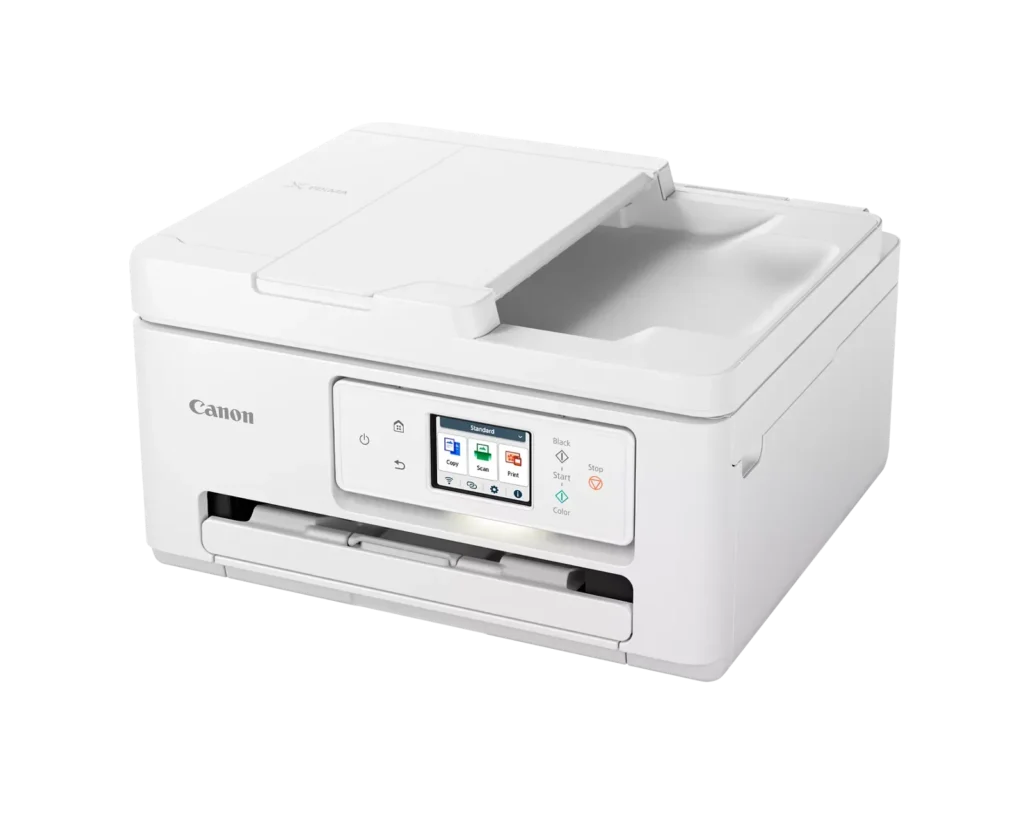
- Compact and Space-Efficient: The small footprint of the device is a major highlight for users with limited desk space, making it an ideal choice for home offices and small business environments.
Cons
- High Ink Consumption and Cost: A recurring complaint is that the printer 'eats' ink quickly, and the cost of replacement cartridges is often described as expensive or nearly the price of the printer itself.
- Unreliable Wireless Connectivity: Numerous users reported that the printer frequently goes offline or loses its Wi-Fi connection, requiring constant troubleshooting or a switch to a wired USB connection.
- Lack of Duplex Scanning: Despite having an Automatic Document Feeder (ADF), the device does not support automatic double-sided scanning, which was a deal-breaker for several customers.
You might also like












Customer Reviews
Showing reviews 211-220 of 278
-
Good Printer for Home Use
Verified purchase Verified purchase: This reviewer bought the product.A. J. Sol May 5, 2024Review source: AmazonThis printer works well and was a breeze to setup. The only one issue I ran into was when I tried to print some photos on Canon’s matte paper. The pictures looked all washed out. I played around with the settings and found out if I selected the glossy paper setting, the pictures look fine on the matte paper. I wish Canon would fix their matte paper setting so the pictures look acceptable. Other than that everything works fine and I like the fact the rear paper feed is set for photos only so when you use the different size paper for photos, you only need to use that tray every time. Good overall all-in-one printer.
-
Now Living Up to What I Expected from Canon
Verified purchase Verified purchase: This reviewer bought the product.doug from cleveland April 29, 2024Review source: AmazonI’ve owned mine for over one year now with somewhat mixed reviews. My latest update is more favorable after I worked through many wireless issues with Windows 11 and Canon software/ firmware. I’m running the printer on 3 different computers using Windows 11 Home with all the latest updates and drivers. It appears after getting the new computers up and running they required ALL the Win 11 updates and Canon firmware updates to get things corrected. I also needed to dump and reload all the Canon drivers and software from the Canon website. On one desktop computer I chose to retain a USB cable as a backup. So far so good and the printer is working like my previous Canon printers that rarely acted up as long as I used genuine Canon ink cartridges and high-quality inkjet paper (usually Hammermill brand). BTW: Beware because many Canon ink cartridges/printer heads (like numerous other brands these days) have software built in and often require the latest proper firmware downloads from Canon to operate correctly. Something you do not get with bargain brands or aftermarket refilled units with ‘old’ software’. I would still highly recommend you purchase a spare USB cable because wireless connections can go wrong at the worst time if this is your only printer. The online manual for this printer is overbearing to say the least especially when trying to resolve many issues. Truthfully, I long for the days when a new printer came with all the cables, CD Setup Discs, ink tanks not built into the print head and instructions. Usually, a seamless stress-free installation especially on something like Windows XP.
-
Easiest setup ever!
Verified purchase Verified purchase: This reviewer bought the product.FLgirl April 29, 2024Review source: AmazonLove everything about this printer so far. We had an HP that they kept shutting down when we cancelled the ink service. This was so easy to setup and connect with the wireless service. So much easier than HP.
-
That it didn’t even work for a day !
Verified purchase Verified purchase: This reviewer bought the product.Monica April 27, 2024Review source: AmazonPlease send a return slip with driver I am not able to print one off thank you
-
Another difficult to use Canon printer.
Verified purchase Verified purchase: This reviewer bought the product.Vin tanner April 27, 2024Review source: AmazonCertainly makes good quality prints. Loses connection to internet easily and is difficult to manage. The older Canon printers were better and were much easier to use. I would avoid this one and try others.
Do not buy. -
PIXMA Perfection !
Verified purchase Verified purchase: This reviewer bought the product.GreggChampagne April 20, 2024Review source: BestbuyDiscovered Canon inkjet printer to be letter quality and prints clear photo paper replicas. Cartridges easy to use and replace. Price reasonable and Print Service saves. Gregg C.
-
Amazing
Verified purchase Verified purchase: This reviewer bought the product.Jersey p. April 17, 2024Review source: AmazonAmazing printer!!! Great job Amazon! Took 15 minutes to set up prints unbelievably quick great quality! Very happy with this
-
Ink Hog
Verified purchase Verified purchase: This reviewer bought the product.Robert Kramer April 13, 2024Review source: AmazonFirst of all, I want to say that the print quality on the Canon TR 7820 is great. My only beef with the printer is that it appears to be an ink hog. I connected my desktop computer and performed the printer alignment page and then connected 2 smartphones and a Chromebook wirelessly and printed test pages on each. The print quality was excellent, but I found that I had consumed almost 1/3 of the black ink. I’m aware that I can replace the black cartridge only when it comes time to do so, but found that the least I’ve seen the PG-285 Black is $17.99. I even saw a response from Canon to a similar complaint in which they advised a consumer to order a black ink cartridge immediately upon setting up the printer.
My advise to you as a consumer is that if you plan on doing even a “moderate” amount of printing, be prepared to buy ink for this baby. Or… subscribe to their ink subscription plan.
So, Canon… you put out a good printer with the TR 7820. The quality of print is great, and it connected to my wifi flawlessly and stays connected. BUT… do your consumer a favor and supply the printer with “normal capacity” ink cartridges, not these starter cartridges.
-
Works great
Verified purchase Verified purchase: This reviewer bought the product.Drew April 10, 2024Review source: AmazonI liked the ease of set up. I know next to nothing about any electronics. Just follow step by step, dont go ahead until step is done.
-
Printer unusable within 2 months.
Verified purchase Verified purchase: This reviewer bought the product.anonymous April 9, 2024Review source: AmazonPrinter kept getting stuck so I couldn’t use it. Replacement printer did the same thing.