Customer Media
Highlights
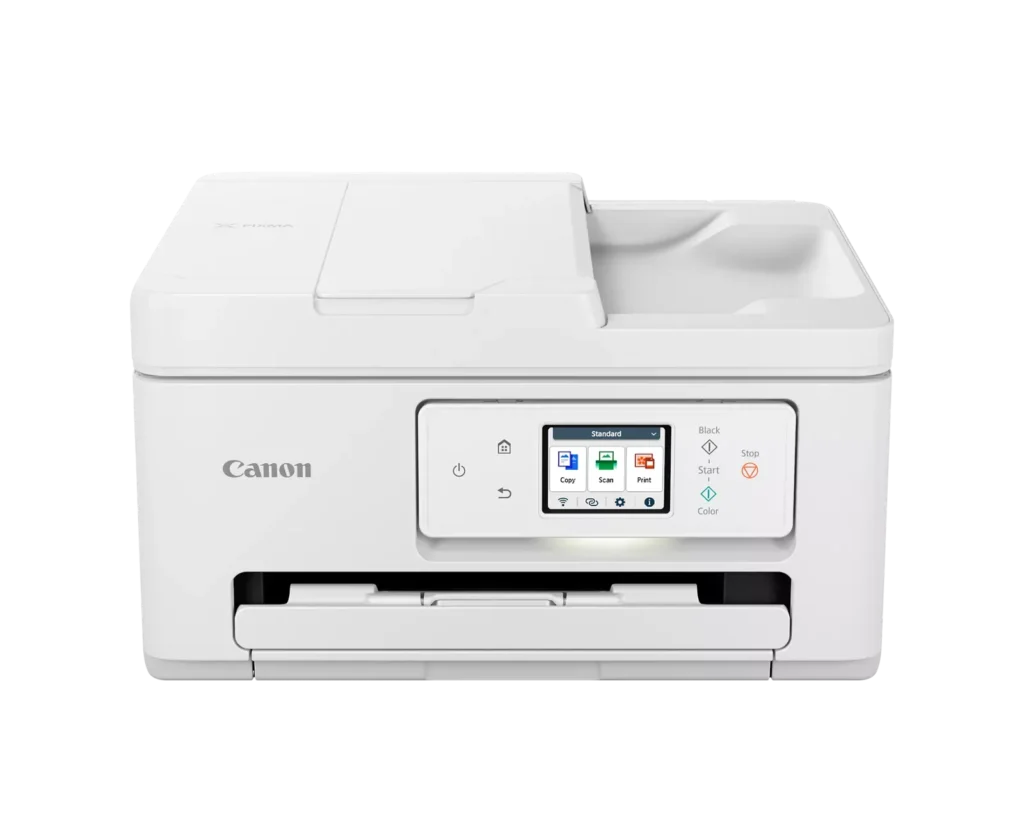
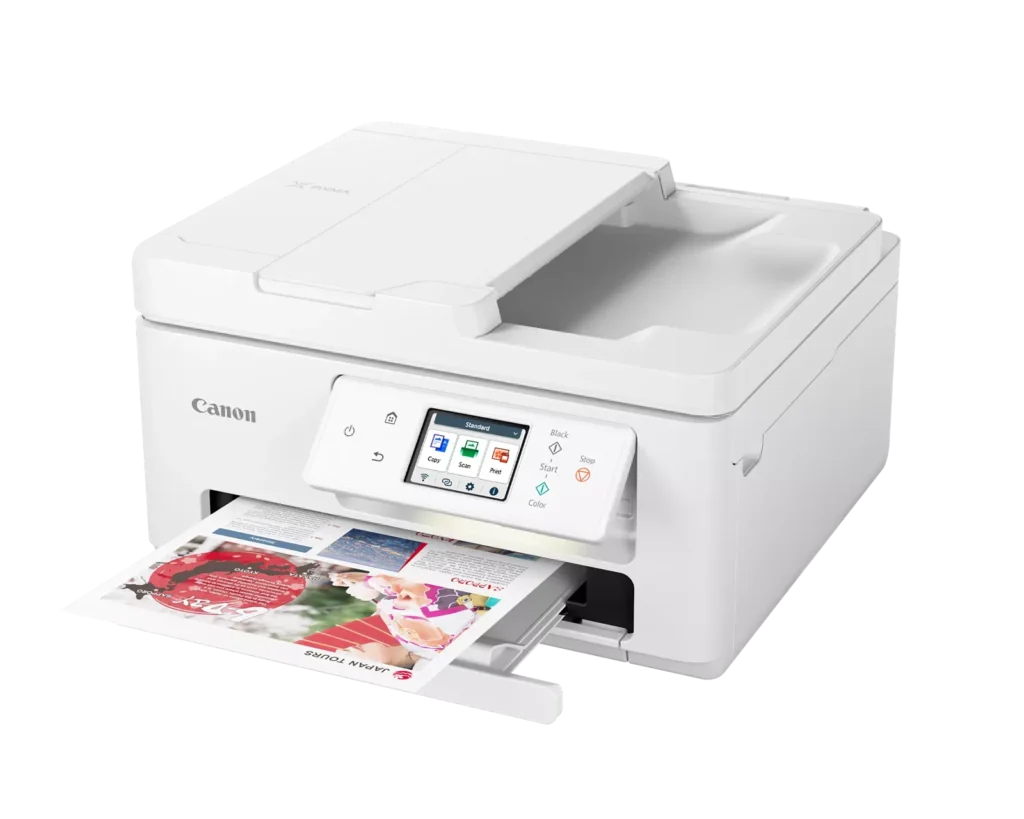
| Versatile All-in-One Performance | The PIXMA TR7820 is a compact 3-in-1 solution that allows you to print, copy, and scan with ease. It delivers fast ISO print speeds of up to 15 ipm in black and 10 ipm in color, making it ideal for home offices and school assignments. |
|---|---|
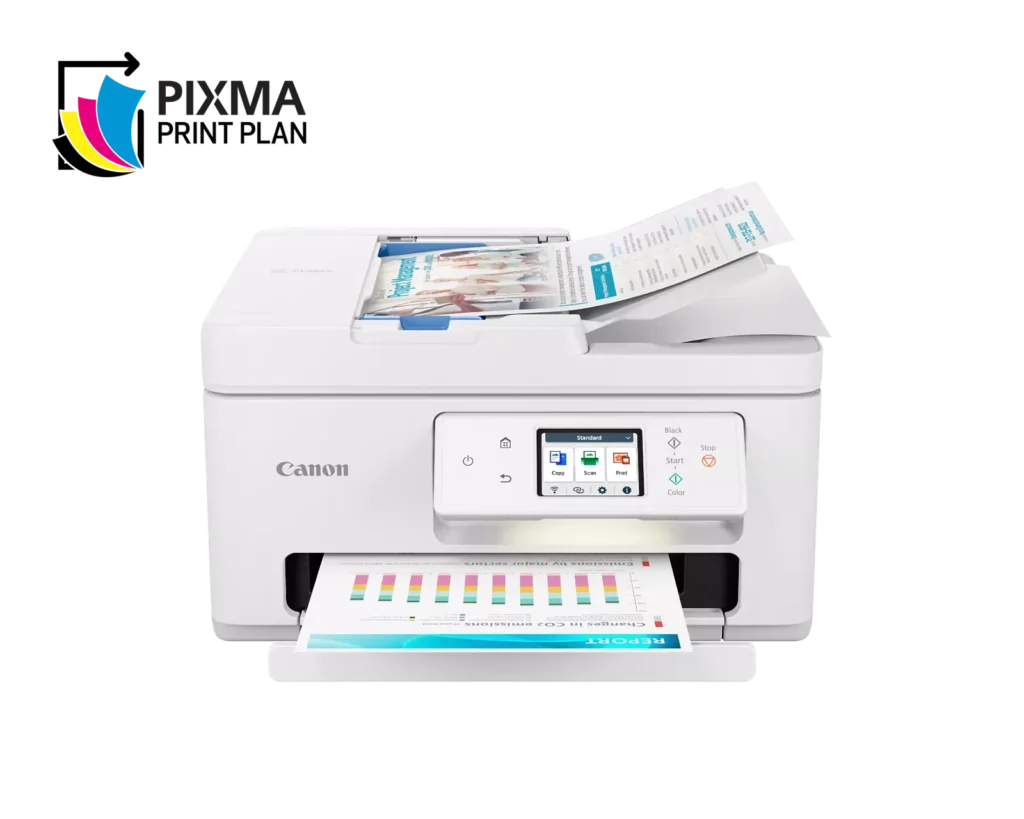
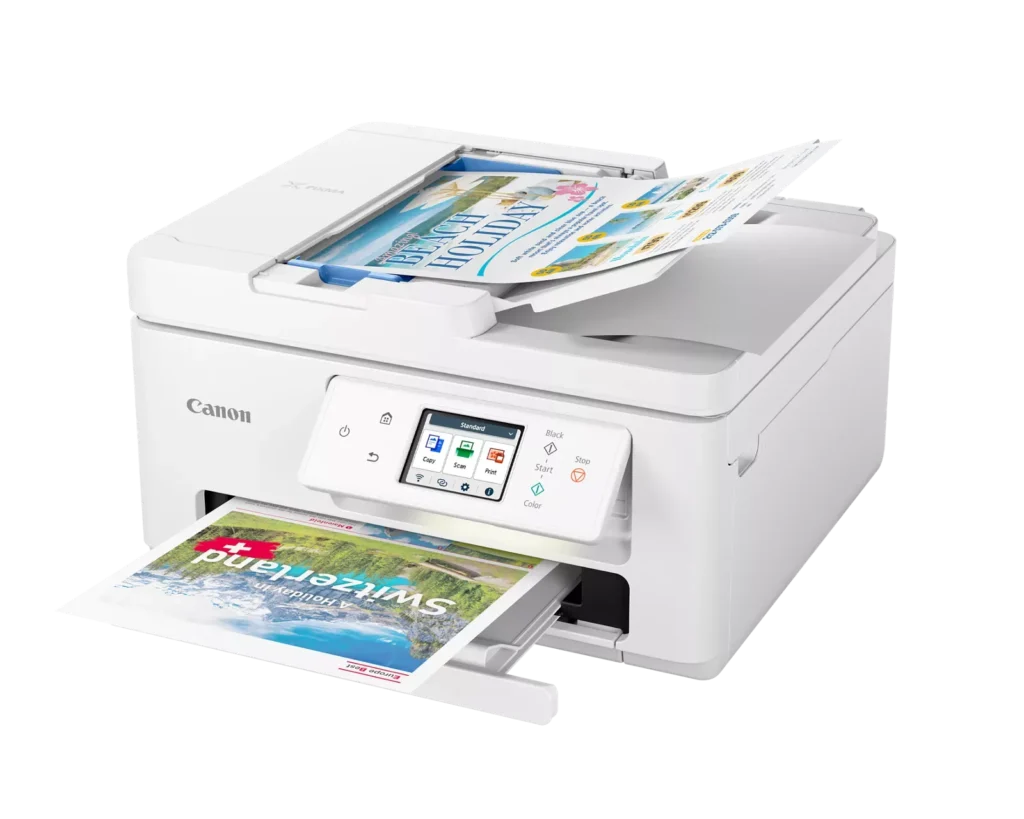
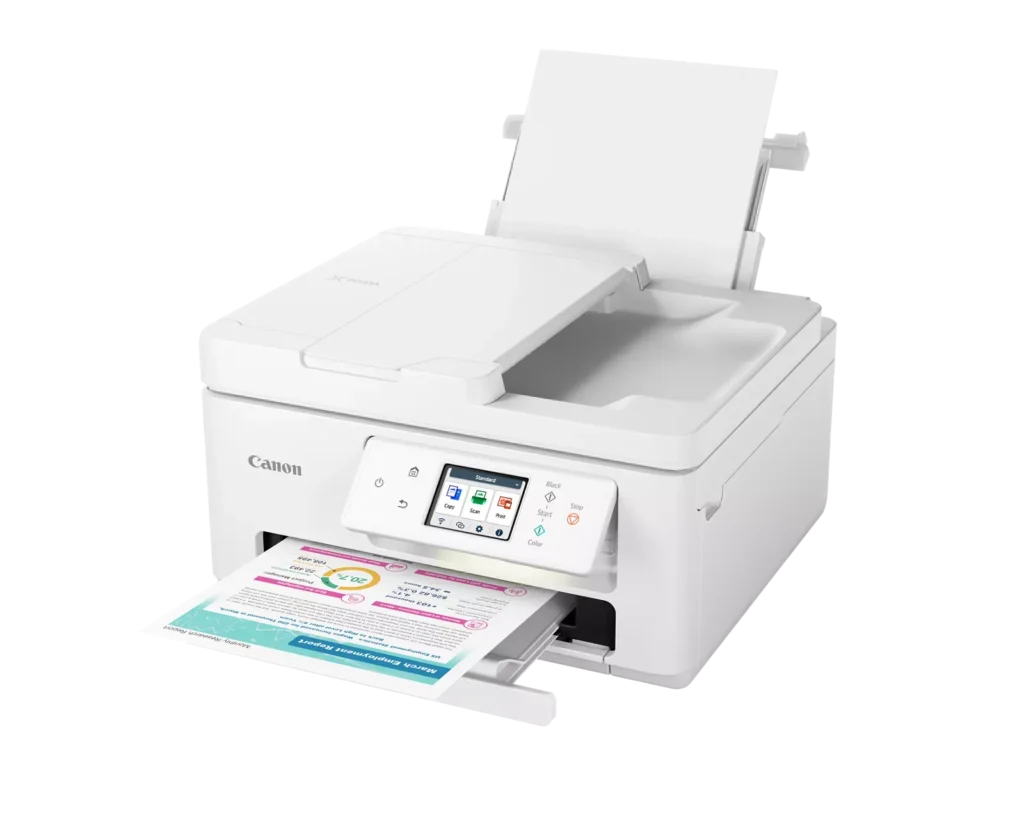
| Efficient Paper Handling | Boost productivity with a 35-sheet Automatic Document Feeder (ADF) for multi-page scanning and copying. The printer also features a dual-tray system with a 100-sheet front cassette and a 100-sheet rear tray, providing a total capacity of 200 sheets. |
| Intuitive 2.7" LCD Touchscreen | Navigate printer functions and settings effortlessly using the built-in 2.7-inch color LCD touchscreen. The user-friendly interface simplifies setup and provides quick access to maintenance and cloud printing options. |
| Seamless Wireless Connectivity | Equipped with Dual-Band Wi-Fi (2.4GHz and 5GHz), the TR7820 ensures a stable connection for wireless printing. It supports mobile printing via the Canon PRINT app, Apple AirPrint, and Mopria Print Service for convenient printing from smartphones and tablets. |
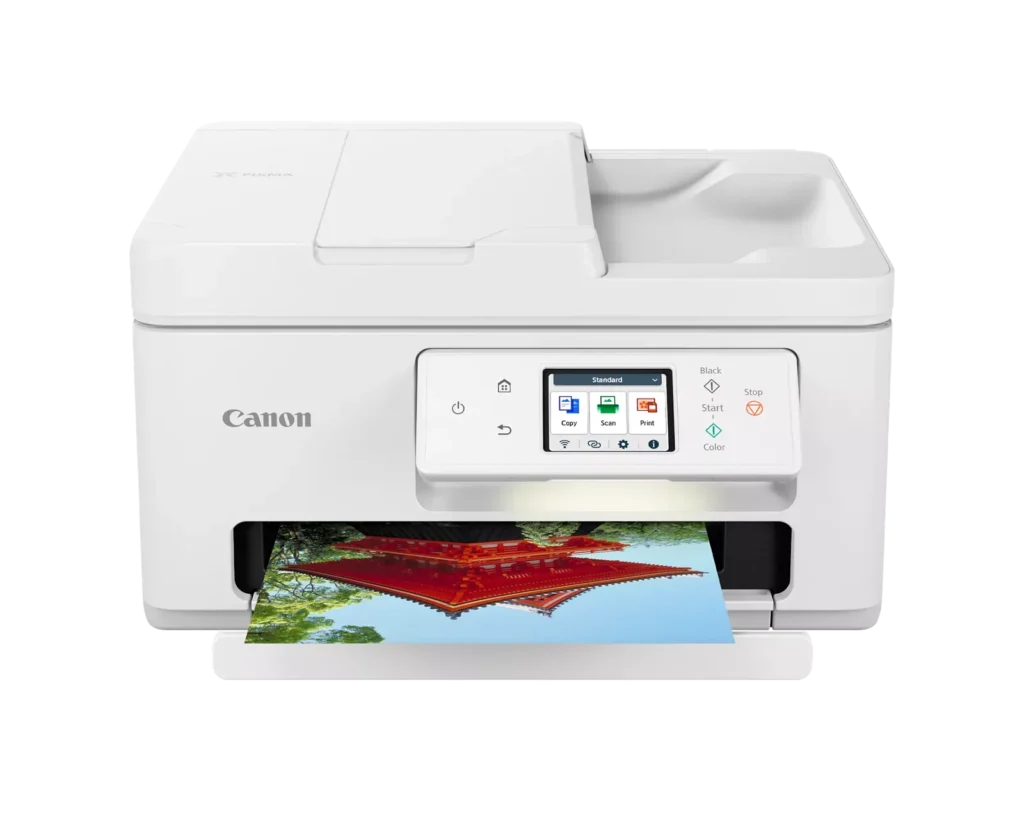
| High-Quality Hybrid Ink System | Utilizing a 2-cartridge FINE Hybrid ink system, this printer produces sharp black text with pigment-based ink and vibrant, borderless photos up to 8.5" x 11" with dye-based colors. The mess-free cartridges are designed for easy replacement. |
Pros & Cons
Pros
- Simple and Quick Setup: Many reviewers found the initial installation process to be exceptionally easy, with some reporting they were able to start printing within minutes of unboxing.
- Excellent Print Quality: The printer is frequently praised for producing sharp, clear text and vibrant photos, with several users noting it performs better than previous models from other brands.
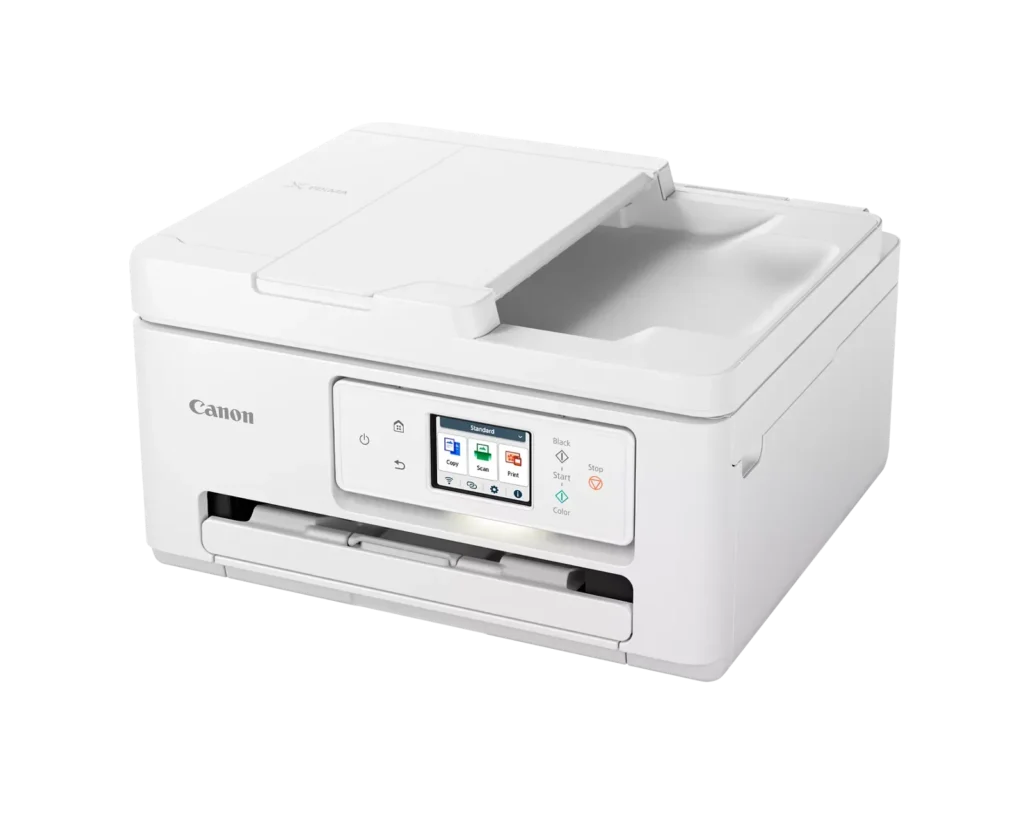
- Compact and Space-Efficient: The small footprint of the device is a major highlight for users with limited desk space, making it an ideal choice for home offices and small business environments.
Cons
- High Ink Consumption and Cost: A recurring complaint is that the printer 'eats' ink quickly, and the cost of replacement cartridges is often described as expensive or nearly the price of the printer itself.
- Unreliable Wireless Connectivity: Numerous users reported that the printer frequently goes offline or loses its Wi-Fi connection, requiring constant troubleshooting or a switch to a wired USB connection.
- Lack of Duplex Scanning: Despite having an Automatic Document Feeder (ADF), the device does not support automatic double-sided scanning, which was a deal-breaker for several customers.
You might also like












Customer Reviews
Showing reviews 221-230 of 278
-
Ink Hog
Verified purchase Verified purchase: This reviewer bought the product.Janie C. April 8, 2024Review source: AmazonI purchased this printer to replace an old MG5420 printer. It seemed like we were always “out of ink” every time I needed to print a few pages. Turns out on the last go around, the ink head was clogged completely, and the replacement part was more than a new printer. The new printer set up was straight forward and easy. Set up wireless to my laptop and my wife’s phone and printed out some alignment prints in less than 15 minutes or so. So far, I’ve only printed out our taxes for this year around 30 pages give or take in black and white. The ink tank shows to be only half full! Hopefully, it’s not exactly correct. If it is, I’ll run out of ink way too soon. The color already shows to be missing about 20%. Luckily, it appears that this printer uses the same cartridges as our old printer, so maybe I can salvage a few bucks. Printer cartridges are way, way to expensive for the number of prints you get. Looked into the refillable tanks, but those printer seem to get very poor reviews.
-
Do not purchase, find something else with better reviews!
Verified purchase Verified purchase: This reviewer bought the product.lee ann wells April 5, 2024Review source: AmazonThis is the worst printer I have ever bought! Always had a HP, lasted 10 years no problem, received this one in January, nothing but a pain, won’t print on demand, have to turn it on/off constantly, about to throw in the garbage, do not purchase!
-
Simple, essentially "wireless" printer
Incentivized Incentivized review: The reviewer received a benefit for sharing feedback.jj April 5, 2024Review source: AmazonEasy and fairly simple to set up and nothing to hook up except a power cord. The touch screen is responsive and it seems to have a decent connection range. The print quality is great, although I’ve only printed worded documents and nothing with illustrations, it still noticeably better than my last printer.
Ink refills also seem fairly inexpensive and are easy to install. -
Not what is supposed to be
Verified purchase Verified purchase: This reviewer bought the product.MelissaJMartin March 31, 2024Review source: AmazonI purchased this printer in Janaery of this year 2024. And it worked fine for what features I was able to understand. But I tried to use it today March 30, 2024 and got the message stating the maintenance cartridge cannot be recognized. It says install the cartridge again. Refer to manual for details. I looked through the manual and there is nothing about a maintenance cartridge. And I went on the Canon website to register my printer so I could get some support with them and was informed that the serial number is not right. For this model it is supposed to start with an A. So, I am not able to register the thing to get help or have a warranty work for me. Now I cannot fix the cartridge because the cartridges don’t move at all they are stuck in one spot and won’t come out for me to check and see which one needs fixing. So, I am at a loss. I paid $129 without tax for this thing in January and I can’t fix t nor can I register it for the warranty so, I am going to hopefully have it replaced. Beware on buying
-
Printer
Verified purchase Verified purchase: This reviewer bought the product.BinodJ March 25, 2024Review source: BestbuyIt’s awesome thank s is good and good best and awesome
-
No usb port cannot fax
Verified purchase Verified purchase: This reviewer bought the product.Anna M. Krentz March 23, 2024Review source: AmazonI was really hoping this was an exact replacement for my former one but sadly it’s not. It now lacks a usb port and there is no fax capability. Also the sleep feature while it saves energy is a pain when you need to print and have to wake it up
-
Delivers on all its promises.
Incentivized Incentivized review: The reviewer received a benefit for sharing feedback.Jerry Saperstein March 22, 2024Review source: AmazonI’ve been using Canon inkjet printers for any years. I don’t recall ever being dissatisfied with any of the many I’ve used at home or businesses I’ve owned.
I’m using this one at home. Setup was simple and problem-free.
All the features they claim are present and usable, though I don’t use the feature any more. Online faxing is more convenient for the rare fax I have to send.
Canon printers have always done a good job printing photos and on this one, you can use the rear paper feed a pass through if you’re using photo paper. That way you don’t have to empty out the main paper tray just to print one photo.
One thing I don’t like about this Canon printer. Instead of separate cartridges for each color, there is only one cartridge for colors other than black. Because the colors aren’t being used at the same rate, I feel I’m being cheated.
Other than that, an excellent multi-function machine.
Jerry
-
Great product
Verified purchase Verified purchase: This reviewer bought the product.Sharon March 17, 2024Review source: AmazonCanon listened to customer complaints about the location and easy access to the ink cartridges with this printer. I am extremely happy with my new printer and would highly recommend it to others. Worth the extra cost over the cheaper ones. I love this new printer!!
-
This would be 4 stars except for scanning
Verified purchase Verified purchase: This reviewer bought the product.Bob Price March 12, 2024Review source: AmazonIt prints and copies fine.
However, scanning is a problem. I have it attached to USB on my computer and it prints fine from computer but scan to computer fails no matter how I put the original (document feeder or platen).
It acts as if it cannot see the document (light flashes in output tray).The previous Canon printer I had scanned directly to the computer no problem. And note, the Computer (Windows 11 Enterprise printers and scanners) does show the scanner as working.
I have to use scan to phone which is a hassle as it is extra steps. Once I have the document on my phone I have to save it from the phone to somewhere I can find from the computer (e.g. Dropbox) and then access that from the computer.
Seached web for tech support on this and there’s essentially none, hence the one star for tech support.
-
Difficult
Verified purchase Verified purchase: This reviewer bought the product.joanne March 12, 2024Review source: AmazonSet up printer and it kept getting paper jams. Had to return it.