Customer Media
Highlights
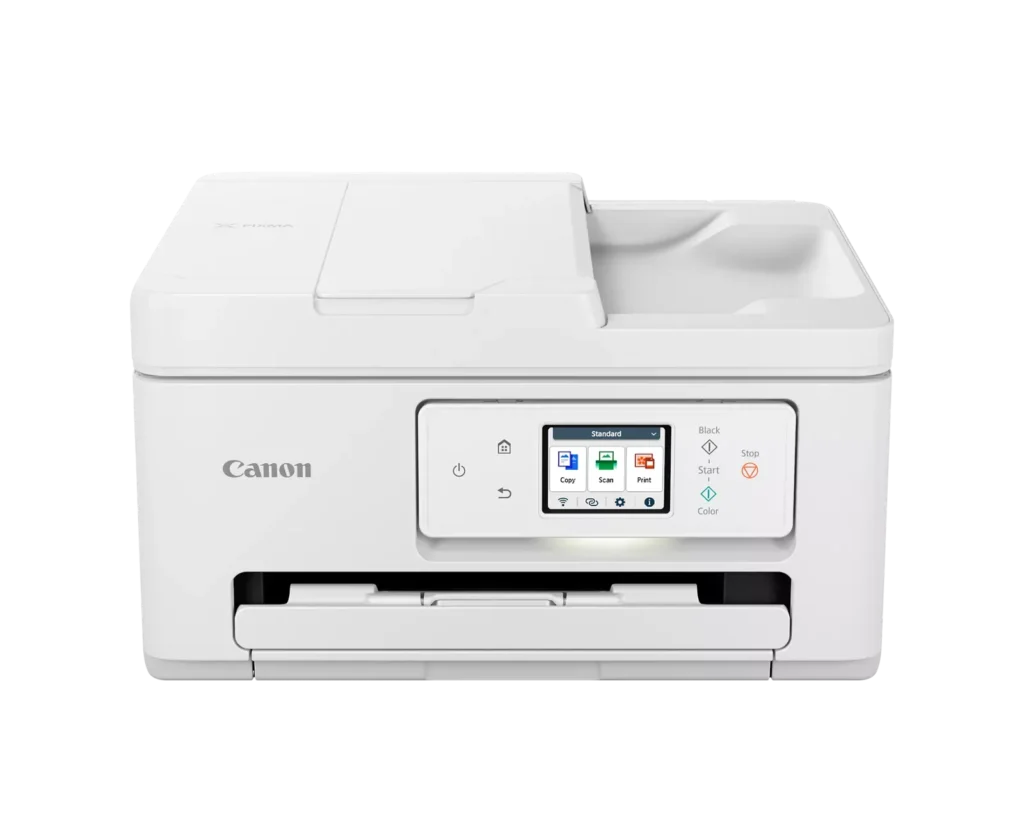
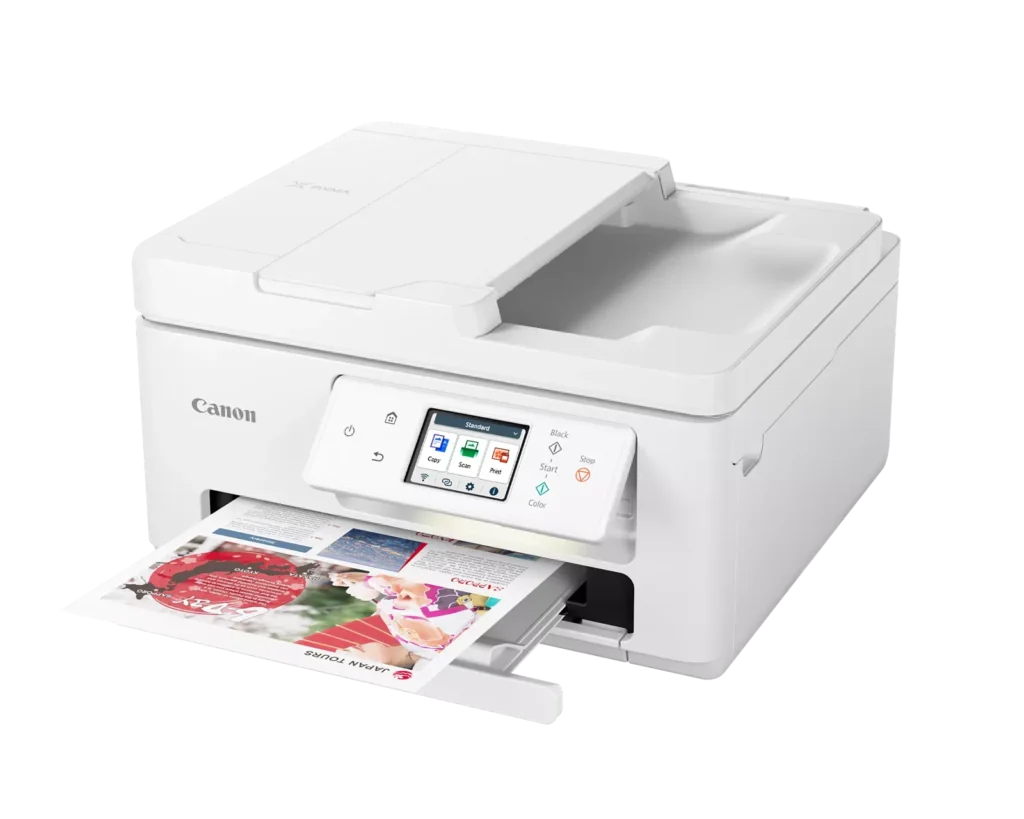
| Versatile All-in-One Performance | The PIXMA TR7820 is a compact 3-in-1 solution that allows you to print, copy, and scan with ease. It delivers fast ISO print speeds of up to 15 ipm in black and 10 ipm in color, making it ideal for home offices and school assignments. |
|---|---|
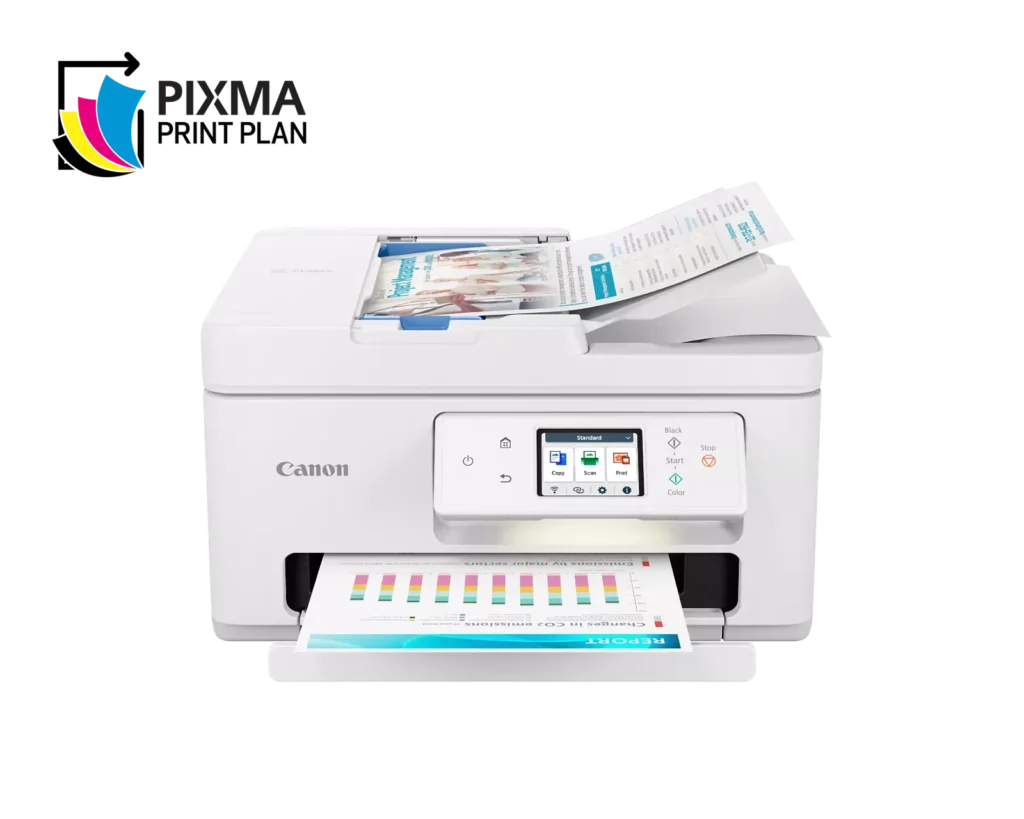
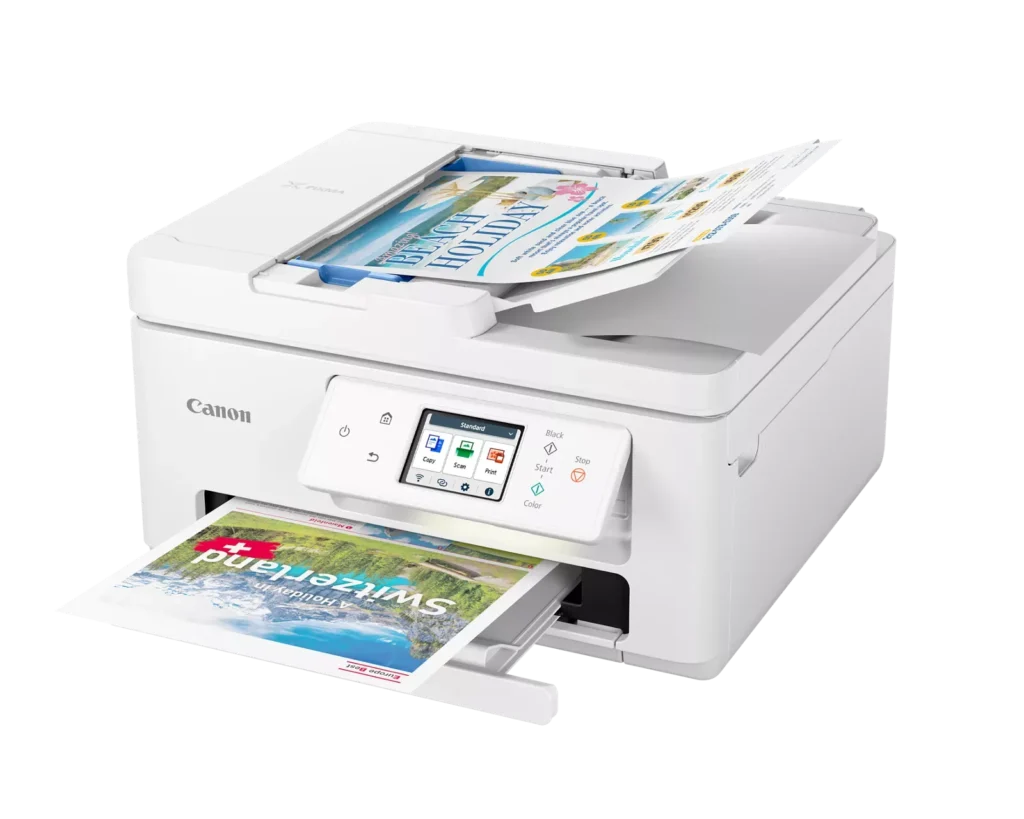
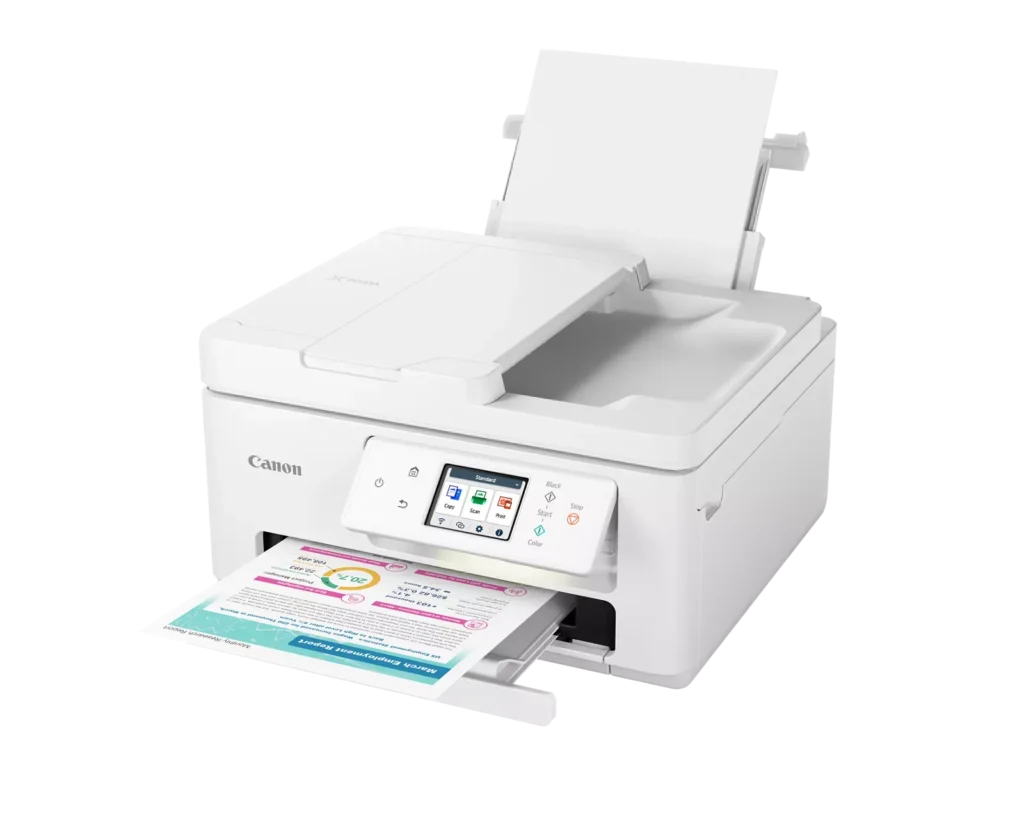
| Efficient Paper Handling | Boost productivity with a 35-sheet Automatic Document Feeder (ADF) for multi-page scanning and copying. The printer also features a dual-tray system with a 100-sheet front cassette and a 100-sheet rear tray, providing a total capacity of 200 sheets. |
| Intuitive 2.7" LCD Touchscreen | Navigate printer functions and settings effortlessly using the built-in 2.7-inch color LCD touchscreen. The user-friendly interface simplifies setup and provides quick access to maintenance and cloud printing options. |
| Seamless Wireless Connectivity | Equipped with Dual-Band Wi-Fi (2.4GHz and 5GHz), the TR7820 ensures a stable connection for wireless printing. It supports mobile printing via the Canon PRINT app, Apple AirPrint, and Mopria Print Service for convenient printing from smartphones and tablets. |
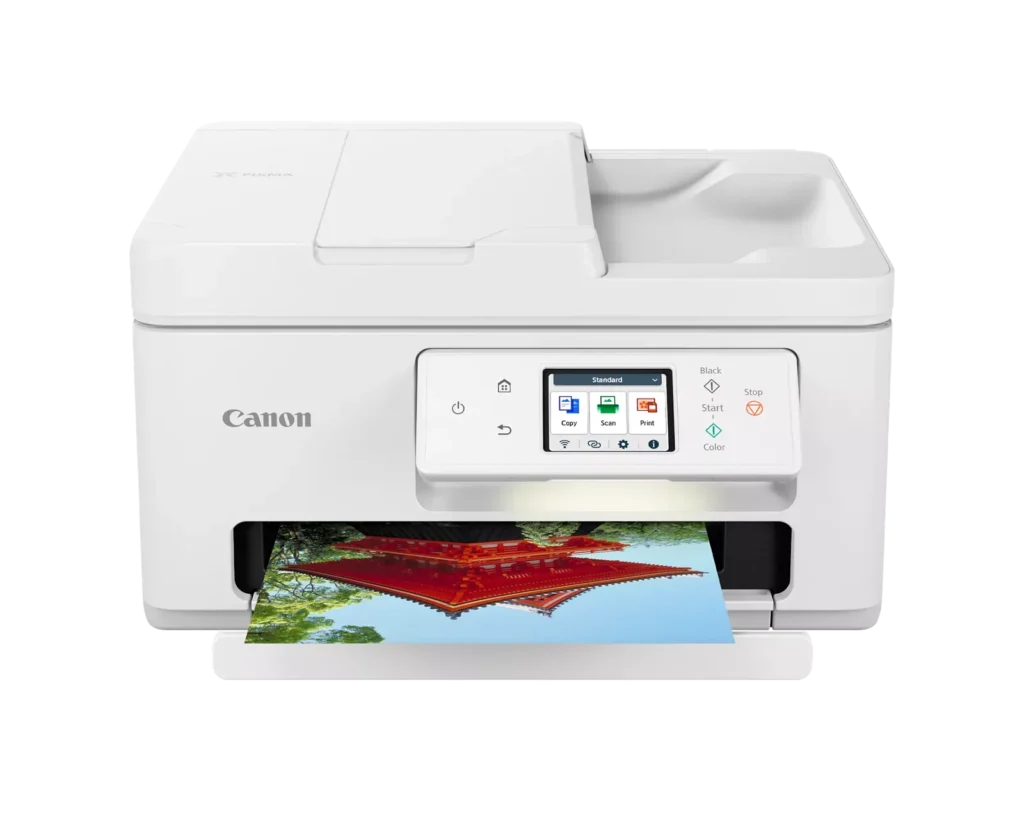
| High-Quality Hybrid Ink System | Utilizing a 2-cartridge FINE Hybrid ink system, this printer produces sharp black text with pigment-based ink and vibrant, borderless photos up to 8.5" x 11" with dye-based colors. The mess-free cartridges are designed for easy replacement. |
Pros & Cons
Pros
- Simple and Quick Setup: Many reviewers found the initial installation process to be exceptionally easy, with some reporting they were able to start printing within minutes of unboxing.
- Excellent Print Quality: The printer is frequently praised for producing sharp, clear text and vibrant photos, with several users noting it performs better than previous models from other brands.
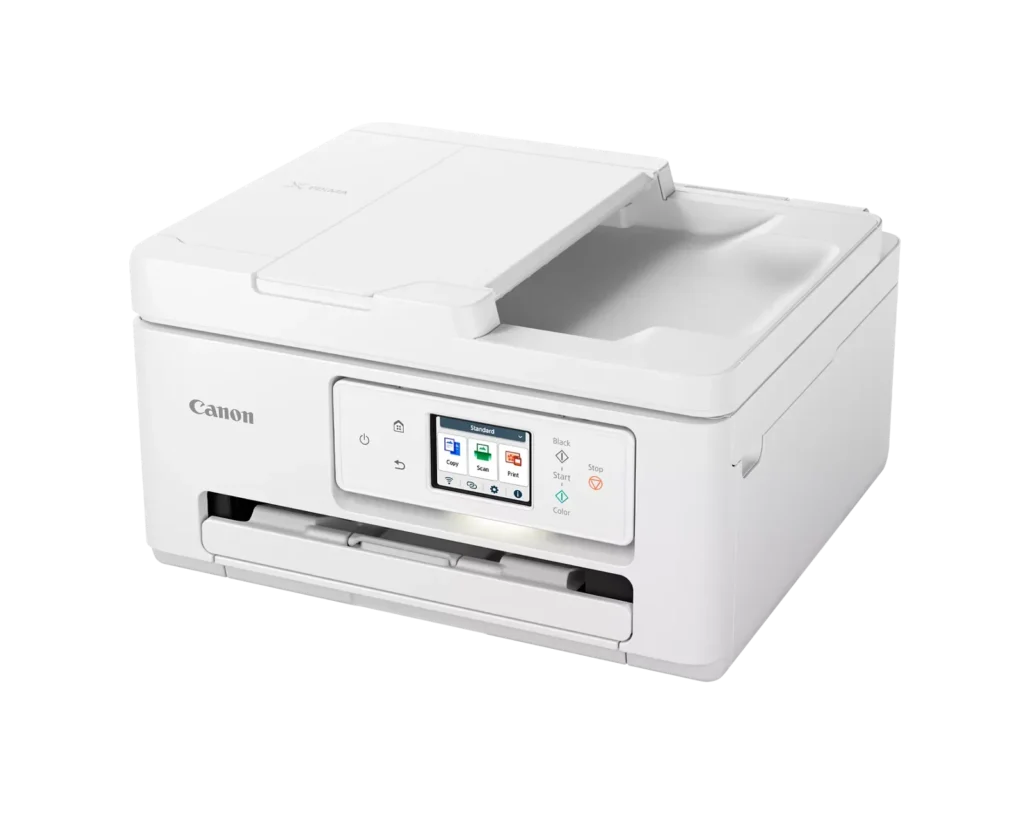
- Compact and Space-Efficient: The small footprint of the device is a major highlight for users with limited desk space, making it an ideal choice for home offices and small business environments.
Cons
- High Ink Consumption and Cost: A recurring complaint is that the printer 'eats' ink quickly, and the cost of replacement cartridges is often described as expensive or nearly the price of the printer itself.
- Unreliable Wireless Connectivity: Numerous users reported that the printer frequently goes offline or loses its Wi-Fi connection, requiring constant troubleshooting or a switch to a wired USB connection.
- Lack of Duplex Scanning: Despite having an Automatic Document Feeder (ADF), the device does not support automatic double-sided scanning, which was a deal-breaker for several customers.
You might also like












Customer Reviews
Showing reviews 261-270 of 278
-
Easy setup
Incentivized Incentivized review: The reviewer received a benefit for sharing feedback.Papa Gigi November 27, 2023Review source: AmazonEasy setup right out of the box. Plugged it in and turned it on, put in toner, and paper. The most time-consuming was figuring out how to connect the printer to our wifi wirelessly – Went to “Settings, Printer Settings, LAN Settings, WIFI (enable or disable) – then chose the network I wanted and put in our password. Followed the link to connect the printer to our computer that was included and clicked on the QR code to connect to our phones without any problems. It updated the drivers on our computers after setting them up. Copy paper goes in the paper drawer below the printer and in the rear tray. You can copy, print, and scan. Copies came out great for a low-cost printer.
-
Average printer
Incentivized Incentivized review: The reviewer received a benefit for sharing feedback.NoName November 22, 2023Review source: AmazonI’ve had canon pixma printers before, so the machine was fairly what I expected. It’s ok, plastic-y, and somewhat clunky to get going. Once it was all set up though, it works fairly flawlessly. The price was ok, not great, and I can already see has decreased since I got mine. But that’s expected. The big thing to keep in mind is that the cost of these isn’t up front, it’s the ink… and I see that the local box store is selling the black/color combo replacement for $80 right now. That can add up real quick.
-
great quality printer
Incentivized Incentivized review: The reviewer received a benefit for sharing feedback.RainWorker November 22, 2023Review source: AmazonI found this printer to be absolutely simple to set up out of the box. Plug it in, set up wifi, download the app to your phone, connect. The printer itself is really nice looking and the perfect size to do a good job without taking up too much space. The screen is a decent size, and tiltable, making it easy to use. There are a couple paper trays, a top load, an opening catch arm. There is a hard usb connect, but you will need your own cable as its not included. The print is quick and quiet. I love that you can b/w print only. And lastly, the print quality is really good. There is some pixelation but that has more to do with print paper, I assume if I buy gloss picture paper that won’t be an issue. Overall, this is a great printer, in particular at this price point. Very pleased.
-
Nice printer
Incentivized Incentivized review: The reviewer received a benefit for sharing feedback.That Intellect November 16, 2023Review source: AmazonPrinter works great hasn’t given me a single error yet. Print quality is great. Plenty of connectivity options. Very easy to use but as with most printers it can be a headache to set up, update, calibrate, connect etc. we’ll update if there is any issues
-
Enjoying this Printer
Verified purchase Verified purchase: This reviewer bought the product.Amazon Customer November 15, 2023Review source: AmazonThis printer is easy to print items from my phone. The copies are clear. While I was printing I was still able to hear the TV. I’d recommend this printer for home use or small office. Looking at the picture I didn’t think it would fit on my smaller Cannon Printer’s stand, but it did fix.
-
all in one features with a small footprint
Verified purchase Verified purchase: This reviewer bought the product.Ron McFadden November 14, 2023Review source: Amazoni needed a dependable, capable printer that would act on signals from my nearby desktop computer….and my laptop which is always in some other room. this one does it!
-
LOVE it now, after using for almost a month
Verified purchase Verified purchase: This reviewer bought the product.AJR November 12, 2023Review source: AmazonThis is an update to my previous review of November 12. After using this TR7820 Canon Printer for almost a month now, I can give it 5 stars. The problem I had was with connecting to my wifi network. Evidently, this printer had it’s own network ID and password which was not connecting with my home network. When we figured out how to get the printer connected to my home network, all worked well. My friend told me not to turn the printer off. Just leave it on all the time so network does not change and ink cartridges do not dry out. I’m a happy camper now.
-
FAILED CONNECTION/FAILED SET-UP! I
Verified purchase Verified purchase: This reviewer bought the product.Animal Advocate Mom November 11, 2023Review source: AmazonChose this Canon after 2 wks of research.. was so excited to get it after issues w previous HP. Assembled easily once out of box… Very heavy. Loved the look. That’s where all positivity ended. The 1 page titled EASY SETUP was just 3 cartoon like pictures with no written directions. How hard could it be? Turned it on and answered 3 questions on the display.. chose English and agreed to auto updates. Exit. At this point the App Canon Print was supposed to take over but it didn’t say that! I had to Google it. So…app was ready but the display was showing the top of the unit opening and closing where it had showed paper placement. From that point on that picture in the display NEVER varied! Never went back/forward, never responded to the app or anything I did, including unplugging, restarting resetting…. NOTHING affected the stuck display. Several calls to Tech Support had the same result. Tried to connect via my Samsung Android.. at 1 point it said printer was ready but it was NOT ready. It was stuck in the very early setup process where it stayed! My issue now is to repurchase this Canon TR7820 as it may have just been a defective unit or go back to my HP All in One printer that worked but had issues with multiple Tech Support charges that were very expensive and frequent. Opinions are welcome. The Canon had the best reviews and tho many commented on the Starr Up page most were able to get set up and working fairly easily! Unit is on the way back and want to decide if I should reorder and try this again! Very frustrated!
-
Nice printer for shop
Incentivized Incentivized review: The reviewer received a benefit for sharing feedback.Me Again November 8, 2023Review source: AmazonPicked this up for the shop and been happy with it. Love that I don’t need to connect to a computer since I do not have one in the shop and my phone can print to it. Has 2 paper trays (bottom & back) and will print on bunch various sized paper.
The LCD screen is a good size and able to tilt.
Set up was super easy and connected to iPhone quickly. It also connected to android but not as quickly.
Did a quick test print from both devices and super happy with the quality. I did test on notebook paper as that was all I had at the time.
Decent size and weight & comes with everything needed to set up. -
Great Printer, Clunky Setup
Incentivized Incentivized review: The reviewer received a benefit for sharing feedback.B. Campbell November 7, 2023Review source: AmazonThis is my second Canon printer. The other is a multi-function laser. Both suffer the same issue with a clunky user interface. I will say the phone app is pretty good and you can do just about anything through the app. The printing is Canon Quality. I tested a photo from my iPhone on some photo paper I bought, and I can’t tell the difference between a professionally developed photo. The printer has 2 ways to install paper: a small paper tray underneath and a flip up rear paper tray. It’s not intuitive and took a few minutes to realize what it was. There’s no printed manual with the printer, just a quick setup guide. The print initiates quickly, even in color. I have yet to be able to set up the scan to file or scan to email, but I can scan to my phone and do what I want with it then. Less of an incentive when one part works, why mess with the rest… I do like to get the full functionality of my printer, though, so I’ll have to pull up the online manual. This is a quality printer. The only other drawback besides the clunky setup is the back light on the display always shows a faint light when the display is extended. This is in my office so I don’t care, but if it sits in a bedroom, the light may be annoying. It’s a quality printer and I can’t recommend it enough.