Customer Media
Highlights
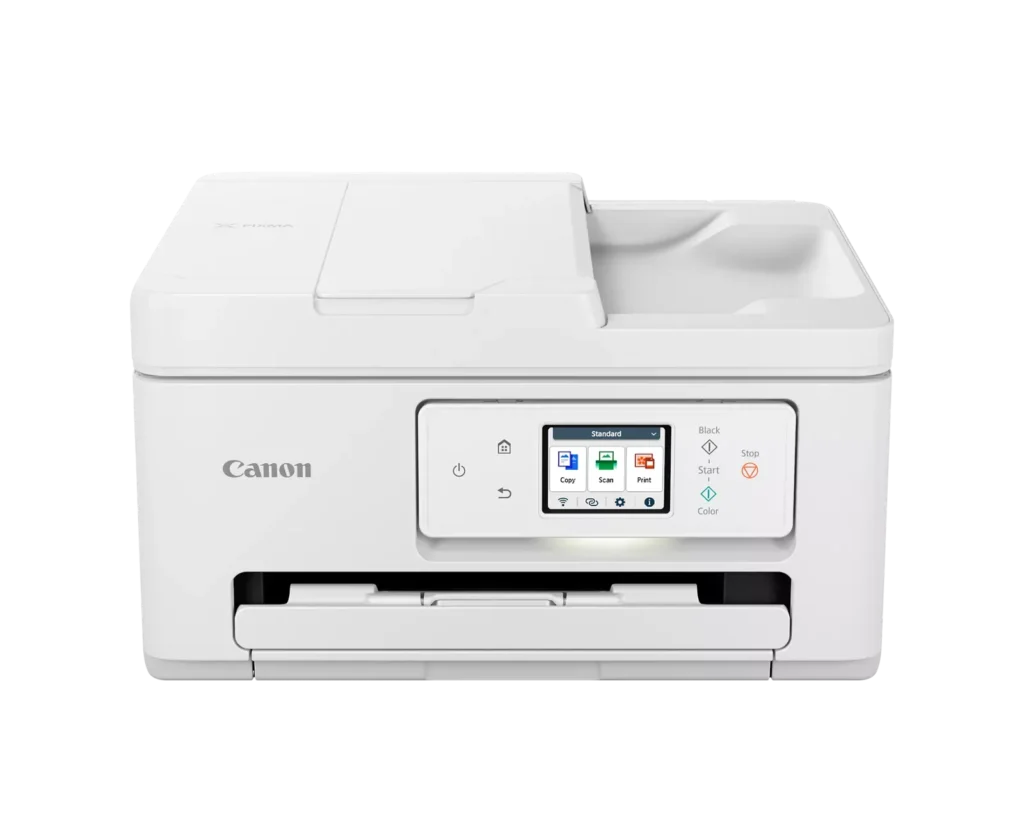
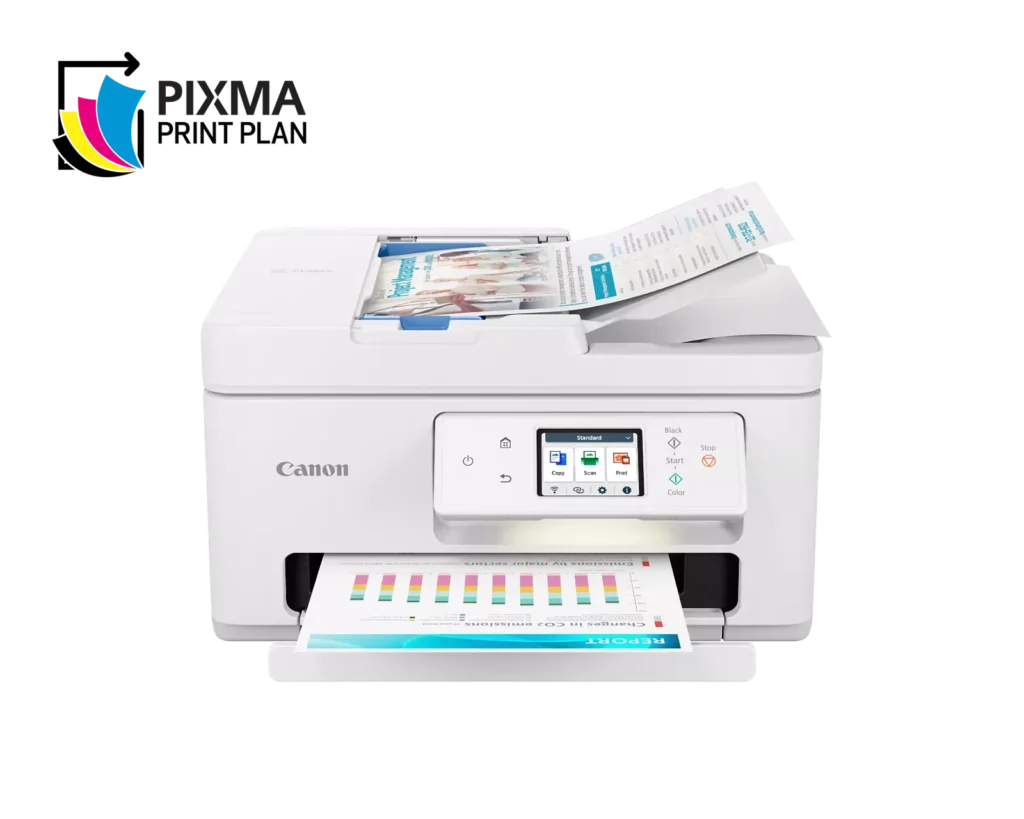
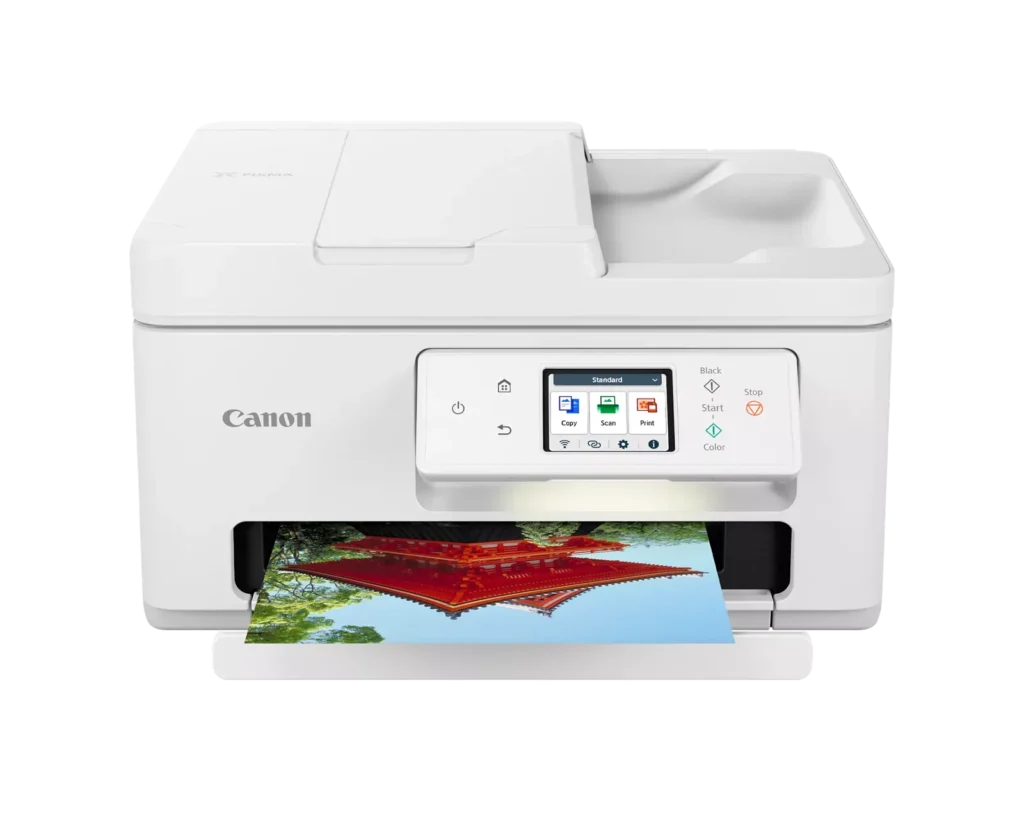
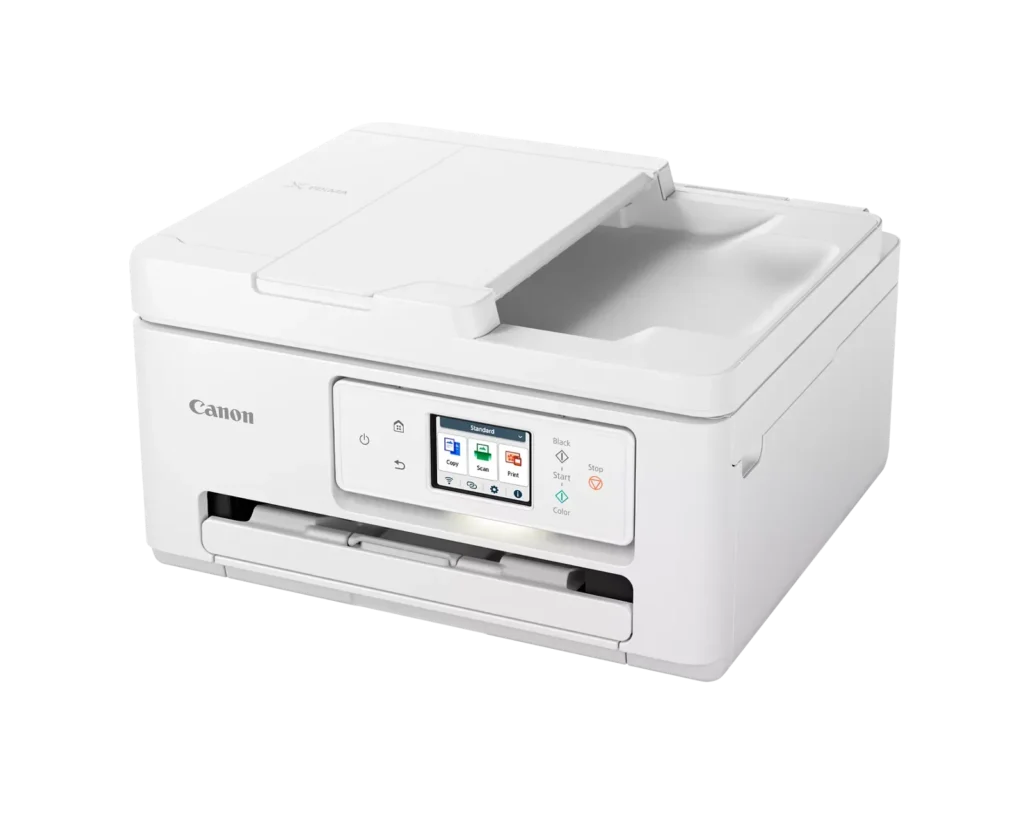
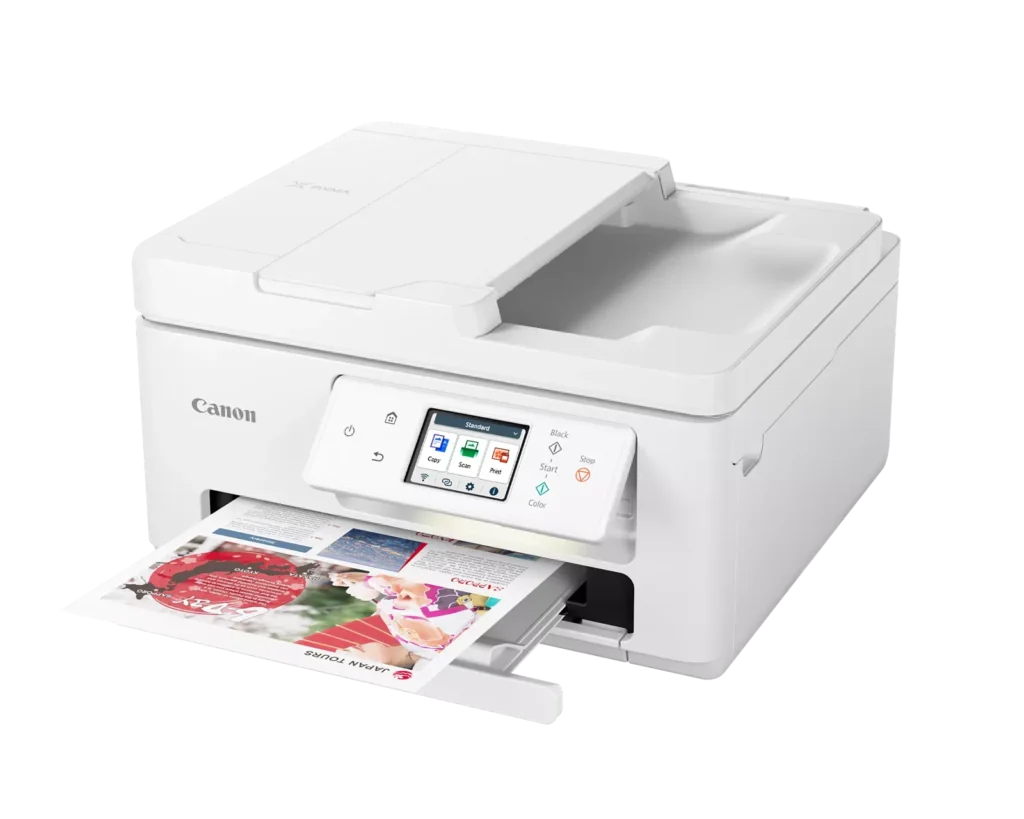
| Versatile All-in-One Performance | The PIXMA TR7820 is a compact 3-in-1 solution that allows you to print, copy, and scan with ease. It delivers fast ISO print speeds of up to 15 ipm in black and 10 ipm in color, making it ideal for home offices and school assignments. |
|---|---|
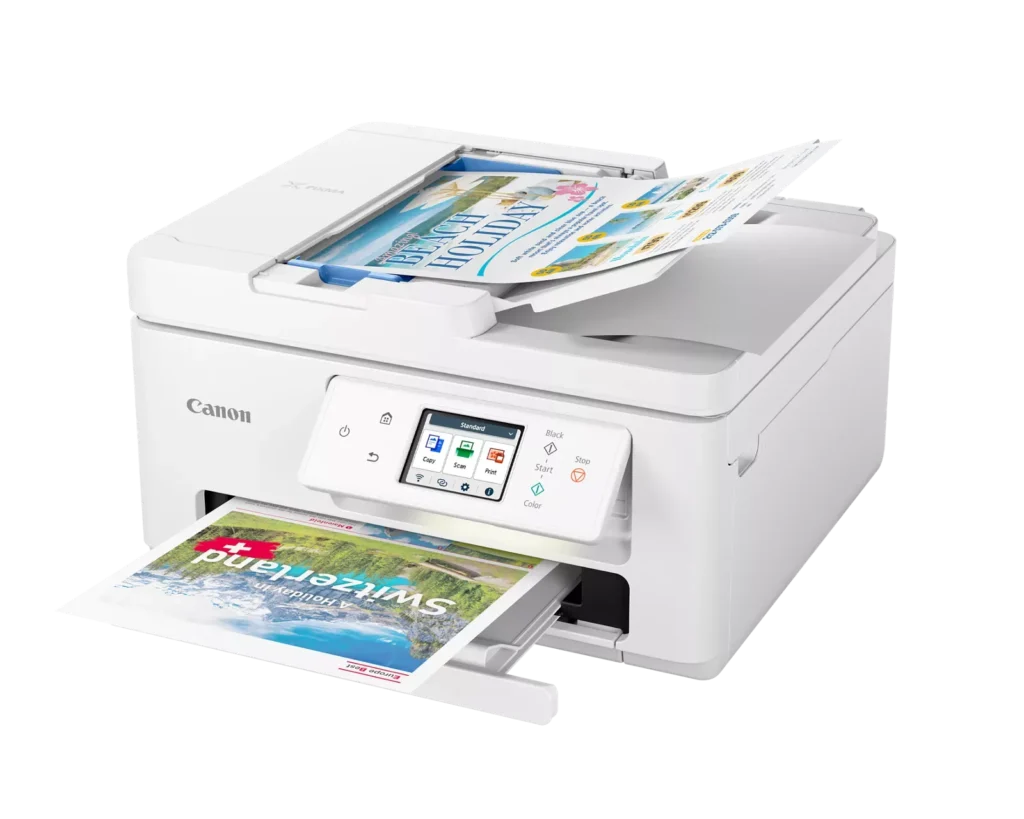
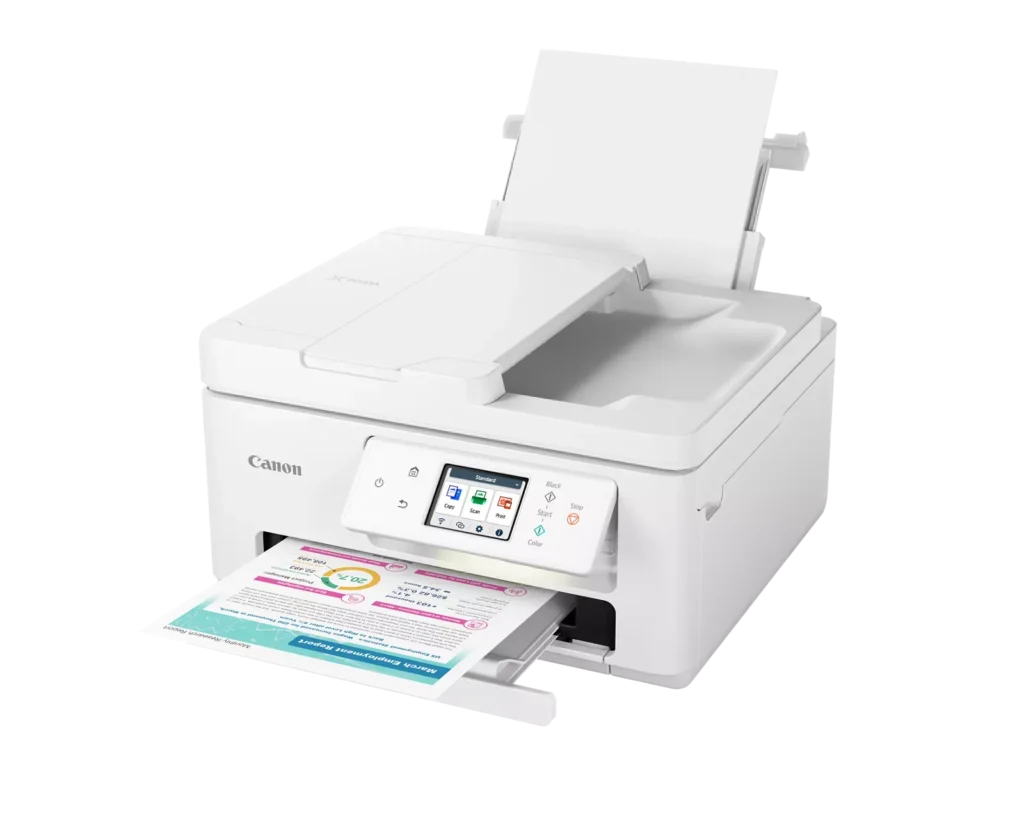
| Efficient Paper Handling | Boost productivity with a 35-sheet Automatic Document Feeder (ADF) for multi-page scanning and copying. The printer also features a dual-tray system with a 100-sheet front cassette and a 100-sheet rear tray, providing a total capacity of 200 sheets. |
| Intuitive 2.7" LCD Touchscreen | Navigate printer functions and settings effortlessly using the built-in 2.7-inch color LCD touchscreen. The user-friendly interface simplifies setup and provides quick access to maintenance and cloud printing options. |
| Seamless Wireless Connectivity | Equipped with Dual-Band Wi-Fi (2.4GHz and 5GHz), the TR7820 ensures a stable connection for wireless printing. It supports mobile printing via the Canon PRINT app, Apple AirPrint, and Mopria Print Service for convenient printing from smartphones and tablets. |
| High-Quality Hybrid Ink System | Utilizing a 2-cartridge FINE Hybrid ink system, this printer produces sharp black text with pigment-based ink and vibrant, borderless photos up to 8.5" x 11" with dye-based colors. The mess-free cartridges are designed for easy replacement. |
Pros & Cons
Pros
- Simple and Quick Setup: Many reviewers found the initial installation process to be exceptionally easy, with some reporting they were able to start printing within minutes of unboxing.
- Excellent Print Quality: The printer is frequently praised for producing sharp, clear text and vibrant photos, with several users noting it performs better than previous models from other brands.
- Compact and Space-Efficient: The small footprint of the device is a major highlight for users with limited desk space, making it an ideal choice for home offices and small business environments.
Cons
- High Ink Consumption and Cost: A recurring complaint is that the printer 'eats' ink quickly, and the cost of replacement cartridges is often described as expensive or nearly the price of the printer itself.
- Unreliable Wireless Connectivity: Numerous users reported that the printer frequently goes offline or loses its Wi-Fi connection, requiring constant troubleshooting or a switch to a wired USB connection.
- Lack of Duplex Scanning: Despite having an Automatic Document Feeder (ADF), the device does not support automatic double-sided scanning, which was a deal-breaker for several customers.
You might also like












Customer Reviews
Showing reviews 271-278 of 278
-
A great, compact home printer. Or small office.
Incentivized Incentivized review: The reviewer received a benefit for sharing feedback.MumSabrina November 6, 2023Review source: AmazonThis is quiet and prints fast. I’d give it a 7/10 on print quality and an 8/10 overall. I have a huge commercial Canon at work, an HP at work, an Epson at home, and two HPs at home. In home offices all, and I needed one for my other office at work so that I don’t have to walk a quarter mile to get my printouts, so I’m taking in one of my HPs. That’s why I got this one. It’s a small, home office printer, and it doesn’t take up nearly as much space as my beast of an HP, so I’m very happy with that.
Setup is a breeze. Five minutes, max. I didn’t need the manual to figure this out, except for the initial setup as far as the equipment itself. It connected to my computer very easily and prints wirelessly with no problems.
It also prints double sided, which I didn’t realize it did. A big bonus.
Print quality is pretty good. Larger sized prints come out much better than smaller. On small logos and images, there’s a bit of color bleed at sharp edges.
One thing that I’m not sure about is the price of the ink. These cartridges are not refillable. And the cartridges are attached to the printheads themselves. If you’ve ever replaced printheads, you know they’re the same cost as ink-expensive. I’ll have to do some research on the costs involved with long term maintenance on this.
The initial cost is perfect for the quality and features. It has all the bells and whistles in a much smaller size than other printers. I’m pretty happy with it. -
Fine option
Incentivized Incentivized review: The reviewer received a benefit for sharing feedback.Customer October 28, 2023Review source: AmazonOverall it works well. It’s quick, ease to setup with a computer or phone. Print quality is good.
Knocked one star because I don’t think you can call it an all-in-one if there’s no fax function.
-
Easy set up
Incentivized Incentivized review: The reviewer received a benefit for sharing feedback.Marie October 28, 2023Review source: AmazonThis was the easiest setup I have ever had with a printer. It does everything I need, including double sided printing. The ink is easy to install and the print quality is what I would expect from Canon. It is also pretty compact for everything that it does!
-
Very Nice All-in-One Printer
Incentivized Incentivized review: The reviewer received a benefit for sharing feedback.M October 26, 2023Review source: AmazonHaving a printer that can print, scan, and copy is really helpful for me. This printer is very easy to get set up. After plugging in the printer, you just need to follow the direction on the printers screen. The app is really easy to use, and I was printing pictures within 10 minutes of plugging the printer in. The app connected to my WiFi and printer with no problems. I still need to get used to some of the settings because the printer is so new to me. I am impressed with the print quality, both the color printing and black printing. Installing the two ink cartridges is simple. This Canon printer works great.
-
Endless looping during setup
Incentivized Incentivized review: The reviewer received a benefit for sharing feedback.Merriwether October 25, 2023Review source: AmazonUpdate: As much as I hated this printer after trying to set it up, I hate it even more now. I did finally get it setup and working on my network…and then I made the mistake of turning it off. Everything I had done evaporated from the printer’s settings, so when I went to use it a few days later, the nightmare described below started over.
Original Review: I’ve been trying to link this printer to both my iMac and an Android phone for almost two hours and the required links just put me in a loop, asking me to click on the link which brings me to the page where it wants me to click on the link which brings me to the page where it wants me to click on the link which brings me to the page where it wants me to click on the link which brings me to the page where it wants me to click on the link which brings me to the page where it wants me to click on the link which brings me to the page where it wants me to click on the link which brings me to the page where it wants me to click on the link which brings me to the page where it wants me to click on the link which brings me to the page where it wants me to click on the link which brings me to the page where it wants me to click on the link which brings me to the page where it wants me to click on the link which brings me to the page where it wants me to click on the link which brings me to the page where it wants me to click on the link which brings me to the page where it wants me to click on the link which brings me to the page where it wants me to click on the link which brings me to the page where it wants me to click on the link which brings me to the page where it wants me to click on the link which brings me to the page where it wants me to click on the link which brings me to the page where it wants me to click on the link which brings me to the page where it wants me to click on the link which brings me to the page where it wants me to click on the link which brings me to the page where it wants me to click on the link which brings me to the page where it wants me to click on the link which brings me to the page where it wants me to click on the link which brings me to the page where it wants me to click on the link which brings me to the page where it wants me to click on the link which brings me to the page where it wants me to click on the link which brings me to the page where it wants me to click on the link… -
Good options
Incentivized Incentivized review: The reviewer received a benefit for sharing feedback.T J Smyth October 24, 2023Review source: AmazonFirst off, horrid directions – basically lacking basic instructions; more to come on that.
What I love about this printer:
Auto Duplex printing – that is a MUST for me
ADF – have to have Auto Document Feeder as we do a lot of copying for multiple page documents
Wifi Connectivity
USB Connectivity. Though it was not listed as a connection, I found the port for it. I prefer being hard wired just in case there are wifi hiccups.
Decent sized touch screen display
Speedy printing, B&W and color.Now, back to the set up. Easy-peasy out of the box, and plug it in, that’s about where the easy-peasy ended. The directions is 3 items; pictures with minimal text. I’m rather knowledgeable with hardware set-up and this had to be the worst I’ve ever done. the https://ij.start.canon/connect did not work. I even turned off my firewall. I ended up doing a search for installation and I found the software and drivers on canon’s site.
Using the App on your phone, that set-up was easy. Computers took a bit of time. Finding where to turn on the wifi on the printer was a “hunt and peck” but I found it. Go to SETTINGS / Printer Settings / LAN settings / wifi (enable/disable) Then I chose my network and entered the password. After that, it got easier. I also found that software that I downloaded helpful in setting it up.
Also, when you lift the “lid” to install the ink, lower left is a black box with MC-G06 on it. A search told me that is the Maintenance Cartridge.
so far, I’ve connected a “Tower”, laptop and 2 cell phones. I have 1 more laptop to go.
For the price-point, this is a very nice printer due to the extras I mentioned above. There is also a paper drawer on the bottom front, and another one in the back.
-
Brilliant Color, Fast and Easy, Exceeds Expectations
Incentivized Incentivized review: The reviewer received a benefit for sharing feedback.Another Opinion October 24, 2023Review source: AmazonThis is a superb printer for use as a household printer. When I need to print a business document, I have duplex capability. I just tried it with my iPhone, and it printed immediately. My wife will be all over that! It has all I could ask for, including a document feeder. I was hung up on whether to go with a tank or cartridge printer. After some due diligence, I felt a cartridge would best fit my needs as I don’t print huge amounts of documents and don’t want to be refilling tanks.
I read about Canon’s ink subscriptions for a reasonable cost and decided I couldn’t go wrong. I am starting without the plan to see how long I can get out of these cartridges, which sell on Amazon for the below list price. This is a very good deal anyway I look at it. For a two-cartridge system, the print quality is fantastic. I just started printing, and it exceeds my expectations. Recommended! -
Beautiful , Quality printer
Incentivized Incentivized review: The reviewer received a benefit for sharing feedback.Gilbert McCarley October 23, 2023Review source: AmazonIt is a Canon which says quality. Wonderful printer with all the features I was looking for.
This is wireless via WiFi hook up and print. This has it all, scanner and local print for a single
page plus it faxes. The print and color are great You can’t go wrong with a Canon printer.