Customer Media
Highlights
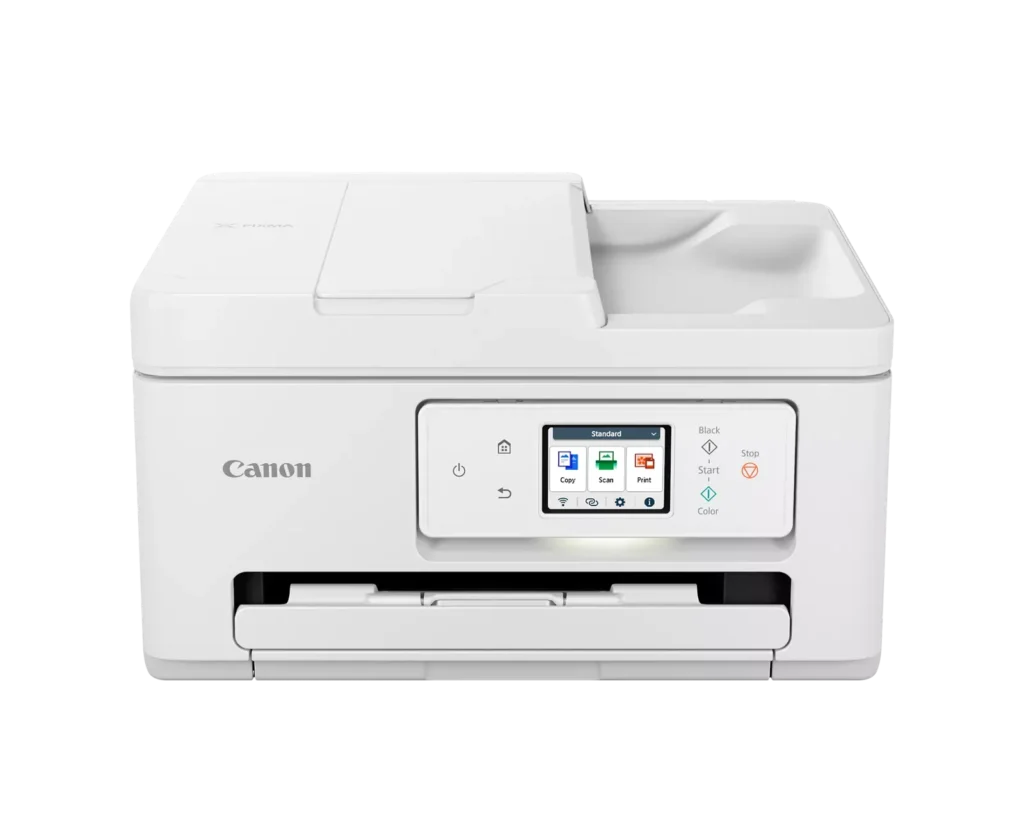
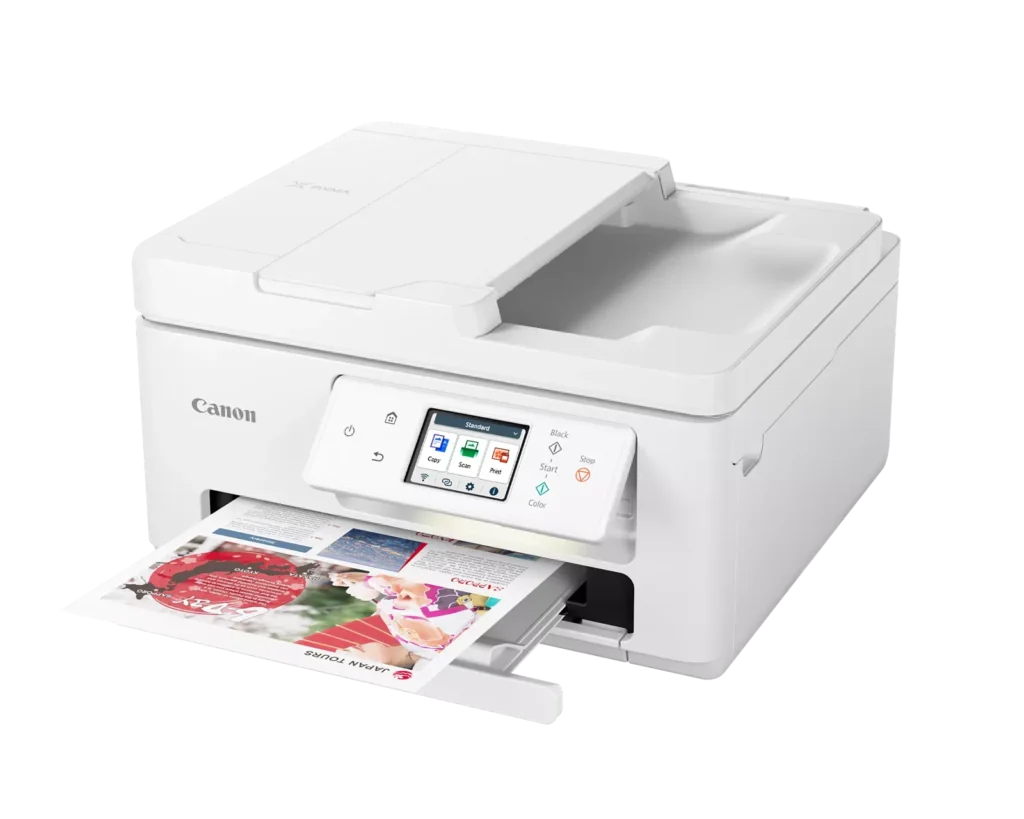
| Versatile All-in-One Performance | The PIXMA TR7820 is a compact 3-in-1 solution that allows you to print, copy, and scan with ease. It delivers fast ISO print speeds of up to 15 ipm in black and 10 ipm in color, making it ideal for home offices and school assignments. |
|---|---|
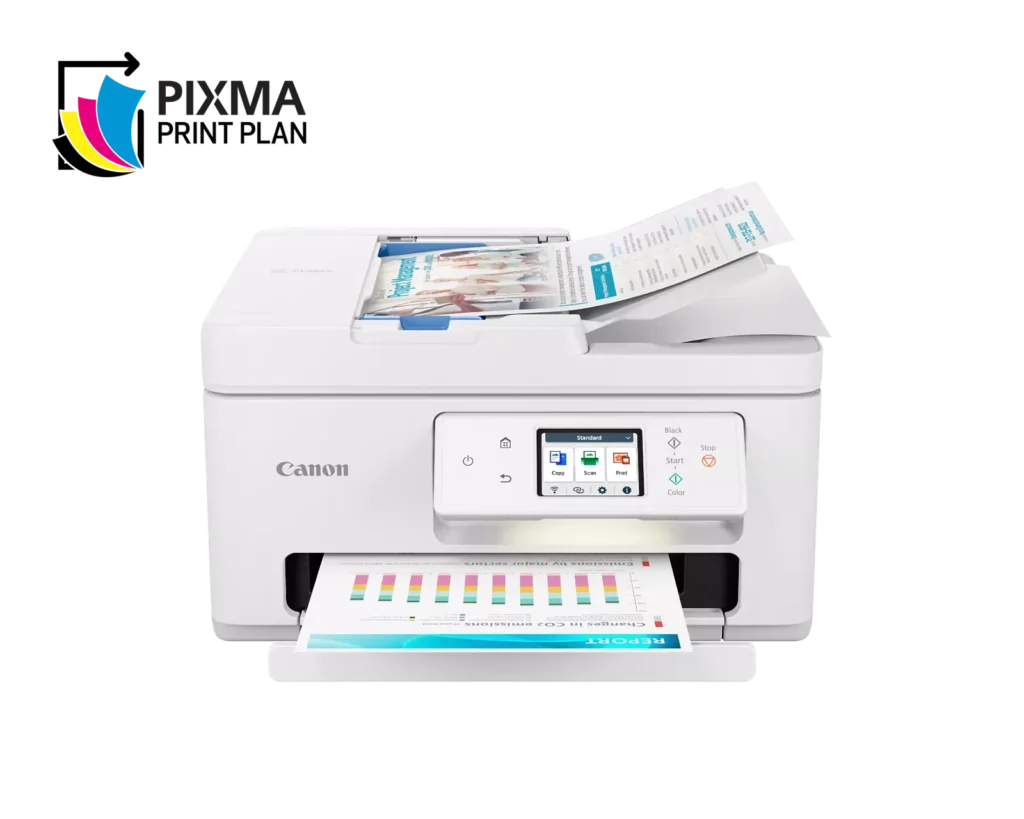
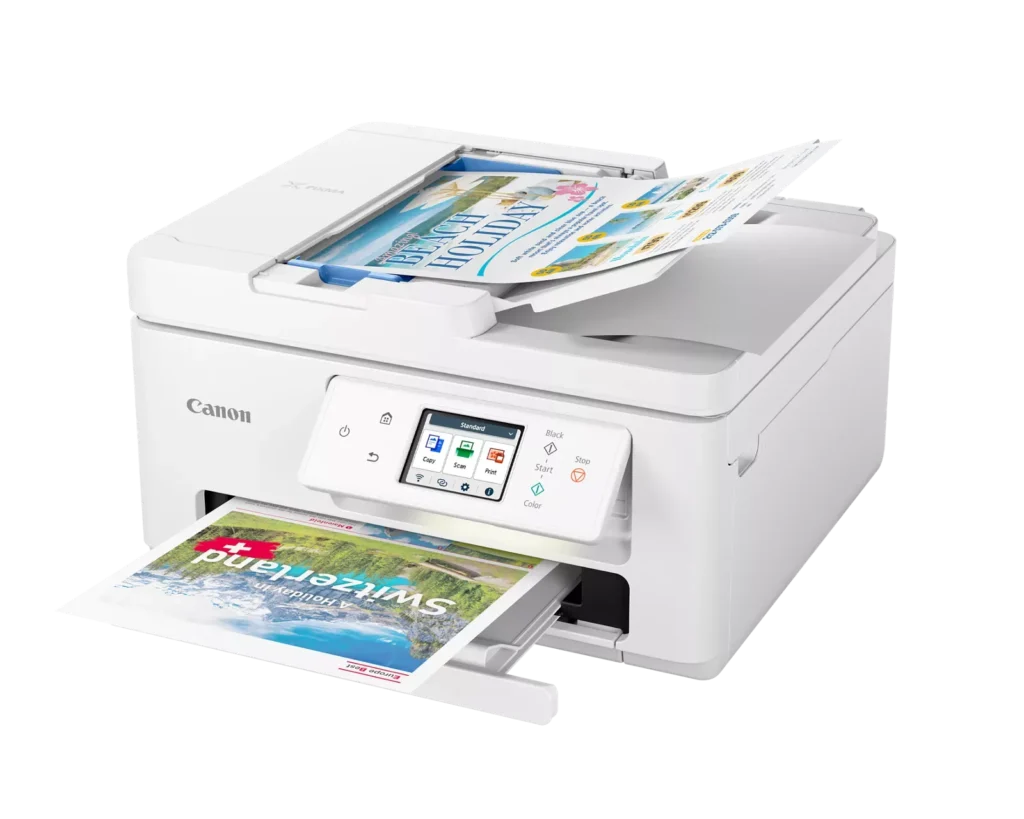
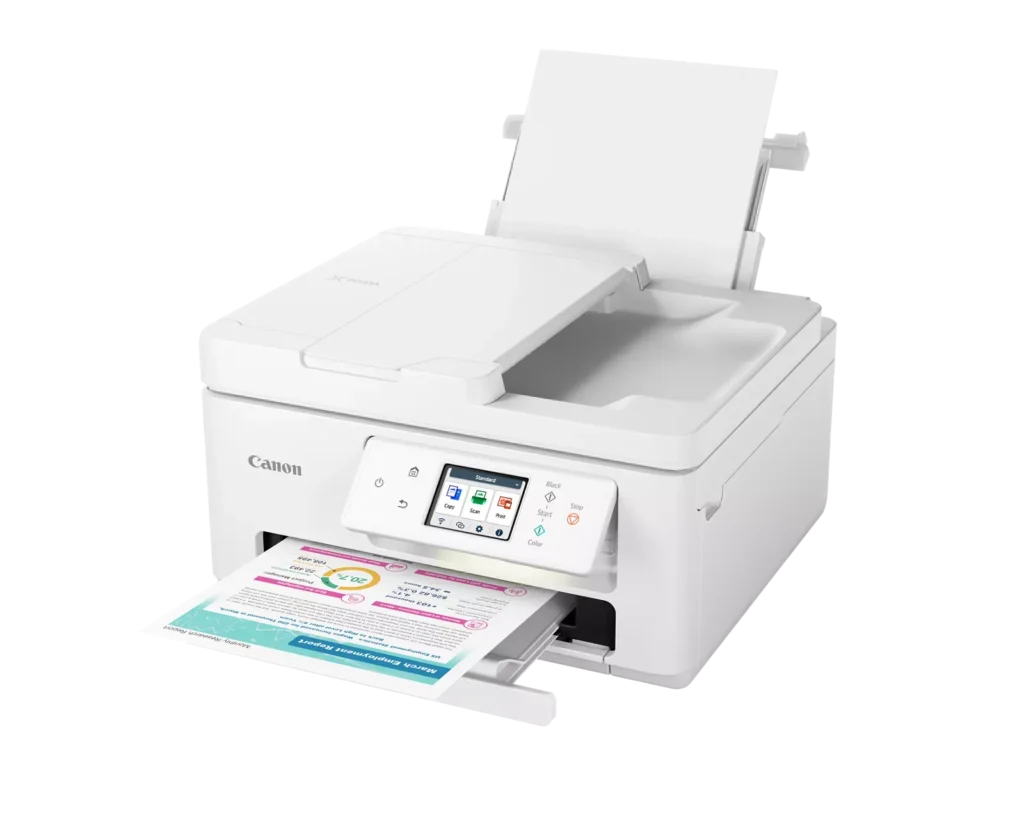
| Efficient Paper Handling | Boost productivity with a 35-sheet Automatic Document Feeder (ADF) for multi-page scanning and copying. The printer also features a dual-tray system with a 100-sheet front cassette and a 100-sheet rear tray, providing a total capacity of 200 sheets. |
| Intuitive 2.7" LCD Touchscreen | Navigate printer functions and settings effortlessly using the built-in 2.7-inch color LCD touchscreen. The user-friendly interface simplifies setup and provides quick access to maintenance and cloud printing options. |
| Seamless Wireless Connectivity | Equipped with Dual-Band Wi-Fi (2.4GHz and 5GHz), the TR7820 ensures a stable connection for wireless printing. It supports mobile printing via the Canon PRINT app, Apple AirPrint, and Mopria Print Service for convenient printing from smartphones and tablets. |
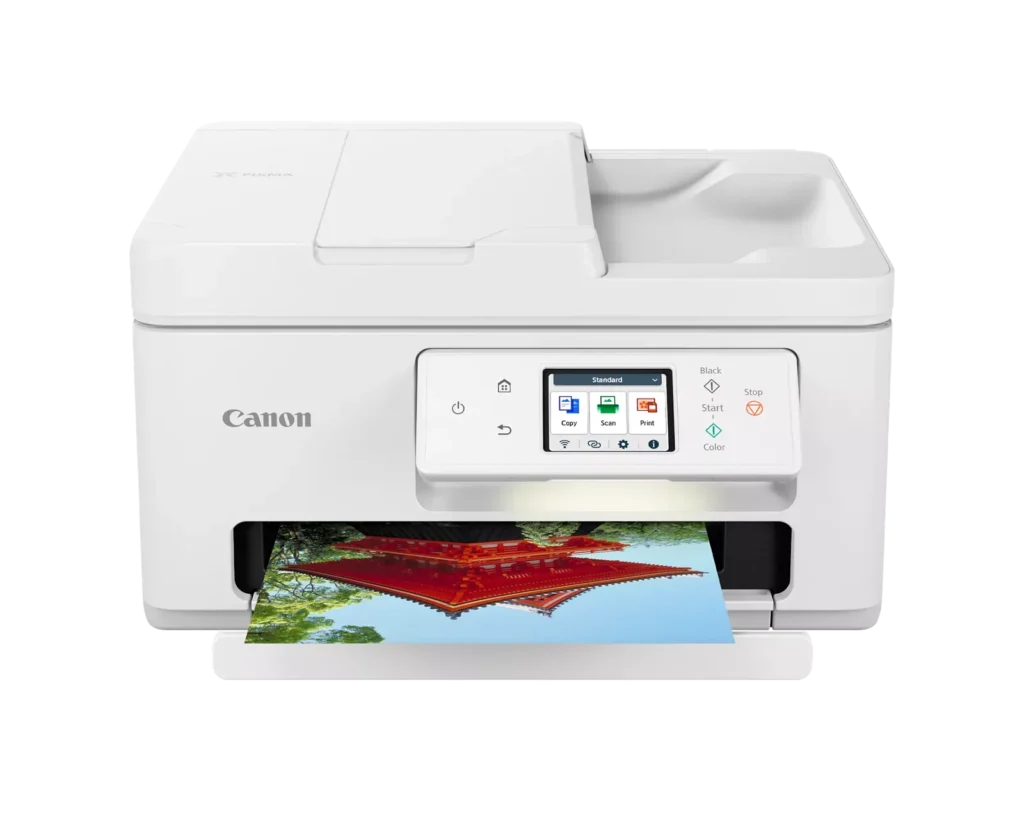
| High-Quality Hybrid Ink System | Utilizing a 2-cartridge FINE Hybrid ink system, this printer produces sharp black text with pigment-based ink and vibrant, borderless photos up to 8.5" x 11" with dye-based colors. The mess-free cartridges are designed for easy replacement. |
Pros & Cons
Pros
- Simple and Quick Setup: Many reviewers found the initial installation process to be exceptionally easy, with some reporting they were able to start printing within minutes of unboxing.
- Excellent Print Quality: The printer is frequently praised for producing sharp, clear text and vibrant photos, with several users noting it performs better than previous models from other brands.
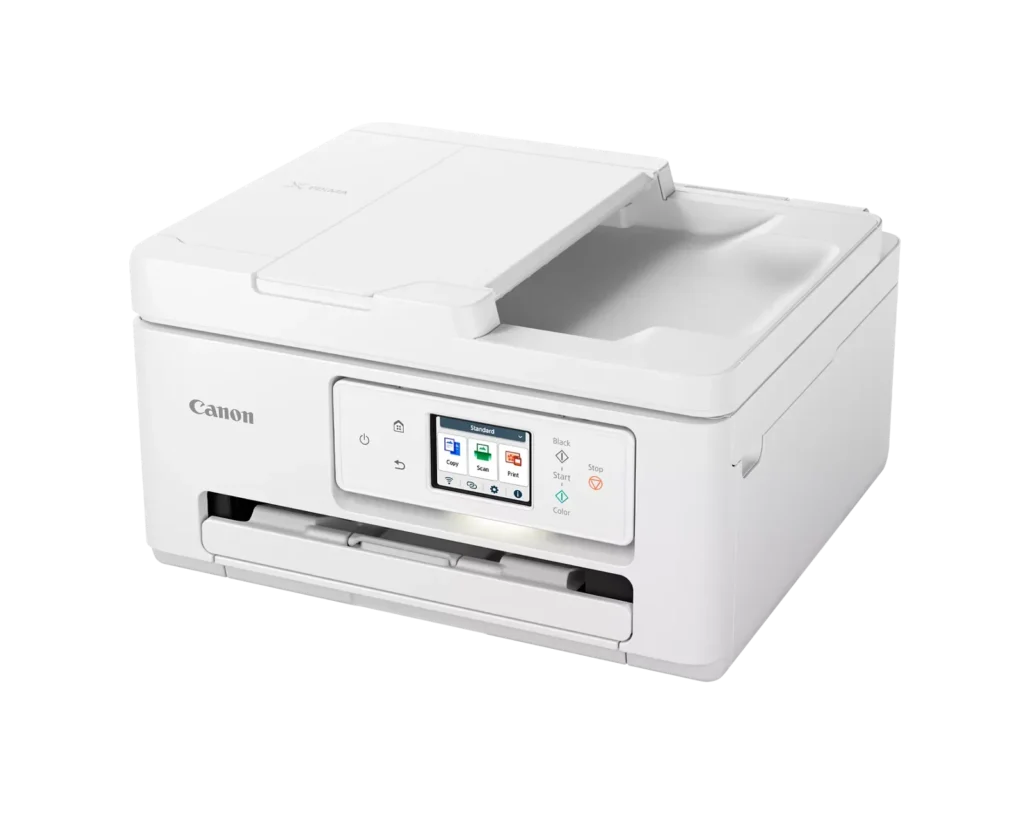
- Compact and Space-Efficient: The small footprint of the device is a major highlight for users with limited desk space, making it an ideal choice for home offices and small business environments.
Cons
- High Ink Consumption and Cost: A recurring complaint is that the printer 'eats' ink quickly, and the cost of replacement cartridges is often described as expensive or nearly the price of the printer itself.
- Unreliable Wireless Connectivity: Numerous users reported that the printer frequently goes offline or loses its Wi-Fi connection, requiring constant troubleshooting or a switch to a wired USB connection.
- Lack of Duplex Scanning: Despite having an Automatic Document Feeder (ADF), the device does not support automatic double-sided scanning, which was a deal-breaker for several customers.
You might also like












Customer Reviews
Showing reviews 21-30 of 278
-
This printer is not dependable.
Verified purchase Verified purchase: This reviewer bought the product.Mary H. Fagerson November 2, 2025Review source: Amazoni HAVE HAD THIS PRINTER A LITTLE OV TWO MONTHS. It is easy to set up but it frequently turns off and needs to be connected to my computer again. Apparently the fact that it turns off frequently is to save energy and supposedly I could set it not to turn off but I can’t find that control. I is frustrating to have to keep connecting it to my computer. Also it is some times hard to delete items in the print queue so it will accept a ne print job. sometimes turning off the printer and turning it back on will get the print queue removed but not always. Right now I can’t print because I have turned off the printer three times and turned it back on 3 times but it still has a document in the print queue.
-
Mediocre
Verified purchase Verified purchase: This reviewer bought the product.Zayen B'ayen November 1, 2025Review source: AmazonOften disconnects when used wirelessly. Finally, I had to switch to USB. Sometimes it goes crazy if you forget to turn it on before you press the PRINT button. When it works, it works nicely. But I have wasted much time trying to wake it up when it doesn’t
-
Office Assistant
Verified purchase Verified purchase: This reviewer bought the product.PhyllisB October 31, 2025Review source: BestbuyVery difficult to print with. I was not prepared to have to use my cell phone to print with it. It is very slow, & wasting lots of my paper.
-
You get what you pay for!
Verified purchase Verified purchase: This reviewer bought the product.GoodBuy October 31, 2025Review source: BestbuyIf I could rate this printer any lower I would. I have used Canon printers for years and they’re good for home offices. This model never got past the setup phase. It kept displaying an error message and directing me call Canon tech support/ customer service. After my third attempt, I knew it was time to return it and get another brand.
-
Failed after 6 months, no fixes or refunds
Verified purchase Verified purchase: This reviewer bought the product.Reviewer October 30, 2025Review source: Amazon6 months after purchasing this printer, I changed the black and color ink cartridges and the printer immediately stopped working. It displays a paper jam error code even though there is nothing no paper or bits of paper anywhere. I believe a sensor failed. Because it is past the return period, I have no options! Very disappointed with Canon’s quality.
-
cheap for a reason
Verified purchase Verified purchase: This reviewer bought the product.Jim Cunningham October 24, 2025Review source: Amazonnever connects to wifi and doesnt communicate with my devices a hassle to print anything
-
Garbage DO NOT BUY!!!
Verified purchase Verified purchase: This reviewer bought the product.Alexander October 24, 2025Review source: AmazonGarbage, worked for a few months then ERROR 6000. Followed multiple steps and videos to fix it, nothing worked. Now I have a shiny new paper weight.
Negative 4 stars
-
Horrible printer
Verified purchase Verified purchase: This reviewer bought the product.C. G. McEnery October 22, 2025Review source: AmazonThis is the worst printer I have ever bought….It is one continuous paper jam. Would never buy this product again
-
Do not purchase – not worth the cost
Verified purchase Verified purchase: This reviewer bought the product.Carmen Teixeira October 20, 2025Review source: AmazonStopped working after 5 months with error code 6000. Followed instructions to fix and it will not function. Additionally, the cartridges are super expensive and do not last very long.
-
Install Difficult
Verified purchase Verified purchase: This reviewer bought the product.Theolog October 19, 2025Review source: AmazonI am fairly tech savvy but this was not an easy install. After 2.5 hours, I was finally able to connect with my computer and get a decent print. Life seems okay now but I was not expecting such difficulty with what should have been a relatively ease install of a Canon product. DO NOT BUY THIS PRINTER!