Customer Media
Highlights
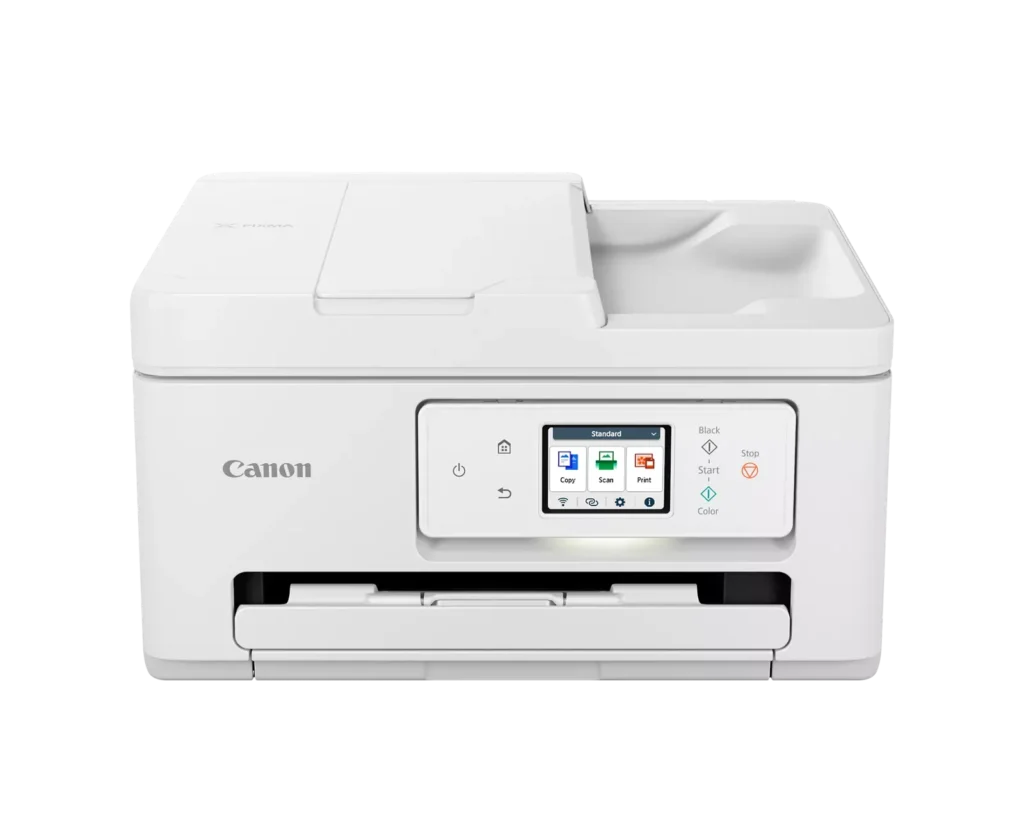
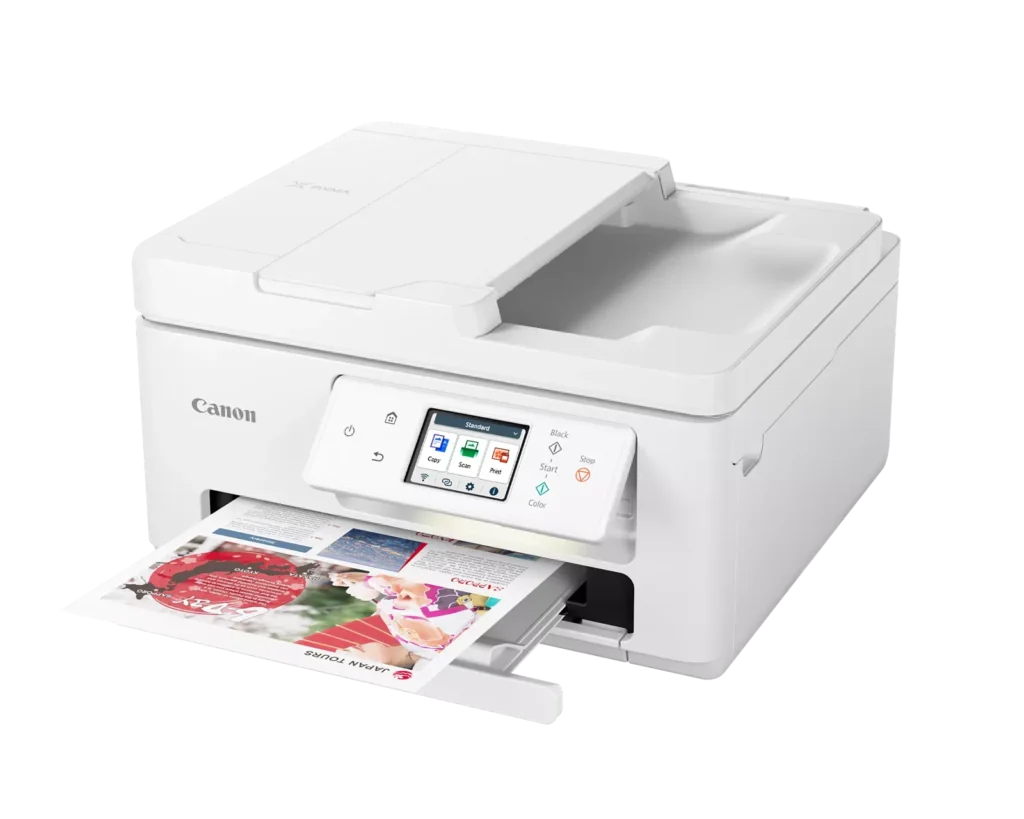
| Versatile All-in-One Performance | The PIXMA TR7820 is a compact 3-in-1 solution that allows you to print, copy, and scan with ease. It delivers fast ISO print speeds of up to 15 ipm in black and 10 ipm in color, making it ideal for home offices and school assignments. |
|---|---|
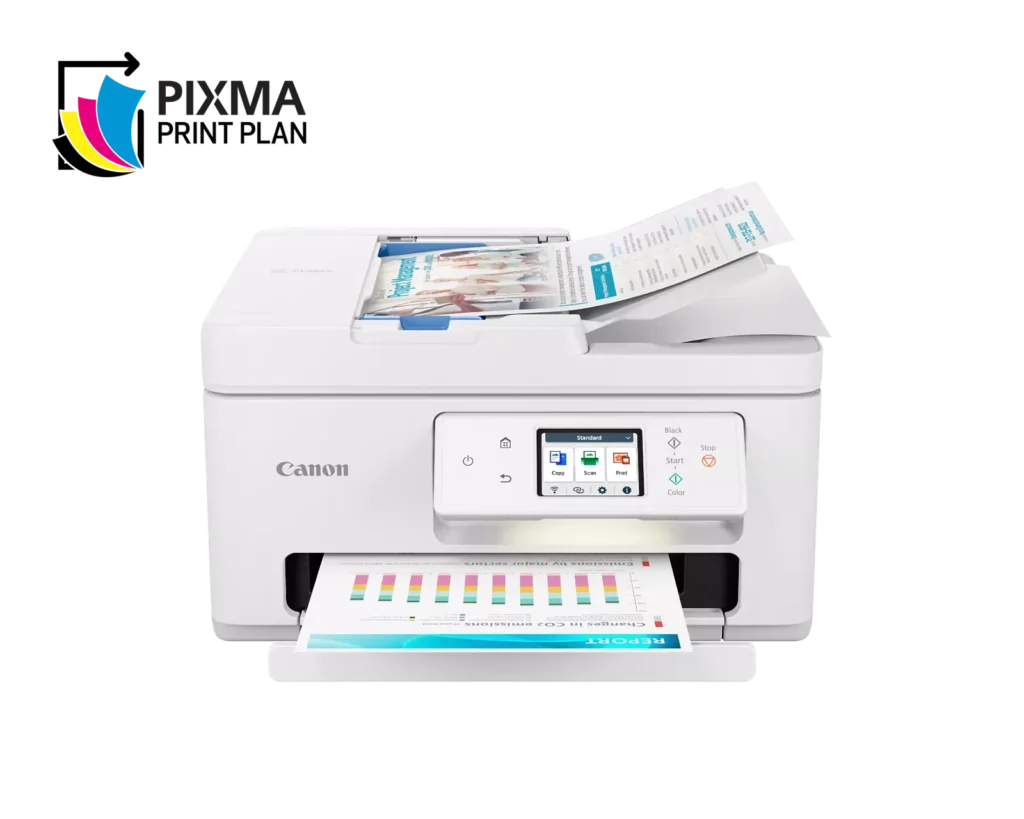
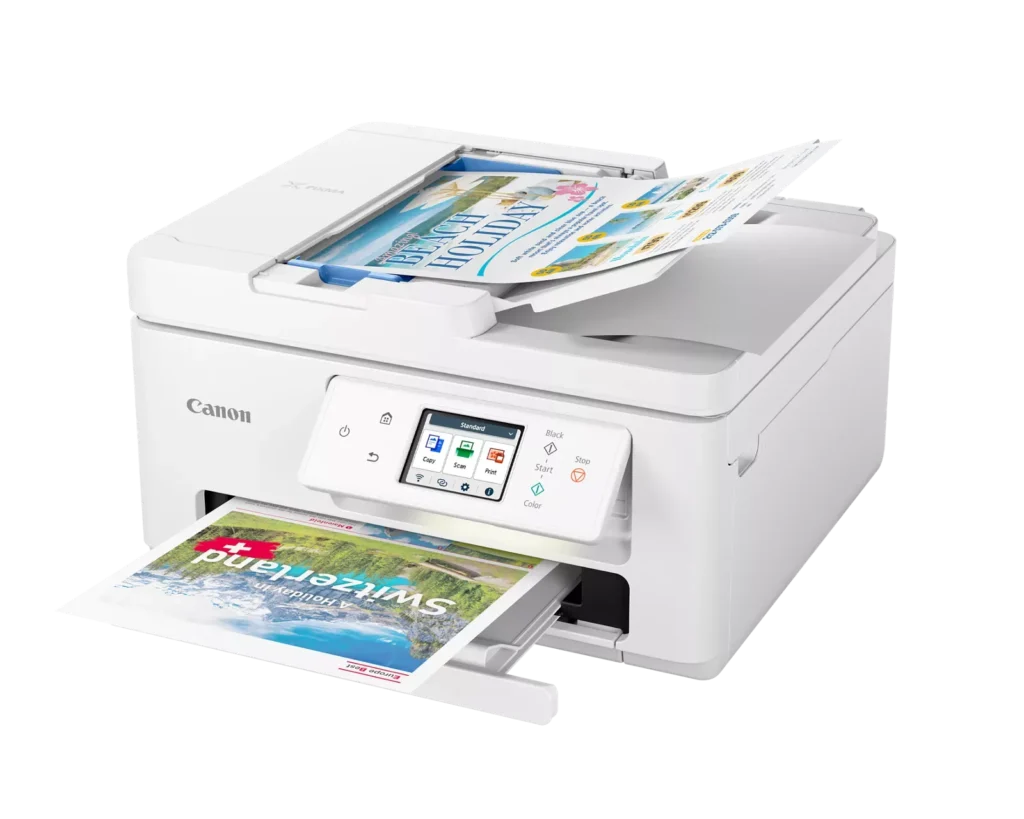
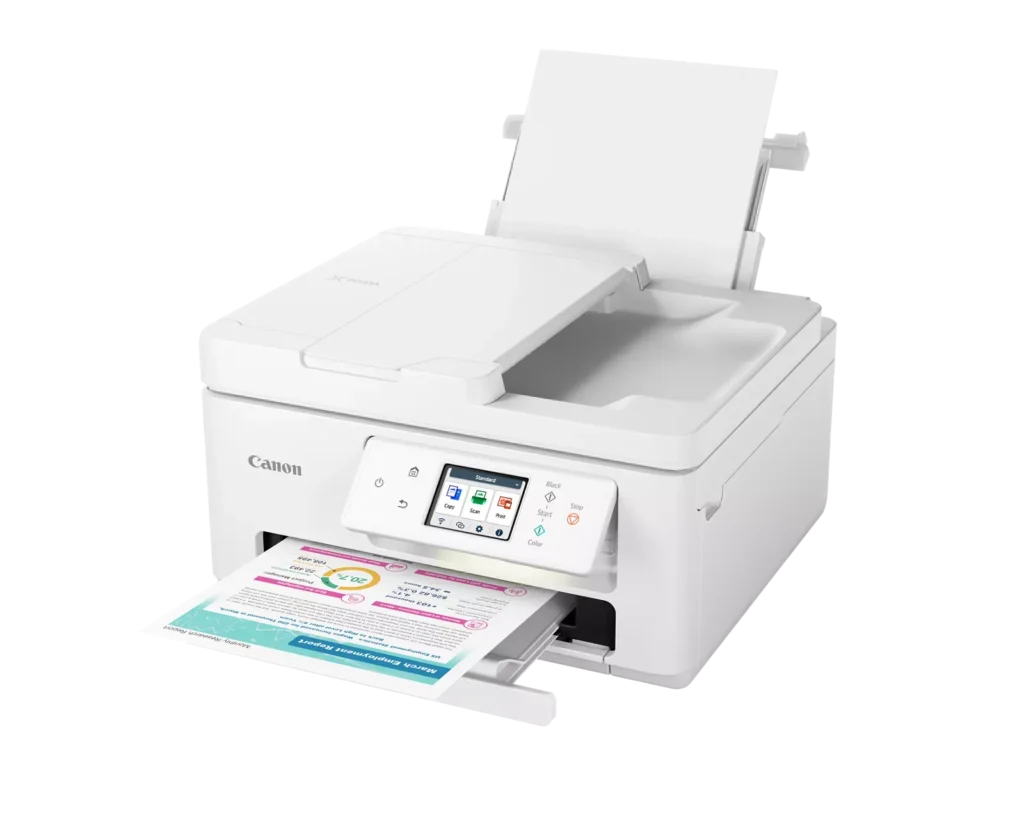
| Efficient Paper Handling | Boost productivity with a 35-sheet Automatic Document Feeder (ADF) for multi-page scanning and copying. The printer also features a dual-tray system with a 100-sheet front cassette and a 100-sheet rear tray, providing a total capacity of 200 sheets. |
| Intuitive 2.7" LCD Touchscreen | Navigate printer functions and settings effortlessly using the built-in 2.7-inch color LCD touchscreen. The user-friendly interface simplifies setup and provides quick access to maintenance and cloud printing options. |
| Seamless Wireless Connectivity | Equipped with Dual-Band Wi-Fi (2.4GHz and 5GHz), the TR7820 ensures a stable connection for wireless printing. It supports mobile printing via the Canon PRINT app, Apple AirPrint, and Mopria Print Service for convenient printing from smartphones and tablets. |
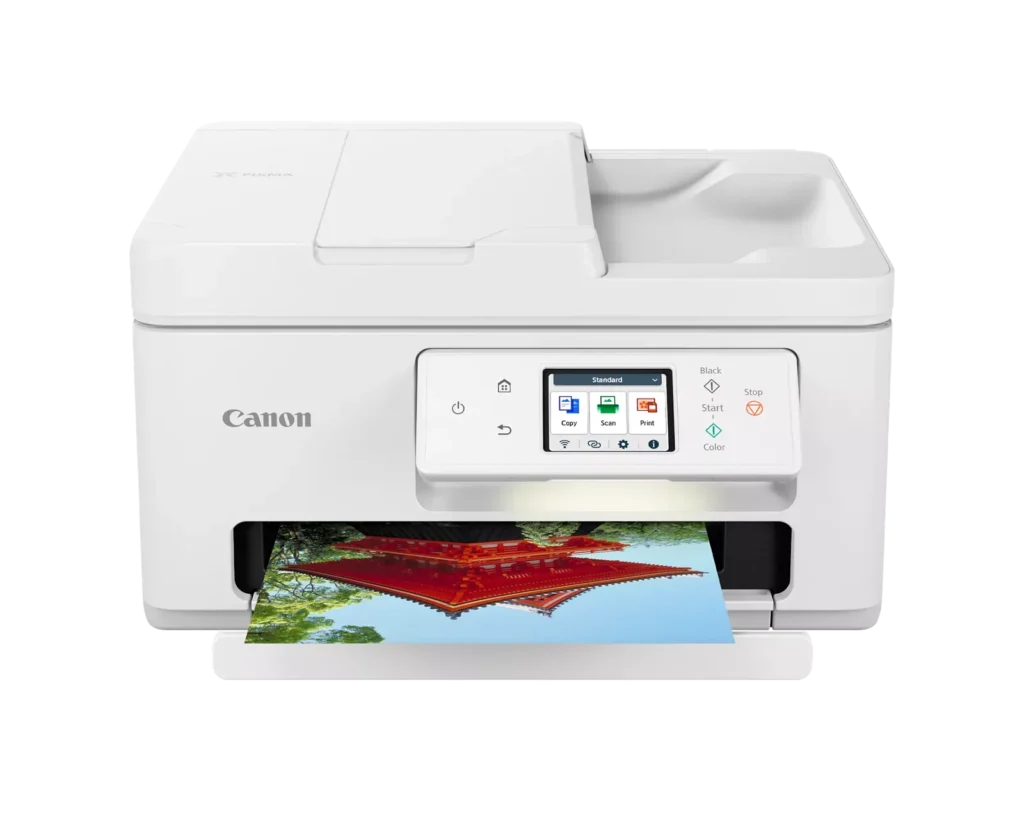
| High-Quality Hybrid Ink System | Utilizing a 2-cartridge FINE Hybrid ink system, this printer produces sharp black text with pigment-based ink and vibrant, borderless photos up to 8.5" x 11" with dye-based colors. The mess-free cartridges are designed for easy replacement. |
Pros & Cons
Pros
- Simple and Quick Setup: Many reviewers found the initial installation process to be exceptionally easy, with some reporting they were able to start printing within minutes of unboxing.
- Excellent Print Quality: The printer is frequently praised for producing sharp, clear text and vibrant photos, with several users noting it performs better than previous models from other brands.
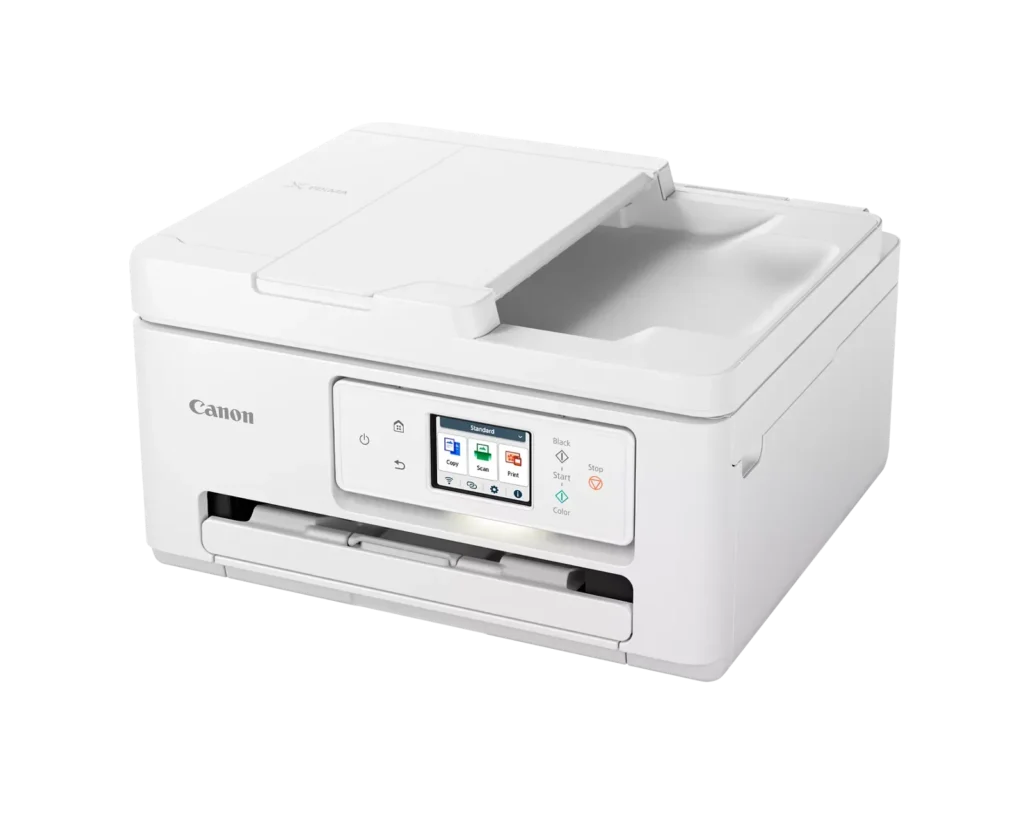
- Compact and Space-Efficient: The small footprint of the device is a major highlight for users with limited desk space, making it an ideal choice for home offices and small business environments.
Cons
- High Ink Consumption and Cost: A recurring complaint is that the printer 'eats' ink quickly, and the cost of replacement cartridges is often described as expensive or nearly the price of the printer itself.
- Unreliable Wireless Connectivity: Numerous users reported that the printer frequently goes offline or loses its Wi-Fi connection, requiring constant troubleshooting or a switch to a wired USB connection.
- Lack of Duplex Scanning: Despite having an Automatic Document Feeder (ADF), the device does not support automatic double-sided scanning, which was a deal-breaker for several customers.
You might also like












Customer Reviews
Showing reviews 31-40 of 278
-
Nice Printer
Verified purchase Verified purchase: This reviewer bought the product.EricS October 17, 2025Review source: BestbuyNew purchase, but working nice. Quick setup! Steady connection to Wi-Fi, quality prints and easy scans.
-
Perfect for me!
Verified purchase Verified purchase: This reviewer bought the product.KathleenS October 17, 2025Review source: BestbuyThis Canon printer is just what I wanted…not too big, but efficient enough for my needs. Easy to replace ink cartridges.
-
Offline constantly
Verified purchase Verified purchase: This reviewer bought the product.Lucinda B. Rapp October 14, 2025Review source: AmazonHate this printer, would give it 0 stars if possible. Prints and copies fine WHEN it works but either offline, timed out, or requiring software updates constantly. Bought it for larger display screen but it is so aggravating to use the screen size doesn’t matter.
-
Canon Rules!!!
Verified purchase Verified purchase: This reviewer bought the product.Babs October 11, 2025Review source: BestbuyOMG!!! I have been struggling along for years with an Epson printer that has caused me nothing but heartache. In the first half hour of having this Canon printer, I fell in love. I am 80 years old and the set up was so easy. I had to look online for some questions, but most were answered on setup. The print quality is so much better than I have experiened for years. I have opted for one of the printer ink packages and hope it works out for me. I would enourage people not to buy Epson printers.
-
Low Ink
Verified purchase Verified purchase: This reviewer bought the product.KennethH October 10, 2025Review source: BestbuyI get constant reminders that ink level is Low but it prints
-
TOO MUCH INK and poor quality. Cumbersome design.
Verified purchase Verified purchase: This reviewer bought the product.Salina October 7, 2025Review source: AmazonToo much ink and not great printing! Plus the cumbersome style is hard to use. I was used to an Epson and I read reviews that it was not the same product. So I changed brands. I will say this is 2 star because it prints. Nothing else. I would NOT RECOMMEND. I have had it for a year and still NOT happy with this printer. It does scan well.
-
Great quality
Verified purchase Verified purchase: This reviewer bought the product.It is very much helpful and ea… October 7, 2025Review source: AmazonPerfect for office and schoolwork
-
home office
Verified purchase Verified purchase: This reviewer bought the product.bluesky October 6, 2025Review source: BestbuyI does everything well. Plug in and go, easy setup
-
Not The Best
Verified purchase Verified purchase: This reviewer bought the product.Dodo October 4, 2025Review source: BestbuyI have problems with it being offline all the time. It is correctable, but it shouldn’t happen all the time. They also don’t supply any type of manual to understand all its features.
-
Heavier than I thought it would be.
Verified purchase Verified purchase: This reviewer bought the product.Happy10708 October 1, 2025Review source: BestbuyDecent All-In-One. Purchased on Sale. Using for light print jobs at home. The one downside is the cost of the ink cartridges and I only want to use the Canon brand to be on the safe side.