Customer Media
Highlights
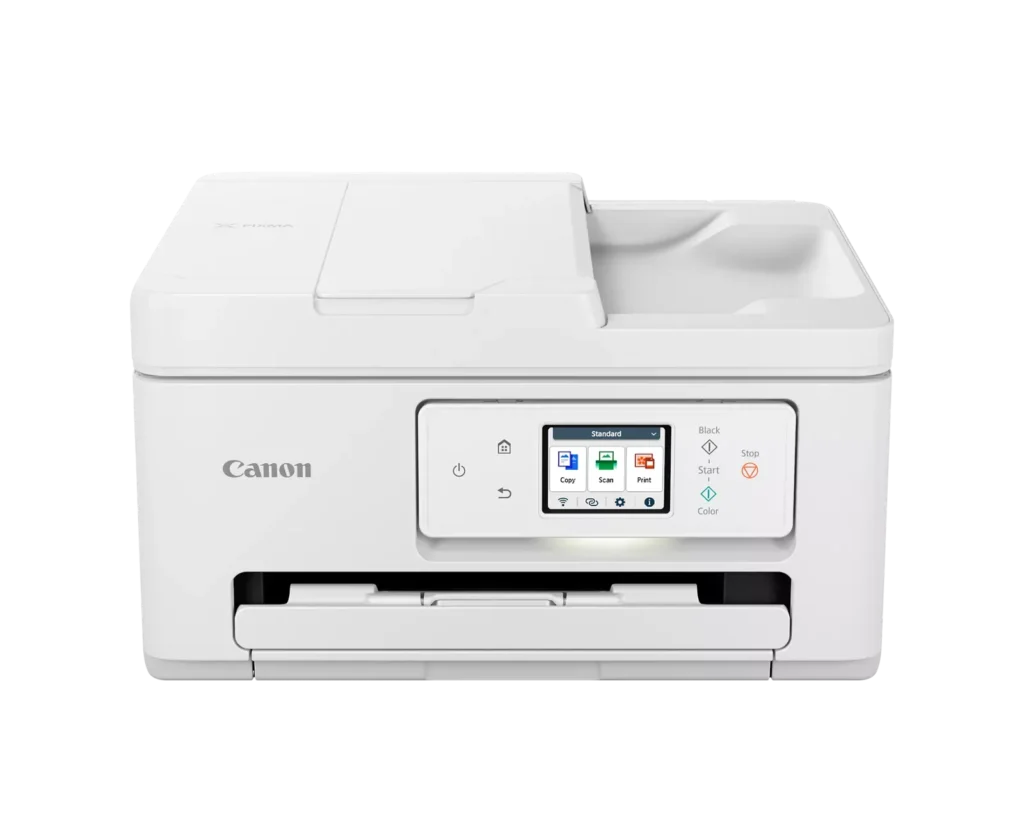
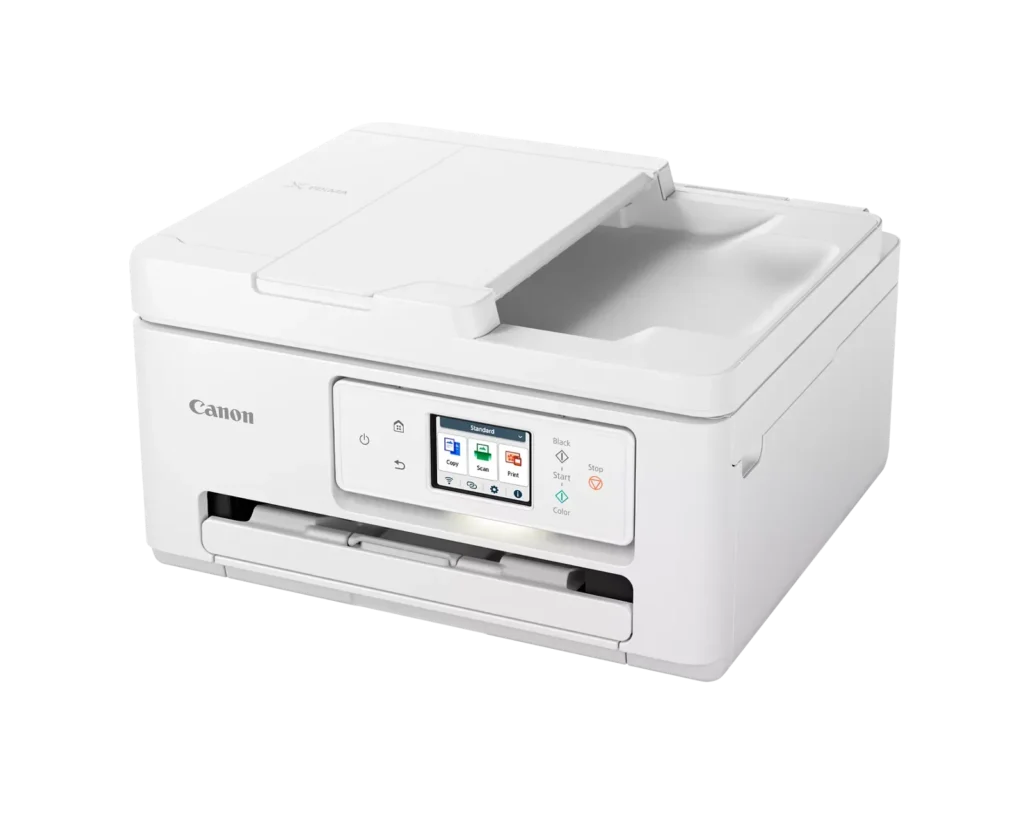
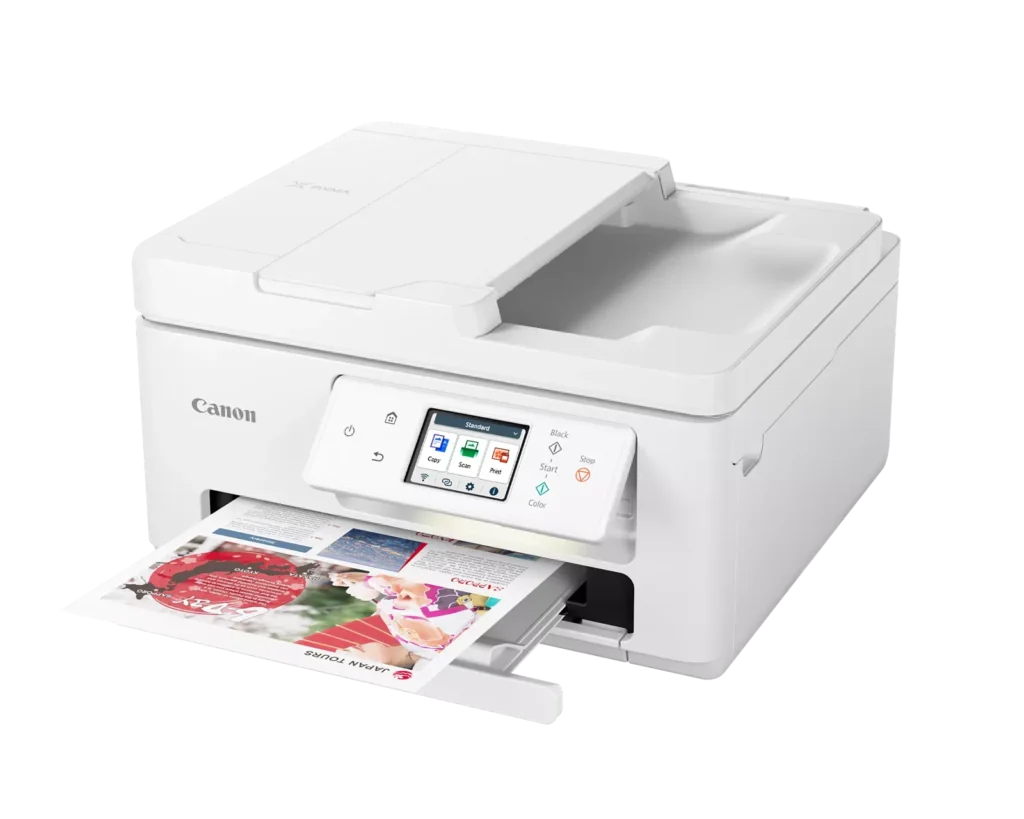
| Versatile All-in-One Performance | The PIXMA TR7820 is a compact 3-in-1 solution that allows you to print, copy, and scan with ease. It delivers fast ISO print speeds of up to 15 ipm in black and 10 ipm in color, making it ideal for home offices and school assignments. |
|---|---|
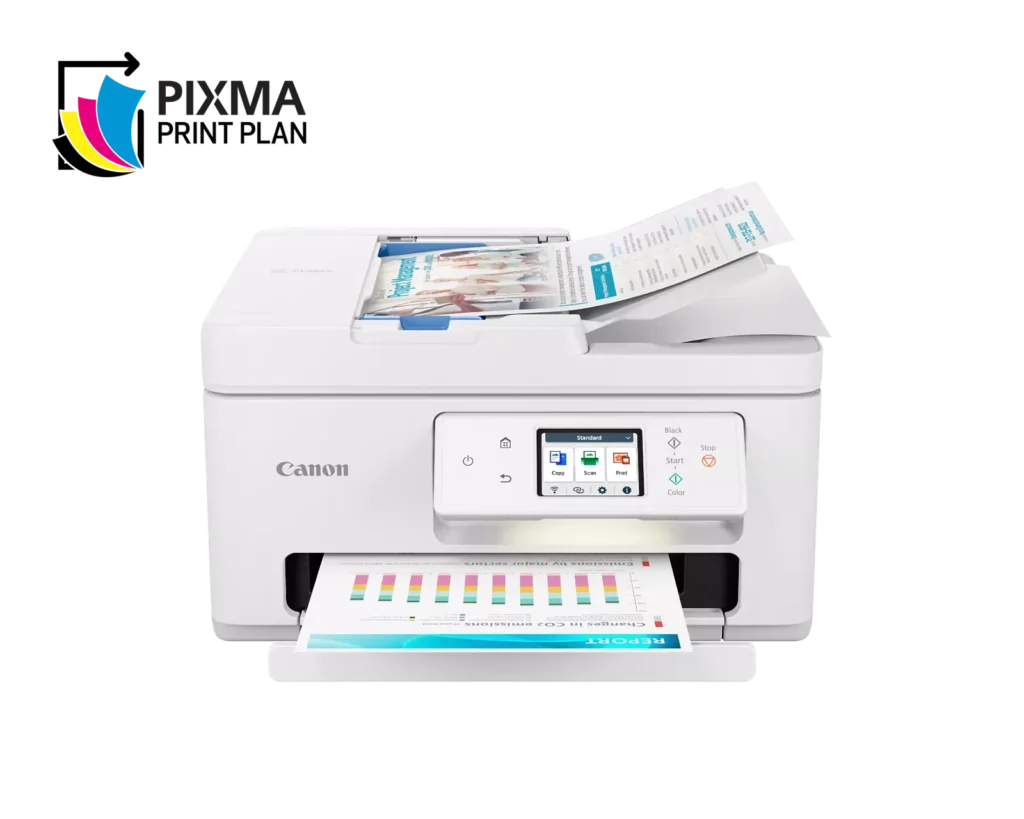
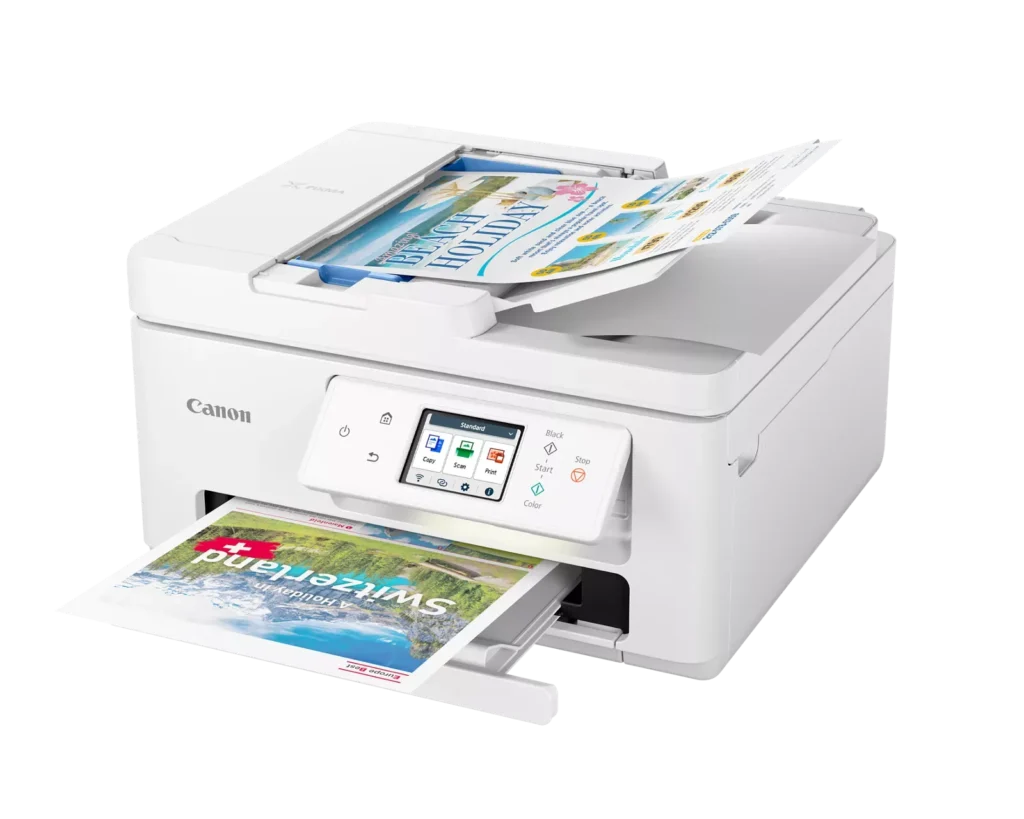
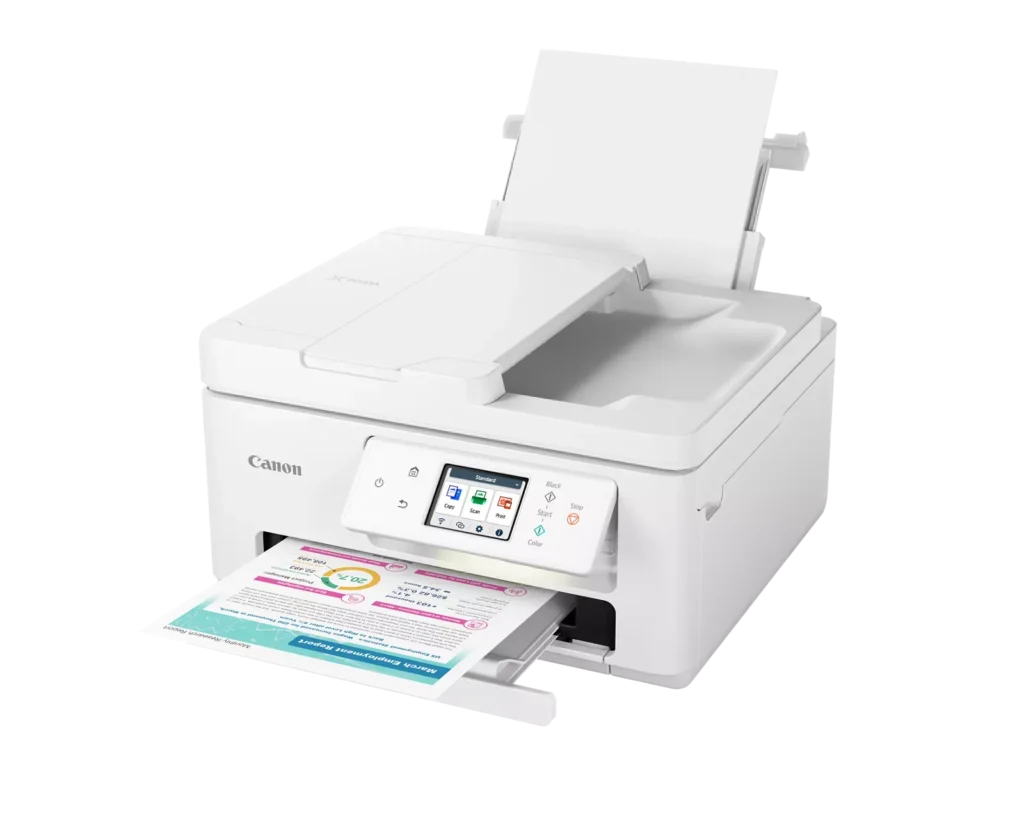
| Efficient Paper Handling | Boost productivity with a 35-sheet Automatic Document Feeder (ADF) for multi-page scanning and copying. The printer also features a dual-tray system with a 100-sheet front cassette and a 100-sheet rear tray, providing a total capacity of 200 sheets. |
| Intuitive 2.7" LCD Touchscreen | Navigate printer functions and settings effortlessly using the built-in 2.7-inch color LCD touchscreen. The user-friendly interface simplifies setup and provides quick access to maintenance and cloud printing options. |
| Seamless Wireless Connectivity | Equipped with Dual-Band Wi-Fi (2.4GHz and 5GHz), the TR7820 ensures a stable connection for wireless printing. It supports mobile printing via the Canon PRINT app, Apple AirPrint, and Mopria Print Service for convenient printing from smartphones and tablets. |
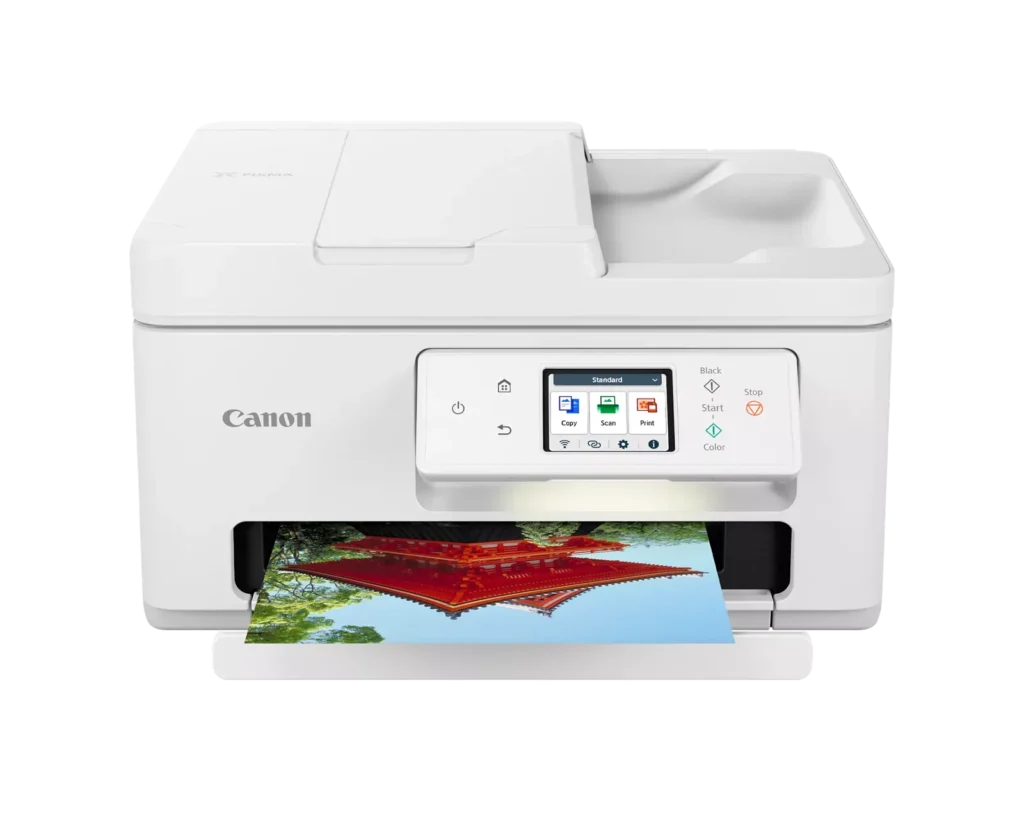
| High-Quality Hybrid Ink System | Utilizing a 2-cartridge FINE Hybrid ink system, this printer produces sharp black text with pigment-based ink and vibrant, borderless photos up to 8.5" x 11" with dye-based colors. The mess-free cartridges are designed for easy replacement. |
Pros & Cons
Pros
- Simple and Quick Setup: Many reviewers found the initial installation process to be exceptionally easy, with some reporting they were able to start printing within minutes of unboxing.
- Excellent Print Quality: The printer is frequently praised for producing sharp, clear text and vibrant photos, with several users noting it performs better than previous models from other brands.
- Compact and Space-Efficient: The small footprint of the device is a major highlight for users with limited desk space, making it an ideal choice for home offices and small business environments.
Cons
- High Ink Consumption and Cost: A recurring complaint is that the printer 'eats' ink quickly, and the cost of replacement cartridges is often described as expensive or nearly the price of the printer itself.
- Unreliable Wireless Connectivity: Numerous users reported that the printer frequently goes offline or loses its Wi-Fi connection, requiring constant troubleshooting or a switch to a wired USB connection.
- Lack of Duplex Scanning: Despite having an Automatic Document Feeder (ADF), the device does not support automatic double-sided scanning, which was a deal-breaker for several customers.
You might also like












Customer Reviews
Showing reviews 41-50 of 278
-
Excellent Upgrade
Verified purchase Verified purchase: This reviewer bought the product.DEV September 27, 2025Review source: AmazonThis is an excellent unit. Very easy to set up and connect instantly with the canon app. It was an upgrade/replacement from my previous printer, which was also a canon and they are both excellent but this new unit does so much more. I’m very pleased with my purchase.
-
Doesn’t print well from webpages on smartphone over WiFi and wastes ink with many printer errors
Verified purchase Verified purchase: This reviewer bought the product.MB September 22, 2025Review source: AmazonPrinting from a website on a smartphone over WiFi was nearly impossible.
The problems seemed random; I couldn’t identify anything I was doing that would predictably cause the problems. I did the same thing each time: I sat next to the printer with my smartphone on the table, not using any other app or websites while the printer job was active.
Sometimes, it wouldn’t print over WiFi from my smartphone at all. Other times, it would start printing, print the first page or two, or maybe part of a page from WiFi, and then stop and say “Processing…” on the screen for several minutes.
Then it would start printing from the very beginning again. For a multi-page printer job, this would waste a lot of ink, especially if the printing job used color ink! (The ink is expensive, something like $50 for a full set of black plus color ink.).
Sometimes, the “Processing…” screen would never clear and I’d need to literally unplug the printer from the wall to get it to turn off and start over. Again, that would waste ink.
Sometimes a very simple job, one black-and-white simple image on one page, over WiFi from my smartphone, would stop halfway through and re-start printing, wasting ink.
The printer self-installed updates over WiFi, so I thought that would solve the problem. I turned it off and turned it on again. I turned my smartphone off and turned it on again. Nothing worked.
I spent an entire weekend troubleshooting, with no improvement.
Scanning and copying (that didn’t involve WiFi) worked really well, with nice, vibrant colors on the print-outs.
If you plan to just use it for copying, or printing from a computer attached to a cable, it’s probably fine? I can’t 100% speak to that, because I focused on printing from websites on my smartphone over WiFi.
Because I do most of my printing from webpages on my smartphone over WiFi, and that’s what the printer had trouble with, I decided to return the printer.
My previous Canon printer held up really well over several years, and printed for the most part fine from websites from my smartphone over WiFi. So I was disappointed that this new Canon printer did less well than my previous Canon printer.
-
Good printer, but pricey
Verified purchase Verified purchase: This reviewer bought the product.Nana September 12, 2025Review source: BestbuyEasy to install on phone and computers. Works well printing wirelessly.
Printing is clear and crisp, images are very good also.
Tends to use a lot of ink, need to figure out if there is an ink saver option. Not sure about using the printer ink program they offer. Printer ink is a bit on the expensive side. -
Customer Service was great!
Verified purchase Verified purchase: This reviewer bought the product.Mary Kromer September 9, 2025Review source: AmazonThe printer did not work when it came in but Canon sent a brand new one and it works great! I sent the bad one back.
-
Worst printer ever
Verified purchase Verified purchase: This reviewer bought the product.Bighawk September 8, 2025Review source: AmazonWorst printer I ever owned, no usb connection or wifi, DO NOT BUY THIS PRINTER
-
canon prixma printer
Verified purchase Verified purchase: This reviewer bought the product.Kimu September 5, 2025Review source: BestbuyGood printer but set up the wifi 3 times and worked for that day then disconected, I ended up getting a usb cable and connecting to tower. No issues now.
-
Canon printer
Verified purchase Verified purchase: This reviewer bought the product.MargaretR September 1, 2025Review source: BestbuyI absolutely love this printer, Canon brand is my favorite brand of printer. Easy to set up and easy to use.
-
printer not work
Verified purchase Verified purchase: This reviewer bought the product.Liana Dorsett August 22, 2025Review source: Amazoni do what instruction said and is still not working.
-
7820 Canon
Verified purchase Verified purchase: This reviewer bought the product.WilliamB August 22, 2025Review source: BestbuySo far no problems with this printer. It prints very good. It prints at a nice speed, not too slow.
-
Great printer for the price
Verified purchase Verified purchase: This reviewer bought the product.Paul August 21, 2025Review source: BestbuyGreat, dependable printer and feature set for the price point. The ADF (automatic document feeder) is a nice feature at this price point too. Only issue I have with it is I wish the printer tray was automatic and not manual. Otherwise, no complaints.