Customer Media
Highlights
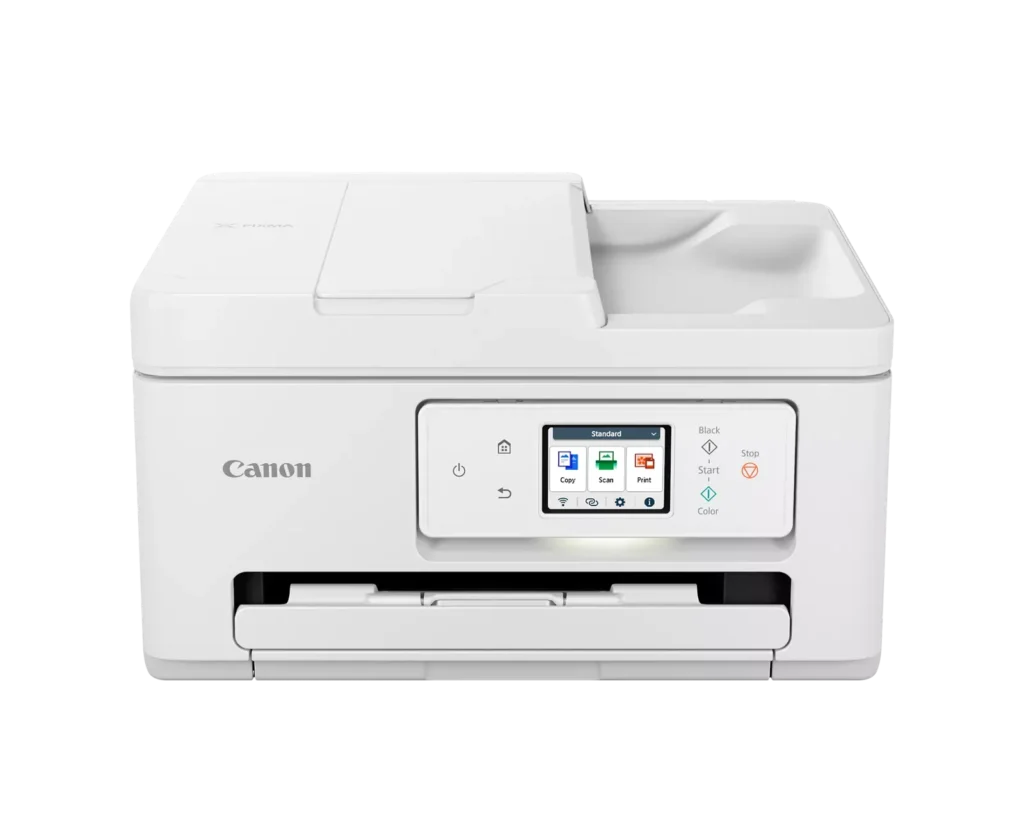
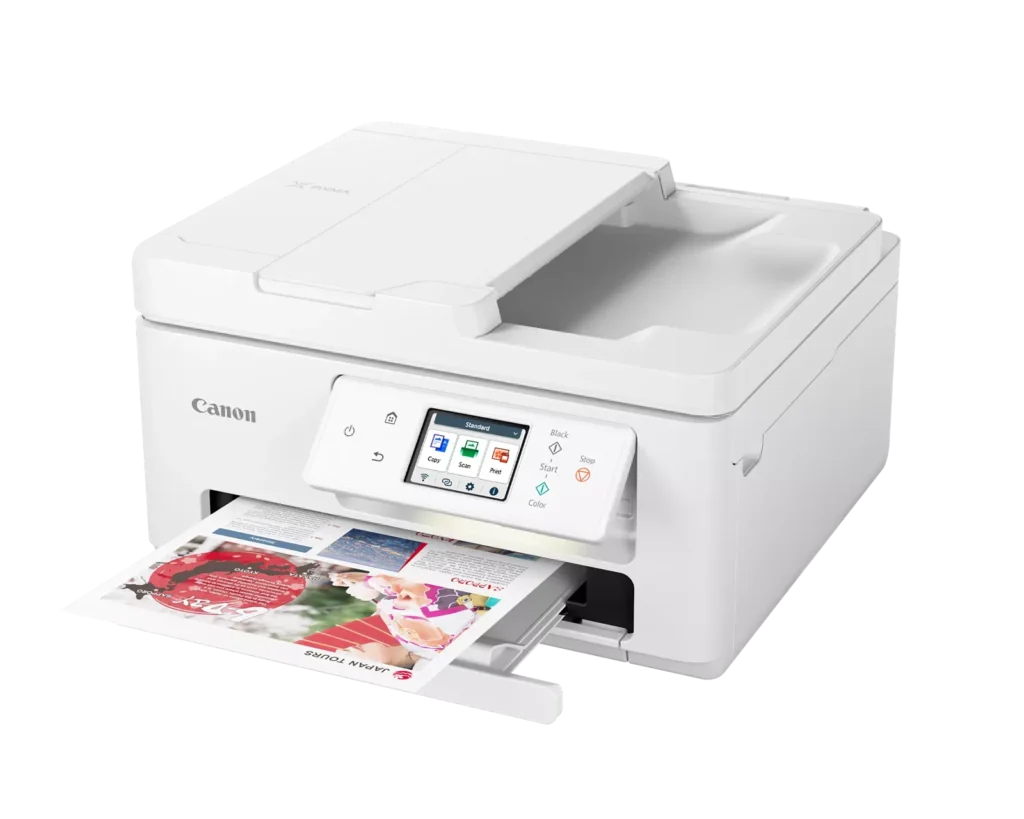
| Versatile All-in-One Performance | The PIXMA TR7820 is a compact 3-in-1 solution that allows you to print, copy, and scan with ease. It delivers fast ISO print speeds of up to 15 ipm in black and 10 ipm in color, making it ideal for home offices and school assignments. |
|---|---|
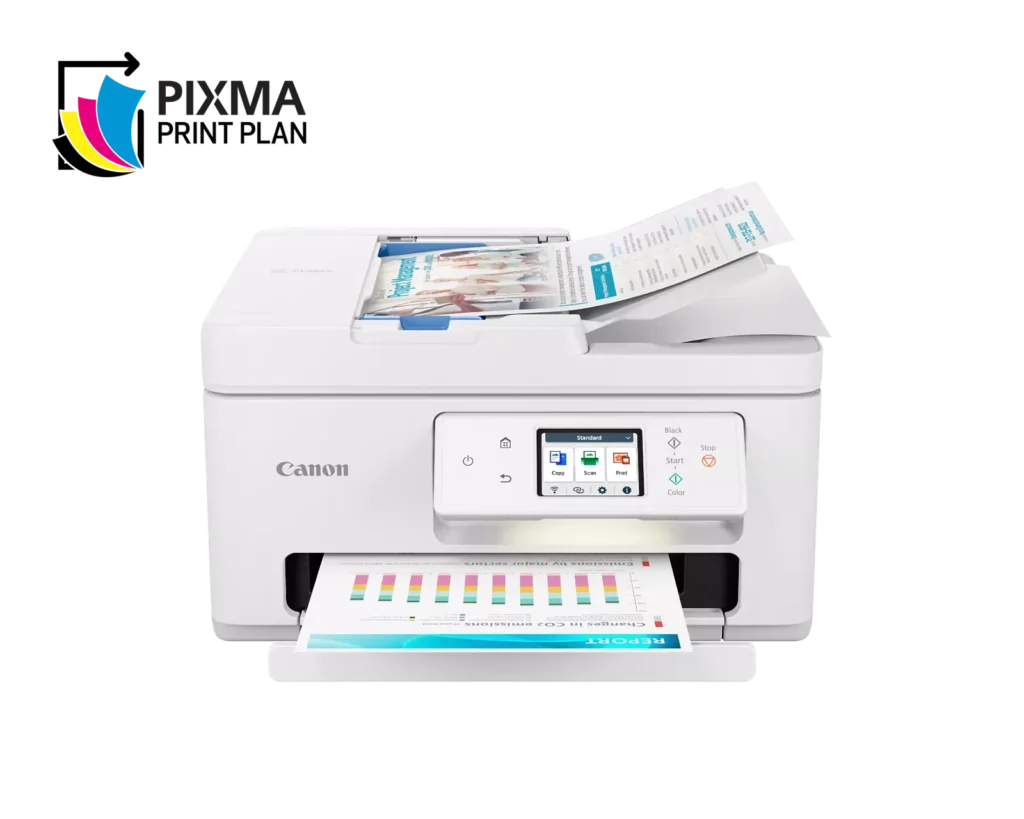
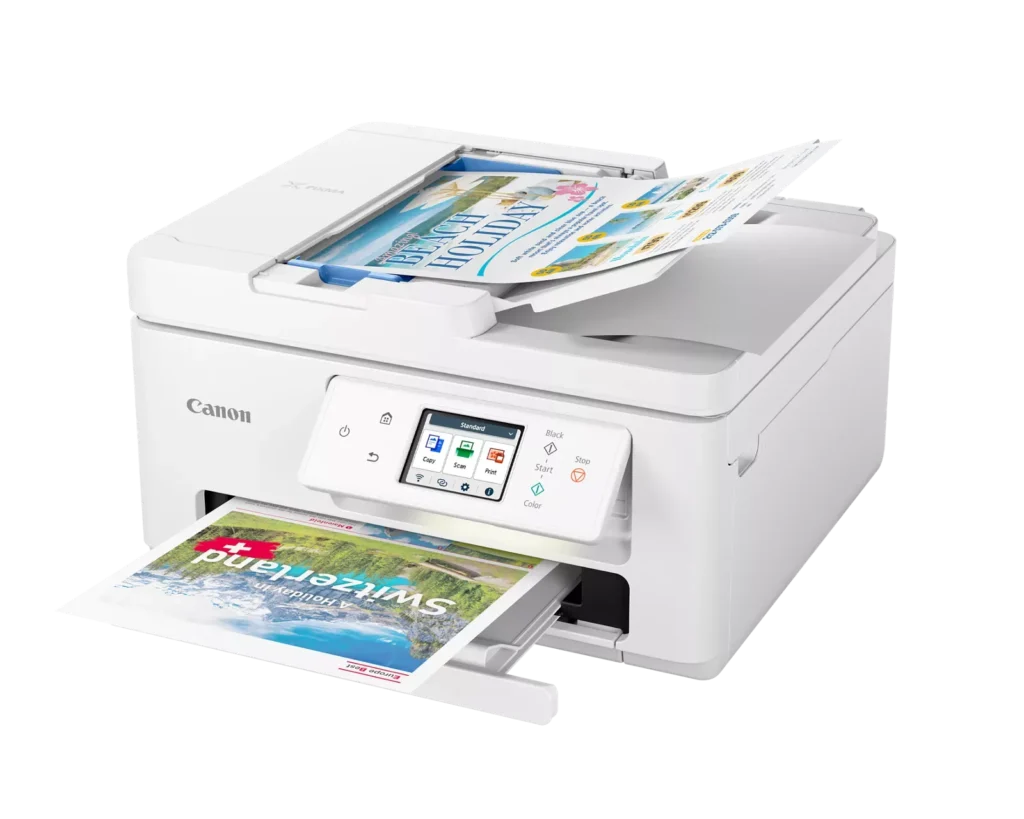
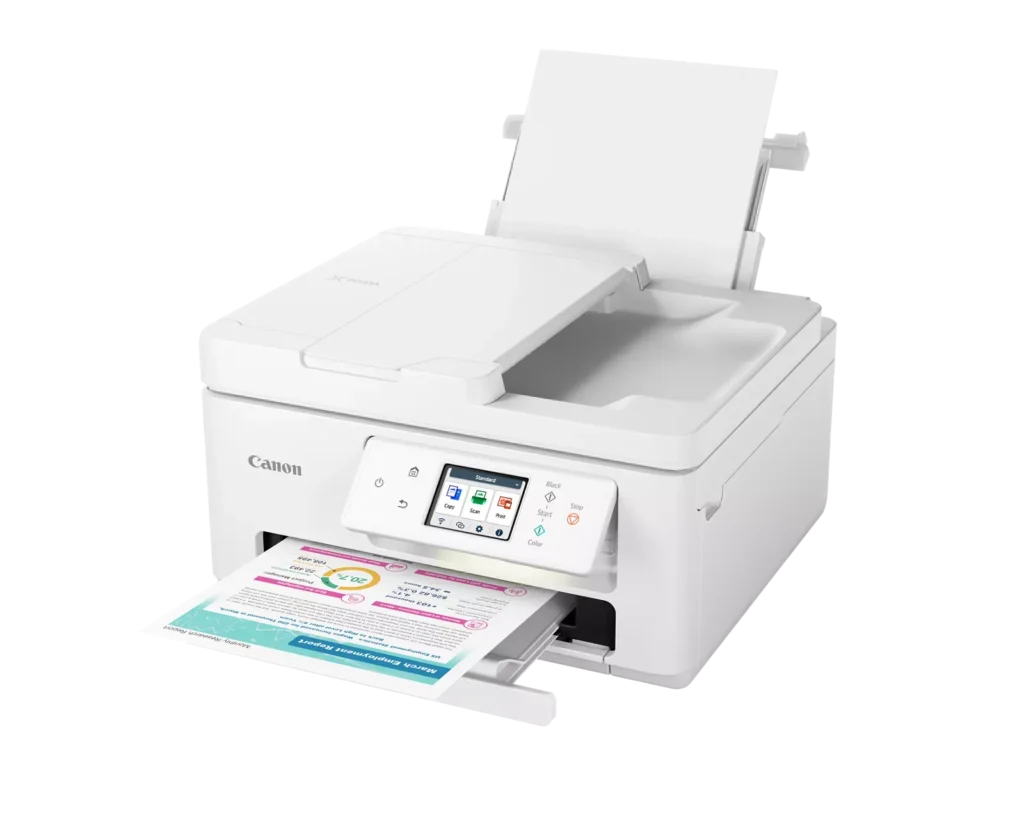
| Efficient Paper Handling | Boost productivity with a 35-sheet Automatic Document Feeder (ADF) for multi-page scanning and copying. The printer also features a dual-tray system with a 100-sheet front cassette and a 100-sheet rear tray, providing a total capacity of 200 sheets. |
| Intuitive 2.7" LCD Touchscreen | Navigate printer functions and settings effortlessly using the built-in 2.7-inch color LCD touchscreen. The user-friendly interface simplifies setup and provides quick access to maintenance and cloud printing options. |
| Seamless Wireless Connectivity | Equipped with Dual-Band Wi-Fi (2.4GHz and 5GHz), the TR7820 ensures a stable connection for wireless printing. It supports mobile printing via the Canon PRINT app, Apple AirPrint, and Mopria Print Service for convenient printing from smartphones and tablets. |
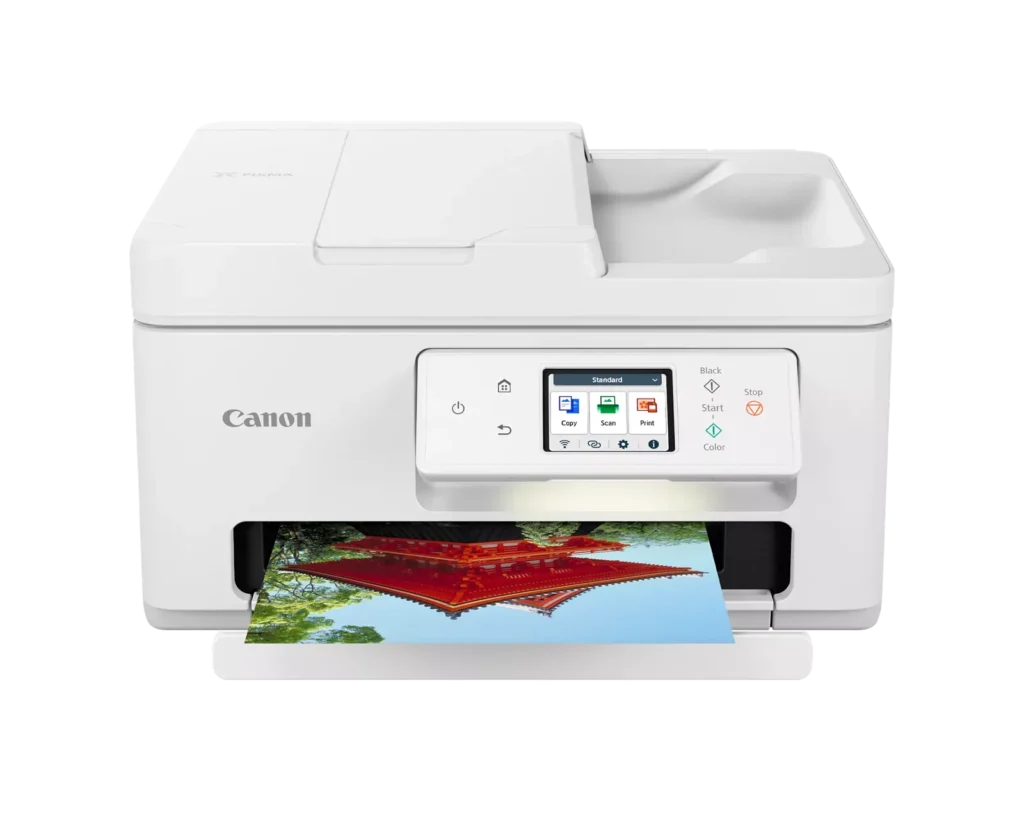
| High-Quality Hybrid Ink System | Utilizing a 2-cartridge FINE Hybrid ink system, this printer produces sharp black text with pigment-based ink and vibrant, borderless photos up to 8.5" x 11" with dye-based colors. The mess-free cartridges are designed for easy replacement. |
Pros & Cons
Pros
- Simple and Quick Setup: Many reviewers found the initial installation process to be exceptionally easy, with some reporting they were able to start printing within minutes of unboxing.
- Excellent Print Quality: The printer is frequently praised for producing sharp, clear text and vibrant photos, with several users noting it performs better than previous models from other brands.
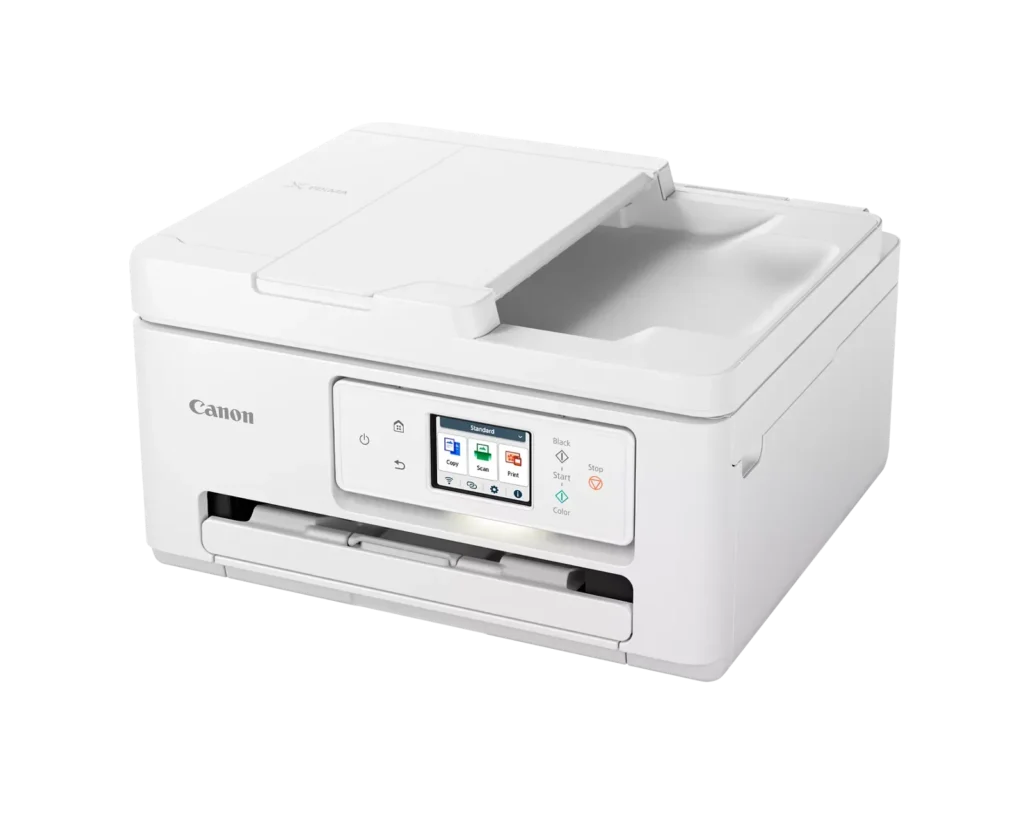
- Compact and Space-Efficient: The small footprint of the device is a major highlight for users with limited desk space, making it an ideal choice for home offices and small business environments.
Cons
- High Ink Consumption and Cost: A recurring complaint is that the printer 'eats' ink quickly, and the cost of replacement cartridges is often described as expensive or nearly the price of the printer itself.
- Unreliable Wireless Connectivity: Numerous users reported that the printer frequently goes offline or loses its Wi-Fi connection, requiring constant troubleshooting or a switch to a wired USB connection.
- Lack of Duplex Scanning: Despite having an Automatic Document Feeder (ADF), the device does not support automatic double-sided scanning, which was a deal-breaker for several customers.
You might also like












Customer Reviews
Showing reviews 81-90 of 278
-
So far so good
Verified purchase Verified purchase: This reviewer bought the product.Linda June 16, 2025Review source: BestbuySetup was ok (not super easy, but I could figure it out). The desktop app is not very easy to navigate. It took me forever to find where to see the job lists (so I could cancel the errored print jobs). I’ve only printed about 10 pages. No problem yet, but I noticed that the ink levels go down quite fast. I read other reviews about printer head clog, but it hasn’t been long since my purchase so I don’t know. Propably will update later. I do think it’s a bit overpriced.
-
Not Bad for Minimal Printing
Verified purchase Verified purchase: This reviewer bought the product.Diana Crossman June 16, 2025Review source: AmazonThis is a very finicky printer. It really doesn’t love to be wireless. It goes through ink quickly. It was easy enough to set up. The paper tray does not hold a lot of paper. If you don’t print a lot it may be ok
-
Excellent printer
Verified purchase Verified purchase: This reviewer bought the product.Runner54 June 13, 2025Review source: BestbuyLove this printer. Quiet and easy to install. So far I have had no problems with this printer. It interfaces with Apple’s air print seamlessly. Great printer for the price.
-
Canon Home printer
Verified purchase Verified purchase: This reviewer bought the product.JackieM June 13, 2025Review source: BestbuyThe Canon PIXMA TR8620a is a good all-in-one inkjet printer. The printer is slow. It prints great photos. You can find compatible ink a a great price, This is the second one that I have owned.
-
Canon
Verified purchase Verified purchase: This reviewer bought the product.JamesC June 13, 2025Review source: BestbuyGreat product n guff to i u GJ if rttgyj u gghhhhh
-
Don't waste your money
Verified purchase Verified purchase: This reviewer bought the product.Paolo Krilenko June 12, 2025Review source: AmazonTHE WORST printer, much less the worst Canon I have ever owned. Wireless or wired communication issues with my computer. Drinks ink like a drunken sailor. ADF printing? Forget about it for multiple pages. It will jam most likely than not. Canon used to make great printers…not any more
-
Great Little Printer with Many Features
Verified purchase Verified purchase: This reviewer bought the product.DozersMom June 11, 2025Review source: BestbuyThis has been a really great printer, so far. Color pics are good. Ink seems to last a good amount of time. We use the scan and double sided print features a lot and this printer has not yet let us down.
-
Canon printer
Verified purchase Verified purchase: This reviewer bought the product.SandraB June 6, 2025Review source: BestbuyWorks great. If you don’t do continual printing, you will need to turn on before printing since it shuts off.
-
Great printer for home
Verified purchase Verified purchase: This reviewer bought the product.Brice June 6, 2025Review source: BestbuyPerfect for what I need. Great combo of price and quality
-
Great Printer!
Verified purchase Verified purchase: This reviewer bought the product.AraVenice June 2, 2025Review source: BestbuyBought this for my Mom as a Mother’s Day gift and she loves it so far. It’s easy to use and the setup was also a breeze! Perfect for a home office printer.