Customer Media
Highlights
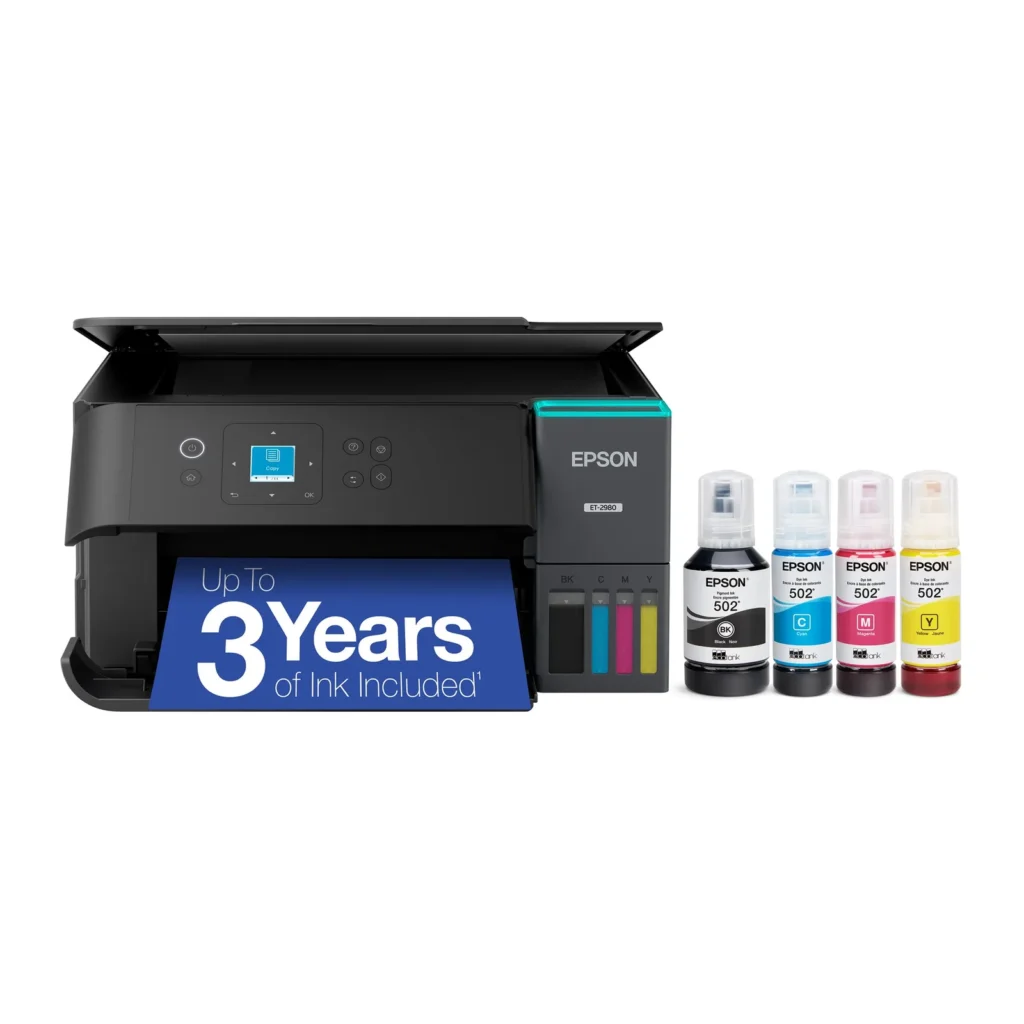
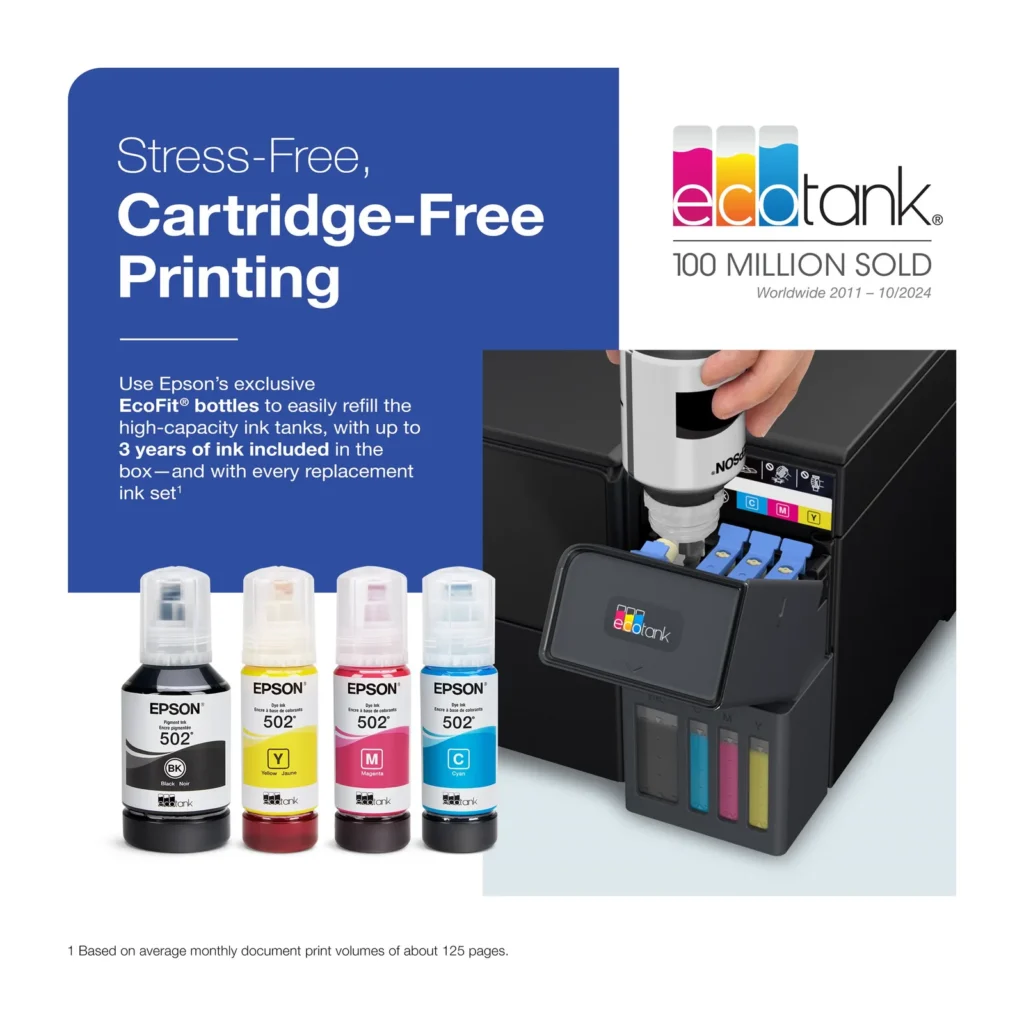
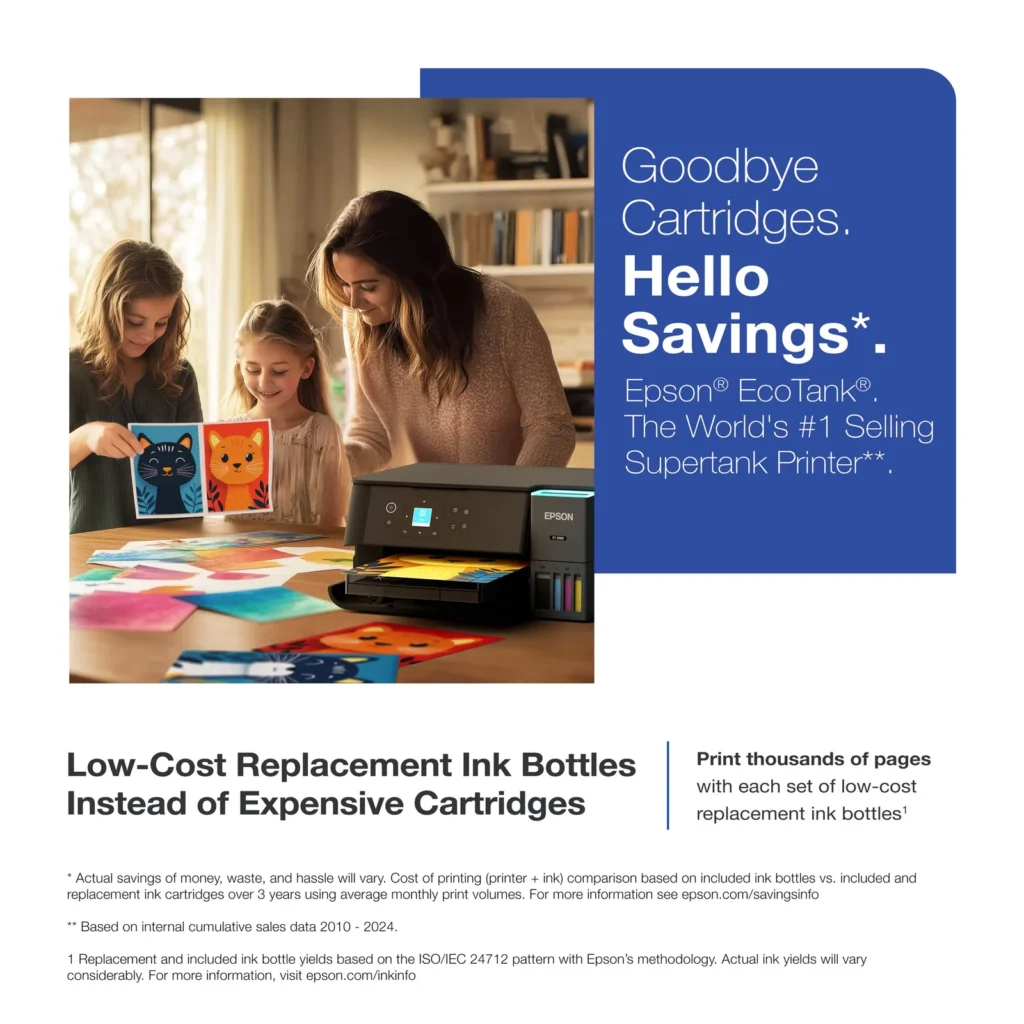
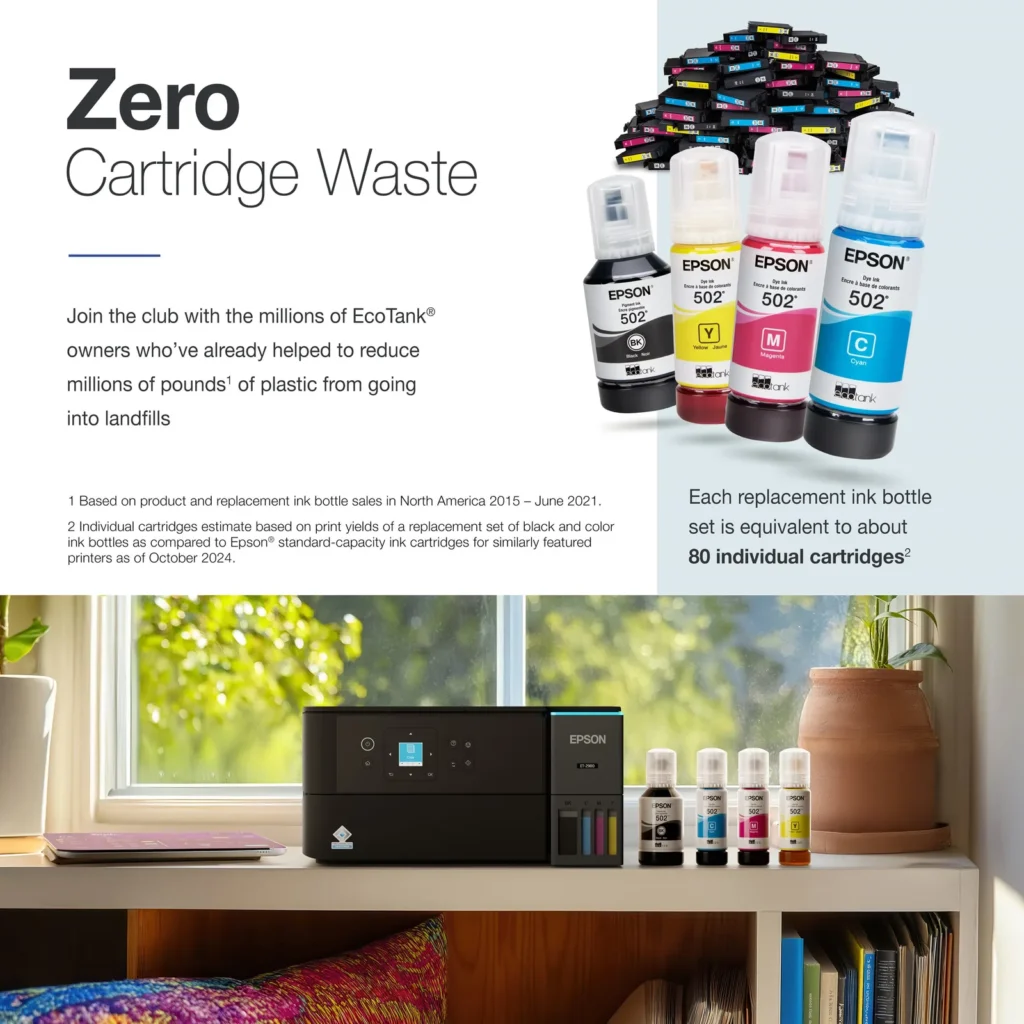
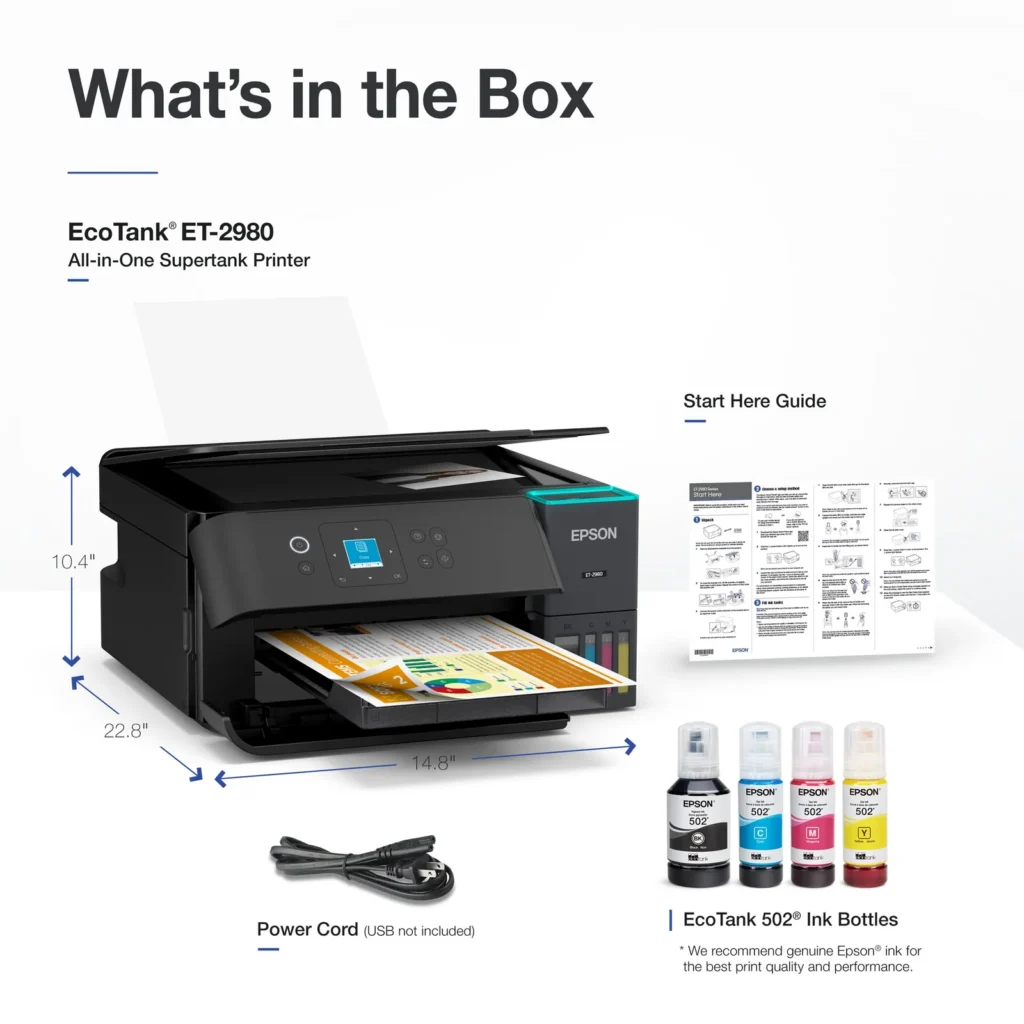
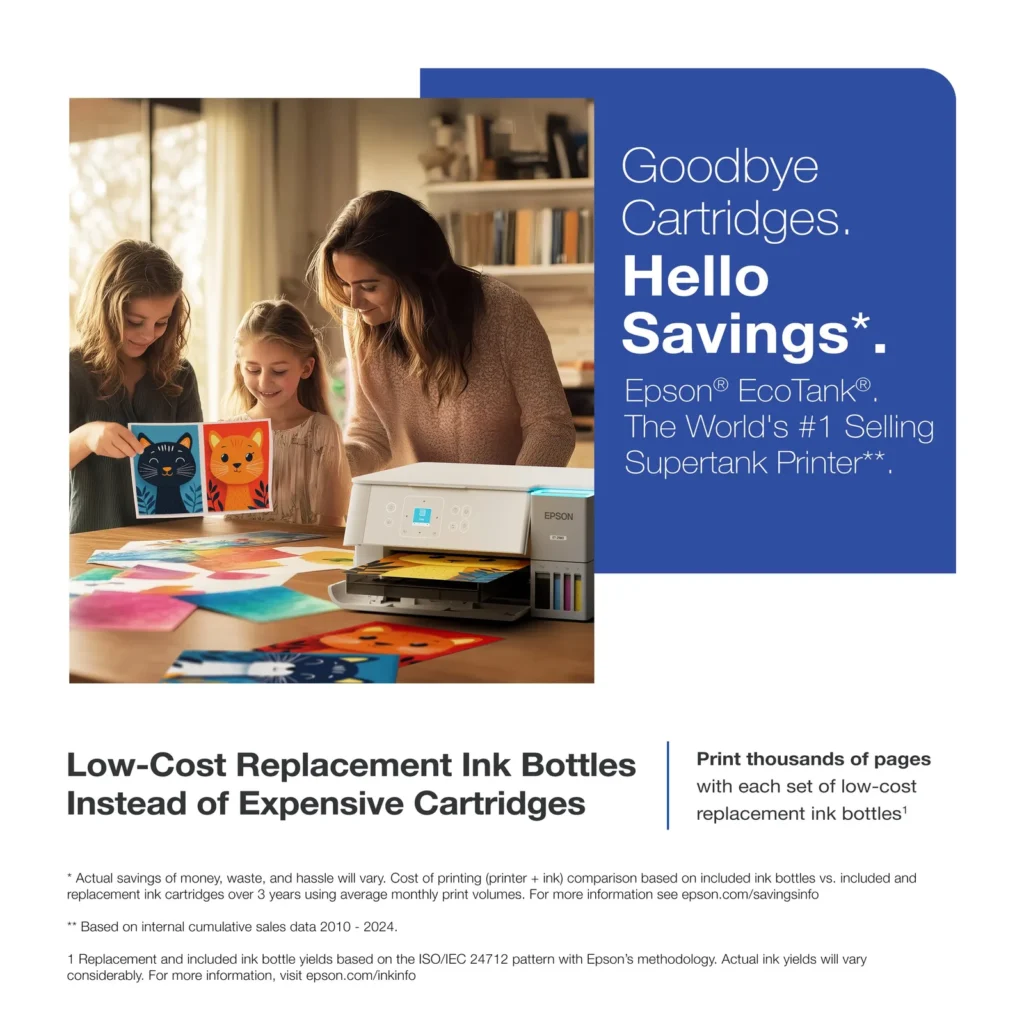
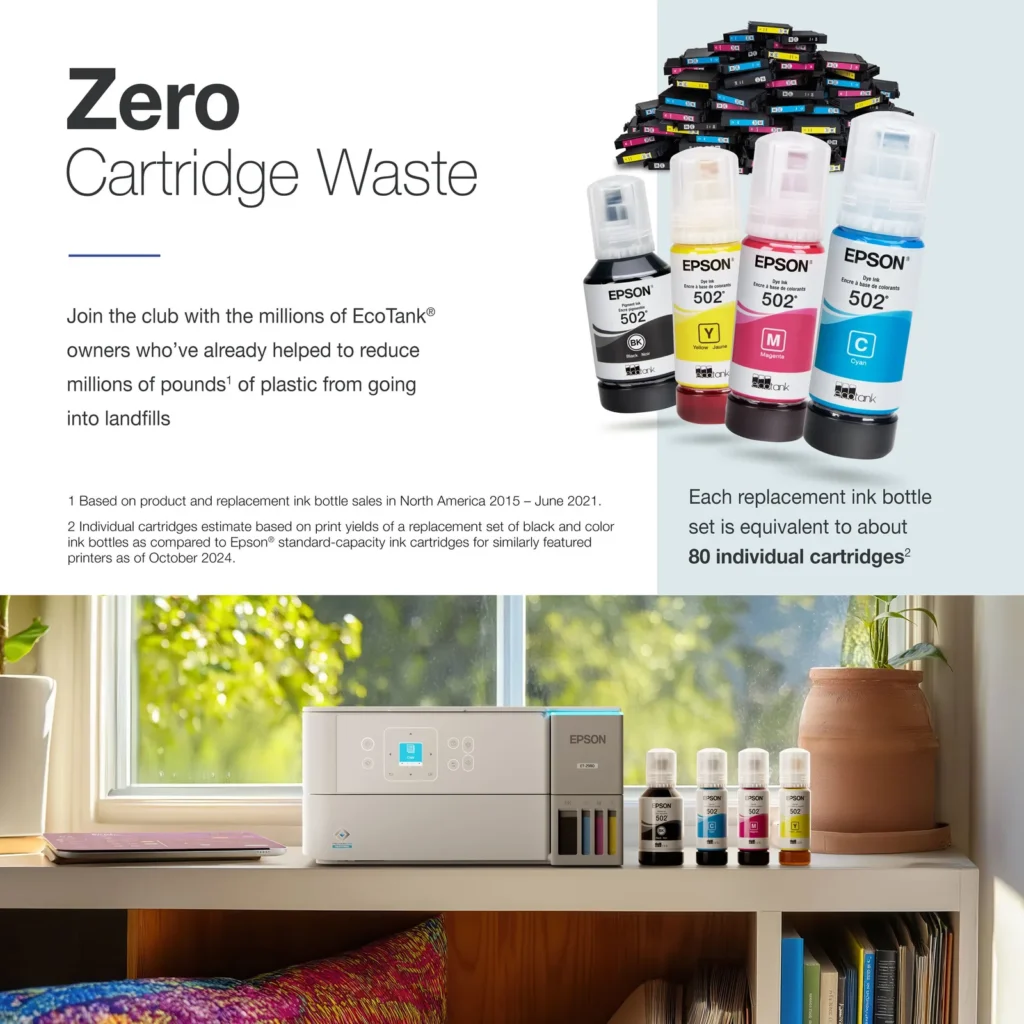
| Incredible Value and Savings | Save significantly on replacement ink with high-capacity ink tanks; each set of replacement ink bottles is equivalent to about 90 individual cartridges, providing a low cost-per-print. |
|---|---|
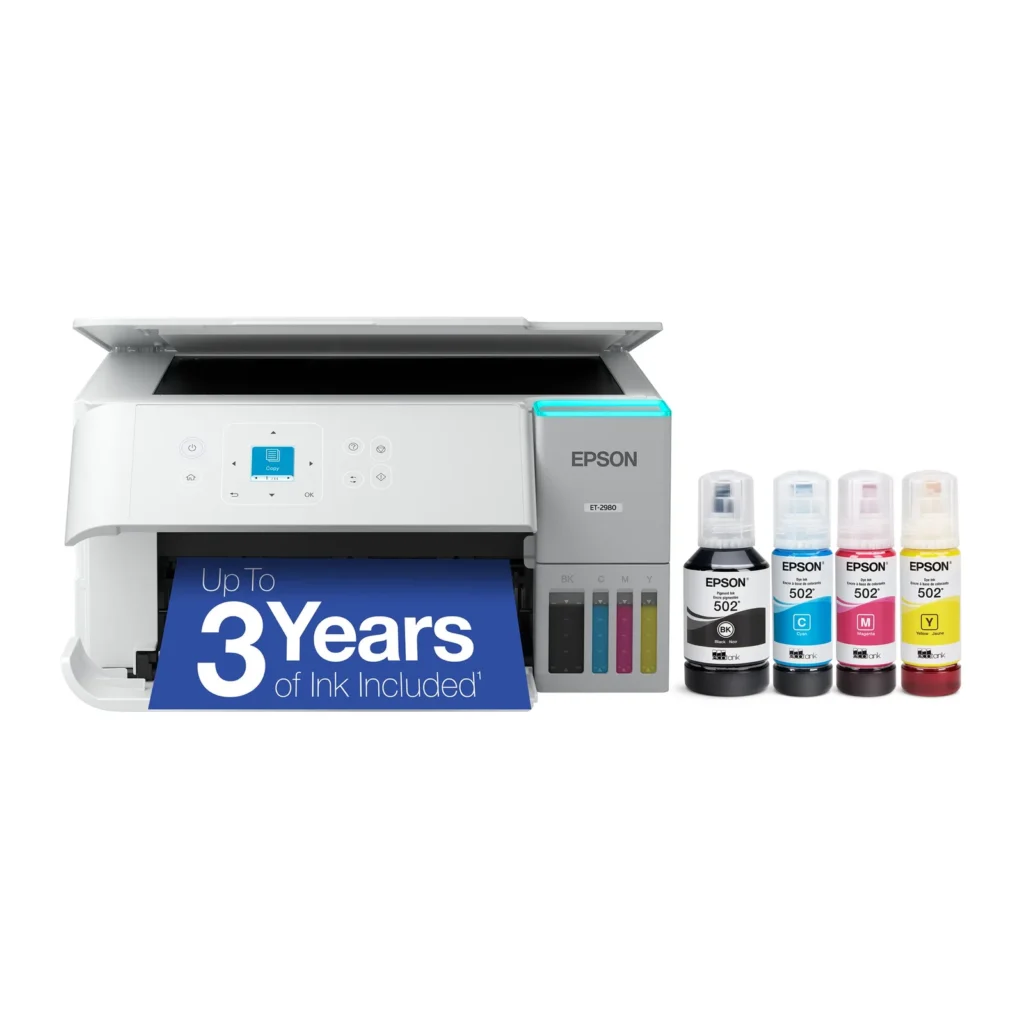
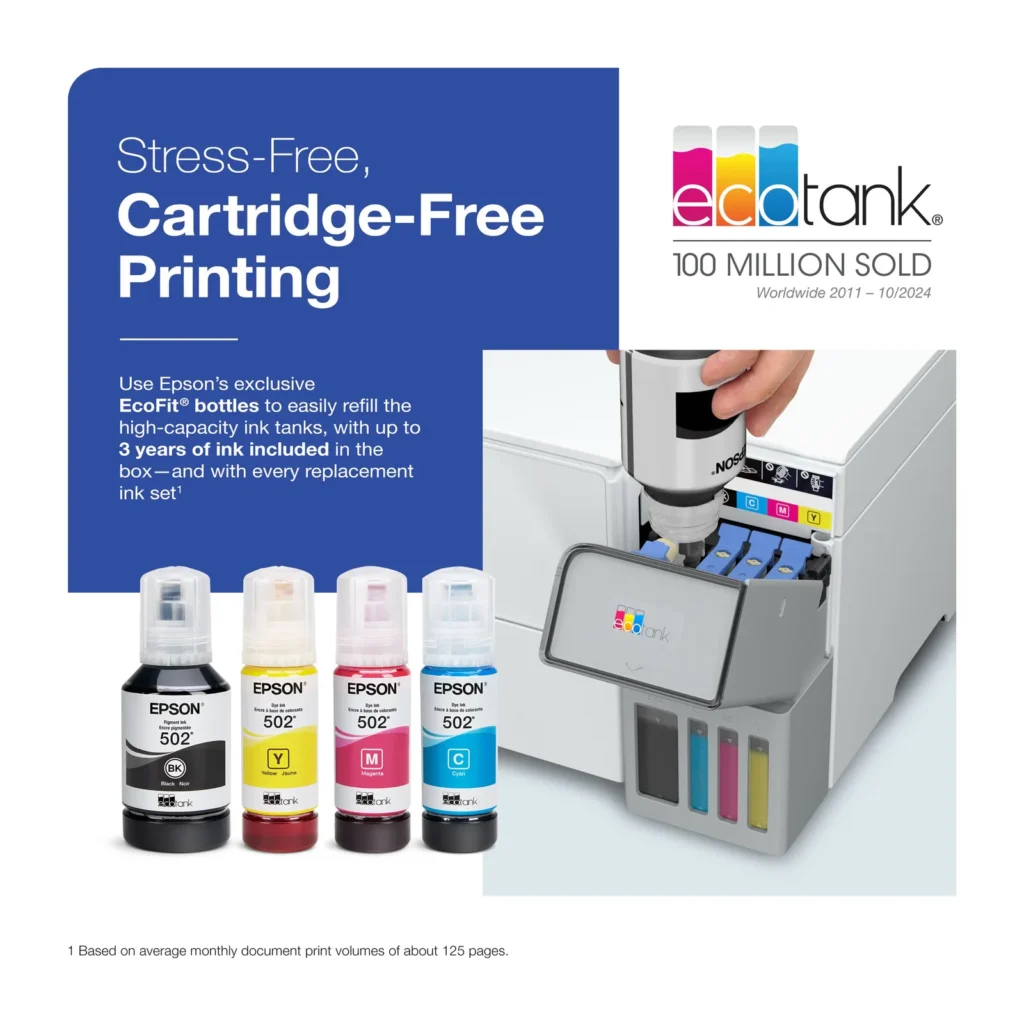
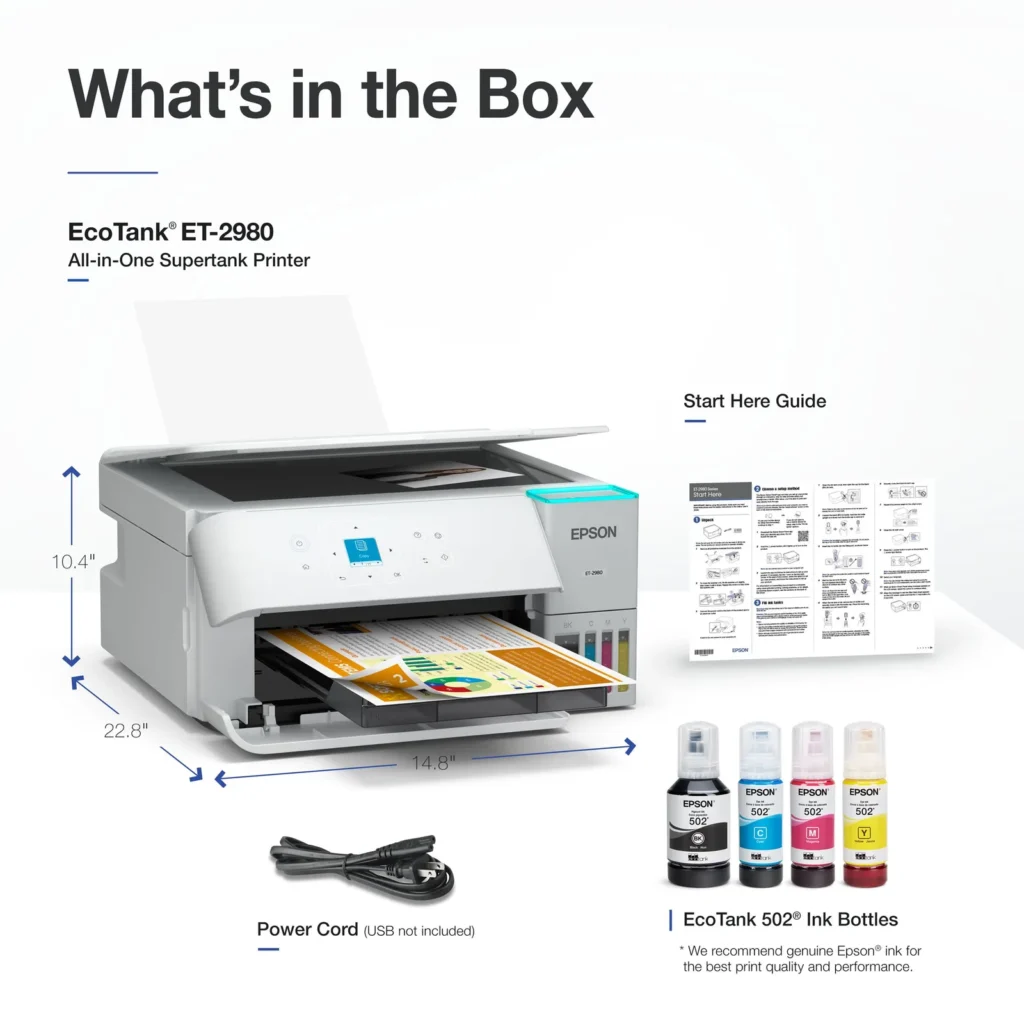
| Up to 3 Years of Ink Included | The printer comes with enough ink in the box to last up to three years, allowing you to print up to 6,600 black and 5,500 color pages before needing a refill. |
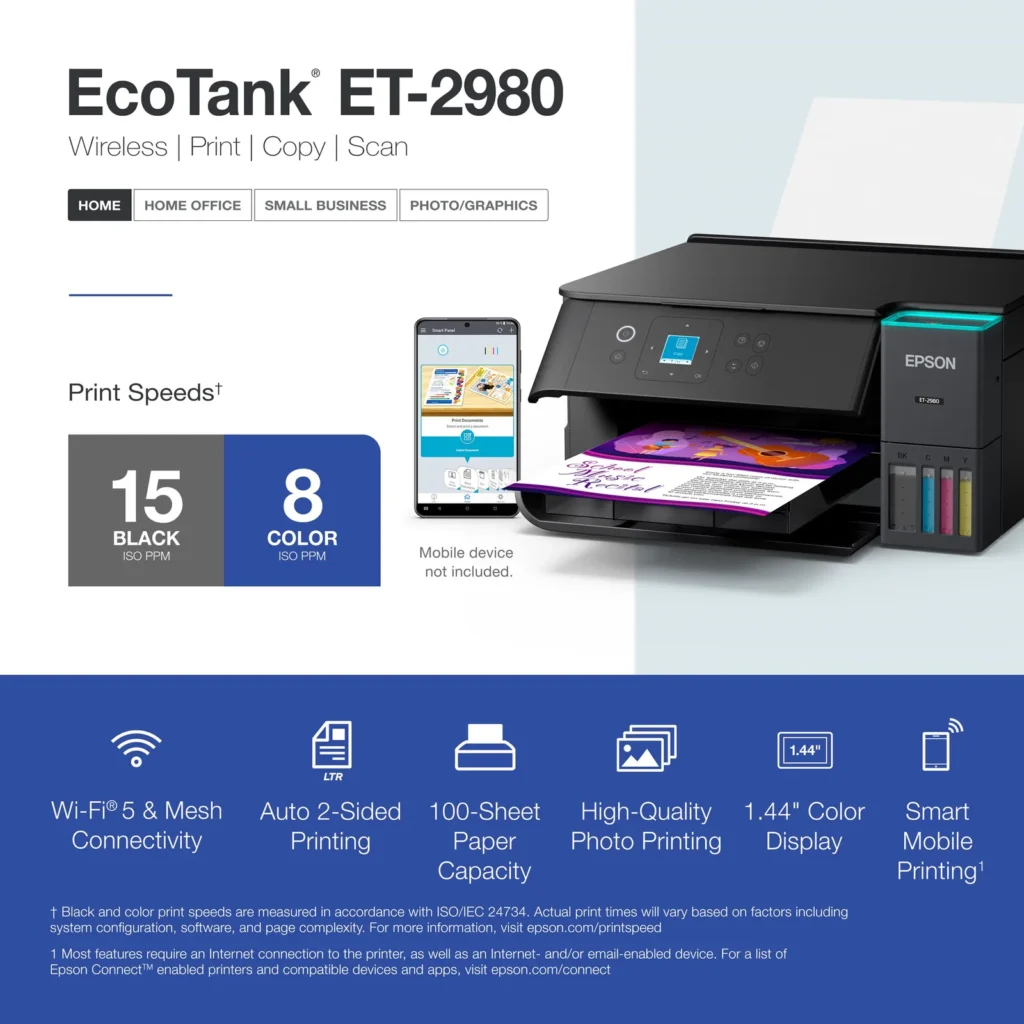
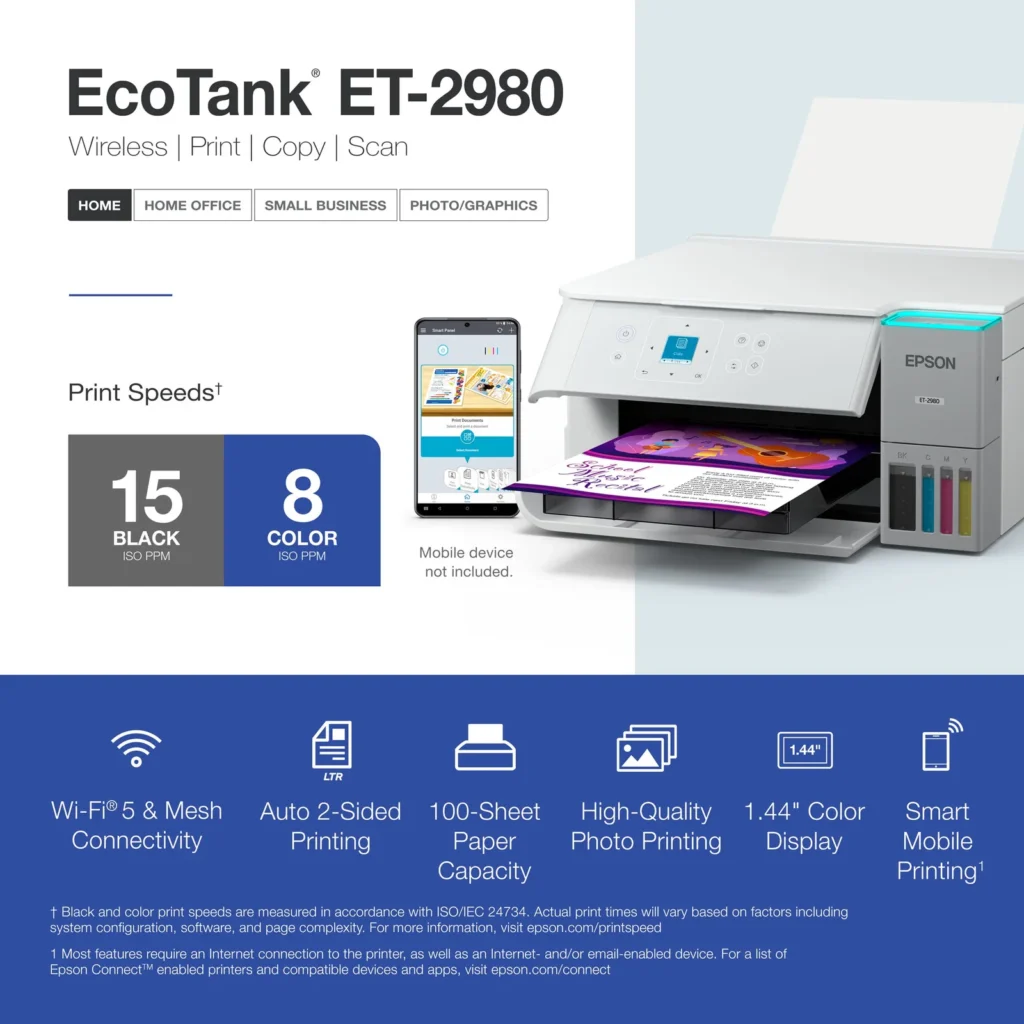
| PrecisionCore Heat-Free Technology | Delivers fast print speeds of up to 15.0 ISO ppm in black and 8.0 ISO ppm in color, featuring a unique permanent printhead designed to last the life of the printer. |
| Seamless Wireless and Mobile Printing | Easily print and scan from your smart device using the Epson Smart Panel app, with full support for Apple AirPrint, Mopria Print Service, and Wi-Fi Direct. |
| User-Friendly Features and Auto Duplexing | Includes a 1.44" color display for easy navigation, a 100-sheet paper tray, and automatic two-sided printing to help save paper and improve efficiency. |
Pros & Cons
Pros
- EcoTank Ink System: The refillable tank design eliminates the need for expensive cartridges, providing a massive ink supply that users find much more convenient and environmentally friendly.
- Cost-Effectiveness: The printer is highly economical over time because the bottled ink is reasonably priced and lasts significantly longer than traditional cartridges, with some users reporting thousands of prints on a single fill.
- Easy Mobile Integration: The Epson Smart Panel app is frequently praised for making the initial setup and wireless printing from smartphones a seamless and intuitive process.
Cons
- Small LCD Screen: The 1.44-inch display is widely criticized for being far too small and difficult to read, often requiring users to use a magnifying glass or flashlight to navigate menus.
- Connectivity and Setup Issues: Many reviewers experienced significant frustration with the printer dropping its WiFi connection or found the initial driver installation on computers to be overly complex and time-consuming.
- Paper Handling Limitations: The lack of an internal paper tray and reliance on a rear feeder with limited capacity is a common complaint, along with reports of frequent paper jams during automatic double-sided printing.
Customer Reviews
Showing reviews 121-130 of 319
-
Where is the ink to last one year ?
Verified purchase Verified purchase: This reviewer bought the product.mandy October 3, 2025Review source: AmazonDescription saaid ink ws to last up to one yer (ink in the box)- I maybe printed so far 30 pages and ink level came down to almost 30% lost- there is no extra ink in the box- a little had to set it up with people with minimume tech knowledge- I had to call in 3 times- they could not figure out why I could not sent print from my mobile phone
-
Printer
Verified purchase Verified purchase: This reviewer bought the product. Incentivized Incentivized review: The reviewer received a benefit for sharing feedback.DavW October 3, 2025Review source: BestbuyAbsolutely love this printer!! The INK GOES A LONG WAY!!!!
-
Love my Epson
Verified purchase Verified purchase: This reviewer bought the product. Incentivized Incentivized review: The reviewer received a benefit for sharing feedback.user158461 October 3, 2025Review source: BestbuyBeautiful black and white and color printing. Compact, light and love the cartridge free ink. The display window is hard to read and I did have a hard time getting it on my network – may have nothing to do with the printer.
-
Print all you want!
Verified purchase Verified purchase: This reviewer bought the product. Incentivized Incentivized review: The reviewer received a benefit for sharing feedback.Fishyduckymoose October 3, 2025Review source: BestbuyBest ink machine ever! I teach Kindergarten and we print a lot of materials. I printed over 25K copies and only used 1.5 bottles of in in a YEAR!
-
As described
Verified purchase Verified purchase: This reviewer bought the product.Chris Raymer October 2, 2025Review source: AmazonReceived item as described. Have not had it long enough to give a review of the printer though.
-
Quite and flawless!
Verified purchase Verified purchase: This reviewer bought the product.Richard Williams September 30, 2025Review source: AmazonIt is so nice to not have to worry about ink running out and super inexpensive to operate
-
Good printer, top-feed only
Verified purchase Verified purchase: This reviewer bought the product. Incentivized Incentivized review: The reviewer received a benefit for sharing feedback.StevenB September 27, 2025Review source: BestbuyOverall a good printer. Returned for a similar model that actually has a bottom / paper tray. Didn’t realize that this was top-feed only, as that doesn’t work in our space due to space constraints but otherwise it would’ve been fine.
-
Epson Easy!
Verified purchase Verified purchase: This reviewer bought the product. Incentivized Incentivized review: The reviewer received a benefit for sharing feedback.ShannonF September 27, 2025Review source: BestbuyEasy hook up and works great! No more cartridges either!
-
Great and fast printer
Verified purchase Verified purchase: This reviewer bought the product. Incentivized Incentivized review: The reviewer received a benefit for sharing feedback.FrancesM September 27, 2025Review source: BestbuyIt’s a great and fast printer. I love that it prints both sides automatically. I think my only complaint is that I’ve had to do a printer head cleaning because it was printing with lines. It had not even been a month. Sometimes it does not receive the command to print from my devices unless I open the Epson print enabler app bit it could be a network issue. It is still a great printer. Hope I get years of use.
-
Happy with my printer from Best Buy
Verified purchase Verified purchase: This reviewer bought the product. Incentivized Incentivized review: The reviewer received a benefit for sharing feedback.ElizabethF September 26, 2025Review source: BestbuySimple enough for an 80+ lady like myself to use effectively, with excellent visual images.