Customer Media
Highlights
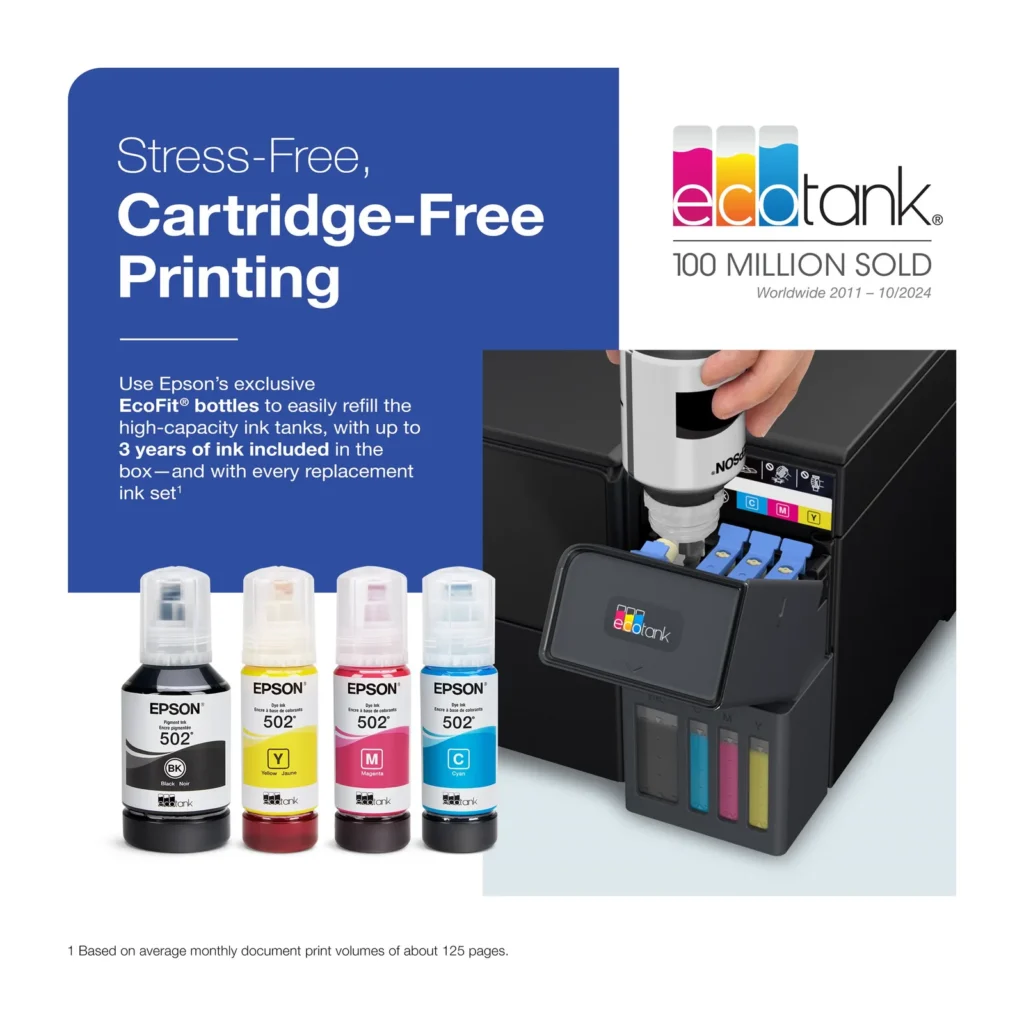
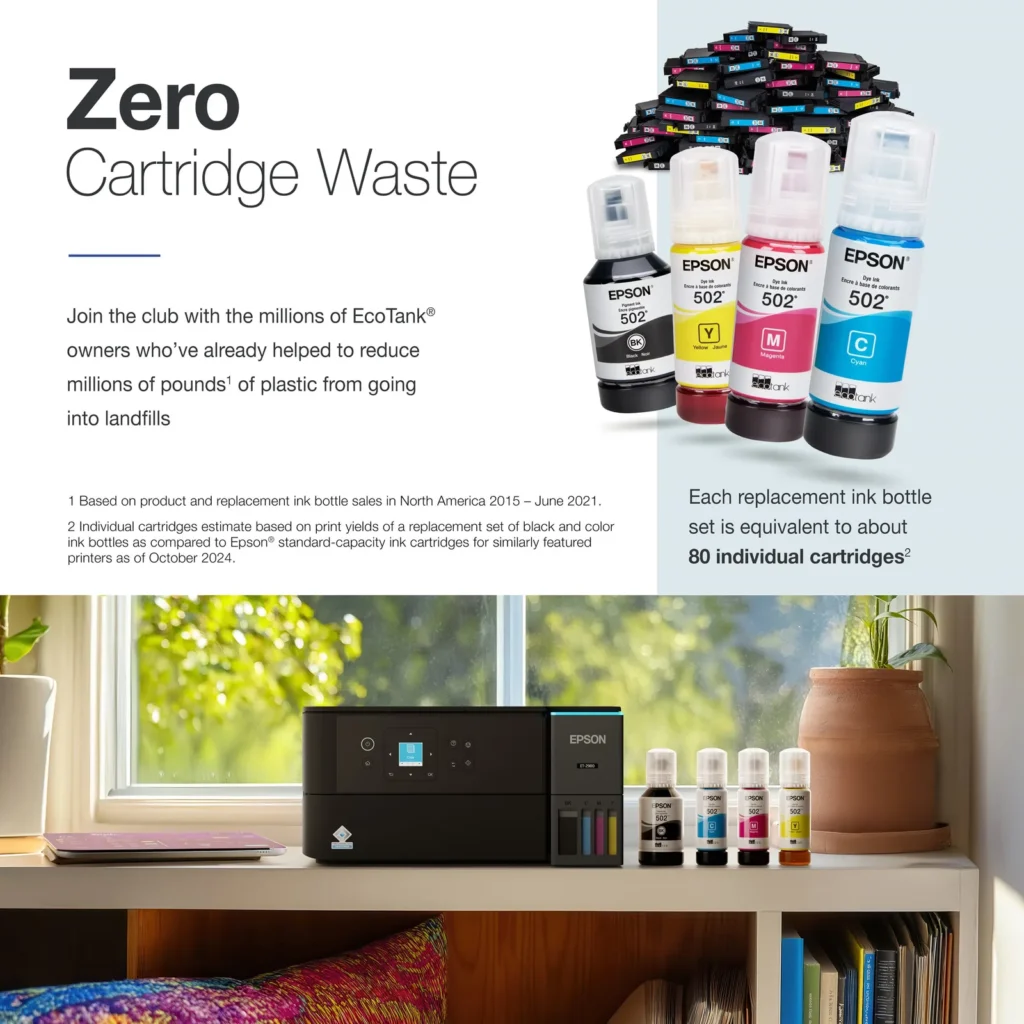
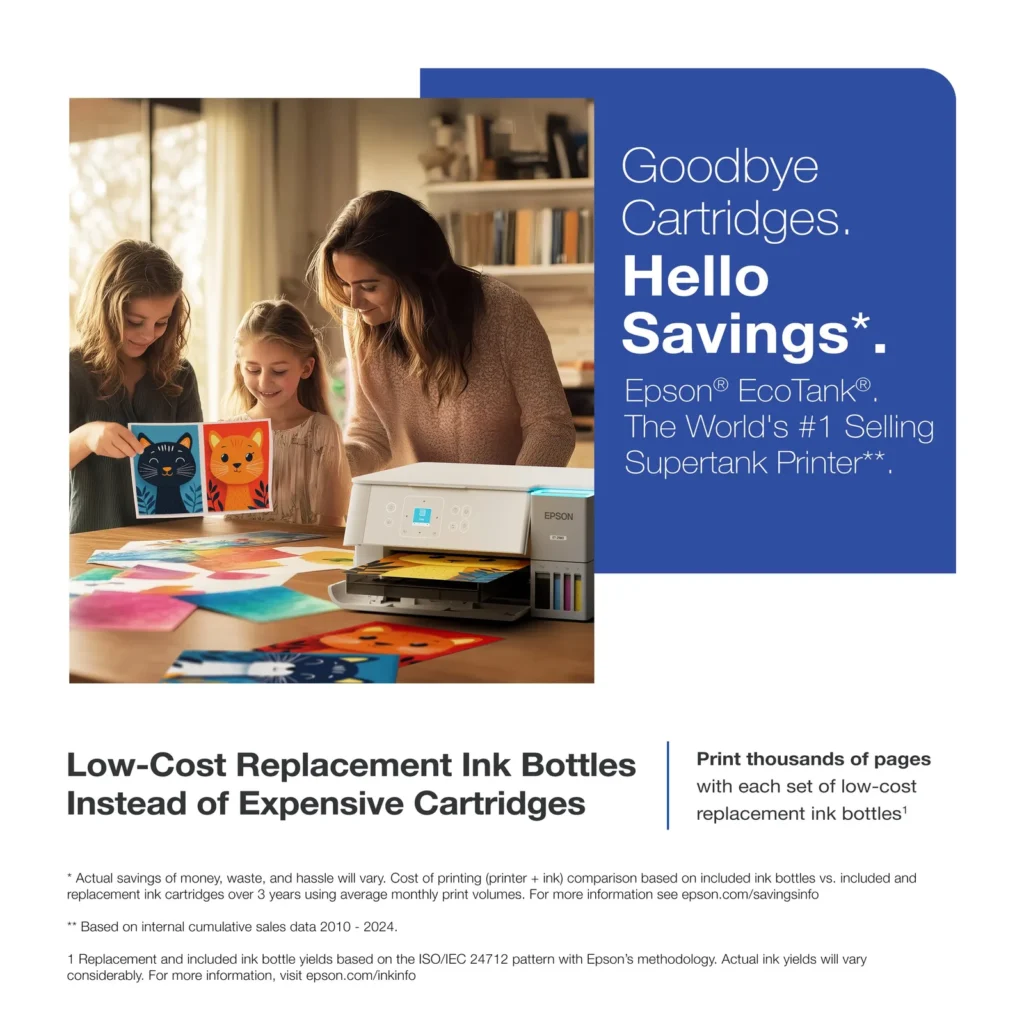
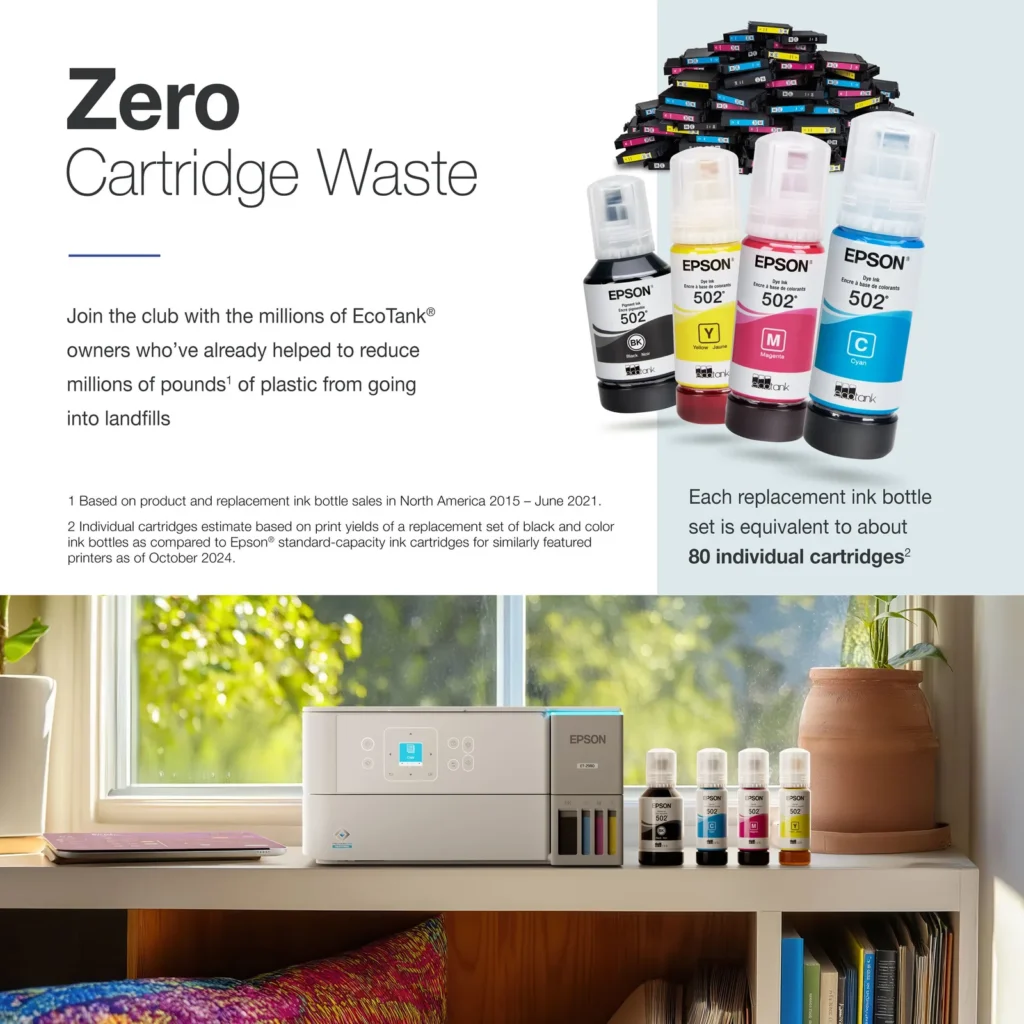
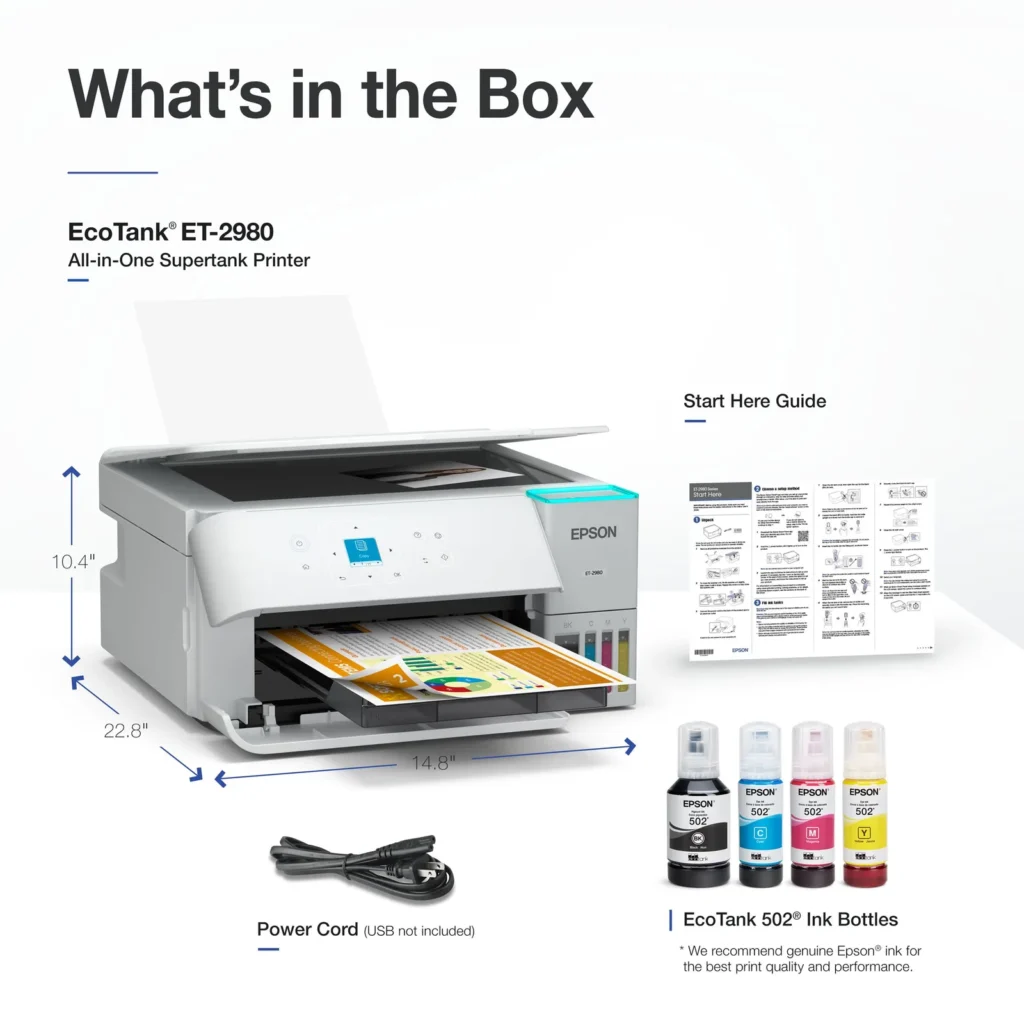
| Incredible Value and Savings | Save significantly on replacement ink with high-capacity ink tanks; each set of replacement ink bottles is equivalent to about 90 individual cartridges, providing a low cost-per-print. |
|---|---|
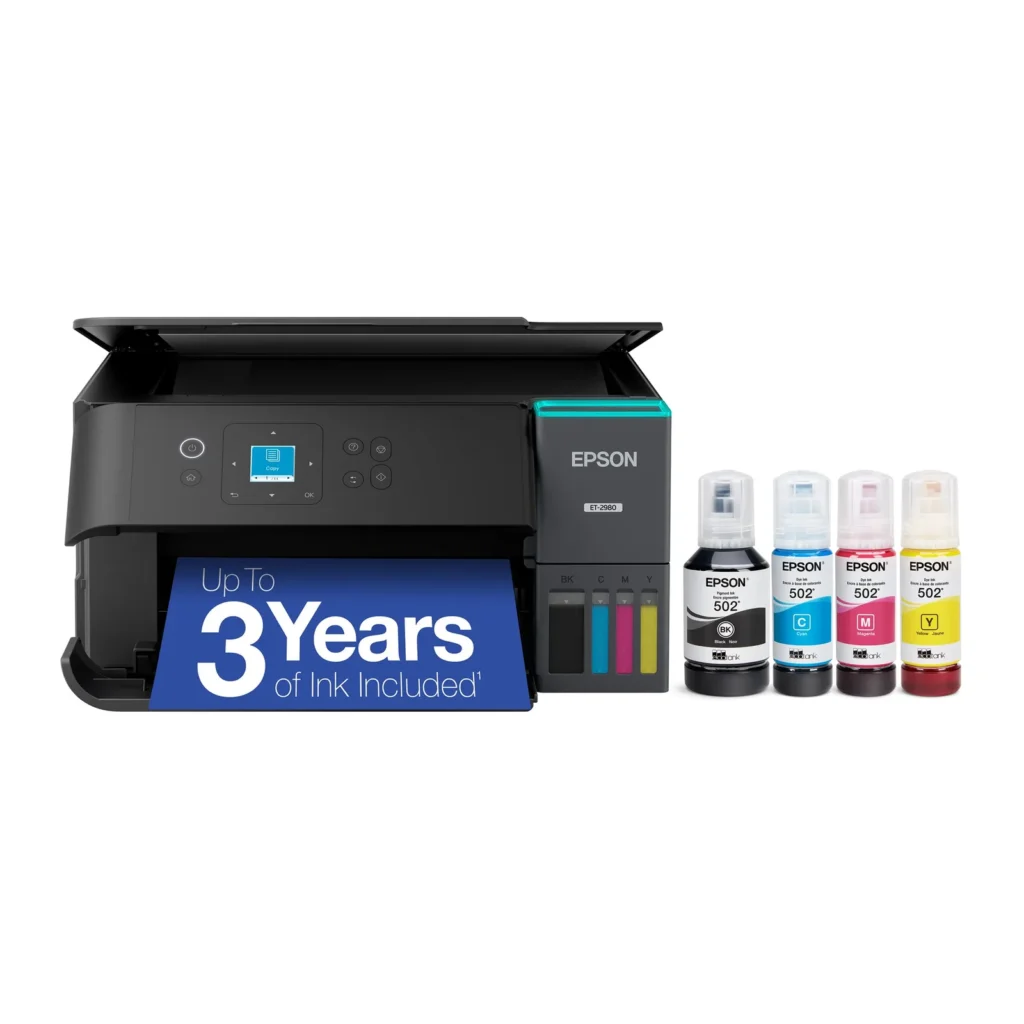
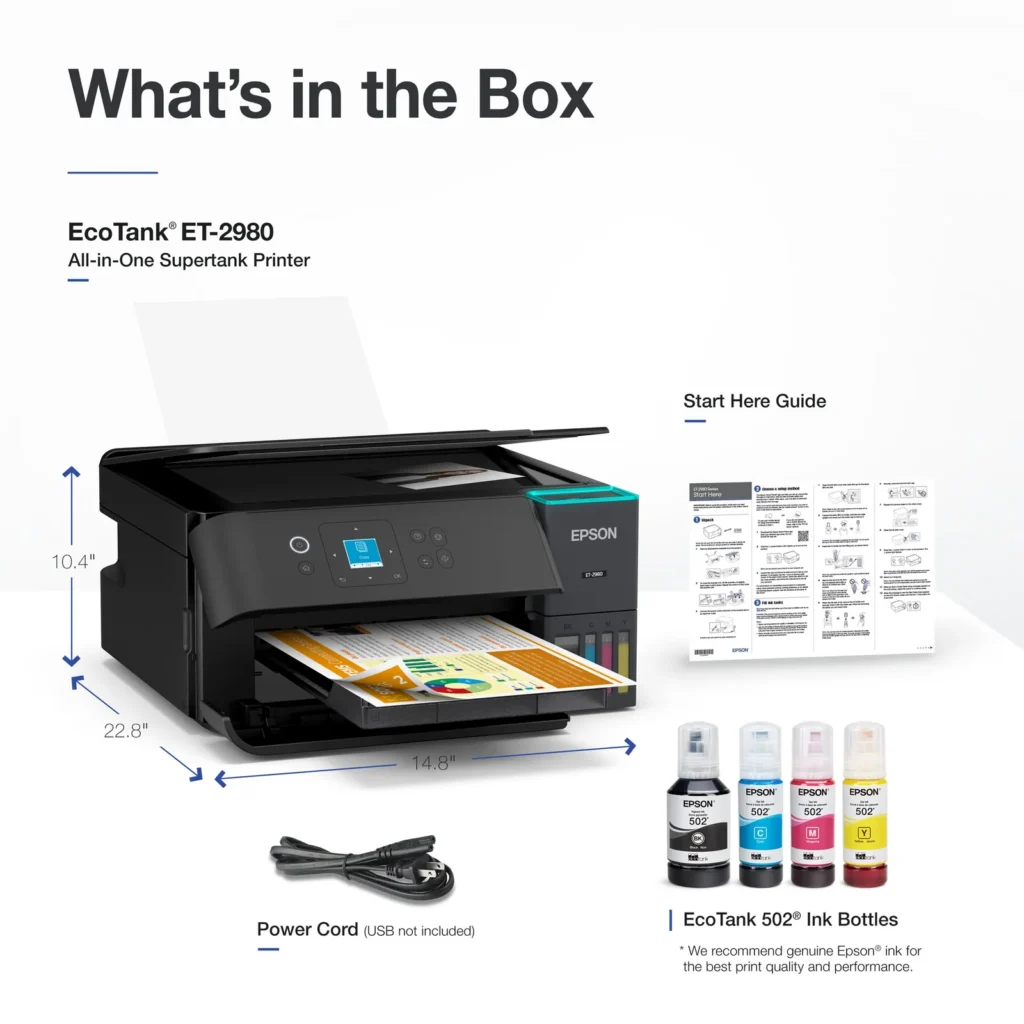
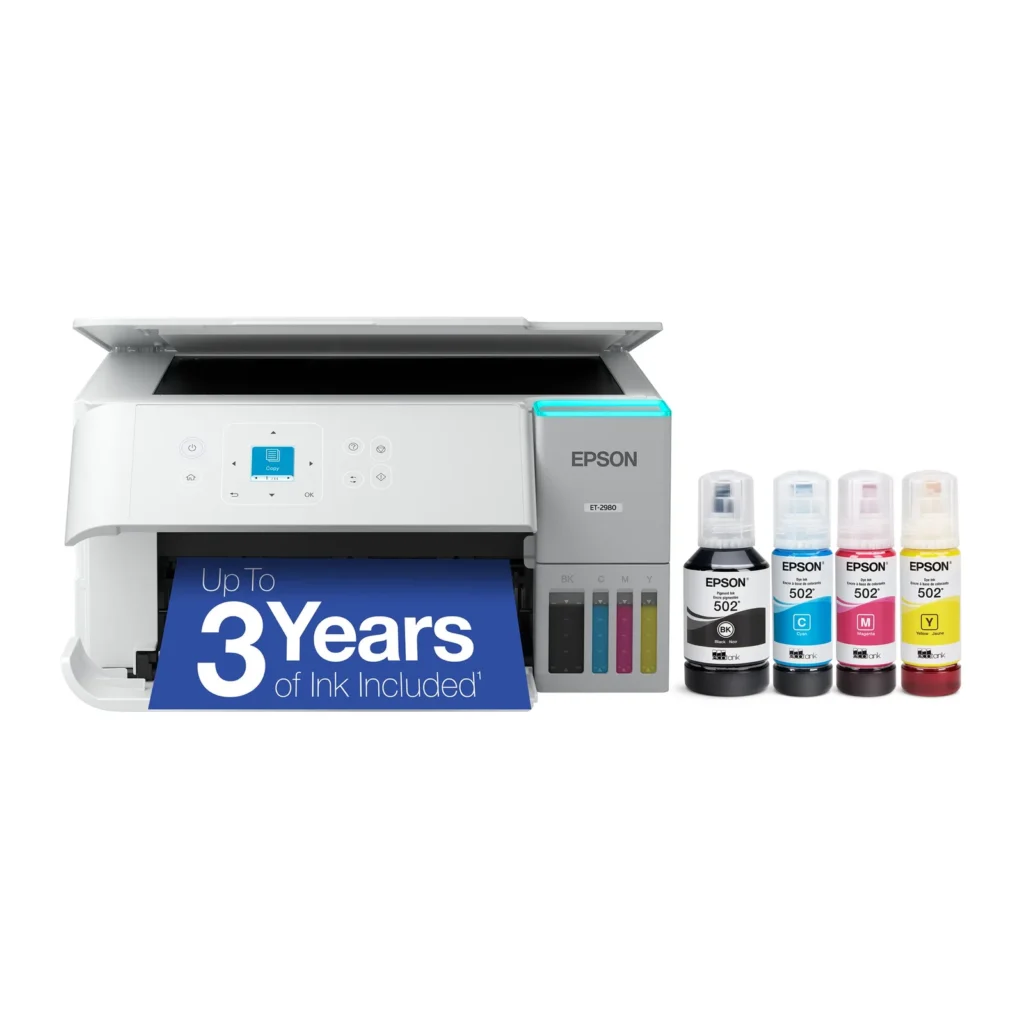
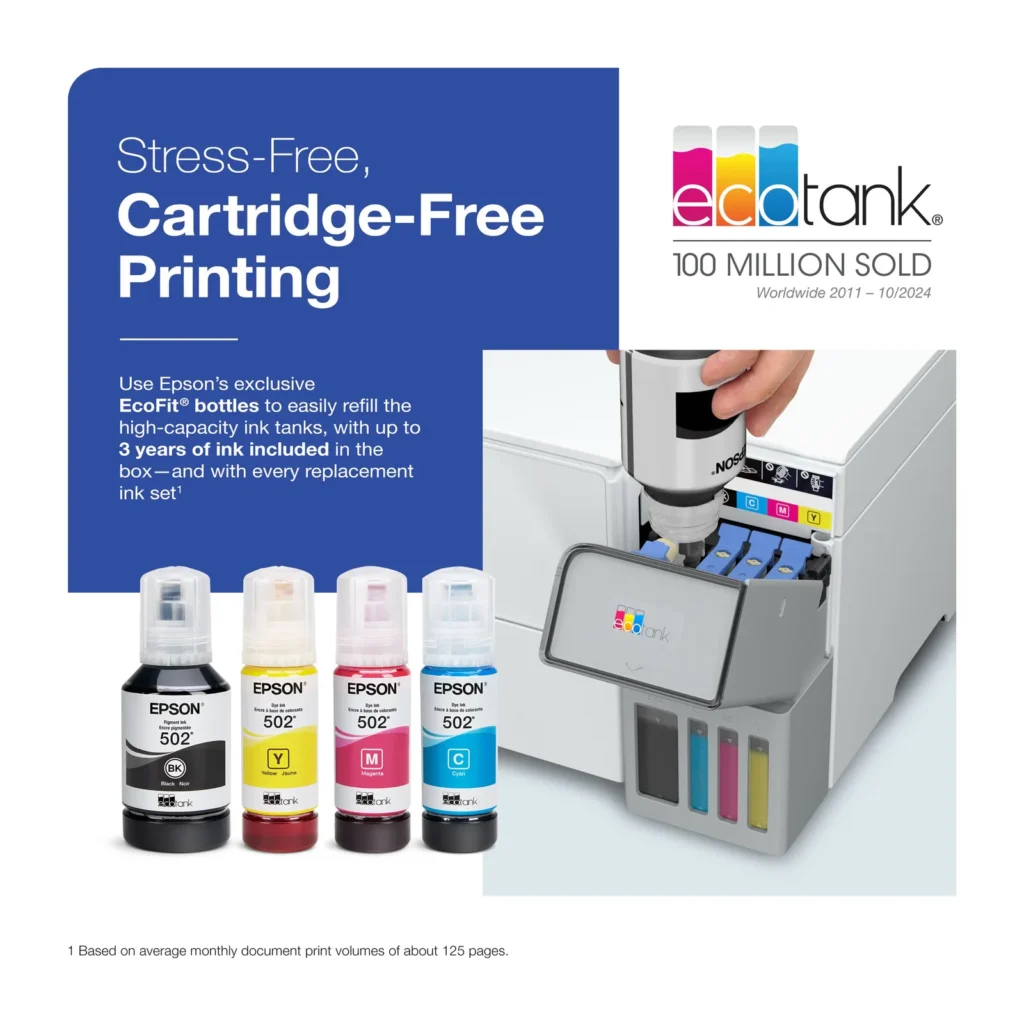
| Up to 3 Years of Ink Included | The printer comes with enough ink in the box to last up to three years, allowing you to print up to 6,600 black and 5,500 color pages before needing a refill. |
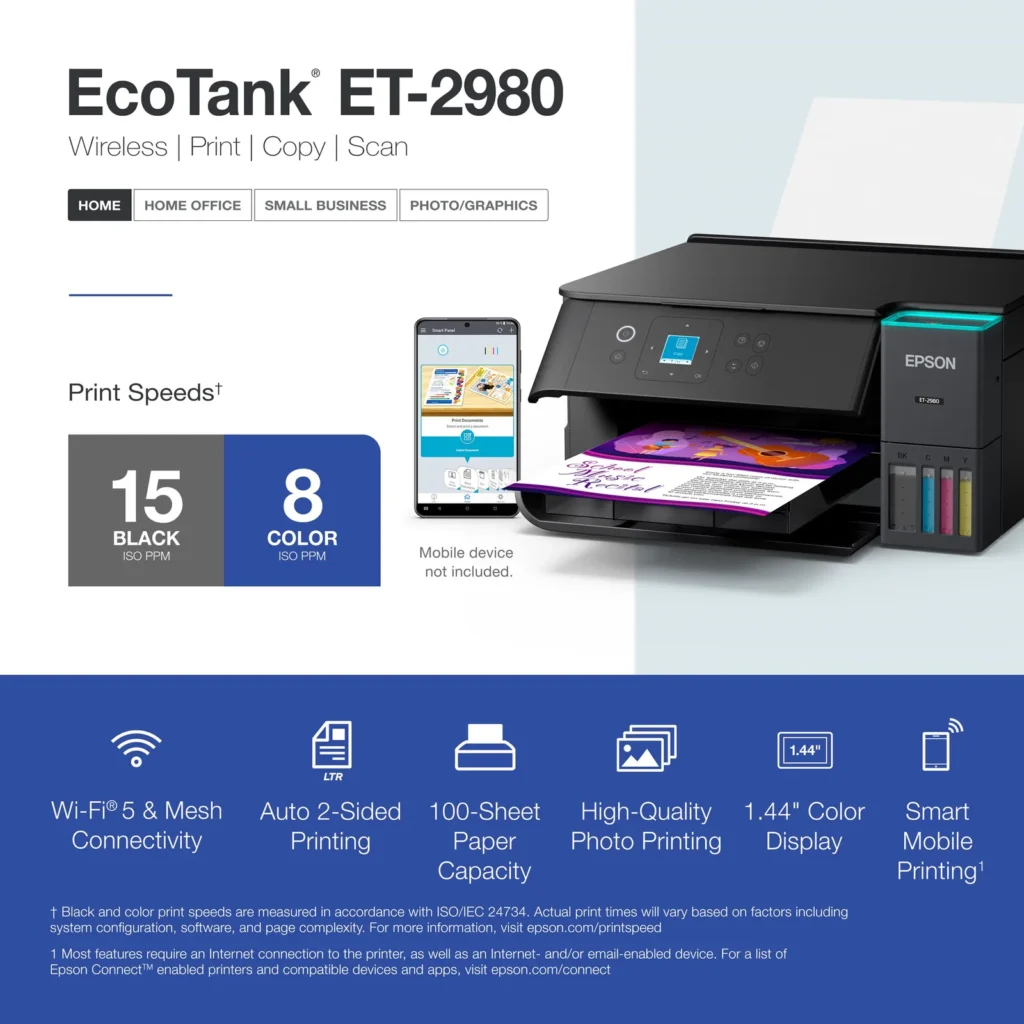
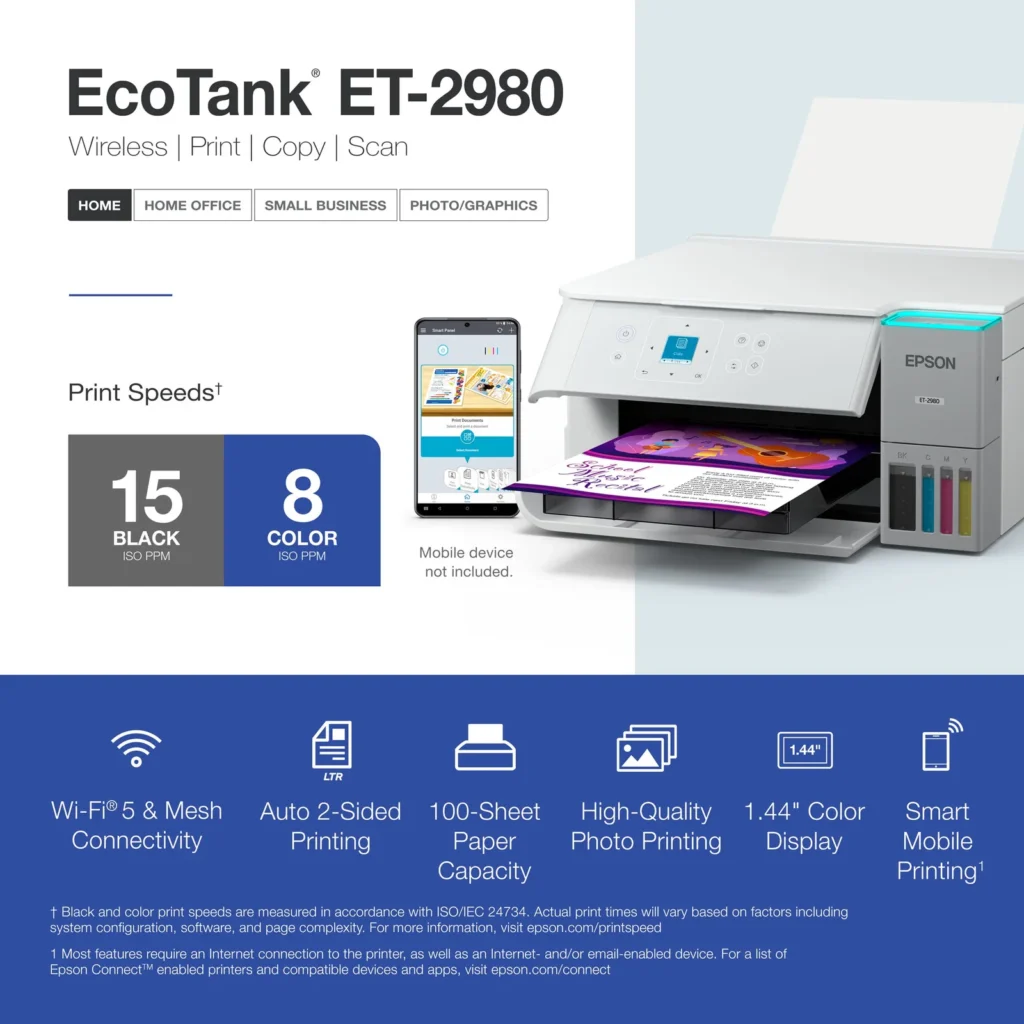
| PrecisionCore Heat-Free Technology | Delivers fast print speeds of up to 15.0 ISO ppm in black and 8.0 ISO ppm in color, featuring a unique permanent printhead designed to last the life of the printer. |
| Seamless Wireless and Mobile Printing | Easily print and scan from your smart device using the Epson Smart Panel app, with full support for Apple AirPrint, Mopria Print Service, and Wi-Fi Direct. |
| User-Friendly Features and Auto Duplexing | Includes a 1.44" color display for easy navigation, a 100-sheet paper tray, and automatic two-sided printing to help save paper and improve efficiency. |
Pros & Cons
Pros
- EcoTank Ink System: The refillable tank design eliminates the need for expensive cartridges, providing a massive ink supply that users find much more convenient and environmentally friendly.
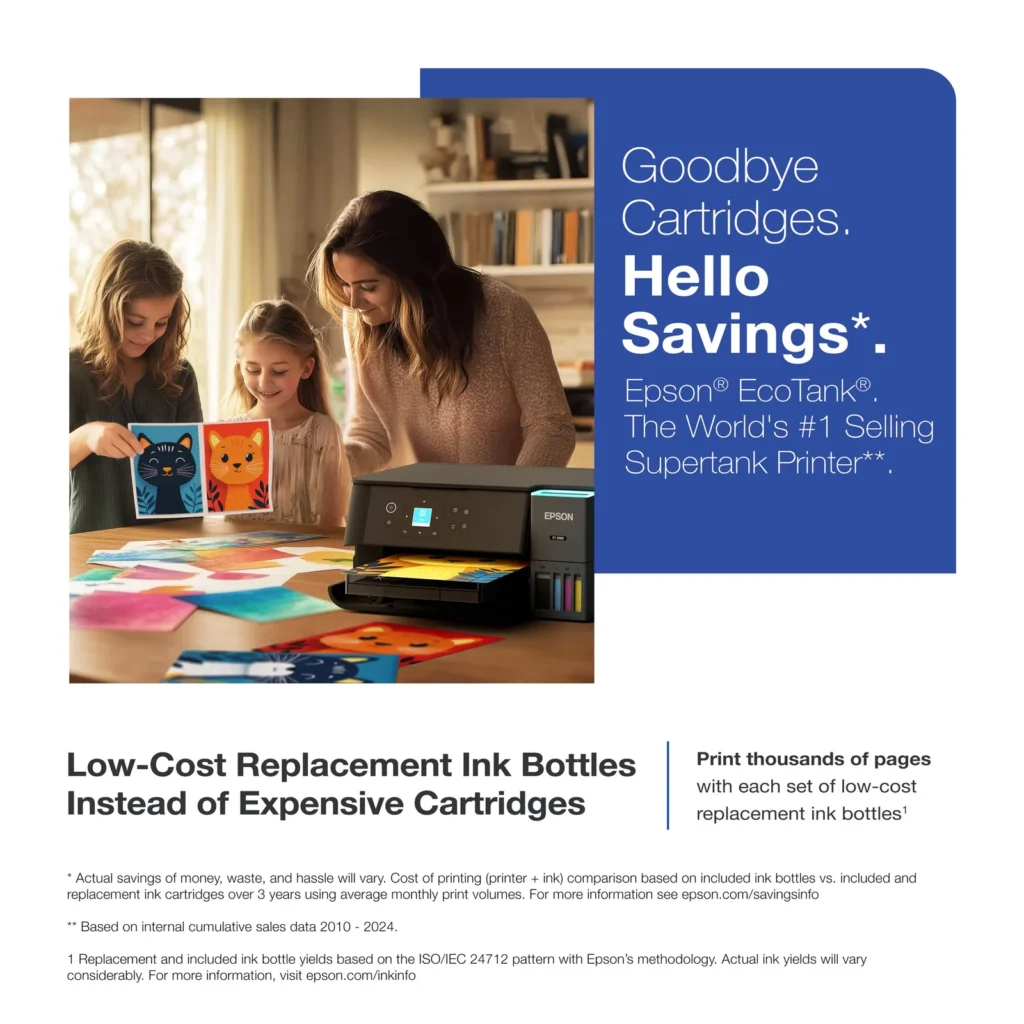
- Cost-Effectiveness: The printer is highly economical over time because the bottled ink is reasonably priced and lasts significantly longer than traditional cartridges, with some users reporting thousands of prints on a single fill.
- Easy Mobile Integration: The Epson Smart Panel app is frequently praised for making the initial setup and wireless printing from smartphones a seamless and intuitive process.
Cons
- Small LCD Screen: The 1.44-inch display is widely criticized for being far too small and difficult to read, often requiring users to use a magnifying glass or flashlight to navigate menus.
- Connectivity and Setup Issues: Many reviewers experienced significant frustration with the printer dropping its WiFi connection or found the initial driver installation on computers to be overly complex and time-consuming.
- Paper Handling Limitations: The lack of an internal paper tray and reliance on a rear feeder with limited capacity is a common complaint, along with reports of frequent paper jams during automatic double-sided printing.
Customer Reviews
Showing reviews 181-190 of 319
-
Printing cropped edges and didn't print.
Verified purchase Verified purchase: This reviewer bought the product.Rita V. August 31, 2025Review source: AmazonEasy to set-up and prints as expected. I printed a picture and the edges did not print, meaning some of the faces were cut in half that were on the sides. I was using an iphone and the print preview showed it normal. Not sure where the cropping occurred.
-
Economy Meets Capability
Verified purchase Verified purchase: This reviewer bought the product.Bill Hennessy August 31, 2025Review source: AmazonFinally, economy meets capability! This is a serious ink saver (based on my experience with an older model). It has the right features and a very reasonable price. I love Epson’s consistent quality. Well, fast, 2-sided printing, copying, fax, etc.
-
Disappointed
Verified purchase Verified purchase: This reviewer bought the product. Incentivized Incentivized review: The reviewer received a benefit for sharing feedback.LindaM August 30, 2025Review source: BestbuyI used to love Epson, but once I purchased this particular printer, that was the end of that. I spent more than an hour on the phone with the Epson person who insisted that I could enlarge reduce on that particular printer it would not do it no matter what she kept telling me to look for scroll down look for this there was nothing there that she was describing. Also, it would not hook up to my Wi-Fi.
Just so you know, I bought a different brand printer, and it hooked up immediately and it did enlarge and reduce -
Great for Proxy-ing Trading Cards
Verified purchase Verified purchase: This reviewer bought the product. Incentivized Incentivized review: The reviewer received a benefit for sharing feedback.KevinC August 30, 2025Review source: BestbuyI’ve been using this printer to make countless proxies for trading cards to use with my friends. While it may be pricier than other printers I have already saved so much money on ink. Prints are clean, and colors are vibrant. I’d recommend this to anyone.
-
Awesome little printer.
Verified purchase Verified purchase: This reviewer bought the product. Incentivized Incentivized review: The reviewer received a benefit for sharing feedback.ChubbyWilly August 29, 2025Review source: BestbuyAwesome printer, no complaints. Nice change from using inkjet cartridges and the print quality seems to be much better. We use it to print out activities for our 3 year old.
-
Saving money, just needs easier instructions.
Verified purchase Verified purchase: This reviewer bought the product. Incentivized Incentivized review: The reviewer received a benefit for sharing feedback.Tule August 29, 2025Review source: BestbuyI love the printer so far. The setup was a little long but I can already see the savings on the ink. The instructions need to be better and they need to combine the different functions into one app instead of having different apps for each.
-
Much better this time around!
Verified purchase Verified purchase: This reviewer bought the product. Incentivized Incentivized review: The reviewer received a benefit for sharing feedback.MichaelM August 29, 2025Review source: BestbuyThis is an upgrade on a previous model, and I am enjoying the improvements: improved paper feed, faster printing, and less paper jamming, and I am able to use my former 502 ink bottles as well.
-
Good printer
Verified purchase Verified purchase: This reviewer bought the product. Incentivized Incentivized review: The reviewer received a benefit for sharing feedback.TOOPUPS August 29, 2025Review source: BestbuySet up was relatively easy. They have an app to download and just follow it. We had problem setting up the scanning function. They also got rid of the mandatory use of HP ink.
Our previous HP had a small video screen you could use to manage various functions. -
Will not stay connected to wifi
Verified purchase Verified purchase: This reviewer bought the product.Derek P. August 27, 2025Review source: AmazonPrinter connected to WiFi once during setup then had to be connected every time after. Would not connect anymore after the first time.
-
Nice images
Verified purchase Verified purchase: This reviewer bought the product. Incentivized Incentivized review: The reviewer received a benefit for sharing feedback.WalterC August 25, 2025Review source: BestbuyEasy to install when you follow directions. Creates beautiful images.