Customer Media
Highlights
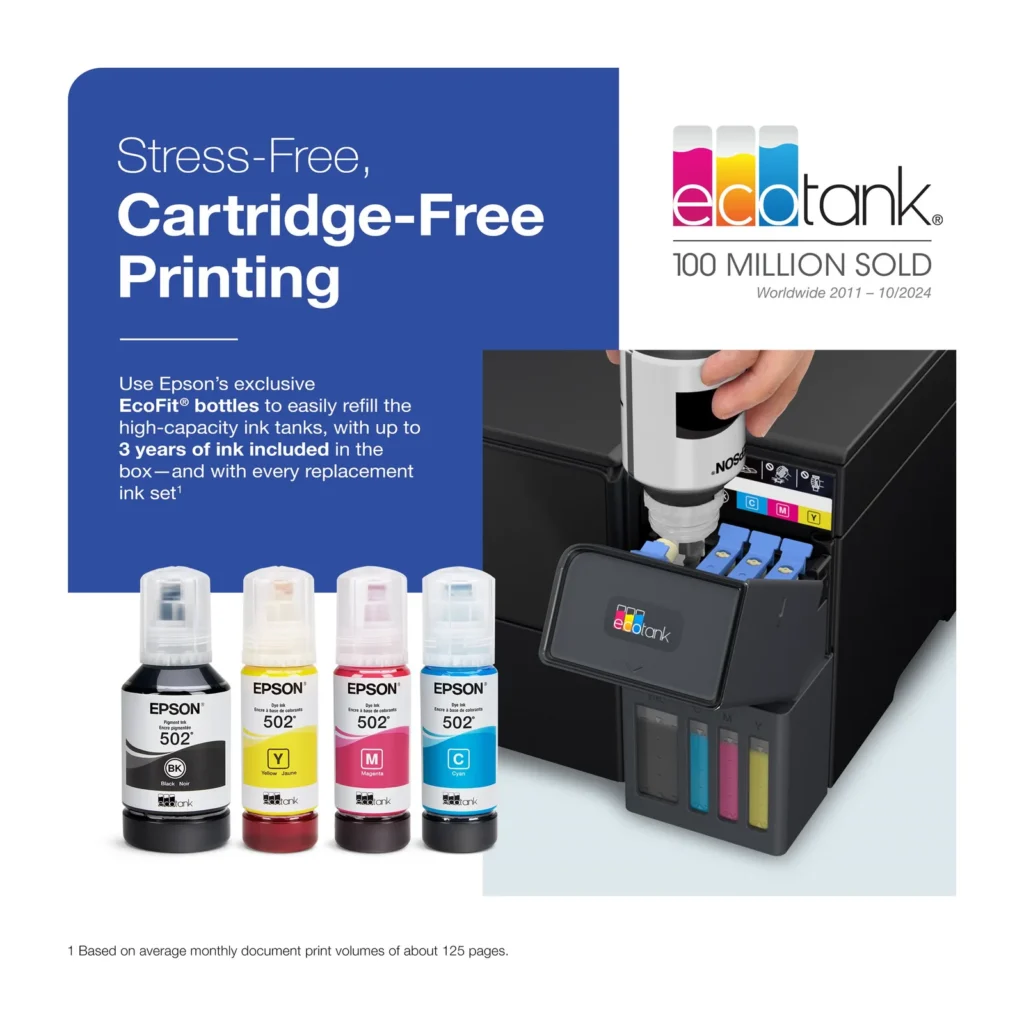
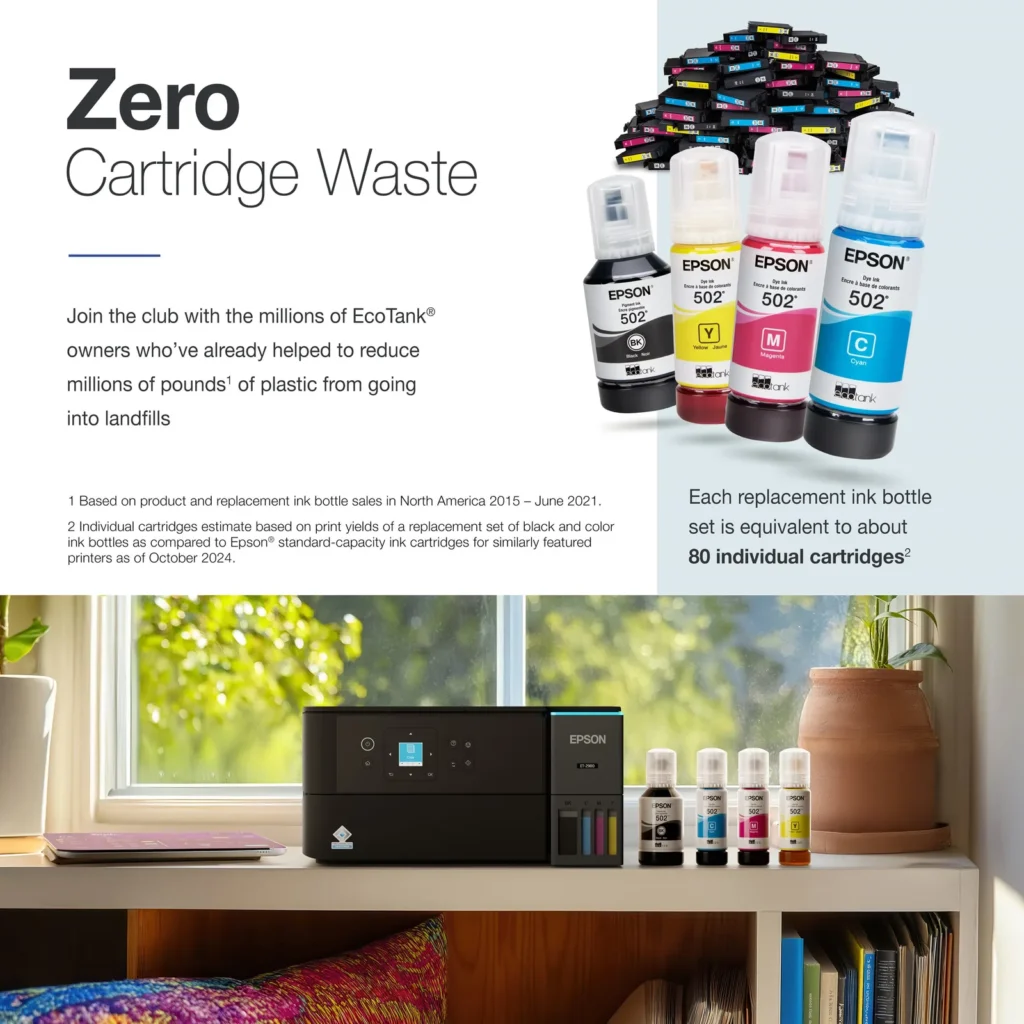
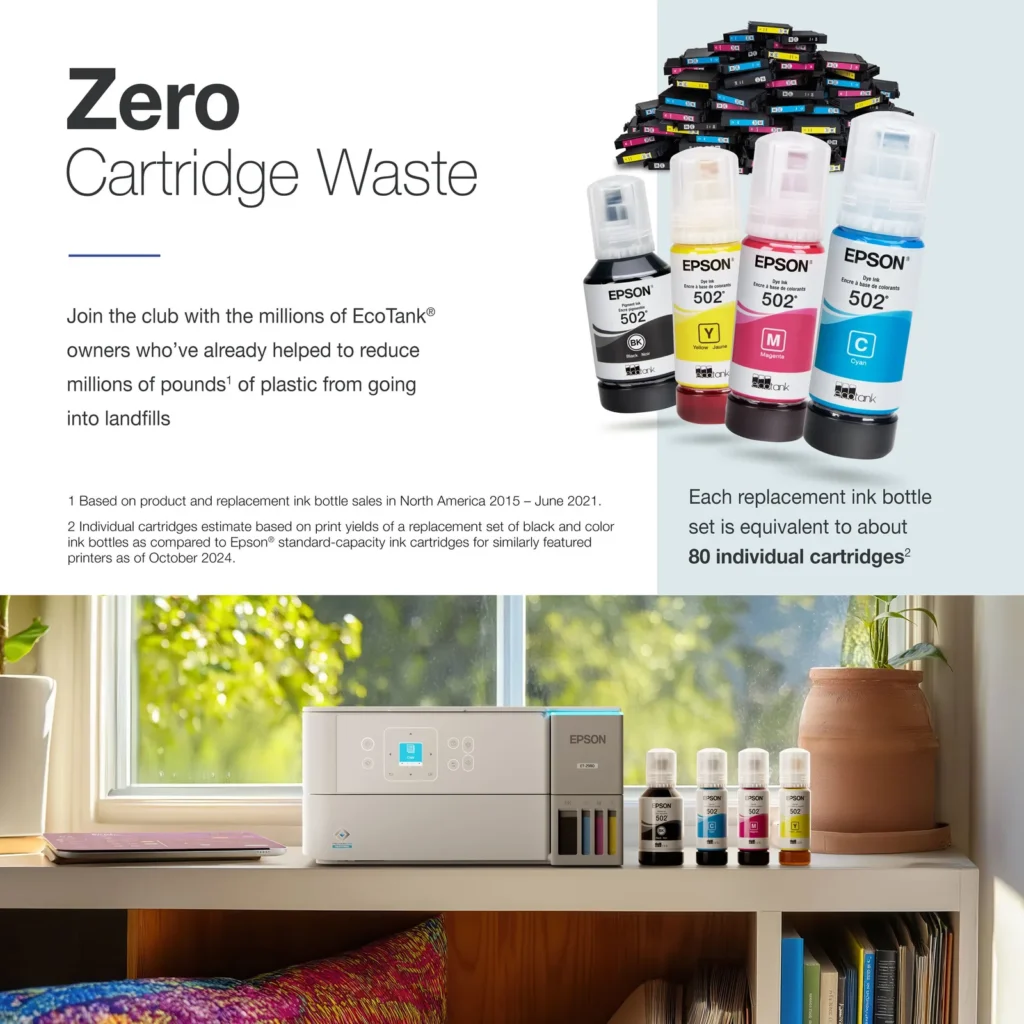
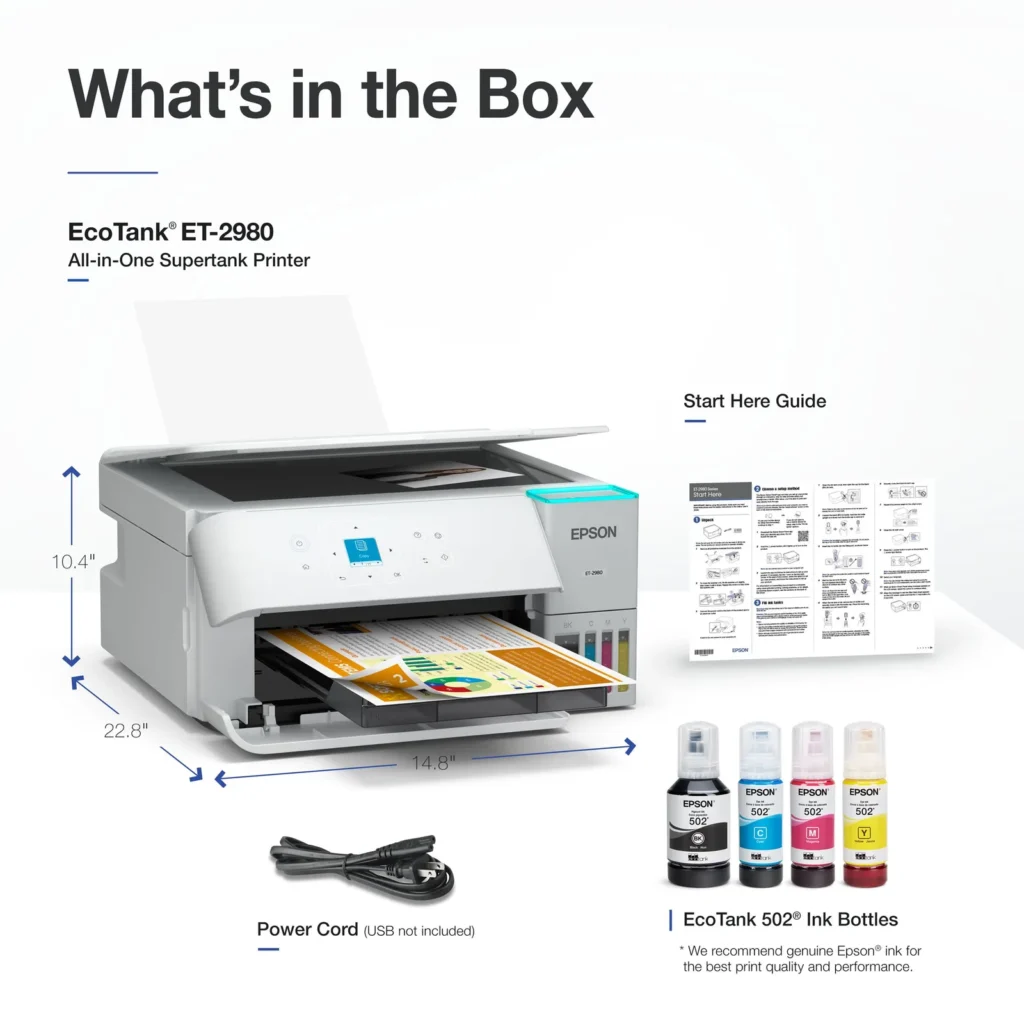
| Incredible Value and Savings | Save significantly on replacement ink with high-capacity ink tanks; each set of replacement ink bottles is equivalent to about 90 individual cartridges, providing a low cost-per-print. |
|---|---|
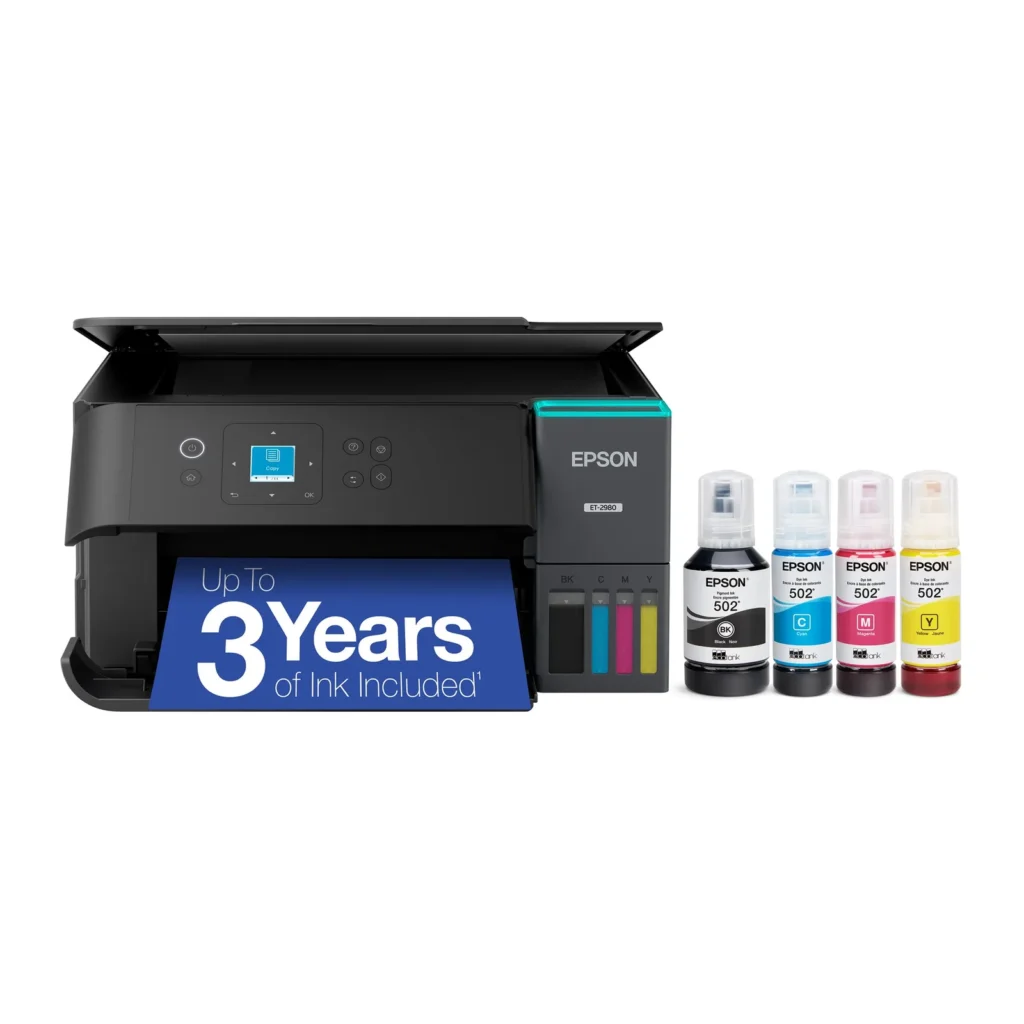
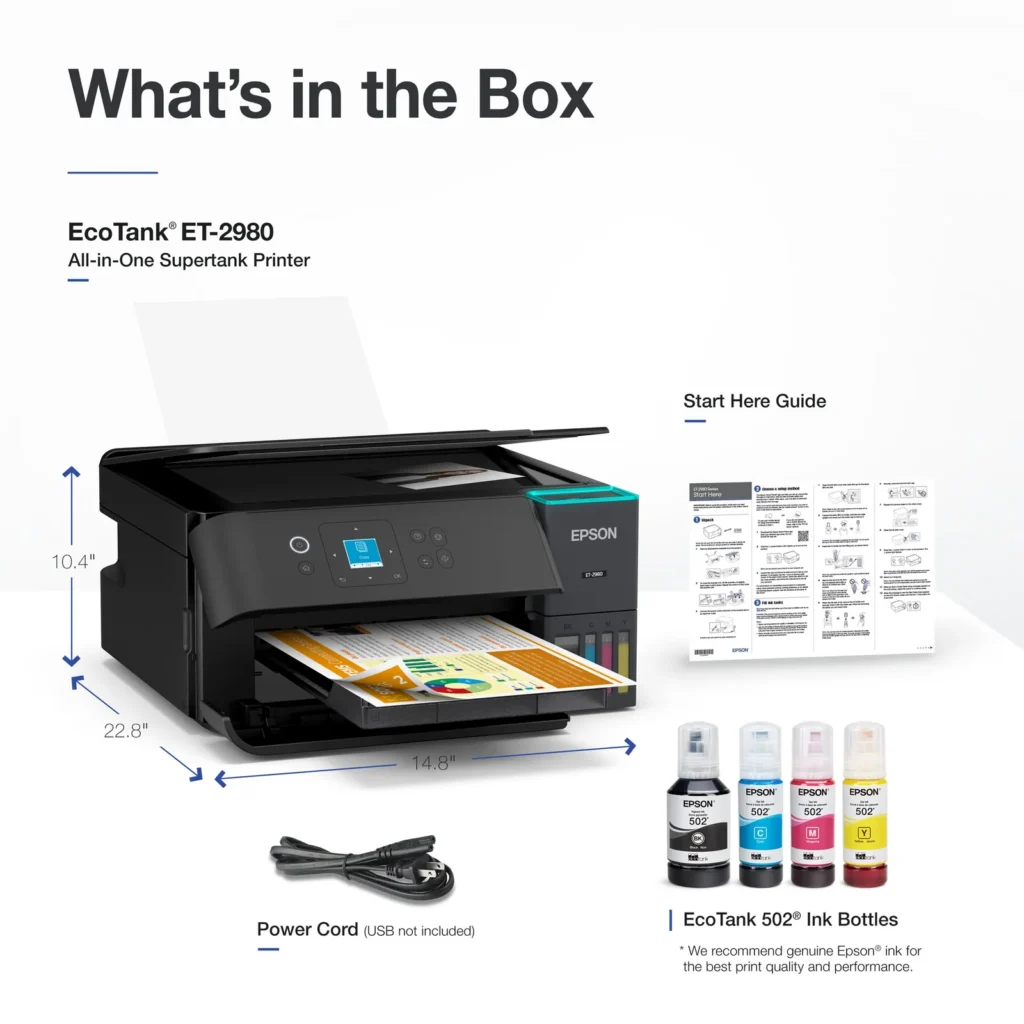
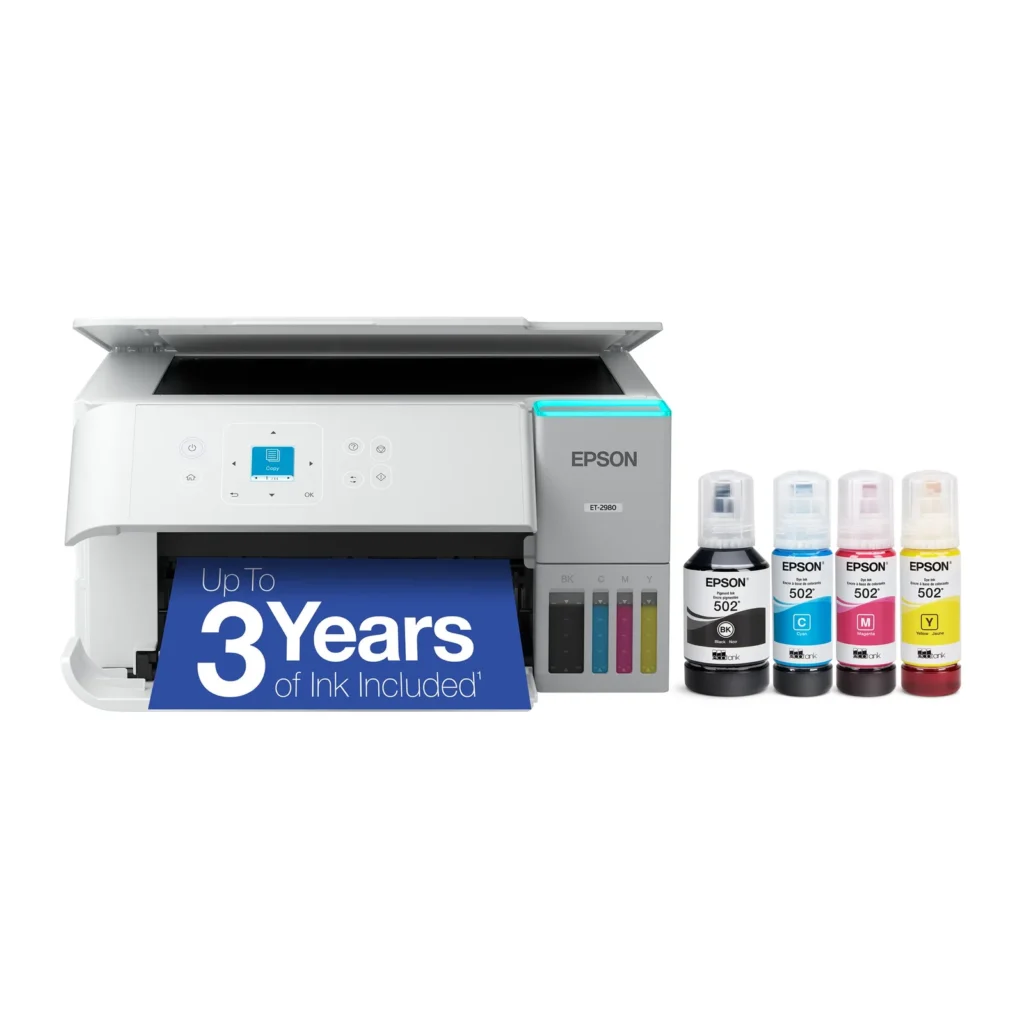
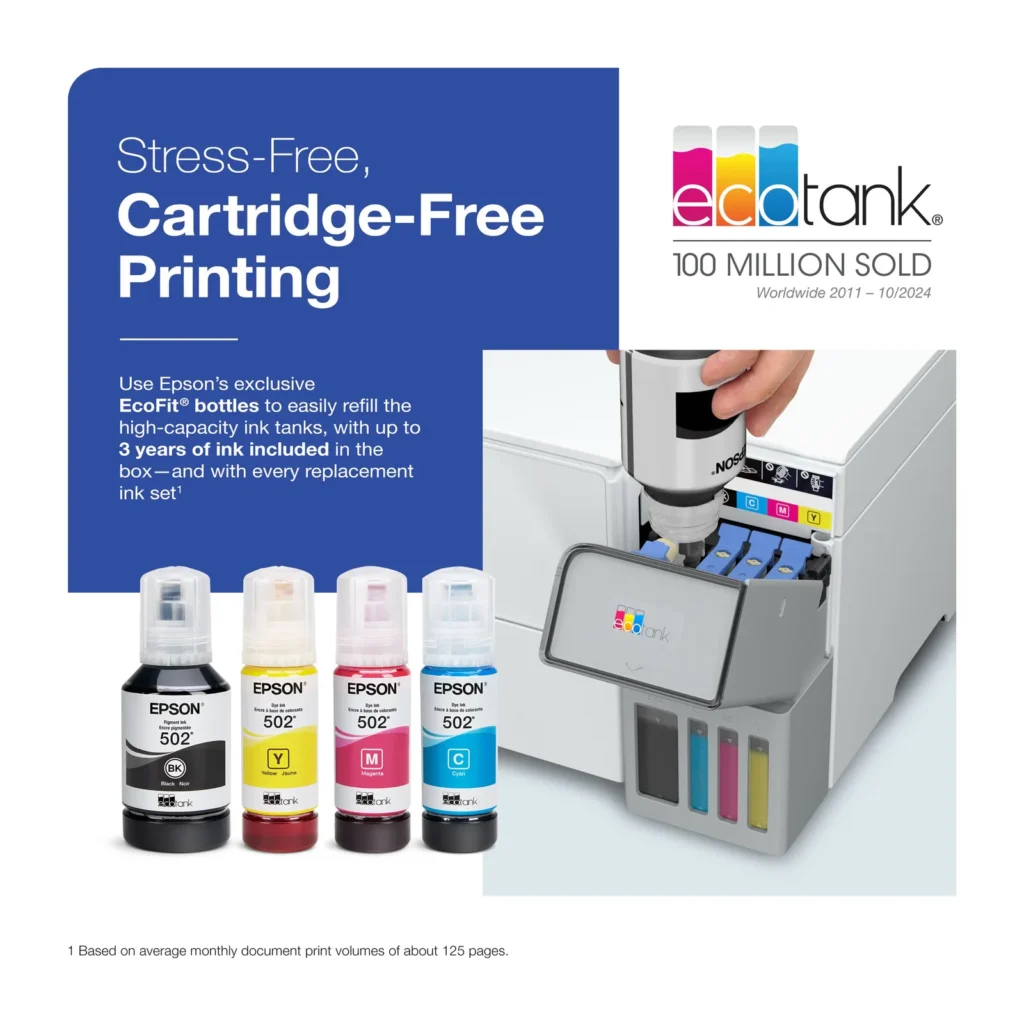
| Up to 3 Years of Ink Included | The printer comes with enough ink in the box to last up to three years, allowing you to print up to 6,600 black and 5,500 color pages before needing a refill. |
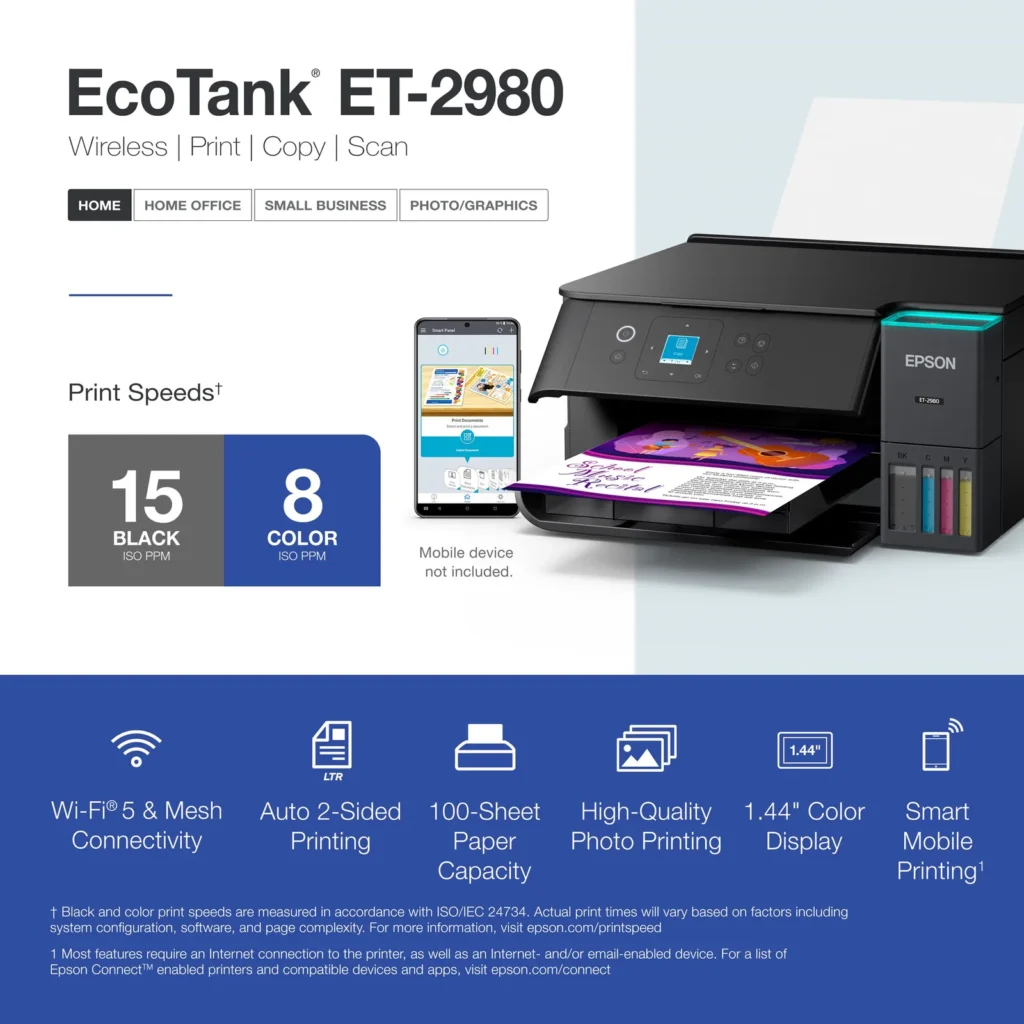
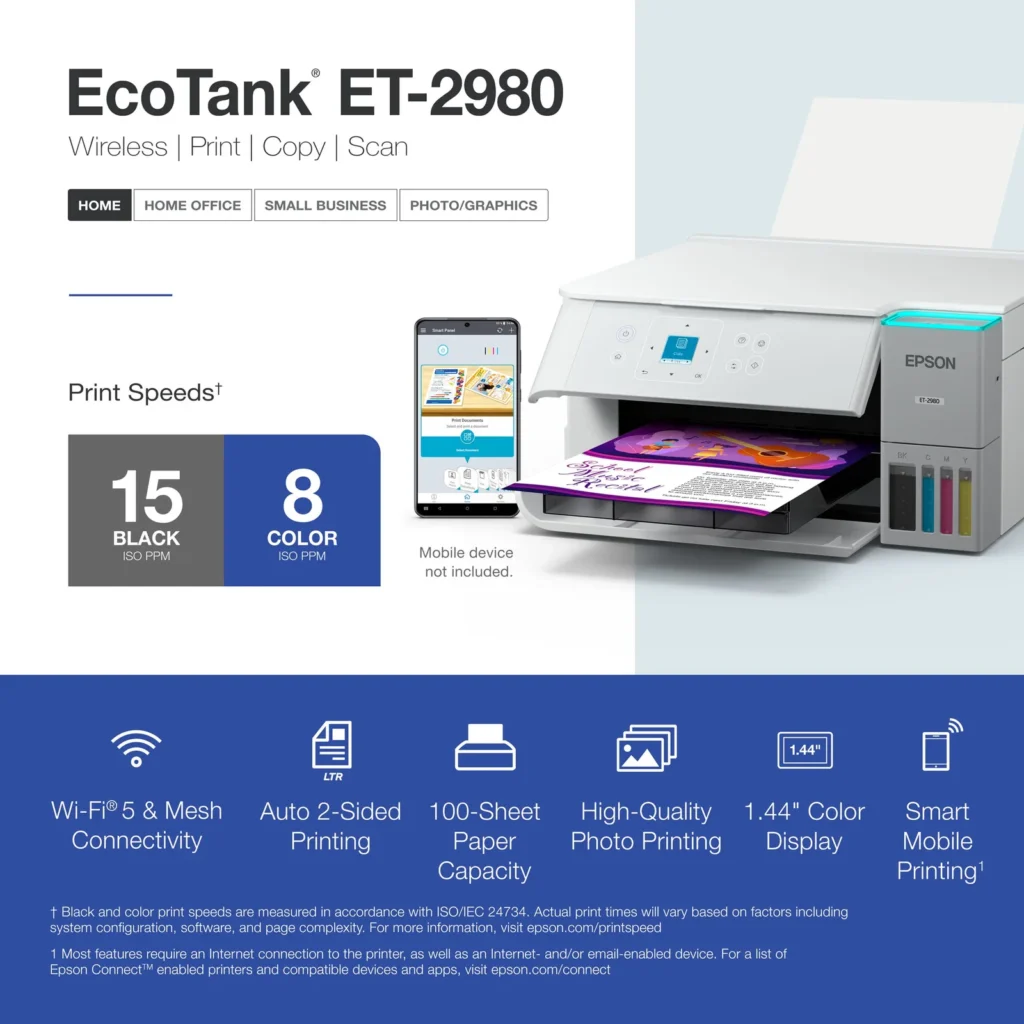
| PrecisionCore Heat-Free Technology | Delivers fast print speeds of up to 15.0 ISO ppm in black and 8.0 ISO ppm in color, featuring a unique permanent printhead designed to last the life of the printer. |
| Seamless Wireless and Mobile Printing | Easily print and scan from your smart device using the Epson Smart Panel app, with full support for Apple AirPrint, Mopria Print Service, and Wi-Fi Direct. |
| User-Friendly Features and Auto Duplexing | Includes a 1.44" color display for easy navigation, a 100-sheet paper tray, and automatic two-sided printing to help save paper and improve efficiency. |
Pros & Cons
Pros
- EcoTank Ink System: The refillable tank design eliminates the need for expensive cartridges, providing a massive ink supply that users find much more convenient and environmentally friendly.
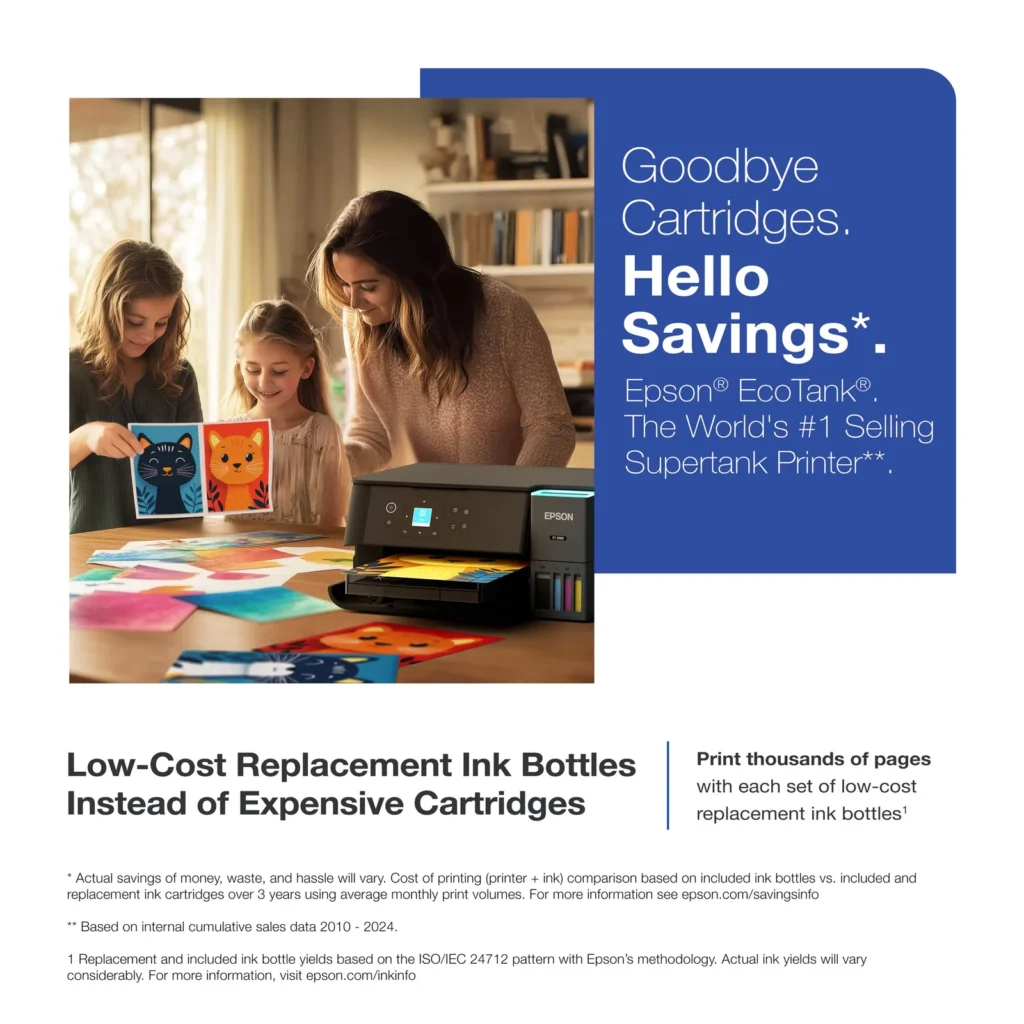
- Cost-Effectiveness: The printer is highly economical over time because the bottled ink is reasonably priced and lasts significantly longer than traditional cartridges, with some users reporting thousands of prints on a single fill.
- Easy Mobile Integration: The Epson Smart Panel app is frequently praised for making the initial setup and wireless printing from smartphones a seamless and intuitive process.
Cons
- Small LCD Screen: The 1.44-inch display is widely criticized for being far too small and difficult to read, often requiring users to use a magnifying glass or flashlight to navigate menus.
- Connectivity and Setup Issues: Many reviewers experienced significant frustration with the printer dropping its WiFi connection or found the initial driver installation on computers to be overly complex and time-consuming.
- Paper Handling Limitations: The lack of an internal paper tray and reliance on a rear feeder with limited capacity is a common complaint, along with reports of frequent paper jams during automatic double-sided printing.
Customer Reviews
Showing reviews 11-20 of 319
-
Epson Printer
Verified purchase Verified purchase: This reviewer bought the product. Incentivized Incentivized review: The reviewer received a benefit for sharing feedback.DAK1 December 12, 2025Review source: BestbuyLove this printer. Small footprint, scan option, and double-sided printing. Only had ut a short time, but so easy to install and use.
-
Good Printer
Verified purchase Verified purchase: This reviewer bought the product. Incentivized Incentivized review: The reviewer received a benefit for sharing feedback.oliv December 12, 2025Review source: BestbuyA decent, affordable printer. It does what I need and doesn’t use too much ink.
-
Printer
Verified purchase Verified purchase: This reviewer bought the product. Incentivized Incentivized review: The reviewer received a benefit for sharing feedback.Pioneer8m December 12, 2025Review source: BestbuySo far does everything as described. Start copying button was confusing as to which button to press
-
Nice printer
Verified purchase Verified purchase: This reviewer bought the product. Incentivized Incentivized review: The reviewer received a benefit for sharing feedback.BrianM December 12, 2025Review source: BestbuyPrint quality is good. Easy to setup and use. Ink lasts a long time. No issues so far.
-
Amazon give the wrong information about this item.
Verified purchase Verified purchase: This reviewer bought the product.RAFAEL LOPEZ December 9, 2025Review source: Amazonif you look at the amazon AI information about this product, be careful, it gives you wrong information about it, it does not work for what i bough it and had problems with the colors from the beginning.
So now i stock with a useless item. -
Don't do it
Verified purchase Verified purchase: This reviewer bought the product.Amazon Customer December 9, 2025Review source: AmazonI would buy direct from Epson. This printer is amazing….when it works.
We got 2 months out of it. 👎
-
No ADF capabilities
Carol Ritt December 8, 2025Review source: AmazonNo ADF capability. I had an old Epson that had both single page scanning and multiple page scanning (AUTO DOCUMENT FEED) so I assume this newer version would be able to scan groups of pages. No, only one page at a time from the glass.
I do like no expensive ink cartridges.
A step backwards. Let the buyer know on the box. -
Great printer but initial aggravation likely guaranteed
Verified purchase Verified purchase: This reviewer bought the product.L. Massaar December 7, 2025Review source: AmazonEpson is a terrific brand imho and this is now my fourth inkjet printer over these past 20yrs. This one is by far the best so far, but the setup was deeply aggravating. Clearly not everyone has this same experience but just a heads-up.
Follow the instructions, and look for all the secure tape to free up the components. Be patient.
If you get the inevitable 00041 paper jam error, just do whatever it says to do. I got this error repeatedly at first (never loaded nor printed anything at the setup stage)… I then turned everything off, including unplugging from AC outlet, and let the device rest for a couple of hours. Thereafter I turned it back on and the error cleared up by itself. By all means power-cycle as it suggests at first, but after a few on/off attempts, just leave it be to settle at room temp for a few hours before trying again. That worked for me. If you get past the setup, the final stage is a 10+ minute calibration stage where the filled ink tanks are slowly ingested slightly into the device innards.
There’s a test print it generates, then asks you to scan the same document that printed (presumably a double-check for calibration).
I really like the ink bottle/fill design. No problems filling all the tanks with the supplied colors. No mess etc. No idea if this will print a year’s worth (as suggested). Seems plausible, I guess.
It came as a surprise to me that the printer has no paper storage tray. Instead, you load up a wad in the rear and it then auto-feeds itself.
I’ve now tried both paper, and transparencies. Both turned out great. I don’t much care for the blinking light at the front (presumably to say it’s on standby and awaiting orders to print), nor the teeny tiny LCD screen with errors/instructions. But the bulk of my home printing is B/W via a laser printer, so for the few times I need color, I can put up with all this.
-
Inkjet
Verified purchase Verified purchase: This reviewer bought the product. Incentivized Incentivized review: The reviewer received a benefit for sharing feedback.Leaa December 7, 2025Review source: BestbuyGood printer for personal use only. The prints come out average.
-
a second try to replace my Epson XP-6100 Series
Verified purchase Verified purchase: This reviewer bought the product.JoJo December 6, 2025Review source: AmazonA second disappointment. The first ecotank model I purchased was the ET-4800, which the product info here indicated it was automatic duplex, but after installing it, and spending hours trying to figure out how to enable duplex printing, discovered the spec sheet was incorrect.
I also had noticed that there is a single slot on the back for paper (the old manual feed location), but none of the paper trays as I had on the XP-6100. That unit had dual trays, so I kept 4×6 photo in the smaller one, and 8.5×11 printer paper in the other.
Alas, this unit (ET-2980), while I have the benefits of an EcoTank unit and lower ink costs, and now automatic duplex, I still find no paper trays, meaning I need to manually unload the printer paper (and find a place for it), load photo paper, print a photo, and either leave that paper in it, or take it out, and put printer paper back in.
As I write this, I still have not filled the ink tanks, as this too may go back while I search for an EcoTank version of the XP-6100.
And while I am writing this, I might as well add what should be a setting option, yet is missing (in a big way). I got rid of my XP-6100 because the bulk black ink jets clogged, and repeated efforts to clear it were unsuccessful. So I was going to move it aside after my replacement arrived only to discover a LAKE of black ink under the printer (XP-6100). Obviously, the capture pad was saturated and it overflowed, leaving the lake. Thank goodness it was not sitting on anything valuable, though it did strip the paint off the steelcase file cabinets it sat on. I had never experienced that, and now that I know it i possible, I wonder why it did not throw an alarm. I live in an apartment, and had it run down to the carpet, I would have been charged to replace the carpet when I move out. Not good.
Why there is not a setting that runs a nozzle print test (without a cleaning cycle) based on the time (maybe configurable to account for different humidity environments) astounds me. Yes, it would burn a sheet of paper, and a bit of ink (but less than a cleaning cycle), thus preventing clogged heads altogether (and waste bucket overflows).