Customer Media
Highlights
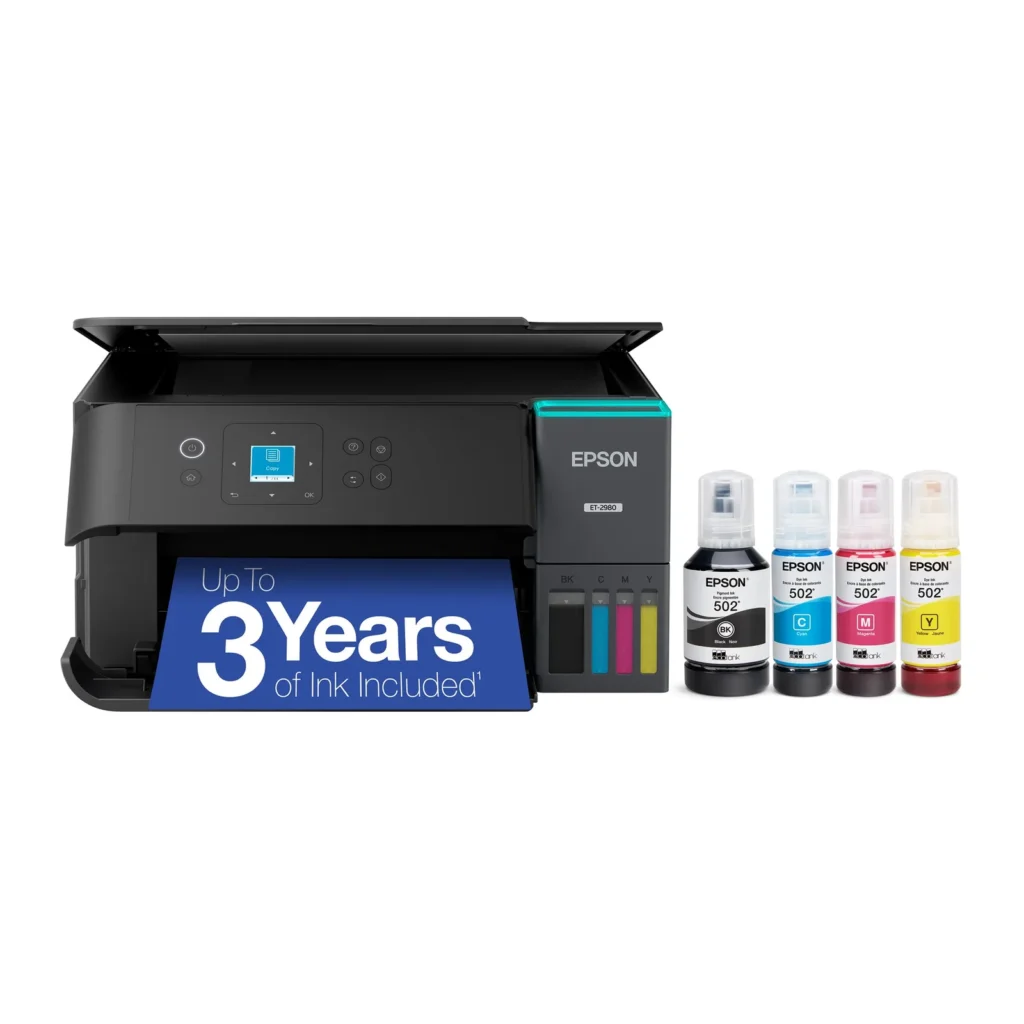
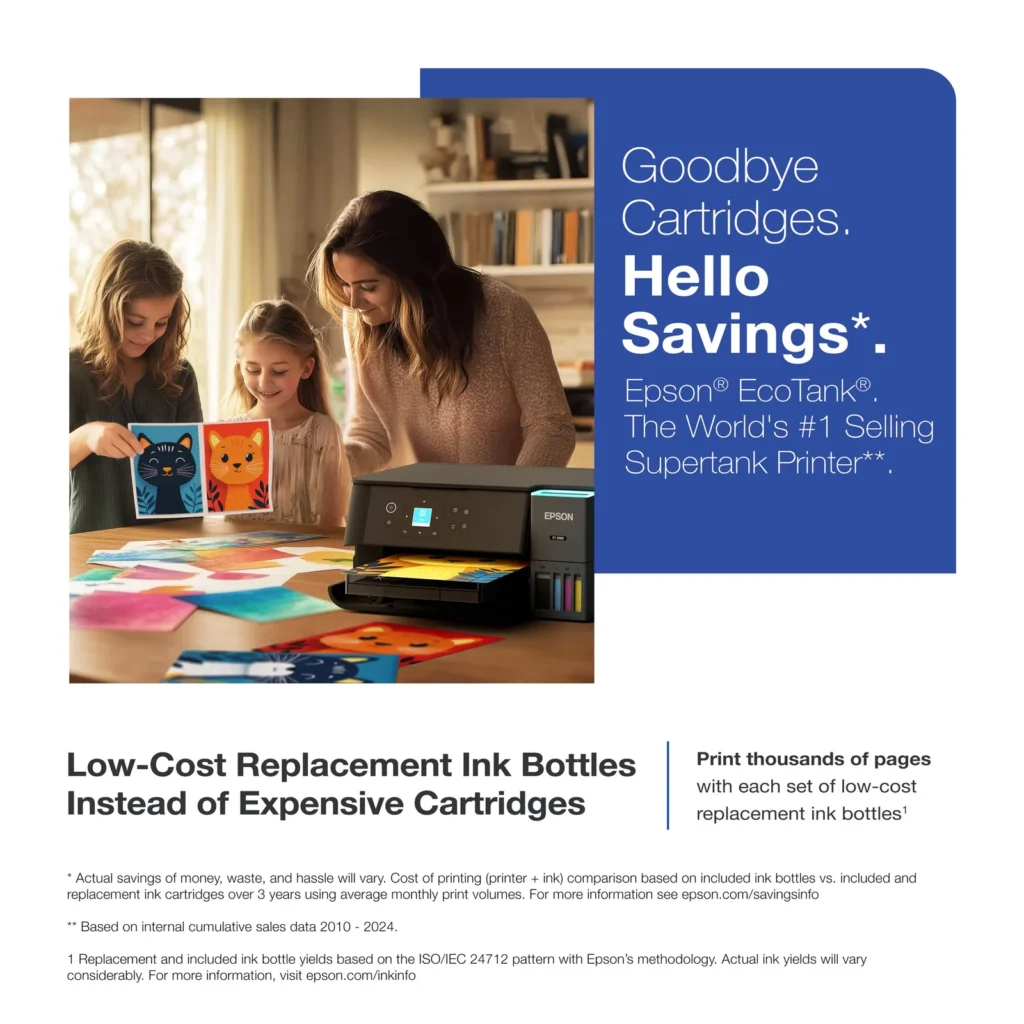
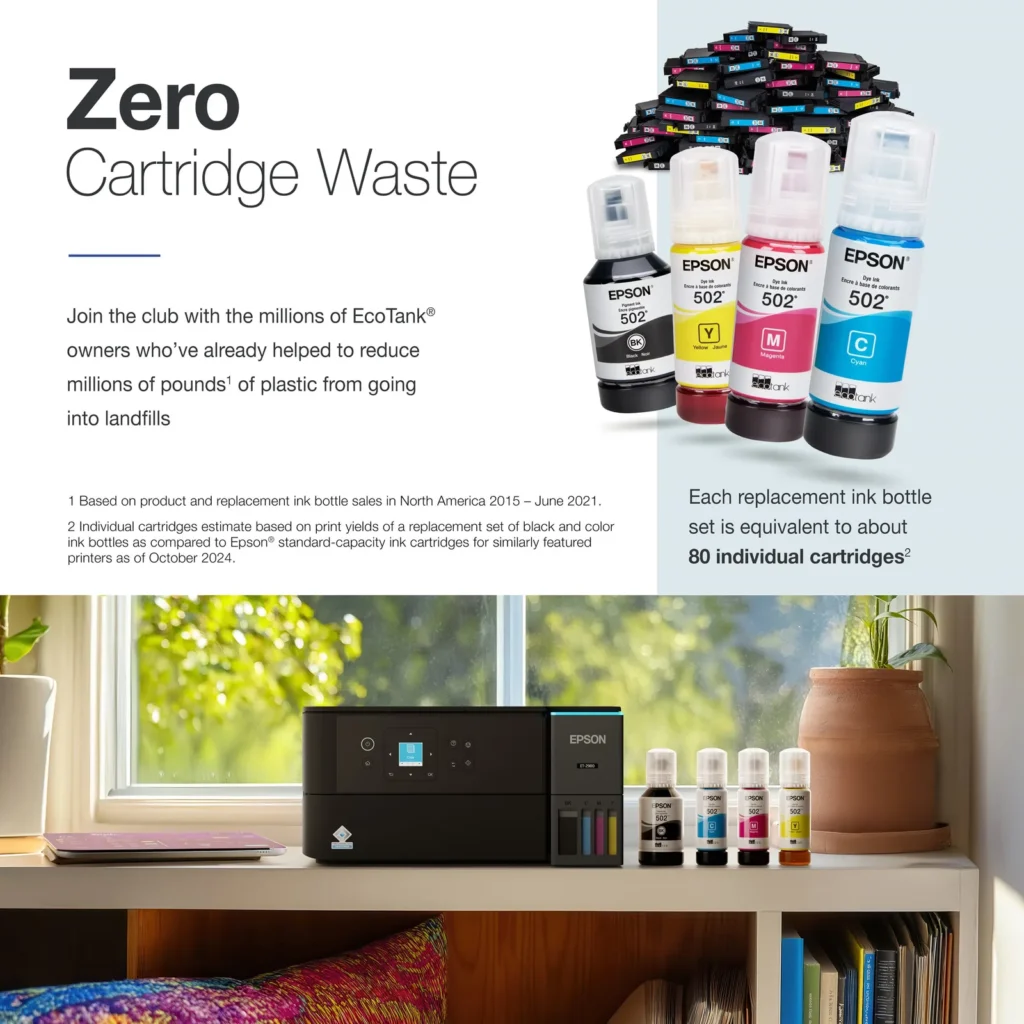
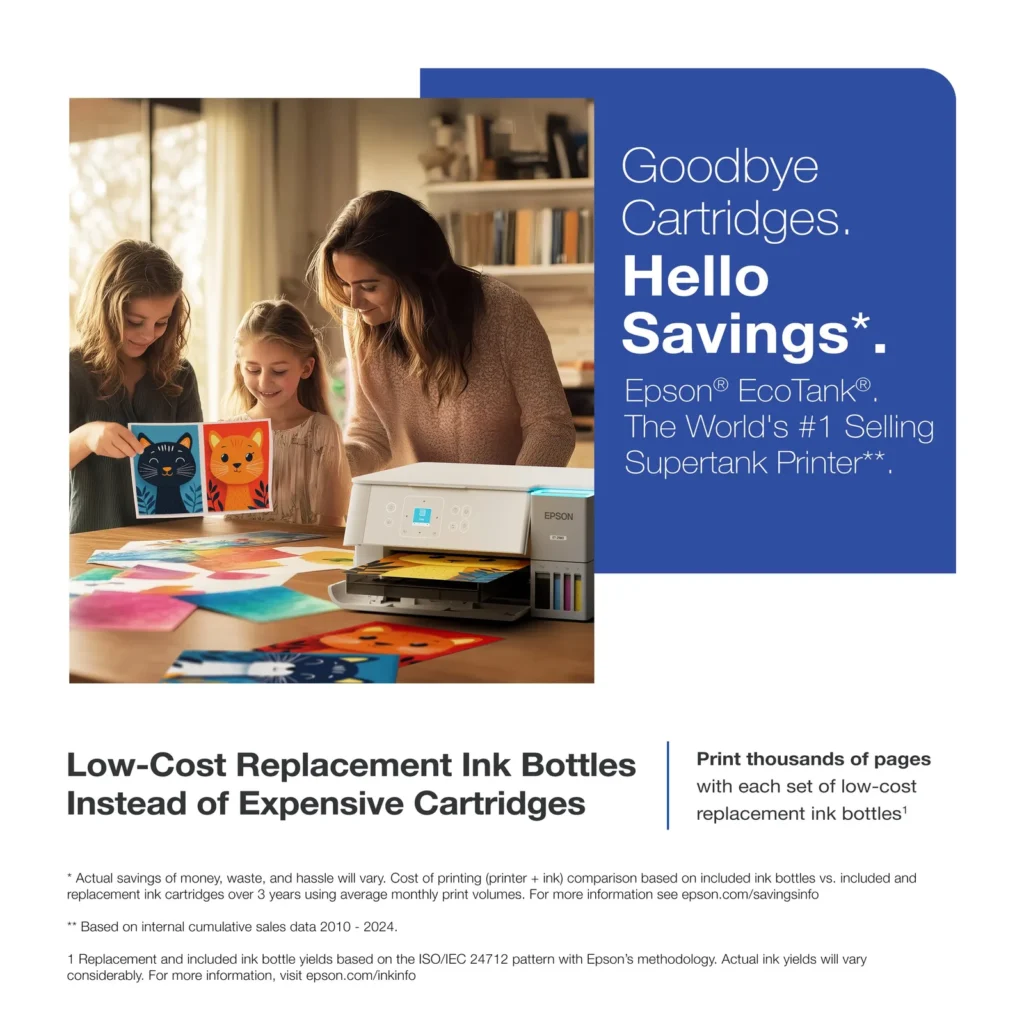
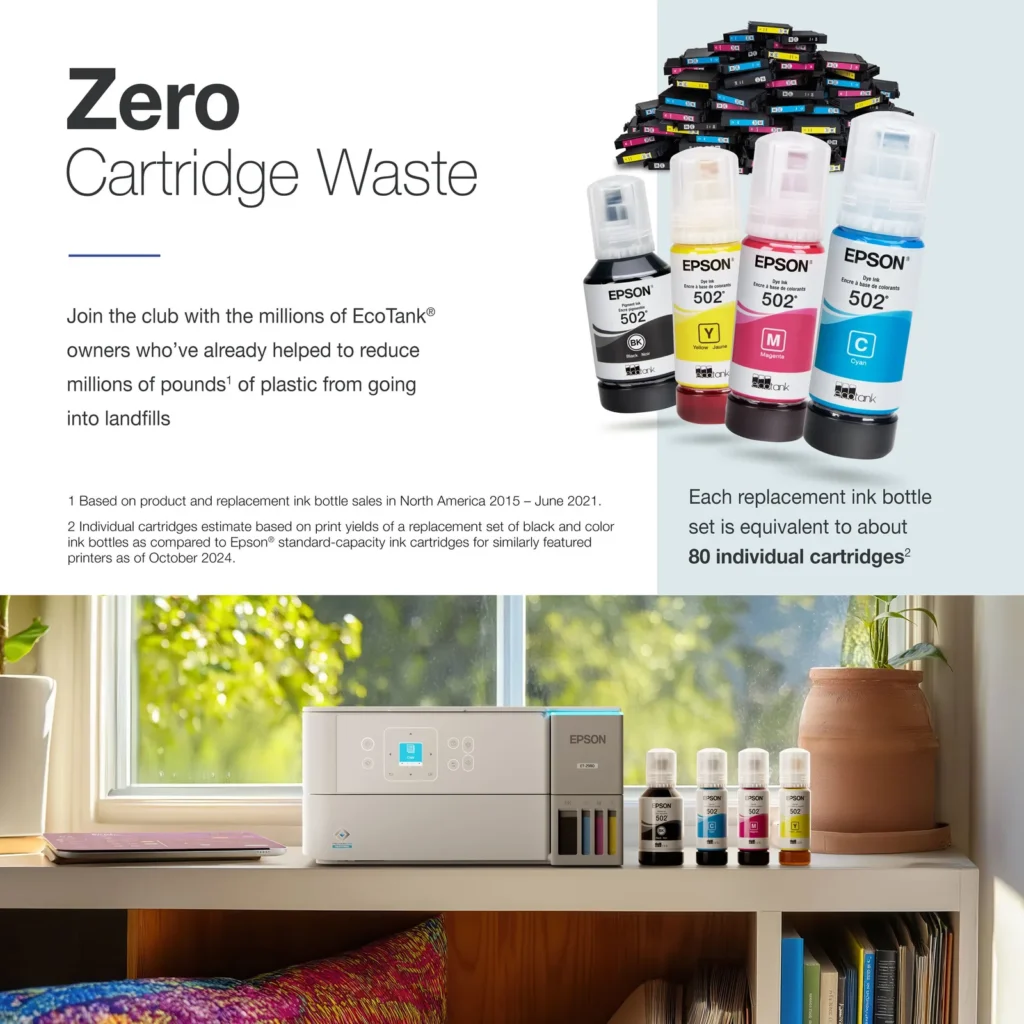
| Incredible Value and Savings | Save significantly on replacement ink with high-capacity ink tanks; each set of replacement ink bottles is equivalent to about 90 individual cartridges, providing a low cost-per-print. |
|---|---|
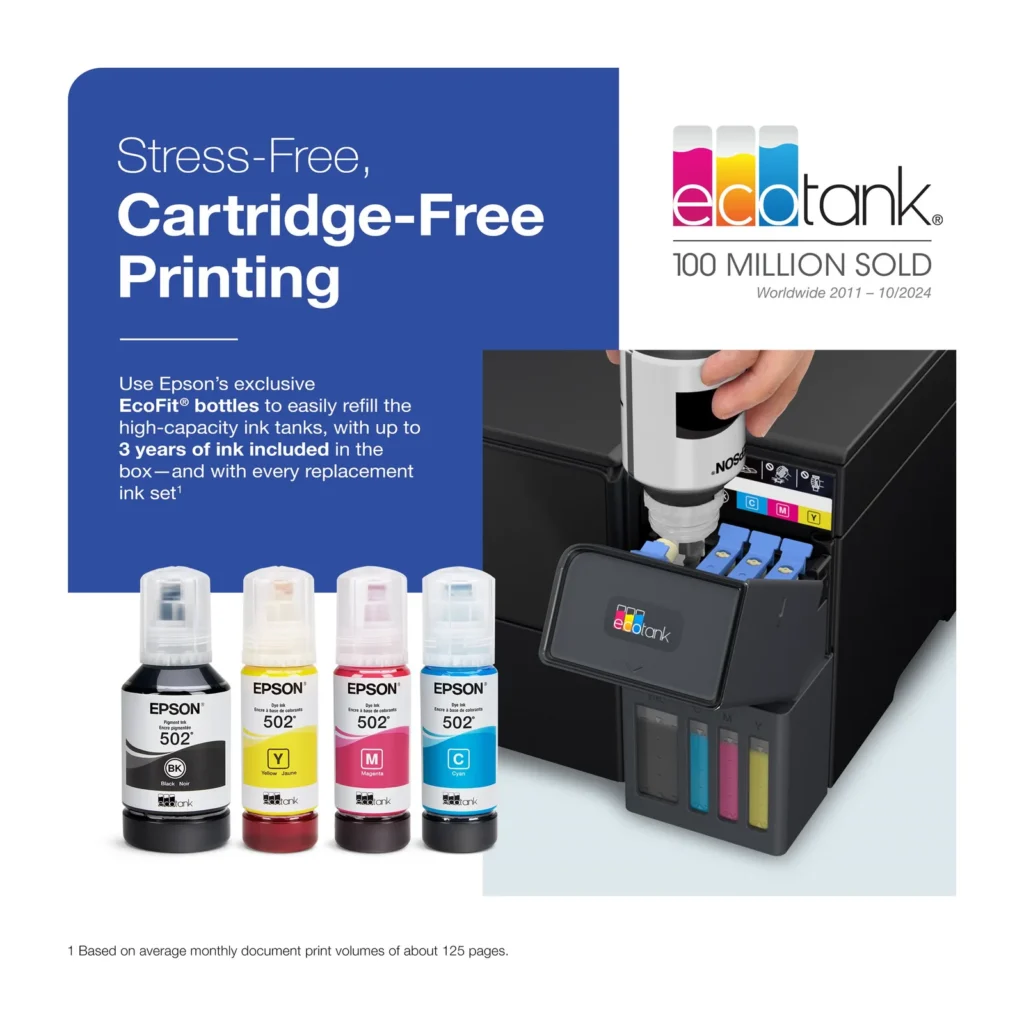
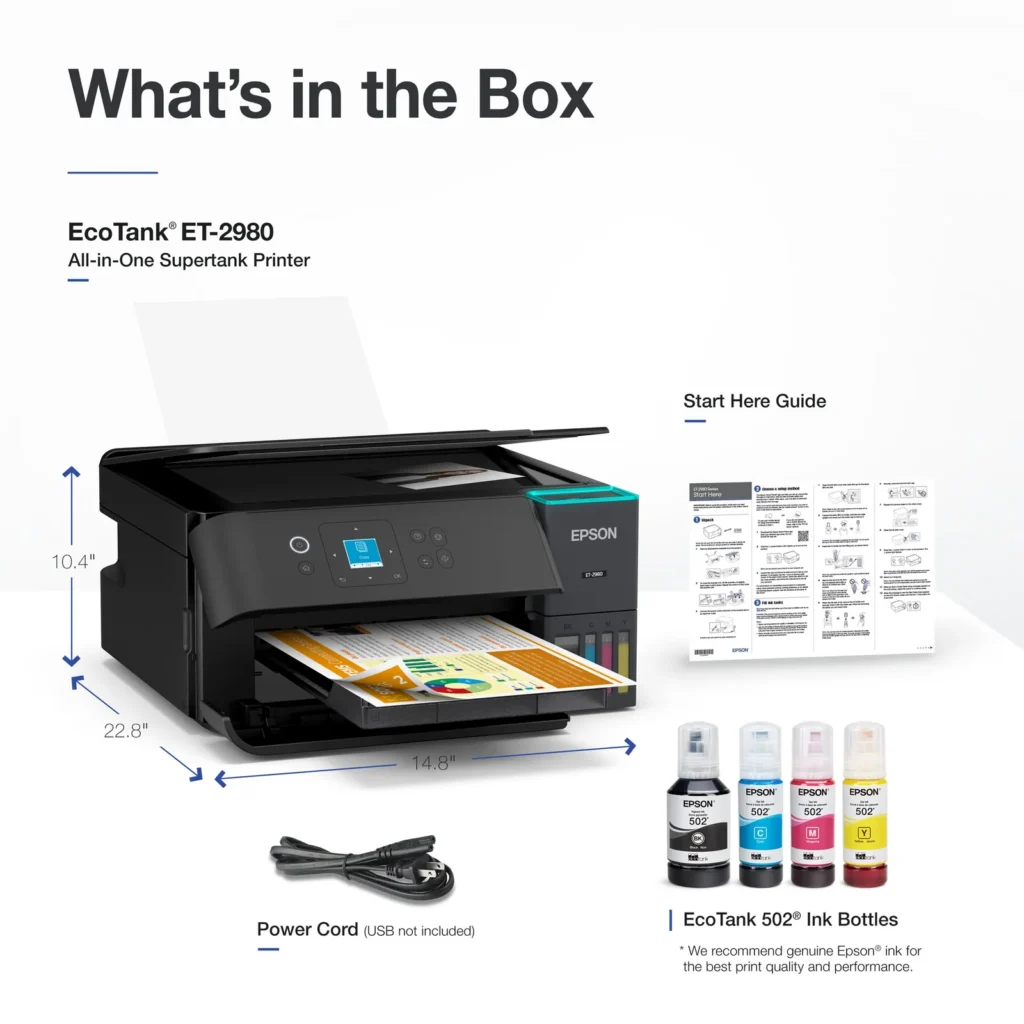
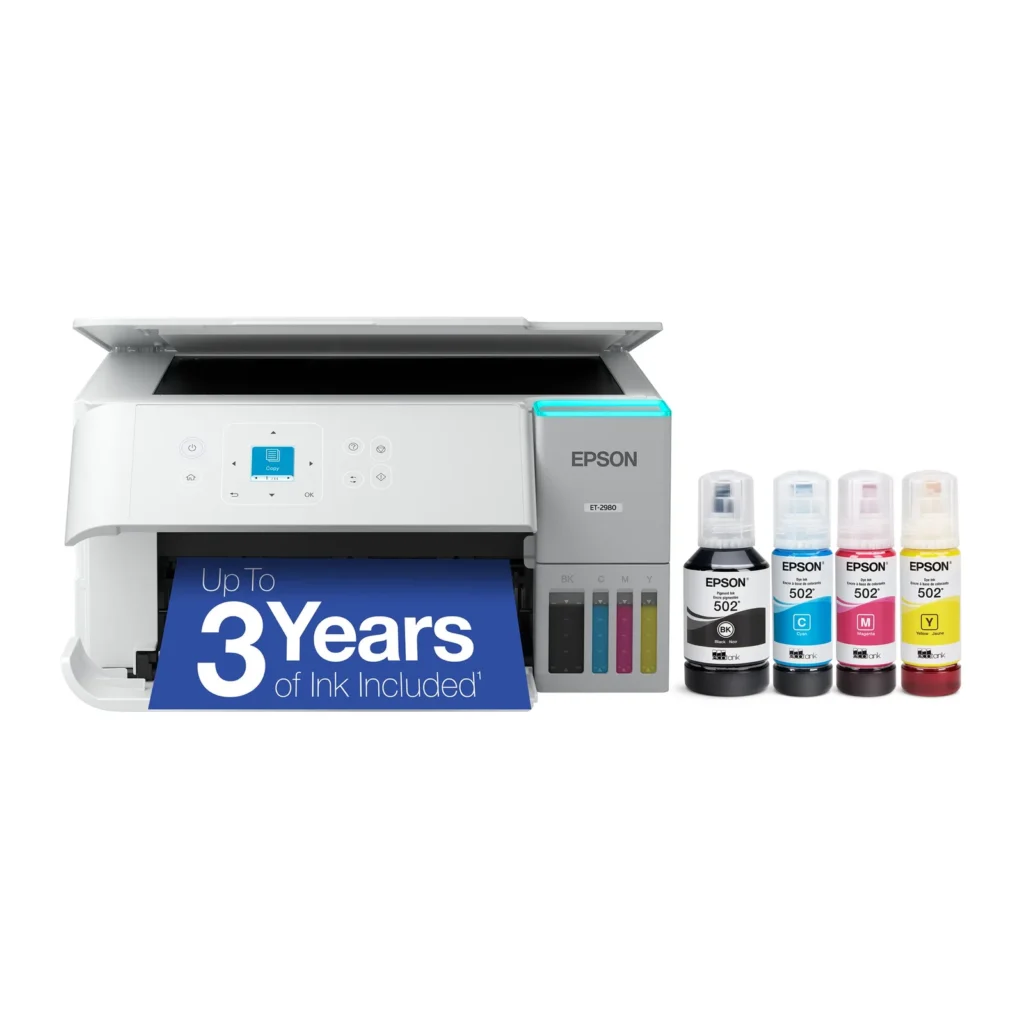
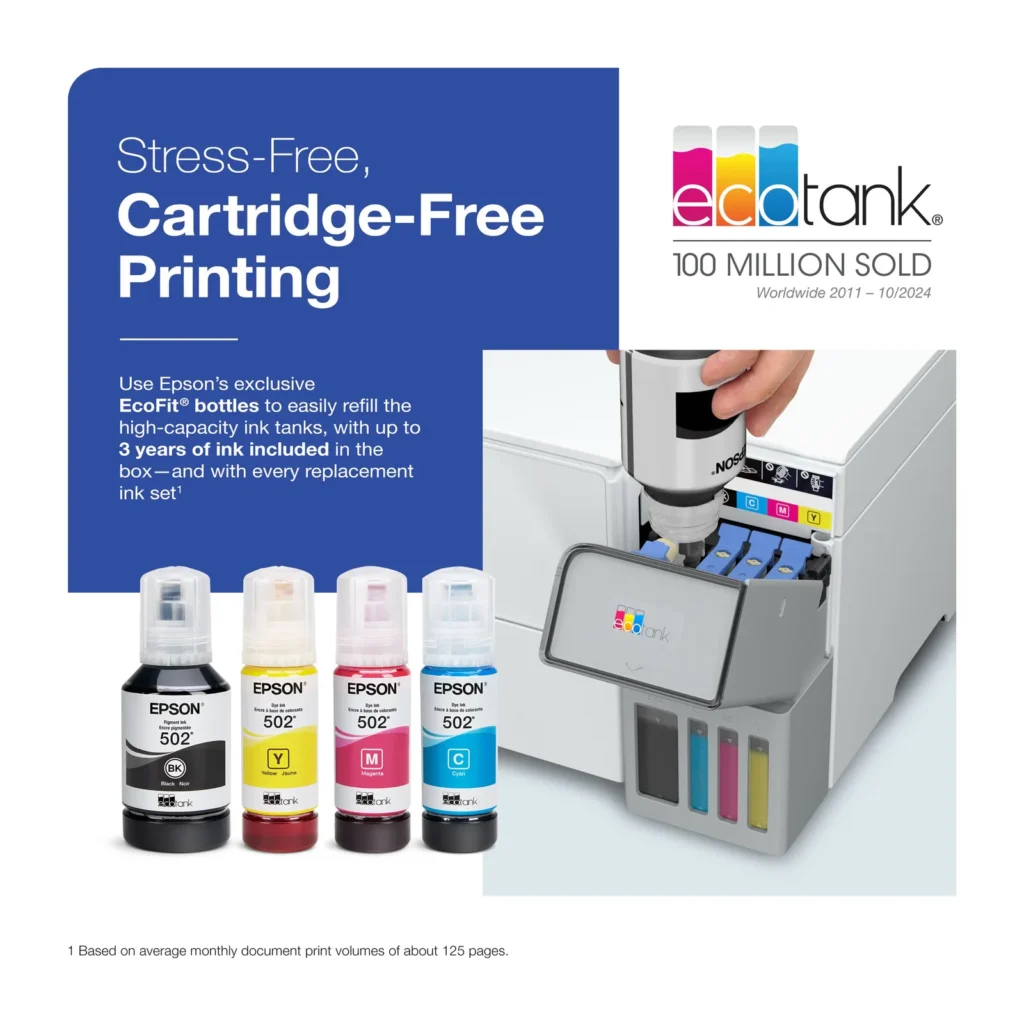
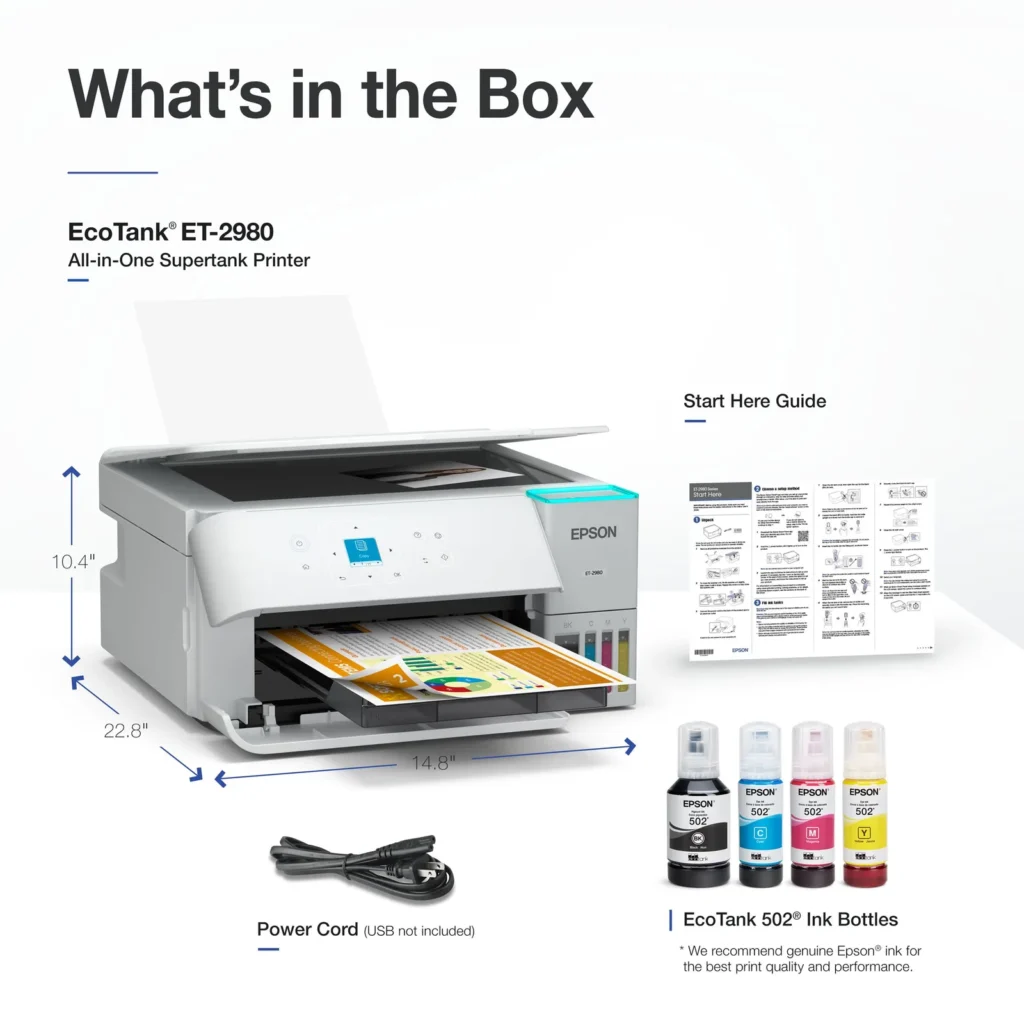
| Up to 3 Years of Ink Included | The printer comes with enough ink in the box to last up to three years, allowing you to print up to 6,600 black and 5,500 color pages before needing a refill. |
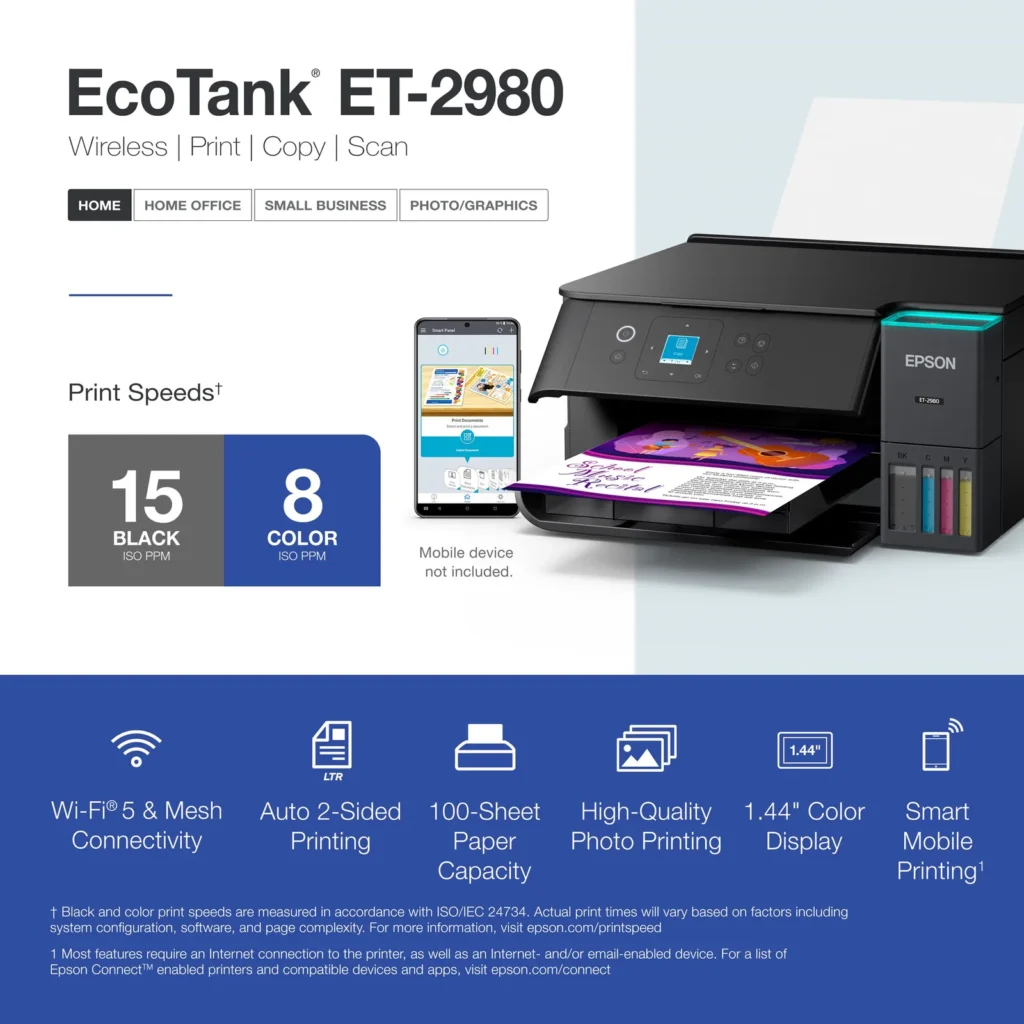
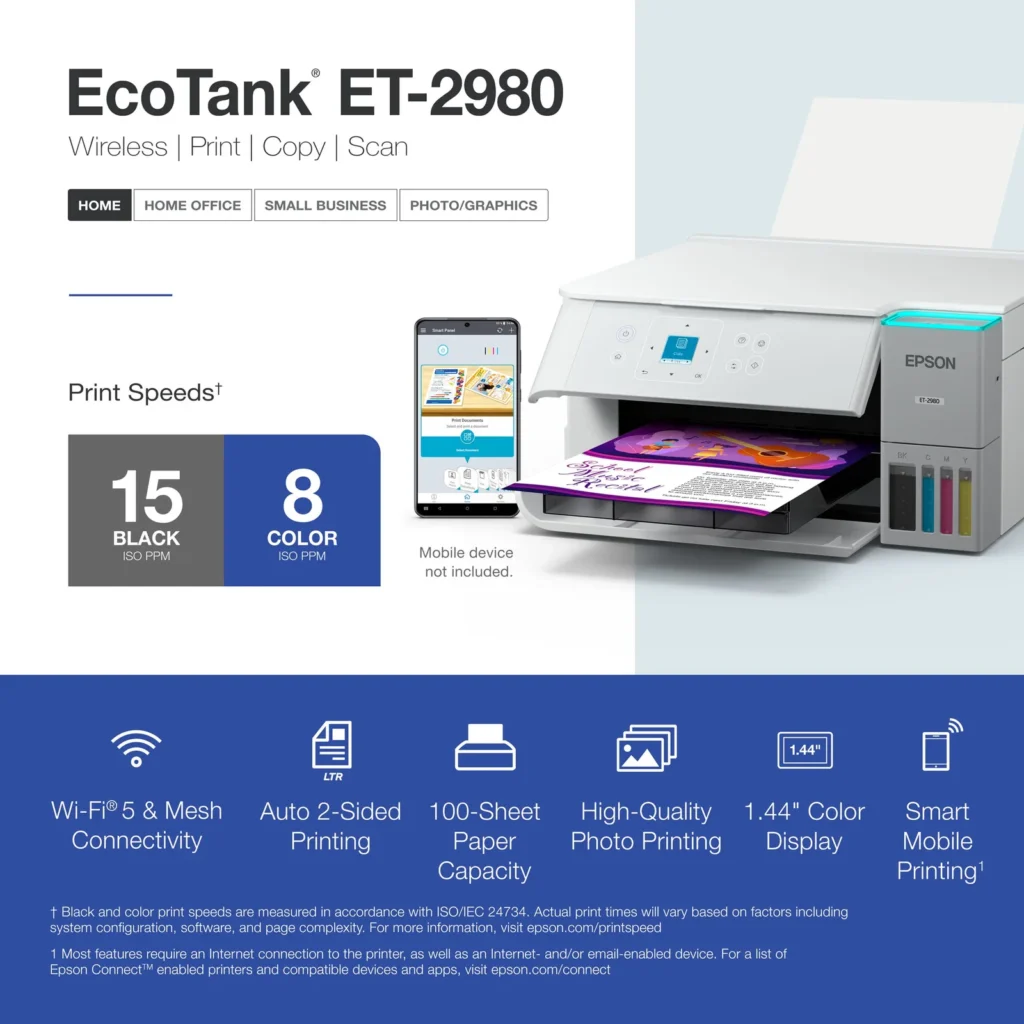
| PrecisionCore Heat-Free Technology | Delivers fast print speeds of up to 15.0 ISO ppm in black and 8.0 ISO ppm in color, featuring a unique permanent printhead designed to last the life of the printer. |
| Seamless Wireless and Mobile Printing | Easily print and scan from your smart device using the Epson Smart Panel app, with full support for Apple AirPrint, Mopria Print Service, and Wi-Fi Direct. |
| User-Friendly Features and Auto Duplexing | Includes a 1.44" color display for easy navigation, a 100-sheet paper tray, and automatic two-sided printing to help save paper and improve efficiency. |
Pros & Cons
Pros
- EcoTank Ink System: The refillable tank design eliminates the need for expensive cartridges, providing a massive ink supply that users find much more convenient and environmentally friendly.
- Cost-Effectiveness: The printer is highly economical over time because the bottled ink is reasonably priced and lasts significantly longer than traditional cartridges, with some users reporting thousands of prints on a single fill.
- Easy Mobile Integration: The Epson Smart Panel app is frequently praised for making the initial setup and wireless printing from smartphones a seamless and intuitive process.
Cons
- Small LCD Screen: The 1.44-inch display is widely criticized for being far too small and difficult to read, often requiring users to use a magnifying glass or flashlight to navigate menus.
- Connectivity and Setup Issues: Many reviewers experienced significant frustration with the printer dropping its WiFi connection or found the initial driver installation on computers to be overly complex and time-consuming.
- Paper Handling Limitations: The lack of an internal paper tray and reliance on a rear feeder with limited capacity is a common complaint, along with reports of frequent paper jams during automatic double-sided printing.
Customer Reviews
Showing reviews 191-200 of 319
-
Amazing
Verified purchase Verified purchase: This reviewer bought the product. Incentivized Incentivized review: The reviewer received a benefit for sharing feedback.Kevin August 24, 2025Review source: BestbuyPick up was quick and easy. Installation was also very easy. Quality of printed documents are excellent and I can see the ink will outlast any cartridges I have purchased over the years for my older printers.
-
EpsonEcoTankWireless
Verified purchase Verified purchase: This reviewer bought the product. Incentivized Incentivized review: The reviewer received a benefit for sharing feedback.CarolL August 23, 2025Review source: Bestbuyeasy setup, reliable, easy to add ink without a big mess
-
Epson printer ET-2980
Verified purchase Verified purchase: This reviewer bought the product. Incentivized Incentivized review: The reviewer received a benefit for sharing feedback.DaveW August 23, 2025Review source: BestbuyStarted out a little noisy but settled down and now is fine.
-
Amazing new printer
Verified purchase Verified purchase: This reviewer bought the product. Incentivized Incentivized review: The reviewer received a benefit for sharing feedback.CarolreneeB August 22, 2025Review source: BestbuyPick up was quick and easy. Installation was also very easy. Quality of printed documents are excellent and I can see the ink will outlast any cartridges I have purchased over the years for my older printers.
-
Nightmare of set up to get to very nice printer
Verified purchase Verified purchase: This reviewer bought the product.DCS August 22, 2025Review source: AmazonSeems to work great 9NCE YOU GET IT SET UP!! That process required using PARTS of 2 set up versions. What should have take 10 minutes took 2 hours. But it prints very clearly a d quietly for such a big machine
-
Pleased!
Verified purchase Verified purchase: This reviewer bought the product. Incentivized Incentivized review: The reviewer received a benefit for sharing feedback.HAFE August 22, 2025Review source: BestbuySo far, so good. Easy setup and operating well. Pleased.
-
Best printer purchased to date
Verified purchase Verified purchase: This reviewer bought the product. Incentivized Incentivized review: The reviewer received a benefit for sharing feedback.JodyM August 22, 2025Review source: BestbuyConvenient and fast setup. The ink bottles will keep me topped off for a while.
-
Good printer
Verified purchase Verified purchase: This reviewer bought the product.Lori August 21, 2025Review source: AmazonSo far so good. I love how long the ink lasts. Easy set up. I’m pleased.
-
Auto feed
Verified purchase Verified purchase: This reviewer bought the product.Benhester Craig August 20, 2025Review source: AmazonNot satisfied. When I purchased nothing stated that it wasn’t auto feed for copying. How do I return.
-
Great printer and simple to use and connect
Verified purchase Verified purchase: This reviewer bought the product. Incentivized Incentivized review: The reviewer received a benefit for sharing feedback.Spierce89 August 19, 2025Review source: BestbuyMuch better then brothers ink tanks printer last had and Definitely excited to see how the performance does.