Customer Media
Highlights
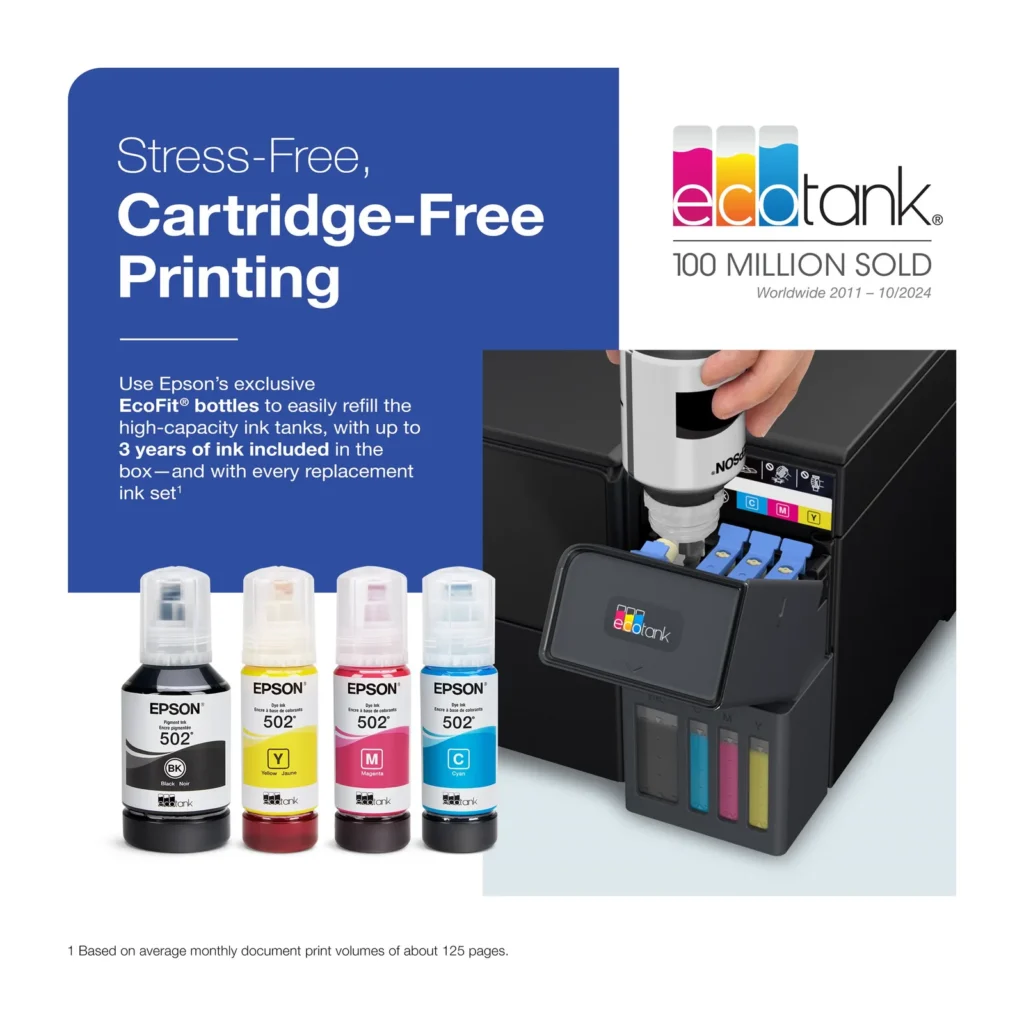
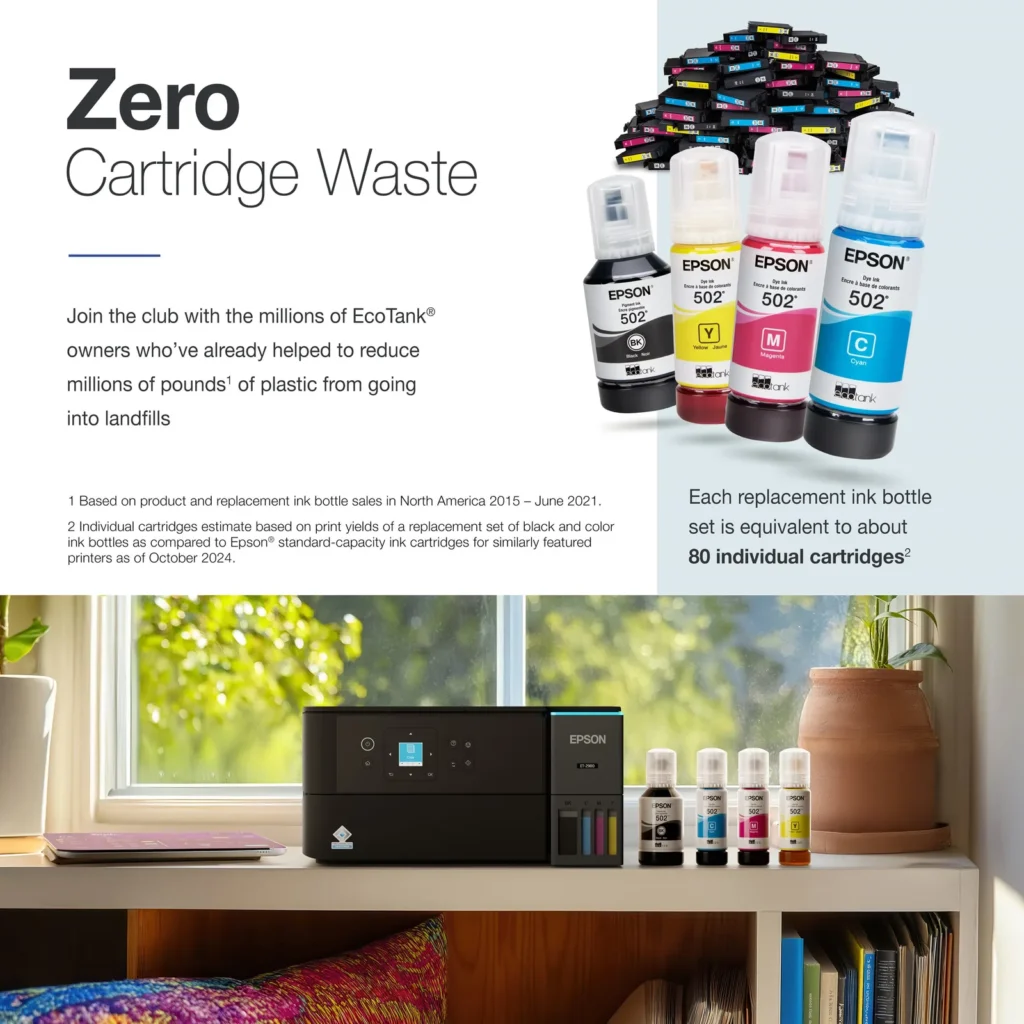
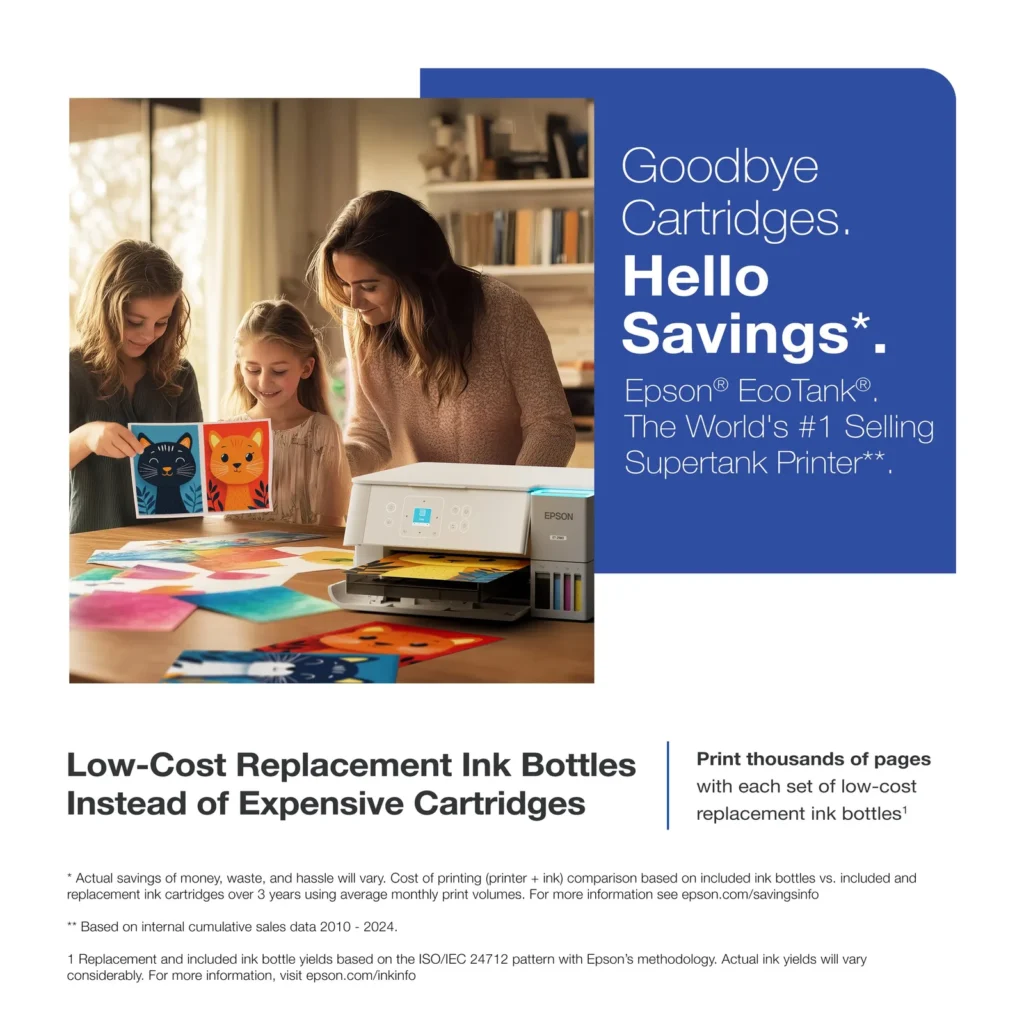
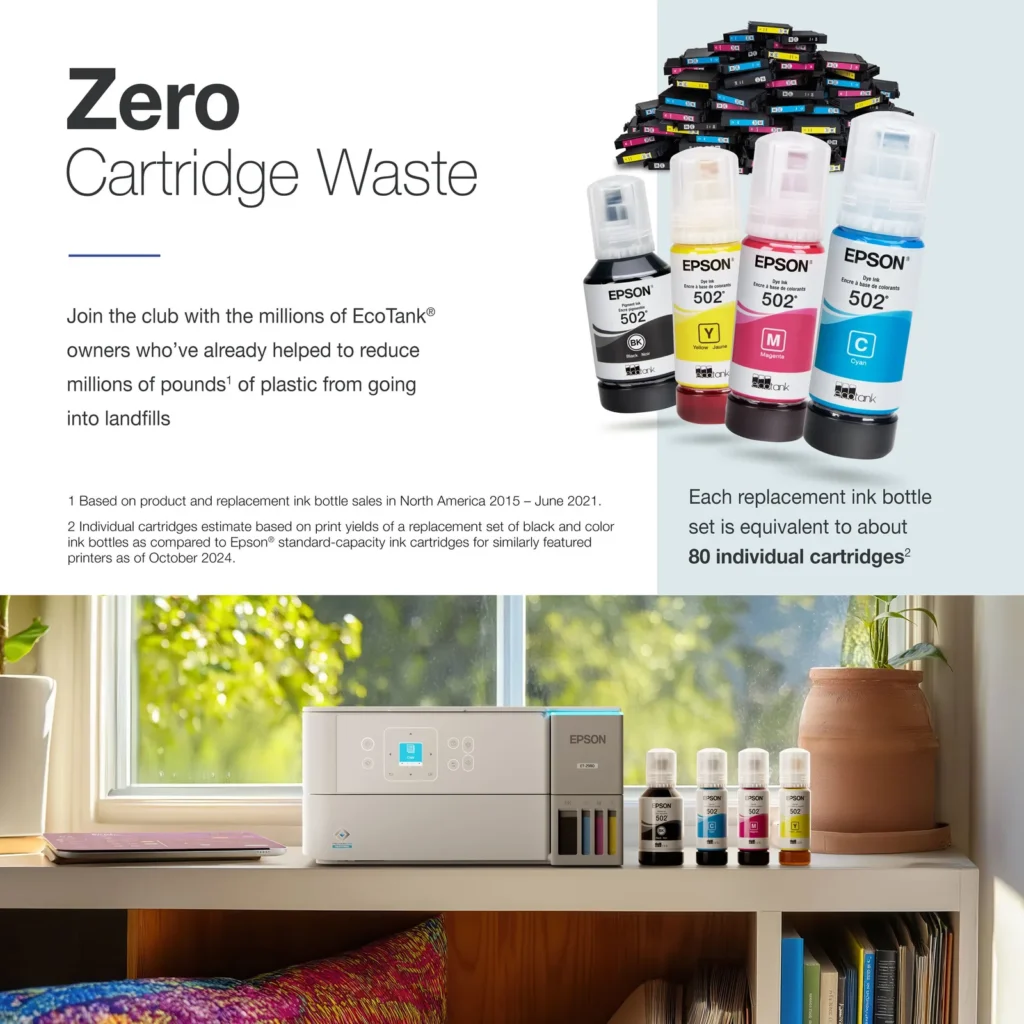
| Incredible Value and Savings | Save significantly on replacement ink with high-capacity ink tanks; each set of replacement ink bottles is equivalent to about 90 individual cartridges, providing a low cost-per-print. |
|---|---|
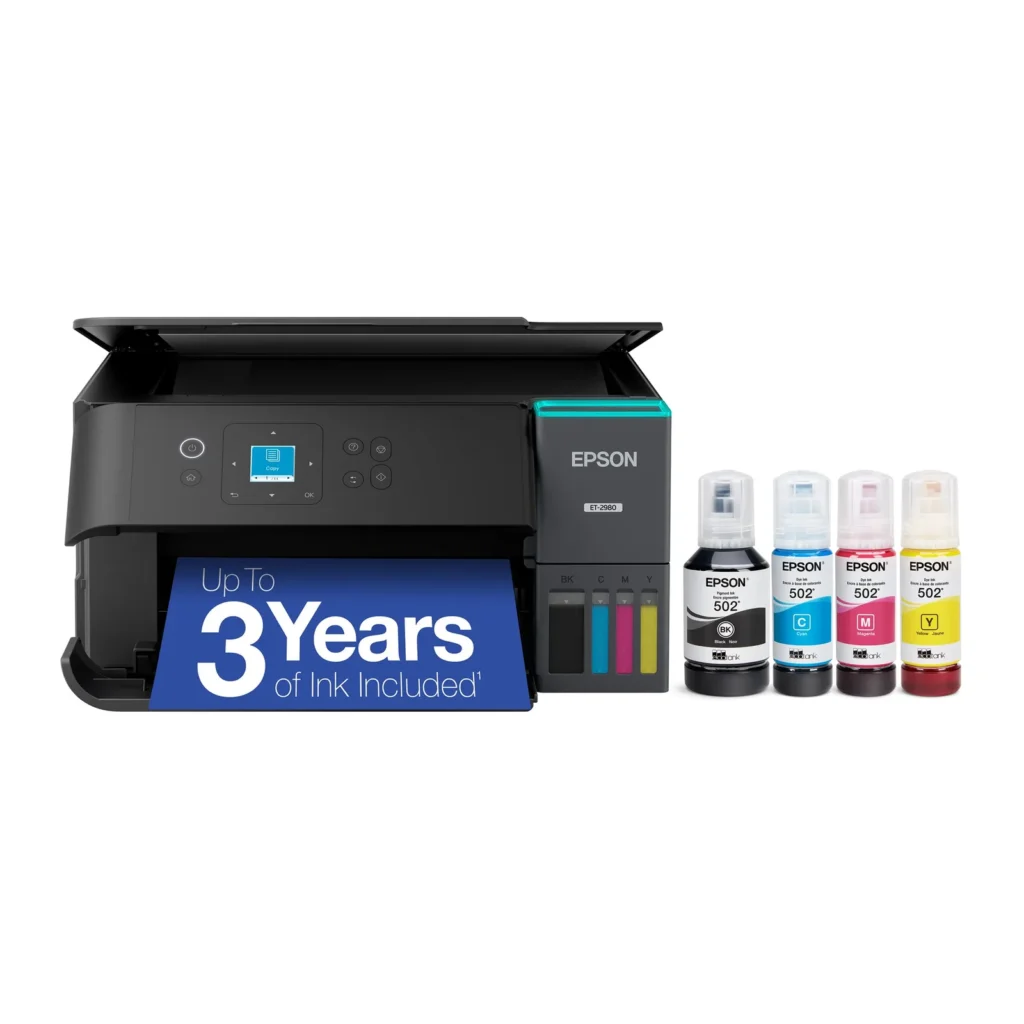
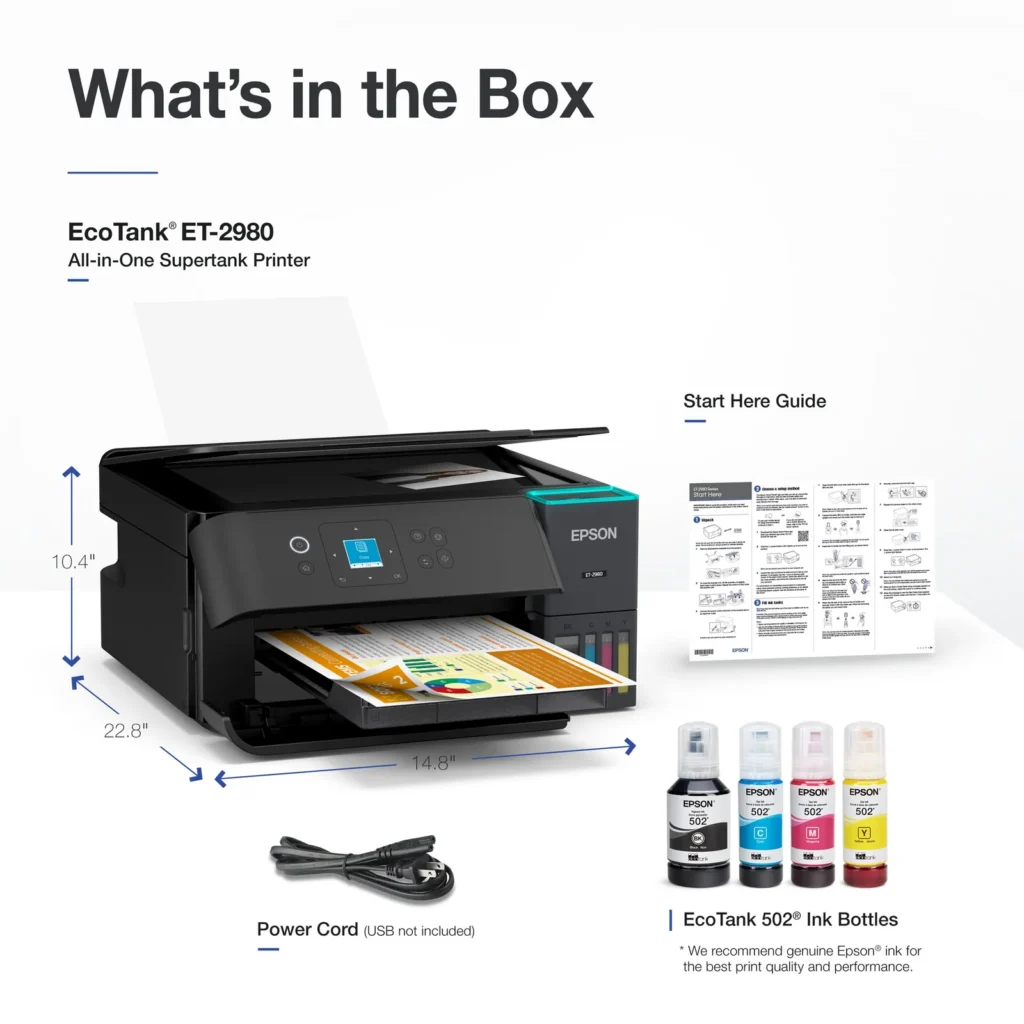
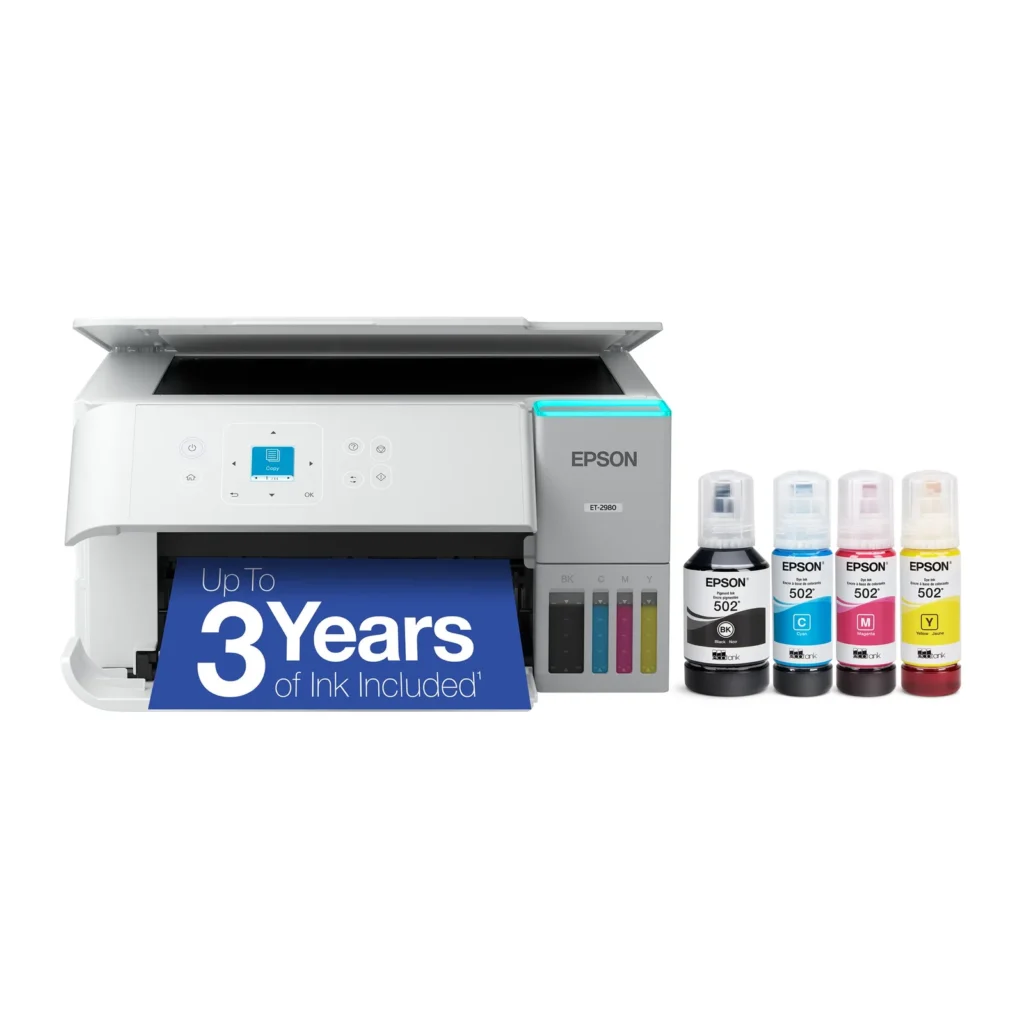
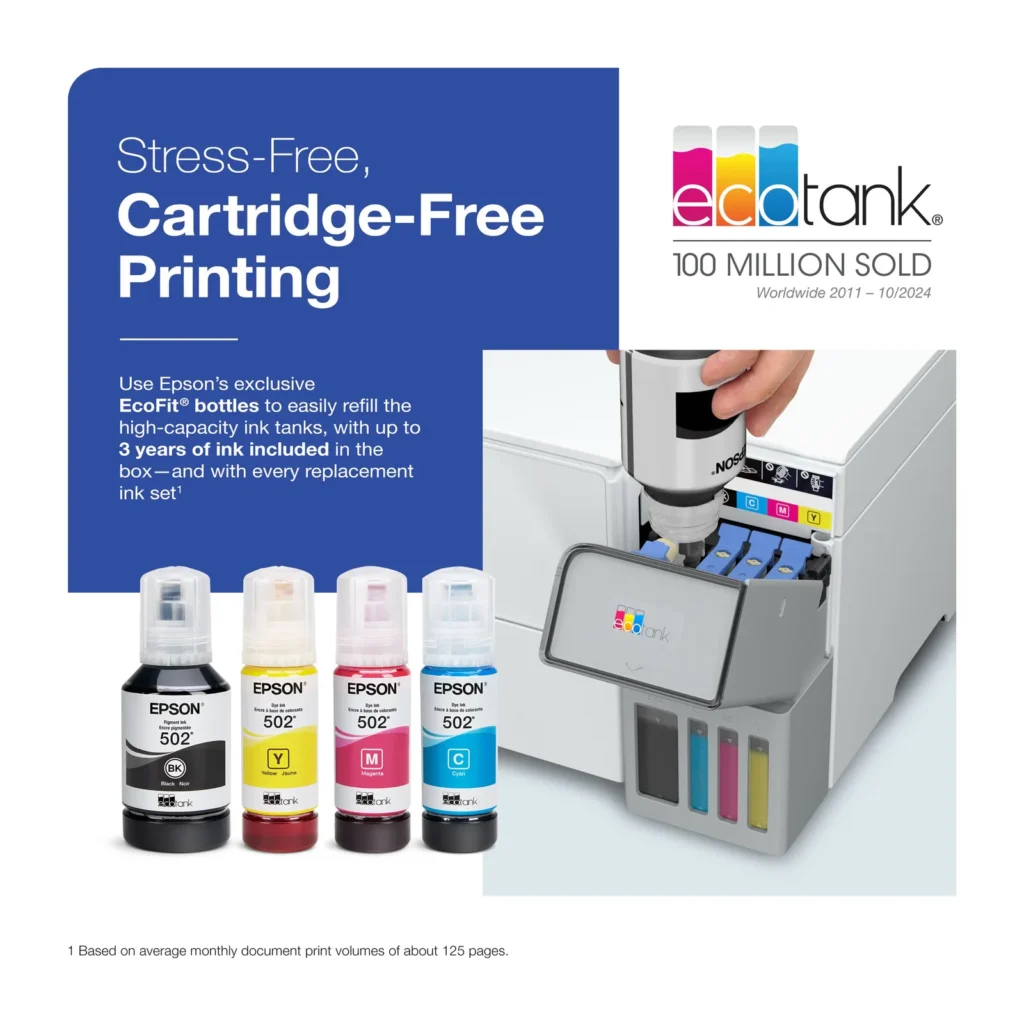
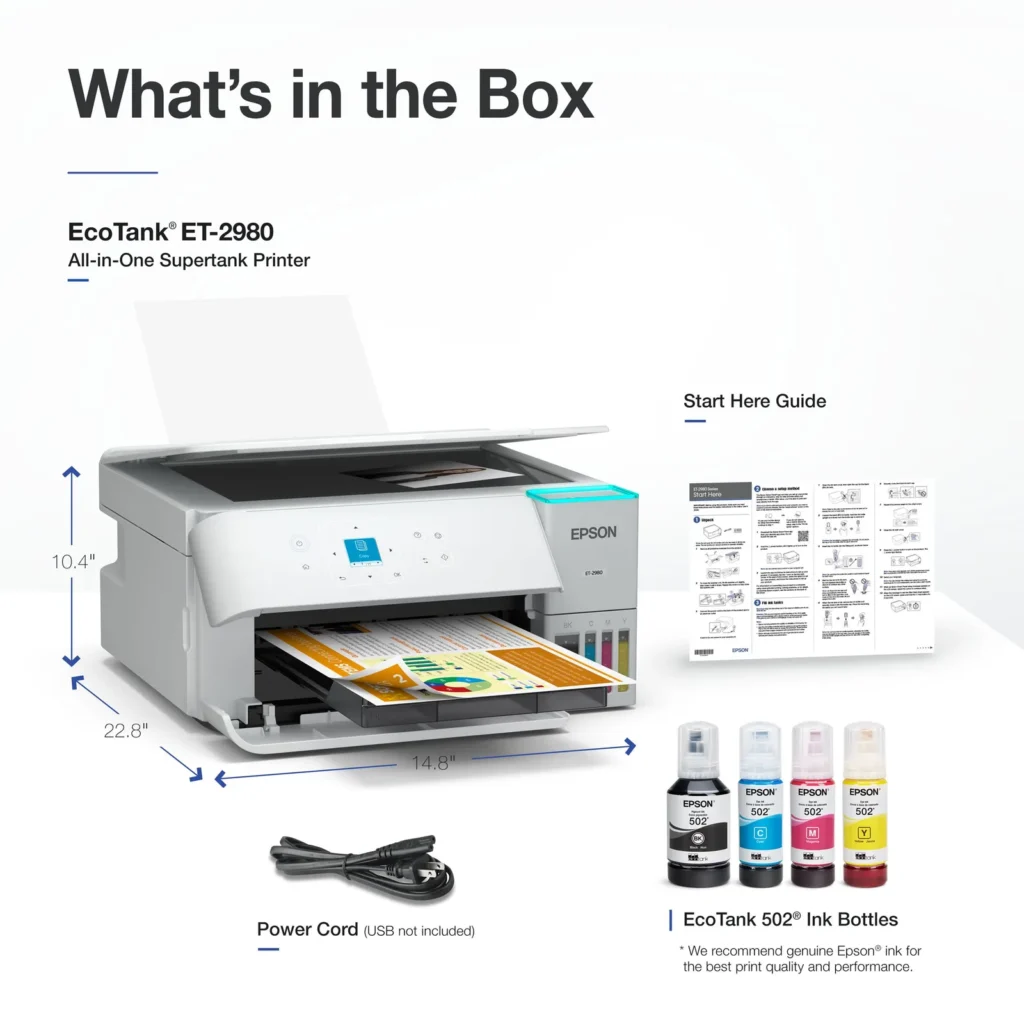
| Up to 3 Years of Ink Included | The printer comes with enough ink in the box to last up to three years, allowing you to print up to 6,600 black and 5,500 color pages before needing a refill. |
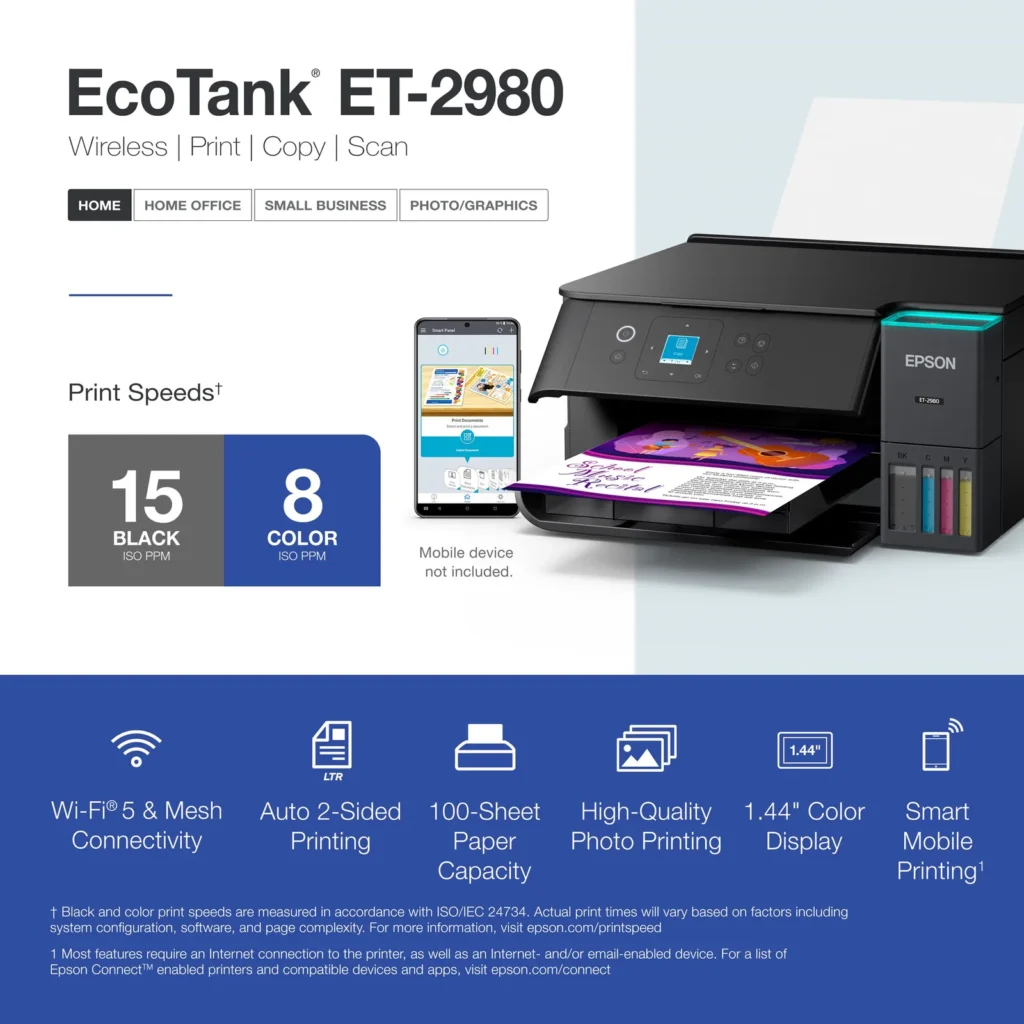
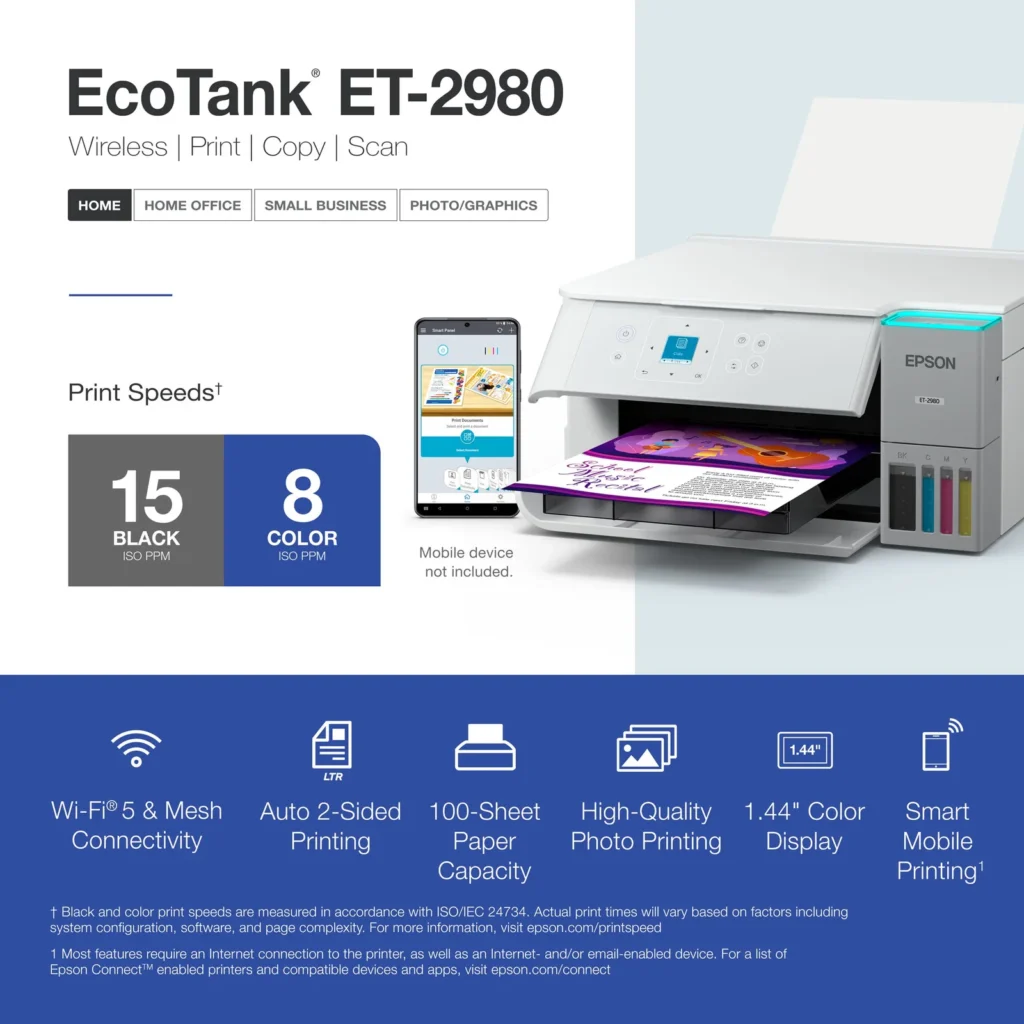
| PrecisionCore Heat-Free Technology | Delivers fast print speeds of up to 15.0 ISO ppm in black and 8.0 ISO ppm in color, featuring a unique permanent printhead designed to last the life of the printer. |
| Seamless Wireless and Mobile Printing | Easily print and scan from your smart device using the Epson Smart Panel app, with full support for Apple AirPrint, Mopria Print Service, and Wi-Fi Direct. |
| User-Friendly Features and Auto Duplexing | Includes a 1.44" color display for easy navigation, a 100-sheet paper tray, and automatic two-sided printing to help save paper and improve efficiency. |
Pros & Cons
Pros
- EcoTank Ink System: The refillable tank design eliminates the need for expensive cartridges, providing a massive ink supply that users find much more convenient and environmentally friendly.
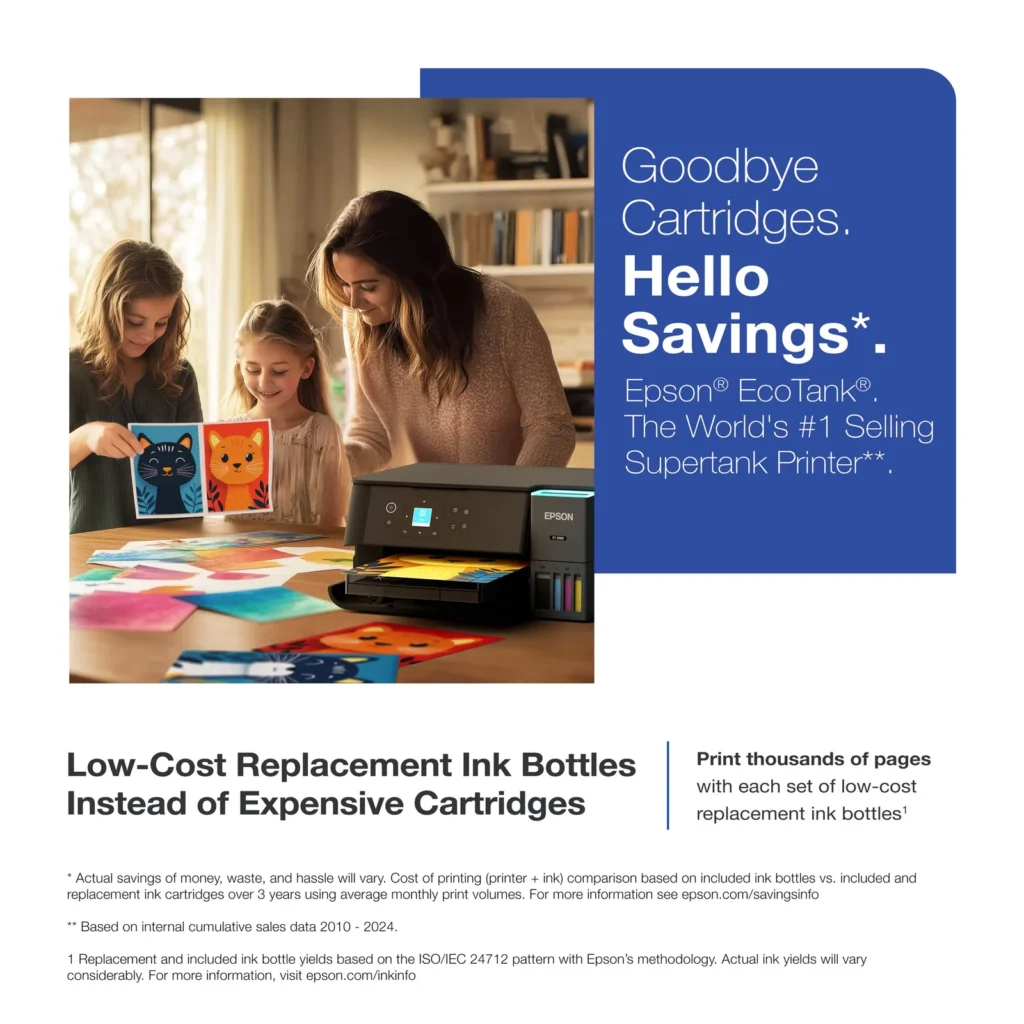
- Cost-Effectiveness: The printer is highly economical over time because the bottled ink is reasonably priced and lasts significantly longer than traditional cartridges, with some users reporting thousands of prints on a single fill.
- Easy Mobile Integration: The Epson Smart Panel app is frequently praised for making the initial setup and wireless printing from smartphones a seamless and intuitive process.
Cons
- Small LCD Screen: The 1.44-inch display is widely criticized for being far too small and difficult to read, often requiring users to use a magnifying glass or flashlight to navigate menus.
- Connectivity and Setup Issues: Many reviewers experienced significant frustration with the printer dropping its WiFi connection or found the initial driver installation on computers to be overly complex and time-consuming.
- Paper Handling Limitations: The lack of an internal paper tray and reliance on a rear feeder with limited capacity is a common complaint, along with reports of frequent paper jams during automatic double-sided printing.
Customer Reviews
Showing reviews 261-270 of 319
-
epson 2980
Verified purchase Verified purchase: This reviewer bought the product. Incentivized Incentivized review: The reviewer received a benefit for sharing feedback.JosephS July 7, 2025Review source: BestbuyGood print quality but a little difficult to connect and set up
-
Sublimation printing
Verified purchase Verified purchase: This reviewer bought the product. Incentivized Incentivized review: The reviewer received a benefit for sharing feedback.Page3674 July 7, 2025Review source: BestbuyWe purchased this Epson Ecotank specifically for sublimation printing. It’s easy to convert, simple to set up. Walked you right through how to set up and test. Must buy sublimation ink however. I have a Ecotank for normal printing and this setup. Wouldn’t use anything else
-
Great printer
Verified purchase Verified purchase: This reviewer bought the product.Tom Lussiano July 6, 2025Review source: AmazonWhy did you pick this product vs others?:
I loved that there is no more ink cartridges. -
Good printer
Verified purchase Verified purchase: This reviewer bought the product. Incentivized Incentivized review: The reviewer received a benefit for sharing feedback.NeilB July 5, 2025Review source: BestbuyI would recommend this product. Is a good value for the money.
-
Not all it’s cracked up to be….
Verified purchase Verified purchase: This reviewer bought the product.soccermom July 4, 2025Review source: AmazonNot loving it. Just bought and set it up. Doesn’t hold a lot of paper. Seems to get jammed a lot. May have to return.
-
Great printer!
Verified purchase Verified purchase: This reviewer bought the product. Incentivized Incentivized review: The reviewer received a benefit for sharing feedback.chirovet July 4, 2025Review source: BestbuySuper easy to set up. Great print quality and fast. Can use the app or connects wirelessly to my laptop. Love not having to buy ink cartridges all of the time.
-
Easy to use printer
Verified purchase Verified purchase: This reviewer bought the product. Incentivized Incentivized review: The reviewer received a benefit for sharing feedback.Cash1138 July 4, 2025Review source: BestbuyEasy to setup and start printing without using a desktop computer.
-
Epson Jet Tank
Verified purchase Verified purchase: This reviewer bought the product. Incentivized Incentivized review: The reviewer received a benefit for sharing feedback.PaulaG July 4, 2025Review source: BestbuyThe printer does everything I need it to do. The black and white print is clear, the color print is vibrant.
-
Printer seems great, setup should have been better
Verified purchase Verified purchase: This reviewer bought the product.M July 2, 2025Review source: AmazonSetup is a very easy with a smartphone wizard. Filling the tanks is easy and there is no mess at all because of a very well designed filling system. Print quality is crisp. Connecting to WiFi required multiple attempts even with the correct SSID and password. Multiple tries failed, eventually I enabled the 2.4 GHz band and after another 3 attempts it connect and to the 5 GHz band as I had expected and wanted.
One big surprise after the wonderful phone setup, the wizard provides a link to setup a Windows 11 computer. You would think that they would have the driver for the specific model there yet is was troubleshooting instructions that wasted my time. Looking around the Epson site, I found the printer section. They listed a number of common printers yet not this one. I did a search and wound up on a page that looked similar to the first one the smart phone app provided. I searched for ET-2980 and landed on a page designed to sell the printer. In small print was support and that lead to the printer downloads. Come on Epson, you can do better! At least the installer ran a wizard and took care of everything. -
Easy setup, good quality print
Verified purchase Verified purchase: This reviewer bought the product.Anonymous June 30, 2025Review source: AmazonEasy setup