Customer Media
Highlights
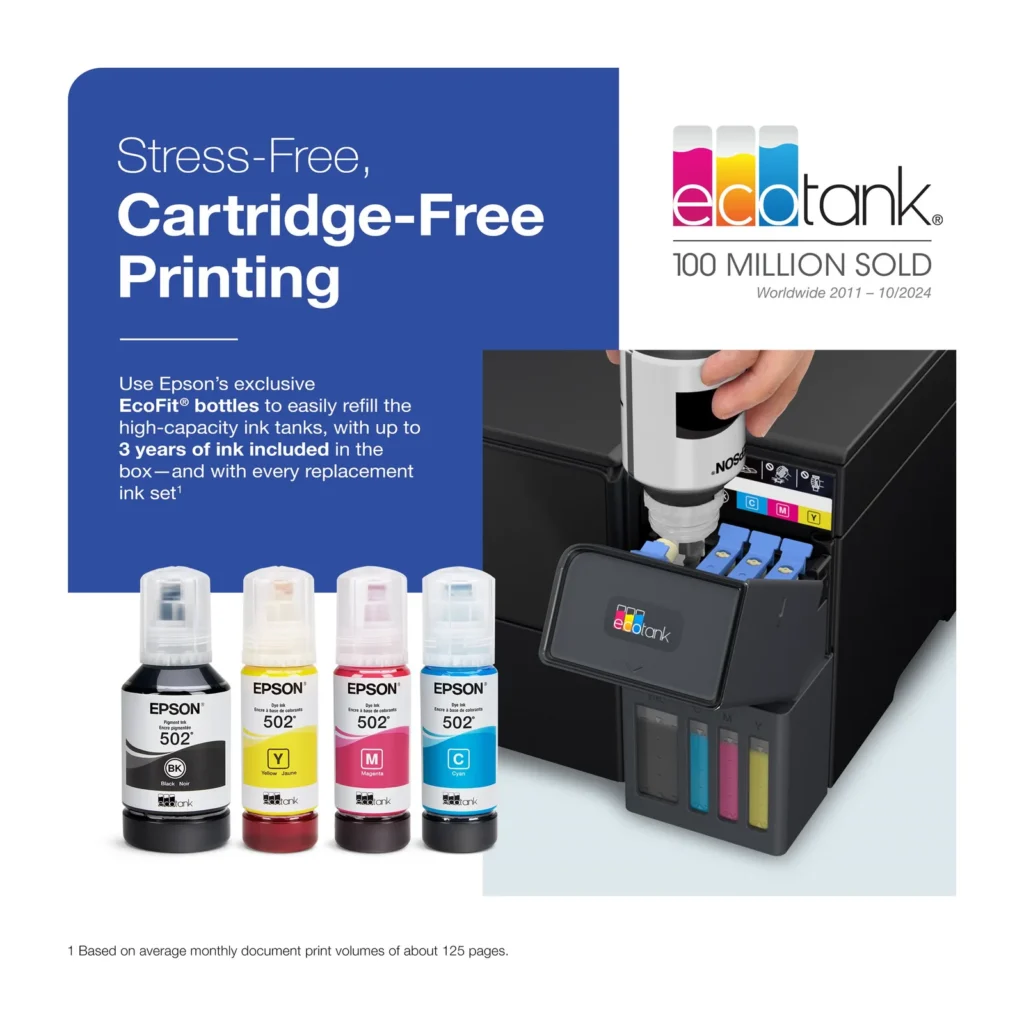
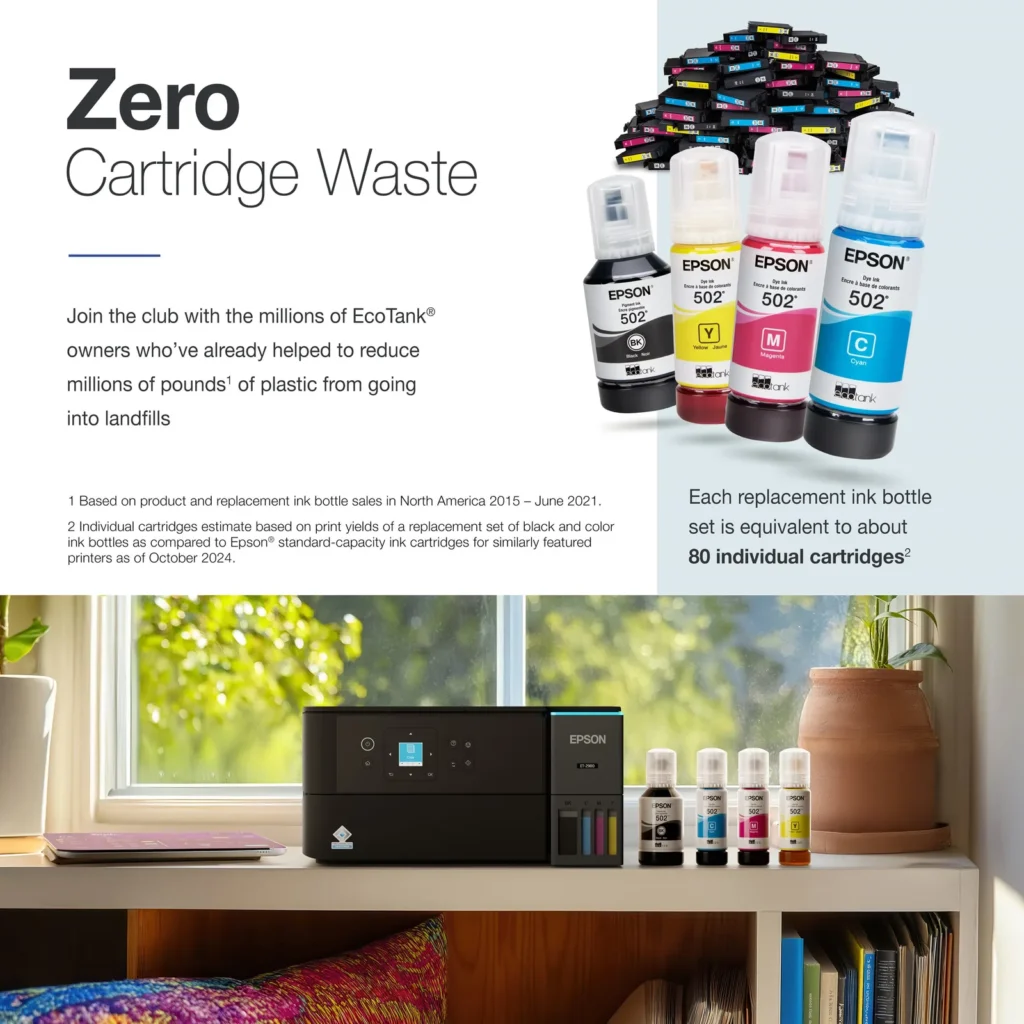
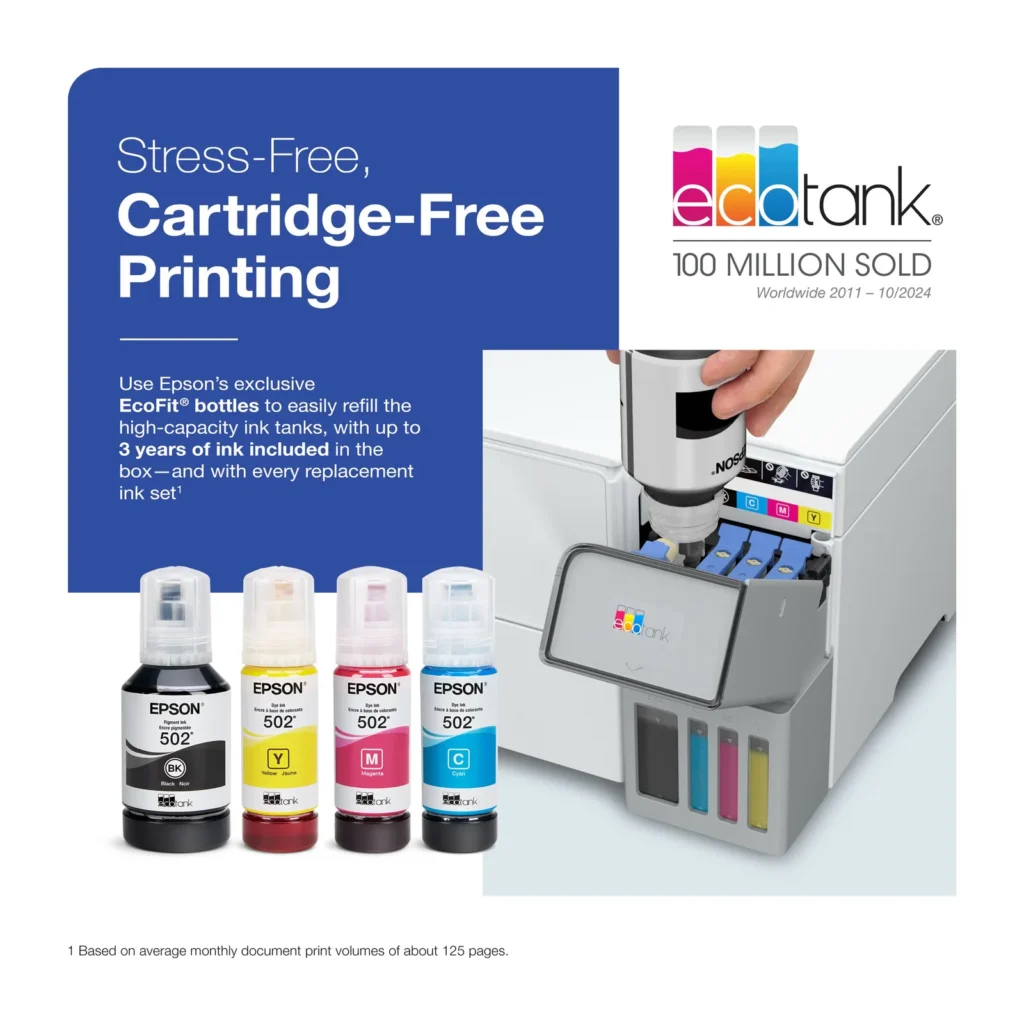
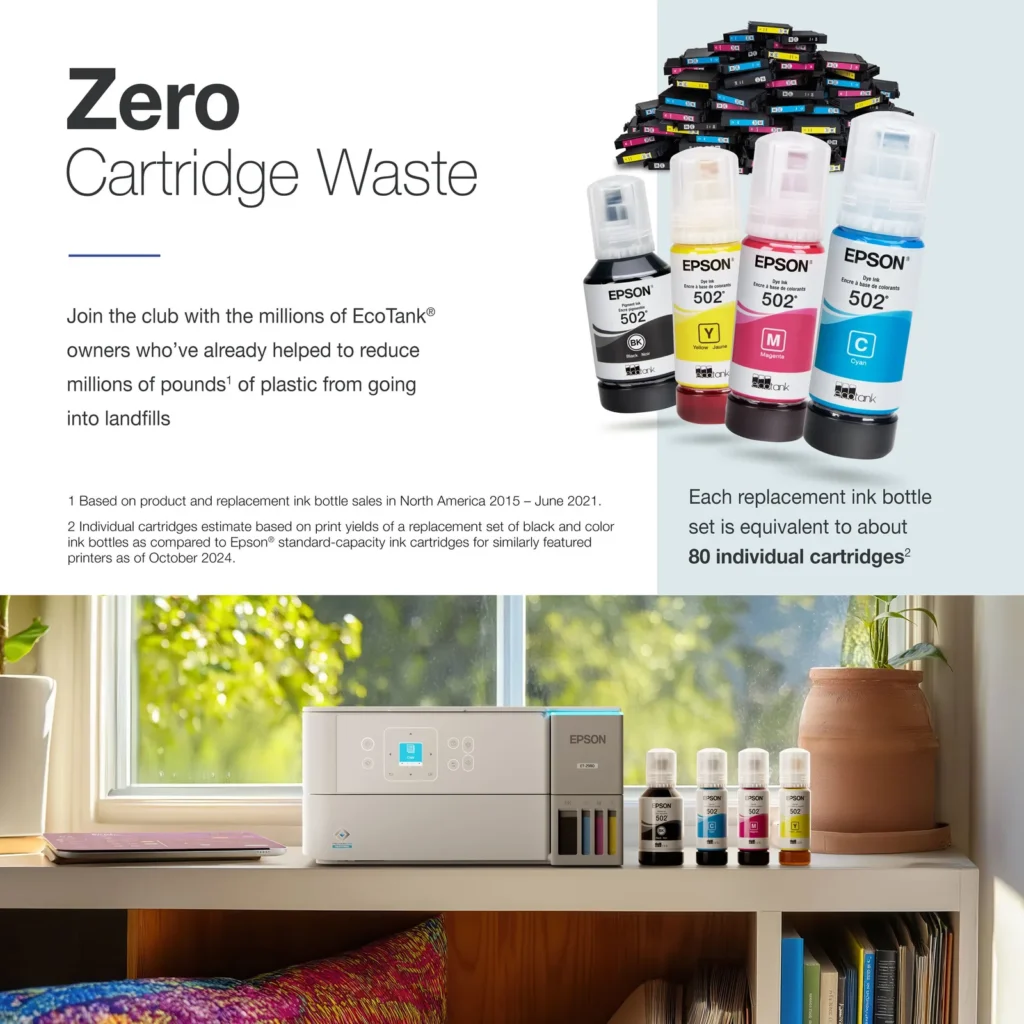
| Incredible Value and Savings | Save significantly on replacement ink with high-capacity ink tanks; each set of replacement ink bottles is equivalent to about 90 individual cartridges, providing a low cost-per-print. |
|---|---|
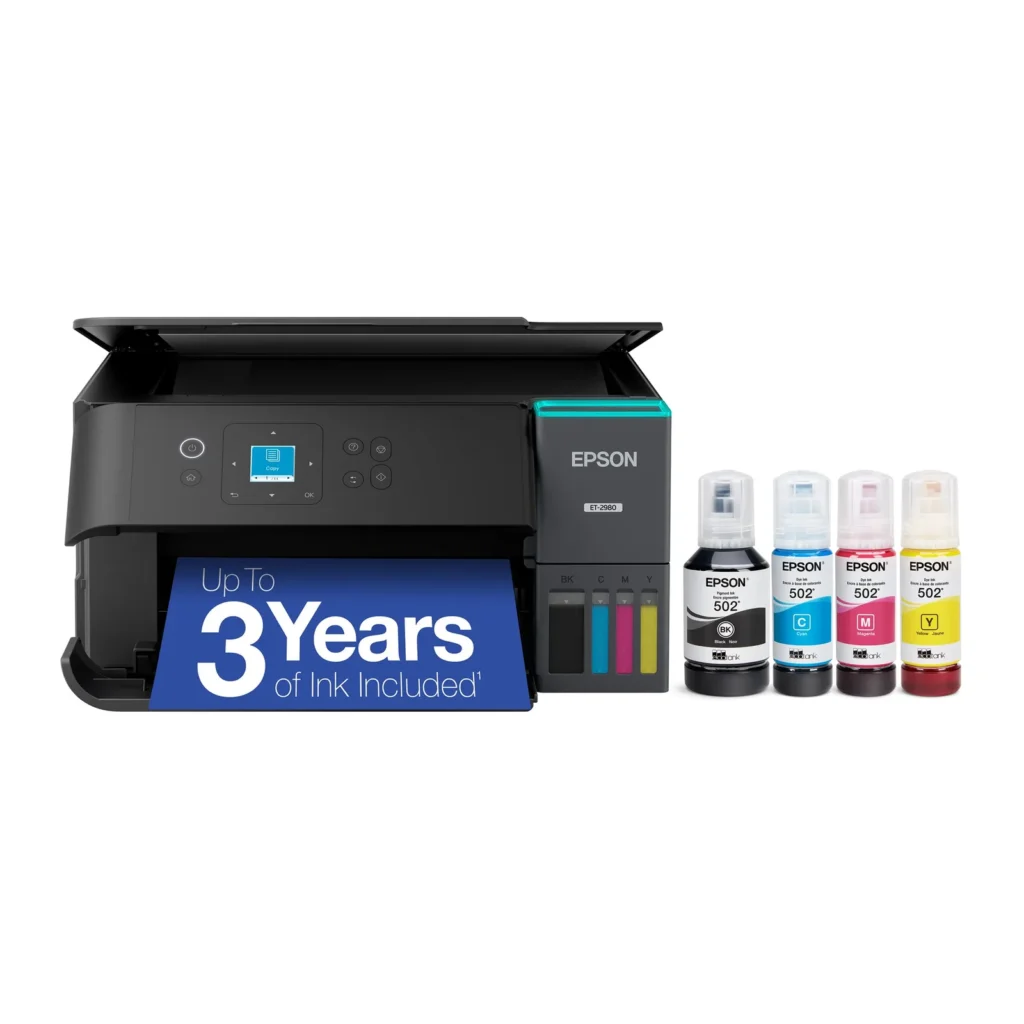
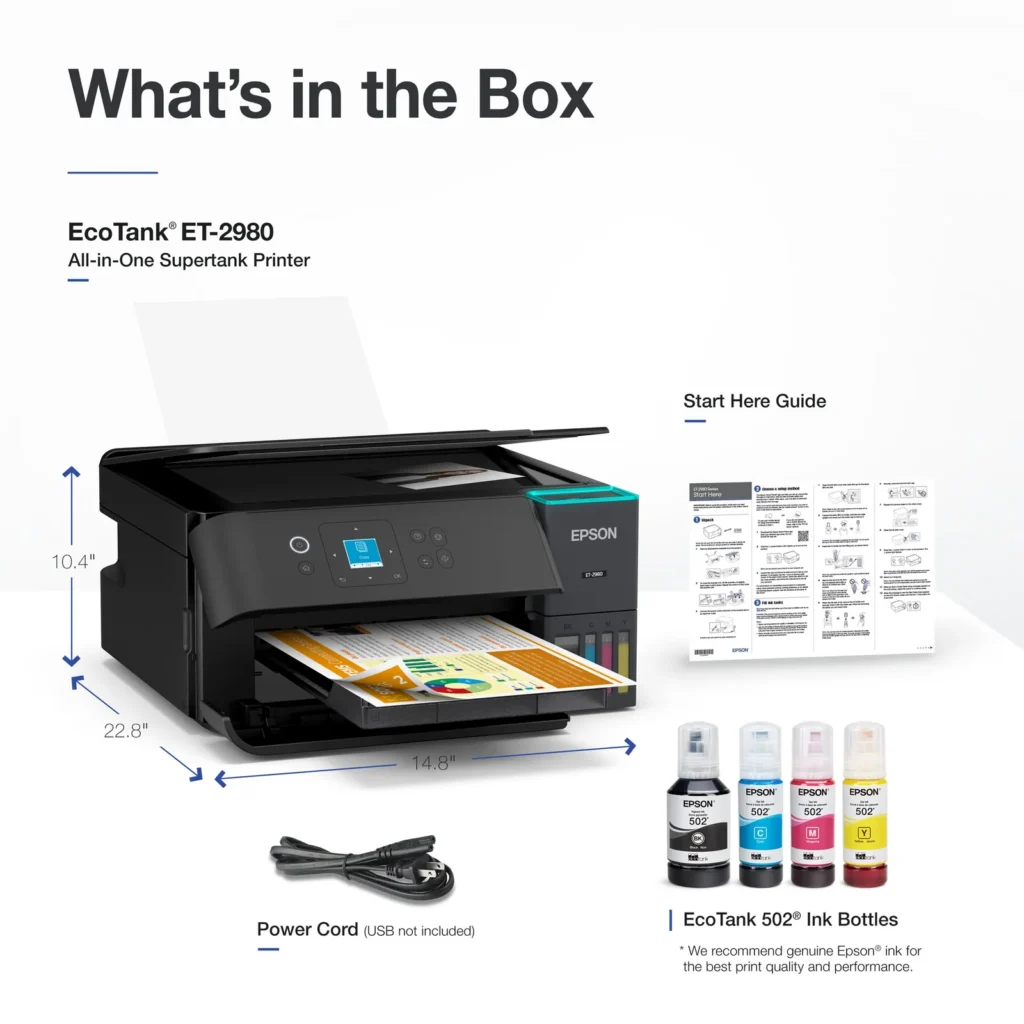
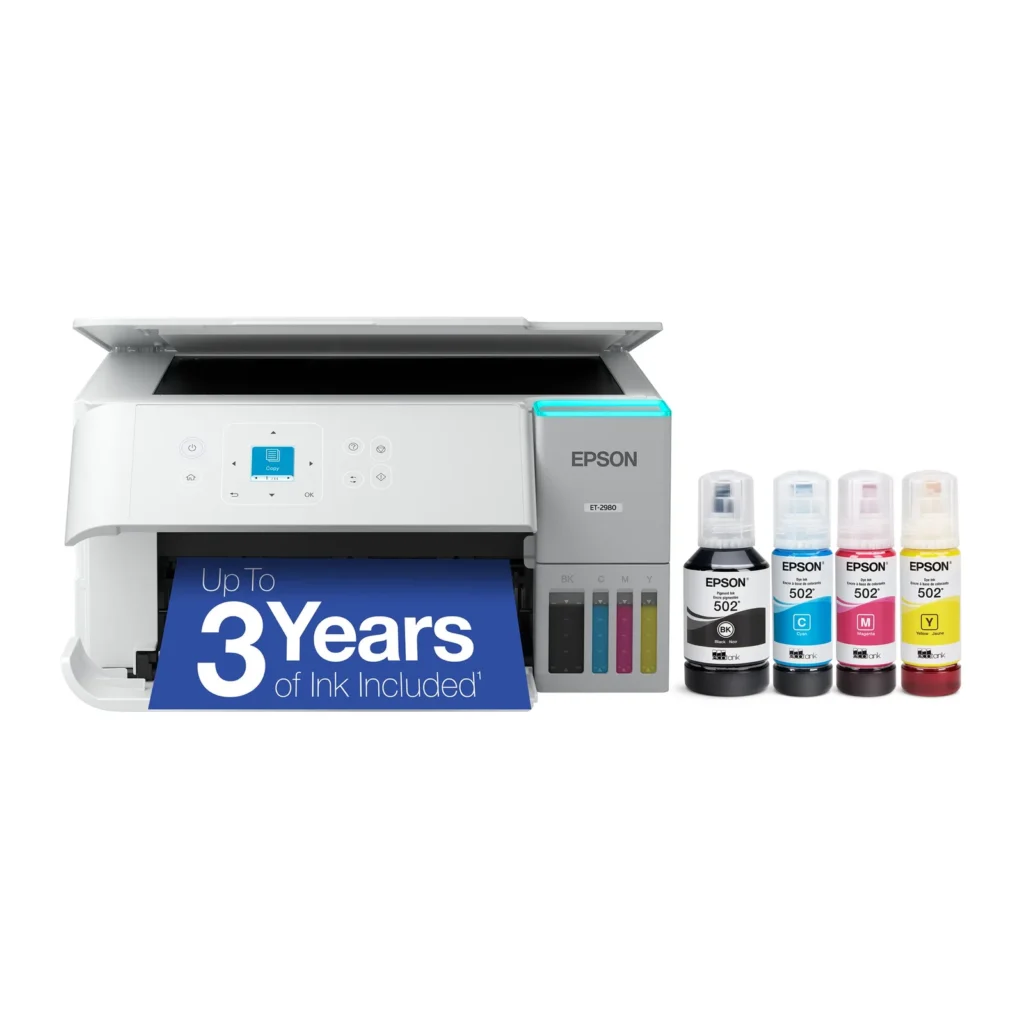
| Up to 3 Years of Ink Included | The printer comes with enough ink in the box to last up to three years, allowing you to print up to 6,600 black and 5,500 color pages before needing a refill. |
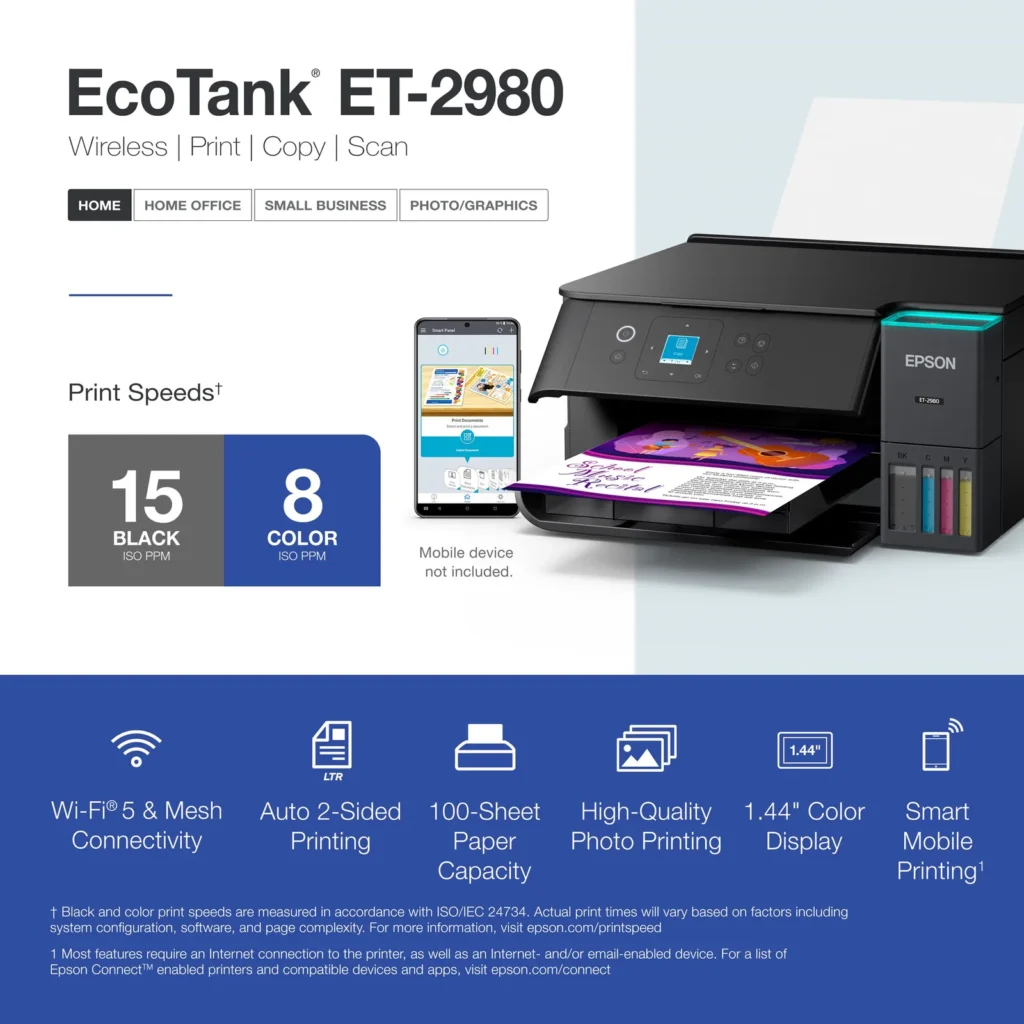
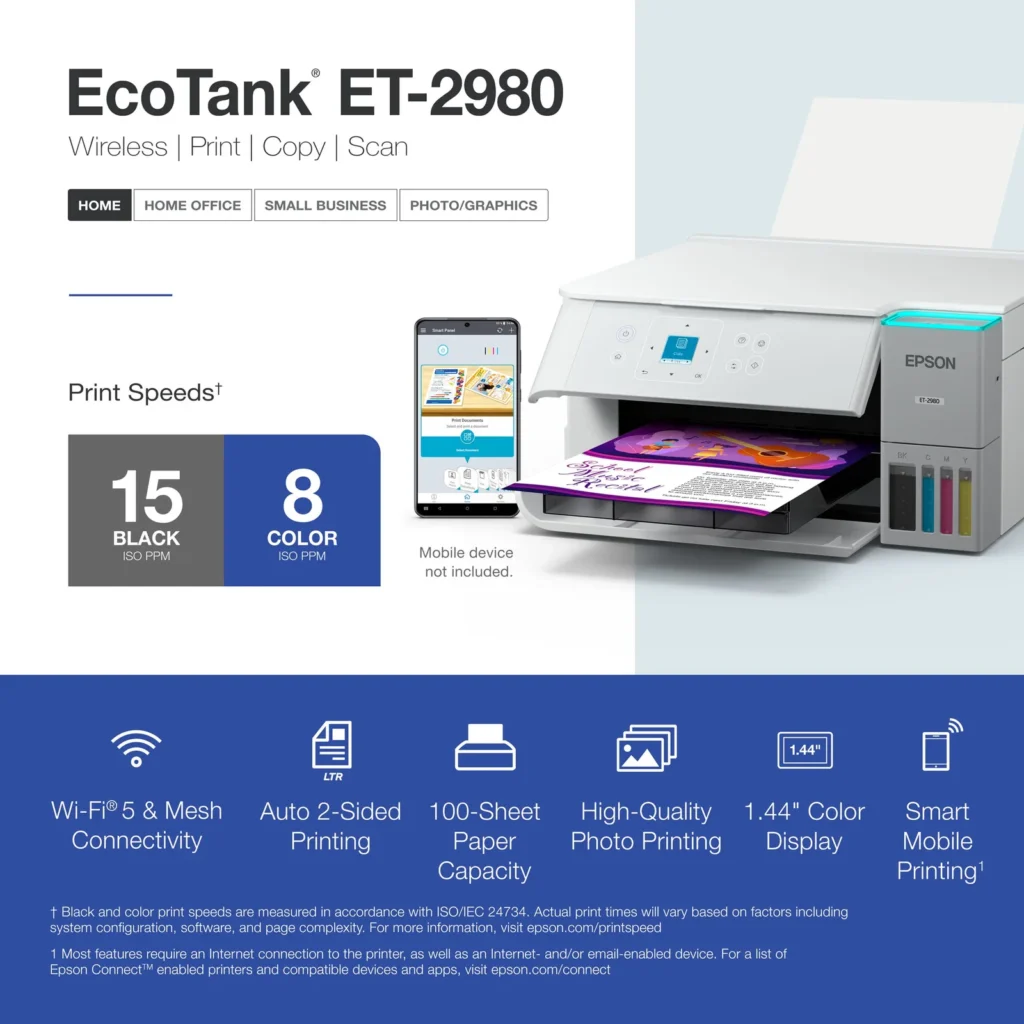
| PrecisionCore Heat-Free Technology | Delivers fast print speeds of up to 15.0 ISO ppm in black and 8.0 ISO ppm in color, featuring a unique permanent printhead designed to last the life of the printer. |
| Seamless Wireless and Mobile Printing | Easily print and scan from your smart device using the Epson Smart Panel app, with full support for Apple AirPrint, Mopria Print Service, and Wi-Fi Direct. |
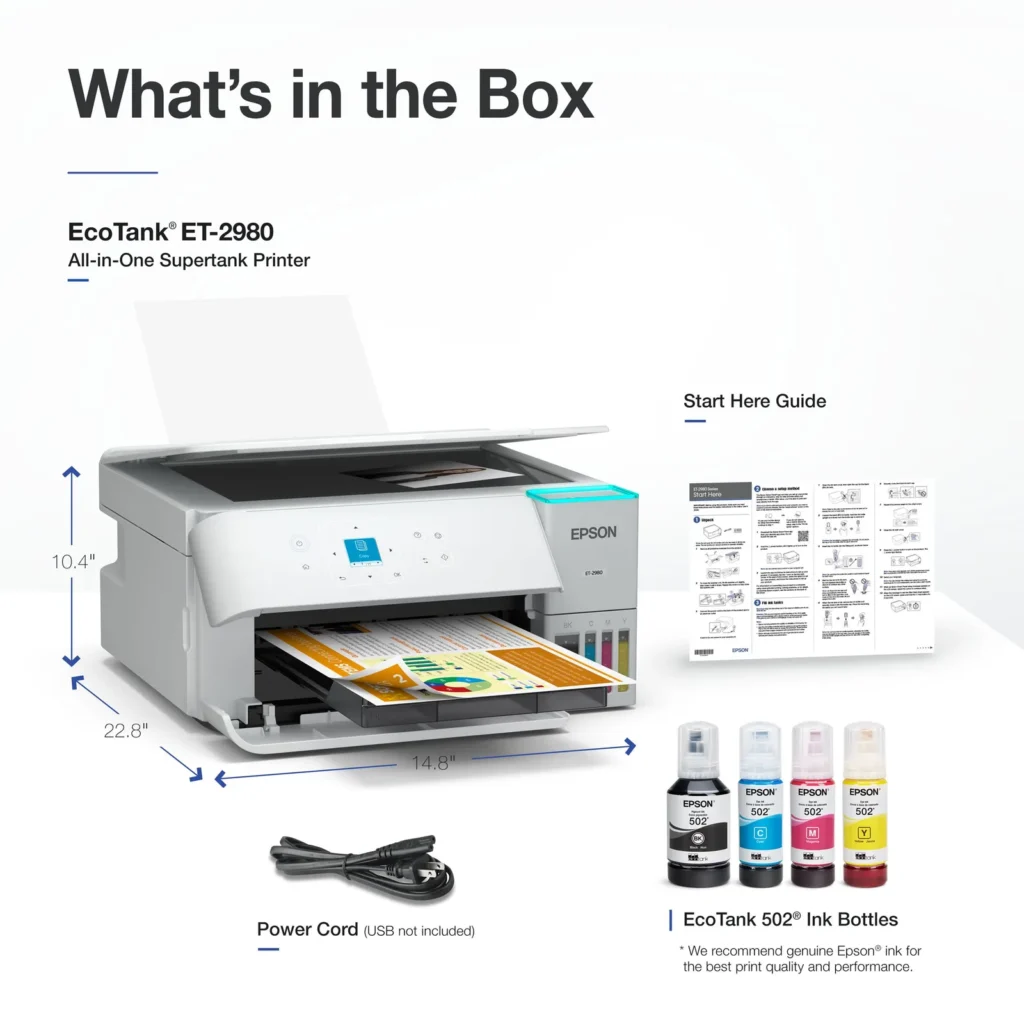
| User-Friendly Features and Auto Duplexing | Includes a 1.44" color display for easy navigation, a 100-sheet paper tray, and automatic two-sided printing to help save paper and improve efficiency. |
Pros & Cons
Pros
- EcoTank Ink System: The refillable tank design eliminates the need for expensive cartridges, providing a massive ink supply that users find much more convenient and environmentally friendly.
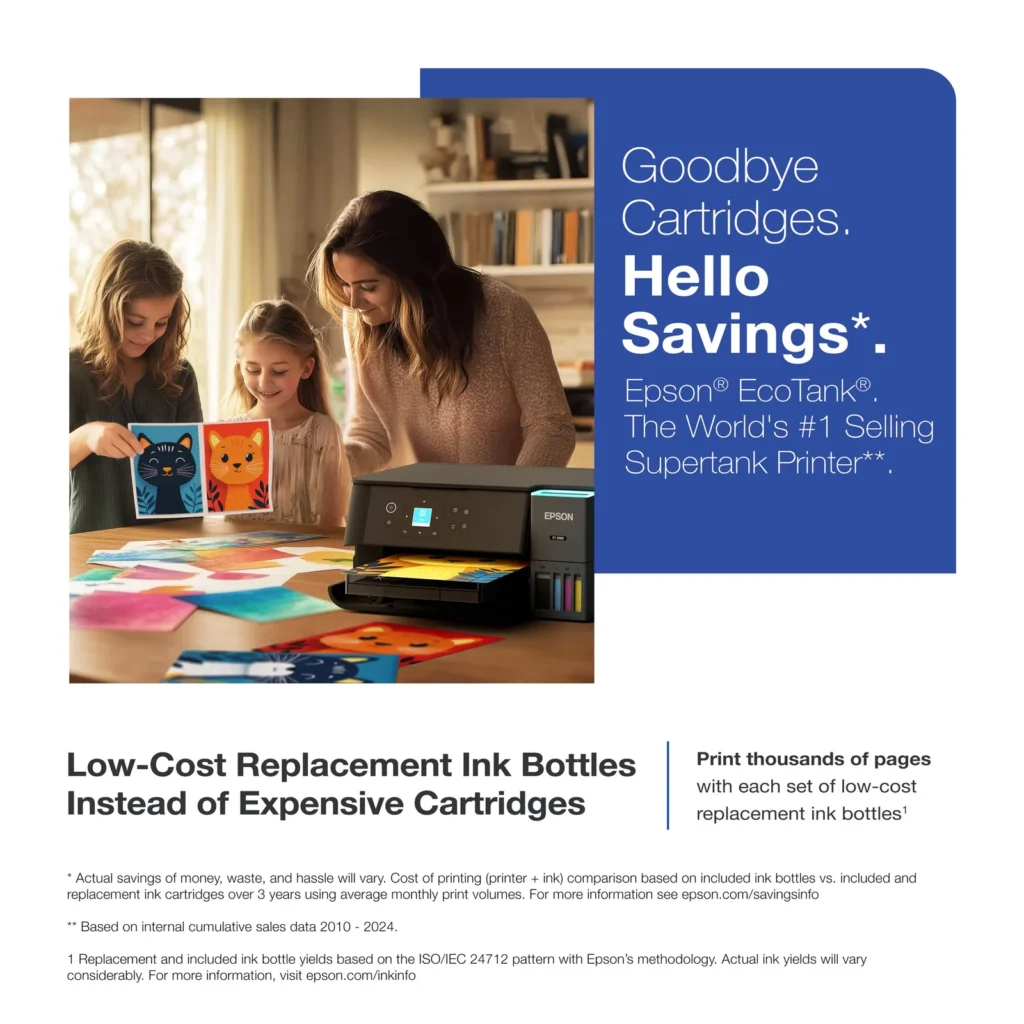
- Cost-Effectiveness: The printer is highly economical over time because the bottled ink is reasonably priced and lasts significantly longer than traditional cartridges, with some users reporting thousands of prints on a single fill.
- Easy Mobile Integration: The Epson Smart Panel app is frequently praised for making the initial setup and wireless printing from smartphones a seamless and intuitive process.
Cons
- Small LCD Screen: The 1.44-inch display is widely criticized for being far too small and difficult to read, often requiring users to use a magnifying glass or flashlight to navigate menus.
- Connectivity and Setup Issues: Many reviewers experienced significant frustration with the printer dropping its WiFi connection or found the initial driver installation on computers to be overly complex and time-consuming.
- Paper Handling Limitations: The lack of an internal paper tray and reliance on a rear feeder with limited capacity is a common complaint, along with reports of frequent paper jams during automatic double-sided printing.
Customer Reviews
Showing reviews 271-280 of 319
-
Total Waste of Money
Steven D. Reza June 28, 2025Review source: AmazonJunk and waste of money. I bought a brand new one and it worked for a couple weeks, then colors were not working and the windows became opaque, so I couldn’t even see how much ink was in the well. By far the worst printer I have ever owned.
-
Prints well with nice quality for cardstock coloring pages.
Verified purchase Verified purchase: This reviewer bought the product.Kitami June 27, 2025Review source: AmazonReally nice printer, prints on 100GSM cardstock paper very well with vivid quality.
Why did you pick this product vs others?:
I had a previous HP 2700, but it would not print on cardstock paper, always displaying a page error. Therefore, I purchased this one based on a recommendation.Ease of setup:
The setup was very simple. The Ink charging took 11 minutes so that took a bit of time, I’d say in 30 minutes, everything was set up and ready for you. -
et-2980
Verified purchase Verified purchase: This reviewer bought the product. Incentivized Incentivized review: The reviewer received a benefit for sharing feedback.FrankR June 21, 2025Review source: Bestbuyeasy set up, and good price, not to heavy, ink comes with printer. only 4 stars because no fax.
-
Nice little unit
Verified purchase Verified purchase: This reviewer bought the product. Incentivized Incentivized review: The reviewer received a benefit for sharing feedback.Gunit June 20, 2025Review source: BestbuyEasy set up, works great. So far everything is as advertised.
-
Owner
Verified purchase Verified purchase: This reviewer bought the product. Incentivized Incentivized review: The reviewer received a benefit for sharing feedback.JordanS June 20, 2025Review source: BestbuySeems to good printer. Haven’t used a lot but so far works well
-
Good printer but with small screen size.
Verified purchase Verified purchase: This reviewer bought the product.JB June 17, 2025Review source: AmazonLove the Epson printer. It’s easy to operate. The paper is so easy to load. The only drawback is the front of the printer which displays information. The area is very small and hard to read even with a flashlight.
Print quality is awesome. -
Issues with Epson EcoTank – Unable to Print Film Positives
Verified purchase Verified purchase: This reviewer bought the product.Masi June 17, 2025Review source: AmazonI purchased this printer based on some reviews and YouTube videos, with the intention of using it for printing film positives. Unfortunately, it did not function as expected and was completely unusable for my needs. As there were no viable solutions to resolve the issue, I had no choice but to return the printer. I hope Amazon processes my refund promptly.
-
Una impresora para tenerla en casa o en negocio.
Verified purchase Verified purchase: This reviewer bought the product.Renedm June 17, 2025Review source: AmazonImprime con muy buena calidad y las fotos súper bien y los stiker y no hace ruido a la hora de imprimir escanea super rápido y con calidad se las recomiendo.
-
color
Verified purchase Verified purchase: This reviewer bought the product.cara negrycz June 16, 2025Review source: Amazonthe colors are beautiful.
-
Theoretically great – But a Failure
S. Vincent June 13, 2025Review source: AmazonBought an Epson ET-2988. I love the concept of ink cost savings. However, the overall product and customer experience was unacceptable and I’ve returned it. I’ll buy another brand.
I used the app for setup, updated the firmware, printed a test page, and registered the product through the app. Despite this, on a regular basis the printer would not print and the screen said, “Printer restarted due to a system error”. I would unplug it and restart it and it would work fine – for a single print job, then the error returned and it would not print. I checked the Epson troubleshooting info and knowledge base and found no steps I hadn’t already taken. I contacted Epson tech support. That form includes a field asking for the specific error message being displayed and I entered it. Despite this, the response I got from Epson asked me to provide a photo of the same thing. That’s silly, but I did it. I then got a response telling me I needed to call live tech support. I did that. After providing the serial number (for my registered product) and recapping everything I already had listed in the email, the tech support person said that this was a “hardware failure”.
The process they laid out for me was this…1) Take photos of the printer, the ink tanks, the receipt, the serial number and email them; 2) Call to review them and confirm warranty status; 3) If I pass this check then I would qualify for a replacement printer, but would have to provide a credit card before they would ship my “free” replacement printer. My solution was to tell them I was returning the printer to Costco and I wouldn’t bother with Epson again. I may have had a lemon, but their process was painful and adversarial, so I won’t buy from them again.