Customer Media
Highlights
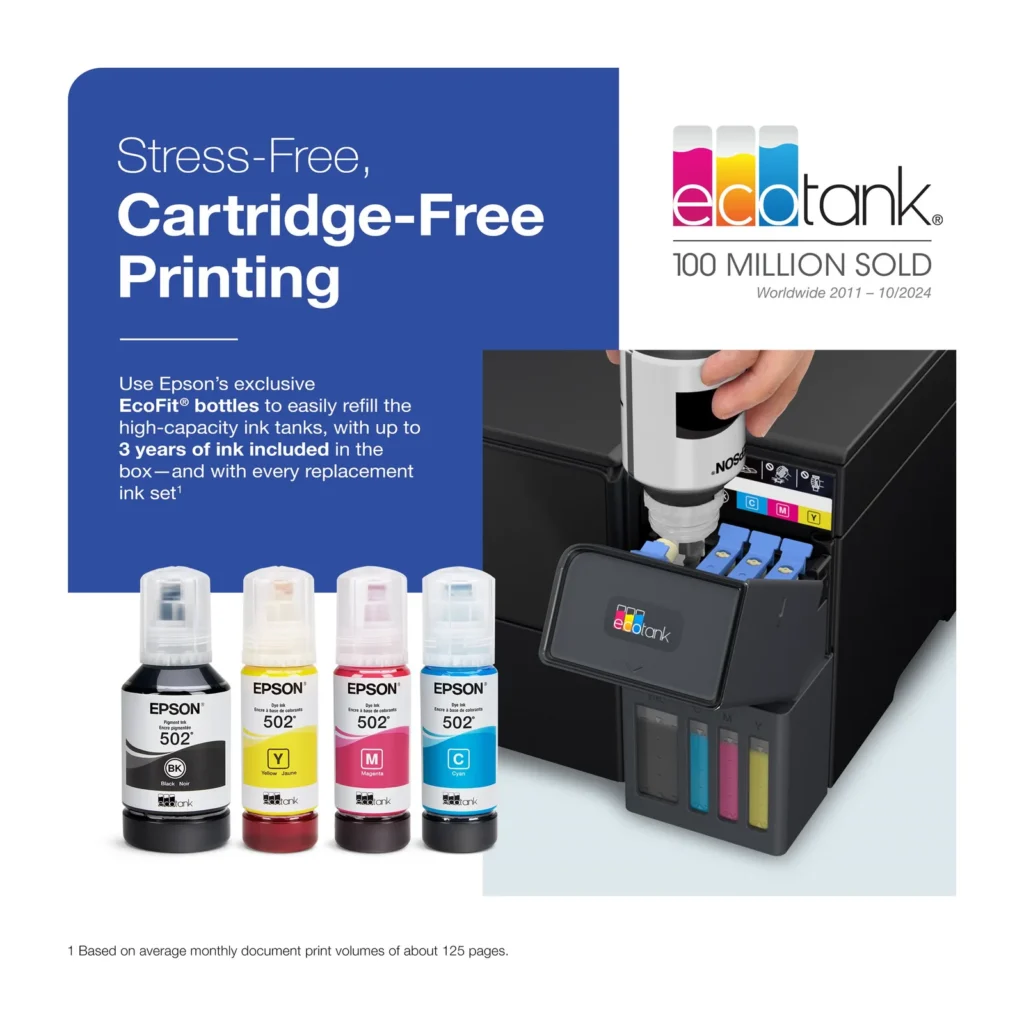
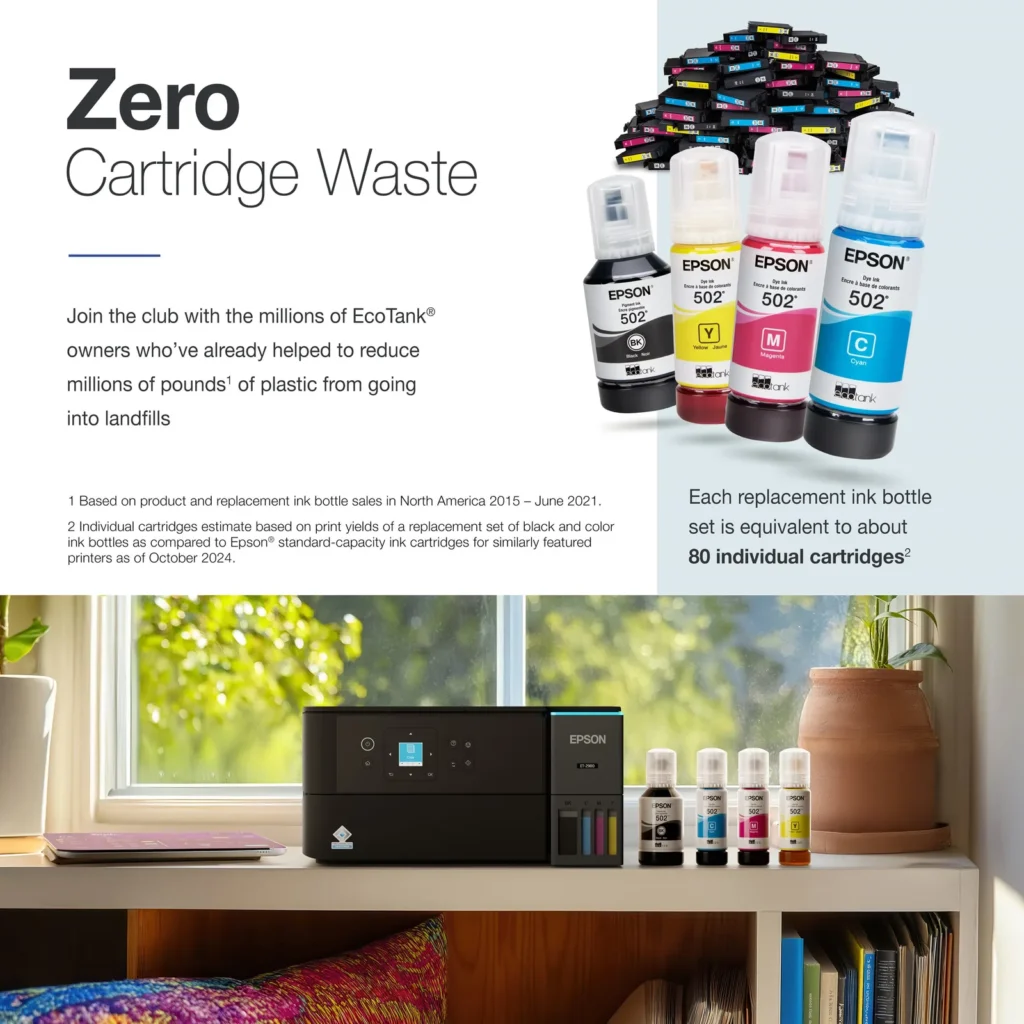
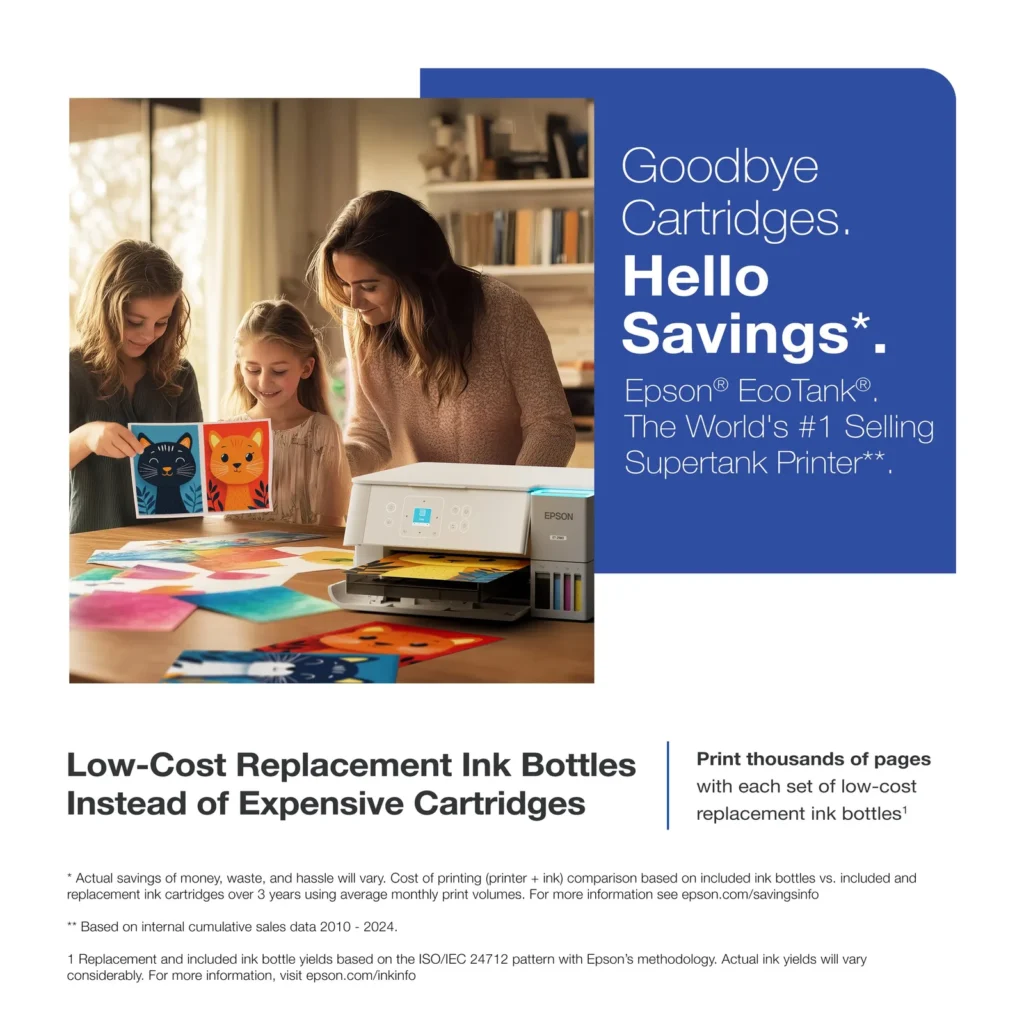
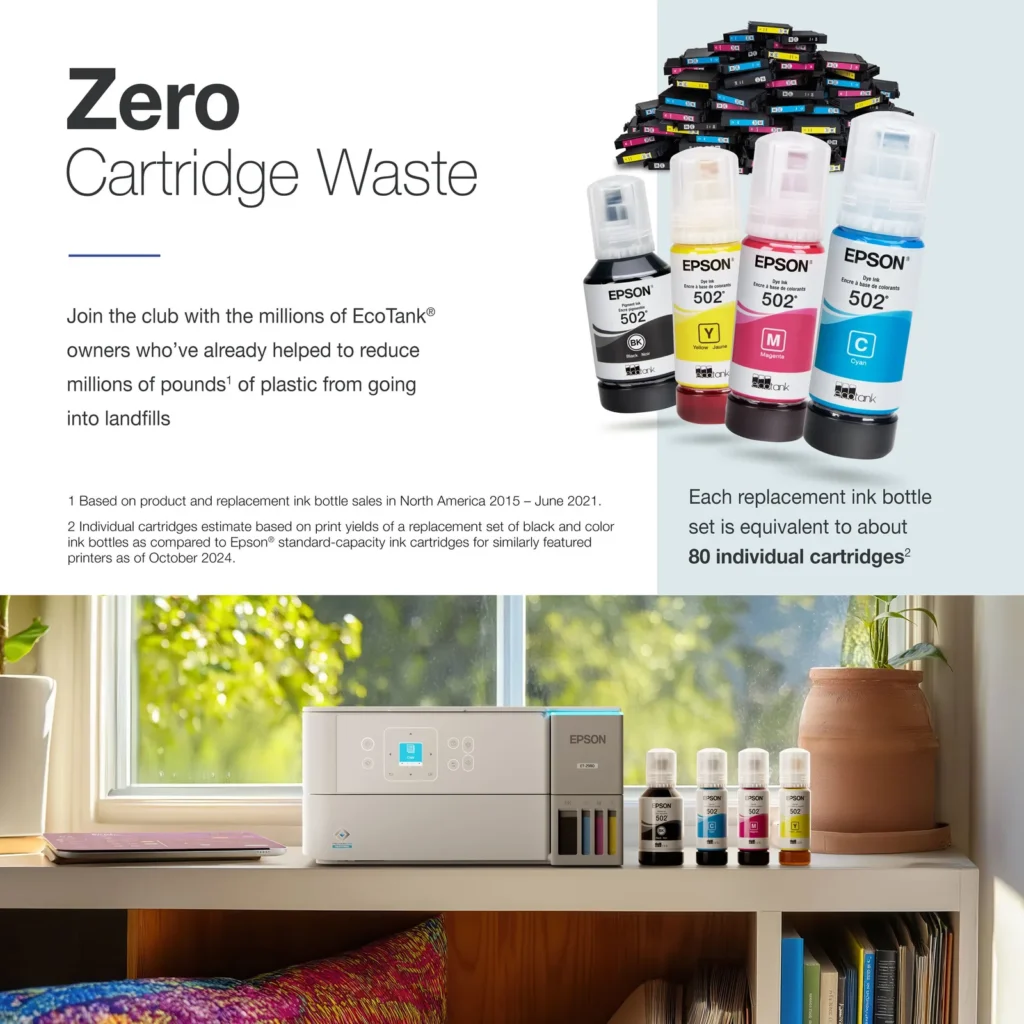
| Incredible Value and Savings | Save significantly on replacement ink with high-capacity ink tanks; each set of replacement ink bottles is equivalent to about 90 individual cartridges, providing a low cost-per-print. |
|---|---|
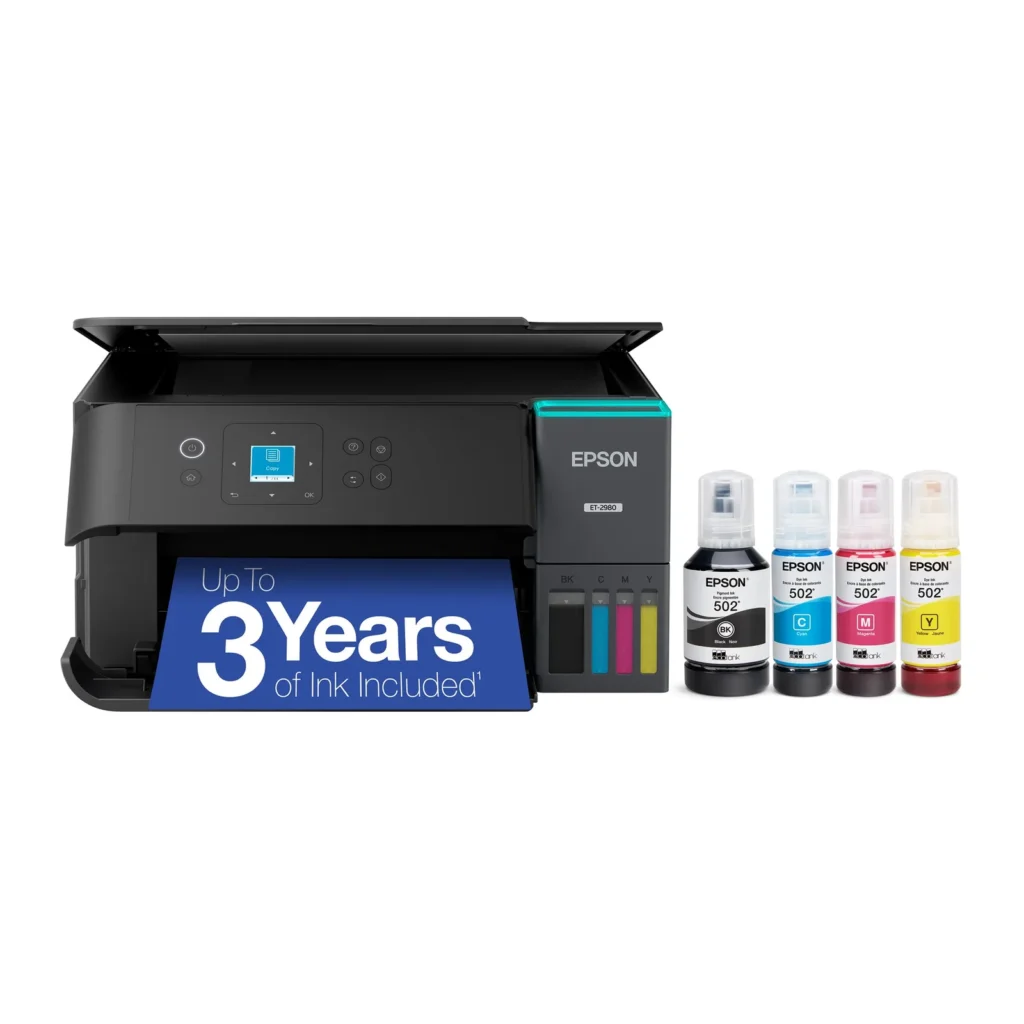
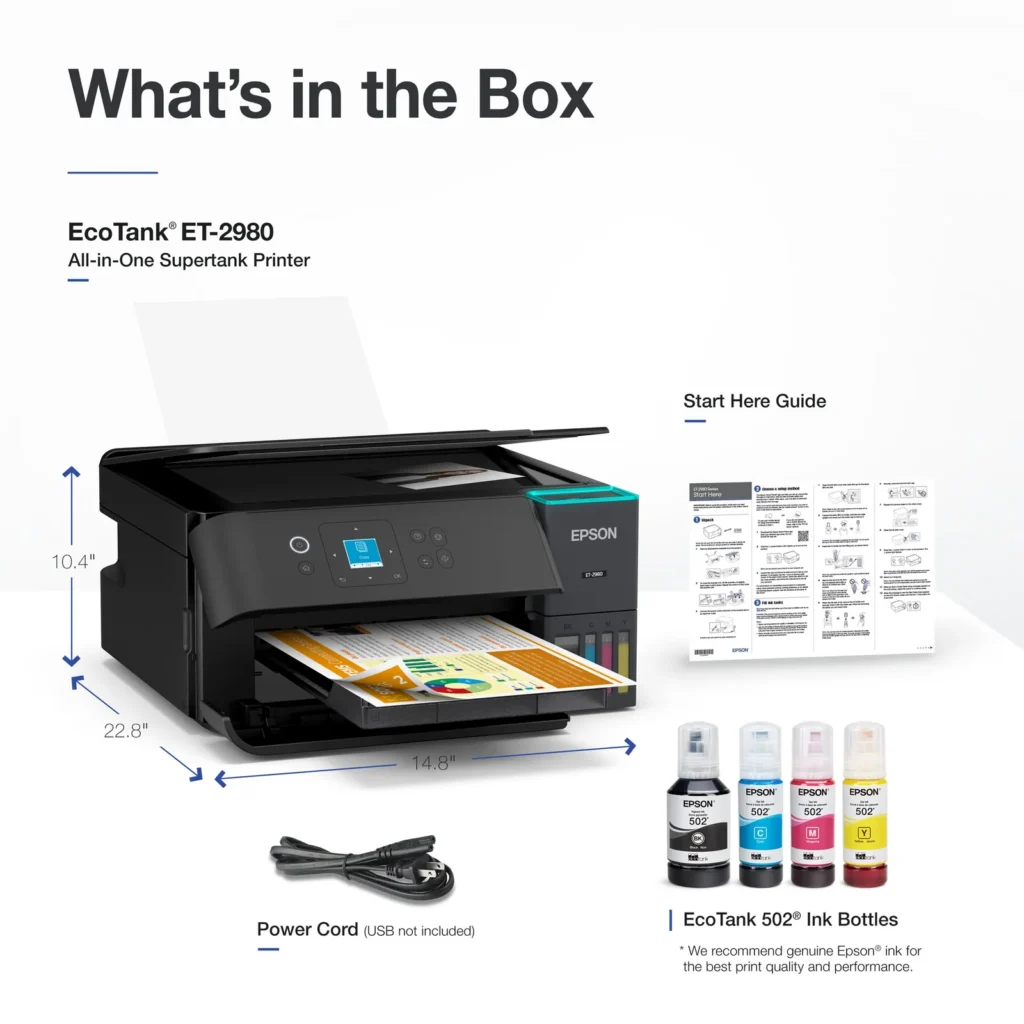
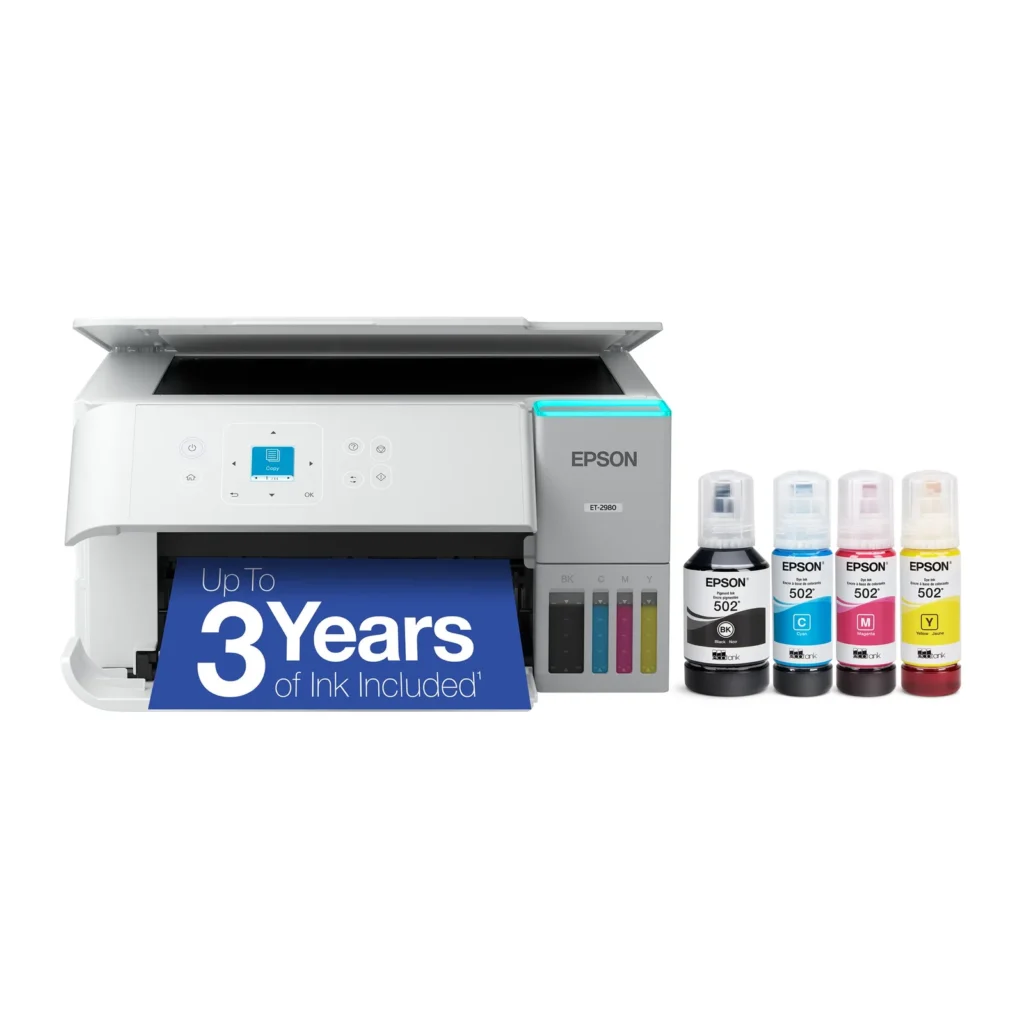
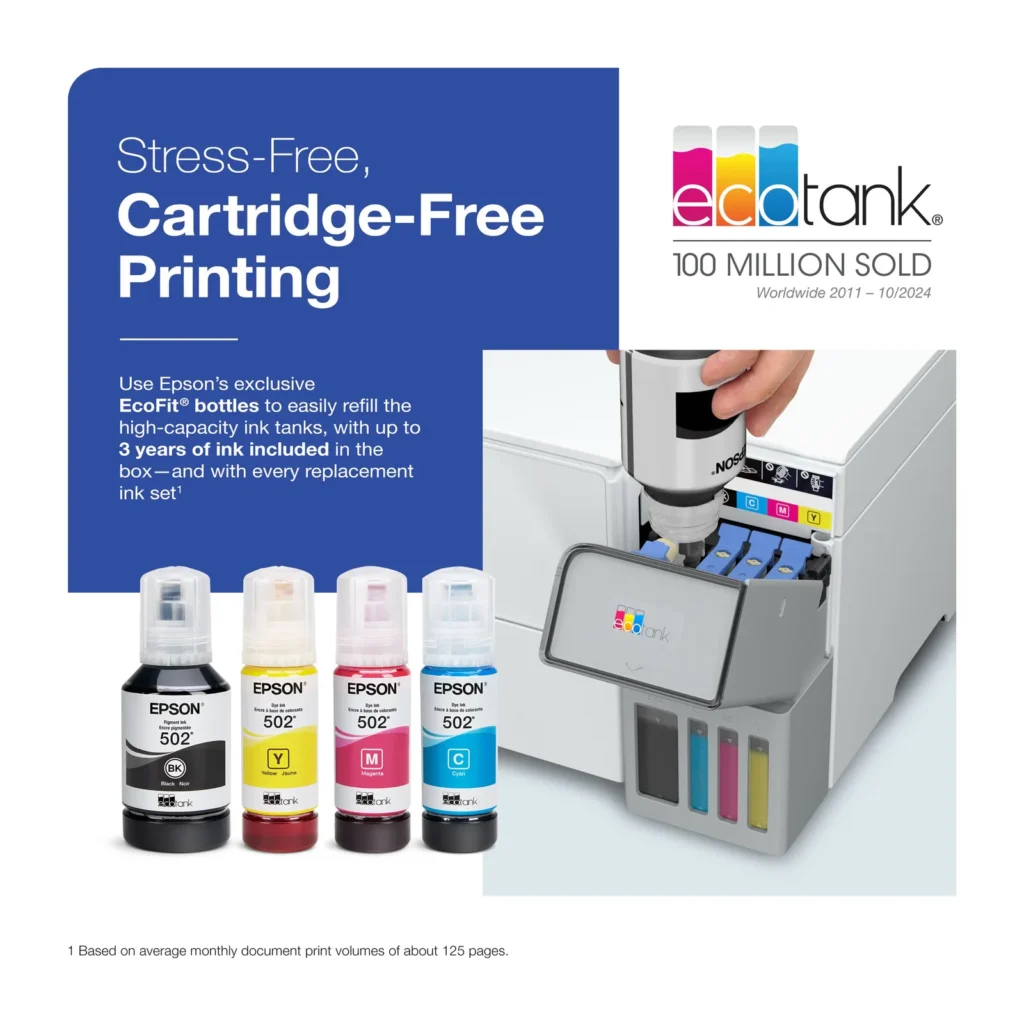
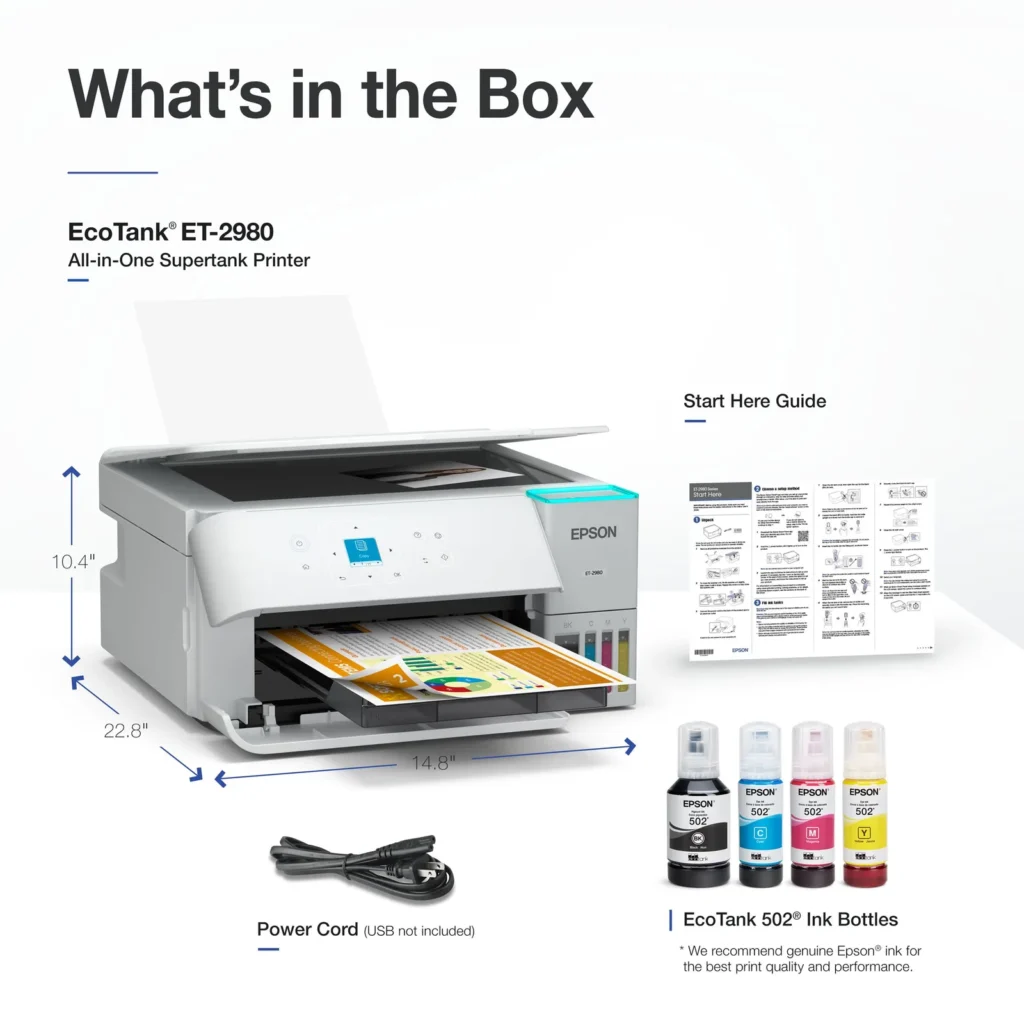
| Up to 3 Years of Ink Included | The printer comes with enough ink in the box to last up to three years, allowing you to print up to 6,600 black and 5,500 color pages before needing a refill. |
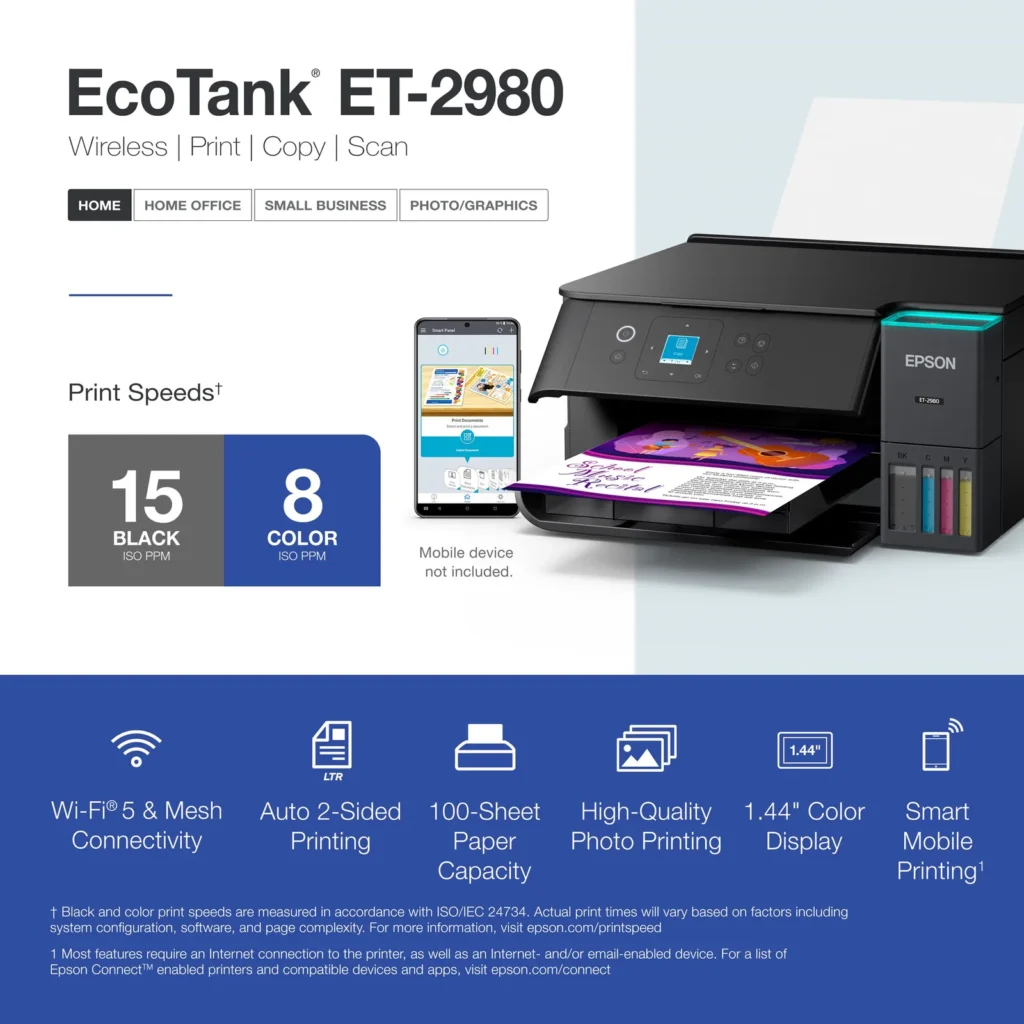
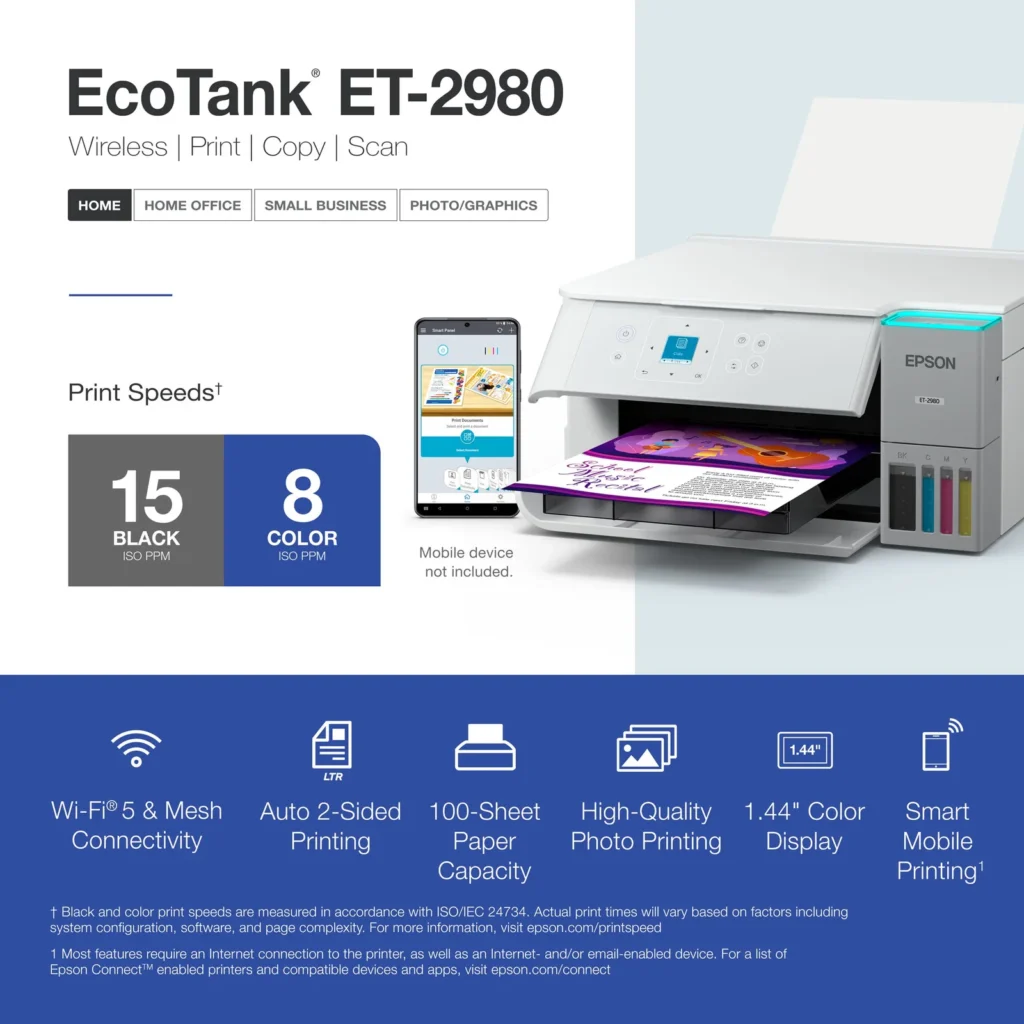
| PrecisionCore Heat-Free Technology | Delivers fast print speeds of up to 15.0 ISO ppm in black and 8.0 ISO ppm in color, featuring a unique permanent printhead designed to last the life of the printer. |
| Seamless Wireless and Mobile Printing | Easily print and scan from your smart device using the Epson Smart Panel app, with full support for Apple AirPrint, Mopria Print Service, and Wi-Fi Direct. |
| User-Friendly Features and Auto Duplexing | Includes a 1.44" color display for easy navigation, a 100-sheet paper tray, and automatic two-sided printing to help save paper and improve efficiency. |
Pros & Cons
Pros
- EcoTank Ink System: The refillable tank design eliminates the need for expensive cartridges, providing a massive ink supply that users find much more convenient and environmentally friendly.
- Cost-Effectiveness: The printer is highly economical over time because the bottled ink is reasonably priced and lasts significantly longer than traditional cartridges, with some users reporting thousands of prints on a single fill.
- Easy Mobile Integration: The Epson Smart Panel app is frequently praised for making the initial setup and wireless printing from smartphones a seamless and intuitive process.
Cons
- Small LCD Screen: The 1.44-inch display is widely criticized for being far too small and difficult to read, often requiring users to use a magnifying glass or flashlight to navigate menus.
- Connectivity and Setup Issues: Many reviewers experienced significant frustration with the printer dropping its WiFi connection or found the initial driver installation on computers to be overly complex and time-consuming.
- Paper Handling Limitations: The lack of an internal paper tray and reliance on a rear feeder with limited capacity is a common complaint, along with reports of frequent paper jams during automatic double-sided printing.
Customer Reviews
Showing reviews 281-290 of 319
-
IMPRESSIVE for a Home Printer
Verified purchase Verified purchase: This reviewer bought the product. Incentivized Incentivized review: The reviewer received a benefit for sharing feedback.JamesBin June 11, 2025Review source: BestbuyNeeded to replace a Brother B/W Laser printer at home; first Epson, and its performing GREAT so far. Went with color cartridges and I’m not disappointed in the choice. Very easy to unbox and install/setup. Very well made with efficient processes for printing, copying, scanning. Love this product.
-
Purchased wireless printer
Verified purchase Verified purchase: This reviewer bought the product. Incentivized Incentivized review: The reviewer received a benefit for sharing feedback.PaulH June 6, 2025Review source: BestbuyEasy set up and smooth operation. Perfect for home use
-
Epson ET-2980
Verified purchase Verified purchase: This reviewer bought the product. Incentivized Incentivized review: The reviewer received a benefit for sharing feedback.NormaM June 6, 2025Review source: BestbuyThis is overall the best purchase I ever made absolutely love this printer I’ve already printed a lot of grand baby pictures so easy to use and true to life colors would recommend this printer very happy with purchase!:)
-
ET-2980
Verified purchase Verified purchase: This reviewer bought the product.Amazon Customer June 5, 2025Review source: AmazonEasy to setup and use. No issues with color or anything else. Easy to operate with iPhone.
-
BAD BAD PAPER JAMS!!!!
Verified purchase Verified purchase: This reviewer bought the product. Incentivized Incentivized review: The reviewer received a benefit for sharing feedback.WhitneyB June 5, 2025Review source: BestbuyThe first few pages were GREAT! But after a few prints it started jamming. I removed the jam, restarted to printer, it continued. Now I can’t even get one single copy printed without it jamming and ruining the paper. I spent $300 to print like 5 total pages. 0/10
-
Definitely recommend
Verified purchase Verified purchase: This reviewer bought the product. Incentivized Incentivized review: The reviewer received a benefit for sharing feedback.KathyW May 30, 2025Review source: BestbuyGreat printer – came with free ink. This is the best printer I have owned. Definitely recommend.
-
A good printer overall
Verified purchase Verified purchase: This reviewer bought the product. Incentivized Incentivized review: The reviewer received a benefit for sharing feedback.RedPuppeteer May 30, 2025Review source: BestbuyPrints fast, easy to fill the ink tanks, comes with a full set of ink bottles to start! Easy to setup too. Display window is pretty small. The app for setup is decent but did get hung up in the middle.
-
Slow setup, poor quality prints, wasted ink
Verified purchase Verified purchase: This reviewer bought the product.Cynthia May 27, 2025Review source: AmazonPrinter does print, but there are much better options out there.
Setup: It took over 45 minutes to set this printer up! There was an initialization step that took 11 minutes alone and it took just under 10 minutes to get it to connect to my Wi-Fi. Strange that this was the time it expected to take (there was a countdown clock), it wasn’t because I was having trouble. The scanner alignment step also failed, and I had to redo it.
Print Quality: Very mediocre. When it printed the alignment page, I thought something was wrong because it was such bad quality, so I printed a second. It looked the same. When I compare it to my old HP Smart Tank, the HP printer has MUCH better print quality.
Ink: I was surprised to see that setting up the printer wasted about a quarter of my ink! I’m wondering how many years of ink I am really going to get from this bottle….
Firmware: The instructions told me not to accept the update during setup and to do it from my phone afterwards. However, when I go into the app and try to update it post-setup, it fails every time. Not sure what’s going on, but hoping it eventually updates.
I think I will stick with HP in the future – they have better quality prints, and the setup doesn’t drain your ink…
-
Easy Setup, Easy To Use
Incentivized Incentivized review: The reviewer received a benefit for sharing feedback.CKent May 22, 2025Review source: BestbuyAfter years of frustration with another brand of printer, I was excited to try out this new EcoTank printer by Epson, and so far, I have not been disappointed.
Setting up the printer is fairly easy and straightforward. There is, of course, an app from Epson you can use that will walk you through the process step-by-step, but it’s not required. You can just easily set it up using the included printed guide. That said, I do recommend using the app as it makes communicating with the printer easier and allows the firmware to be updated.
This is also my first printer that uses refillable ink instead of cartridges, so one of my initial concerns was how difficult that part of the process would be, and if I’d have to worry about getting ink on me or just spilling it out in general. I’m happy to say the way it works with this Epson printer, it couldn’t be any easier and mess-free. You don’t even have to worry about over-filling the tanks, just put the ink bottle down into the port and it’ll stop filling automatically as soon as it reaches the full level. There’s also enough ink included to completely fill the tanks, and then enough still to top them off after the printer does its initial setup where it’ll use some of the ink to get things ready to print.
Once everything is all setup, it’s just as easy, if not easier to use. I setup this printer for my daughter, who is almost in middle school, and is starting to actually need to be able to print things. I didn’t even download the Epson software or drivers on her PC, I just went to ‘add printer’ and the PC found it and was able to print to it right away. My daughter now prints whatever she needs on her own easily, and hasn’t had to come to me for help with it at all.
What’s really nice though, is that since it’s on my home wi-fi network, I’ve been able to print from my macbook as well without even having to download anything. Same goes for mobile, my wife needed to print something out from her phone the other day and it just worked, again without her having to even download the Epson app. I can’t tell you how happy I am with this printer just because of that alone. The other brand I currently have that I mentioned earlier, doesn’t work that easy. Half the time we can’t connect to it all and honestly just gave up on it. With the Epson though, we no longer have that issue. You could even hear the excitement in my wife’s voice the first time it just worked.
As far as how long the ink lasts, I haven’t had this printer anywhere near long enough to know that yet, but so far, the ink levels have barely moved at all after a couple weeks of printing.
Overall I’m really happy with this Epson and would definitely recommend it. -
Print great pictures and allows for duplix printing.
Verified purchase Verified purchase: This reviewer bought the product.Don May 20, 2025Review source: AmazonI like the print quality, however, the LCD screen is too small to be usefull. Fortunately, the Epsom Smart Panel app makes most funtions easy to accomplish.