Customer Media
Highlights
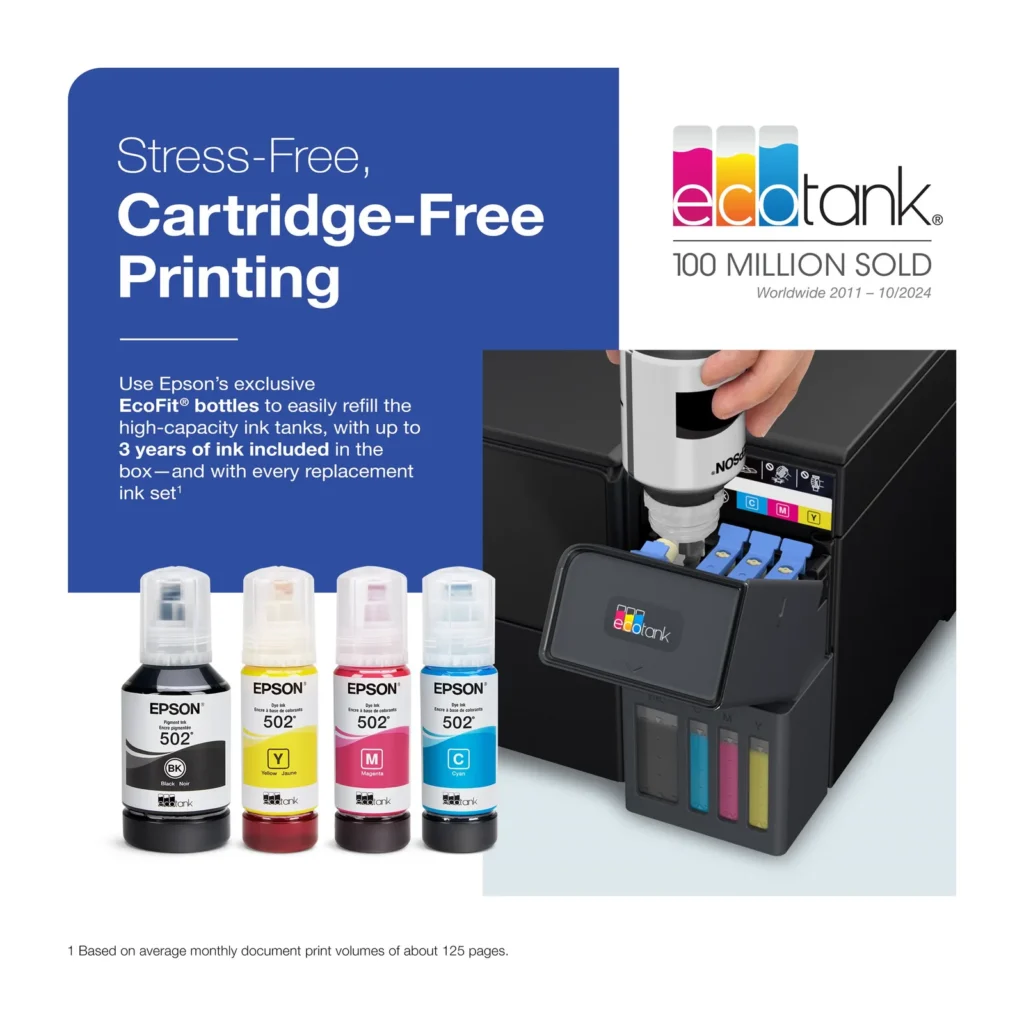
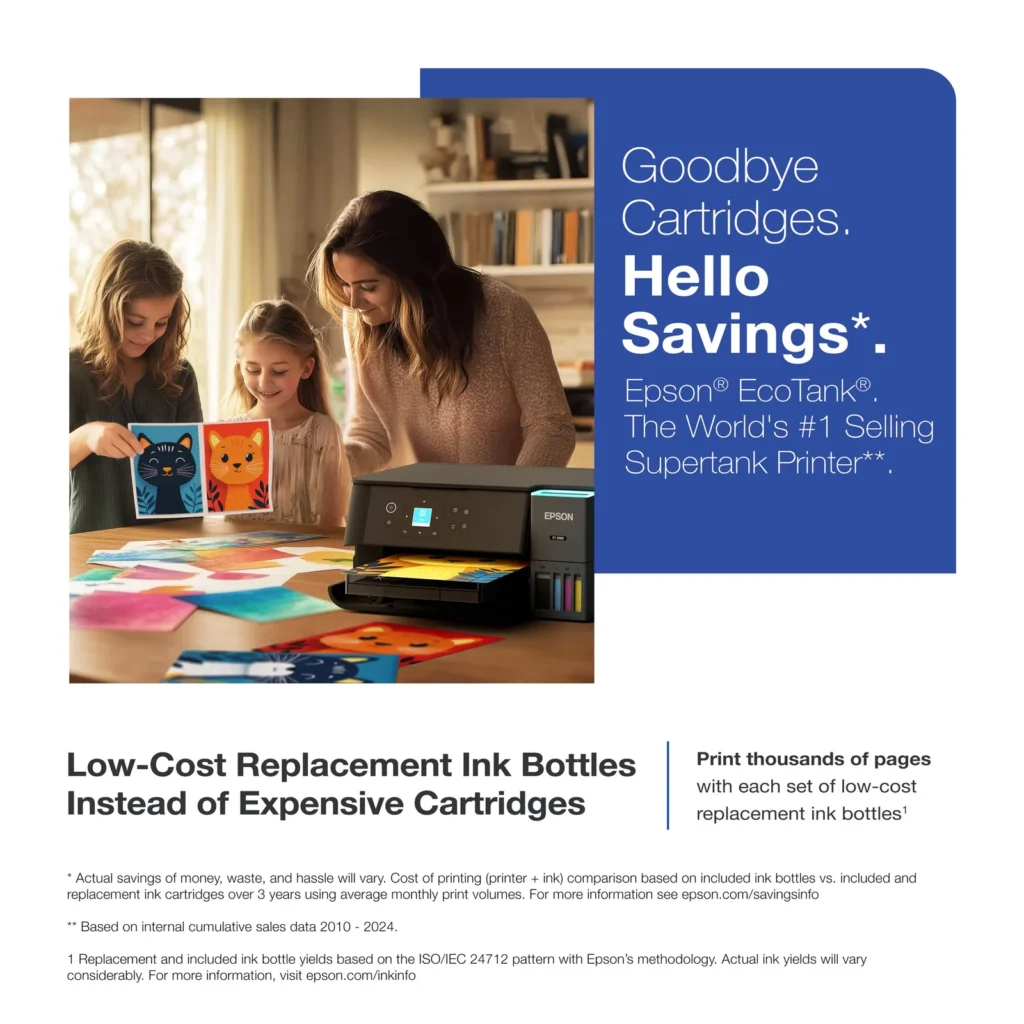
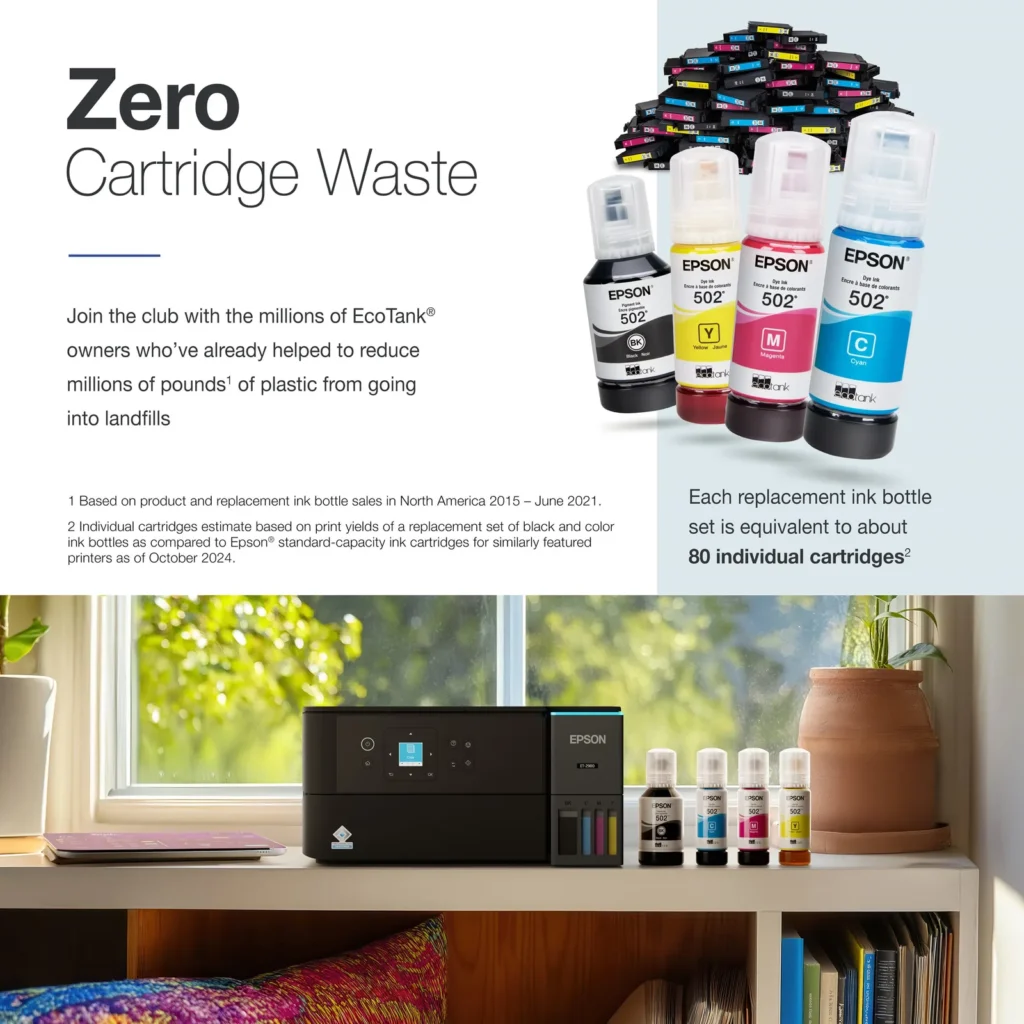
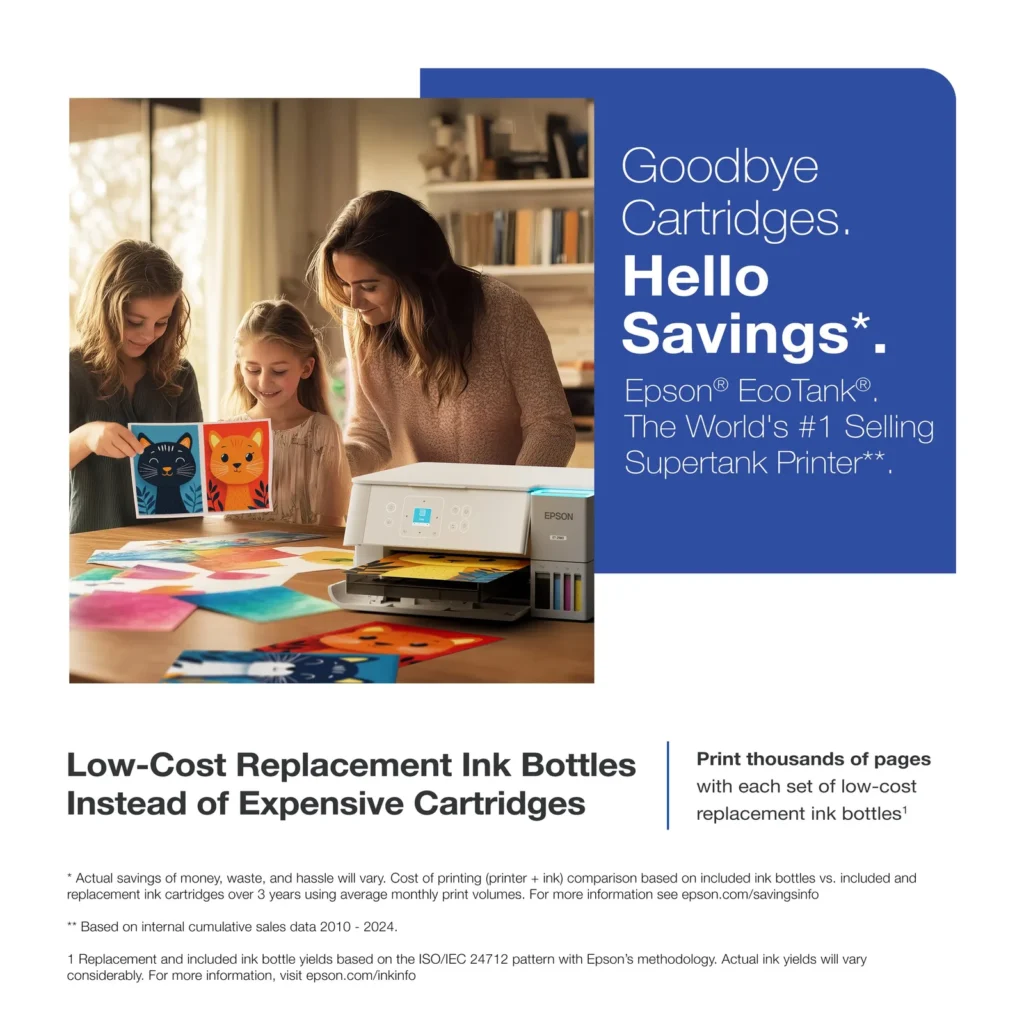
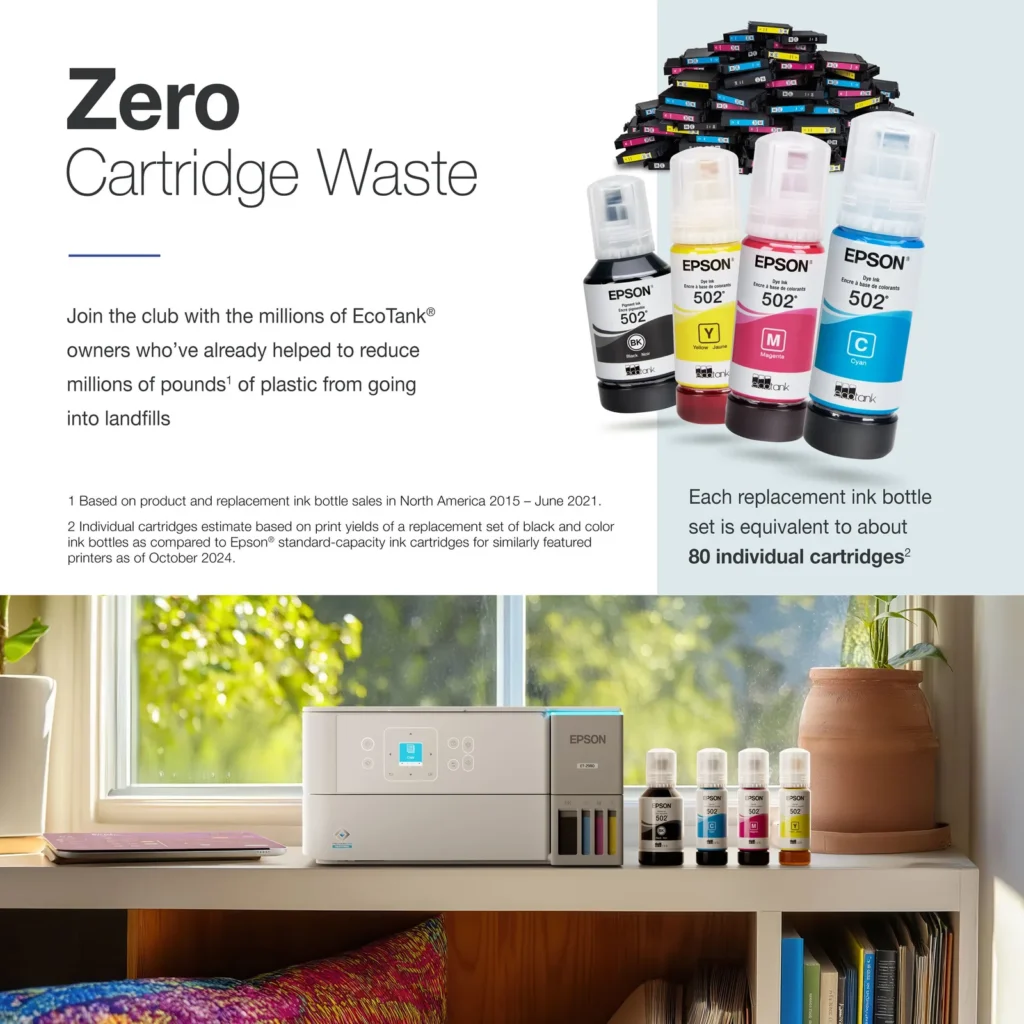
| Incredible Value and Savings | Save significantly on replacement ink with high-capacity ink tanks; each set of replacement ink bottles is equivalent to about 90 individual cartridges, providing a low cost-per-print. |
|---|---|
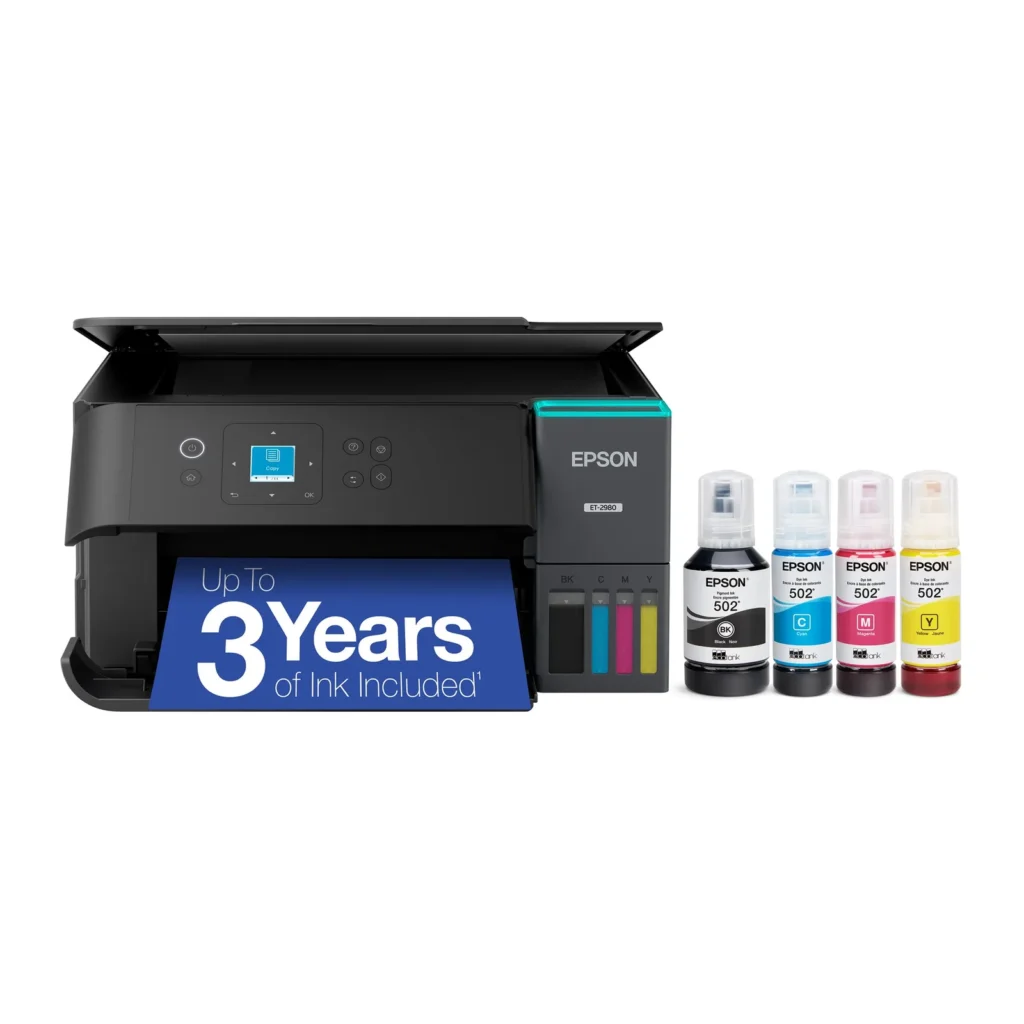
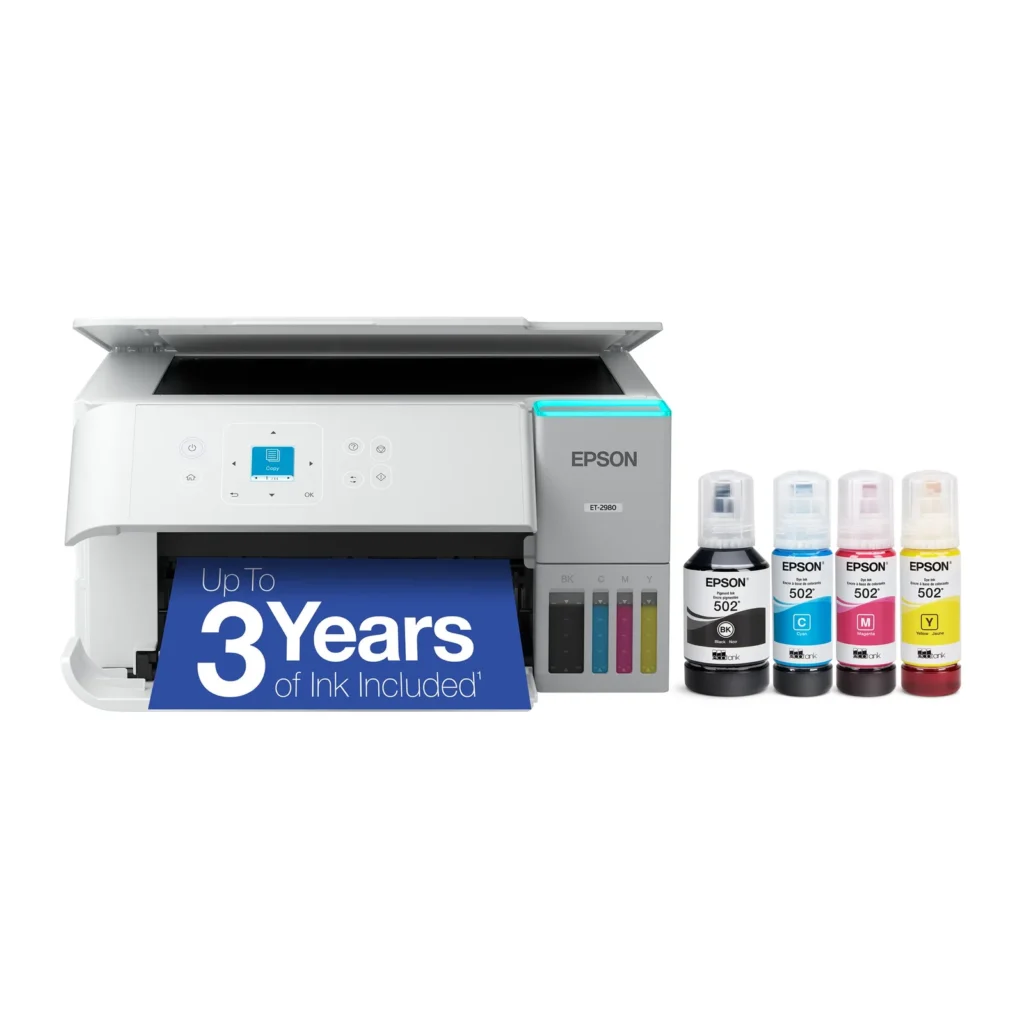
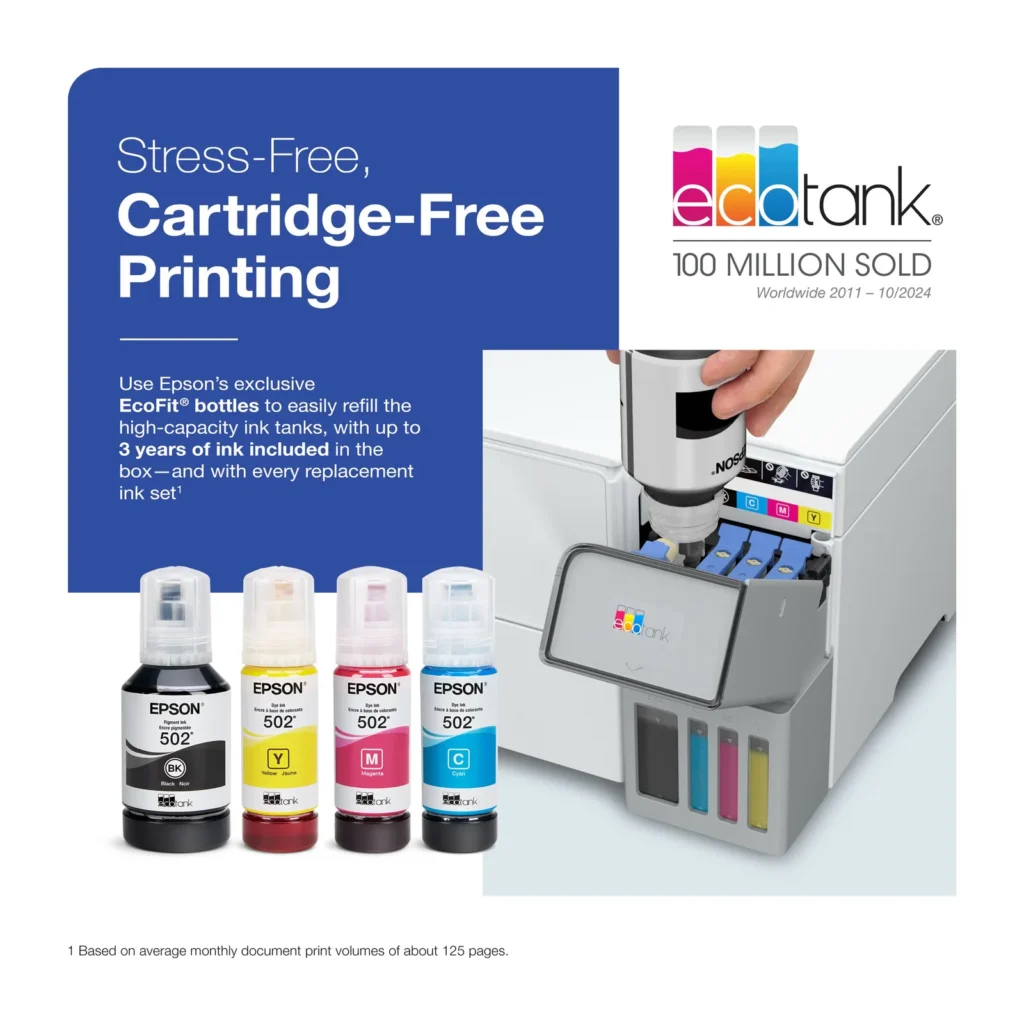
| Up to 3 Years of Ink Included | The printer comes with enough ink in the box to last up to three years, allowing you to print up to 6,600 black and 5,500 color pages before needing a refill. |
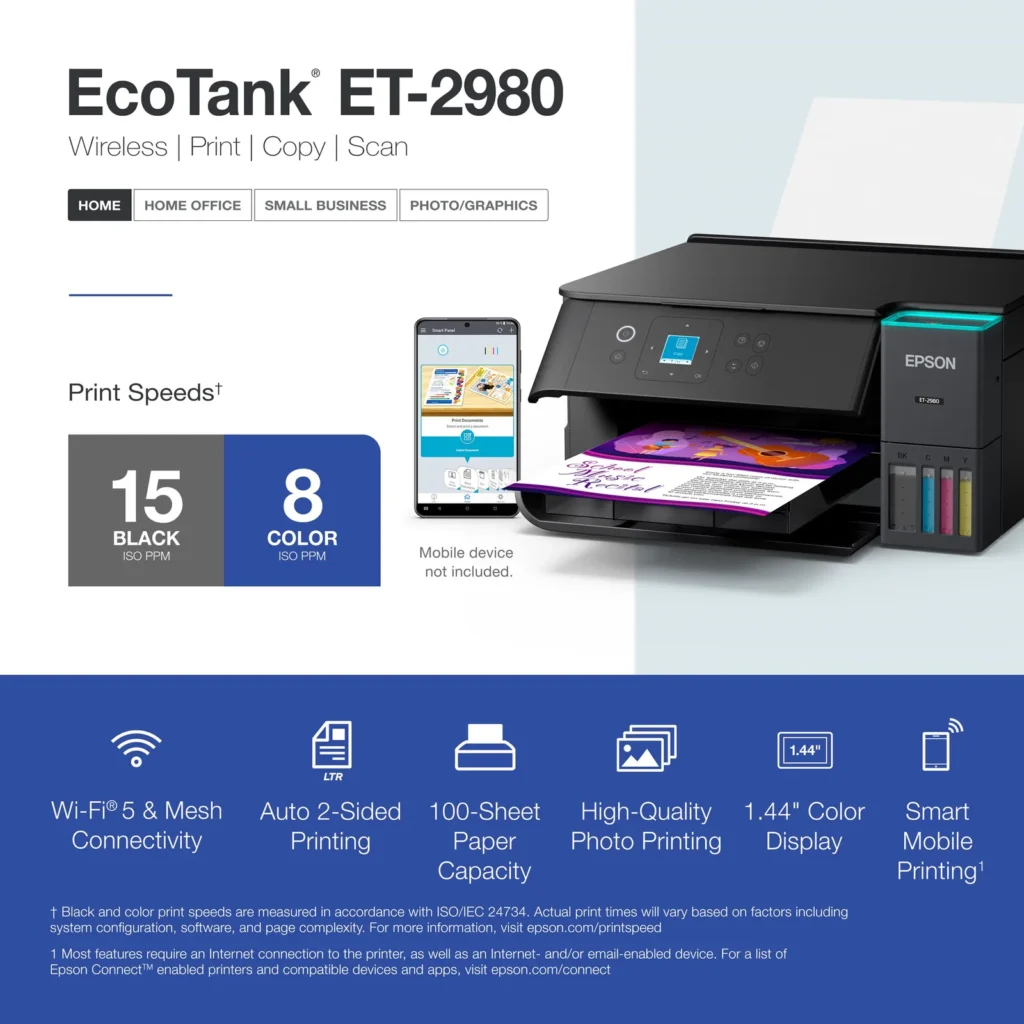
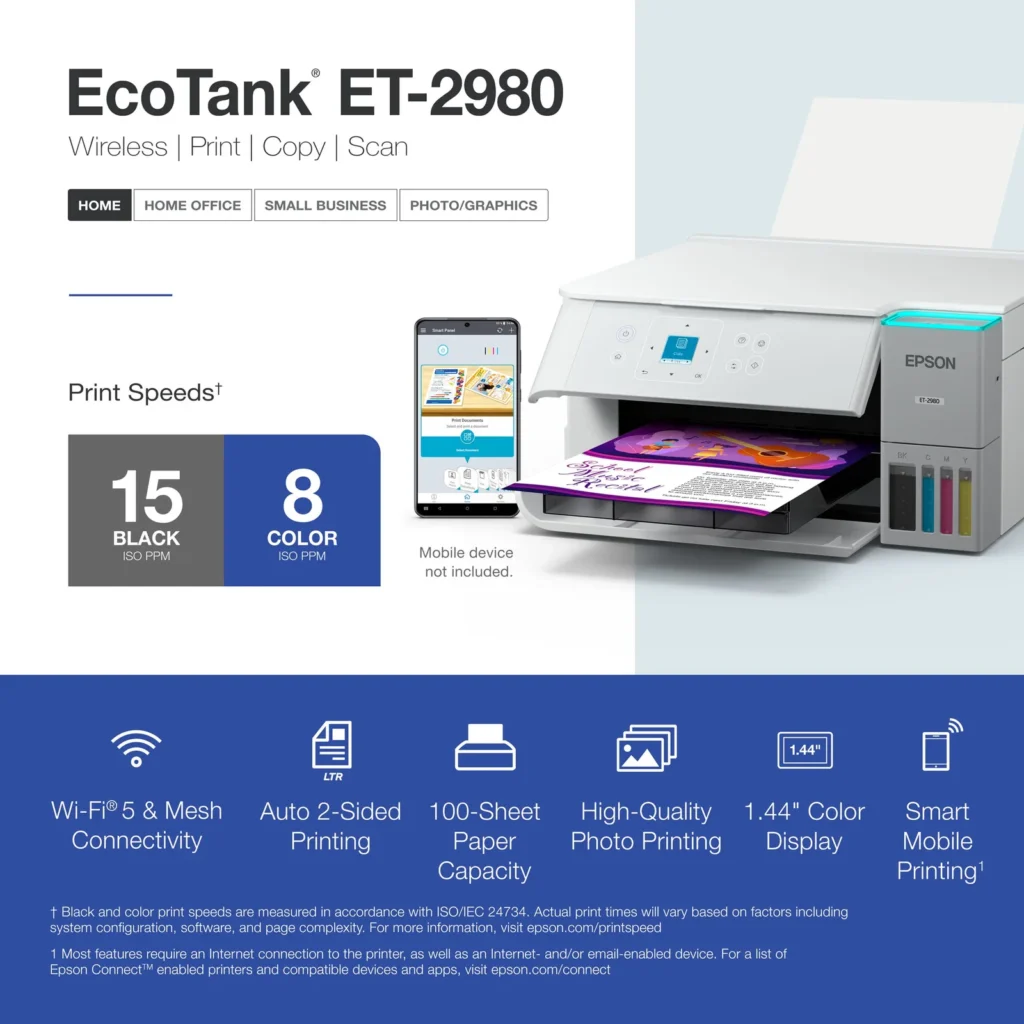
| PrecisionCore Heat-Free Technology | Delivers fast print speeds of up to 15.0 ISO ppm in black and 8.0 ISO ppm in color, featuring a unique permanent printhead designed to last the life of the printer. |
| Seamless Wireless and Mobile Printing | Easily print and scan from your smart device using the Epson Smart Panel app, with full support for Apple AirPrint, Mopria Print Service, and Wi-Fi Direct. |
| User-Friendly Features and Auto Duplexing | Includes a 1.44" color display for easy navigation, a 100-sheet paper tray, and automatic two-sided printing to help save paper and improve efficiency. |
Pros & Cons
Pros
- EcoTank Ink System: The refillable tank design eliminates the need for expensive cartridges, providing a massive ink supply that users find much more convenient and environmentally friendly.
- Cost-Effectiveness: The printer is highly economical over time because the bottled ink is reasonably priced and lasts significantly longer than traditional cartridges, with some users reporting thousands of prints on a single fill.
- Easy Mobile Integration: The Epson Smart Panel app is frequently praised for making the initial setup and wireless printing from smartphones a seamless and intuitive process.
Cons
- Small LCD Screen: The 1.44-inch display is widely criticized for being far too small and difficult to read, often requiring users to use a magnifying glass or flashlight to navigate menus.
- Connectivity and Setup Issues: Many reviewers experienced significant frustration with the printer dropping its WiFi connection or found the initial driver installation on computers to be overly complex and time-consuming.
- Paper Handling Limitations: The lack of an internal paper tray and reliance on a rear feeder with limited capacity is a common complaint, along with reports of frequent paper jams during automatic double-sided printing.
Customer Reviews
Showing reviews 291-300 of 319
-
It's great to have a printer that does everything well!
Verified purchase Verified purchase: This reviewer bought the product.Gary L May 20, 2025Review source: AmazonHaven’t had it long enough for a true trial but so far (couple of weeks) everything’s worked smooth as can be. Kinda wish the paper was stored inside, and ejected to a small capture lever… it’s the space required for outside storage and the potential for “open/close” print tray wear/tear that’s an issue. That wouldn’t stop me from buying another just like it though.
-
Nice Printer
Incentivized Incentivized review: The reviewer received a benefit for sharing feedback.David May 19, 2025Review source: BestbuyThe Epson EcoTank All-In-One printer is a very nice printer, and the EcoTank concept is a nice change from traditional ink cartridges, even if initial setup does take significantly longer. This is a wireless printer with a built in scanner as well. Setup can get a bit lengthy, but luckily, the app is very clear with its instructions and walks you through every step effectively. You can connect the printer wired or wirelessly. If you opt for wired, you need to provide your own usb cable. I think Epson assumes anyone buying a wireless printer is going to connect wirelessly, but just something to be aware of if you want to connect by USB. As you go through the setup steps, everything feels quite familiar if you’ve ever set up a printer before. However, when you get to filling the ink tanks, that’s when things became unfamiliar to me. First of all, just seeing the bottles, I expected the process to be messy. And second, I was paranoid I would put the wrong bottle in the wrong tank. Epson did a great job with both of these concerns, however. The bottles do not spill or drip at all. They do a very good job of only letting the ink out when they are placed in the filling position. And each bottle only fits into the tank it was designed for. So you won’t even be able to make the mistake I was paranoid about. Each bottle takes about a minute or so to fully fill the tank. Black taking the longest, because it is the biggest. Also, the bottle will stop flowing once the tank is full. So you don’t have to worry about overfilling or anything. All of the bottles had a little bit left over once all the tanks were full. Maybe about a quarter of the bottle or less. After filling the tanks, the printer then has to “charge” the ink, which I’m not even sure what that means, but it took like 10 minutes. From there, it prints an alignment page which you have to scan, and then everything is all set up. Overall, it took quite a bit longer than other printers I’ve set up, mostly due to the unique ink system. But as mentioned before, it was at least very simple and well explained every step of the way. The actual performance of the printer is very nice. 15 ppm black and white, and 8 ppm color. I didn’t bust out the stop watch or anything, but I did notice documents printed very fast. Scanning also worked as expected, scanning a document in about the same time as other printers I’ve owned, and the resulting scan was very clear and detailed. One thing I will point out that concerns me about the longevity of this printer is the output tray. For some reason it is motorized. Now, don’t get me wrong, it looks very impressive and sleek when it comes out. But I can’t help but wonder if it was necessary. I really don’t see any reason to motorize this piece other than to look fancy. It just seems like a moving part that can eventually break after too much use and render the whole printer useless. Only time will tell. But I really wish they had just left it a manual flip out tray or something. Other than that, I am really impressed with this printer and am looking forward to many years of use. The initial setup takes a bit longer than other printers, but less waste from cartridges and more ink I think is worth it.
-
The perfect home office multi-functional printer
Incentivized Incentivized review: The reviewer received a benefit for sharing feedback.MarkusMN May 19, 2025Review source: BestbuyThe size and functionality of this all-in-one printer makes it a great addition for any home or home office. It prints fast and has automatic duplexing to save on paper. The smaller form factor is what I truly appreciate.
The days of purchasing ink cartridges a thing of the past, and no one does the tank ink technology better than Epson. The colors are vibrant, and the ink seems to dry quickly. Filling the tanks is very easy and it doesn’t make a mess at all. The bottle simply fit into to the tank nozzle, and they are drip free. Plenty of ink is provided to last for quite some time. According to the specifications on Bestbuy.com, each ink bottle is the equivalent of 90 ink cartridges. This alone makes it a great value!
The scanner works well, as does the copy function. Keep in mind that this is a simple design, so there is no document feeder. Everything is a single scan or copy at a time.
There is no paper bin, as the paper feeds from behind the unit. It works perfectly and it holds up to 100 sheets.
Setup is very smooth using the mobile phone application. The application will find the printer and walk you right through the entire process.
This is another winner from Epson and the build quality is very good.
-
Great printer!
Incentivized Incentivized review: The reviewer received a benefit for sharing feedback.Ace254687 May 17, 2025Review source: BestbuyThe Epson ET-2980 is a big improvement in print quality over the 2850, but they added some unnecessary features.
The EcoTank 2980 has many useful features that make it a great all-in-one printer. The massive ink tanks means that you don’t need to purchase ink every month, which ends up costing more than the printer. The ink bottles can last up to 6500 pages (roughly about 2 years on moderate printing use). Even the cost of the ink bottle refills are significantly cheaper than normal ink cartridges, which makes you think why doesn’t everyone just start buying these EcoTank printers?
Setting up the printer is straightforward and easy, you can either use the Epson app, or you can set it up right from the printer itself with the 1.5” color LCD display. The printer can print double-sided, as well as photos and envelopes. The image quality this time around is much better than that of the older model. The colors are much more vibrant and sharper, giving it better image details. The printer does have a built-in scanner, which is also a big improvement. I was really impressed with how accurate the copy was to the original, not to mention it scans pretty fast.
Epson also added some new features to the EcoTank 2980 as well as changing the design a little. Right above the ink tank there is a blue LED that glows when the printer is printing, which looks cool but to me I don’t think it’s necessary. The other feature is the auto opening paper tray, which I am not a big fan of at all. For one, these gear controlled trays are prone to breaking, and 2 it doesn’t retract when finished printing, you have to manually select close paper tray on the printer.
Overall, I like the Epson EcoTank 2980. The long lasting ink tanks, saves so much money and time. The print quality is a huge improvement this time around, especially when printing color photos. The scanner/copier is incredibly accurate and fast. The only issue I have with the printer is the automatic paper tray, to me this is just a broken gear waiting to happen, leaving a jammed paper tray unmovable. Aside from that, I would recommend this to anyone looking to upgrade/purchase a new printer.
-
An easy, compact, and cost effective all-in-one
Incentivized Incentivized review: The reviewer received a benefit for sharing feedback.camdenk May 17, 2025Review source: BestbuyThis Epson Ecotank printer is an easy to setup and affordable option that has all the versatility in a compact formfactor. This printer, similar to all the Ecotank models have plastic bottles that you use to refill the printer meaning no expensive and wasteful cartridges!
It was very easy to unpack and setup the printer. It was well packed and securely taped up (be sure to remove all the blue tape!). Setup utilizing the app was a breeze since it walks you step-by-step through everything including calibration and Wi-Fi connectivity. The first print came out a little crooked, but after scanning it the printer made the necessary corrections and now every print looks perfect!
Once I had it setup with Wi-Fi I was able to discover it on both my computer and phone and easily print documents and photos. It has made me enjoy printing at home again! The copier and scanning function has made it super easy when I need to get good scans of IDs and legal documents. We were even able to quickly print some photographs as a gift on some photo paper that we bought and they turned out great! My next project is going to be scanning old photos!
-
BETTER THAN EXPECTED
Verified purchase Verified purchase: This reviewer bought the product. Incentivized Incentivized review: The reviewer received a benefit for sharing feedback.Jean May 16, 2025Review source: BestbuyBetter than expected. I was always a HP person, but am really glad I bought this printer.
-
Easy switch,
Verified purchase Verified purchase: This reviewer bought the product. Incentivized Incentivized review: The reviewer received a benefit for sharing feedback.Tider May 16, 2025Review source: BestbuyEasy to learn operation. Quality printing! I print from phone often and it’s works every time.
-
Excellent all around printer
Incentivized Incentivized review: The reviewer received a benefit for sharing feedback.Nate34 May 13, 2025Review source: BestbuyThe Epson Eco Tank is a great multi-purpose printer. In the box you get plenty of ink and everything needed to print.
Since it’s an cartridge free type the ink will last a lot longer than your traditional printer. And a combo pack to replace the ink is a lot cheaper then buying several separate cartridges. And the included ink says it can last up to 3 years.
The initial set up was super fast and easy, and took less than 15 minutes to be up and going.
The print quality is great as well. I normally do mostly black and white printing, but color pictures came out great as well.
Printing directly from the PC via USB and from your phone via WiFi works great as well. I had no issues getting connected and sending print jobs from my phone.
Overall this is a great simple printer. It does everything I need from a printer and more. Easy set up, simple connectivity, rich vibrant prints, long lasting ink, and ease of use. If you are looking for a great priced do it all printer look no further. The Epson does it all and does it well. Highly recommend!
-
Great for the Casual User
Incentivized Incentivized review: The reviewer received a benefit for sharing feedback.KenE May 12, 2025Review source: BestbuyEcoTank is the way to go – period. This is my second EcoTank printer and I’m not sure I’d buy anything else at this point. I should specify that there was nothing wrong with my first EcoTank, my daughter declared it her own and this ET-2980 was a nice upgrade.
INK: The feature we appreciate most is not only the seemingly lower cost of the ink but also how long it lasts. We print several times a week and there’s no doubt we’ll get 3 years out of the included cartridges because that’s about how long the ink lasted in our first EcoTank.
PRINT SPEED / QUALITY: The Epson EcoTank ET-2980 Is plenty fast for a home office printer. It boasts 15 PPM for black and white while being able to also pump out 8 PPM in color. This is more than enough for a light workload printer and the quality is also great for photos in a pinch. We use the printer for anything from return shipping labels to birthday invites.
USE: Unfortunately, this style of printer needs more attention than one that feeds paper from a bottom tray. Being a top loader is probably the biggest downside. Top load printers notoriously have less capacity for paper and require the front tray to be extended in order to print. This style defiantly saves on space but I wouldn’t recommend leaving paper in the top feeder for extended periods due to the amount of dust that can collect – this can cause issues with the print head down the road. If you’re someone who doesn’t print often and you don’t mind getting the printer ready for the occasional print job – this printer is for you. If you want a printer that is ready to go any time of the day – you should look at printer with bottom feed capabilities.
DISPLAY: It’s not a deal breaker because most of the time you will use the Epson Smart Panel App but I wish Epson would have included a larger display. If you ever need to troubleshoot from the printer itself, you may find the display as frustrating as I did.
SUMMARY: If you are a casual printer that needs a scanner on occasion, the ET-2980 is a great option. It excels at the basics and the included app makes setup and setting management a breeze. The top load feeder is also great for heavier paper stock like photo paper and card stock.
-
Epson ET-2980: No cartridges required!
Incentivized Incentivized review: The reviewer received a benefit for sharing feedback.Goor00inTX May 12, 2025Review source: BestbuyI have to admit I have been eyeing these printers for a while. Skeptical, I waited patiently until I felt like I could take a leap of faith and give it a shot. And here we are!
First of all, I’d like to say that the initial investment may seem a bit high, but it will yield very high savings later on. I just know that the sticker price can be a bit of a shock compared to cartridge printers which usually go for next to nothing. But you really need to see this as a long-term investment.
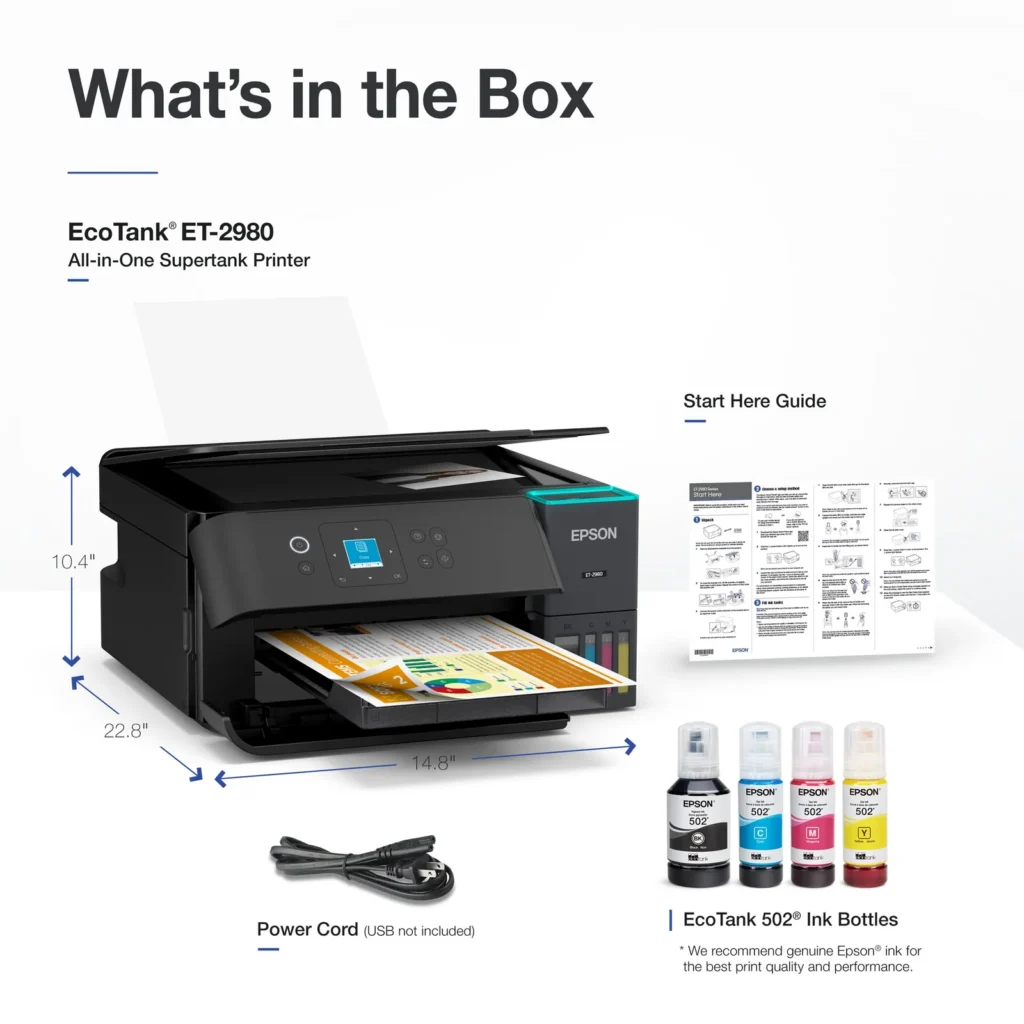
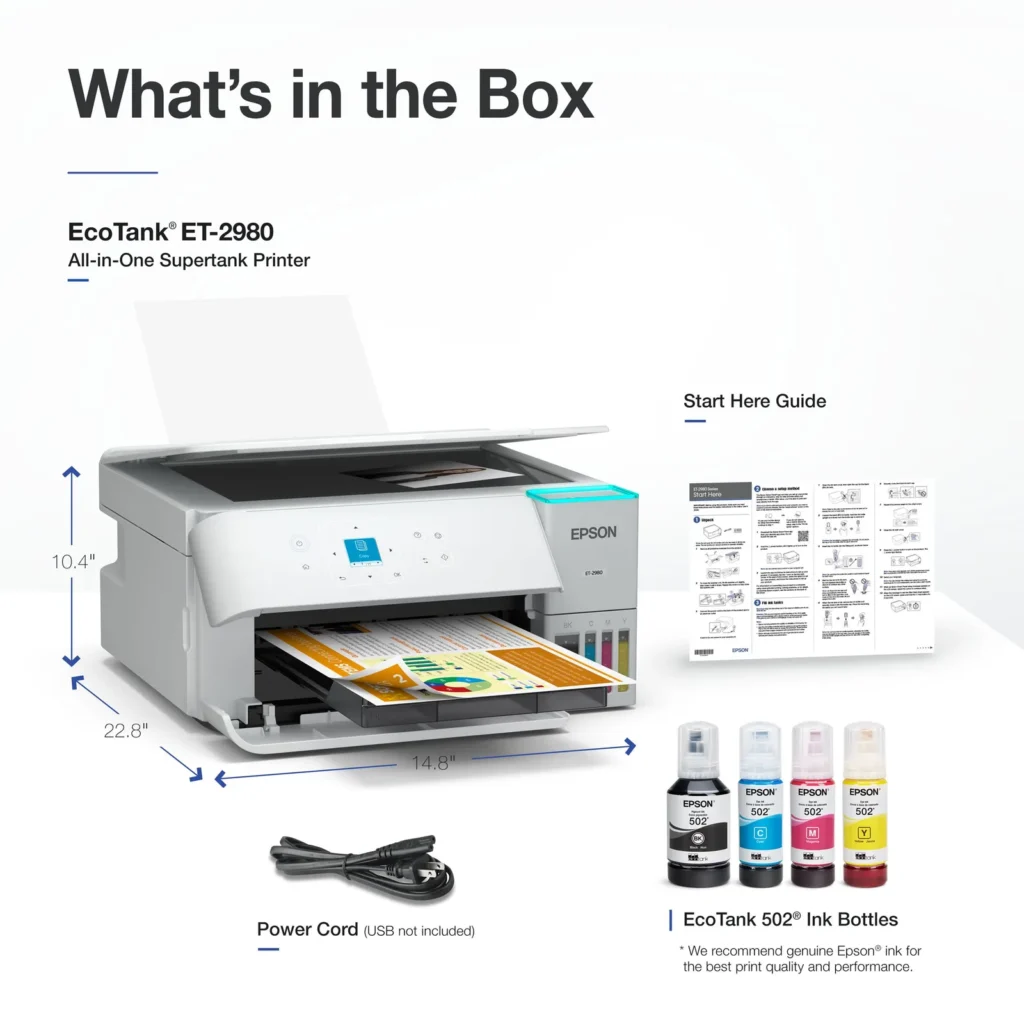
Unboxing was fairly unspectacular – in a good way – as all I had to do was to open the box, slide the printer out, remove the blue tape strips and plug the printer into an outlet. Quick and painless. One very positive thing I always look for in printers, is the room they occupy to fulfill their functions comfortably for the end user. Less is more when your desk is crowded or you only have a small tray to put the printer on. I’m happy to report that Epson has designed the ET-series with that in mind as well, since it only occupies a bit more than an A4 formatted paper.
The setup through my phone was a breeze, as you are guided by a *chat window-style* helper which does a surprisingly good job at letting you know what to do. Once set up through the phone, you can simply download the driver package from Epson and install it, which allows you to print and scan directly from your desktop. The utilities in the installation package may look and feel a bit boring. Especially after the setup which was a positive experience. At least, I didn’t run into any issues during and after setting everything up.
Now to what really matters: Saving cash money (and the environment). The ET-2980 does not use any ink or laser cartridges, instead, it relies on the built-in ink tanks which can be refilled as needed individually. The tanks are visible from the front and you will know when you are about to run out. When that happens, all you need to do is pop the ink tank open, grab your ink bottle and lock it in the proper tank upside-down until your tank is full again. Easy as pie. So what happens here is that all you need to keep in the drawer is 4 bottles of ink. That’s it. No mess, no superfluous garbage, no chip failures, none of that. Note that Epson was wise enough to make the black ink tank almost twice as large as the other color tanks.
In terms of print quality, it’s a mixed bag. On plain printer paper, colors won’t pop as much as they could. It looks a bit too pastel colors for my taste. In terms of text, it’s clean and precise, nice and black as it should be. I decided to print a photo as well and the results were way, WAY better with colors. I guess that if you plan on using this printer in an office environment, you will have to get some higher quality paper, as cheap copy paper just doesn’t cut it. It’s not the fastest printer on the planet but it does get the job done.
Scanning is very easy, the utilities come with an app which works really well and can detect the borders if a scan is smaller than the entire scanner bed. Auto-cropping if you will. The results are solid and consistent with color and black & white.
By, now, you probably have realized that I am very satisfied with this printer. Epson has packed a lot into a small container that’s stylish, functional and easy to work with. The first time the front door opened and the tray deployed, I was a bit surprised (I’m a nerd and that does touch my sci-fi heart), but I thought that it was a smart move which saves a lot of room and avoids dust from settling down inside the machine. The only thing that is still on my mind, is how long before the print heads get clogged or malfunction? What then? I haven’t experienced it, but I do worry about it. But that’s a worry for what will hopefully be a long time.
All in all, I absolutely recommend this printer. It combines common-sense with practicality. A winning combination in my book. Add the fact that you won’t run out of half full ink cartridges anymore and save a load a money and you got yourself a champ, Epson. Nicely done!