Customer Media
Highlights
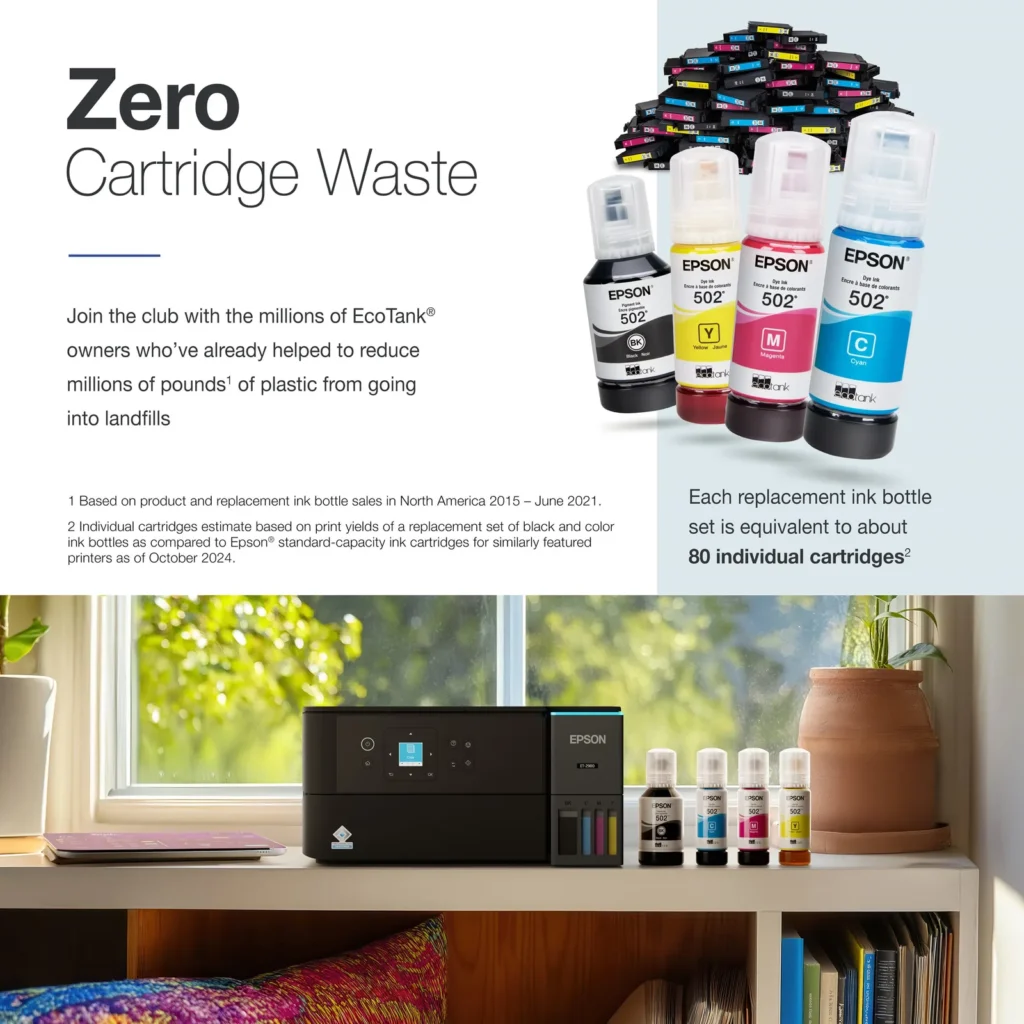
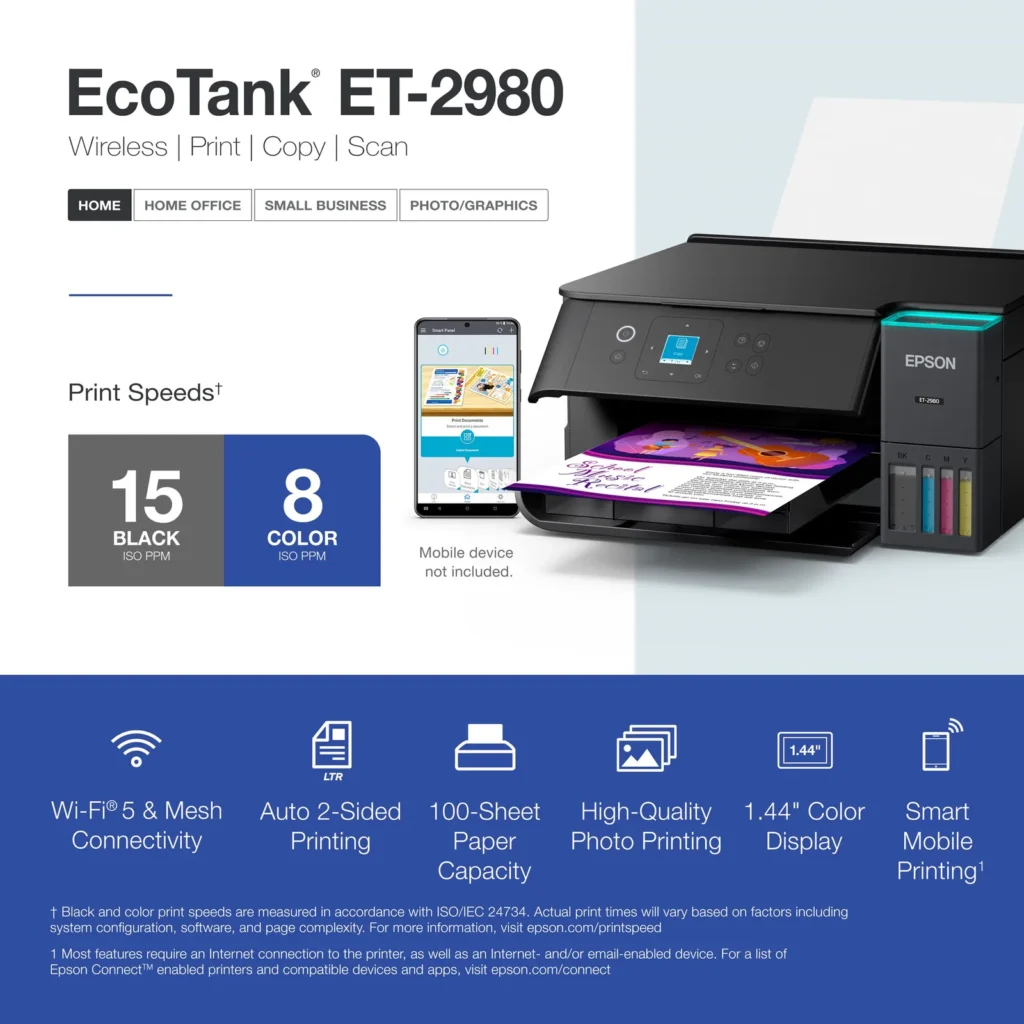
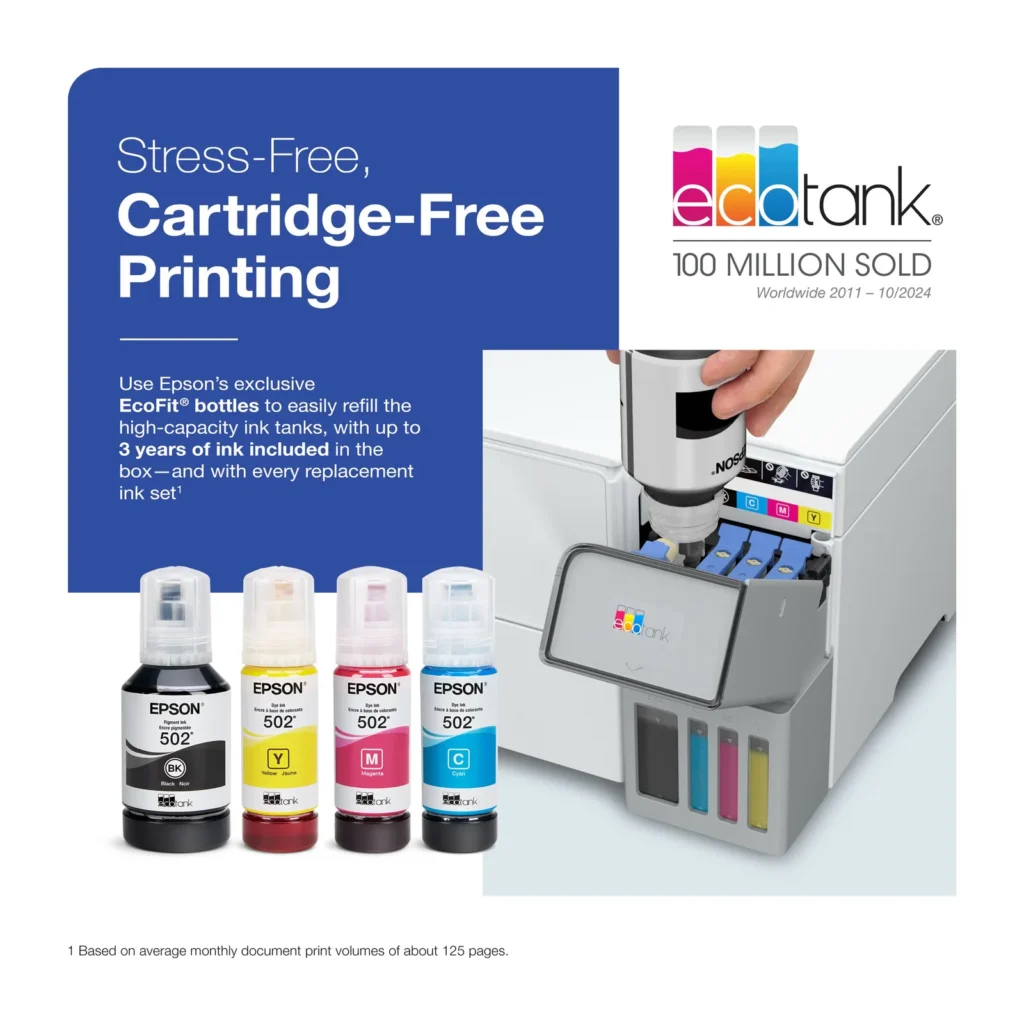
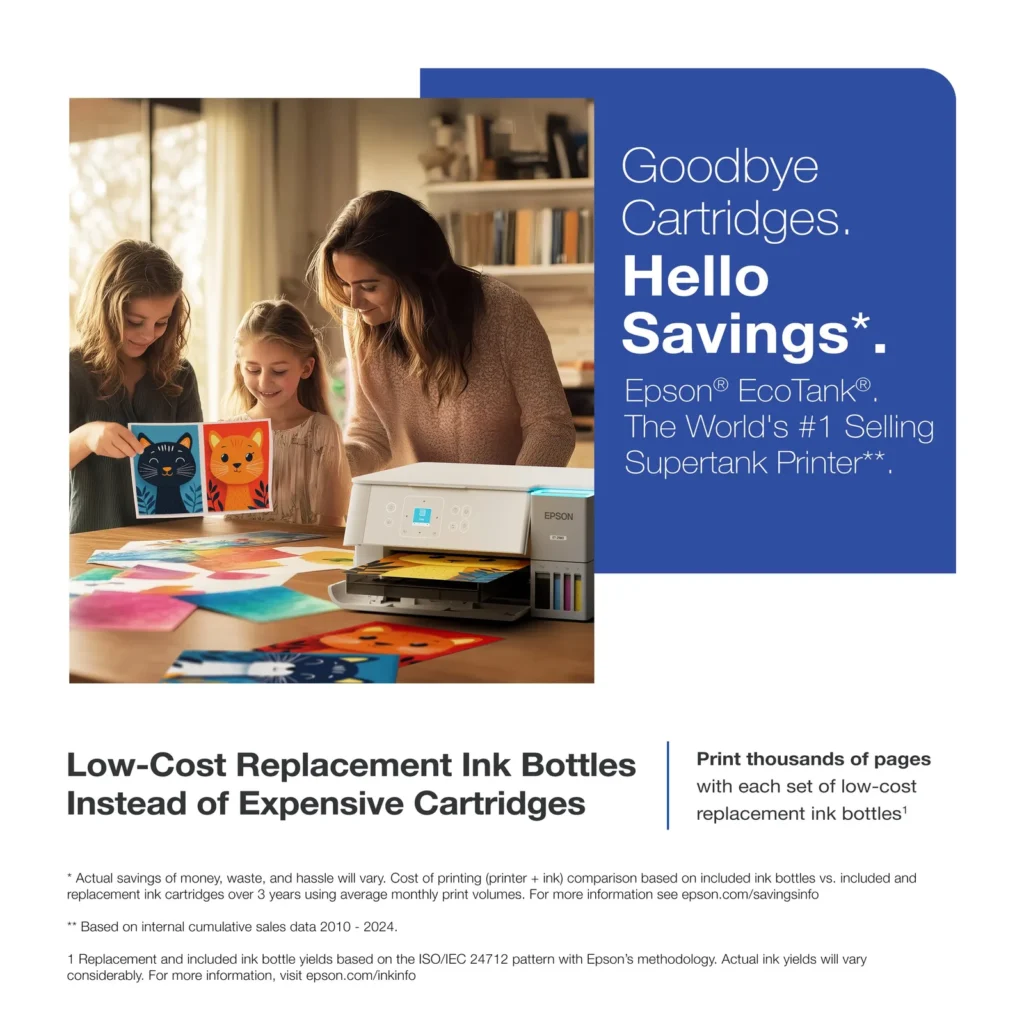
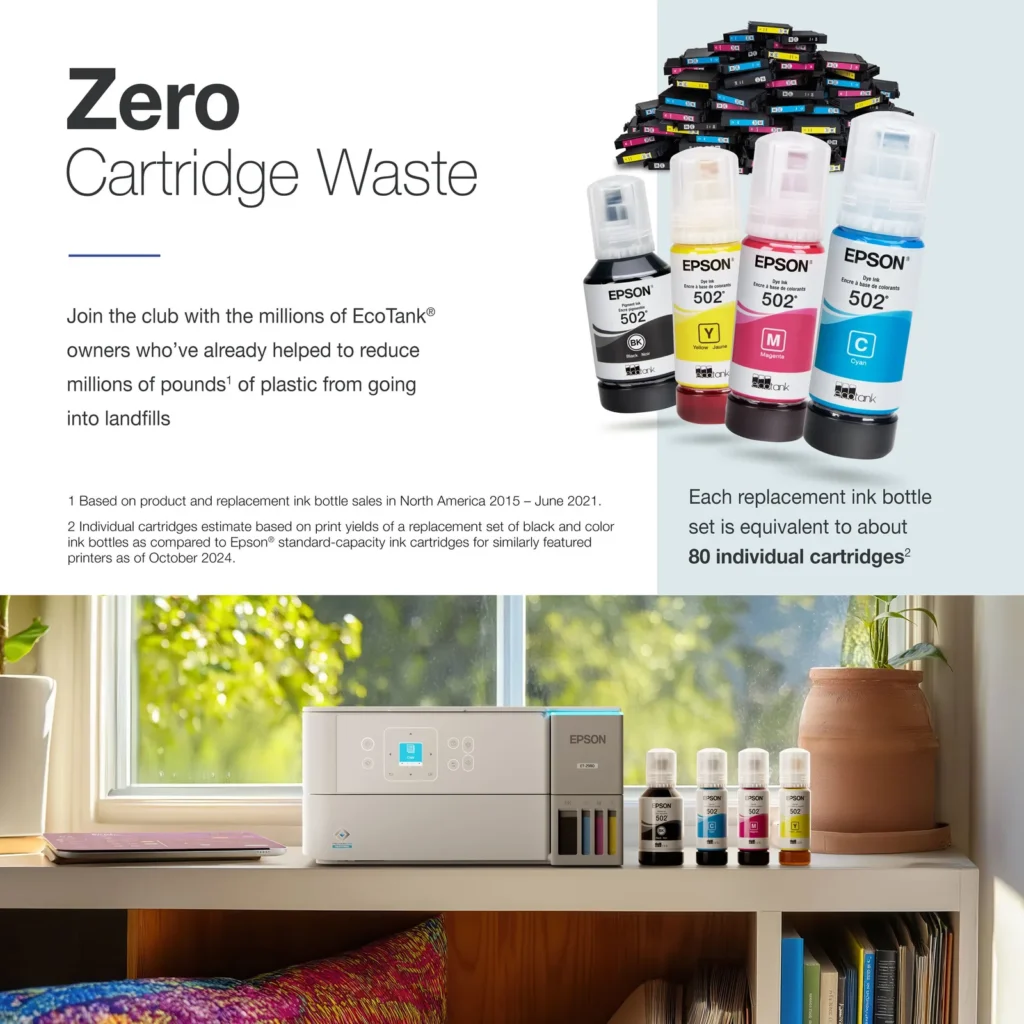
| Incredible Value and Savings | Save significantly on replacement ink with high-capacity ink tanks; each set of replacement ink bottles is equivalent to about 90 individual cartridges, providing a low cost-per-print. |
|---|---|
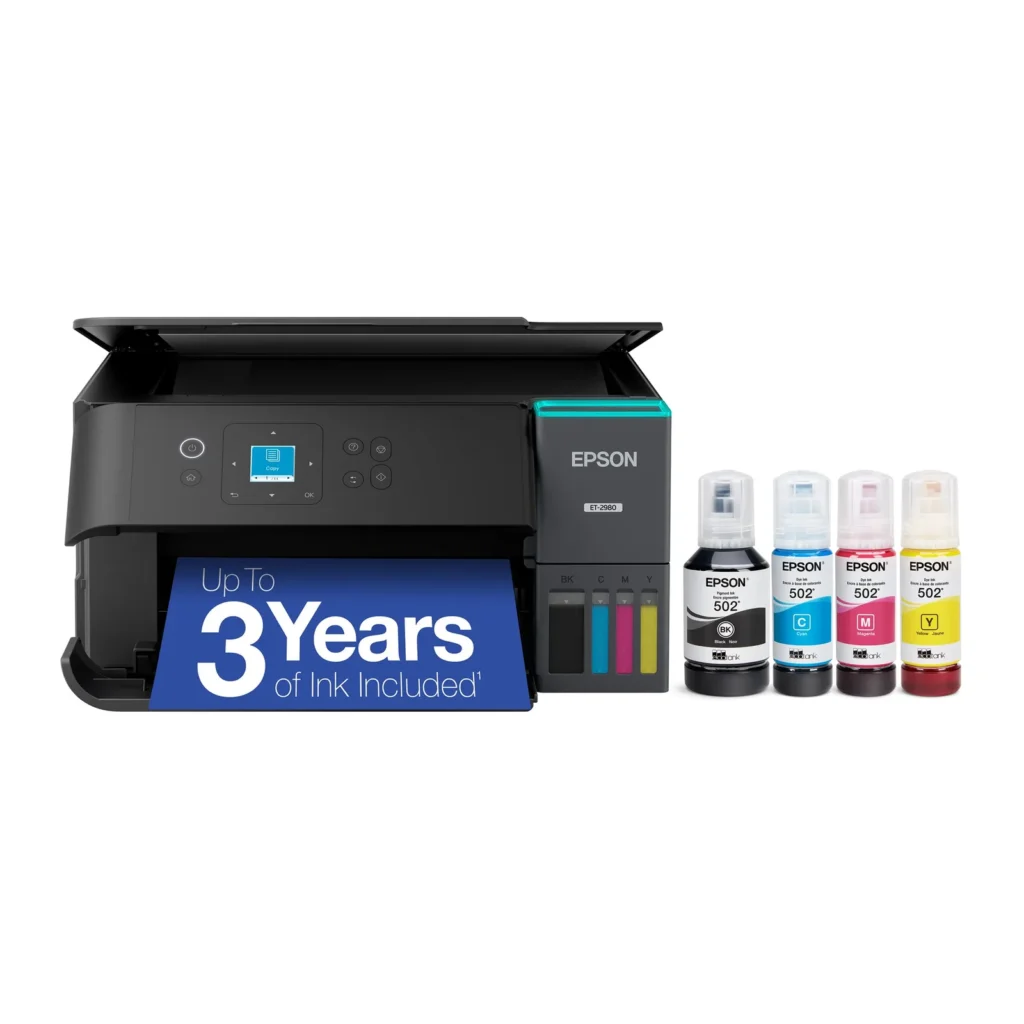
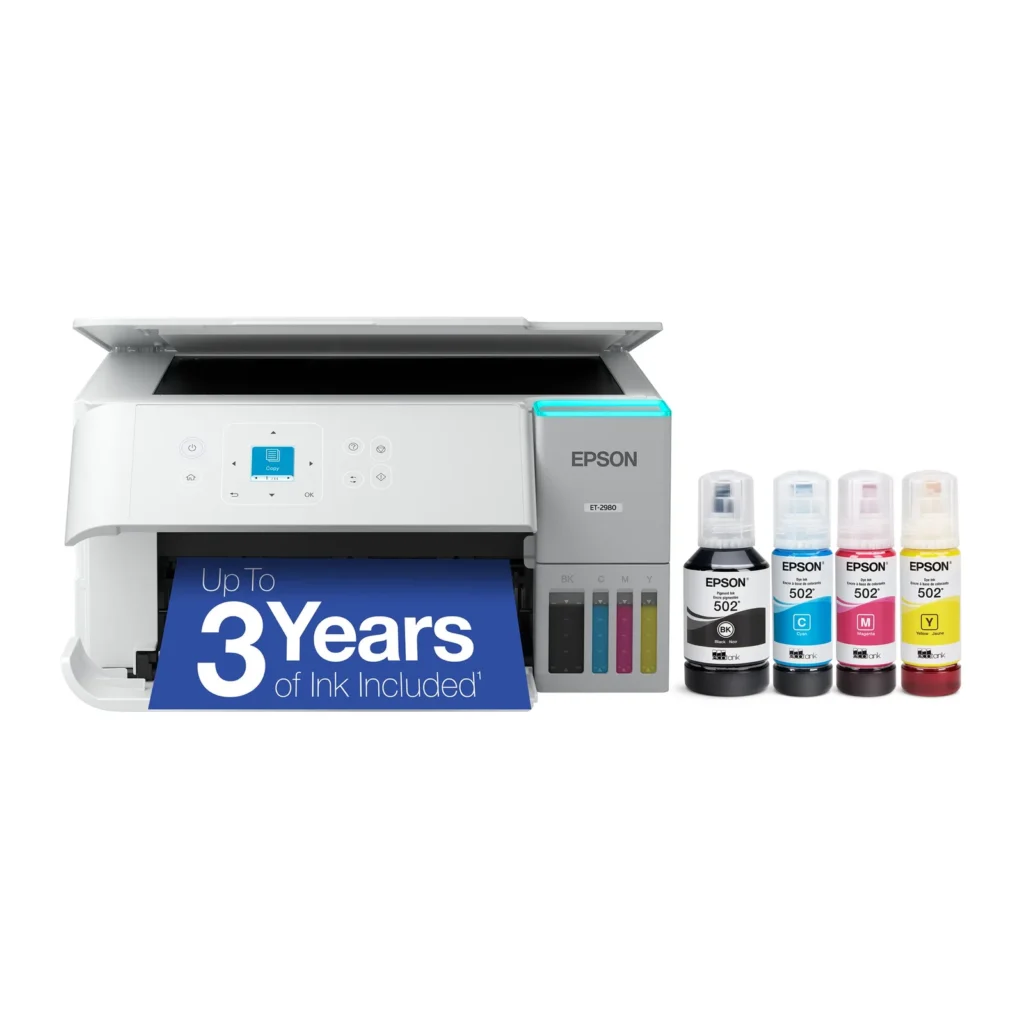
| Up to 3 Years of Ink Included | The printer comes with enough ink in the box to last up to three years, allowing you to print up to 6,600 black and 5,500 color pages before needing a refill. |
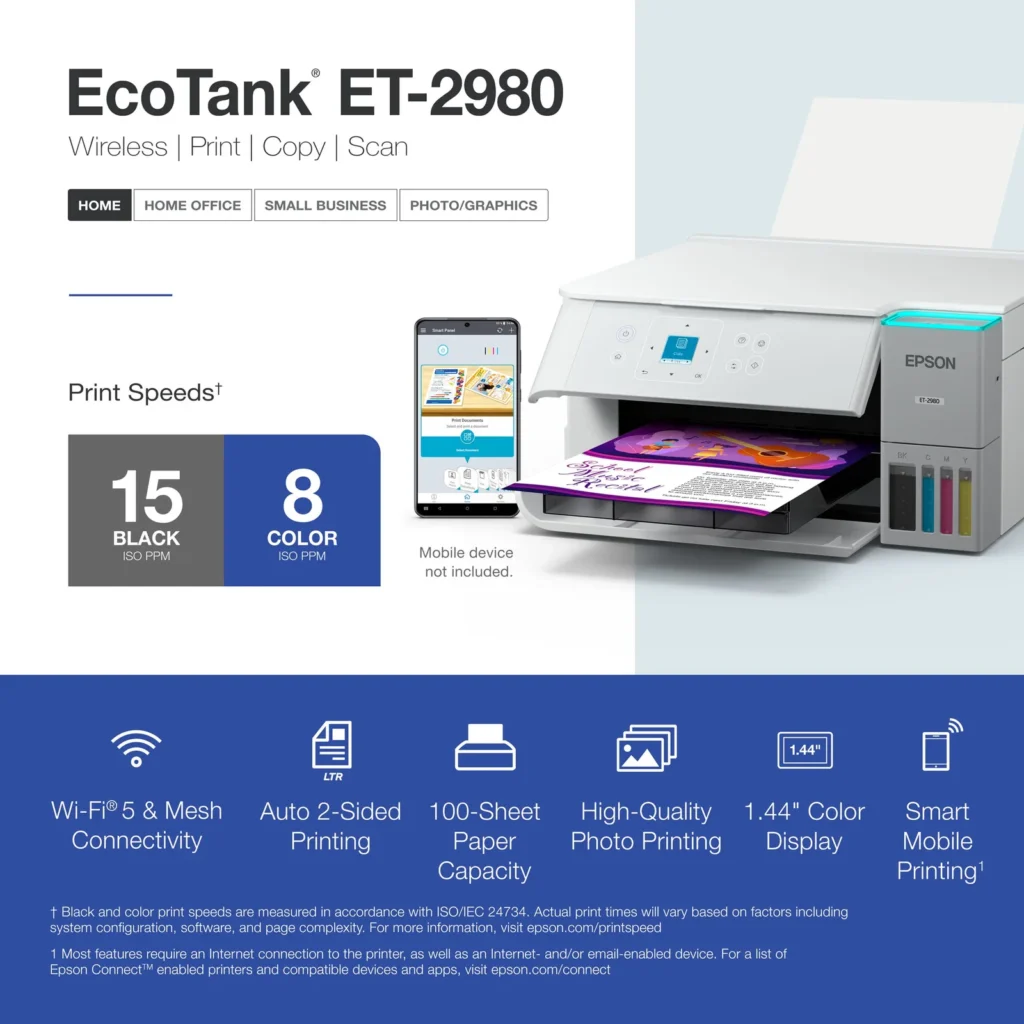
| PrecisionCore Heat-Free Technology | Delivers fast print speeds of up to 15.0 ISO ppm in black and 8.0 ISO ppm in color, featuring a unique permanent printhead designed to last the life of the printer. |
| Seamless Wireless and Mobile Printing | Easily print and scan from your smart device using the Epson Smart Panel app, with full support for Apple AirPrint, Mopria Print Service, and Wi-Fi Direct. |
| User-Friendly Features and Auto Duplexing | Includes a 1.44" color display for easy navigation, a 100-sheet paper tray, and automatic two-sided printing to help save paper and improve efficiency. |
Pros & Cons
Pros
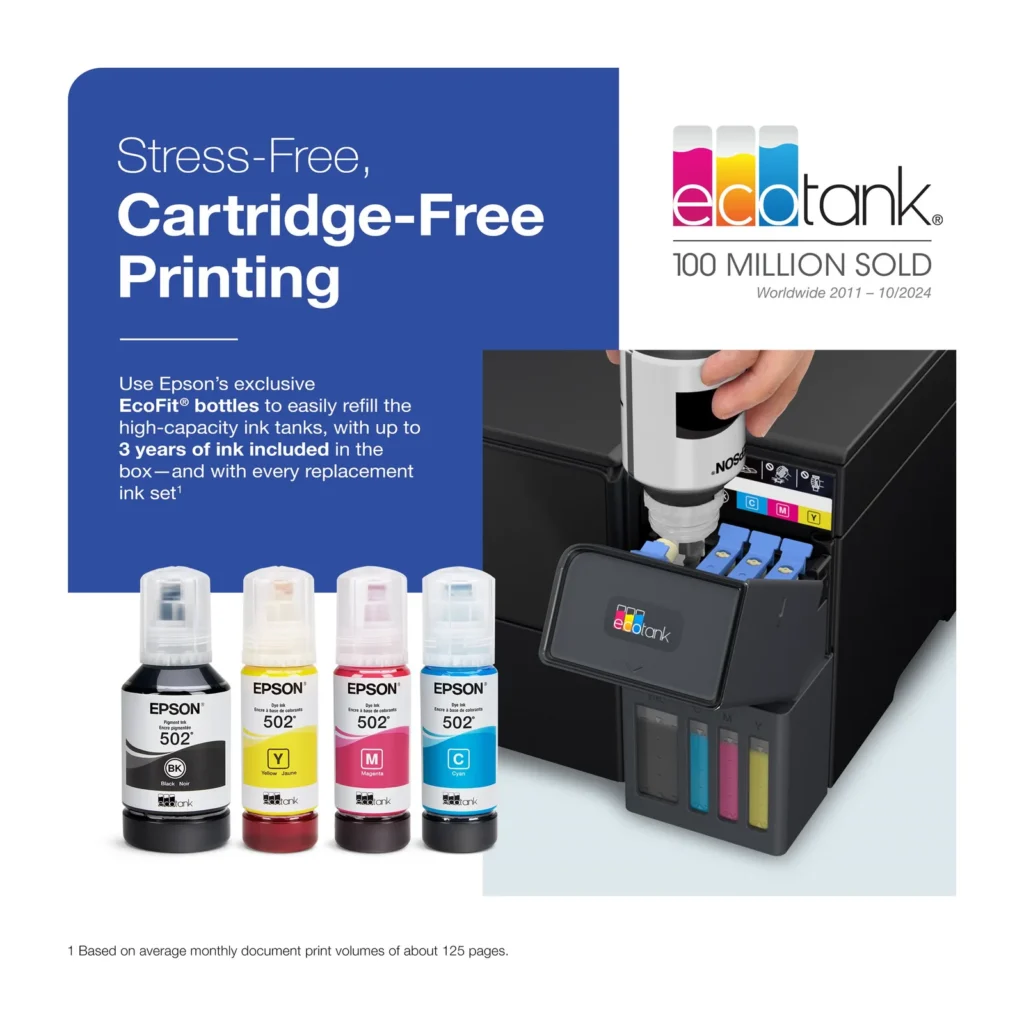
- EcoTank Ink System: The refillable tank design eliminates the need for expensive cartridges, providing a massive ink supply that users find much more convenient and environmentally friendly.
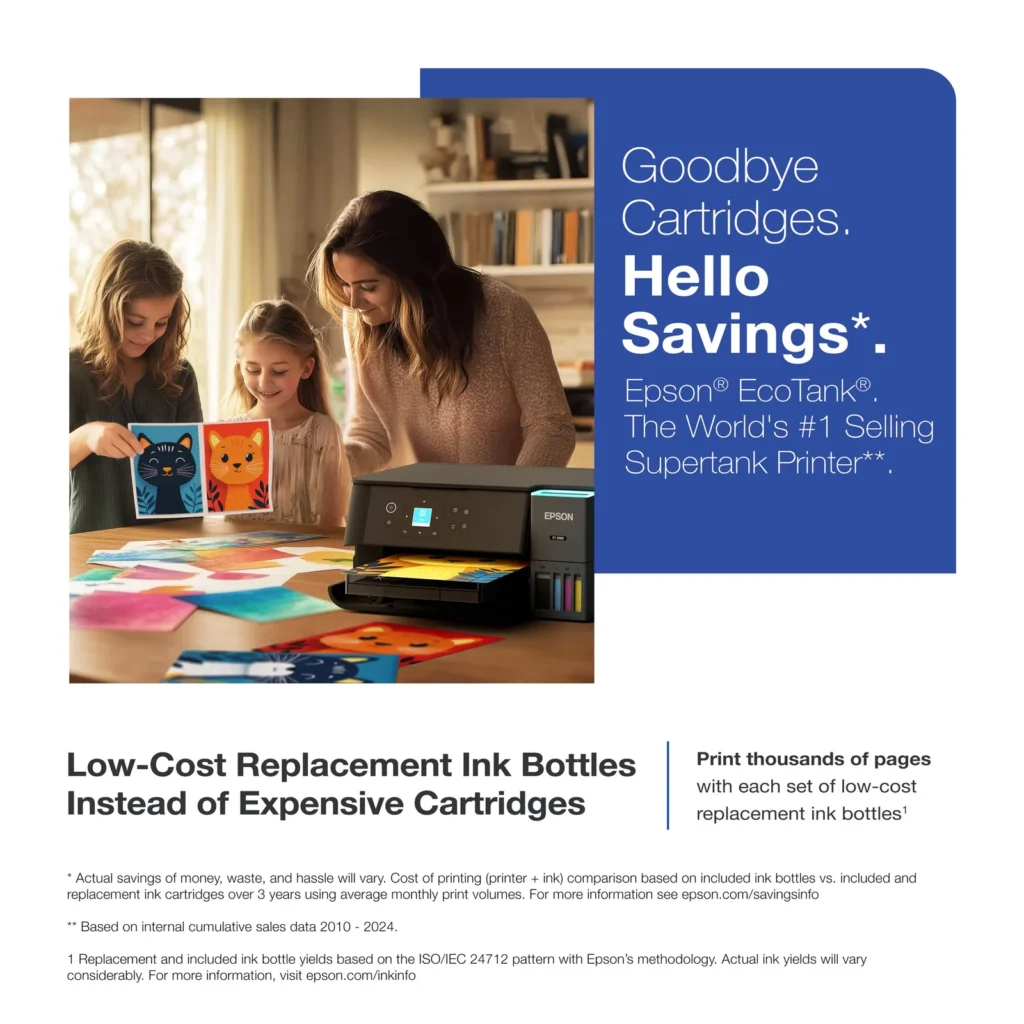
- Cost-Effectiveness: The printer is highly economical over time because the bottled ink is reasonably priced and lasts significantly longer than traditional cartridges, with some users reporting thousands of prints on a single fill.
- Easy Mobile Integration: The Epson Smart Panel app is frequently praised for making the initial setup and wireless printing from smartphones a seamless and intuitive process.
Cons
- Small LCD Screen: The 1.44-inch display is widely criticized for being far too small and difficult to read, often requiring users to use a magnifying glass or flashlight to navigate menus.
- Connectivity and Setup Issues: Many reviewers experienced significant frustration with the printer dropping its WiFi connection or found the initial driver installation on computers to be overly complex and time-consuming.
- Paper Handling Limitations: The lack of an internal paper tray and reliance on a rear feeder with limited capacity is a common complaint, along with reports of frequent paper jams during automatic double-sided printing.
Customer Reviews
Showing reviews 311-319 of 319
-
EcoTank ET-2980: No More Ink Drama
Incentivized Incentivized review: The reviewer received a benefit for sharing feedback.Damian May 9, 2025Review source: BestbuyAs someone who prints everything from work documents to family photos, I’ve been blown away by how the Epson EcoTank ET-2980 has simplified my printing life. The moment I unboxed it, I could tell this wasn’t like the frustrating printers I’d used before. Those huge ink tanks staring back at me promised something different – freedom from constant cartridge replacements.
Filling the tanks for the first time felt oddly satisfying. The EcoFit bottles clicked into place perfectly, and I haven’t had to think about ink since – and that was six months ago! I used to dread seeing that “low ink” warning on my old printer, but now I just glance at the clear tanks and know I’m good for months more.
What really surprised me was how quickly it prints. When I’m rushing to get contracts printed before a meeting, those 15 pages per minute in black ink make all the difference. And the quality? My daughter’s school presentations come out looking crisp and professional, while family photos print with vibrant colors that last.
The wireless feature has become my favorite part. I can’t count how many times I’ve sent prints from my phone while cooking dinner or relaxing on the couch.
The setup was super simple with a step-by-step process on both physical paper and on the app. It took me no longer than 10 minutes to setup and thats including the software update.
After years of dealing with expensive cartridges and temperamental printers, the ET-2980 feels like a revelation. It’s not just a printer – it’s become that reliable appliance that quietly makes my life easier every day. Whether you’re a student, work-from-home professional, or just someone who prints occasionally, this EcoTank delivers where it count
-
Clean Design, Smooth Performance, Quiet Operation
Incentivized Incentivized review: The reviewer received a benefit for sharing feedback.Wishkid May 9, 2025Review source: BestbuyThe Epson ET2980 printer is very well made and what I like the most is its simplicity. Its size will be more like a mid range, not too big but neither too small. The shape, like most printers, is a boxy square but this one has round edges in some areas giving a modern touch. The bright white color I like it a lot, and the ink tank is easily identifiable by it’s gray color and LED light on the cover.
Setting it up is very simple and it can be done in multiple ways. You can set it up directly by following the instructions on the small screen on the control panel, or download and use the Epson Smart Panel app and complete the installation on your mobile device. Either way they are both simple. It will take a bit more than 10 minutes because you need to fill each ink tank separately and there are a total of 4. After filling the ink tank DO NOT discard the bottles with the little leftover ink. You will need that to top off the ink tank after the printer does the calibration. For some reason it uses almost a quarter of the ink of each tank for that.
I was really impressed with the attention to detail in the engineering. There’s no need to worry about accidentally placing the wrong color in the wrong tank, it’s practically impossible. Each bottle is designed to fit only in its corresponding color tank, thanks to a unique locking pattern. If you try to insert the wrong one, it simply won’t fit even when the right color is inserted backwards.
When it comes to printing it does it very fast. It prints 15 pages a minute in black and 8 pages in color. The color accuracy is also very good too, I was impressed by the detail and I didn’t even use a photo paper. Printing pages with letters and photos like web pages were also done in a speedy way. This printer also supports two side printing and the ADF paper tray is located in the back. The tray can hold up to 100 pages and can be adjusted to support sizes up to 8.5×14. Something else that impressed me about this printer and wasn’t expecting was the paper output tray, it is mechanical. When the printer is turned off, the tray automatically retracts into the printer, resulting in a flush front look.
This printer also offers copy and scan functions. Scanning can be done in black and white or color, with resolutions ranging from 200 to 600 DPI. Even at the lowest resolution, the scan quality remains extremely good and detailed. While the scanning process is somewhat slow, it does operate very quietly. One downside is the lack of an Automatic Document Feeder (ADF), it uses a flatbed scanner, requiring you to scan each page individually, which can be tedious for large documents. The maximum supported scan size is 8.5 x 11 inches
The control panel was very responsive and the small color screen was easy to read. The panel has the ability to be tilted outward for better visibility and usage. This printer works mostly on wireless technology (Wi-Fi), but if you wish to attach a cable, it also supports USB type B. It actually baffled me to find a type B connection when Type C is the go to nowadays. However, they don’t expect you to use it because the cable was not included. If you happened to have one laying around, now you have a printer to use it.
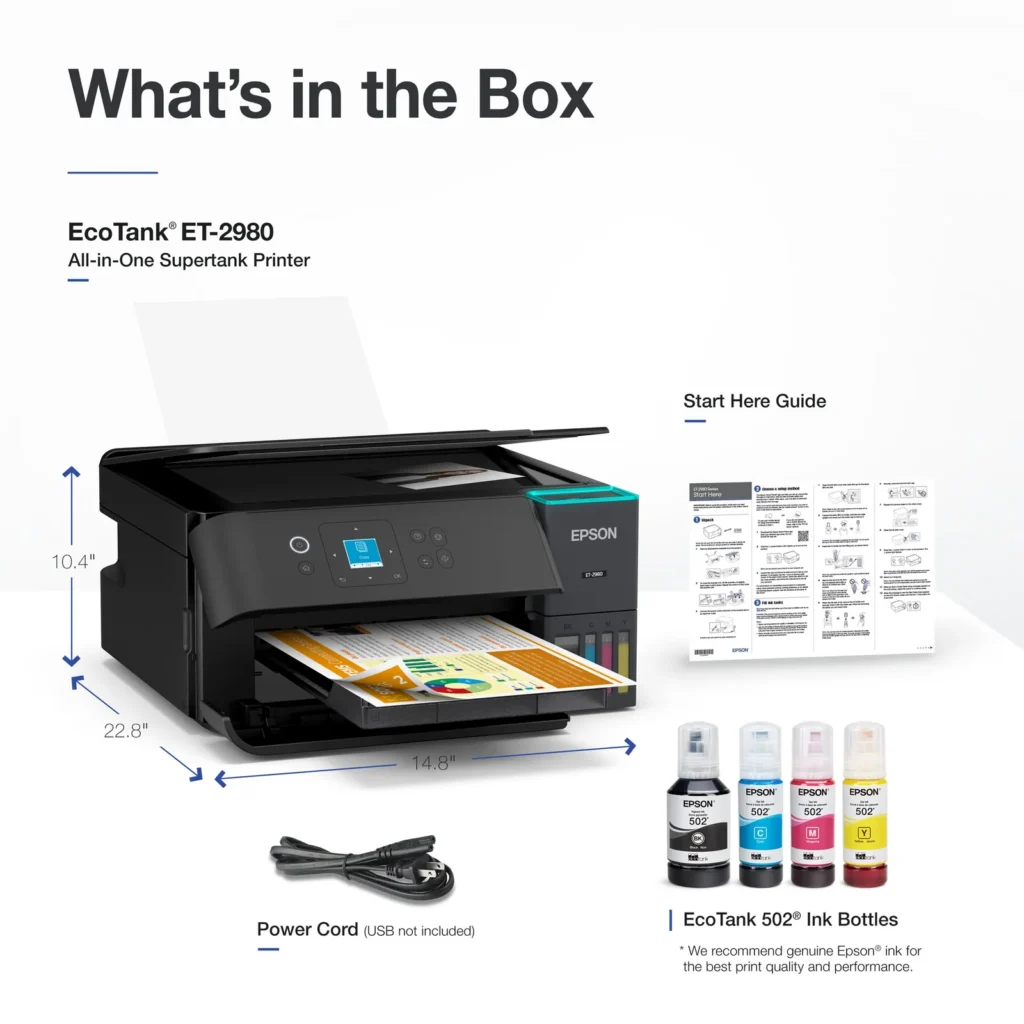
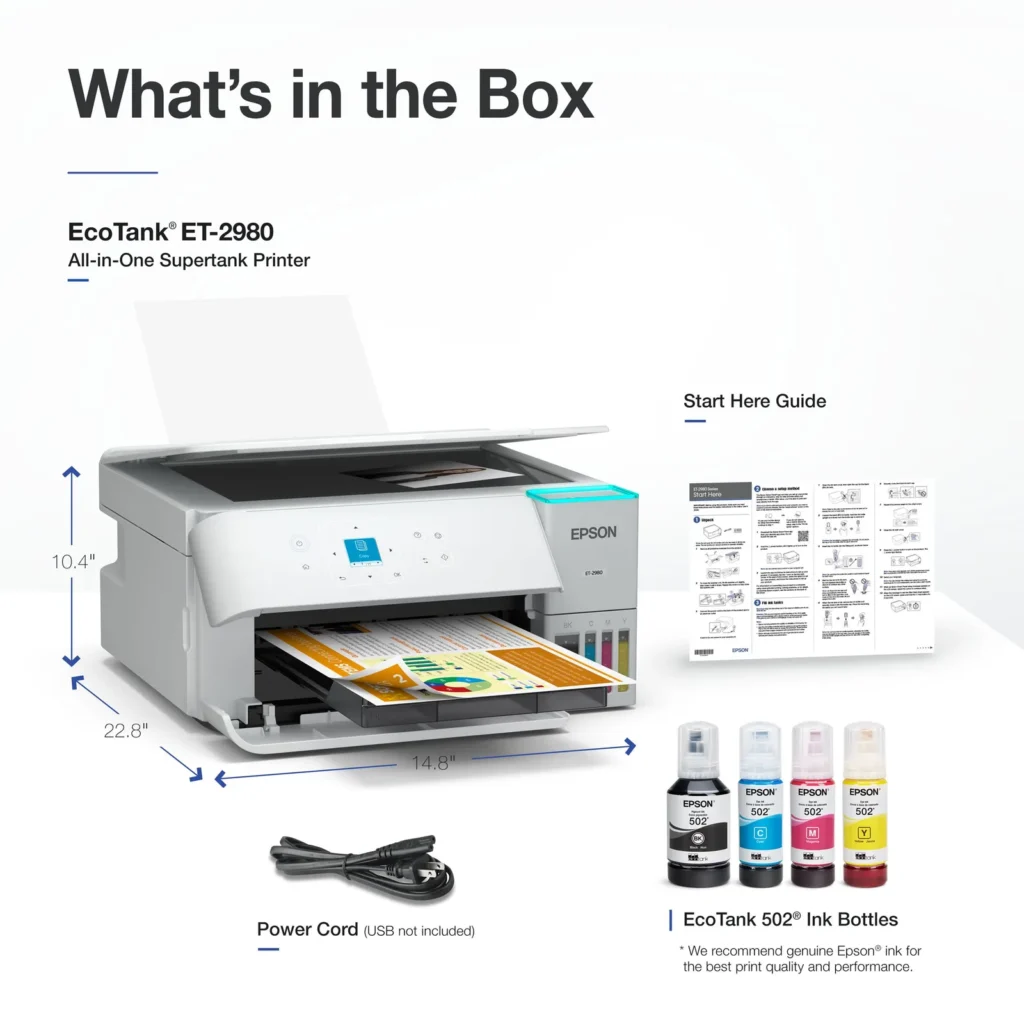
Overall the Epson ET-2980 is a sleek, easy to use EcoTank printer ideal for home or small office use. It offers fast, high quality printing, smooth wireless setup, and quiet operation. While scanning lacks an automatic feeder, the design, performance, and app integration make it a strong all-in-one option for everyday tasks. In the box, you get the printer, 4 ink bottles, power cable and quickstart guide.
-
Great printer for office documents with color
Incentivized Incentivized review: The reviewer received a benefit for sharing feedback.CDF3 May 9, 2025Review source: BestbuyThe Epson EcoTank ET-2980 Wireless All-in-One Color Supertank Inkjet Printer is a good printer for your personal or small business needs. The printer came well packaged and taking it out of its packaging and setting it up was easy. Setting it up using the mobile app was easy and the directions were well thought out and easy to follow with text and illustrations. The printer can be setup and used with a smartphone, as well as having the option to use it with a computer. It comes with a USB B port that allows you to connect it to your computer using a cable. It took about 30 minutes to completely go through the setup process. It took about 11 minutes for it to go through the ink initialization process and firmware update. Print speeds are pretty quick. Copying a document from the printer easy quick as well. I noticed it’s kind of slow copying a document when using the mobile app. I also installed it on my MacBook. I was able to install the necessary software by searching the model name online. It took me to the Epson support website and pulled up the necessary software as I entered the operating system for my computer. I only made a few copies and noticed that the ink had gone down considerably. The box advertises the printer as being able to get 8,500 black & white pages and 6,500 colored pages. I’m hoping it’s able to provide that. It comes also has a maintenance box on the rear side that will need to be replaced at some point. The paper is loaded from the back and is outputted from the front. The tray output can be automatically opened and closed, which is a nice touch. Overall, I’m impressed with what this printer has to offer and hope to get years of great service from it.
-
Economical and Easy to Use
Incentivized Incentivized review: The reviewer received a benefit for sharing feedback.Derek May 9, 2025Review source: BestbuyFirst Epson EcoTank printer, although I have owned several Epson in the past. So far, this one has been the best one I’ve owned. I’ve had it for several weeks now, and it gets used a lot. I have two kids in school and a wife that is a school teacher, and they do a lot of printing. A standard printer with separate ink cartridges can get costly to maintain, so when I got the opportunity to try out the eco-tank concept, I jumped on it. Instead of ink cartridges, you get ink bottles, and you fill tanks on the printer. This gives you a lot more copies per bottle versus cartridge, and generally leads to cheaper long-run replacement of ink. And, although Epson notes that for best performance, official Epson ink should be used, the EcoTank does allow for aftermarket inks to be used.
Set up was super easy. Remove from the box, remove all the tape that holds things in place, download the Epson Smart Panel app (if you don’t have it already), and work through the set up. After connecting to the network, instructions to pour the ink into the tanks are provided and it is simple to undo the protective wrap, remove the lid, and place the bottles upside down on their matching spots and wait for them to drain. I’ll give a bit of advice here- you’ll find that there is a little ink left in each of the bottles after the initial fill. Hold on the bottle until you’ve done the ink calibration, which drains a small amount of ink out of the tanks. Then drain whatever ink you might have remaining in the bottles into the tanks again.
Copies look perfectly fine and the printer is relatively snappy. No complaints. During use I haven’t had it drop network connection or hang up. It’s worked perfectly fine for the last three weeks.
-
Great printer AFTER initial setup
Incentivized Incentivized review: The reviewer received a benefit for sharing feedback.JKhan May 9, 2025Review source: BestbuyLet me start off by saying this is an a great printer. Without question.
I have only one negative, and I’ll start with that. The setup was atrocious. Cumulatively, I spent about 3 hours simply connecting the printer to the internet. Resetting, restarting my router, the app crashing, etc. I consider myself very tech savvy, so I couldn’t imagine if it was just someone with a general understanding trying to get this printer to connect to their internet. Will be this way, but it was definitely mine.
Once I did get connected. It stayed connected, I will give it that. My last printer had several issues with constantly going on and offline, even when it was connected via cable through ethernet. Here, it has been going strong with no disconnects. Hopefully it stays that way.Now that that is out of the way, we can get to all the positives, which are many. The first is a lack of an app. Yes, there is an app, but it’s not necessary to connect. In order for you to use the printer. Just simply add a printer and go. My last printer required that I had an app and it frequently would have to check in with it. That was aggravating. Once connected, this printer just works. Scanning, printing, photo, printing, whatever it takes on the task and does it well.
The print quality is great, documents are nice and crisp, colors on pictures are vibrant and true to the image taken, and the scan quality is great for true archiving of the document as it was intended.
The form factor of the machine is small which means that you’ll have some trade-offs. I am used to a printer with the drawer loading paper, so it was a bit of a The form factor of the machine is small which means that you’ll have some trade-offs. I am used to a printer with the drawer loading paper, so it was a bit of a readjusting to having paper loaded from the back. But, I haven’t had an issue there as whatever I loads prints without a problem.
I also appreciate the Eco tank loading system as it was easy to load up. At first I was worried that there would be ink splash everywhere, but no, easy painless with no mess. The claims about 3 years, we shall see, as the ink level has already gone down to been since I started, but that just may be the startup.The app itself is very useful and not cumbersome. You can find a lot of fun projects, a lot of remote projects, and it just helps with the overall work functionality.
Would I recommend this printer? Absolutely. Hopefully, my setup experience was in the minority. If that is the case, this printer is well worth your money and your time as is simply works, and works great.
-
Simple and Easy to Use All-in-One
Incentivized Incentivized review: The reviewer received a benefit for sharing feedback.SamG May 9, 2025Review source: BestbuyThe ET-2980 is a great general purpose all-in-one printer. For my uses I just need a printer/scanner that I can use occasionally that will do its job well and this seems to fit the bill perfectly. It doesn’t have any unnecessary extra things, it prints and scans well, and the ink bottle system is excellent. I would definitely recommend this to anyone who just needs a sometimes printer that isn’t going to let them down.
The box includes the printer, power cord, and a set of ink bottles. The printer primarily connects over Wi-Fi, but there is a USB connection as well, though the cable would need to be bought separately. I set up the printer through the Epson Smart Panel app on my phone. The setup process was interesting and laid out in the form of a chatbot. It provided a step-by-step guide for initializing the printer, connecting to Wi-Fi, and filling the ink reservoirs, asking for confirmation at the completion of each step. It’s not something I’ve experienced with any other product and though it felt strange at first, I really liked the process and I think it will be especially nice for the less tech-savvy who purchase this.
The ET-2980 uses an ink bottle system similar to a Canon printer that I’ve owned. The bottles each have their own keyed tops that line it up with the appropriate reservoir on the printer and slot in and fill in a way that doesn’t create any messes. The bottles filled all 4 tanks (black, cyan, magenta, yellow) and while the printer initialization did drain them a bit, there was just enough left in each of the bottles to get everything back to full again. The included bottles and subsequent replacements are supposed to provide ‘up to’ 3 years of printing, though obviously this will depend on your own usage.
Once the printer was initialized and connected to my Wi-Fi I could immediately see it from my phone and my PC’s. The scan and the print quality are both excellent and I was able to print a photo on an 8.5×11 sheet of paper with no borders, which was awesome. The photo I printed had great resolution as well and it printed in less than 15 seconds. The front panel screen and buttons are easy to use and navigate and in general for basic tasks the app is not really needed once the initial setup is completed, though it is certainly not bad.
Overall I’m very happy with the ET-2980 as an everyday printer. It’s hard to find a fault in it and I can really only think of somebody whose uses are a little more professional that it might not work out as well for. It’s only got the one paper tray for example. For me it’s perfect though.
-
AIO with Ink SuperTank!
Incentivized Incentivized review: The reviewer received a benefit for sharing feedback.Buddy May 9, 2025Review source: BestbuyBACKGROUND: For the past 3 years I have been using an Epson XP-5200 Inkjet AIO printer that has served its purpose of occasional printing, copying, and scanning. The only issues I have with the XP-5200 are the very expensive 222 ink cartridges that seem to just evaporate ink away with minimal use. Therefore, I was absolutely enthusiastic for the opportunity to receive and evaluate Epson’s EcoTank ET-2980 ink jet printer. I had been researching these types of “SuperTank” printers for quite a while and planned to purchase one the next time I needed to replace ink.
UNBOXING & SETUP: Very simple and no issues following the “Start Here – Installation Guide”. About a dozen small stripes of blue shipping tape to remove preparing the printer for the next step of ink installation. Following the well written and pictured guide, filling the four large ink reservoirs also went without encountering any issues. No spills, drips, or splatters of ink; nice! (Must mention that Epson’s pictures of their filled tank’s colorful black, cyan, magenta, and yellow ink levels, in reality, all appear a dark gray color.)
EPSON SOFTWARE: You have the option of downloading the required drivers and software by way of mobile phone (iOS or Android) or by way of a PC. Since I have no current need to use my phone for printing, I downloaded (ET2980_Lite_NA) by way of my laptop from Epson’s Support website. Again, zero issues encountered. And once the ET-2980 had internet connectivity, it proceeded to update its firmware.
APPLICATIONS: Referencing Window’s System Installed apps, 10 default Epson apps were installed. ET-2980 Series Guide, ET-2980 Series Printer Uninstall, Event Manager, Photo+, Printer Connection Checker, Scan 2, Scan PDF Extensions, SmartStart, Software Updater, and EpsonNet Print. In addition, six Epson ICONS were placed on the PC desktop.
SPEED: This is one of the fastest home printers at this price level. Monochrome at 15-PPM (Pagers Per Minute) and Color at 8-PPM. According to Epson, the ET-2980 is using heat-free MEMS (Micro Electro Mechanical Systems) chips that are super-efficient and are designed to save energy while increasing speed. Got to love new technology!
B/W & COLOR PRINTING: Both Monochrome and Color plain paper print jobs are detailed and excellent looking using the default “Standard” print mode. With our XP-5200, I had to turn off color and set B&W to “draft” just to save ink. But I intend to use this ET-2980 in “Standard” print mode while monitoring ink usage. Only time will tell if I am able to attain a few years of occasional use before being required to purchase another set of four 502 ink bottles. Per Epson “Up to 3 years of ink included in the box.” We’ll see…
HIGH-QUALITY PHOTO PRINTING: I was able to print high-quality photos on select media that looked great. Initially, I did encounter multiple lines through my 4×6 photos. Evidently, my 4×6 Glossy 68# photo stock was not playing nice with this printer. But trying my last two sheets of 50# Glossy 8.5×11 worked beautifully without the lines I had been experiencing. Color prints were impressive and appeared fairly accurate to the original JPG.
EPSON SCAN 2: I thought I was thoroughly familiar with this application from my prior scanning pictures to JPEG’s for archival with my XP-5200. But something had changed with this app or printer because the JPEG scans of photos looked washed out and lifeless. A few additional tweaks were required in the default “Photo Mode” by way of the app’s “Advanced Settings”. I had to set “Unsharp Mask” to “Middle”, and turn on “Color Restoration”. Picture scans now appear great and similar to those from the XP-5200.
REAR LOADING PAPER: Although I recognized the ET-2980 was a “rear paper loading” only printer, lacking an internal paper feed tray/cassette, I did not anticipate how much additional space would be required to find a suitable printer placement location. The cabinet area where our XP-5200 printer was located would not accommodate this new ET-2980 and now it had to be relocated to another room. That is due to the paper media being raised up and rearward tilting requiring a lot of additional placement space (see pics).
Recognize that using an internal paper tray not only provides a scaled back overall footprint, it will keep your paper media flat avoiding curled paper edges. And I will also mention having a rear loading option does greatly assists with proper paper flow when using heavier stock, example photo-paper. I just wish this new printer had both options (tray & rear loading).
STAR RATING: After a week of putting the Epson ET-2980 Supertank Inkjet printer through its paces, it earned itself a solid 4-Star Rating. Now if you can live with the additional space requirements, due to not having a paper feed tray/cassette, then this ET-2980 printer should be an excellent option for your home printing and scanning requirements.
EPSON SUPPORT: A cannot complete this review without personally thanking Epson Support personnel who assisted with providing resolutions for my Color Photo lines and poor Scan issues. Communicating by phone with a representative, who was able to provide working solutions, was an easy and ultimately beneficial experience. A big “Job Well Done” goes out to Matt for his knowledge, willingness to listen, and finally for his overall professionalism.
.
-
Don’t use much ink
Verified purchase Verified purchase: This reviewer bought the product. Incentivized Incentivized review: The reviewer received a benefit for sharing feedback.RalphwN May 9, 2025Review source: BestbuyWorks great if you like a printer that don’t use much ink and prints good this is the one for you
-
So far so good
Verified purchase Verified purchase: This reviewer bought the product. Incentivized Incentivized review: The reviewer received a benefit for sharing feedback.lily April 18, 2025Review source: BestbuySo far this printer is already way faster and has a better print color quality than the older version. Upgraded from a 3 year old printer. No issues with connection so far. Set up was a little weird but got it figured out