Customer Media
Highlights
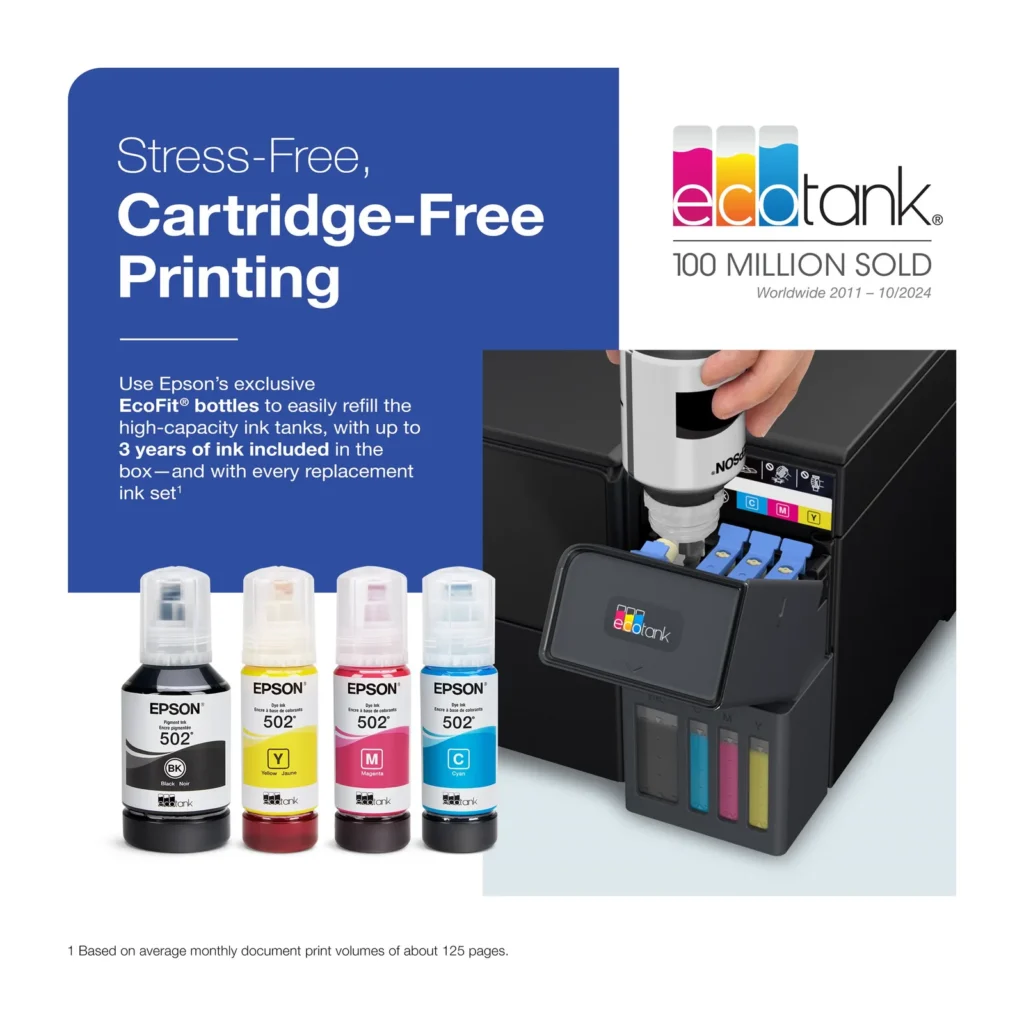
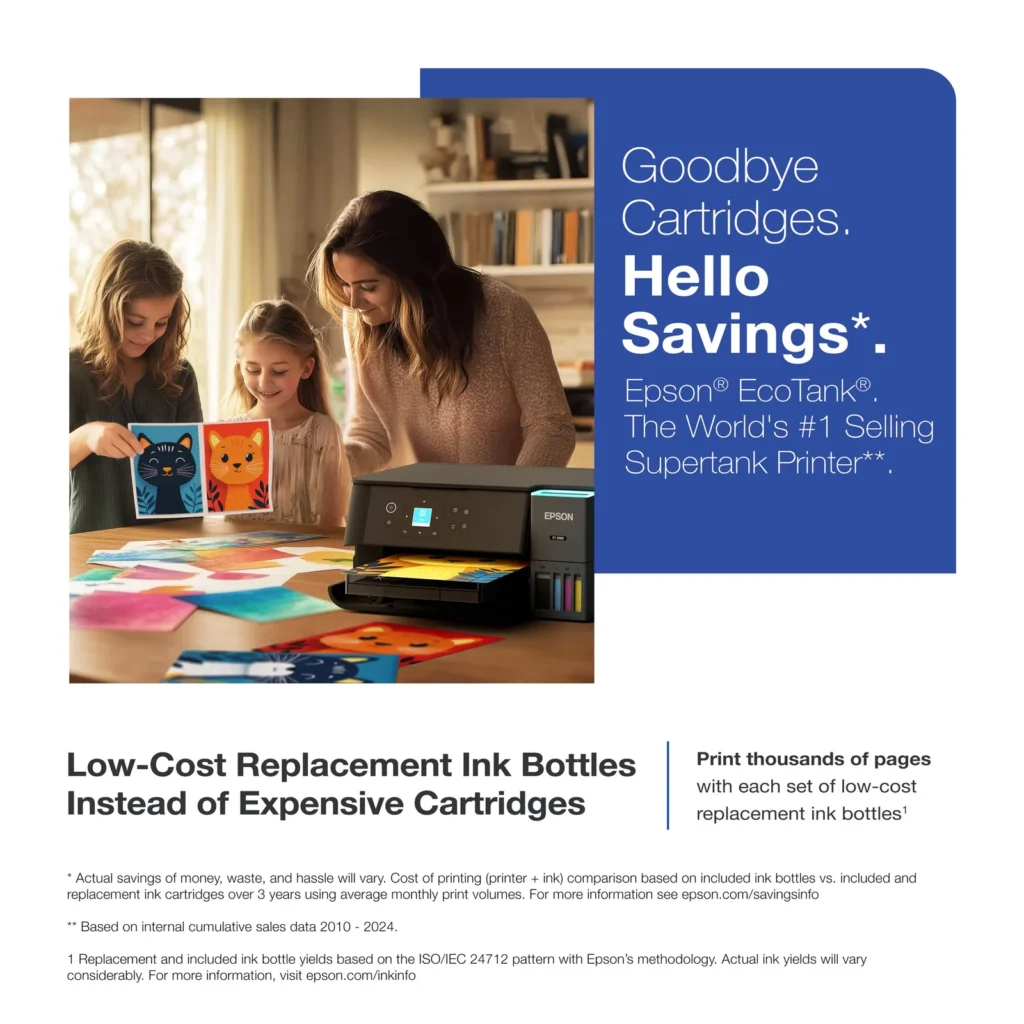
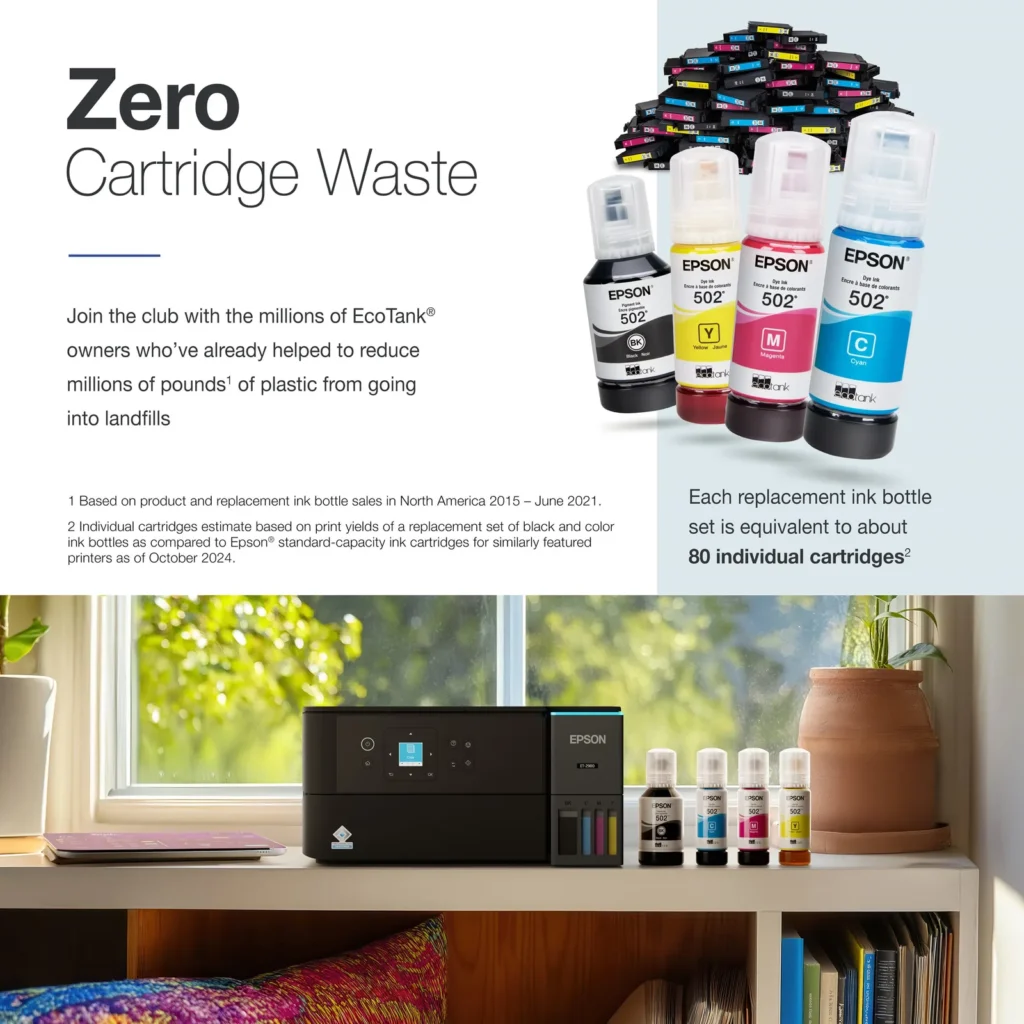
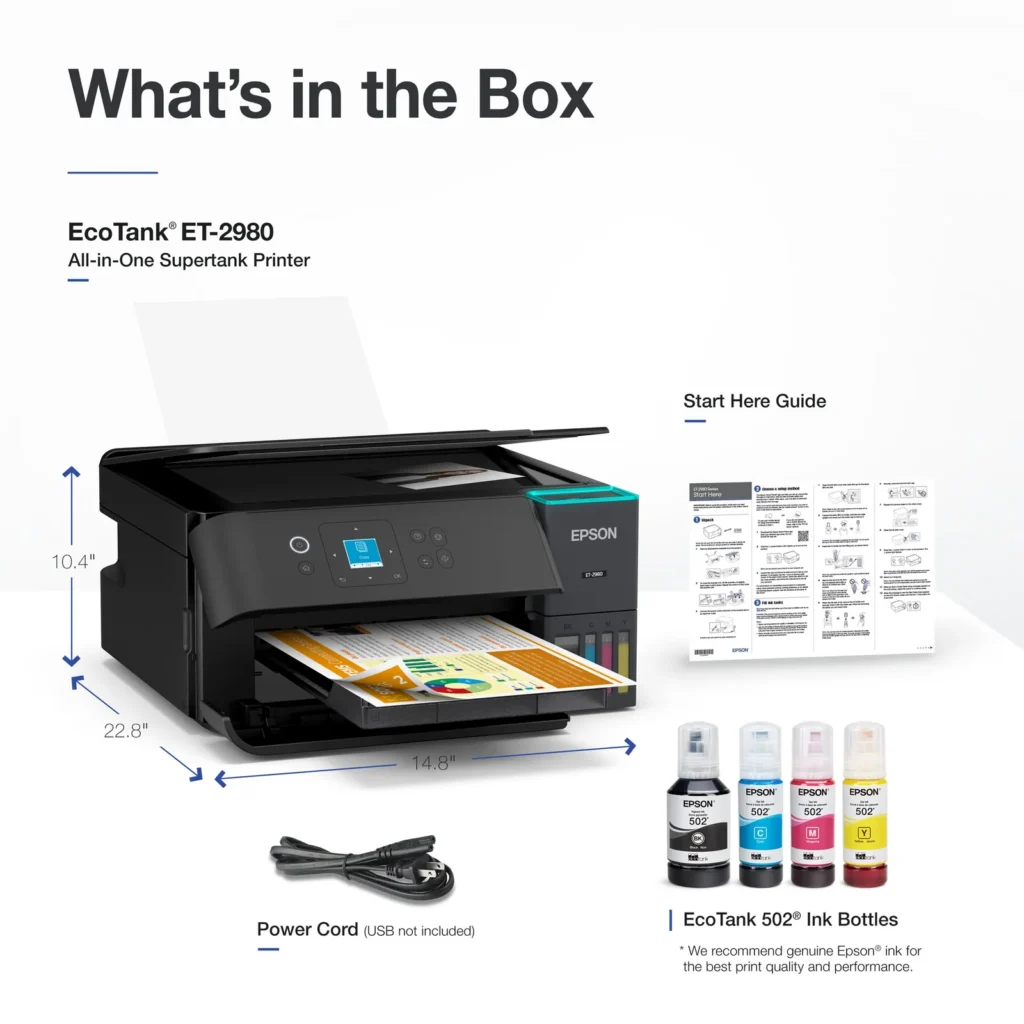
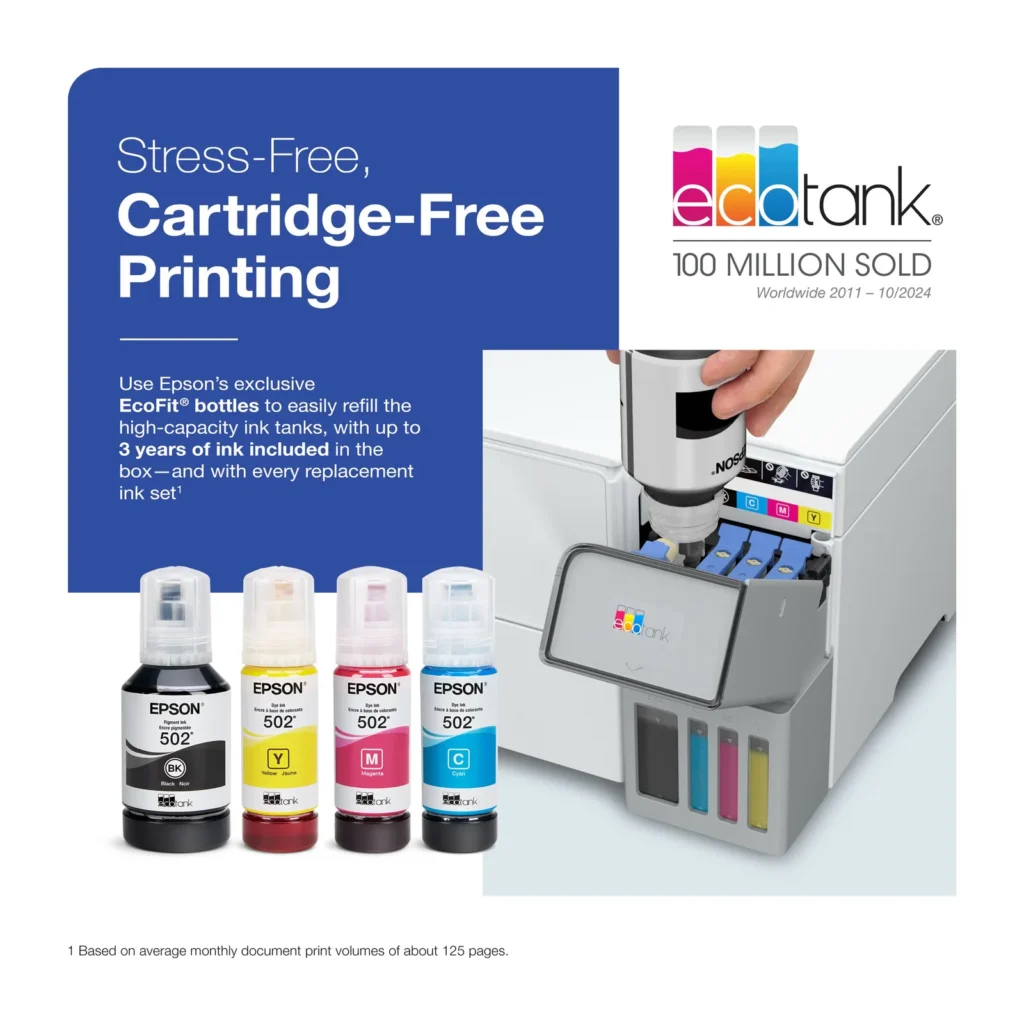
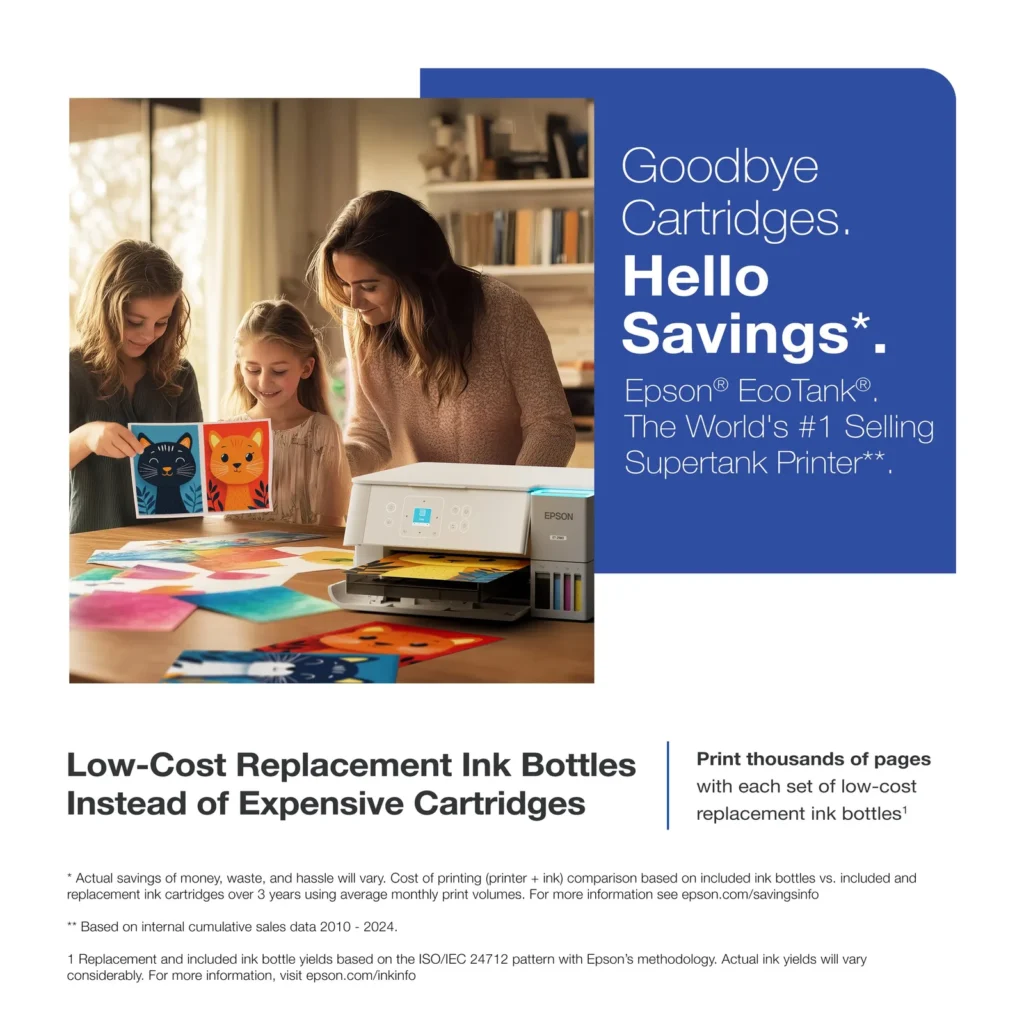
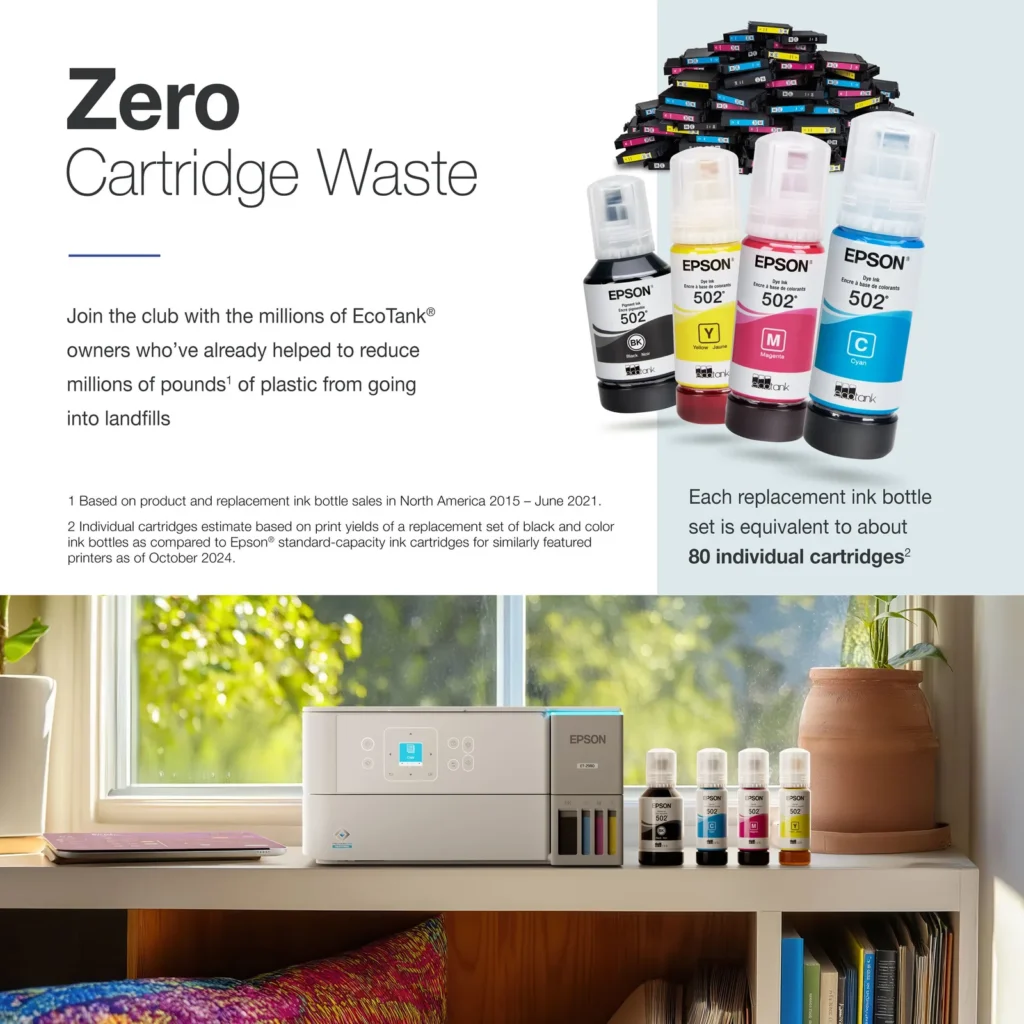
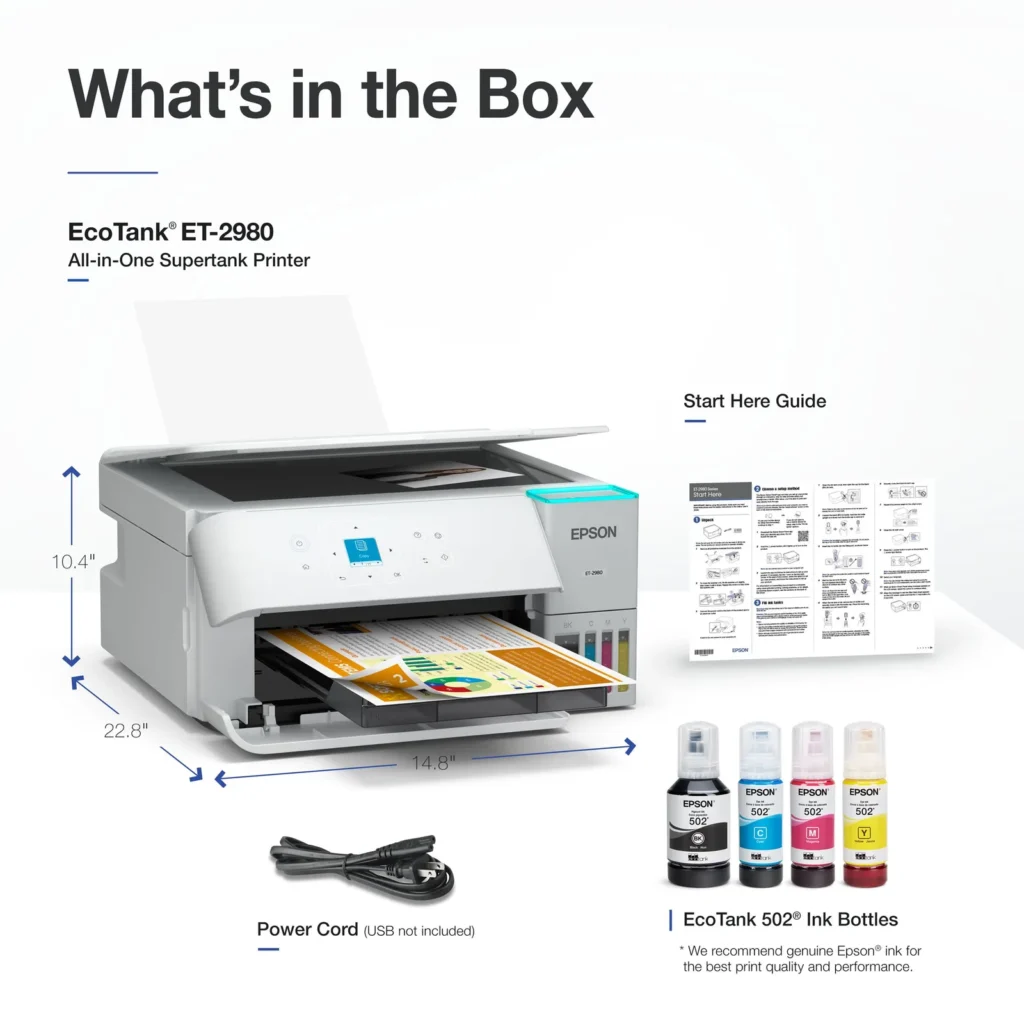
| Incredible Value and Savings | Save significantly on replacement ink with high-capacity ink tanks; each set of replacement ink bottles is equivalent to about 90 individual cartridges, providing a low cost-per-print. |
|---|---|
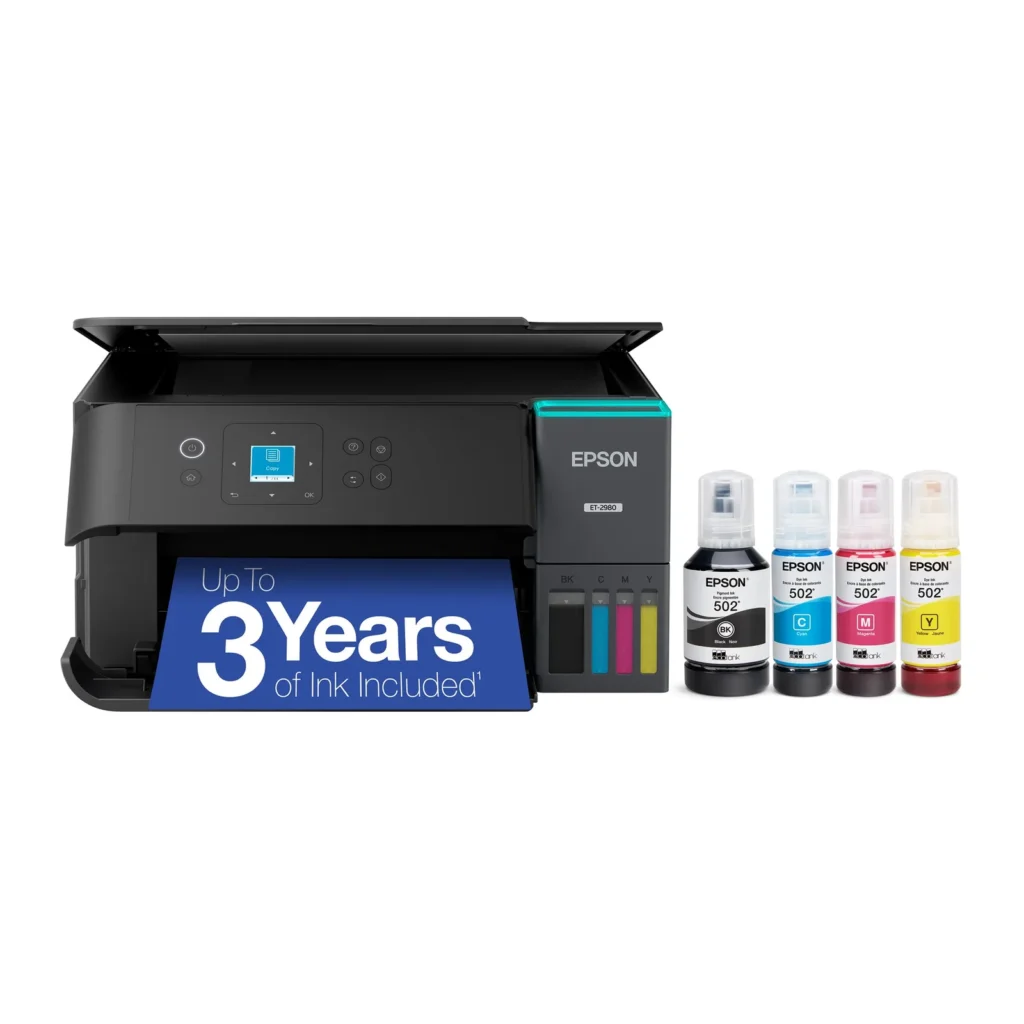
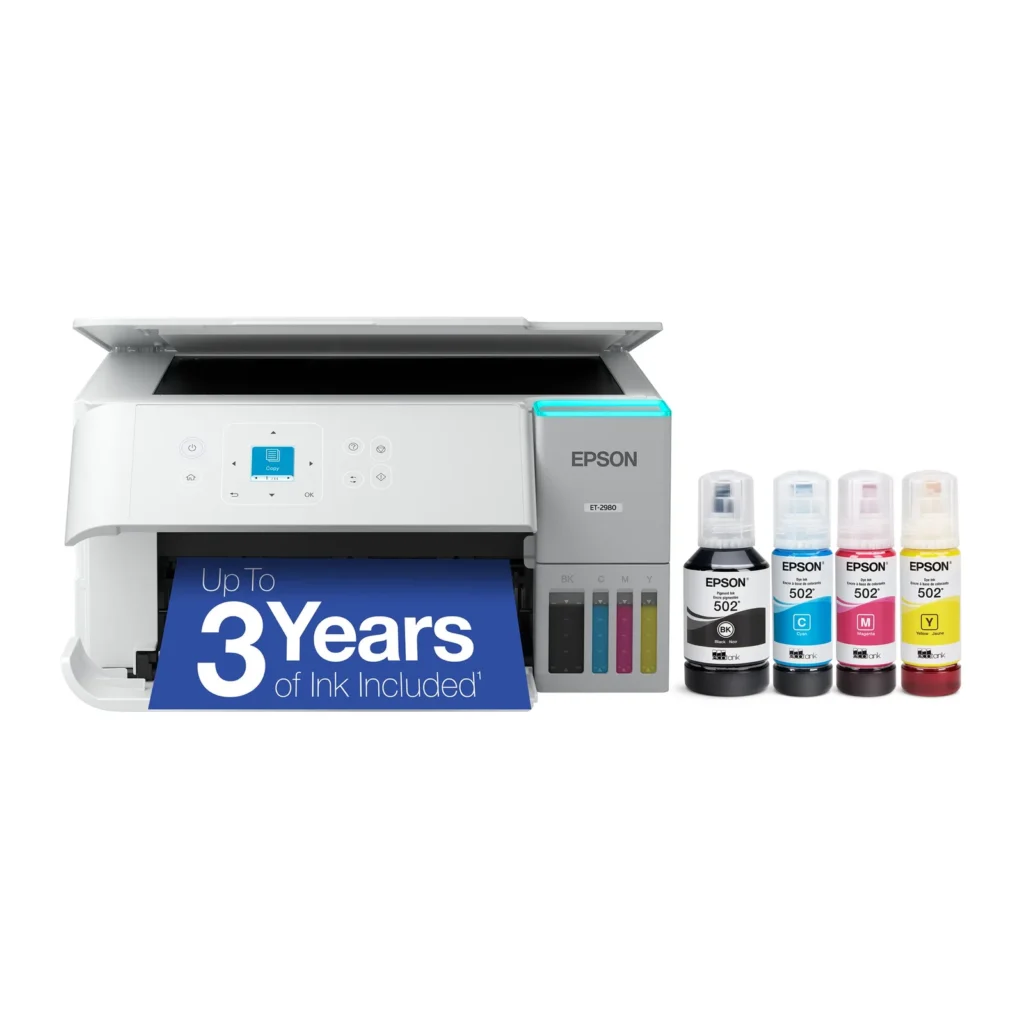
| Up to 3 Years of Ink Included | The printer comes with enough ink in the box to last up to three years, allowing you to print up to 6,600 black and 5,500 color pages before needing a refill. |
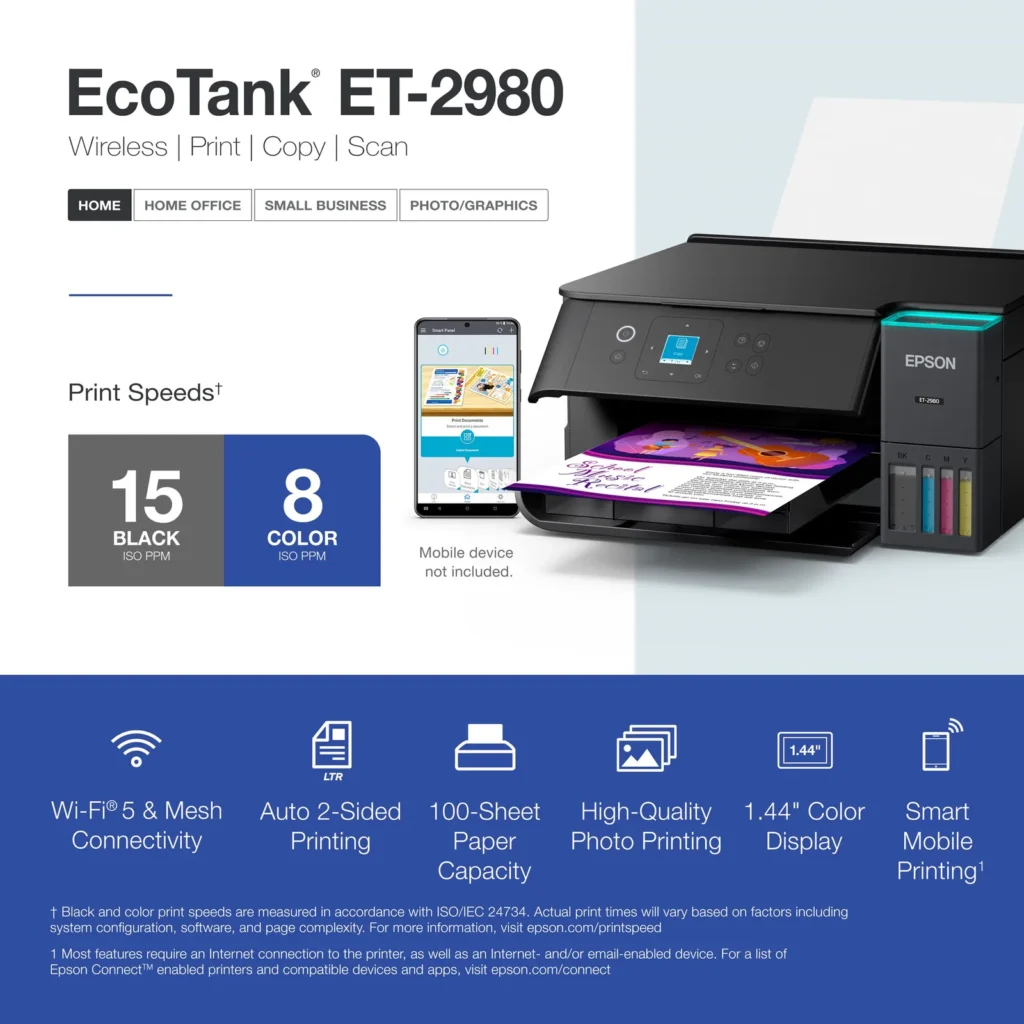
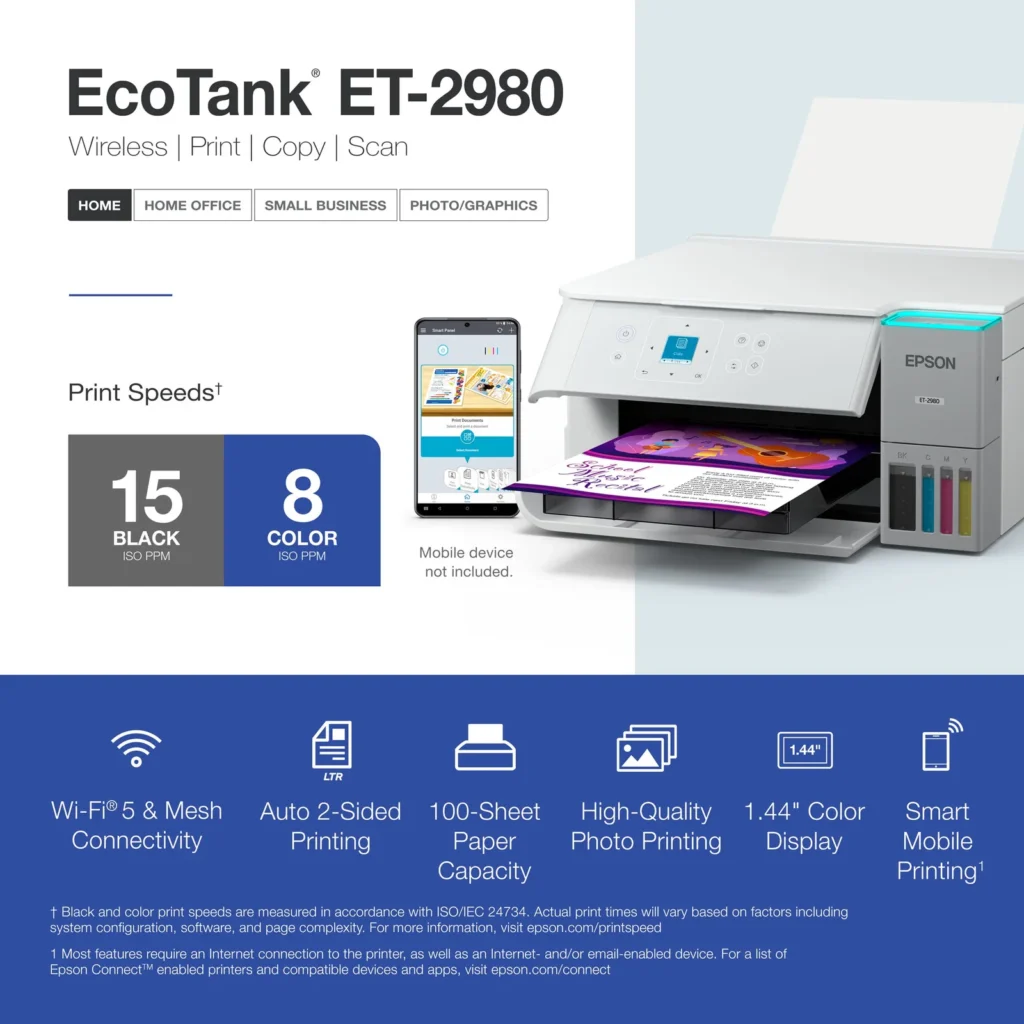
| PrecisionCore Heat-Free Technology | Delivers fast print speeds of up to 15.0 ISO ppm in black and 8.0 ISO ppm in color, featuring a unique permanent printhead designed to last the life of the printer. |
| Seamless Wireless and Mobile Printing | Easily print and scan from your smart device using the Epson Smart Panel app, with full support for Apple AirPrint, Mopria Print Service, and Wi-Fi Direct. |
| User-Friendly Features and Auto Duplexing | Includes a 1.44" color display for easy navigation, a 100-sheet paper tray, and automatic two-sided printing to help save paper and improve efficiency. |
Pros & Cons
Pros
- EcoTank Ink System: The refillable tank design eliminates the need for expensive cartridges, providing a massive ink supply that users find much more convenient and environmentally friendly.
- Cost-Effectiveness: The printer is highly economical over time because the bottled ink is reasonably priced and lasts significantly longer than traditional cartridges, with some users reporting thousands of prints on a single fill.
- Easy Mobile Integration: The Epson Smart Panel app is frequently praised for making the initial setup and wireless printing from smartphones a seamless and intuitive process.
Cons
- Small LCD Screen: The 1.44-inch display is widely criticized for being far too small and difficult to read, often requiring users to use a magnifying glass or flashlight to navigate menus.
- Connectivity and Setup Issues: Many reviewers experienced significant frustration with the printer dropping its WiFi connection or found the initial driver installation on computers to be overly complex and time-consuming.
- Paper Handling Limitations: The lack of an internal paper tray and reliance on a rear feeder with limited capacity is a common complaint, along with reports of frequent paper jams during automatic double-sided printing.
Customer Reviews
Showing reviews 31-40 of 319
-
Love it
Verified purchase Verified purchase: This reviewer bought the product. Incentivized Incentivized review: The reviewer received a benefit for sharing feedback.KeyraV December 5, 2025Review source: BestbuyVery easy to set up and works great from my phone or my computer.
-
Excellent
Verified purchase Verified purchase: This reviewer bought the product.Hamid December 4, 2025Review source: AmazonI like it
-
So far so good!
Verified purchase Verified purchase: This reviewer bought the product. Incentivized Incentivized review: The reviewer received a benefit for sharing feedback.BobL December 3, 2025Review source: BestbuyNo more cartidges. Yeh!!! Photos are great. Duplex is great. Only thing i miss is a dual feeder.
-
Reliable
Verified purchase Verified purchase: This reviewer bought the product.Althemar Iglesias December 3, 2025Review source: AmazonVery good product
-
Overly complex setup instructions.
Verified purchase Verified purchase: This reviewer bought the product.Craig West December 3, 2025Review source: AmazonCouldn’t move past ink installation, stuck at step 16 in the ink installation process. Overly complex setup instructions. Expects Android phone for installation.
-
Happy With The Epson Printer
Verified purchase Verified purchase: This reviewer bought the product.Unhappy Customer December 3, 2025Review source: AmazonThe instructions on the Epson app and instructions that are provided in written form made it easy for me setup the printer and connect it to my phone. I still have to connect the printer to my computer which seems easy to do. Putting the ink properly into the printer was well guided by the instructions.
-
DON'T BUY THIS!
Verified purchase Verified purchase: This reviewer bought the product. Incentivized Incentivized review: The reviewer received a benefit for sharing feedback.Jeepe99 December 3, 2025Review source: BestbuyI have to reconnect to Wi-Fi every time I use this printer because it keeps going offline, and I don’t know why. I have decided to buy a Brother laser printer so I can see which is better. This printer has been nothing but a huge headache.
-
Would recommend looking elsewhere unless you enjoy nonstop technical issues.
Verified purchase Verified purchase: This reviewer bought the product.Heidi G December 1, 2025Review source: AmazonThe worst printer I’ve ever owned. It is one thing after another, won’t feed the paper (says it’s empty when it absolutely is not), won’t print because it can’t find the printer or it’s got one error code or the other, I don’t have time to sit and troubleshoot why exactly it is so difficult to use but I’m really bummed because I had the older version of the same printer and it was always amazing and I never had any problems, I could print from all the way across the house, but this one says it can’t find it even if I’m sitting 4 feet from it. Huge disappointment and I didn’t use it right away once I got it so by the time I did and all the problems started it was past the return date 👎🏼
-
Sketcher, need more ink then let's on
Verified purchase Verified purchase: This reviewer bought the product.Jamie H December 1, 2025Review source: Amazon1. Supposed to have 3yrs worth ink…didn’t even survive set up, black is already at the danger refill line, have to get more
2. Can’t get to set up, keeps telling me it has paper jam. Yet I have never even put paper in it yet. – ***had to let sit several hours once out of the box before set up worked
3. Feel like cheap plastic, printer feels like it could fall apart at any moment. It is in several “take apart” to unclog things -
Buyer beware – this printer isn't ready to be on the market
Verified purchase Verified purchase: This reviewer bought the product.Jeanne Meier November 30, 2025Review source: AmazonI rarely leave negative reviews, and to be honest, for the life of me I don’t know how this printer has good reviews. I had a few major issues with it. First, the print was pitiful. I am attaching a picture that was printed with the Epson (right side) and the same picture printed with another printer. The difference is astonishing – and this is printing at 600 DPI. The next step up is 1200 DPI, but this printer doesn’t have enough memory capacity to handle that high of a DPI, even for this little 3″ picture.
Second, duplex printing. Every time I tried printing duplex (double sided) it would print the first page, draw the paper back in and then print the “second side” on it’s own paper. So duplex printing was basically printing two separate pages – pointless.
Third, every single time I wanted to print I would have to go through screens on the printer confirming the paper selection and whatever else, there was no straightforward printing. I’d be remiss if I didn’t also mention that almost each time I printed I’d have to reconnect the printer to the computer.
Oh – and it is SLOW. Wish I’d taken pictures of the amount of ink it uses too. This printer guzzles ink. I don’t know where it all goes, as it certainly isn’t going to print vibrant pictures. Remember, the photo I am sharing is the BEST print quality this printer could muster. I can’t wait for UPS to get this thing out of my hair tomorrow.
I guess that’s more than a few issues. Maybe I got a defective unit, but there were way too many issues for me to think it is defective, as a defective item usually only has one or two single issues.
I always though Epson was a good brand. I won’t ever buy another Epson.