Customer Media
Highlights
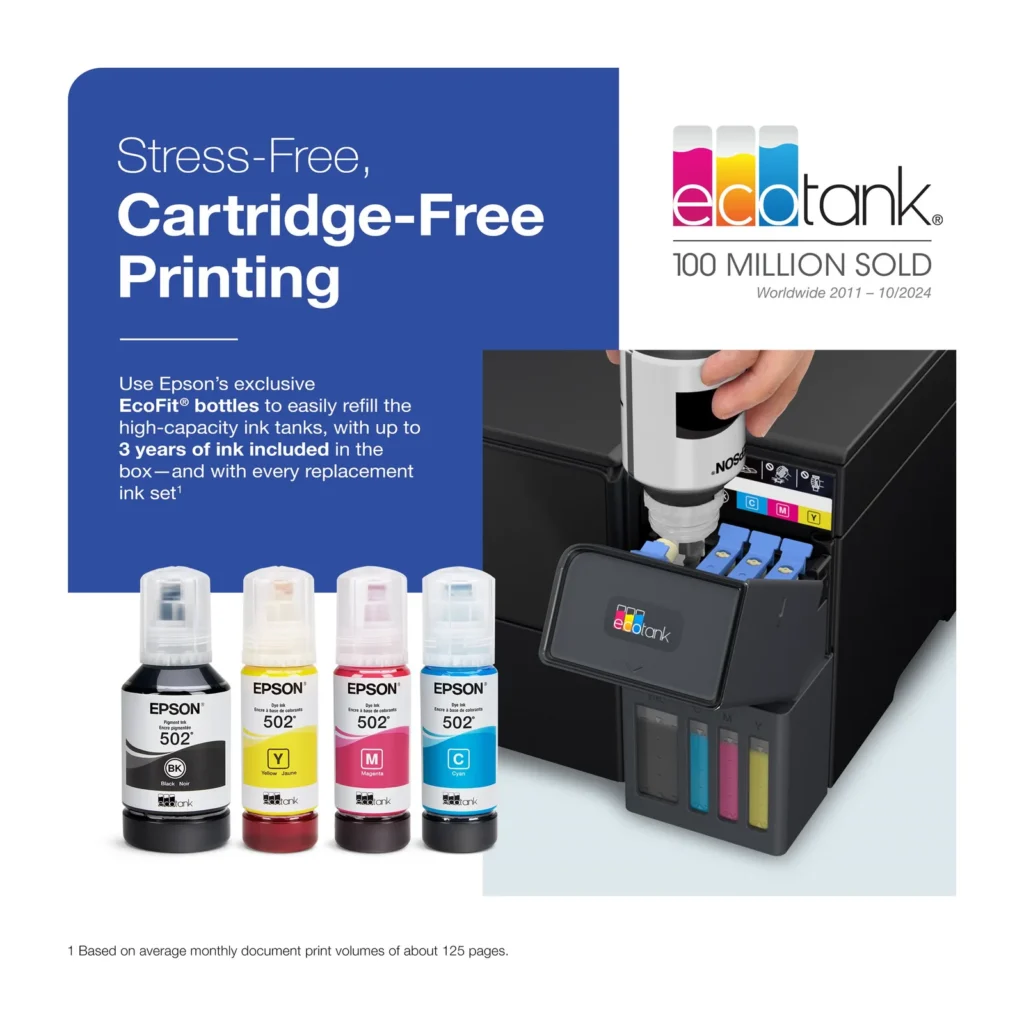
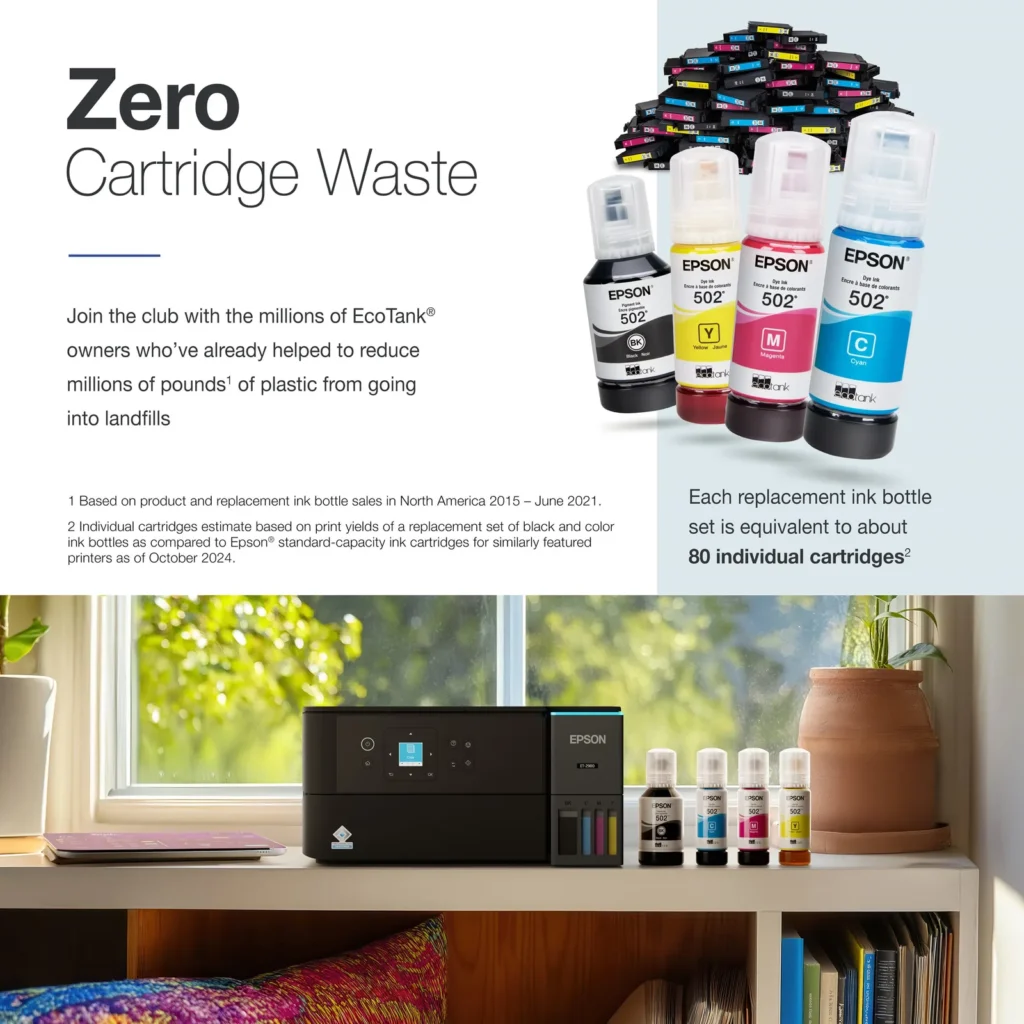
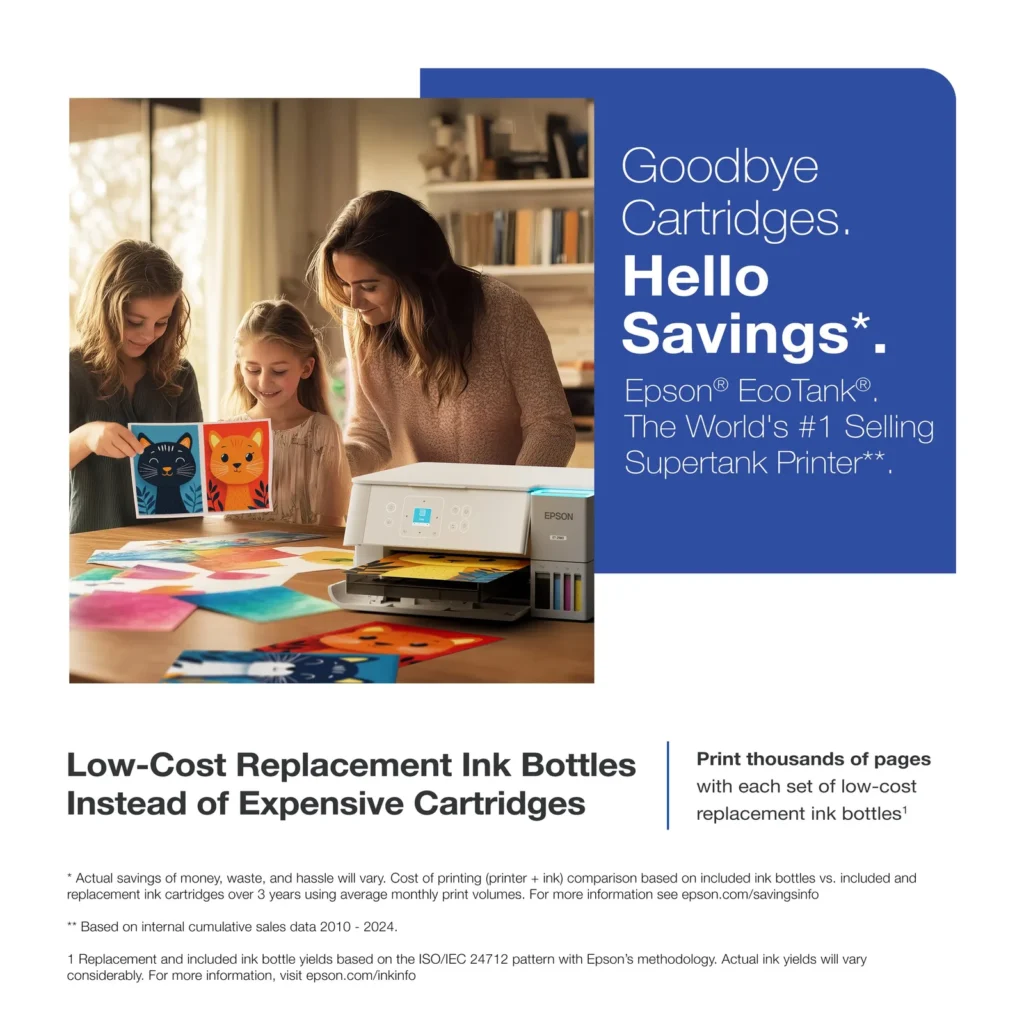
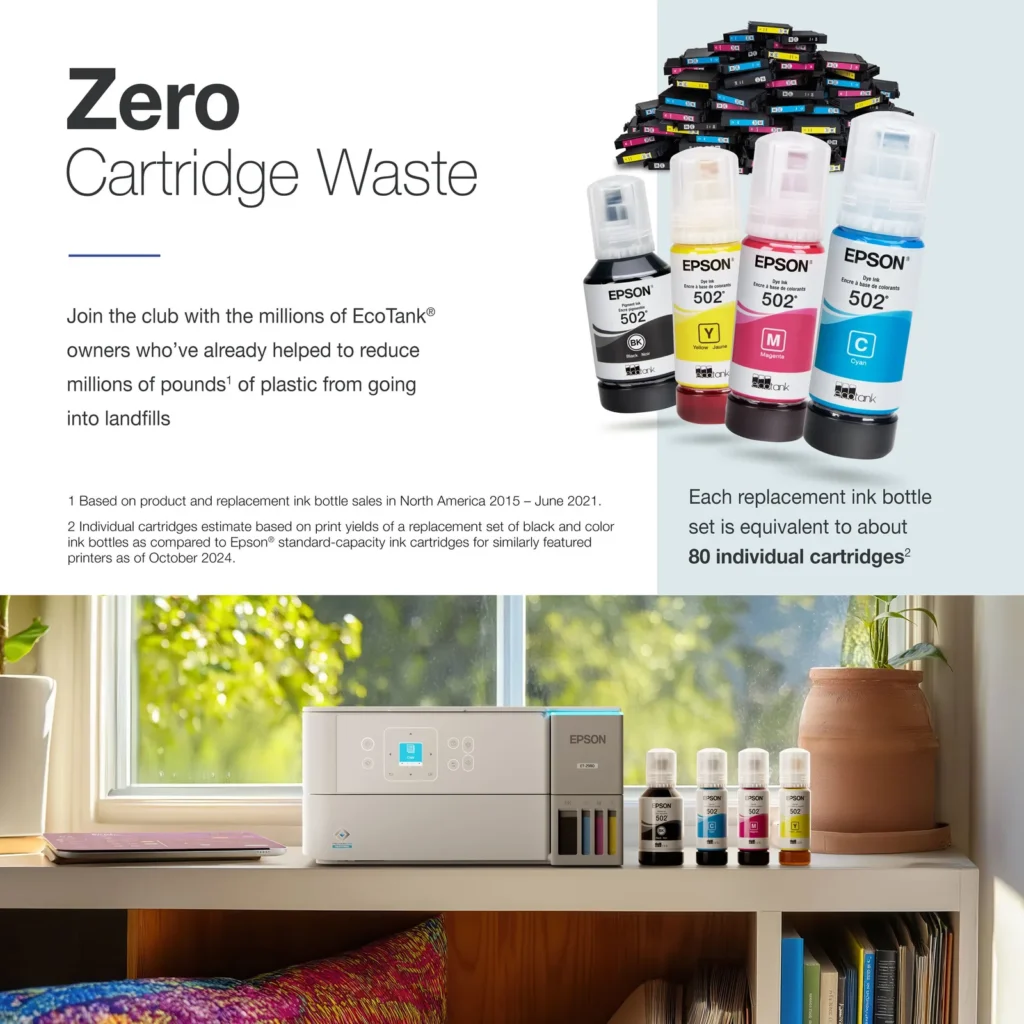
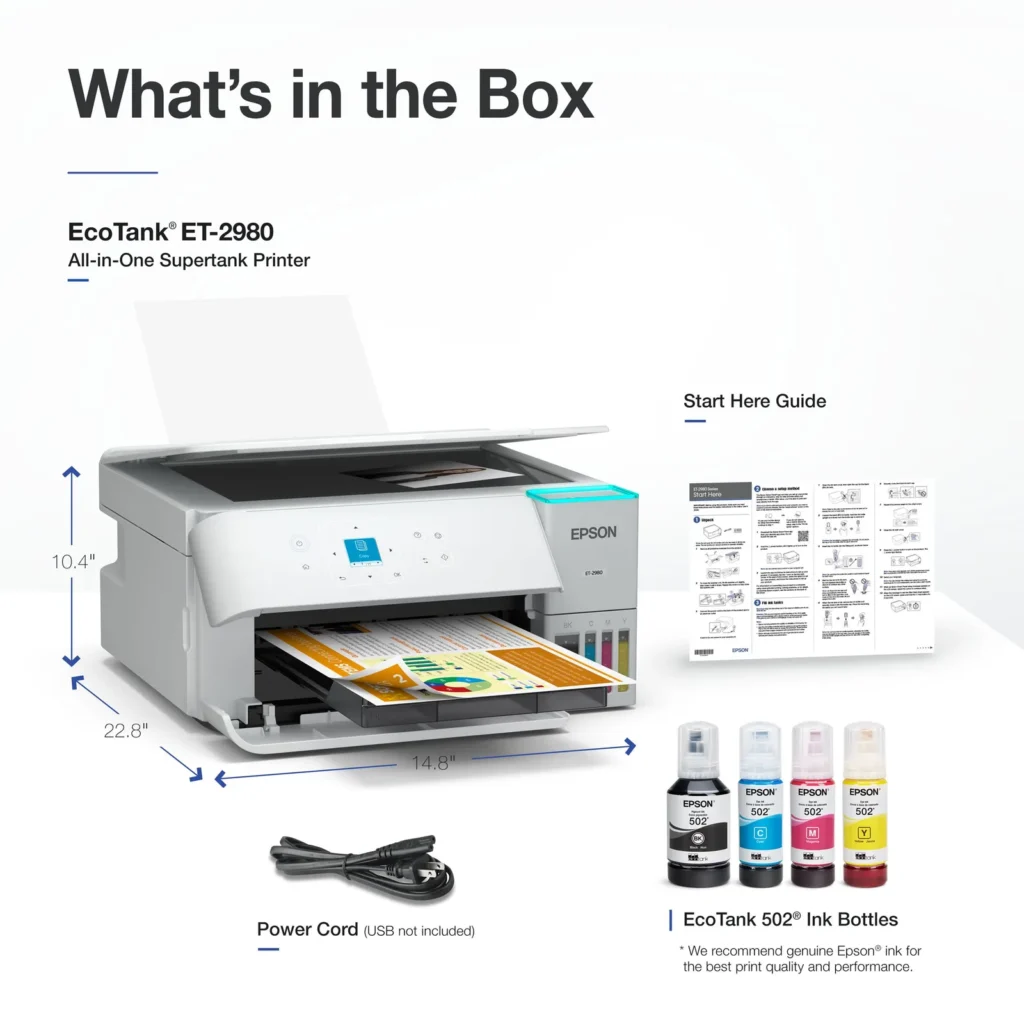
| Incredible Value and Savings | Save significantly on replacement ink with high-capacity ink tanks; each set of replacement ink bottles is equivalent to about 90 individual cartridges, providing a low cost-per-print. |
|---|---|
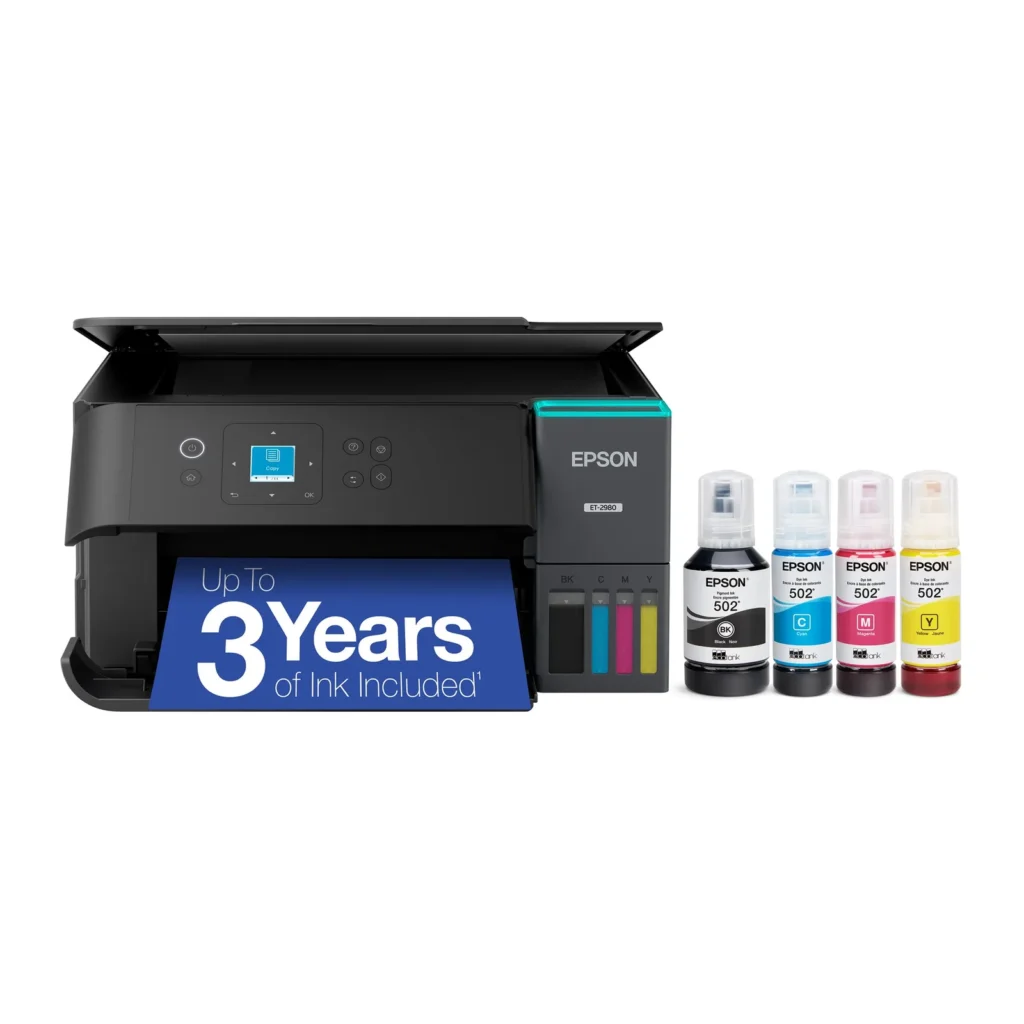
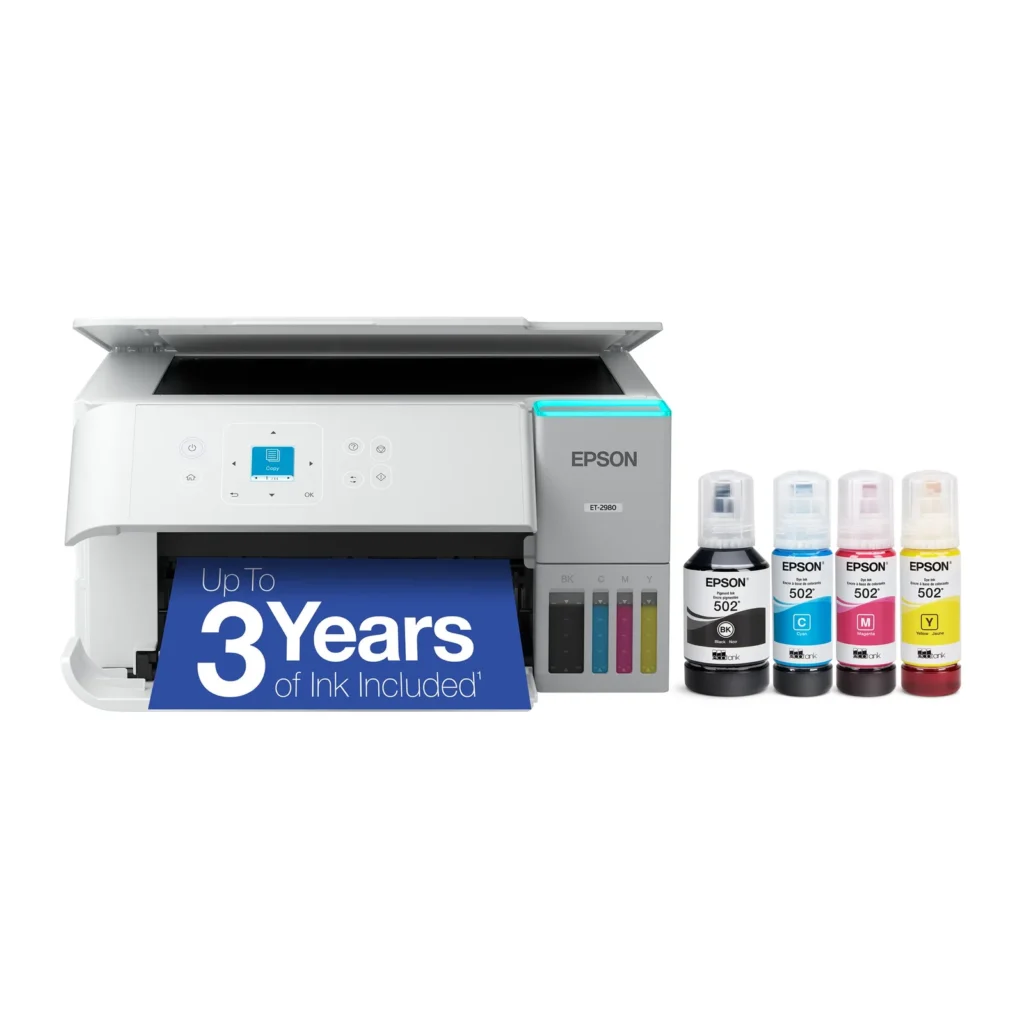
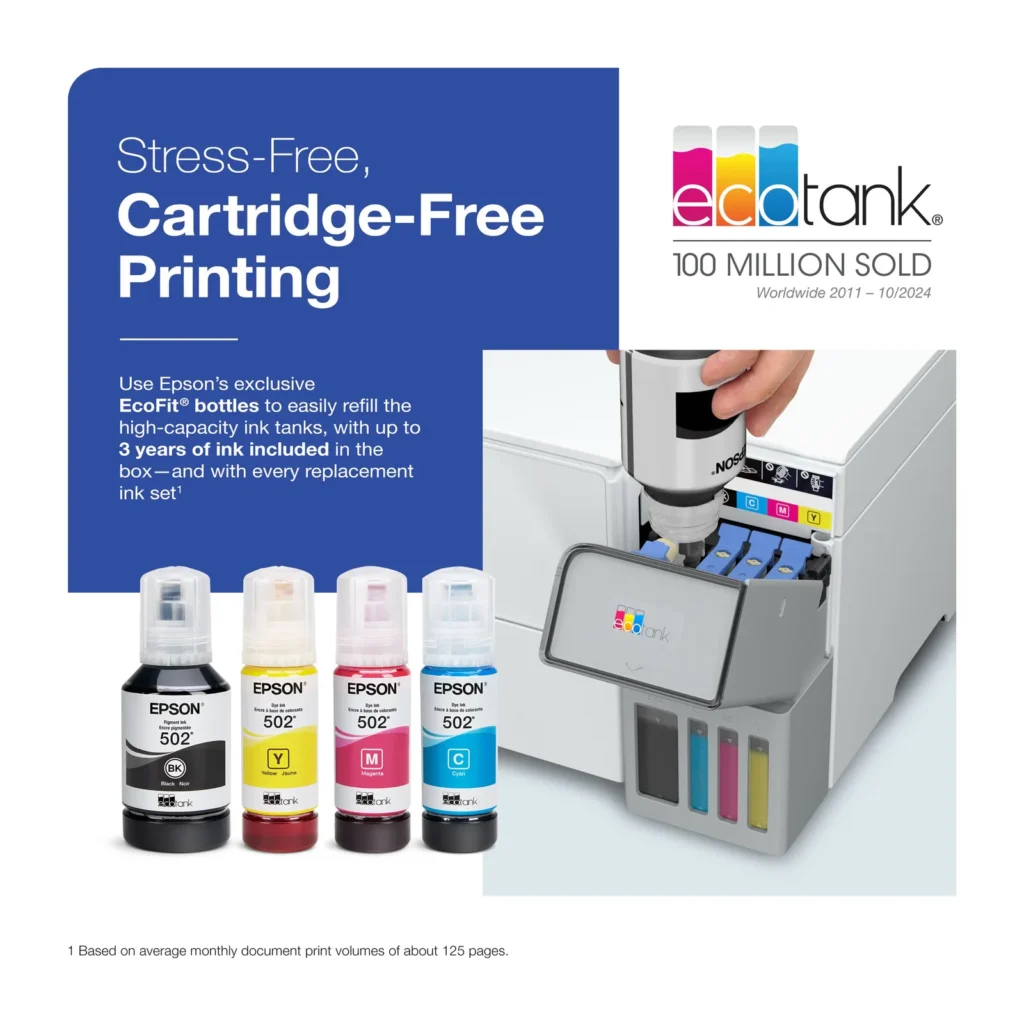
| Up to 3 Years of Ink Included | The printer comes with enough ink in the box to last up to three years, allowing you to print up to 6,600 black and 5,500 color pages before needing a refill. |
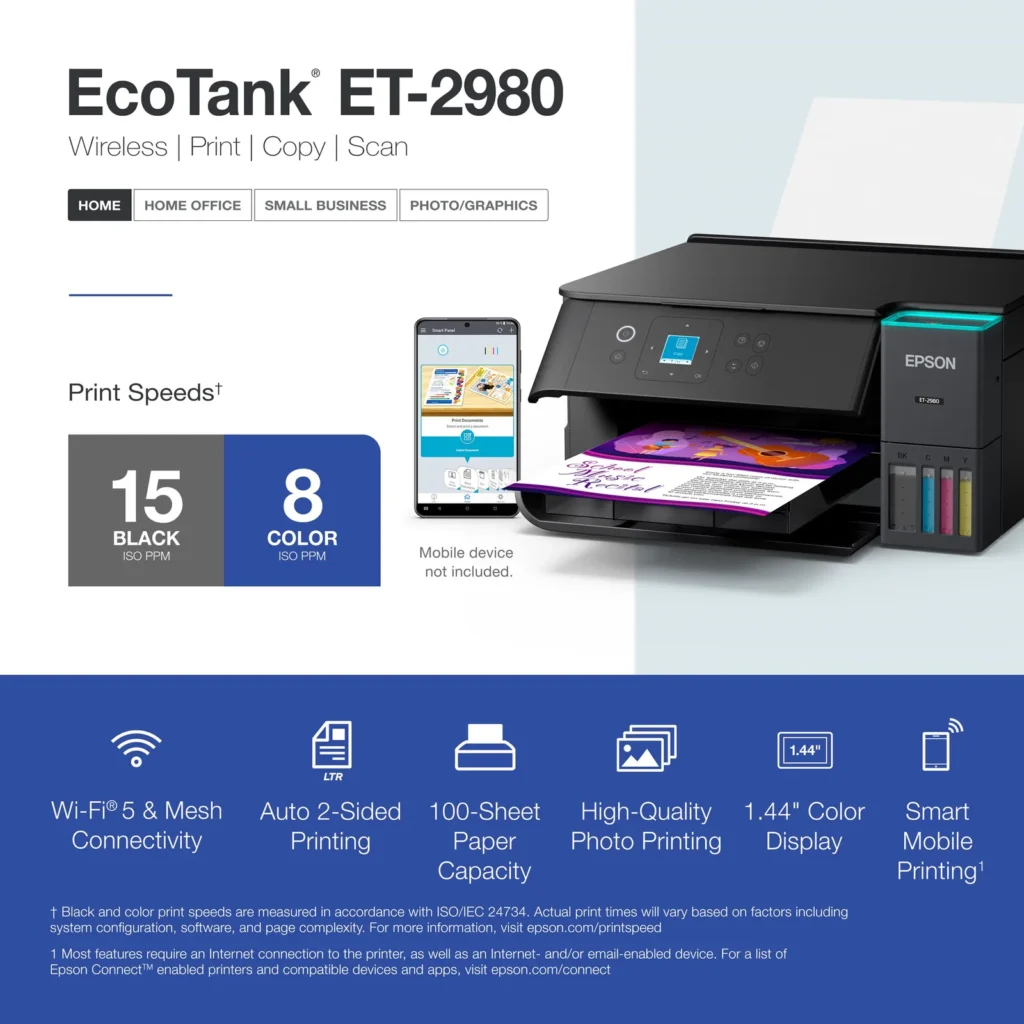
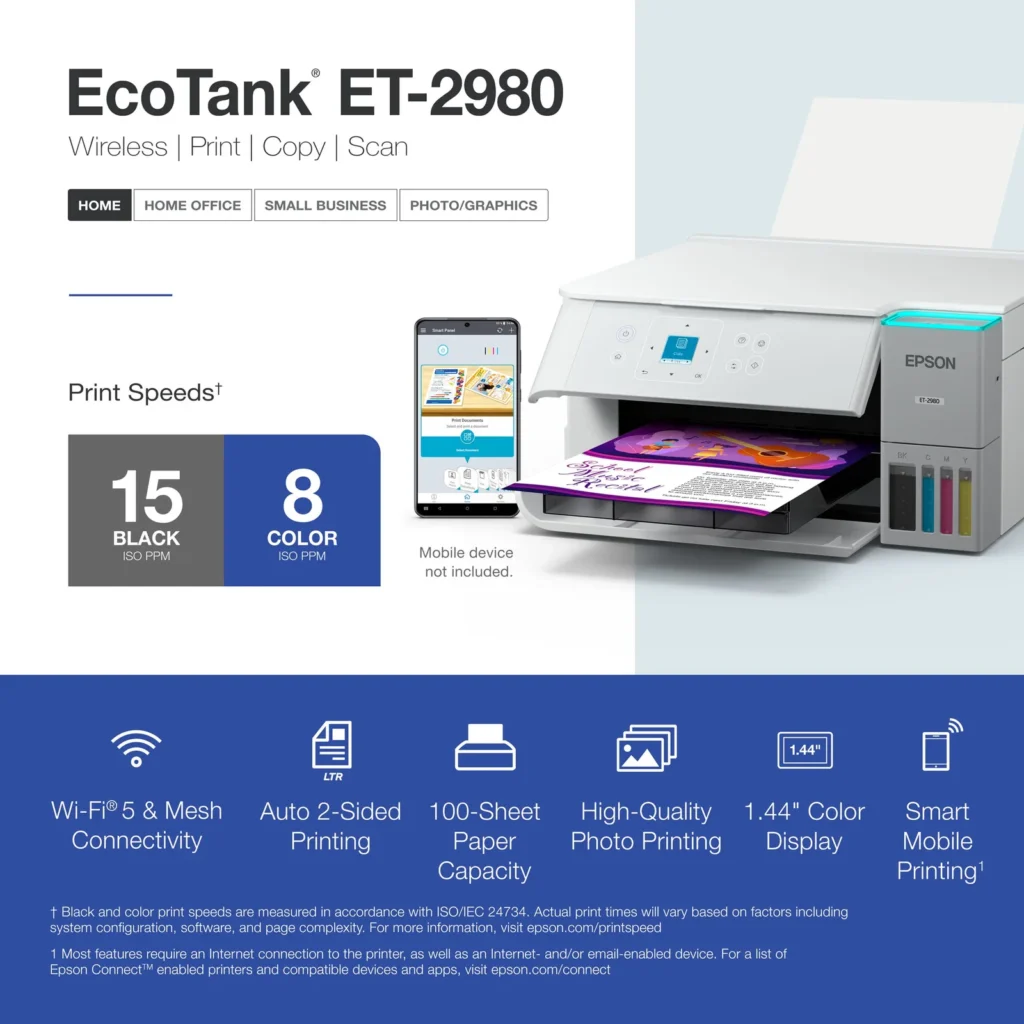
| PrecisionCore Heat-Free Technology | Delivers fast print speeds of up to 15.0 ISO ppm in black and 8.0 ISO ppm in color, featuring a unique permanent printhead designed to last the life of the printer. |
| Seamless Wireless and Mobile Printing | Easily print and scan from your smart device using the Epson Smart Panel app, with full support for Apple AirPrint, Mopria Print Service, and Wi-Fi Direct. |
| User-Friendly Features and Auto Duplexing | Includes a 1.44" color display for easy navigation, a 100-sheet paper tray, and automatic two-sided printing to help save paper and improve efficiency. |
Pros & Cons
Pros
- EcoTank Ink System: The refillable tank design eliminates the need for expensive cartridges, providing a massive ink supply that users find much more convenient and environmentally friendly.
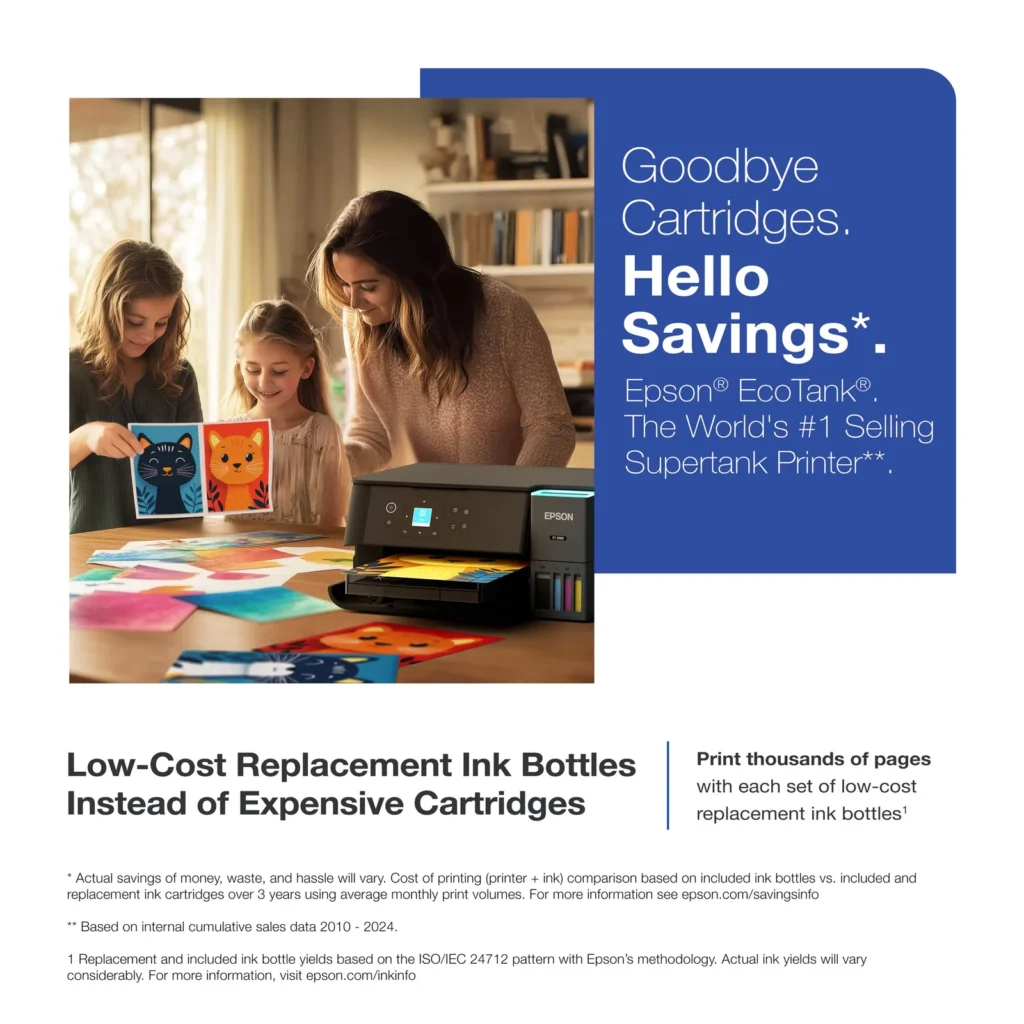
- Cost-Effectiveness: The printer is highly economical over time because the bottled ink is reasonably priced and lasts significantly longer than traditional cartridges, with some users reporting thousands of prints on a single fill.
- Easy Mobile Integration: The Epson Smart Panel app is frequently praised for making the initial setup and wireless printing from smartphones a seamless and intuitive process.
Cons
- Small LCD Screen: The 1.44-inch display is widely criticized for being far too small and difficult to read, often requiring users to use a magnifying glass or flashlight to navigate menus.
- Connectivity and Setup Issues: Many reviewers experienced significant frustration with the printer dropping its WiFi connection or found the initial driver installation on computers to be overly complex and time-consuming.
- Paper Handling Limitations: The lack of an internal paper tray and reliance on a rear feeder with limited capacity is a common complaint, along with reports of frequent paper jams during automatic double-sided printing.
Customer Reviews
Showing reviews 41-50 of 319
-
All promised function DO NOT WORK.
Verified purchase Verified purchase: This reviewer bought the product.Alice November 29, 2025Review source: Amazon“So far” the printer portion of this thing is working ‘OK’. The “picture printing” function, however, sucks. The 4×6 photos have great color – except for the last 1″ of printing which is faded or non-existent. I have calibrated this thing, spoken w/Epson personnel, trouble-shooted… everything I can think of and it still does not print photos. And honestly, the photo-printers out there are even worse than this. I will keep it since I have a plethora of extra ink, but think twice if you want a machine that will make photo prints as enclosures to greeting cards. This thing won’t do that. SAD.
-
small screen
Verified purchase Verified purchase: This reviewer bought the product. Incentivized Incentivized review: The reviewer received a benefit for sharing feedback.JamesB November 29, 2025Review source: BestbuyPrinter is great ,but setup is awful and screen is to small
-
Printer
Verified purchase Verified purchase: This reviewer bought the product. Incentivized Incentivized review: The reviewer received a benefit for sharing feedback.Bingomom November 28, 2025Review source: BestbuyLove it , works great, and i can use it away from the printer
-
So far, so good!
Verified purchase Verified purchase: This reviewer bought the product. Incentivized Incentivized review: The reviewer received a benefit for sharing feedback.JeanV November 26, 2025Review source: BestbuySo far, so good! Epson’s directions, both written and online were precise and easy. It’s so lightweight! Had a little problem at first with some paper jams, but I had cheaper paper. After I got going on a large printing project, it was fine. I’ve been wanting a wireless printer for a long time. This is my first Epsom printer. I researched in in Consumer Reports before buying it. Very pleased with it.
-
Won't install on home network
Verified purchase Verified purchase: This reviewer bought the product. Incentivized Incentivized review: The reviewer received a benefit for sharing feedback.PeterL November 25, 2025Review source: BestbuyI couldn’t get it to install on my home wireless system. Finally had Geek Squad come out. They worked for two hours and couldn’t get it to install either. Geeks said I’m not the only one reporting this problem. Too bad. I’ve had an EcoTank for 8 years and am totally sold on them. Unfortunately, there’s something wrong with this one. I’d buy it IF Epson figures out what’s wrong.
-
Go with wells instead of cartridges.
Verified purchase Verified purchase: This reviewer bought the product.Amazon Customer November 24, 2025Review source: AmazonGreat printer/scanner/copier. Love the wells with windows instead of cartridges.
-
Not purchasing Epson again.
Verified purchase Verified purchase: This reviewer bought the product.Brenda D. November 23, 2025Review source: AmazonPurchased on Sep 16th. It will no longer print double-sided. It jams every time.
-
So far so great – Still testing
Verified purchase Verified purchase: This reviewer bought the product.Dances with Dogs November 23, 2025Review source: AmazonI have had this printer less than a week so I’m still figuring it out. I am not a professional printer person but I have learned through research and trial and error.
I was going back and forth between this model and the 2800/2803 (same printer model the number just identifies which retailer you purchased it from.) From what I understand, this 2980 was newly introduced in 2025. I did not find a lot of information about it online.
Why I picked the 2980:
– double sided printing. I did not want to have to flip every paper manually so the automated duplex printing option was important.
– quicker printing times.
– at the time I purchased, 2980 was only about $30 more expensive than the 2800. I considered this a good value.
– black ink is also pigment so it’s supposed to be better quality when printing photos.Thoughts so far:
No complaints. I set it up using my phone and the Epson app. I thought it was simple. It just requires some time. I did run into one hiccup but I figured it out looking through the setup menu on the printer. It was the step where you print a test page then put that printed page in the copier. The prompts also took me through the steps of connecting it to my laptop. You need to know what version of Windows you have to do this. During the one of the first steps of setting it up, you fill the large ink tanks. The tank takes almost all of the ink from the bottle. (It will not let you overfill the tanks) Then you run a setup and the printer does its thing for about 11 minutes and uses up some of that ink. I went back and emptied the rest of the ink from the bottles into the printer after this process. Full printer tank and empty bottles. Success!I can print wirelessly from my phone or laptop. It’s a very simple wireless connection. The app also has printing features and the option to control the printers power. There is also an option to assign the printer an email address so you can print from anywhere by attaching the document in an email. I have not tried this feature.
I would say the build quality is fine. The printer is surprisingly light. The display screen is small. Almost unnecessarily small. It feels like it should be larger. The output tray seems sturdy and it has a feature for it to automatically close when the input paper compartment is closed. I do feel like this printer is speedy. The duplex printing takes some time and I have experienced one paper jam situation with the first attempt.
There is some maintenance required for this printer. I have not yet preformed any of these tasks because it is still so new.
I will update.
11/22/2025
-
th scan result(file size) too large
Verified purchase Verified purchase: This reviewer bought the product.well known November 22, 2025Review source: Amazonthe scan is not good it produce too large pdf file and need high resolution to see fine print.
My HP scan can produce much small pdf file and show same character resolution. The fie size nearly 1:7 ratio. -
I BOUGHT A PRINTER EPSON ET-2980
Verified purchase Verified purchase: This reviewer bought the product. Incentivized Incentivized review: The reviewer received a benefit for sharing feedback.Raphael November 21, 2025Review source: BestbuyI love my printer, it has resolved all my scanning, printing and copying. I no longer have to drive to the library. moreover, my eko tank printer’s ink is gonna serve me for a very long time before I think of refilling.
Thank you BestBuy.