Customer Media
Highlights
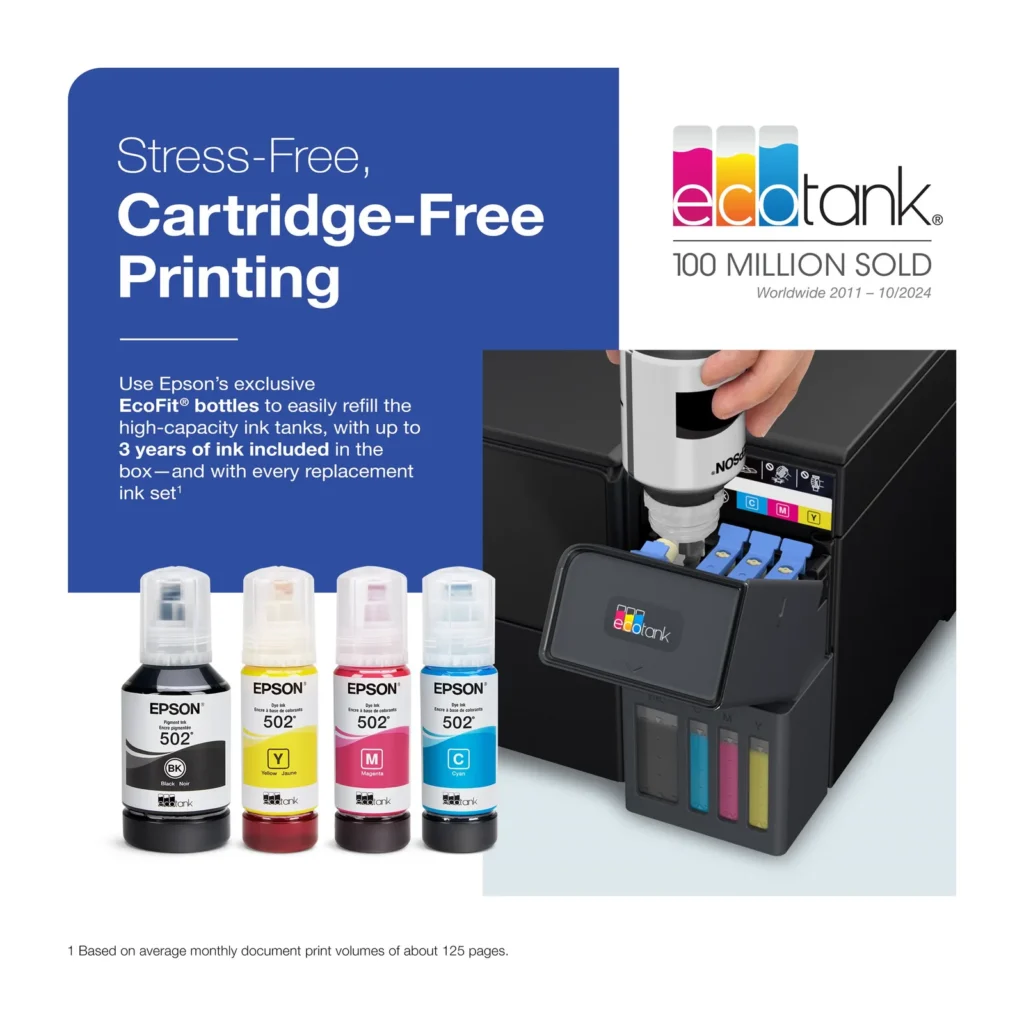
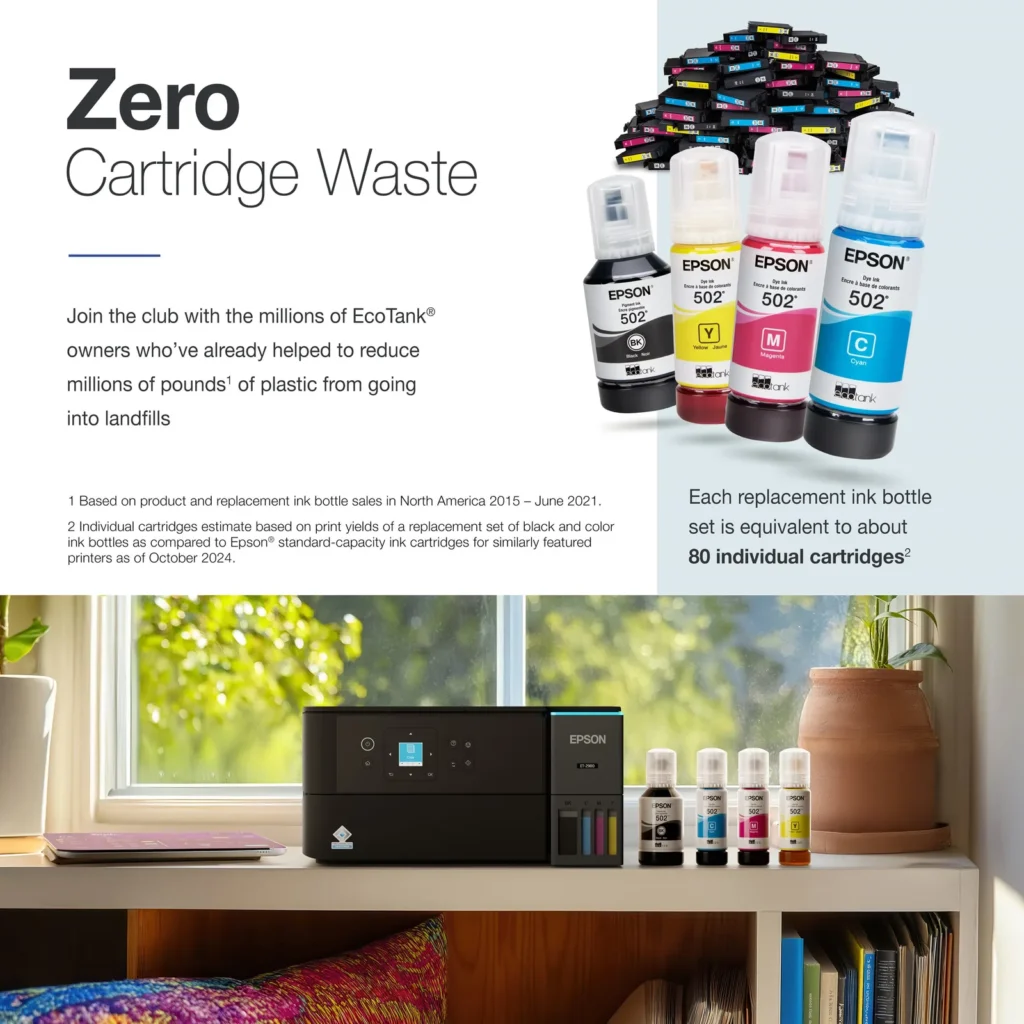
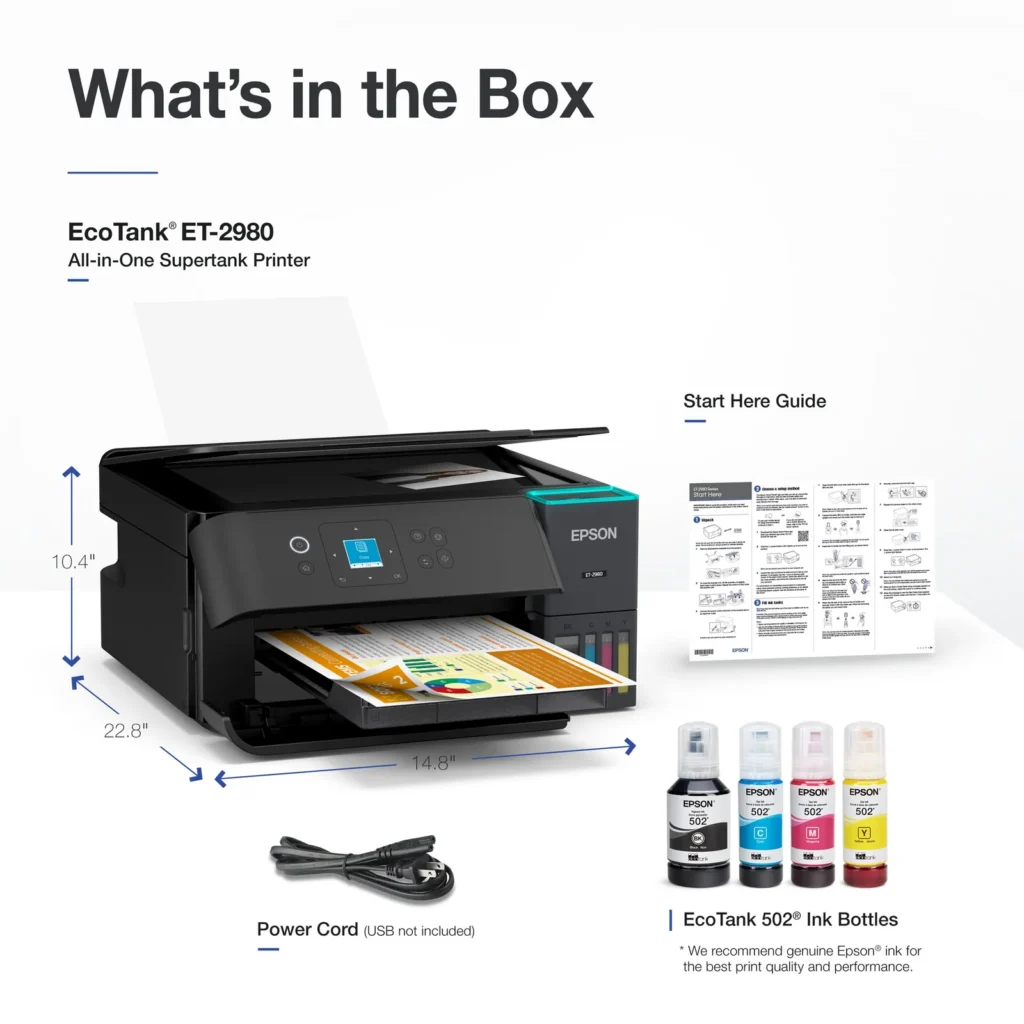
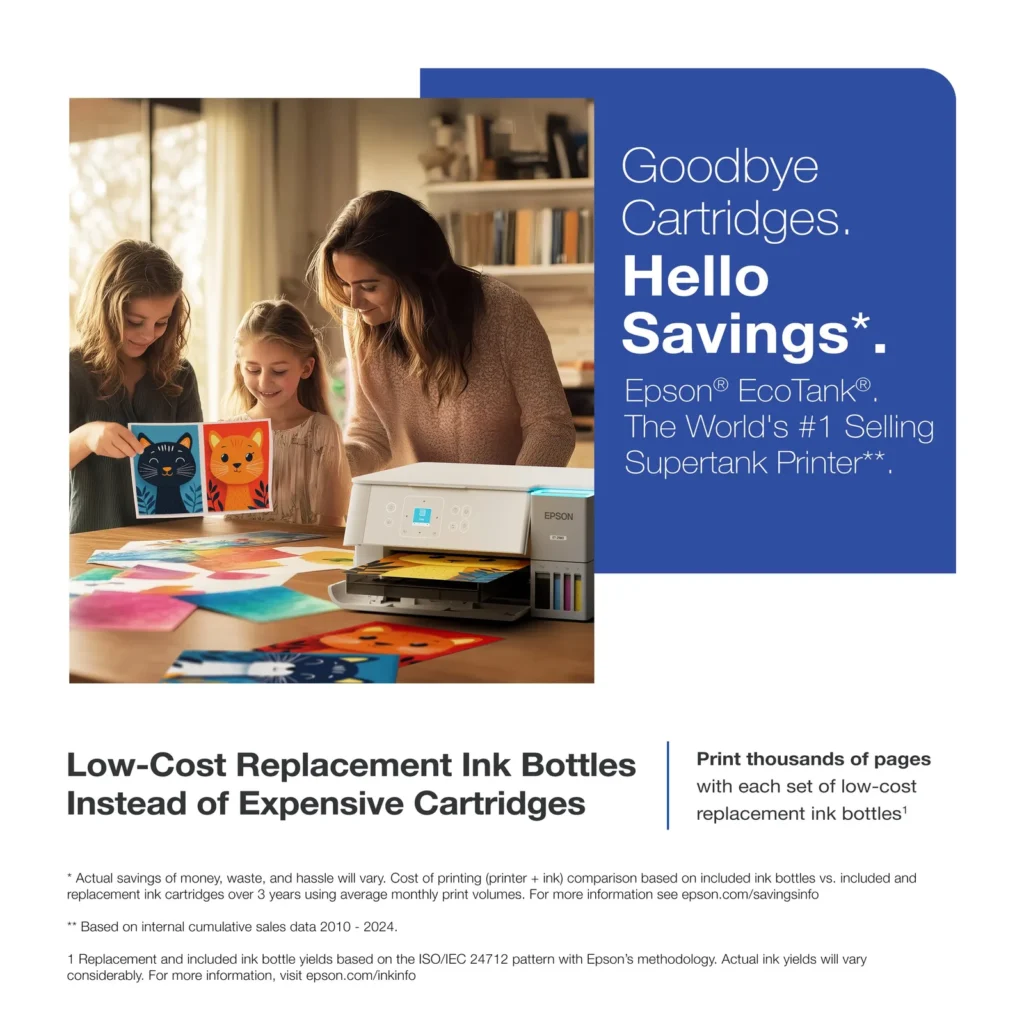
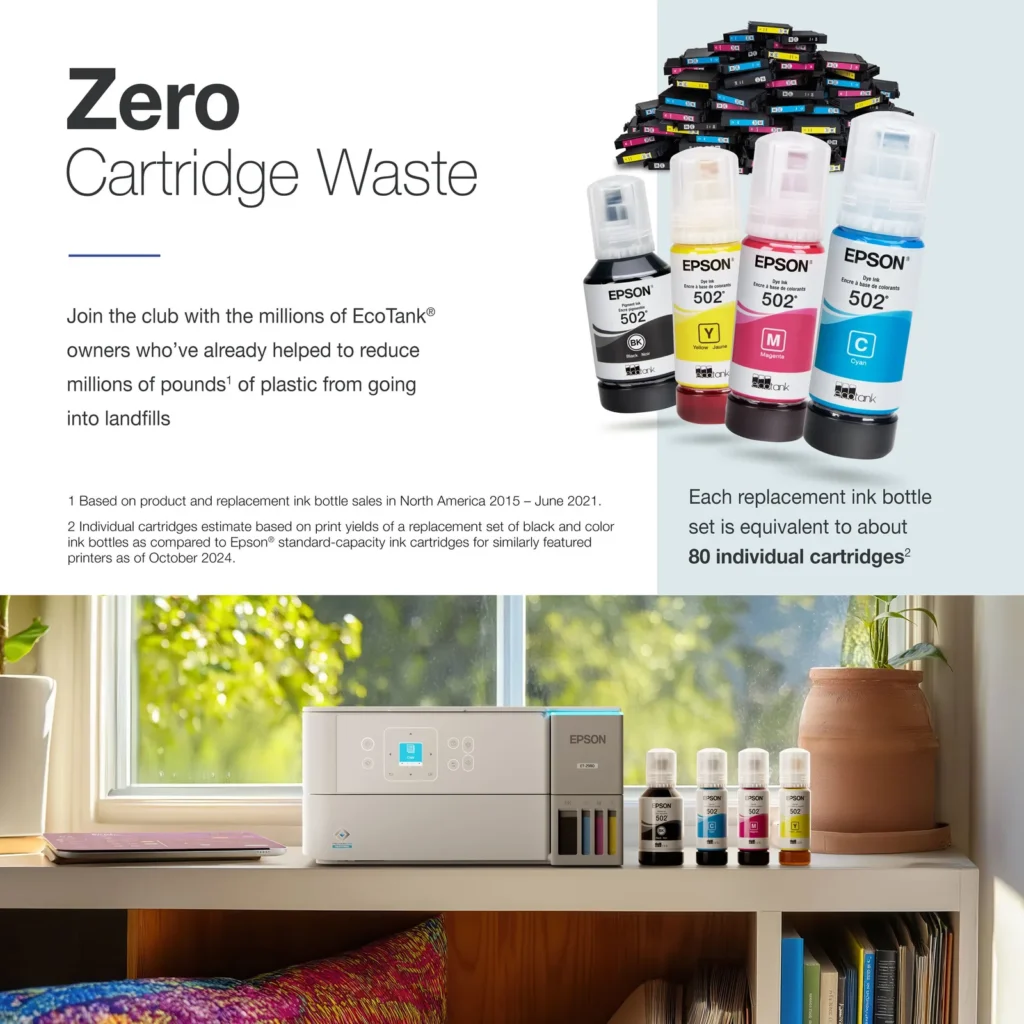
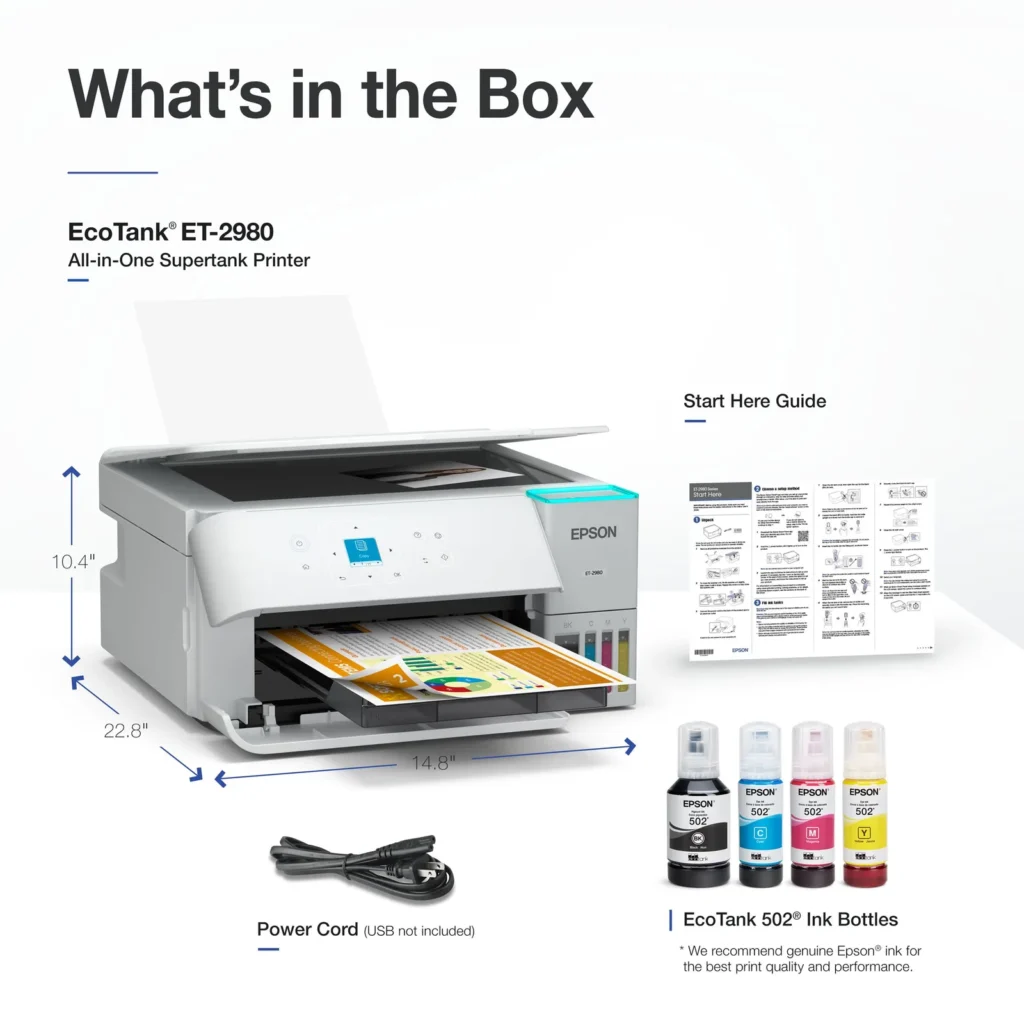
| Incredible Value and Savings | Save significantly on replacement ink with high-capacity ink tanks; each set of replacement ink bottles is equivalent to about 90 individual cartridges, providing a low cost-per-print. |
|---|---|
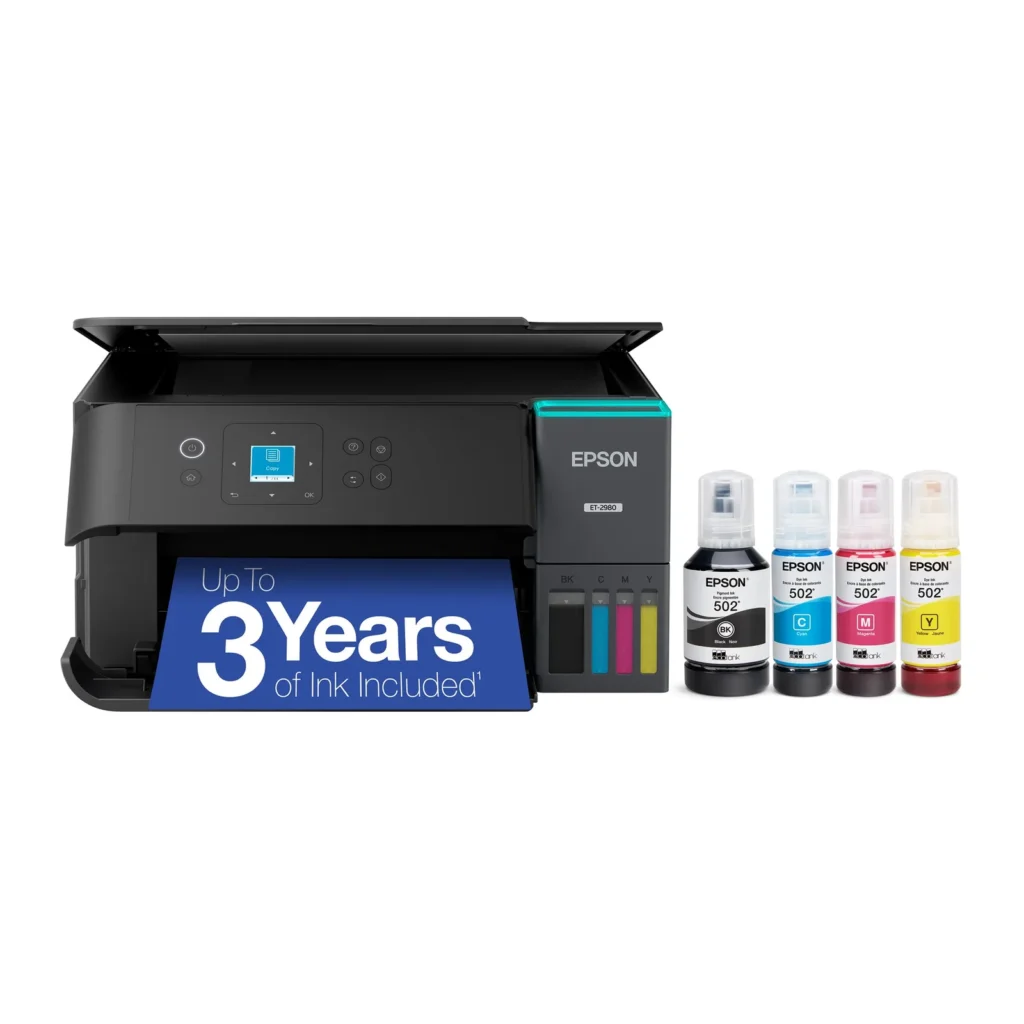
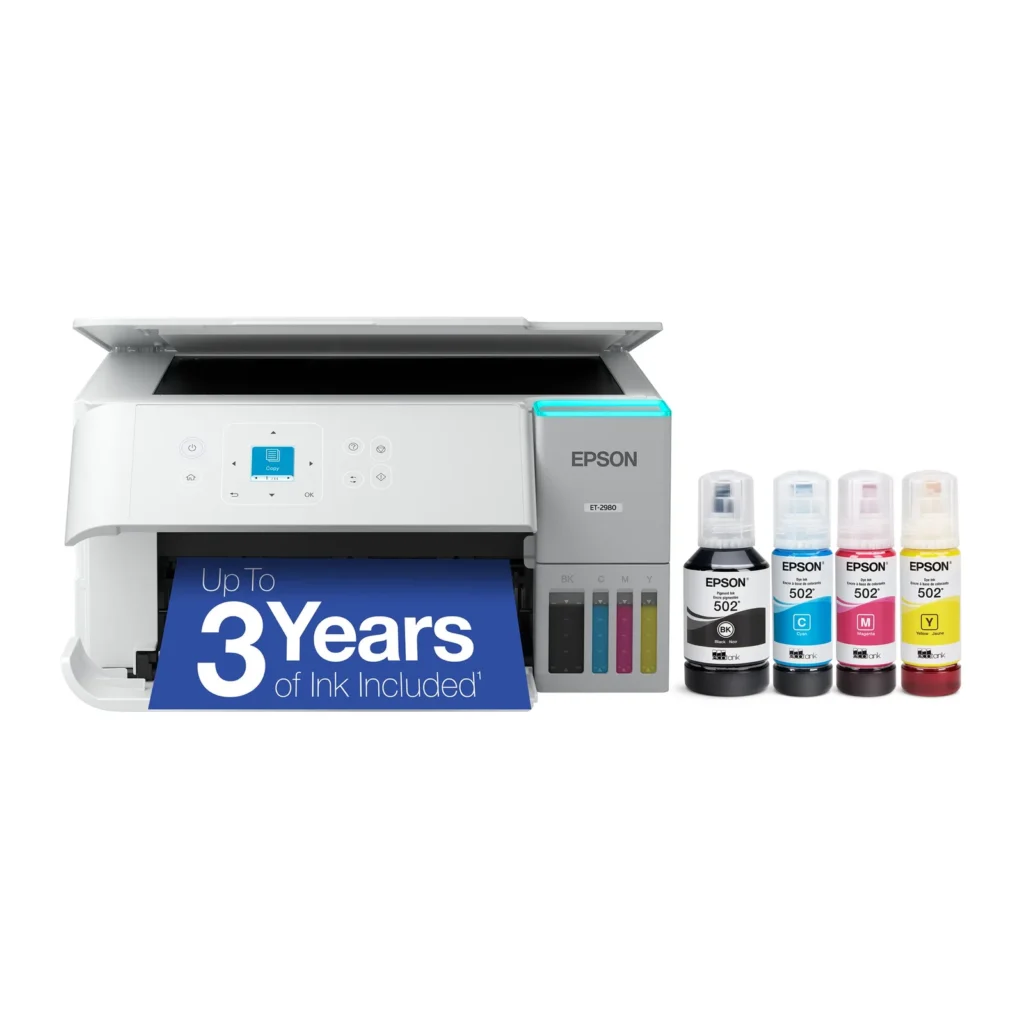
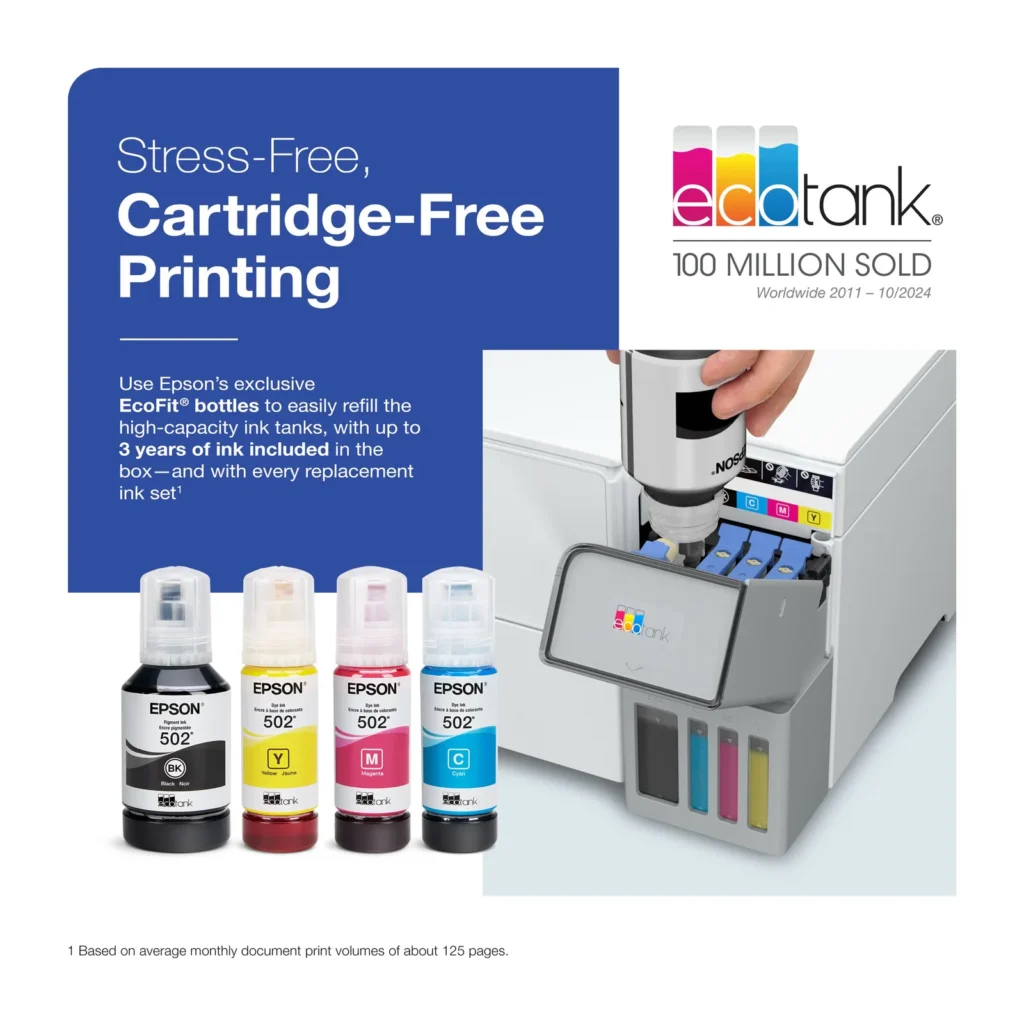
| Up to 3 Years of Ink Included | The printer comes with enough ink in the box to last up to three years, allowing you to print up to 6,600 black and 5,500 color pages before needing a refill. |
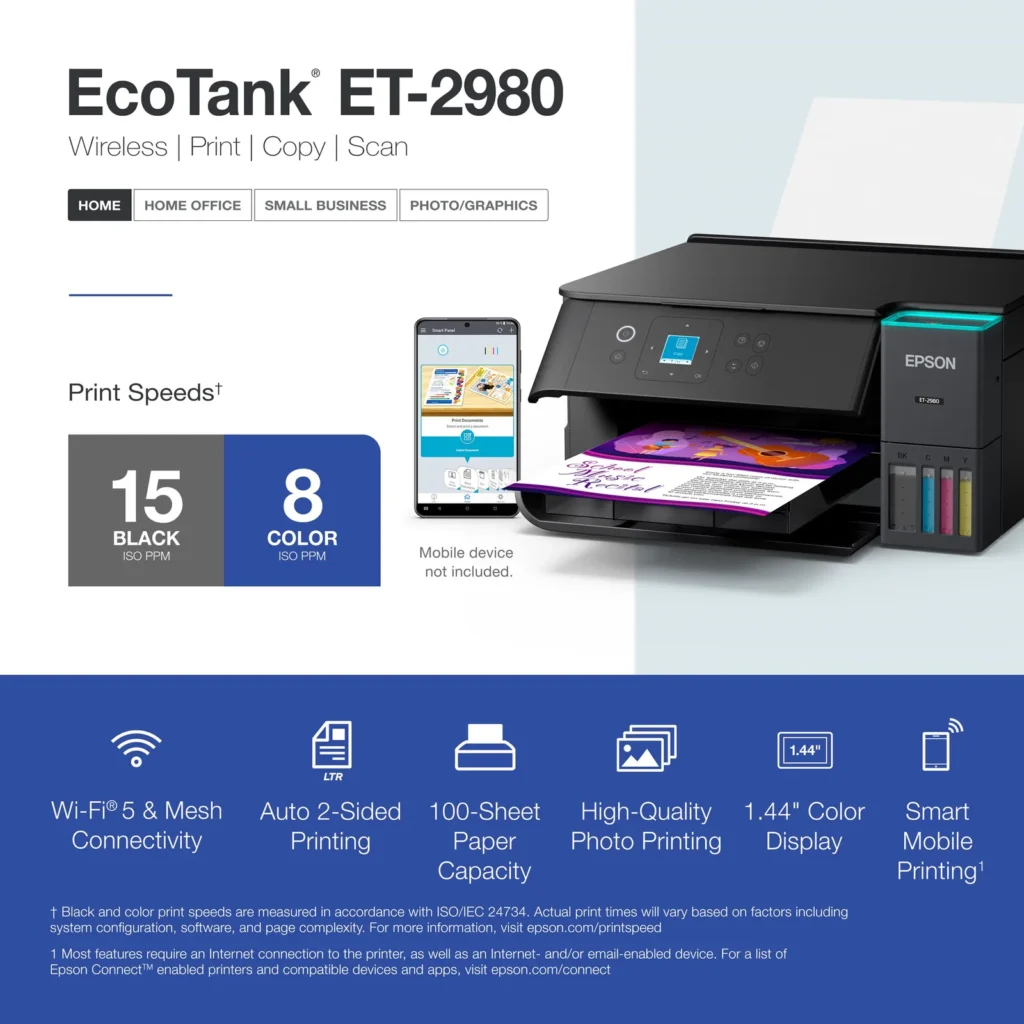
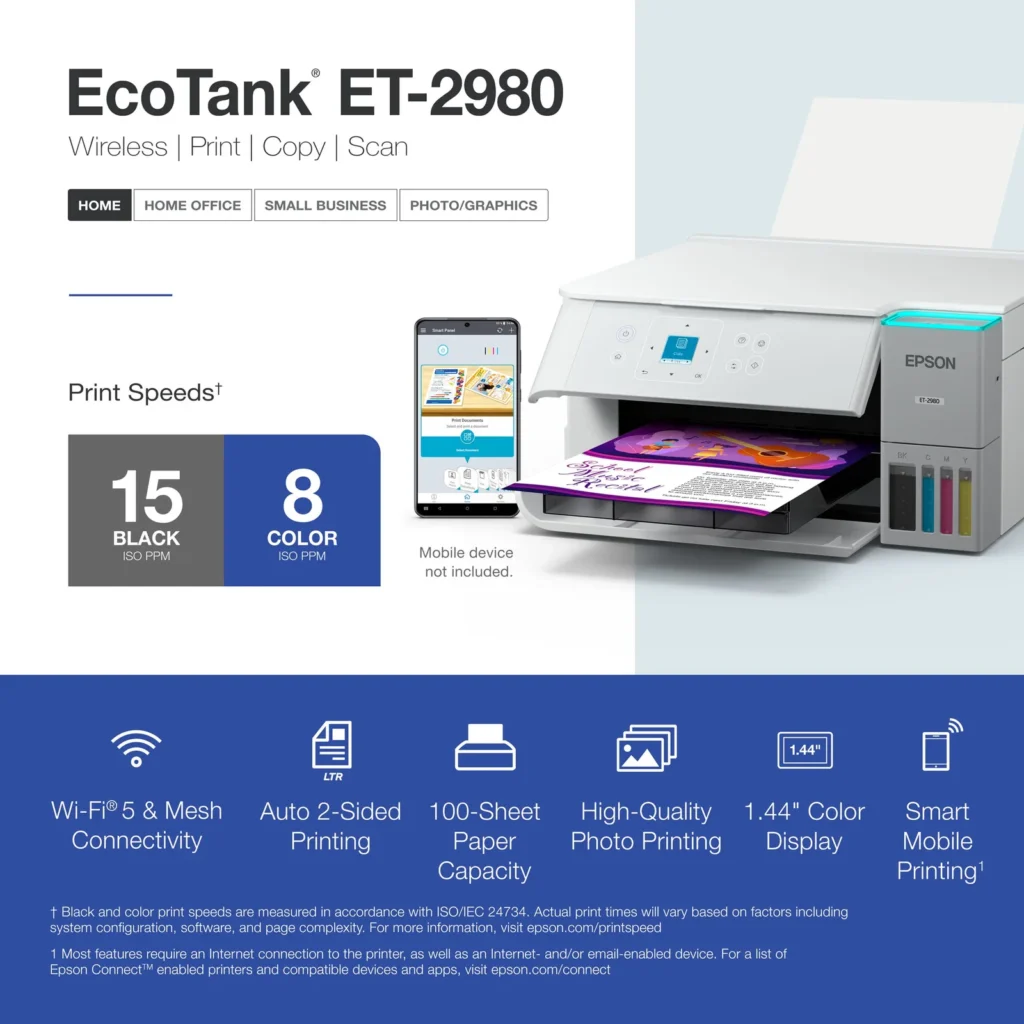
| PrecisionCore Heat-Free Technology | Delivers fast print speeds of up to 15.0 ISO ppm in black and 8.0 ISO ppm in color, featuring a unique permanent printhead designed to last the life of the printer. |
| Seamless Wireless and Mobile Printing | Easily print and scan from your smart device using the Epson Smart Panel app, with full support for Apple AirPrint, Mopria Print Service, and Wi-Fi Direct. |
| User-Friendly Features and Auto Duplexing | Includes a 1.44" color display for easy navigation, a 100-sheet paper tray, and automatic two-sided printing to help save paper and improve efficiency. |
Pros & Cons
Pros
- EcoTank Ink System: The refillable tank design eliminates the need for expensive cartridges, providing a massive ink supply that users find much more convenient and environmentally friendly.
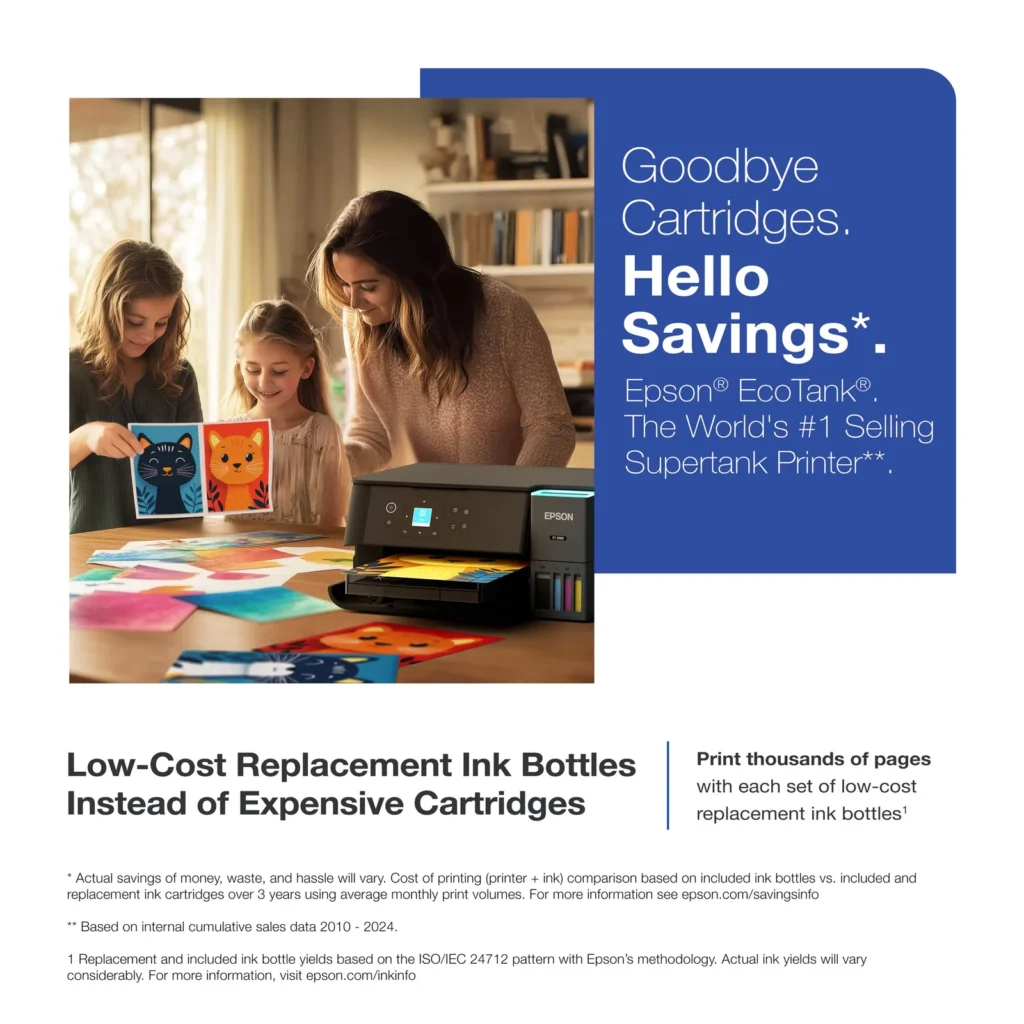
- Cost-Effectiveness: The printer is highly economical over time because the bottled ink is reasonably priced and lasts significantly longer than traditional cartridges, with some users reporting thousands of prints on a single fill.
- Easy Mobile Integration: The Epson Smart Panel app is frequently praised for making the initial setup and wireless printing from smartphones a seamless and intuitive process.
Cons
- Small LCD Screen: The 1.44-inch display is widely criticized for being far too small and difficult to read, often requiring users to use a magnifying glass or flashlight to navigate menus.
- Connectivity and Setup Issues: Many reviewers experienced significant frustration with the printer dropping its WiFi connection or found the initial driver installation on computers to be overly complex and time-consuming.
- Paper Handling Limitations: The lack of an internal paper tray and reliance on a rear feeder with limited capacity is a common complaint, along with reports of frequent paper jams during automatic double-sided printing.
Customer Reviews
Showing reviews 61-70 of 319
-
Fantastic home printer
Verified purchase Verified purchase: This reviewer bought the product. Incentivized Incentivized review: The reviewer received a benefit for sharing feedback.TomS November 14, 2025Review source: BestbuyIt’s rare for me to review products, but hats off to Epson as this is a quality product that breaks the awful practices of traditional ink replacement. Easy recommend for those of us who still need a reliable home printer.
-
Their Customer Service people don't know how to speak English.
Verified purchase Verified purchase: This reviewer bought the product.Geoff Geoffrion November 13, 2025Review source: AmazonI can’t really rate it as I have not been able to hook it up to my computer despite all the ‘easy to install’ instructions. I’m frustrated as hell.
-
Prints are good
Verified purchase Verified purchase: This reviewer bought the product.CHAUNCYGARDNER November 9, 2025Review source: AmazonControl buttons and screen far too small to use conveniently.
-
Jams when printing double sided
Verified purchase Verified purchase: This reviewer bought the product. Incentivized Incentivized review: The reviewer received a benefit for sharing feedback.ChristopherJ November 8, 2025Review source: BestbuyI bought this printer because I wanted to print double sided, borderless 8.5″ x 11″ full color prints. It will not print borderless 8.5″ x 11″ and it jams every 2-3 pages when I try to print double sided. It has never printed double sided without the jamming issue. I still have to print one side, reload the pages and print the other.
-
No delivery
Verified purchase Verified purchase: This reviewer bought the product. Incentivized Incentivized review: The reviewer received a benefit for sharing feedback.Note20Ultra November 5, 2025Review source: BestbuyI have no idea how is it because i haven’t received it. It seems nice.
-
Difficult Customer Service
Verified purchase Verified purchase: This reviewer bought the product.Joey Bagnasco November 3, 2025Review source: AmazonI’ve been trying to set up this printer for 2 hours now. There’s clearly a hardware issue as it’s throwing nonsensical errors during “initializing”. I’ve spoken to two women from India who are trying their best but do not speak English proficiently. Other than that I’m having a great day.
-
Epson printer
Verified purchase Verified purchase: This reviewer bought the product. Incentivized Incentivized review: The reviewer received a benefit for sharing feedback.JeffW November 1, 2025Review source: BestbuyInstall was fairly easy. Print quality is good so far. We have not had to purhcase new ink yet, so we’ll see if continue to see value in this type of ink refill.
-
Epson – Great printers
Verified purchase Verified purchase: This reviewer bought the product. Incentivized Incentivized review: The reviewer received a benefit for sharing feedback.Pandagirl October 31, 2025Review source: BestbuyI love my new Epson ET printer. It was so easy to set up and use. Printing is great and has good color.
-
Compact Powerhouse!
Verified purchase Verified purchase: This reviewer bought the product. Incentivized Incentivized review: The reviewer received a benefit for sharing feedback.BeatsBanging October 31, 2025Review source: BestbuyHad previous version which was excellent. Lost during move; picked this as replacement. More compact and small powerhouse printer. Easy set up in minutes. Love it!
-
Great printer, great price.
Verified purchase Verified purchase: This reviewer bought the product. Incentivized Incentivized review: The reviewer received a benefit for sharing feedback.ScottA October 31, 2025Review source: BestbuyGreat printer, works well and like that you don’t need to deal with multiple ink cartridges