Customer Media
Highlights
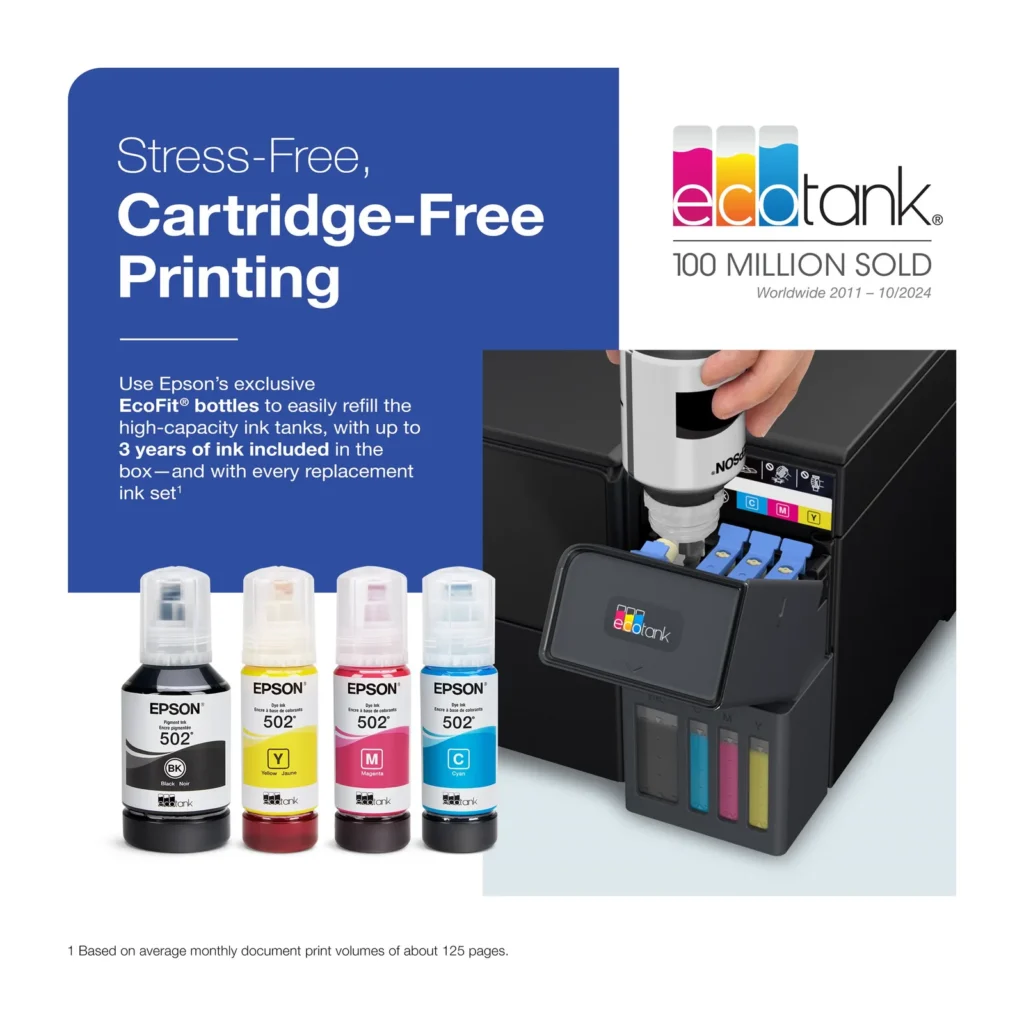
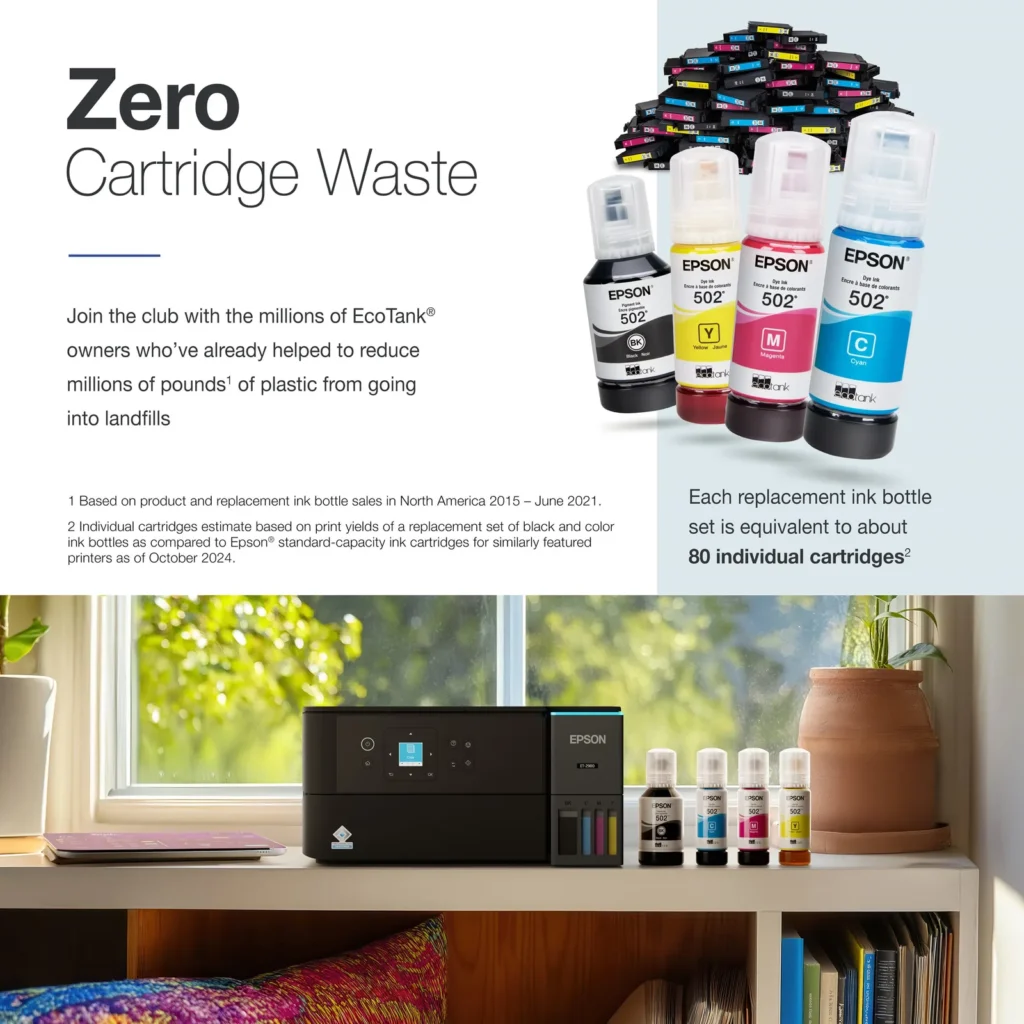
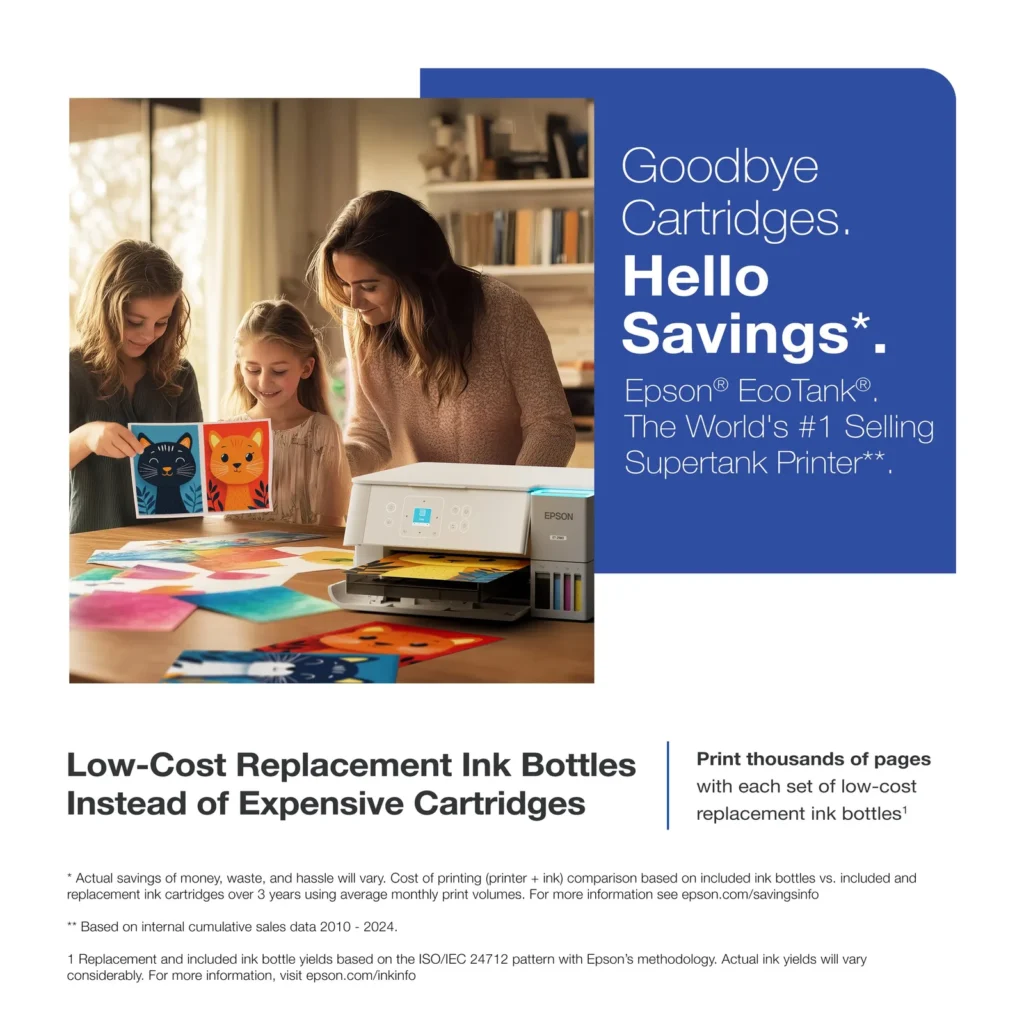
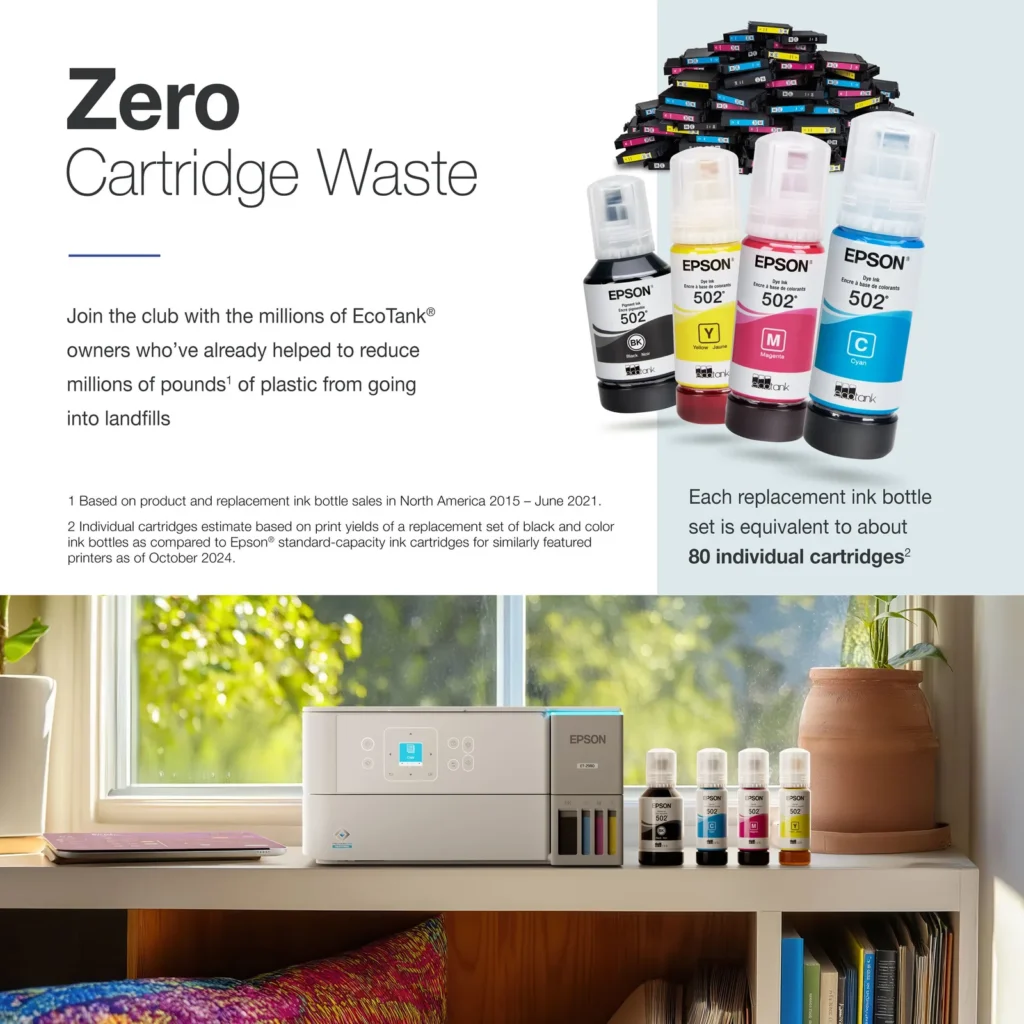
| Incredible Value and Savings | Save significantly on replacement ink with high-capacity ink tanks; each set of replacement ink bottles is equivalent to about 90 individual cartridges, providing a low cost-per-print. |
|---|---|
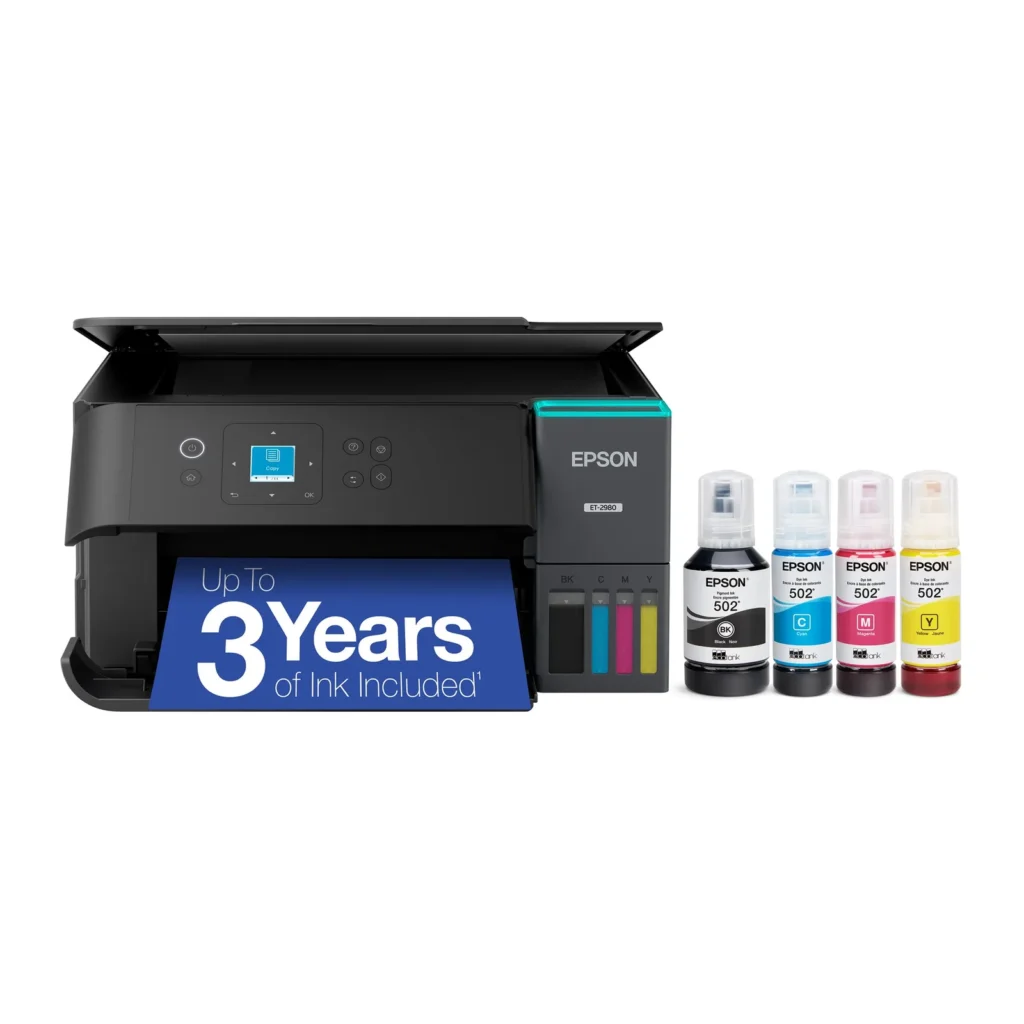
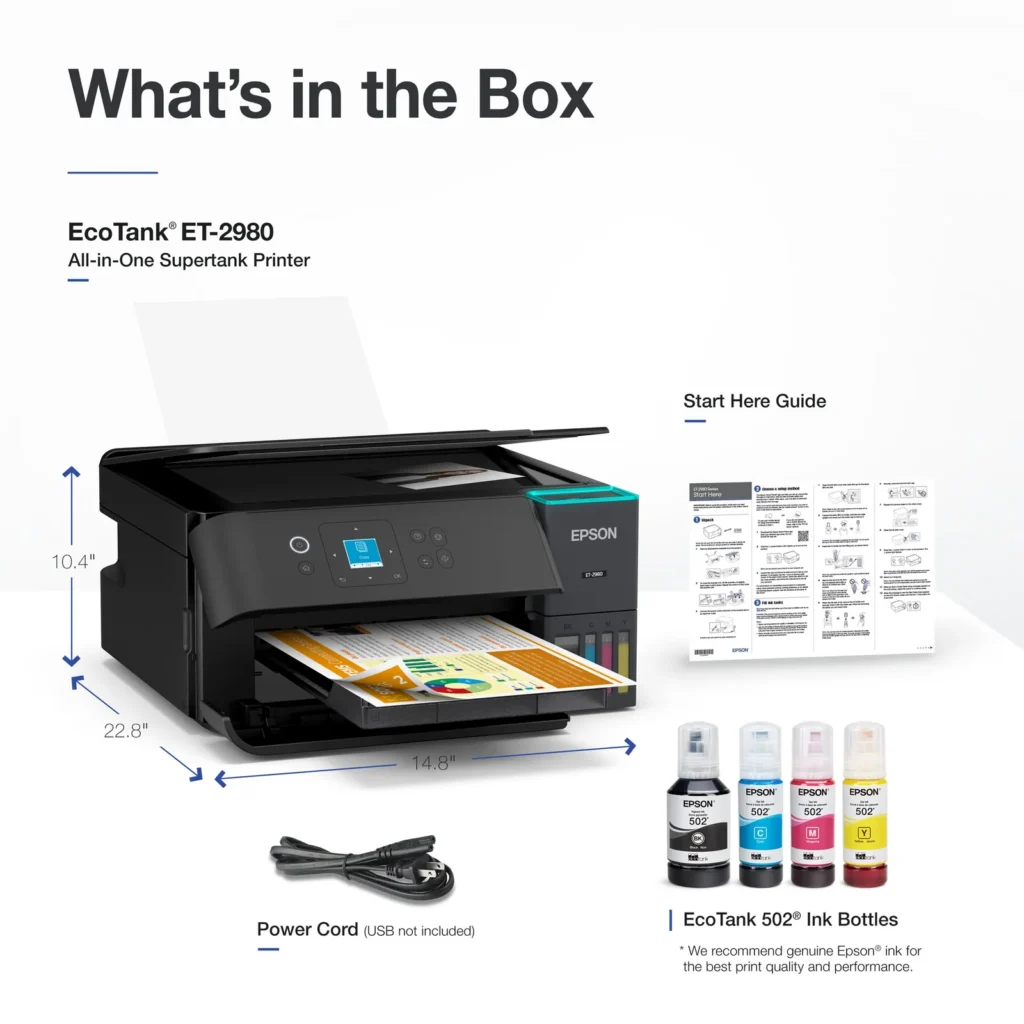
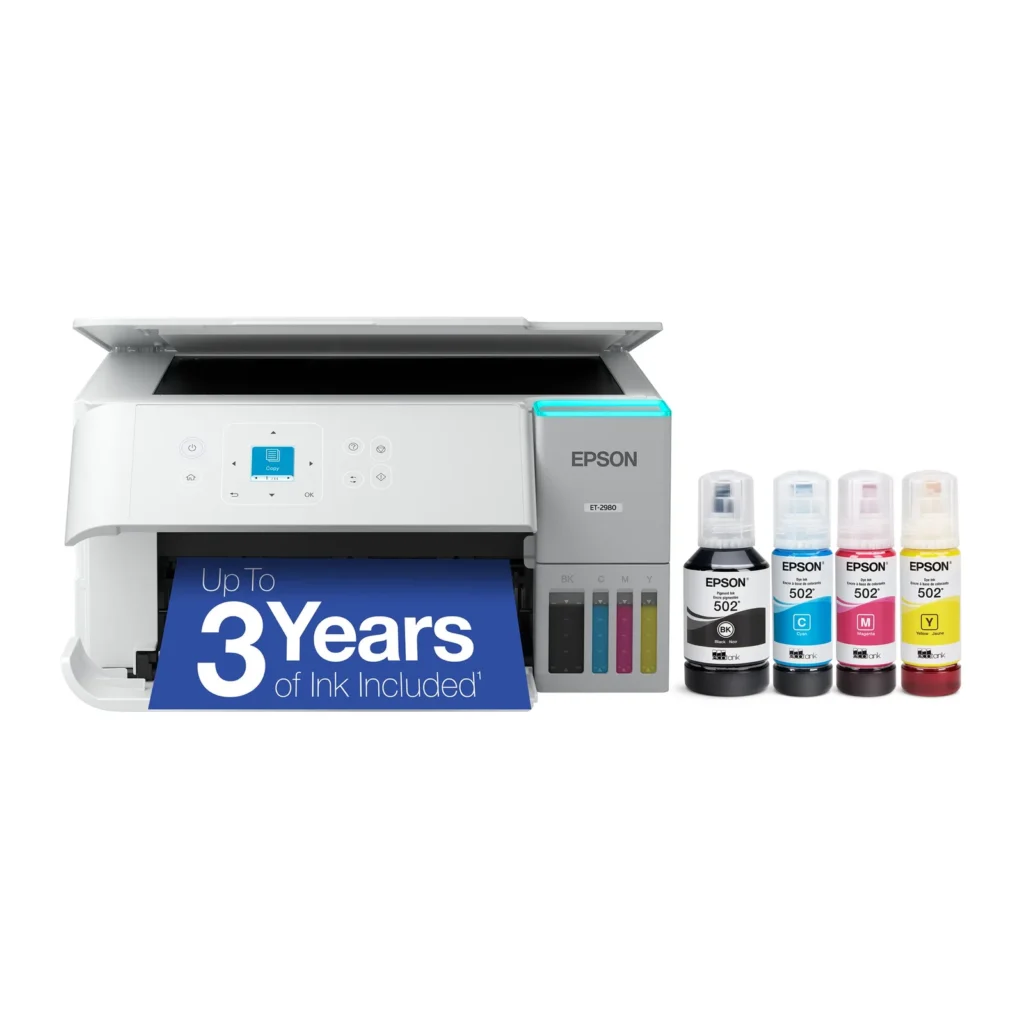
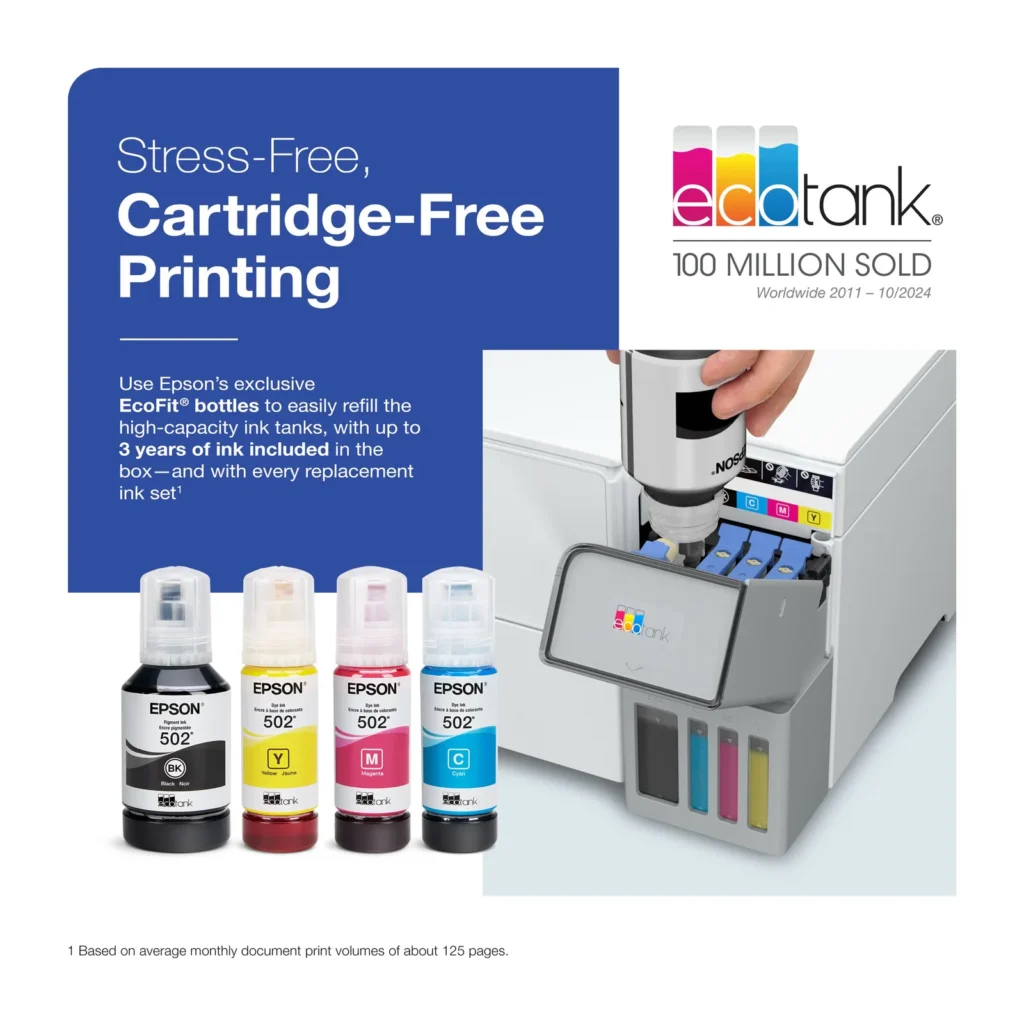
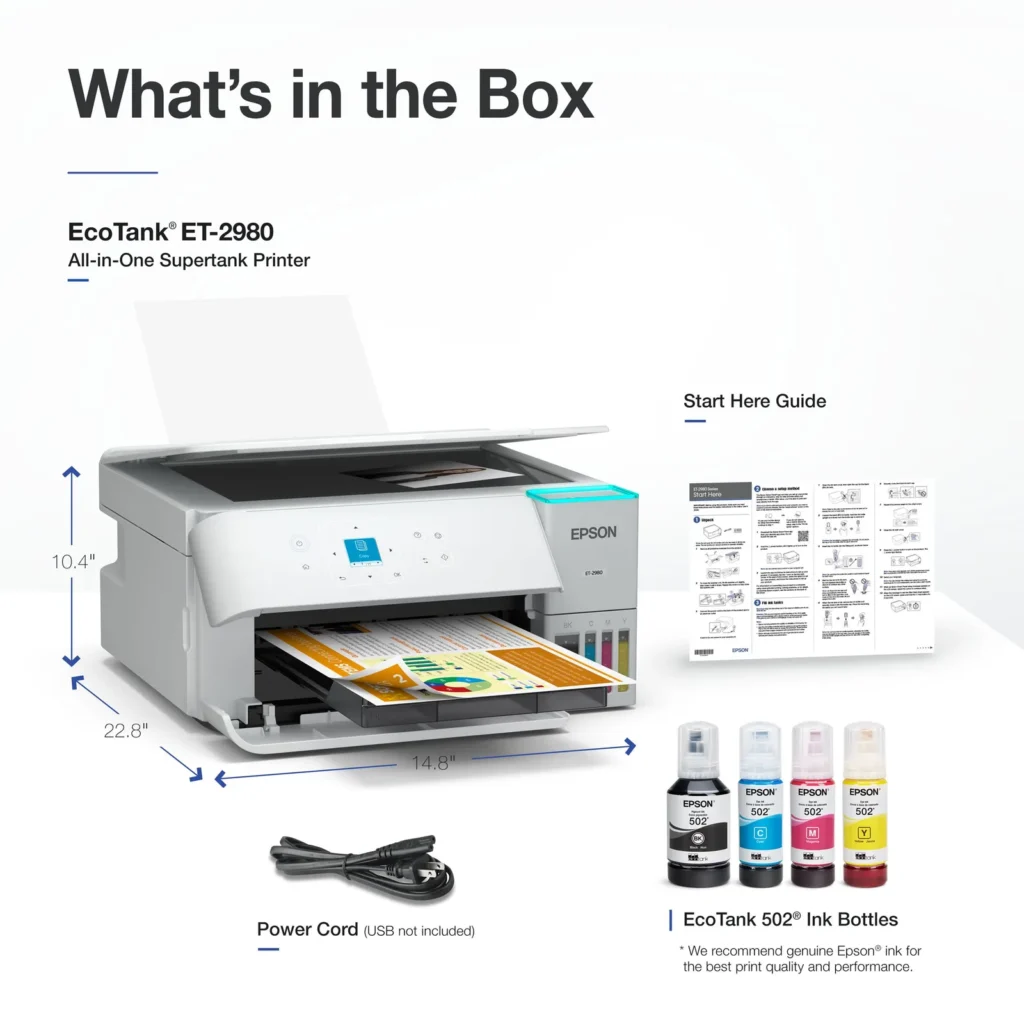
| Up to 3 Years of Ink Included | The printer comes with enough ink in the box to last up to three years, allowing you to print up to 6,600 black and 5,500 color pages before needing a refill. |
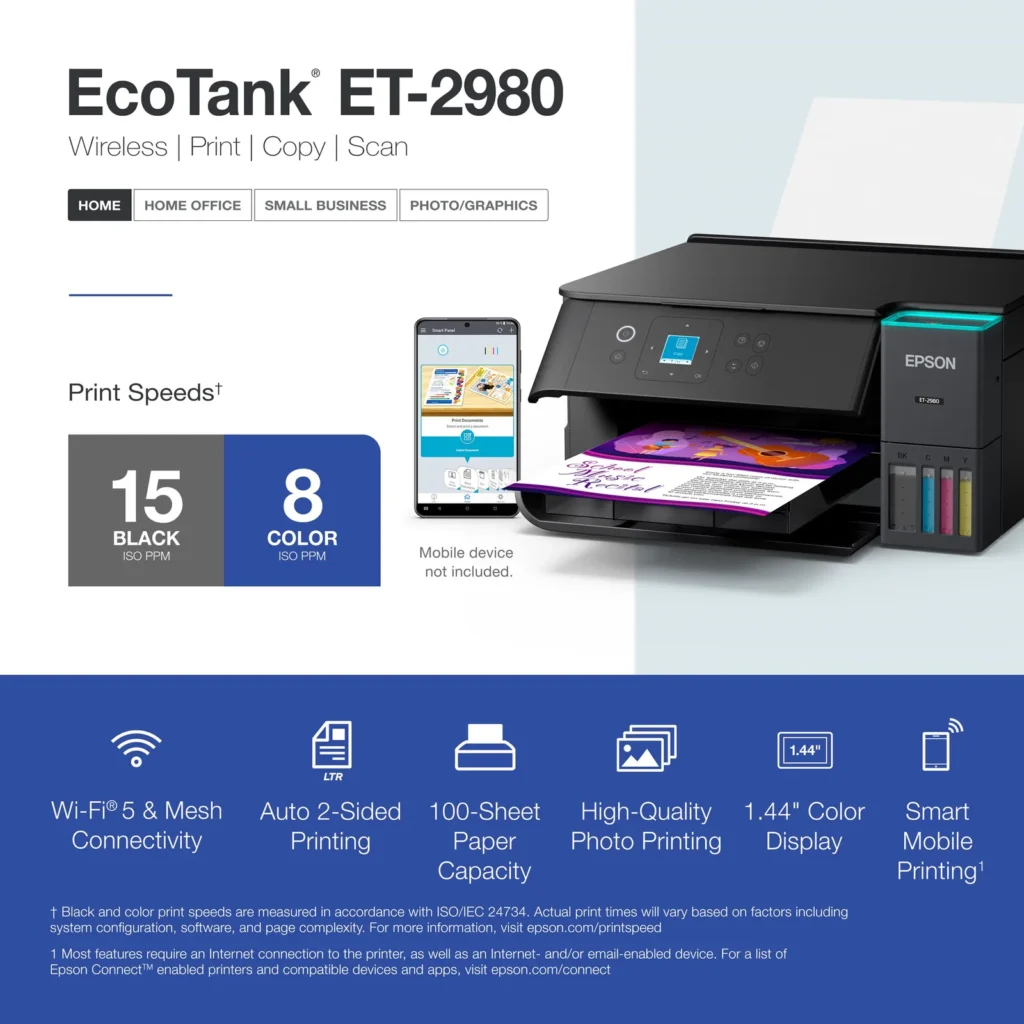
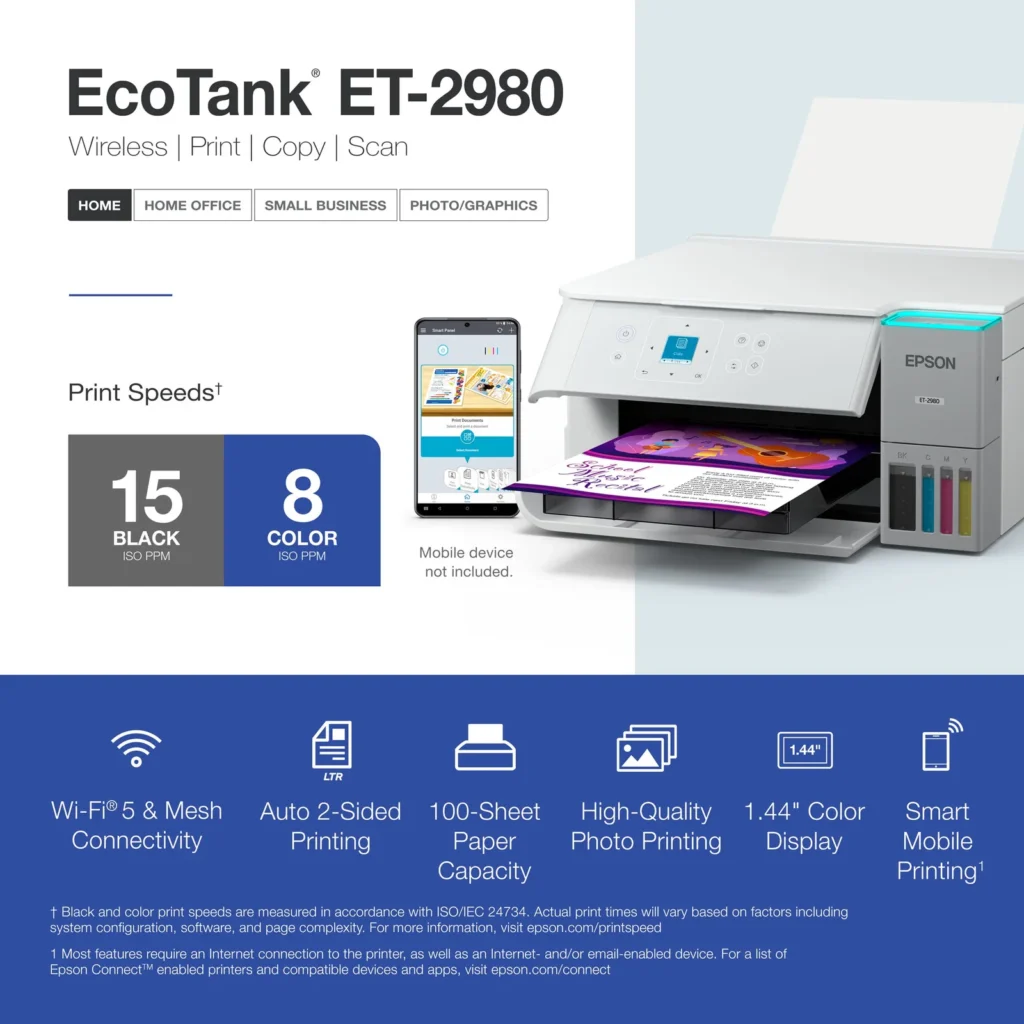
| PrecisionCore Heat-Free Technology | Delivers fast print speeds of up to 15.0 ISO ppm in black and 8.0 ISO ppm in color, featuring a unique permanent printhead designed to last the life of the printer. |
| Seamless Wireless and Mobile Printing | Easily print and scan from your smart device using the Epson Smart Panel app, with full support for Apple AirPrint, Mopria Print Service, and Wi-Fi Direct. |
| User-Friendly Features and Auto Duplexing | Includes a 1.44" color display for easy navigation, a 100-sheet paper tray, and automatic two-sided printing to help save paper and improve efficiency. |
Pros & Cons
Pros
- EcoTank Ink System: The refillable tank design eliminates the need for expensive cartridges, providing a massive ink supply that users find much more convenient and environmentally friendly.
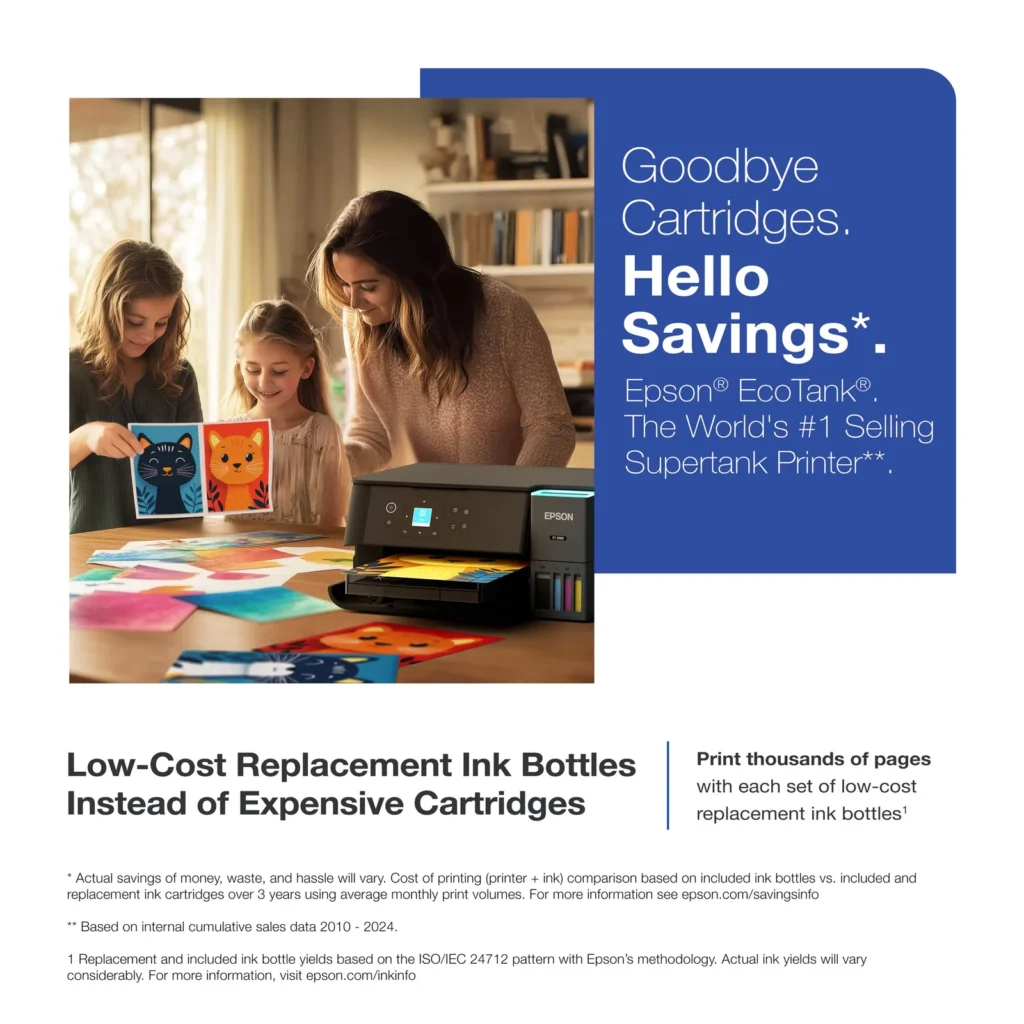
- Cost-Effectiveness: The printer is highly economical over time because the bottled ink is reasonably priced and lasts significantly longer than traditional cartridges, with some users reporting thousands of prints on a single fill.
- Easy Mobile Integration: The Epson Smart Panel app is frequently praised for making the initial setup and wireless printing from smartphones a seamless and intuitive process.
Cons
- Small LCD Screen: The 1.44-inch display is widely criticized for being far too small and difficult to read, often requiring users to use a magnifying glass or flashlight to navigate menus.
- Connectivity and Setup Issues: Many reviewers experienced significant frustration with the printer dropping its WiFi connection or found the initial driver installation on computers to be overly complex and time-consuming.
- Paper Handling Limitations: The lack of an internal paper tray and reliance on a rear feeder with limited capacity is a common complaint, along with reports of frequent paper jams during automatic double-sided printing.
Customer Reviews
Showing reviews 71-80 of 319
-
Malfunctioning new printer
Verified purchase Verified purchase: This reviewer bought the product.Kristen October 31, 2025Review source: AmazonGood day. I bought this printer new and it is not functional as it should. The color print is faded, what should be bright red is giving pastel, the paper is being crumpled while printing and the words are being bolded where it should not be. Also the ink in being smudged in the paper as it is printing and its prints extremely slow. I very very disappointed with the quality of this product and would like return of funds. Photos will be added for further reference.
-
Epson ET 2980
Verified purchase Verified purchase: This reviewer bought the product. Incentivized Incentivized review: The reviewer received a benefit for sharing feedback.CCUTI October 31, 2025Review source: BestbuyPretty easy to set up, small footprint, and everything is controlled via the App. Simple unit since it doesn’t have any USB Ports, but so far seems very easy to use with App.
-
Should have bought this a long time ago!
Verified purchase Verified purchase: This reviewer bought the product. Incentivized Incentivized review: The reviewer received a benefit for sharing feedback.KennethR October 31, 2025Review source: BestbuyLove this printer! Using it to print pictures….such great quality prints! No regrets!
-
Decrease in price.
Verified purchase Verified purchase: This reviewer bought the product.Mike Crews October 30, 2025Review source: AmazonThe price was decreased quite a bit after I purchased this printer-like $60. It was quite difficult to set-up the drivers and apps but finally did. The quality of image print is alrigth but I would take important pictures to a good Print shop. It did take more hours setting up then I thought it would take but finally did get it to work like I wanted. Hewwww!
-
A huge disappointment
Verified purchase Verified purchase: This reviewer bought the product.Maimutzacelmare October 30, 2025Review source: AmazonThis is little more than a child’s plastic toy. To set it up takes hours with a screen so small you have to be either a child or little person with great eyes to set it. It feeds paper only a few sheets at a time. The decal for the ink does not match the sequence of putting in the ink. Anyone who left a good review must work for the company. It didn’t keep it but a few hours and returned it-even returning it was a big hassle. Thumbs down for both Epson and Amazon.
-
Good Quality Printer
Verified purchase Verified purchase: This reviewer bought the product.Levi Dunn October 29, 2025Review source: AmazonI’ve been quite impressed with this printer. We got it for homeschooling our kids and it has worked great. It was very easy to set up, and I can easily print their worksheets off from my phone. The ink was easy to fill, and I like that you can buy the refill bottles. The ink holders are pretty large so I think it should last for long time. The thing I’m most impressed with is how fast it wakes up and is ready to print. It’s not the cheapest printer on the market, but it does a quality job, has a small footprint and is aesthetically pleasing to look at.
-
Easy to use
Verified purchase Verified purchase: This reviewer bought the product.Cecilia tu October 27, 2025Review source: AmazonIt is very good printer easy to install
-
HORRIBLE PRINTER!!!!!!
Verified purchase Verified purchase: This reviewer bought the product.Kellie October 27, 2025Review source: AmazonDO NOT BUY THIS! I have had a horrible experience! Nearly every time it prints something is wrong with it, whether the ink is light or the paper jams.
SO AGGRAVATING!!!!!!!!!!!
-
Not easy to install
Verified purchase Verified purchase: This reviewer bought the product.Maria DeLaTorre October 27, 2025Review source: AmazonNot as simple to install. I didn’t have MS-11 on my computer at the time I purchased this printer, so I bought a new computer with MS-11. It still would not link to my computer.
-
Love it so far!
Verified purchase Verified purchase: This reviewer bought the product. Incentivized Incentivized review: The reviewer received a benefit for sharing feedback.DeannaA October 26, 2025Review source: BestbuySo far, I love this printer! I was able to install and set it up without a problem. Unfortunately, I was called out of town for a medical emergency so I haven’t really had a chance to test it out completely. But I was able to print immediately.