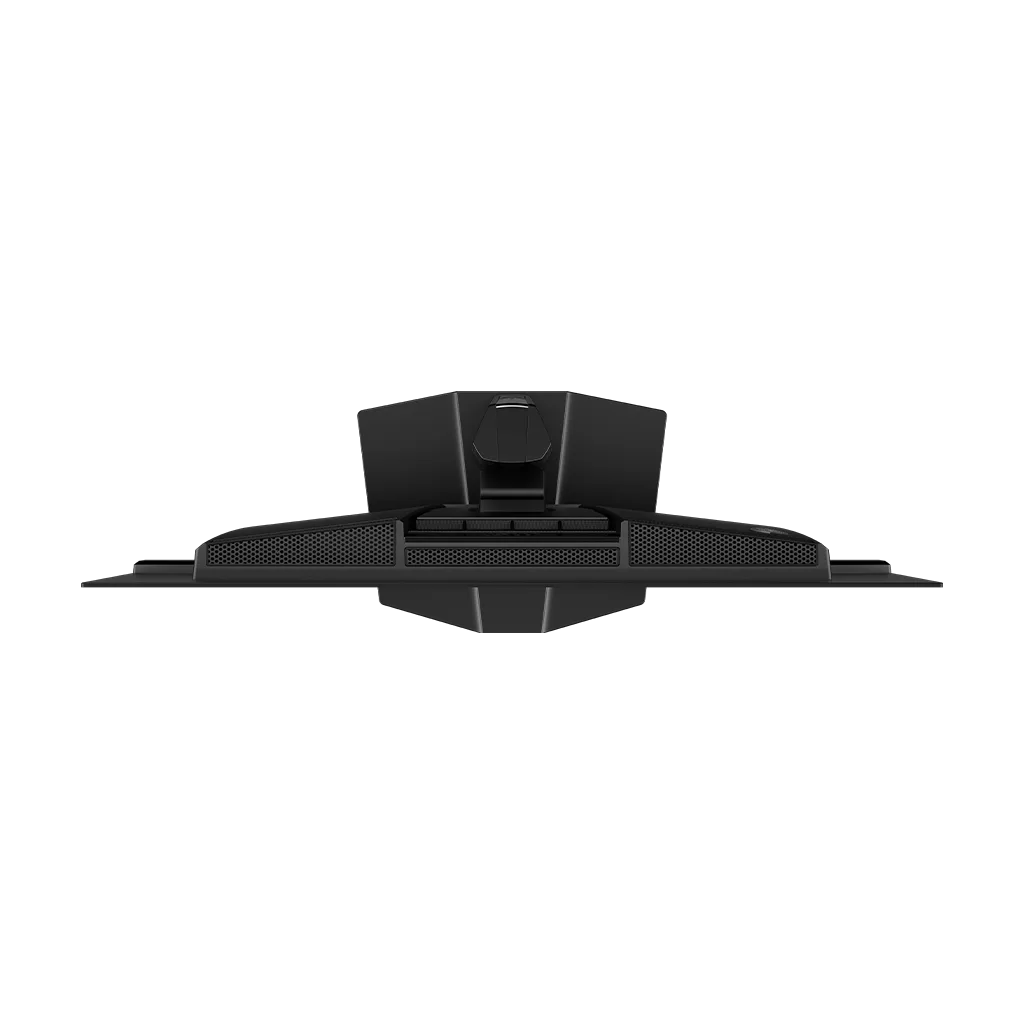
Customer Media
Highlights
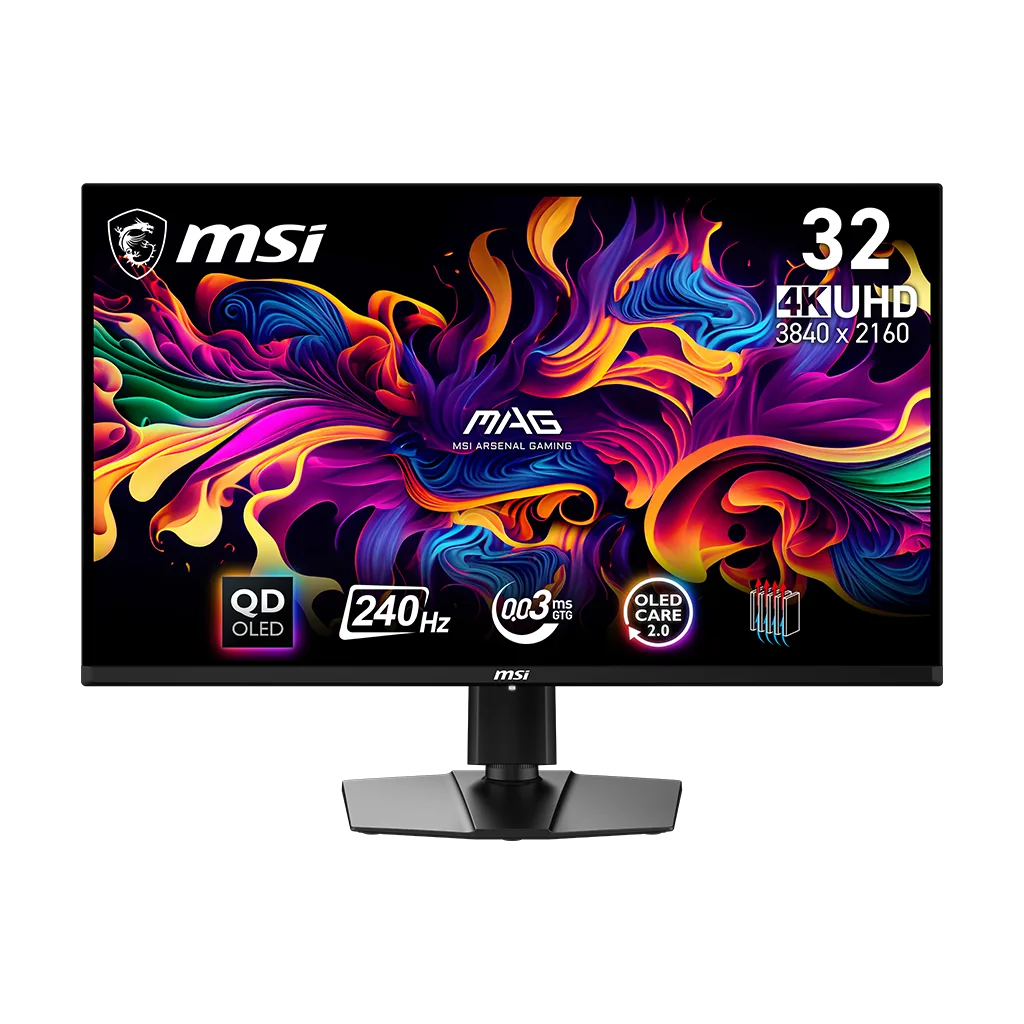
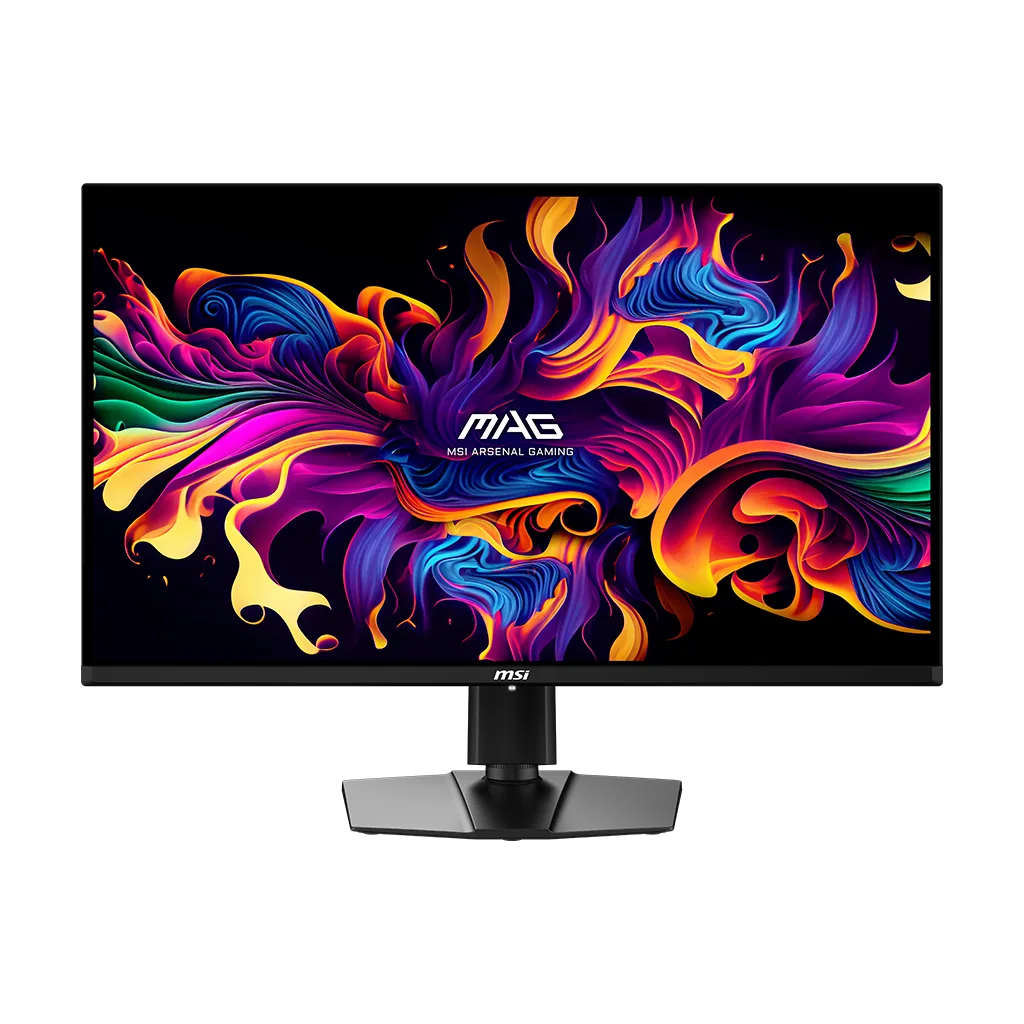
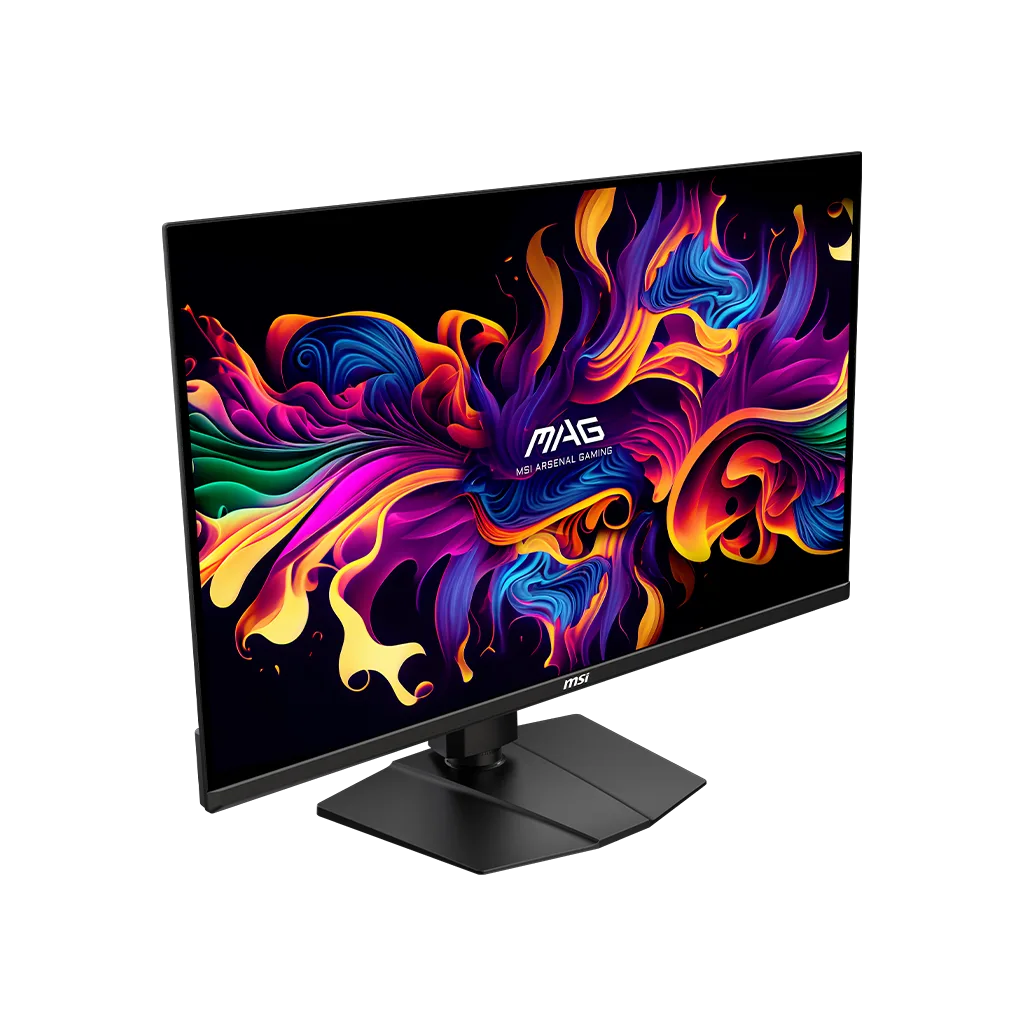
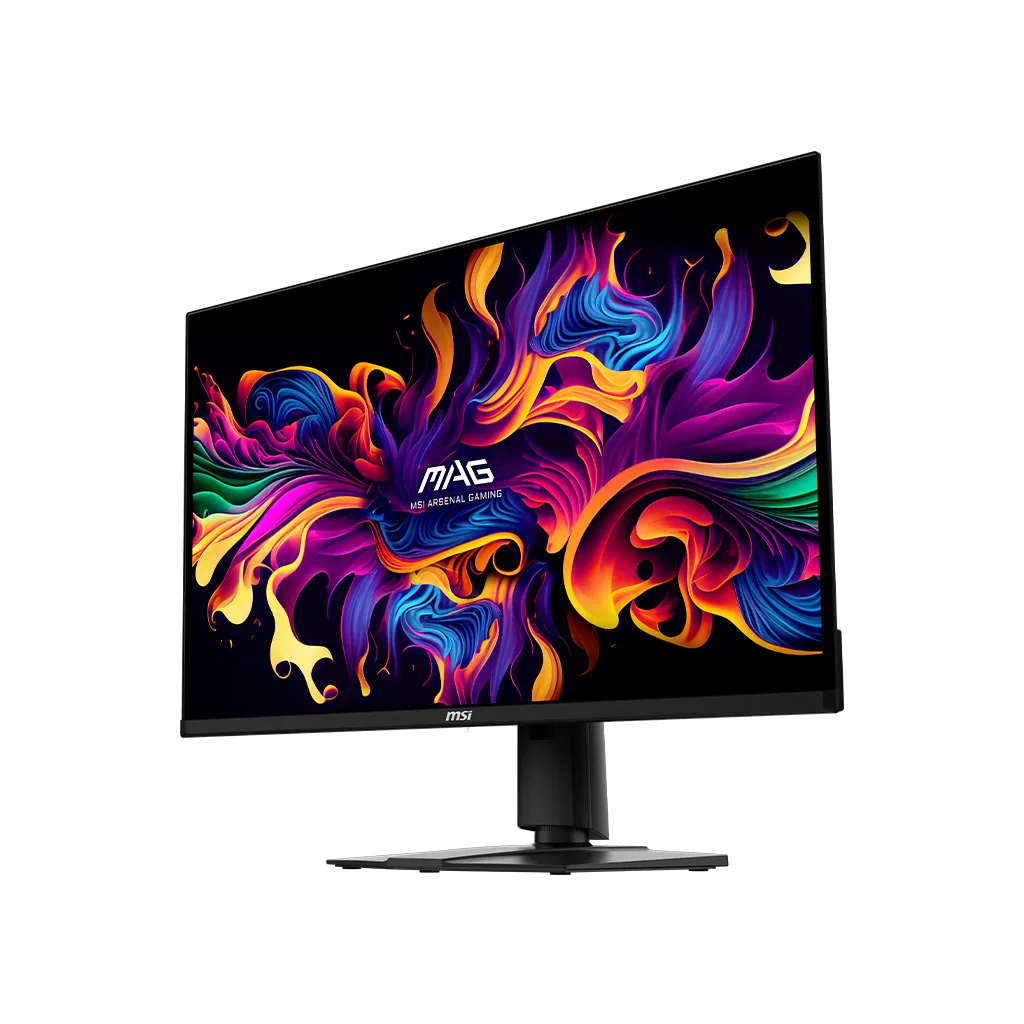
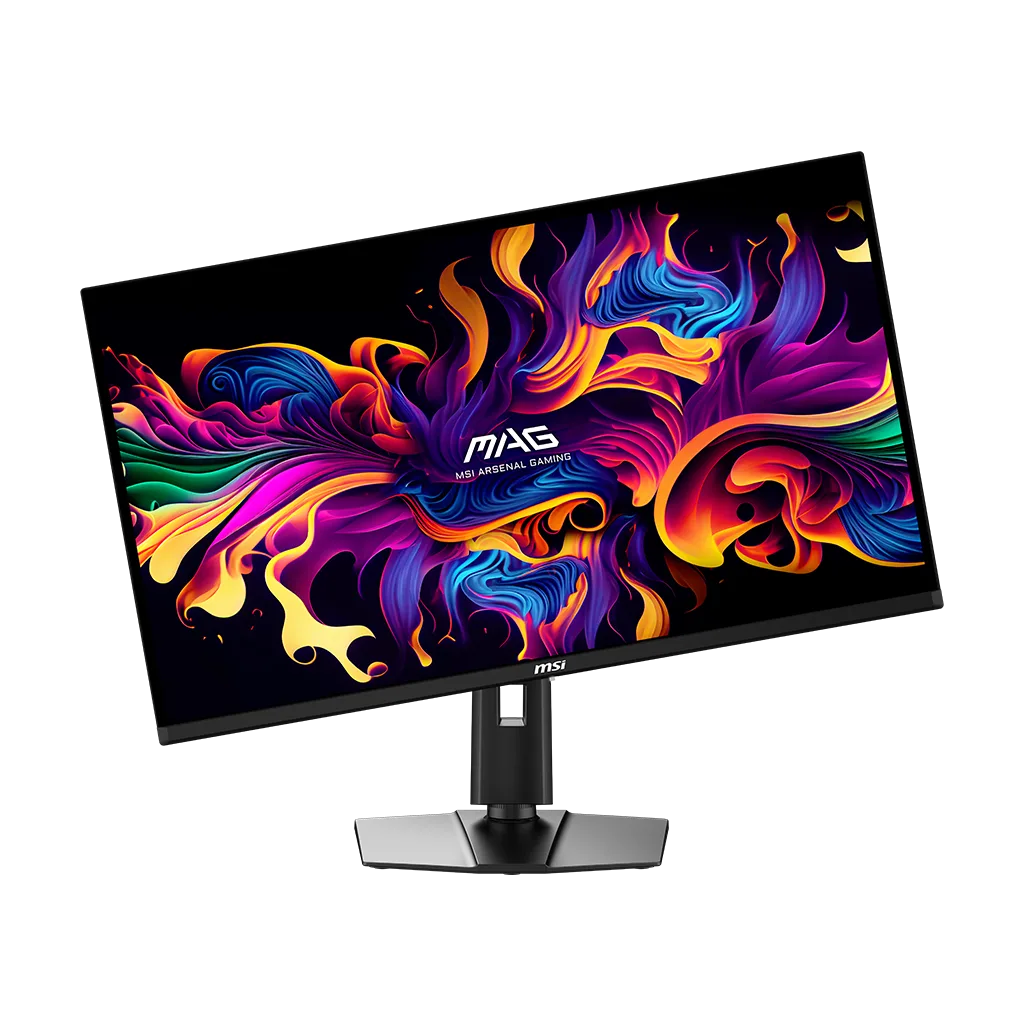
| Next-Gen 4K QD-OLED Panel | Features a 31.5-inch UHD (3840 x 2160) Quantum Dot OLED display that delivers breathtaking 4K visuals with deep blacks, vibrant colors, and a sub-pixel arrangement designed for sharper text and finer details. |
|---|---|
| Ultra-Fast 240Hz Refresh Rate | Engineered for competitive gaming with a blazing-fast 240Hz refresh rate and a near-instant 0.03ms (GtG) response time, virtually eliminating motion blur and ghosting in high-speed titles. |
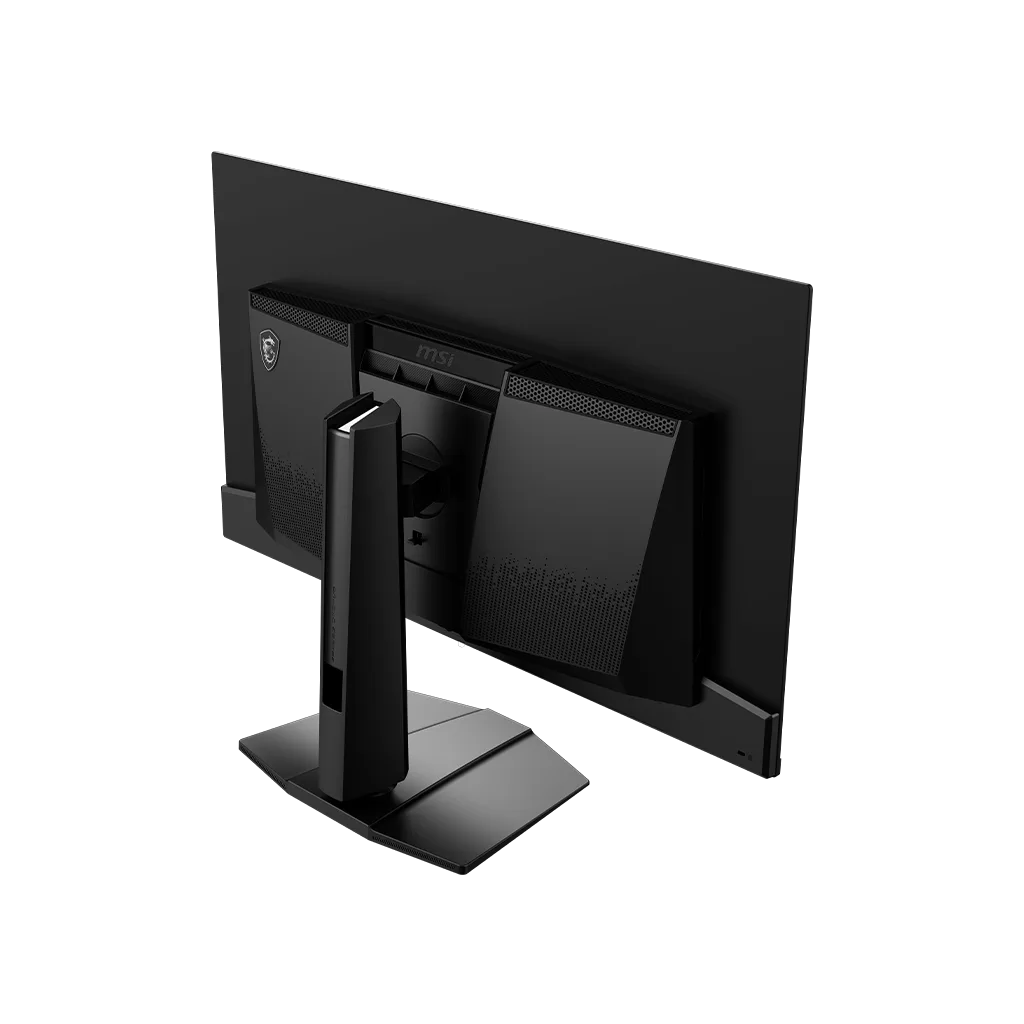
| MSI OLED Care 2.0 & Fanless Cooling | Equipped with advanced burn-in protection features and a graphene film with a custom heatsink for efficient, fanless heat dissipation, backed by a 3-year warranty that includes burn-in coverage. |
| Vivid HDR & Color Precision | Certified with VESA DisplayHDR True Black 400 and featuring an elite color gamut of 99% DCI-P3 with factory-calibrated Delta E ≤ 2 for professional-grade color accuracy and realistic dynamic contrast. |
| Full HDMI 2.1 & Console Optimization | Includes dual HDMI 2.1 ports with full 48Gbps bandwidth to support 4K 120Hz gaming on the latest consoles, alongside VRR, ALLM, and a USB Type-C port with DisplayPort Alt mode. |
Pros & Cons
Pros
- Exceptional Picture Quality: The QD-OLED panel provides deep, inky blacks, vibrant colors, and high contrast that significantly outperforms IPS and VA panels. The glossy coating is frequently praised for making the image 'pop' and maintaining superior clarity in dark rooms.
- High-End Gaming Performance: With a 4K resolution and a 240Hz refresh rate, the monitor offers incredible motion clarity and responsiveness. Users report a 'buttery smooth' experience with near-instant response times that are ideal for both competitive and immersive single-player games.
- Competitive Pricing and Value: It is widely regarded as one of the most affordable 4K 240Hz OLED monitors on the market. Reviewers noted it provides the same high-quality Samsung panel as much more expensive competitors, making it a 'steal' for the specs provided.
Cons
- Intrusive OLED Care Maintenance: The 'Panel Protect' feature frequently interrupts users with un-dismissible pop-ups or forced shutdowns during active gaming or work sessions. Users report that the monitor remains unusable for 7-15 minutes during the cycle and often fails to turn back on automatically afterward.
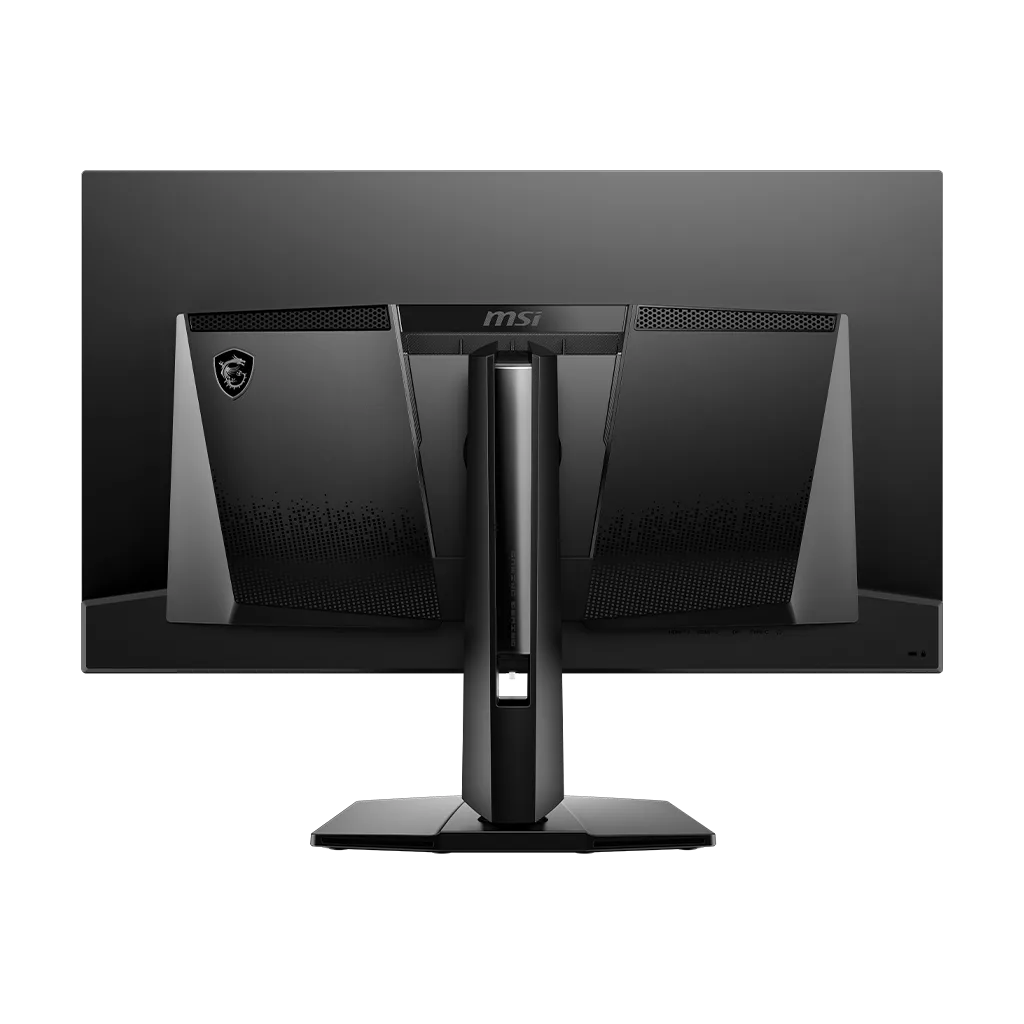
- Limited Connectivity and Features: Compared to the URX model, this version lacks a KVM switch and only provides 15W power delivery over USB-C, which is insufficient for charging most laptops. Some users also found the power cord to be too short and the joystick controls on the back difficult to navigate by feel.
- Fragile Build and Slow Wake-up: The screen coating is reported to be extremely fragile and prone to micro-scratches even when cleaned with a microfiber cloth. Additionally, the monitor has a notably slow wake-up time from sleep mode, often taking 5-10 seconds to display an image.
You might also like
Customer Reviews
Showing reviews 51-60 of 113
-
The most frustrating monitor I have ever used
Verified purchase Verified purchase: This reviewer bought the product.– January 2, 2025Review source: AmazonThis monitor is full of awful design decisions.
1) MSI markets this as a gaming monitor, yet will occasionally bring up an undismissable dialog insisting that it activate panel protect mode (see photo). You’ll be thrilled when this pops up in the middle of a particularly good run against a boss that you’ve been stuck on for days. I know I was. Similarly, it’s great when it interrupts flow state in the middle of a good programming session, or decides to run in the middle of a meeting, or any number of other bad behaviors. Even when I tell the monitor in its settings to only run panel protect every 16 hours and to run while the monitor is inactive, yet it still comes up after as little as 2 hours of activity. Holy crap. Awful.
2) Hilariously, after pixel protect finishes running, the monitor seems to just… turn off, instead of turning back on like you’d expect so that you can use your computer. I have to guess at when it’s done and then press the power button to use it again.
3) Ever since installing this monitor, sometimes my computer hard locks while trying to come back from sleep, and I need to power-cycle to get it back. I’m running a Windows 11 zen 4 system with a 4090 that has never given me problems, and I’ve heard other reports of these return from sleep lockups happening, so… pretty sure it’s the monitor. A part of me is honestly impressed that they’ve managed to make a monitor that will crash your computer, but another part of me remembers how finnicky ACPI is and then I’m less impressed.
4) If you try to use more than one of these in a 3-monitor setup, beware. Unlike the first two issues, this one is more Microsoft and Nvidia’s fault than MSI’s, but depending on whether or not you’re using it in 120 or 240hz mode and depending on which port you plug the monitor into, this can count as two monitors as far as your graphics card’s bandwidth is concerned. Fair enough. Except there’s no on-screen warnings from the monitor or the OS about this and you pretty much need to play a guessing game with the ports to figure out which ones will run in 1-header mode vs 2-header mode. If you guess wrong, sometimes your monitor won’t be recognized by the system. Other times it’ll come up, but run in reduced resolution. It’s fun.
5) MSI says this monitor can’t receive firmware updates, so they can’t even address these issues.
Sadly, I didn’t use it enough to realize just how aggravating pixel protect would be, so I’ll be stuck with keeping the monitor and continue trying to find workarounds. As for you, dear buyer, avoid it.
The panel is beautiful though, I’ll give them that.
-
Beautiful monitor
Verified purchase Verified purchase: This reviewer bought the product.Elliot W January 1, 2025Review source: AmazonFast and works great switching between multiple inputs. 4k at 240 hz is crazy smooth and colors are great.
-
OLED Care will TURN OFF YOUR MONITOR
Verified purchase Verified purchase: This reviewer bought the product.Jason C December 27, 2024Review source: AmazonColors are fine and image quality is what you’d expect, however nobody should buy this monitor and I’ll tell you why:
Upon turning it on, a secret timer starts keeping track of how long it’s been on. At four continuous hours, you will be prompted with a large overlay on top of your desktop asking to run OLED care. You can tell it no, and continue using the monitor.
At 16 hours of being on, the OLED Care overlay pops back up, and this time you have only two options:
Allow it to run by doing nothing, or telling it to run by hitting EXECUTE. It is not possible to cancel it or opt out.
At this point, the monitor will turn off entirely for between 7-8 minutes, during which time you obviously cannot see the screen anymore. If you turn the monitor on manually during this time, the same overlay will greet you immediately and force the OLED Care routine to start again, and turning your monitor back off until it is allowed to finish.
If you like being forced to not use the product you paid for, then go ahead and grab this. If you are an adult and capable of deciding for yourself whether you are permitted to use the products you purchase, then avoid this like the plague.
-
Vibrant, Responsive, Carefree
Verified purchase Verified purchase: This reviewer bought the product.Jake Hanson December 22, 2024Review source: AmazonThe UPX321 is an awesome monitor so far. Its HDR, low latency input, and 240hz options make it an ideal gaming monitor. I find it well worth the money. There is some worry of burn-in, however not only does the product come with OLED care 2.0., but registering it with the company gives you an extended warranty. It is nice that it does a pixel refresh every once in awhile to ensure it lasts and relieves any fear of potential burn in. the 32in screen size is a perfect fit for my desk with a 27 in secondary monitor to compliment it. I can’t recommend this enough if you are looking for a QD-OLED monitor.
-
Great gaming 4K monitor
Verified purchase Verified purchase: This reviewer bought the product.Ashley Thomas December 21, 2024Review source: AmazonThe MSI MAG 321UPX QD-OLED is a great gaming monitor with fast response time, impressive colors and contrast. It now has an updateable firmware.
Pros:
1. Great detail and clarity in 4K
2. 240Hz Refresh Rate perfect for fast-paced gaming
3. OLED Technology: Offers vibrant colors and deep blacks
4. Fast Response Time without input lag and ghosting.
5. Priced competitively making it one of the most affordable 4K 240Hz OLED monitors availableCons:
1. Peak brightness may not be as high as some other OLED monitors
2. Text clarity is not as sharp as some LCD monitors -
Looks great, build quality just okay.
Verified purchase Verified purchase: This reviewer bought the product.Alcomvick December 20, 2024Review source: AmazonLooks great. A little light on the construction considering the cost. But it’s not going anywhere.
-
Stunning Visuals and Seamless Performance – A Must-Have Monitor!
December 18, 2024Review source: AmazonThe MSI MAG321UPX monitor is a game-changer in my setup. The vibrant OLED panel delivers unparalleled color accuracy and deep contrasts, making games and media look stunning. The 240Hz refresh rate ensures buttery-smooth gameplay, especially in fast-paced titles, giving me a competitive edge. I chose this monitor over others because of its incredible balance of performance and features, and it fits perfectly into my dual-monitor setup for gaming and multitasking. It exceeds my expectations with its exceptional build quality and HDR performance. While the brightness could be higher in brightly lit rooms, it’s a minor trade-off for the overall experience. Highly recommended!
-
If you're looking to save, buy the UPX instead of the URX model!
Verified purchase Verified purchase: This reviewer bought the product.J December 12, 2024Review source: AmazonI was on the fence about purchasing this monitor for a little over 2 months. If you’re looking to upgrade to OLED from an IPS, this monitor is a fantastic choice.
To sort a little confusion between the models, there is a URX123 and a UPX123, I purchased the UPX (cheaper) model.
The only main differences that I can see are the LED backlights (which add ambient lighting behind the monitor) and additional USB-C and USB-A ports. Otherwise these models are identical spec wise and I believe that the UPX model may actually have lower power consumption.
Contrary to what I read in the comments, MSI DOES allow this monitor to be firmware updated now. Most of the stock has been updated to the most current version of the firmware and mine did not need to be flashed to the new version and was fully updated upon receipt.
The panel itself is easy enough to setup. If you’re new to this, make sure you enable adaptive sync to get the full refresh rate active at 4k.
My one and only complaint with this monitor is when using the VRR on some games with locked refresh rates, I have experienced some flickering with VRR on and had to turn it off to make it stop happening.
I would also recommend a locking DP cable if you have articulating monitor arms, the port appears to be a little sensitive to the cable moving at all. The locking DP cable solved this issue for me.
The monitor is plenty bright, HDR is fantastic and the colors pop. This monitor is awesome.
-
Best value 4k OLED
Verified purchase Verified purchase: This reviewer bought the product.Eric December 10, 2024Review source: AmazonI bought this monitor when it first came out so I didn’t get the updated version that allows you to update the firmware. Regardless the monitor has been excellent after many months of use with no signs of burn-in. I bought this model because of its great value. And would 100% recommend this to every one now that they allow updates via USB.
-
Best monitor I've ever used
Verified purchase Verified purchase: This reviewer bought the product.Ryan Neenan December 9, 2024Review source: AmazonThis thing is an absolute steal for the price. It is hands down the best monitor I’ve ever used. This is my first experience with oled and it surely doesn’t disappoint. The 240hz is buttery smooth, HDR is great, and colors really pop. I’ve only ever owned IPS monitors in the past and they do ok, but this thing just blows it out of the water. I was a little worried about the concern of burn in, but with the 3 year warranty, I was sold. The menu screen is very well layed out and only straight forward. Dont hesitant to purchase.